How we make this list: we compare pricing pages, product documentation and public user reviews. Ratings come from G2, Capterra or Trustpilot, with the date we checked them.
Key takeaways
- A social media management tool saves small teams hours by scheduling posts, answering comments in one inbox, and showing what content works.
- Buffer and Later lead on simple scheduling, while Hootsuite and Sprout Social lead on teams, analytics, and social listening.
- Price rises fast with team seats and profiles, so count profiles and users before you compare headline prices.
- Start with the networks you actually use, since paying for ten networks when you post on two wastes money.
- Review analytics monthly and cut formats that never perform, since posting more of what fails never fixes reach.
Quick comparison
| Tool | Best for | Starting price | Free plan |
|---|
 Buffer Buffer | Simple scheduling | See website | Free |
 Hootsuite Hootsuite | All in one management | See website | Free trial |
 Sprout Social Sprout Social | Teams and analytics | See website | Free trial |
 Later Later | Visual planning | See website | Free |
 SocialPilot SocialPilot | Low cost multi profile | See website | Free trial |
 Zoho Social Zoho Social | Zoho users and value | See website | Free trial |
 Sendible Sendible | Agencies and small teams | See website | Free trial |
 Metricool Metricool | Analytics and scheduling | See website | Free |
Is your product missing or out of date?
We review this list regularly. Vendors can request a listing, send updated pricing or ask about featured placement.
#1Buffer
Best for: Simple scheduling4.3/5 on
G2 (1,041 reviews, checked Oct 2026)
Visit buffer.com
Starting priceSee website
Free planFree
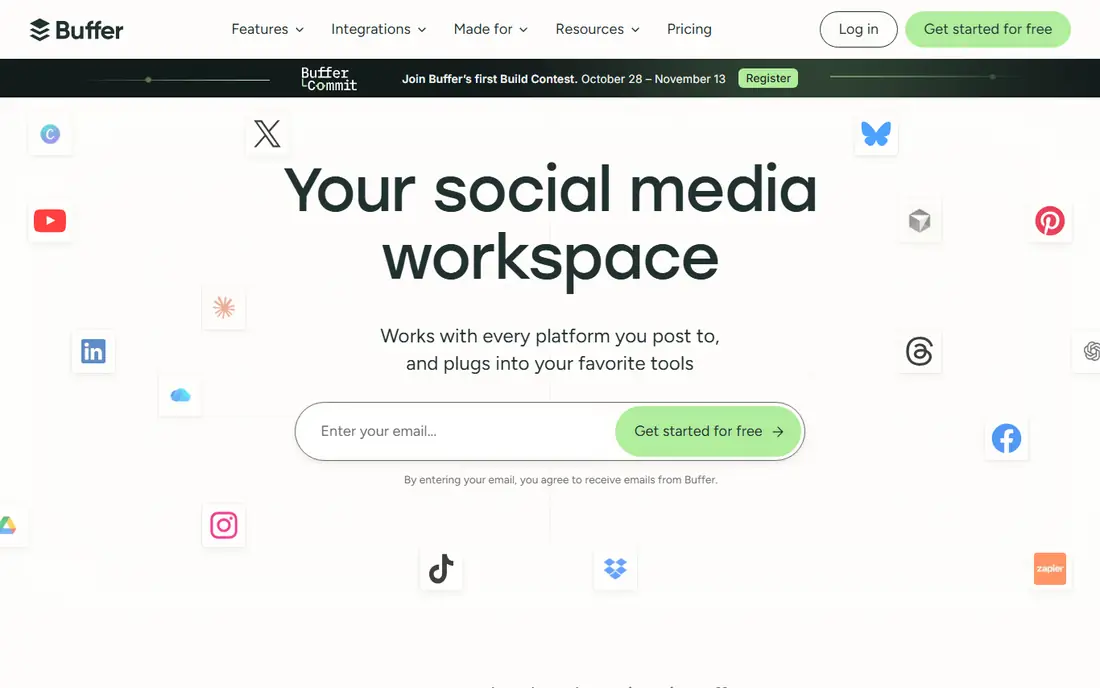
Buffer offers simple scheduling, a content calendar, and basic analytics across major networks, with a free tier for a few profiles. The interface stays clean, so a small team can plan a week of posts in one sitting without training. Queue and calendar views help teams that post regularly but lack a dedicated social manager.
Inbox and listening features are thinner than Hootsuite or Sprout, and reports stay basic on lower plans. For a small business that mainly needs reliable scheduling with light analytics, Buffer gives the simplest path.
What we like- Simple interface
- Scheduling and analytics
- Free tier
Watch out for- Inbox and listening are thinner
- Reports are basic
#2Hootsuite
Best for: All in one management4.3/5 on
G2 (7,433 reviews, checked Oct 2026)
Visit hootsuite.com
Starting priceSee website
Free planFree trial
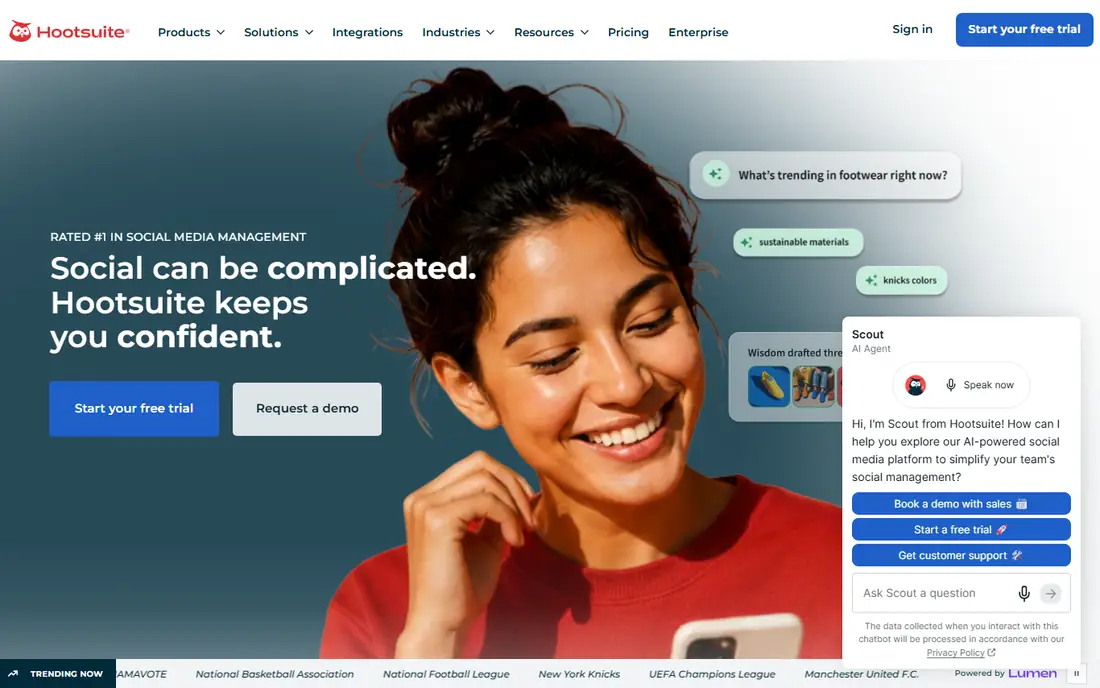
Hootsuite covers scheduling, streams, a unified inbox, analytics, and social listening across many networks, with team workflows for approvals and assignments. Streams let teams watch mentions, keywords, and competitor activity in real time, while reports show performance by network and post type. The breadth suits teams that manage several brands or locations.
Pricing rises with seats and profiles, and the interface packs many features, so small teams should start on a basic plan. For a small business that wants one tool for publishing, inbox, and listening, Hootsuite offers the widest coverage.
What we like- Wide network support
- Streams and inbox
- Analytics
Watch out for- Pricing rises with seats
- Interface is dense
Starting priceSee website
Free planFree trial
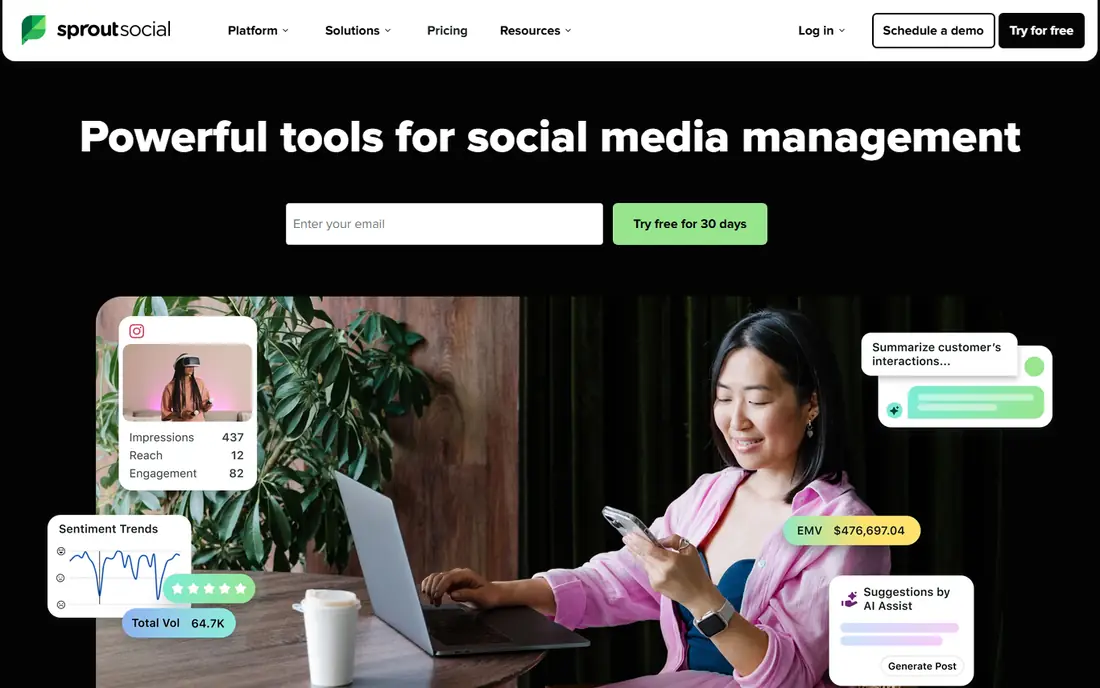
Sprout Social combines publishing, a Smart Inbox that merges comments and messages, approval workflows, and strong analytics with clear reports. Teams assign tasks, approve posts, and track response times, which suits small businesses with two or more people handling social. Listening tools track brand mentions and sentiment across networks.
Prices run higher than Buffer or Later, and the depth may overwhelm a solo user who only schedules posts. For a small team that needs analytics, inbox, and approvals in one polished tool, Sprout Social leads on quality.
What we like- Strong analytics
- Smart Inbox
- Approval workflows
Watch out for- Higher prices
- Overkill for solo users
#4Later
Best for: Visual planning4.5/5 on
G2 (384 reviews, checked Oct 2026)
Visit later.com
Starting priceSee website
Free planFree
Later focuses on visual planning, with a drag and drop calendar, media library, and link in bio tool that suits Instagram, TikTok, and Pinterest heavy brands. The visual planner helps teams see how a feed will look before posting, which matters for brands where appearance drives engagement. A free tier covers basic scheduling.
Analytics are lighter than Sprout or Hootsuite, and inbox features are limited, so teams needing deep reporting should look elsewhere. For a visual brand that plans content by look and feel, Later offers the friendliest planner.
What we like- Visual calendar
- Instagram and TikTok focus
- Link in bio
Watch out for- Analytics are lighter
- Inbox is limited
#5SocialPilot
Best for: Low cost multi profile4.5/5 on
G2 (846 reviews, checked Oct 2026)
Visit socialpilot.co
Starting priceSee website
Free planFree trial
SocialPilot offers low cost scheduling across many profiles, with bulk scheduling, a content calendar, and client management features that suit small agencies and multi location businesses. Prices stay lower than Hootsuite or Sprout for similar profile counts, which matters when a business runs several accounts.
Analytics are basic compared with premium rivals, and the interface is plain, though functional. For a small business or agency that needs many profiles at a low price, SocialPilot gives strong value.
What we like- Low prices
- Many profiles
- Client management
Watch out for- Analytics are basic
- Interface is plain
#6Zoho Social
Best for: Zoho users and value4.6/5 on
G2 (2,976 reviews, checked Oct 2026)
Visit zoho.com
Starting priceSee website
Free planFree trial
Zoho Social provides scheduling, monitoring, and basic analytics, with integration into Zoho CRM and other Zoho apps, so leads from social can flow into CRM records. Pricing is fair for small teams, and the tool covers major networks with a clean calendar and publishing flow. Zoho users gain the most from the integration.
Network coverage is narrower than Hootsuite, and reports stay basic on lower plans. For a business already on Zoho that wants social scheduling with CRM links, Zoho Social fits naturally.
What we like- Zoho integration
- Scheduling and monitoring
- Fair prices
Watch out for- Network coverage is narrower
- Reports are basic
#7Sendible
Best for: Agencies and small teams4.5/5 on
G2 (905 reviews, checked Oct 2026)
Visit sendible.com
Starting priceSee website
Free planFree trial
Sendible combines scheduling, a unified inbox, client dashboards, and reports, with features built for agencies that manage several clients. Teams can brand dashboards for clients, schedule in bulk, and track approvals, which suits small agencies and multi brand businesses. The inbox merges comments and messages across networks.
A learning curve comes with the breadth, and pricing scales by profile count, so costs rise with client numbers. For a small agency or team managing several brands, Sendible offers client ready workflows.
What we like- Client dashboards
- Scheduling
- Inbox and reports
Watch out for- Learning curve
- Pricing by profile count
#8Metricool
Best for: Analytics and scheduling4.5/5 on
G2 (98 reviews, checked Oct 2026)
Visit metricool.com
Starting priceSee website
Free planFree
Metricool combines scheduling with strong analytics, including competitor tracking, best time suggestions, and ad performance for major networks. The free tier covers basic scheduling and analytics, which suits a small business testing a tool before paying. Reports show growth, engagement, and top posts clearly.
Inbox features are limited compared with Sprout or Hootsuite, and the brand is smaller in the US, though growing. For a small business that cares most about analytics and scheduling at a fair price, Metricool offers a strong mix.
What we like- Strong analytics
- Scheduling
- Competitor tracking
Watch out for- Inbox is limited
- Smaller brand in the US
How we chose
We compared network coverage, scheduling ease, inbox quality, analytics depth, team workflows, pricing transparency, and public small business feedback. We favored tools with a usable free tier or trial, clear profile and seat pricing, and analytics that help a small team decide what to post next. No hands on testing is claimed, and prices are shown as Free where a free tier exists, or See website where pricing varies by profiles and seats.
Plan content in weekly batches, since batching beats daily scrambling and keeps tone consistent. Use a simple content mix, such as one educational post, one product post, one customer story, and one behind the scenes post per week, and adjust the mix from analytics, not guesses. Schedule posts at times your audience is actually online, using the tool best time suggestions as a starting point, then test and refine.
Inbox, analytics, and time management
Answer comments and messages daily, even briefly, since response speed shapes how customers judge a small business. Set a daily inbox window, such as thirty minutes each morning, rather than checking all day, so social work does not swallow the whole day. Review analytics monthly, cut the weakest format, and double down on the strongest, since a small team cannot do everything well. A simple routine, weekly batching plus daily inbox plus monthly review, beats a complex strategy that no one follows.
Choosing a plan without overpaying
Count profiles, team seats, and scheduled post volume before you compare prices, since headline prices hide those limits. Start on a free tier or trial for a month, measure time saved and posts published, and upgrade only when a limit actually blocks you. Avoid annual billing until you know the tool fits, since a year of the wrong tool costs more than a month of the right one at a higher monthly price. The best plan is the cheapest one that covers your real profiles, seats, and reporting needs.
Before you decide
Repurpose each strong post into two more formats, such as turning a blog tip into a short video and a carousel, since one idea should work harder than a single post. Keep a bank of evergreen posts for slow weeks, so holidays, sick days, and busy seasons never leave your profiles silent for long stretches. Reply to every comment in the first hour when possible, since early replies boost reach and show customers that a real person runs the account. Save your best performing captions and hashtags in a shared doc, so new team members post in your brand voice instead of guessing each time. Audit connected profiles each quarter and remove old staff access, since ex employees with posting access are a common and avoidable security risk. Track one goal per quarter, such as bookings or newsletter signups, instead of chasing follower counts that rarely translate into sales.
Frequently asked questions
What is the best free social media management tool for small business?
Buffer and Later offer free tiers for basic scheduling, while Metricool offers free scheduling plus analytics. Free tiers limit profiles and scheduled posts, so they suit a business with one or two profiles. Test a free tier for a month before paying, since fit matters more than features on paper.
How many social profiles should a small business manage?
Focus on the two or three networks where your customers actually spend time, rather than spreading thin across ten networks. A bakery may thrive on Instagram and TikTok, while a B2B firm may need LinkedIn and Facebook. Depth on a few networks beats shallow posting everywhere.
Do I need approval workflows for a small team?
Approval workflows help when two or more people post, since they catch errors and keep tone consistent. A solo user rarely needs approvals, though a second pair of eyes helps for sensitive posts. Sprout Social and Sendible offer the strongest approval workflows for small teams.
How often should a small business post?
Quality beats quantity, with three to five posts per week suiting most small businesses, plus daily inbox replies. Posting daily with weak content hurts more than posting less with strong content. Test frequency from analytics, and cut formats that never engage, rather than posting more of them.
Can these tools post to TikTok and Instagram Reels?
Yes, most major tools now support TikTok and Instagram Reels scheduling, though features such as sounds, effects, and some post types may need the native app. Check the tool network support page for your exact post types before you buy. Native posting still suits complex Reels with trending audio.
Sources we checked (8)
- https://buffer.com
- https://www.hootsuite.com
- https://sproutsocial.com
- https://later.com
- https://www.socialpilot.co
- https://www.zoho.com/social/
- https://www.sendible.com
- https://metricool.com
Is your product missing or out of date?
We review this list regularly. Vendors can request a listing, send updated pricing or ask about featured placement.

Shihab Mia · Founder, Rankite
Shihab has 5+ years in B2B and SaaS SEO. He writes Rankite's software buying guides from pricing pages, documentation and public user reviews. More about Shihab.