How we make this list: we compare pricing pages, product documentation and public user reviews. Ratings come from G2, Capterra or Trustpilot, with the date we checked them.
Key takeaways
- Start with accounting first: QuickBooks, Xero and Wave cover invoicing, expenses and tax-ready books, and Wave starts free.
- If you sell in person, Square is the obvious pick for payments, point of sale, payroll and loyalty in one system.
- Shopify is the best all-in-one for selling online and in person, with a checkout that converts and 21,000+ apps.
- Slack and Asana keep a small team aligned, with free plans that cover the basics for up to a few people.
Quick comparison
| Tool | Best for | Starting price | Free plan |
|---|
 QuickBooks QuickBooks | All-in-one business finances | See website | No |
 Xero Xero | Clean accounting | From $27 per month | No |
 Wave Wave | Free accounting | Free | Yes |
 Square Square | Selling in person | Free | Yes |
 Shopify Shopify | Selling online and in person | See website | No |
 Slack Slack | Team communication | Free | Yes |
 Asana Asana | Project management | Free | Yes |
 Trello Trello | Simple boards and tasks | Free | Yes |
Is your product missing or out of date?
We review this list regularly. Vendors can request a listing, send updated pricing or ask about featured placement.
The best small business apps
Starting priceSee website
Free planNo
QuickBooks is the most complete small business finance platform on this list, covering accounting, marketing, customer management, sales and getting paid, expenses and bill pay, payroll, team management, project management, inventory, sales tax and even a business credit card. Its Intuit Intelligence AI learns recurring tasks and offers to automate them, drafts invoices for quick review, sends prioritized payment reminders, and builds conversational forecasts grounded in live data and the patterns of 7 million businesses. Customers who use it report getting paid four days sooner on average.
That breadth is the point: a growing business can run finances, payroll and payments in one place instead of stitching together five tools. The trade-off is complexity and cost, since there is no free plan and pricing must be checked on the vendor's pricing page. For a business with employees, inventory or multiple revenue streams, QuickBooks is the safest all-in-one choice.
What we like- Accounting, invoicing, payroll, inventory, lending and marketing in one platform
- AI that drafts invoices and forecasts cash flow
- 800+ integrations
- Trusted by 10 million businesses
Watch out for- No free plan
- Breadth can feel heavy for a solo freelancer
- Pricing must be checked on the pricing page
#2Xero
Best for: Clean accounting4.4/5 on
G2 (1,832 reviews, checked Oct 2026)
Visit xero.com
Starting priceFrom $27 per month
Free planNo
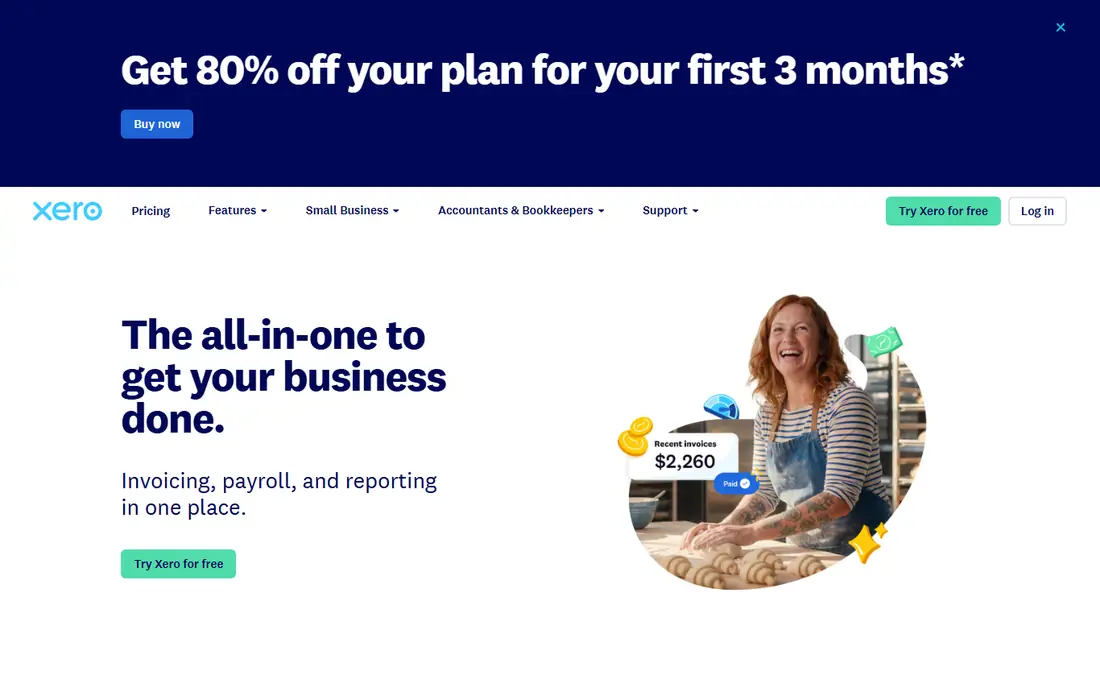
Xero is accounting software built for the way US businesses work, used by 5 million customers worldwide. Invoicing, payroll and payments all work together, with smart document capture pulling bills and receipts straight into the books, real-time reports, and cash flow forecasts from 30 days on the Early plan up to 180 days on Established. The vendor says small businesses save an average of five hours a week on bills management with Xero, and 90 percent of surveyed users agree it keeps business finances in one place.
Pricing is straightforward: Early costs $27 per month after an introductory period, with 20 invoices and 5 bills, while Growing at $59 adds unlimited invoices and dashboards, and Established at $97 adds multi-currency, project tracking and expense claims. There is no free plan, though the homepage offers a first month at no cost. For owners who want clean, modern accounting without QuickBooks' sprawl, Xero is the best pick.
What we like- Used by 5 million customers
- Invoicing, payroll and payments in one place
- Smart document capture for bills and receipts
- Real-time cash flow insights
- Free standard ACH bill payments
Watch out for- No free plan
- Invoicing limits on the cheapest plan
- Advanced features need higher tiers
Starting priceFree
Free planYes
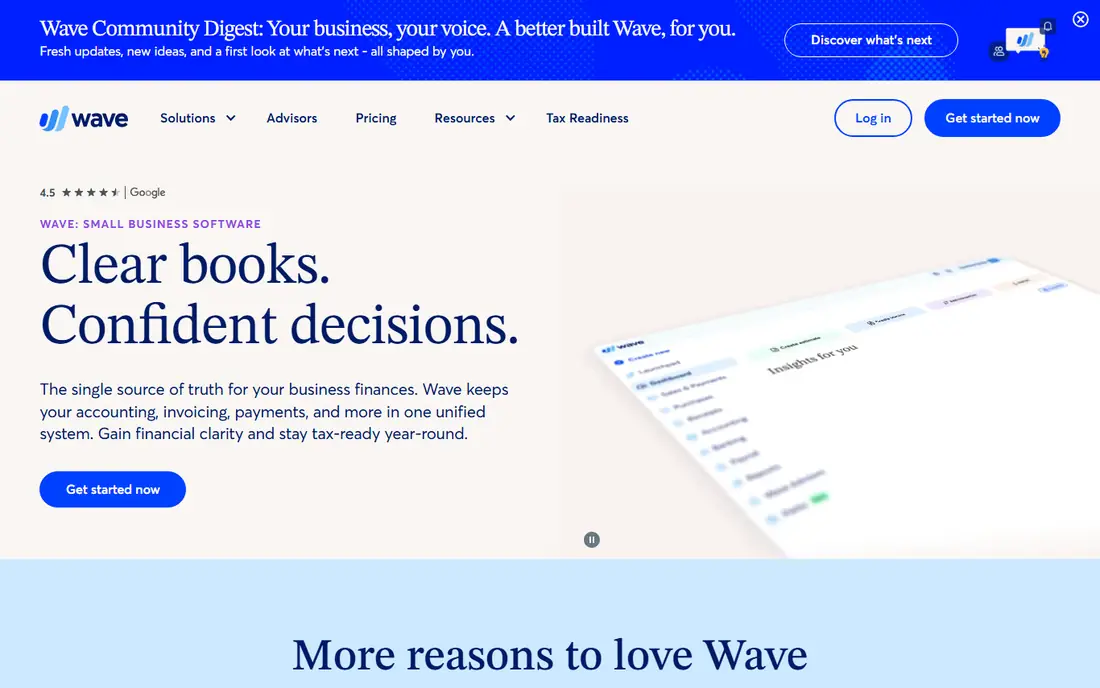
Wave keeps accounting, invoicing and payments in one unified system, built for small business owners and solopreneurs rather than accountants. Its pitch is clarity: one source of truth for business finances, with cash flow, receivables and reports available on desktop and mobile, plus a team of bookkeeping, accounting and payroll experts available for one-to-one coaching or done-for-you help. More than 350,000 small businesses trust Wave, and its homepage invites users to get started for free.
The free start is the draw for new businesses: invoicing and accounting cost nothing to begin, with payments and payroll available as paid add-ons. The limits show up at scale, where QuickBooks or Xero offer deeper inventory, multi-entity and reporting features. For a freelancer, consultant or new shop watching every dollar, Wave is the best free accounting app.
What we like- Free to start for accounting and invoicing
- Built for owners, not accountants
- Mobile app for on-the-go invoicing
- Expert coaching available
- Trusted by 350,000+ small businesses
Watch out for- Payroll and payments cost extra
- Fewer advanced features than QuickBooks or Xero
- US-focused
#4Square
Best for: Selling in person4.6/5 on
G2 (1,208 reviews, checked Oct 2026)
Visit squareup.com
Starting priceFree
Free planYes
Square powers an entire business from the counter to the back office, with point of sale, payments, team management, marketing and loyalty, cash flow and banking, and hundreds of connected apps. Its hardware range runs from a $59 portable reader for tap and dip payments up to a $899 register, with stands, terminals and kiosks in between. The scale is large: more than 450,000 food and beverage sellers use Square globally, retailers generate over $39 billion a year through it, and 15 million appointments are booked through Square every month.
The software itself is free to start, with costs coming from payment processing and optional hardware or plans. That makes Square the lowest-friction way for a shop, salon, cafe or service business to start taking cards and managing a team. For businesses that sell mainly online, Shopify fits better, but for in-person selling, Square is the standard.
What we like- Point of sale, payments, payroll, scheduling, marketing and loyalty in one system
- Hardware from a $59 reader
- Instant access to funds via Square Checking
- Hundreds of app integrations
Watch out for- Hardware costs extra
- Processing fees apply per transaction
- Advanced plans and hardware add up for larger setups
#5Shopify
Best for: Selling online and in person4.4/5 on
G2 (5,144 reviews, checked Oct 2026)
Visit shopify.com
Starting priceSee website
Free planNo
Shopify is the all-in-one commerce platform for businesses of any size, from solo entrepreneurs to enterprise brands, selling everywhere people shop: online, in person, across AI surfaces and on social, locally and globally. Its checkout is described as the world's best-converting, with Shop Pay converting up to 50 percent higher than guest checkout and exposing brands to more than 250 million high-intent shoppers. The App Store holds more than 21,000 commerce apps for specialized features, and Shopify Capital has loaned over $5 billion to merchants, with loans up to $5 million and no equity taken.
Getting started takes three steps: add a first product, customize the store, and set up payments. The platform handles the hard parts of commerce, including hosting, security and checkout, so owners can focus on products and marketing. There is no free plan, and pricing must be checked on the vendor's pricing page. For any business that sells products online, Shopify is the best all-in-one platform.
What we like- Sell online, in person, on social and through AI
- World's best-converting checkout per vendor
- 21,000+ commerce apps
- Shop Pay exposes brands to 250M+ shoppers
- Shopify Capital loans up to $5 million
Watch out for- No free plan
- Monthly cost plus app fees can grow
- Pricing must be checked on the pricing page
#6Slack
Best for: Team communication4.5/5 on
G2 (39,944 reviews, checked Oct 2026)
Visit slack.com
Starting priceFree
Free planYes
Slack connects a team in channels, which are flexible, transparent spaces for working with teammates, AI assistants and agents. Its Slackbot AI knows the whole business and coordinates work across connected apps, answering questions, summarizing conversations and tracking sales pipelines, with users saving an average of five hours a week with Slackbot. Slack Connect lets owners chat with clients and vendors in real time from the same workspace, and huddles offer quick voice and video with automatic meeting notes.
The scale is enormous: more than 1 billion messages are sent daily, 4 million Slack Connect users work with external teams each week, and 1.7 million apps are actively used each week. The free plan covers core messaging for small teams, with paid plans adding history, apps and AI depth. For a small business replacing scattered email threads with one organized workspace, Slack is the best team chat app.
What we like- Channels organize work by team, project or client
- Slackbot AI answers questions and summarizes
- Slack Connect chats with clients and vendors
- Huddles for quick voice and video
- 1B+ messages sent daily
Watch out for- Message history limits on the free plan
- Can become noisy without channel discipline
- Some AI features need paid plans
#7Asana
Best for: Project management4.4/5 on
G2 (13,930 reviews, checked Oct 2026)
Visit asana.com
Starting priceFree
Free planYes
Asana is work and project management built around a connected work graph, linking every person, task, project, goal and dependency so humans and agents always know who is doing what, by when, and toward which goal. Its AI teammates work alongside teams inside real workflows, with shared memory that carries preferences and context forward, plus scoped permissions, audit trails and cost controls managed from the same console that governs human users. The platform also covers service management for IT and HR, client management for agencies, and command-style issue tracking.
The vendor notes that 85 percent of Fortune 100 companies choose Asana, and templates make it easy to start a project in minutes. For a small business, the free plan covers core task and project management, with paid plans adding AI teammates, portfolios and advanced reporting. For teams juggling launches, client work or operations with deadlines and dependencies, Asana is the best project management app.
What we like- Projects, goals, portfolios and dependencies in one work graph
- AI teammates with shared memory and governance
- Templates for fast starts
- Used by 85% of the Fortune 100
Watch out for- Depth can overwhelm tiny teams
- AI teammates and advanced features need paid plans
- Best value shows at team scale
#8Trello
Best for: Simple boards and tasks4.4/5 on
G2 (14,064 reviews, checked Oct 2026)
Visit trello.com
Starting priceFree
Free planYes
Trello makes it easy for a team to get work done with a simple formula: sign up, create a board, and start moving cards. Boards, lists and cards organize any project, workflow or team, from a content calendar to a hiring pipeline to a shop's daily tasks. The simplicity is deliberate: no setup overhead, no training, and a board that anyone can read at a glance.
That simplicity is also the limit. Trello lacks Asana's goals, portfolios, dependencies and reporting depth, so larger operations will outgrow it. But for a small business that needs a shared to-do board today, with no learning curve and a free plan, Trello is the fastest path. It pairs well with Slack for chat and Wave for books, forming a simple, low-cost stack for a new business.
What we like- Dead simple boards, lists and cards
- Sign up and start in minutes
- Works for any project, workflow or team type
- Generous free plan
Watch out for- Thin on reporting and dependencies compared with Asana
- Homepage shows little detail
- Power features need paid plans
How we chose
We picked apps that solve the core jobs of a small business: accounting, payments, selling, communication and project management. Each homepage was opened to confirm the product exists and matches its description, and pricing was taken from the vendor's own pages where shown. Where a homepage did not display pricing, we wrote "See website" rather than guessing. We favored apps with free plans or free starts for new businesses, while including the paid leaders where their breadth justifies the cost.
Choosing the right stack for your business
A new business does not need all eight apps at once. Start with one accounting app and one way to get paid: Wave plus Square covers books and in-person sales for free, while Xero plus Shopify covers accounting and online selling. Add Slack once the team grows past two or three people, and add Asana or Trello when projects start slipping through chat. Revisit the stack every six months: the apps that fit a solo owner rarely fit a ten-person team, and the cost of switching early is far lower than untangling a year of messy books later.
Frequently asked questions
What is the best app for a brand new small business?
Start with Wave for free accounting and Square for free point of sale and payments. That combination covers invoicing, books and card payments at no monthly cost, and both scale as the business grows.
Is QuickBooks or Xero better for small business accounting?
QuickBooks is better for businesses that want everything in one platform, including payroll, inventory and lending. Xero is better for owners who want clean, modern accounting with a simpler interface. Both are strong, and the choice comes down to breadth versus simplicity.
Can I run a small business with only free apps?
Yes, up to a point. Wave, Square, Slack, Asana and Trello all offer free plans that cover the basics for a solo owner or tiny team. Paid plans become worthwhile when message history, advanced reporting or payroll features start to matter.
What is the best app for selling online?
Shopify is the best all-in-one for selling online, with a high-converting checkout, 21,000+ apps and selling across online, in-person, social and AI channels. Square also offers online selling and fits better for businesses that sell mainly in person.
Do I need both Slack and Asana?
Not always. Slack handles communication, while Asana handles projects, deadlines and dependencies. Small teams often start with Slack alone, then add Asana or Trello when work starts slipping through chat threads.
How much should a small business budget for apps?
A simple stack of free apps costs nothing to start. A typical small business stack with paid accounting and selling tools runs roughly $30 to $150 per month before payment processing fees, depending on team size and features. Start free, then pay only for the features that save real time.
Sources we checked (8)
- https://quickbooks.intuit.com
- https://www.xero.com
- https://www.waveapps.com
- https://squareup.com
- https://www.shopify.com
- https://slack.com
- https://asana.com
- https://trello.com
Is your product missing or out of date?
We review this list regularly. Vendors can request a listing, send updated pricing or ask about featured placement.

Shihab Mia · Founder, Rankite
Shihab has 5+ years in B2B and SaaS SEO. He writes Rankite's software buying guides from pricing pages, documentation and public user reviews. More about Shihab.