How we make this list: we compare pricing pages, product documentation and public user reviews. Ratings come from G2, Capterra or Trustpilot, with the date we checked them.
Key takeaways
- WordPress remains the most flexible SEO platform thanks to Yoast and Rank Math, but you pay for hosting, themes, and upkeep rather than a license.
- Webflow gives marketing teams native SEO controls without engineers, with canonicals, sitemaps, and redirects built in.
- Contentful and Sanity lead the headless field for teams publishing to many channels, with Contentful charging more for governance features.
- Storyblok sits between the camps, giving marketers visual editing on top of a headless architecture.
- No CMS guarantees rankings: speed, structured data, and content quality matter as much as the platform, and schema support now matters for AI answers too.
Quick comparison
| Tool | Best for | Starting price | Free plan |
|---|
 WordPress WordPress | Teams that want full plugin control | Free | Yes |
 Webflow Webflow | Marketing teams publishing without engineers | $15 per month | Yes |
 Contentful Contentful | Enterprise teams publishing to many channels | $300 per month | Yes |
 Sanity Sanity | Developers building custom editorial tools | Free | Yes |
 Strapi Strapi | Headless on your own infrastructure | Free | Yes |
 Storyblok Storyblok | Visual editing on a headless stack | Free | Yes |
 HubSpot Content Hub HubSpot Content Hub | Teams already running on HubSpot | $10 per seat per month | Yes |
 Drupal Drupal | Complex sites with strict access control | Free | Yes |
Is your product missing or out of date?
We review this list regularly. Vendors can request a listing, send updated pricing or ask about featured placement.
#1WordPress
Best for: Teams that want full plugin control4.4/5 on
G2 (9,546 reviews, checked Oct 2026)
Visit wordpress.org
Starting priceFree
Free planYes
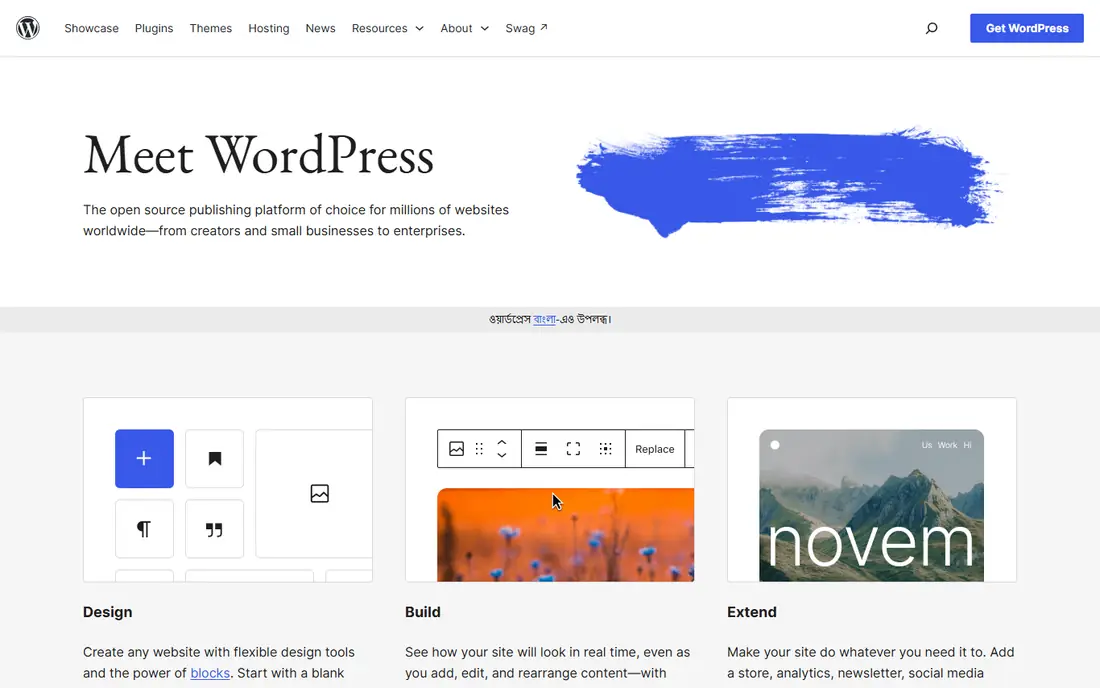
WordPress powers a large share of the web, and its SEO strength comes from plugins. Yoast and Rank Math handle titles, meta descriptions, canonical tags, XML sitemaps, and schema markup, with Rank Math's free tier covering more than 20 schema types. The core software has included an XML sitemap since version 5.5, and redirect managers come with Rank Math or Yoast Premium. For a team that wants full control over every on page element, no other platform matches the plugin ecosystem.
The cost is maintenance. Hosting starts near $5 to $10 per month for basic plans and rises to around $25 per month for managed hosting, and themes, plugins, and security updates need ongoing care. Field data shows about 45 percent of WordPress sites pass mobile Core Web Vitals, which means host and theme choice matter as much as plugins. For teams with a developer on standby and a real plugin budget, WordPress remains the most flexible SEO platform available.
What we like- Yoast and Rank Math cover titles, sitemaps, schema, and redirects
- Huge theme and plugin ecosystem
- Free core software
Watch out for- You pay for hosting, themes, and upkeep
- Plugin sprawl creates security and speed risks
- Speed depends heavily on host and theme
#2Webflow
Best for: Marketing teams publishing without engineers4.4/5 on
G2 (995 reviews, checked Oct 2026)
Visit webflow.com
Starting price$15 per month
Free planYes
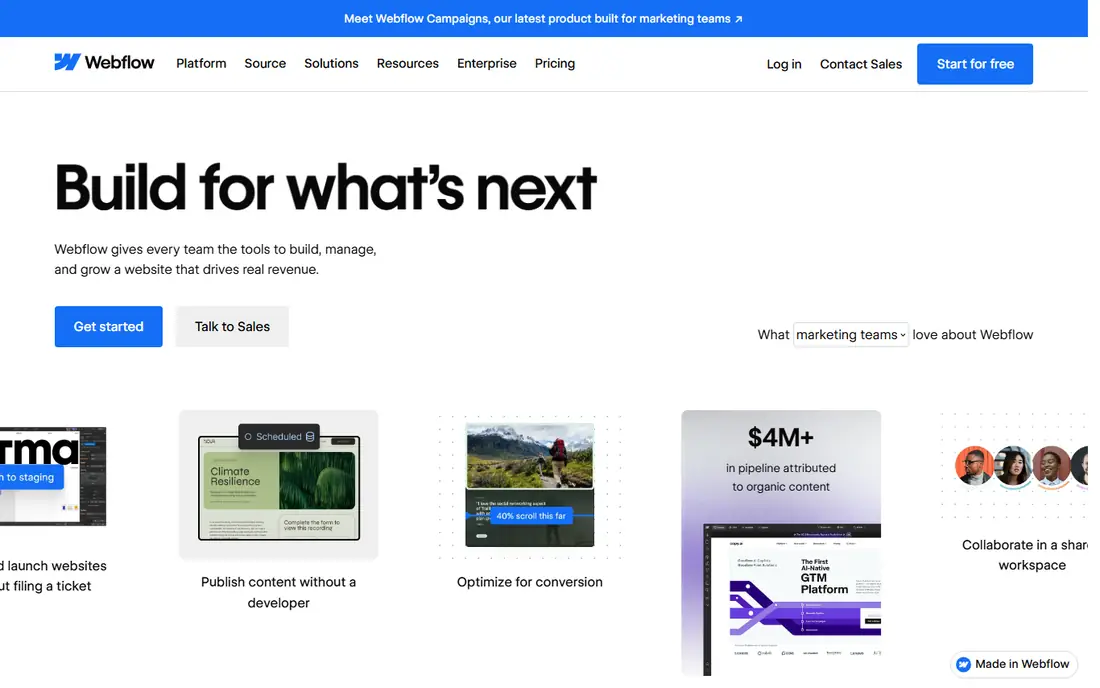
Webflow suits marketing teams that want to publish without waiting on engineers. Canonical tags, an auto generated XML sitemap, robots.txt control, and schema markup support come built in, and 301 redirects work on Basic and Premium site plans. Site plans start at $15 per month for Basic on annual billing, with CMS plans from $23 per month, and the CMS plan caps collections and items per plan, so large content libraries need higher tiers.
The limits are schema depth and scale. Advanced schema types need custom code embeds, and item caps can force a plan upgrade as content grows. For a design driven marketing site where the team publishes weekly without engineering help, Webflow is the strongest no code SEO option.
What we like- Native canonicals, auto generated sitemap, schema support, and robots control
- 301 redirects on paid plans
- Full design control
Watch out for- Native schema is limited and needs custom code for advanced types
- CMS item caps per plan
- Pricing scales with traffic
#3Contentful
Best for: Enterprise teams publishing to many channels4.3/5 on
G2 (399 reviews, checked Oct 2026)
Visit contentful.com
Starting price$300 per month
Free planYes
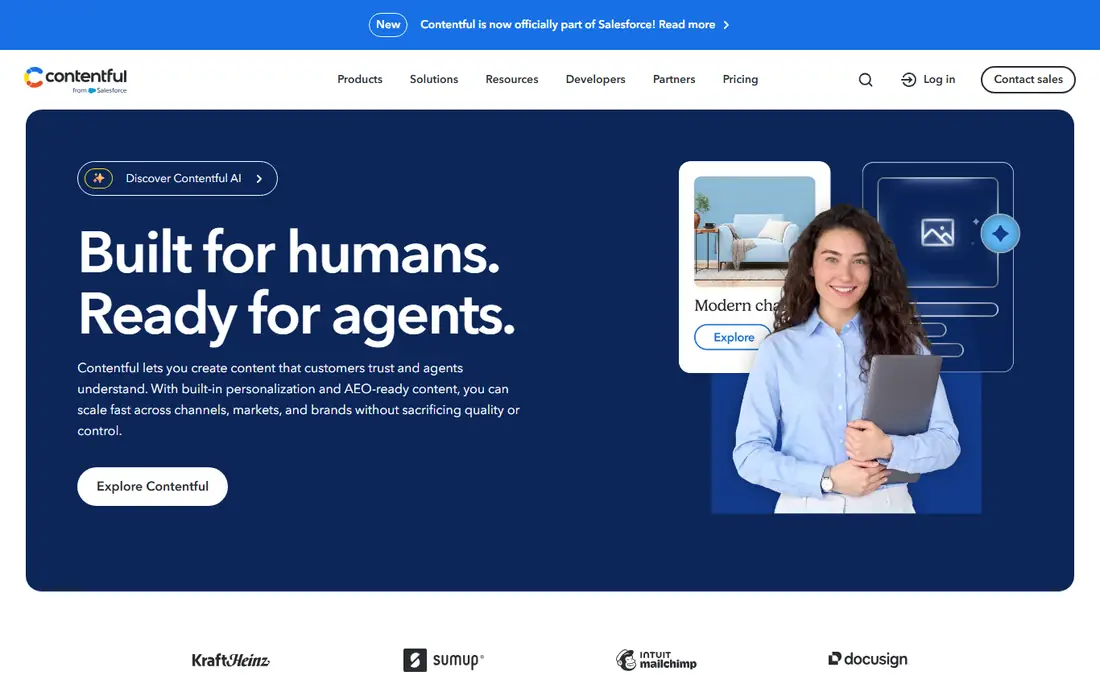
Contentful is a headless CMS: it stores content and delivers it through an API, while a separate front end renders pages. That split suits enterprise teams publishing to websites, apps, and other channels from one content model, with governance, roles, and workflows for large editorial teams. A free tier covers small projects, and the Lite plan starts at $300 per month.
The trade off is that on page SEO controls live in the front end code, not in Contentful itself. Titles, meta tags, sitemaps, and schema are set by developers in the framework, usually Next.js, which means marketing teams cannot change SEO settings without engineering help. For enterprises with engineering capacity and multi channel needs, Contentful is a proven choice. For small teams, the price jump from free to $300 per month is hard to justify.
What we like- Content API delivers structured content to any channel
- Strong governance and roles
- Free tier for small projects
Watch out for- Lite plan at $300 per month is a steep step from free
- Front end SEO controls live in code, not the CMS
- Needs engineers
#4Sanity
Best for: Developers building custom editorial tools4.7/5 on
G2 (926 reviews, checked Oct 2026)
Visit sanity.io
Starting priceFree
Free planYes
Sanity pairs a flexible content studio with a real time API, and developers praise its content modeling and editing experience. The free tier covers small projects, and Growth costs $15 per seat per month. Like Contentful, Sanity stores content only, so titles, meta tags, sitemaps, and schema are handled in the front end, with Next.js metadata APIs and sitemap conventions doing the heavy lifting.
Sanity's advantage over Contentful is price and flexibility at the low end: the step from free to paid is gentler, and the studio is easier to customize. The cost is engineering time, since the team must build and maintain the front end. For developer led teams that want full control over structured content, Sanity is the best value headless option.
What we like- Free tier plus Growth at $15 per seat per month
- Flexible content modeling
- Strong developer experience and real time collaboration
Watch out for- Needs engineers to build and maintain the front end
- SEO controls live in code
- API usage costs can rise at scale
#5Strapi
Best for: Headless on your own infrastructure4.5/5 on
G2 (204 reviews, checked Oct 2026)
Visit strapi.io
Starting priceFree
Free planYes
Strapi is the strongest pick when a team wants open source headless code running on its own infrastructure. The community edition is free and self hosted, and Strapi Cloud Starter costs $35 per project per month. Content modeling, roles, and API delivery come built in, and the team keeps full control over data and hosting.
The cost is operational: the team builds the front end, manages hosting, and handles updates and security. For teams with DevOps capacity that want no vendor lock in, Strapi is unmatched. For marketing led teams, a hosted option such as Webflow or Storyblok fits better.
What we like- Open source code on your own servers
- Self hosted community edition free
- Strapi Cloud Starter from $35 per project per month
Watch out for- Requires a separate front end build and ongoing DevOps
- SEO controls live in code
- Smaller managed ecosystem than rivals
#6Storyblok
Best for: Visual editing on a headless stack4.5/5 on
G2 (592 reviews, checked Oct 2026)
Visit storyblok.com
Starting priceFree
Free planYes
Storyblok sits between the camps: it is headless, but its visual editor lets marketers preview and edit pages in context, which pure API tools do not offer. A free Starter tier covers small projects, and Growth starts at $99 per month. That mix suits teams that want headless flexibility without giving marketers a raw API.
The front end still needs developers, and Growth pricing can rise with usage. For a team with engineering support that wants marketers to edit visually, Storyblok is a strong middle ground between Webflow and Sanity.
What we like- Visual editor on top of headless content
- Growth plan from $99 per month
- Good fit for marketing teams with developers
Watch out for- Growth pricing rises with usage
- Headless setup still needs a front end
- Smaller ecosystem than WordPress
#7HubSpot Content Hub
Best for: Teams already running on HubSpot4.5/5 on
G2 (2,207 reviews, checked Oct 2026)
Visit hubspot.com
Starting price$10 per seat per month
Free planYes
HubSpot Content Hub suits companies whose pipeline already lives in HubSpot. Content, CRM, lead scoring, and attribution share one system, so a blog post's effect on pipeline is visible without stitching tools together. URL redirects default to permanent 301, and Starter plans start near $10 per seat per month on promotion, with regular pricing near $20 per seat per month.
The limits are hosting and scale. Redirects only work for domains connected to and hosted in HubSpot, and costs rise as seats and contacts grow. For a HubSpot team, the CMS is the natural choice. For teams outside HubSpot, the CRM advantage disappears and cheaper options win.
What we like- Native lead scoring and attribution in the CMS
- URL redirects with 301 as default
- CRM and automation in one platform
Watch out for- Redirects need HubSpot hosting
- Starter pricing varies by promotion
- Costs grow as seats and contacts grow
#8Drupal
Best for: Complex sites with strict access control3.9/5 on
G2 (425 reviews, checked Oct 2026)
Visit drupal.org
Starting priceFree
Free planYes
Drupal remains the safe free option for complex sites with strict access control, such as government portals and large publishers. The core software is free, permissions and workflows handle large editorial teams, and multilingual and structured content support is strong. SEO modules cover titles, meta tags, sitemaps, and redirects, though setup needs more skill than WordPress plugins.
Drupal needs experienced developers and a longer onboarding period for editors. For a large, complex site with strict governance, Drupal is a proven choice. For a typical marketing site, WordPress or Webflow will launch faster.
What we like- Free core software
- Granular permissions and workflows for large publishers
- Strong multilingual and structured content support
Watch out for- Needs experienced developers
- Smaller theme and plugin market than WordPress
- Steeper learning curve for editors
How we chose
We compared CMS platforms using published pricing, native SEO controls, sitemap and redirect handling, schema support, and speed factors, drawing on vendor pages and independent comparisons from October 2026. Each platform had to support title and meta editing, XML sitemaps, and redirects either natively or through a standard plugin. We weighted marketer autonomy, developer requirements, and total cost, and we left out pure site builders with weak SEO controls. Prices change, so confirm the current rate before signing.
Start with who publishes. If marketers publish without engineers, Webflow or HubSpot Content Hub fit best, since SEO controls live in the editor. If developers build the front end, Sanity, Contentful, or Strapi offer more control over structured content and speed. If the team already runs WordPress or HubSpot, staying put usually beats migrating, since migration risks redirect and ranking losses.
Next, audit the controls that matter for your site. Confirm title and meta editing, canonical tags, XML sitemaps, robots control, 301 redirect management, and schema support before committing. Ask how redirects survive a redesign, since a migration without redirect mapping is the most common cause of ranking drops. Check page speed on a real hosted example, not a demo, since host and theme choice decide Core Web Vitals more than the CMS brand.
Finally, plan for AI answers as well as classic search. Add FAQ, Article, Organization, Product, and Author schema where they fit, and make sure the CMS lets editors add schema without opening a code editor for every article. A platform that makes schema easy today will keep content visible as search engines lean harder on structured data.
Frequently asked questions
Which CMS is best for SEO in 2026?
WordPress offers the most complete SEO control through Yoast and Rank Math, while Webflow offers the best native controls for teams without engineers. Headless options such as Sanity and Contentful suit developer teams publishing to many channels. The best choice depends on who publishes and how much engineering help is available.
Does a CMS guarantee search rankings?
No. A CMS controls technical foundations such as titles, sitemaps, speed, and schema, but rankings also depend on content quality, links, and competition. Any vendor that promises a top ranking should be treated with caution, and progress should be measured over months, not days.
Is WordPress or Webflow better for SEO?
WordPress wins on plugin depth and schema coverage, while Webflow wins on native controls and ease of use for marketers. WordPress needs hosting and upkeep, while Webflow caps CMS items per plan. Teams with developers and large content libraries often pick WordPress; design led marketing teams often pick Webflow.
What is headless SEO, and does it hurt rankings?
Headless SEO means the CMS stores content while a separate front end renders pages. It does not hurt rankings by itself, but SEO controls live in code, so the front end must handle titles, meta tags, sitemaps, and schema correctly. Teams without front end engineering should avoid headless or budget for developer time.
How important is schema markup in 2026?
Schema is increasingly important, since structured data helps pages appear in AI generated answers and Google AI Overviews. FAQ, Article, Organization, Product, and Author schema are the most useful types for most sites. Choose a CMS that lets editors add schema without code for every article.
How much does an SEO friendly CMS cost?
Core software ranges from free for WordPress, Drupal, Sanity, and Strapi to $15 per month for Webflow Basic and $300 per month for Contentful Lite. Total cost includes hosting, themes or front end work, plugins, and upkeep, so compare full cost rather than headline price.
Sources we checked (0)
Is your product missing or out of date?
We review this list regularly. Vendors can request a listing, send updated pricing or ask about featured placement.

Shihab Mia · Founder, Rankite
Shihab has 5+ years in B2B and SaaS SEO. He writes Rankite's software buying guides from pricing pages, documentation and public user reviews. More about Shihab.