How we make this list: we compare pricing pages, product documentation and public user reviews. Rankite is independent; if a vendor ever pays for a featured spot, that listing is clearly labeled Partner.
Key takeaways
- WordPress.org gives you the most SEO control of any option here, but you own the maintenance, updates, and security.
- Hosted builders like Webflow, Wix, Squarespace, and Framer trade some of that control for speed, simplicity, and hands-off hosting.
- Ghost is the strongest pick if publishing and newsletters are the whole point of your blog.
- HubSpot's free CMS tools make sense when your blog feeds directly into a HubSpot CRM and marketing workflow.
- The platform sets your ceiling. Consistent, useful content and real backlinks decide how high you actually get.
Quick comparison
| Tool | Best for | Starting price | Free plan |
|---|
 WordPress.org WordPress.org | Maximum SEO control and plugin flexibility | Free (hosting extra) | Yes |
 Webflow Webflow | Design-led marketing sites with clean code | $25 per month (billed annually) | Yes |
 Ghost Ghost | Publishing-first blogs and newsletters | $18 per month (billed annually) | Free trial (14 days) |
 Wix Wix | Beginners who want blogging plus business tools | $17 per month (billed annually) | Yes |
 Squarespace Squarespace | Design-forward brands that blog occasionally | $19 per month | Free trial (14 days) |
 HubSpot Content Hub HubSpot Content Hub | Teams already running on HubSpot CRM | Free | Yes |
 Framer Framer | Design-heavy blogs with standout visuals | $15 per month (billed annually) | Yes |
 Duda Duda | Agencies building client blogs at scale | $19 per month | Free trial (14 days) |
Is your product missing or out of date?
We review this list regularly. Vendors can request a listing, send updated pricing or ask about featured placement.
The best seo blog platform
Starting priceFree (hosting extra)
Free planYes
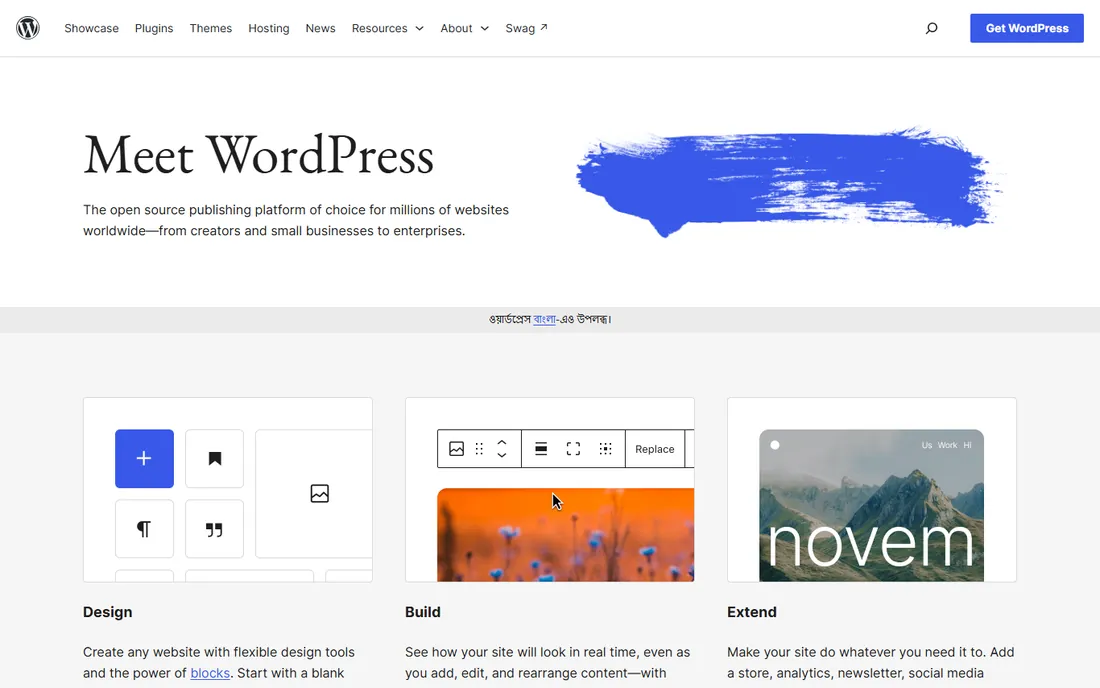
There is a reason most SEO professionals default to WordPress.org when control matters. The software is free and open source, and it lets you change almost anything that affects rankings: permalinks, redirects, sitemaps, structured data, page speed, and crawl settings. Plugins extend it further, covering everything from on-page analysis to image compression. If you can imagine an SEO task, someone has built a WordPress plugin for it.
That freedom comes with responsibility. You need hosting, a domain, and someone willing to run updates and keep an eye on security. A neglected WordPress site with 40 outdated plugins is slower and more vulnerable than any hosted builder. For a small business with a developer or a capable marketer, this is the strongest long-term choice. For a team that wants to publish and never think about servers, one of the hosted options below will cause fewer headaches.
What we like- Complete control over technical SEO, from URL structure to schema
- Enormous plugin ecosystem for SEO, speed, and functionality
- Huge pool of developers, themes, and tutorials
Watch out for- You handle hosting, updates, backups, and security yourself
- Too many plugins can slow your site down
- Less beginner-friendly than hosted builders
Starting price$25 per month (billed annually)
Free planYes
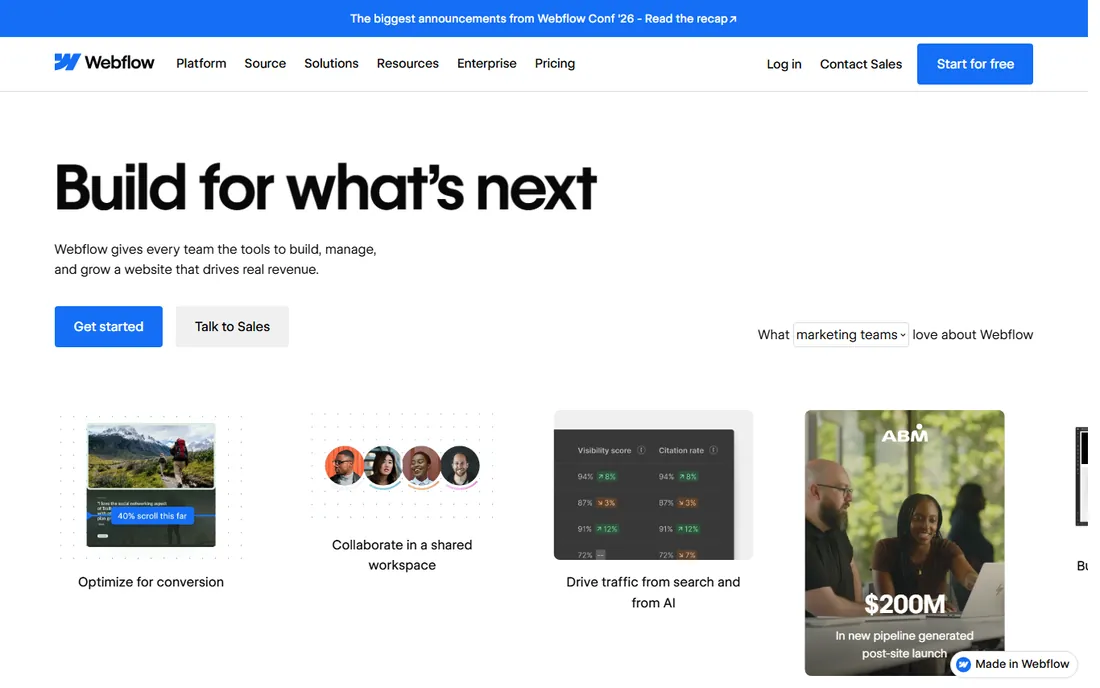
Webflow sits in a sweet spot for marketing teams that care about both design and rankings. Its visual builder outputs clean code rather than the bloated markup some builders produce, and you get direct control over the SEO details that matter: titles, descriptions, Open Graph tags, canonical URLs, 301 redirects, and XML sitemaps. The CMS makes it practical to run a real blog with categories, authors, and scheduled posts.
The pricing structure deserves a close look. The free Starter plan is fine for learning, and the $15 Basic plan covers simple sites, but neither gives you a blog CMS. For a content program you want Premium at $25 per month billed annually. That is still reasonable for a business site, but factor in that each additional site needs its own plan.
What we like- Clean, semantic code output that search engines read easily
- Precise control over meta tags, redirects, sitemaps, and schema
- Fast managed hosting with strong Core Web Vitals
Watch out for- You need the $25 Premium site plan to get CMS features for blogging
- Steeper learning curve than drag-and-drop builders
- Costs are per site, so multiple blogs add up
Starting price$18 per month (billed annually)
Free planFree trial (14 days)
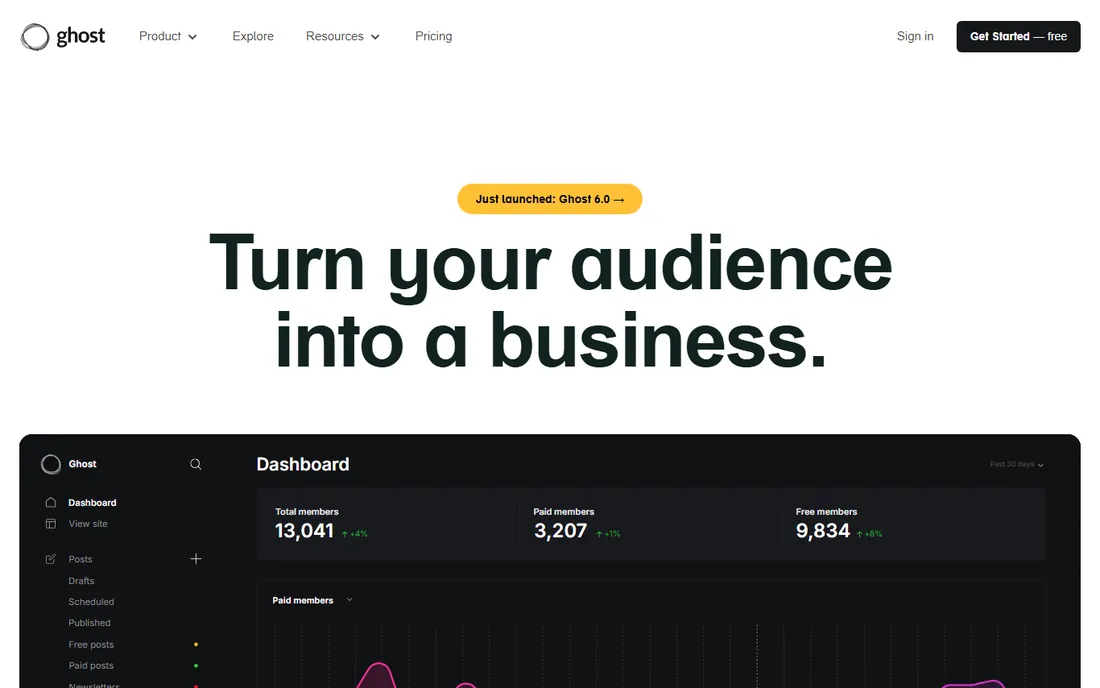
Ghost was built for one job: publishing. The editor stays out of your way, pages load fast because the codebase is lean, and technical SEO basics like sitemaps, canonical tags, and structured data are handled without add-ons. What makes it different from every other tool here is the built-in audience machinery: newsletters, free and paid memberships, and subscriber analytics come standard. If your blog is really a publication, Ghost fits like a glove.
You have two ways to run it. Ghost(Pro), the official managed hosting, starts at $18 per month billed annually and includes a 14-day free trial. Or you can self-host the open source software for free on your own server, which costs less but puts maintenance back on you. Either way, expect a smaller theme and integration marketplace than WordPress.
What we like- Lightweight and fast out of the box, which helps page speed
- Built-in newsletters and paid memberships with no plugins
- Clean editor designed for serious writing
Watch out for- Official hosting starts at $18 per month
- Design flexibility is narrower than page builders
- Fewer integrations and plugins than WordPress
#4
Wix
Best for: Beginners who want blogging plus business tools
Visit wix.com
Starting price$17 per month (billed annually)
Free planYes
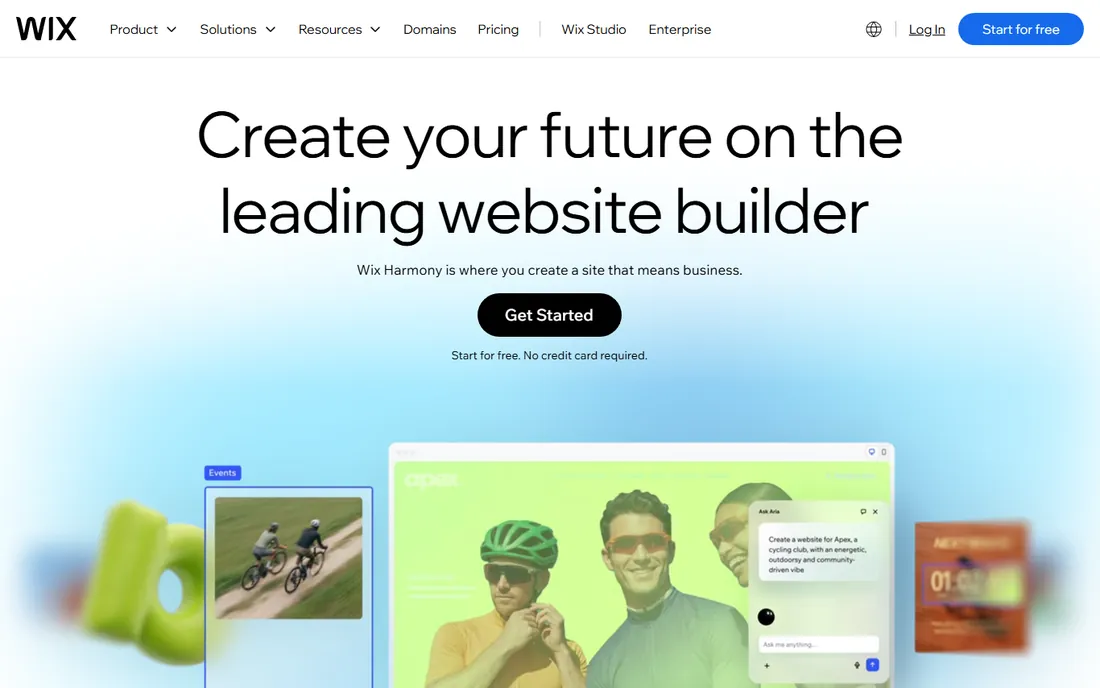
Wix has spent years closing the SEO gap it used to be criticized for. The platform now includes an SEO assistant that walks you through titles, descriptions, indexing settings, and structured data, plus solid mobile performance and fast default hosting. For a small business owner who wants to write posts on Tuesday and take bookings on Wednesday without touching code, the all-in-one approach is genuinely convenient.
Two caveats matter for long-term blogging. First, you cannot switch to a new template without rebuilding your pages, so pick carefully at the start. Second, serious SEO tinkerers will eventually bump into limits on URL control and advanced settings. The Light plan at $17 per month billed annually removes ads and connects your domain, which is the minimum for a business blog.
What we like- Very easy to start, with a genuinely useful free plan
- Built-in SEO assistant that flags issues and suggests fixes
- Blog, bookings, email marketing, and ecommerce in one dashboard
Watch out for- Switching templates later means rebuilding the site
- Advanced SEO controls are less granular than WordPress or Webflow
- The free plan shows Wix ads and uses a Wix subdomain
Starting price$19 per month
Free planFree trial (14 days)

Squarespace is the pick when your blog supports a brand rather than carrying the whole marketing strategy. The templates are the best-looking defaults in this category, and the blogging tools cover the essentials: scheduled posts, categories, tags, RSS, and social sharing. Built-in SEO features handle page titles, meta descriptions, image alt text, and automatic sitemaps without any setup.
The trade-off is depth. You get fewer levers to pull than on WordPress or Webflow, and there is no free tier, just a 14-day trial before the $19 per month starting price kicks in. If you publish a few times a month and care more about how the site looks than about squeezing every technical advantage, Squarespace is a comfortable home.
What we like- Beautiful templates that look professional with little effort
- Built-in SEO basics like editable titles, descriptions, and sitemaps
- Hosting, security, and SSL included
Watch out for- No free plan, only a 14-day trial
- Less SEO customization than WordPress or Webflow
- Blogging tools are simpler than dedicated publishing platforms
#6
HubSpot Content Hub
Best for: Teams already running on HubSpot CRM
Visit hubspot.com
Starting priceFree
Free planYes
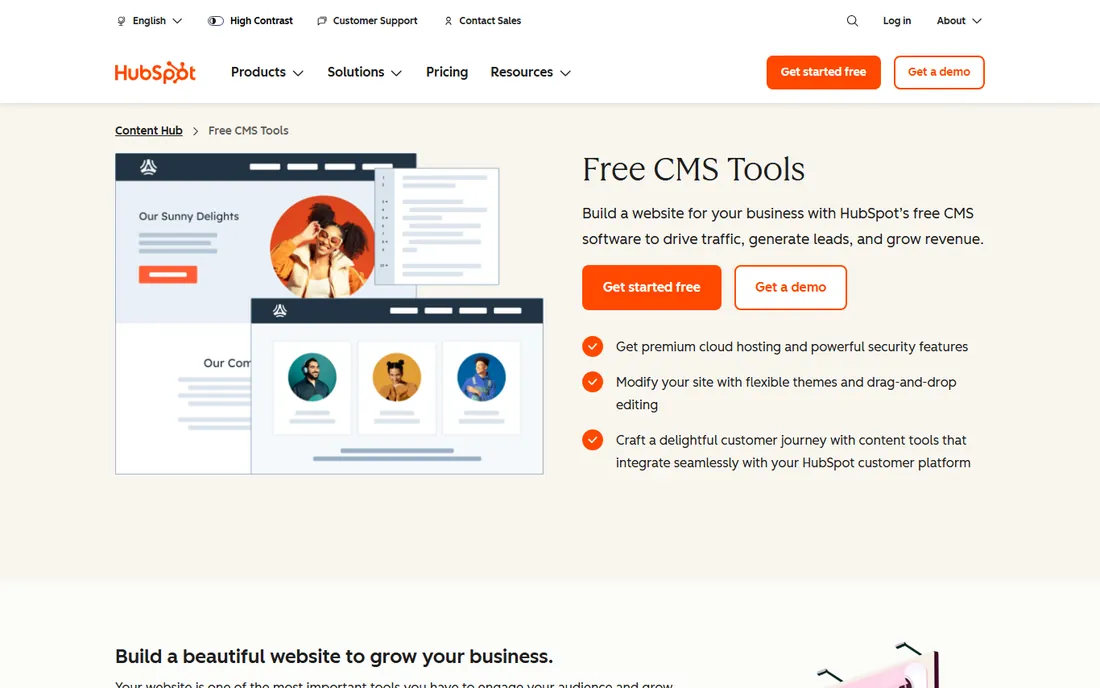
HubSpot's pitch is simple: your blog should feed your pipeline, not sit in a separate silo. The free CMS tools let you build pages and publish posts on premium cloud hosting with a custom domain, and every post can tie into forms, live chat, and contact records automatically. For a team already living in HubSpot, that integration removes a whole category of busywork.
As a pure blogging platform, it is less flexible than WordPress or Ghost, and the design tools are more structured than freeform. The free tier is genuinely free, not a trial, which makes it easy to test. Just know that the most useful features sit on paid Content Hub plans, so map out what you will need in a year before you commit your whole content library to it.
What we like- Free CMS tools with hosting, SSL, and analytics included
- Blog posts connect directly to contacts, forms, and email in the CRM
- Reliable managed infrastructure with no maintenance
Watch out for- Advanced features require paid Content Hub tiers
- Design flexibility trails dedicated builders
- Costs can climb as contacts and features grow
Starting price$15 per month (billed annually)
Free planYes

Framer started as a design tool and grew into a website builder, which shows in both its strengths and its gaps. Sites built on it tend to score well on speed metrics, and the visual canvas will feel familiar to anyone who has used Figma. The built-in CMS handles blog collections, and SEO settings for titles, descriptions, and social previews are straightforward.
For a blog-first content program, be aware that Framer's publishing workflow is younger than WordPress's or Ghost's. The free plan is generous for testing, but you will need at least the Basic plan at $15 per month billed annually for a serious blog with a custom domain. It suits design-led brands that publish selective, high-impact posts rather than high-volume editorial calendars.
What we like- Very fast sites with strong Core Web Vitals scores
- Generous free plan for experimenting
- AI-assisted design speeds up page building
Watch out for- Blogging and CMS features are less mature than rivals
- Custom domains require a paid plan
- Interface assumes design comfort
#8
Duda
Best for: Agencies building client blogs at scale
Visit duda.co
Starting price$19 per month
Free planFree trial (14 days)
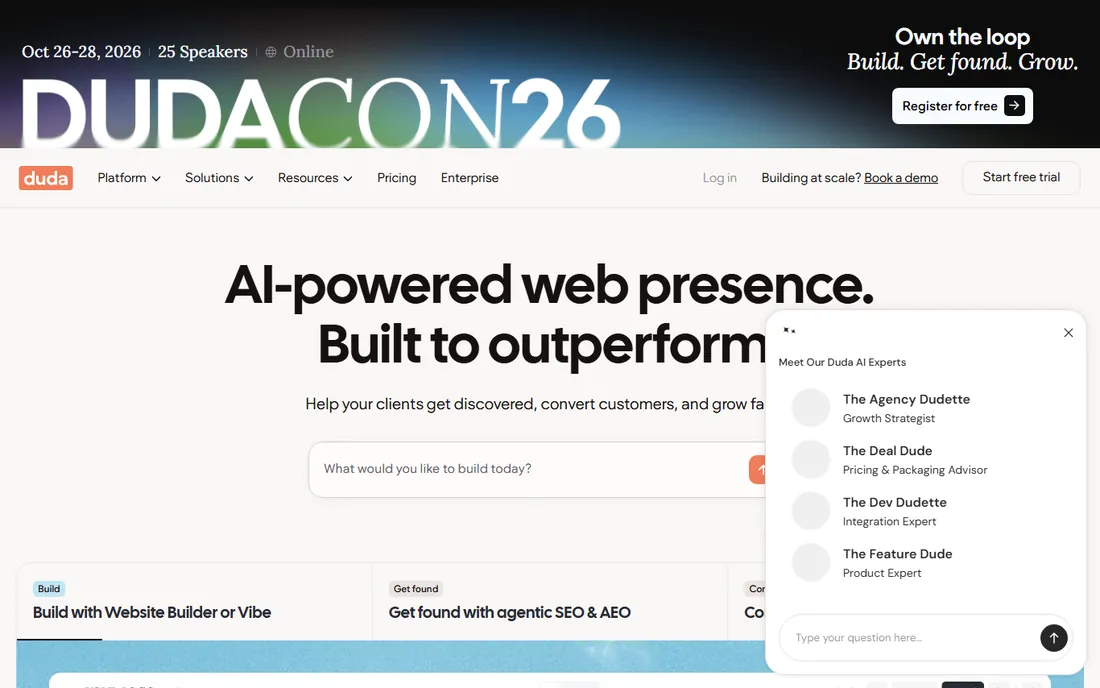
Duda is the insider pick among agencies that build sites for clients. It is engineered for speed, which Google rewards, and it bakes in SEO helpers like automatic metadata generation and clean site structure. The platform really shines when you manage many sites: client permissions, white labeling, reusable templates, and site comments keep multi-blog operations organized.
For a single small business blog, Duda can feel like hiring a catering company to make one sandwich. The 14-day trial is commitment-free and does not require a credit card, so you can evaluate it properly. But if you are not an agency or a freelancer managing client work, the other hosted options here will feel more natural.
What we like- Excellent default performance and Core Web Vitals
- Built-in SEO tools including AI-generated metadata
- Client management and white-label features for agencies
Watch out for- No free plan, only a 14-day trial
- Built for professionals, not casual DIY bloggers
- Smaller app and widget ecosystem
How we chose
We started with the platforms that show up repeatedly in marketer discussions on G2, Capterra, and Reddit when the question is which blogging platform actually helps with SEO. For each one, we opened the official homepage and the vendor's own pricing page to confirm current plan names, starting prices, and free or trial options. We compared SEO-relevant features: control over titles and meta descriptions, URL customization, redirects, sitemaps, schema support, page speed, and mobile performance. We also weighed who each platform suits, since the best SEO blog platform for a solo founder is not the same as for a ten-person marketing team. We did not run hands-on tests; every fact here comes from vendor documentation, pricing pages, and public reviews.
What to check before you commit to a blog platform
Picking a platform is really two decisions: how much SEO control you need, and how much maintenance you will tolerate. Get those two right and the rest falls into place.
Match the platform to the person running the blog
Be honest about who will publish week to week. If that person is comfortable with plugins and settings screens, WordPress.org or Ghost will reward them. If it is a founder squeezing in posts between sales calls, Wix or Squarespace will get more content published, and published content beats a perfect setup every time. The best platform is the one your team will actually use.
Verify the SEO fundamentals, not the marketing claims
Every platform on this list claims to be SEO friendly. Check the specifics instead: can you edit title tags and meta descriptions per post, customize URLs, set up 301 redirects, and access the XML sitemap? Can you add schema markup and control image alt text? These basics matter far more than any AI SEO assistant badge. All eight tools here cover the fundamentals, but WordPress and Webflow give you the deepest control.
Count the total cost, not just the starting price
A $15 or $19 starting price rarely tells the whole story. Add hosting if you self-host WordPress, premium themes or plugins you might need, per-site fees on Webflow and Framer, and contact-based pricing if you grow on HubSpot. Then compare that against the cost of your time: a free platform that eats five hours a month in maintenance is not free.
At some point you may outgrow your first choice, and migrations scare people for good reason. Done carelessly, a move can tank traffic for months. Done well, it is a non-event.
Map every old URL to its new home before you move anything, and implement 301 redirects for all of them on launch day. Keep your title tags, meta descriptions, and heading structure intact through the transition rather than rewriting everything at once. Submit the new sitemap in Google Search Console and watch the coverage report for two to four weeks. Most ranking dips after a migration trace back to missed redirects or changed URL structures, both of which are preventable with a checklist and a staging site.
Frequently asked questions
Which blog platform is best for SEO overall?
WordPress.org, because it gives you control over nearly every ranking factor, from URL structure and schema to page speed and redirects, plus a plugin for almost any SEO task. The catch is that you manage hosting, updates, and security yourself. If you want strong SEO without that maintenance burden, Webflow and Ghost are the closest hosted alternatives.
Is WordPress.org really free?
The software itself is free and open source, and you can use it without paying WordPress anything. You still need web hosting and a domain name, which typically cost a few dollars a month each, plus optional spending on premium themes or plugins. Budget for hosting as the real cost.
Can a website builder like Wix or Squarespace rank as well as WordPress?
Yes, for most small business blogs. Google ranks pages, not platforms, and all the builders here handle the fundamentals: mobile-friendly pages, SSL, sitemaps, and editable titles and descriptions. WordPress pulls ahead when you need advanced technical control or heavy customization, not for everyday publishing.
Do I need a developer to run a blog on these platforms?
Not on the hosted options. Wix, Squarespace, Ghost(Pro), HubSpot, Framer, and Duda are built for non-developers, and Webflow is manageable for a tech-comfortable marketer. WordPress.org is the one case where having a developer, or at least a technically confident team member, makes life noticeably easier.
How much should a small business budget for a blog platform?
Expect $0 to $30 per month for the platform itself at the small business level: free options exist with WordPress.org (plus hosting) and HubSpot, while hosted builders start between $15 and $25 per month. The bigger budget question is content. A platform subscription is cheap compared to paying writers or spending your own time creating posts worth ranking.
What happens to my SEO if I switch platforms later?
Your rankings can survive a move if you plan it. Keep your URL structure as close to identical as possible, set up 301 redirects for anything that changes, and carry over your titles, descriptions, and content unchanged. Most traffic drops after migrations come from broken redirects, not from the new platform itself.
Sources we checked (13)
- https://wordpress.org
- https://webflow.com/
- https://webflow.com/pricing
- https://ghost.org/
- https://ghost.org/pricing
- https://www.wix.com
- https://wix.com/premium-purchase-plan/dynamo
- https://squarespace.com/
- https://www.hubspot.com/products/cms
- https://framer.com/
- https://framer.com/pricing
- https://duda.co/
- https://www.duda.co/pricing
Is your product missing or out of date?
We review this list regularly. Vendors can request a listing, send updated pricing or ask about featured placement.

Shihab Mia · Founder, Rankite
Shihab has spent more than a decade helping SaaS and e-commerce brands grow through search. He writes Rankite's software buying guides from pricing pages, documentation and public user reviews. More about Shihab.