How we make this list: we compare pricing pages, product documentation and public user reviews. Ratings come from G2, Capterra or Trustpilot, with the date we checked them.
Key takeaways
- Obsidian is free for personal use and the best second brain for ownership, with notes stored as local Markdown files you control.
- Notion Plus at $10 per member per month is the best team second brain, though full AI requires Business at $20 per member per month.
- Logseq is the best free outliner for researchers who think in linked outlines and daily notes.
- Roam Research pioneered bidirectional linking but costs about $15 per month and stores data in the cloud only.
- The cheapest knowledge tools are the ones without AI: Obsidian and Logseq are free, and the AI layer is where every vendor charges.
Quick comparison
| Tool | Best for | Starting price | Free plan |
|---|
 Obsidian Obsidian | Local-first Markdown ownership | Free | Yes |
 Notion Notion | Team knowledge workspace | Free | Yes |
 Logseq Logseq | Free outliner research | Free | Yes |
 Roam Research Roam Research | Networked thought | $15 per month | No |
 Anytype Anytype | Encrypted local-first workspace | Free | Yes |
 Capacities Capacities | Object-based notes | Free | Yes |
 Heptabase Heptabase | Visual whiteboard thinking | $11.99 per month | No |
 Tana Tana | AI-native outliner | Free | Yes |
Is your product missing or out of date?
We review this list regularly. Vendors can request a listing, send updated pricing or ask about featured placement.
The best second brain app
#1Obsidian
Best for: Local-first Markdown ownership4.5/5 on
G2 (13 reviews, checked Oct 2026)
Visit obsidian.md
Starting priceFree
Free planYes
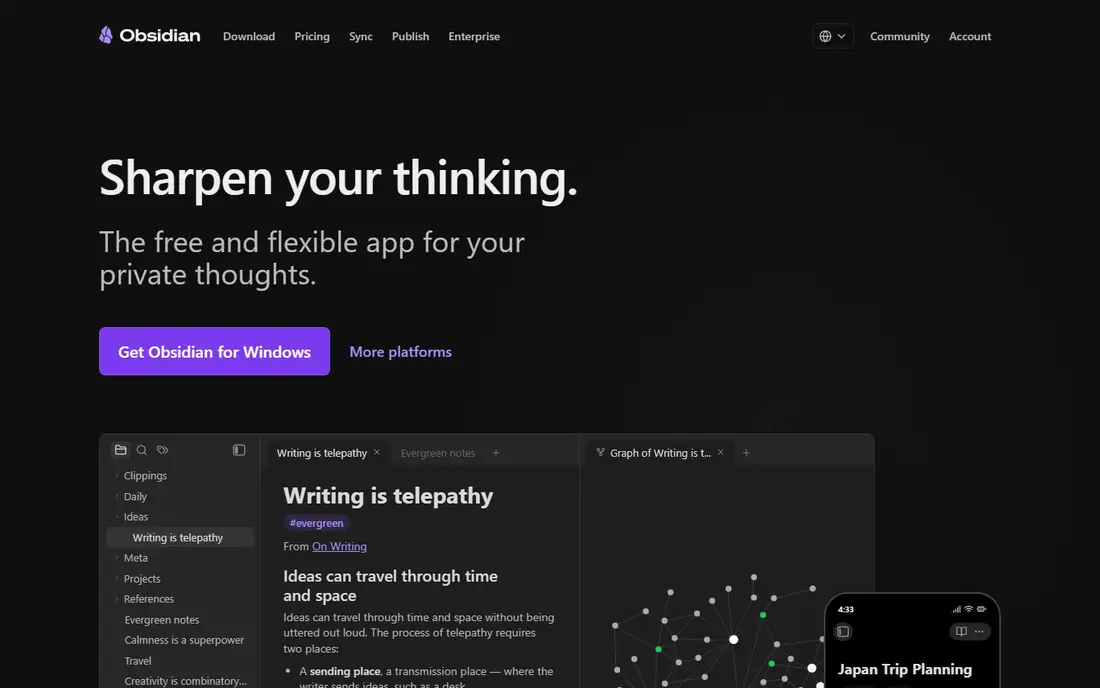
Obsidian starts from a different idea than Notion: your notes live on your device as plain Markdown files, not only inside a vendor cloud. That makes opening, searching, and linking notes fast, even offline, and a vault can be backed up, moved, or opened in another Markdown tool later. Links between notes and a graph view help you see how ideas connect, which suits researchers, students, and writers building a long-term collection.
The trade-off is collaboration and structure. Obsidian does not offer the same shared databases, permissions, and team wiki setup as Notion, and syncing across devices costs extra through Obsidian Sync at $4 per user per month billed annually. A solo user who values ownership and speed will likely prefer it, while a team that needs shared databases should look at Notion instead.
What we like- Free for personal use with local Markdown files
- Fast offline access
- Large plugin and theme community
- Graph view of linked ideas
Watch out for- Sync costs $4 per user per month billed annually
- Publish $8 per site per month
- Commercial license $50 per user per year
- Advanced setups take time
#2Notion
Best for: Team knowledge workspace4.6/5 on
G2 (13,834 reviews, checked Oct 2026)
Visit notion.so
Starting priceFree
Free planYes
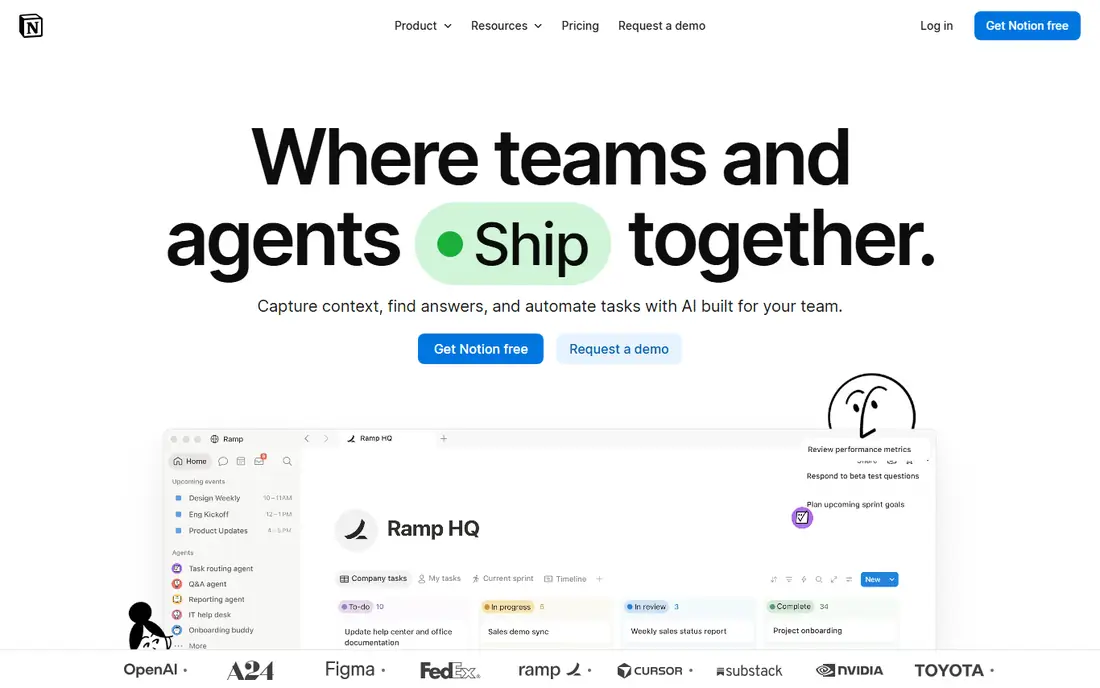
Notion is the clear winner for teams. Several people can edit one page at the same time, leave comments, and share a teamspace with permissions, which makes it the best shared second brain for companies. Databases turn notes into structured knowledge, and the workspace covers docs, wikis, and project tracking in one place.
Free covers solo use, and Plus costs $10 per member per month billed yearly, but full AI, including agents and Ask Notion, requires Business at $20 per member per month, since the old $10 AI add-on was retired in May 2025. Pages can also slow down once a workspace grows large. For team knowledge, Notion remains the standard.
What we like- Free for solo use
- Plus at $10 per member per month billed yearly
- Powerful databases and teamspaces
- Real-time co-editing
Watch out for- Full AI requires Business at $20 per member per month
- Pages slow down once a workspace grows large
- Cloud only, no local-first storage
Starting priceFree
Free planYes
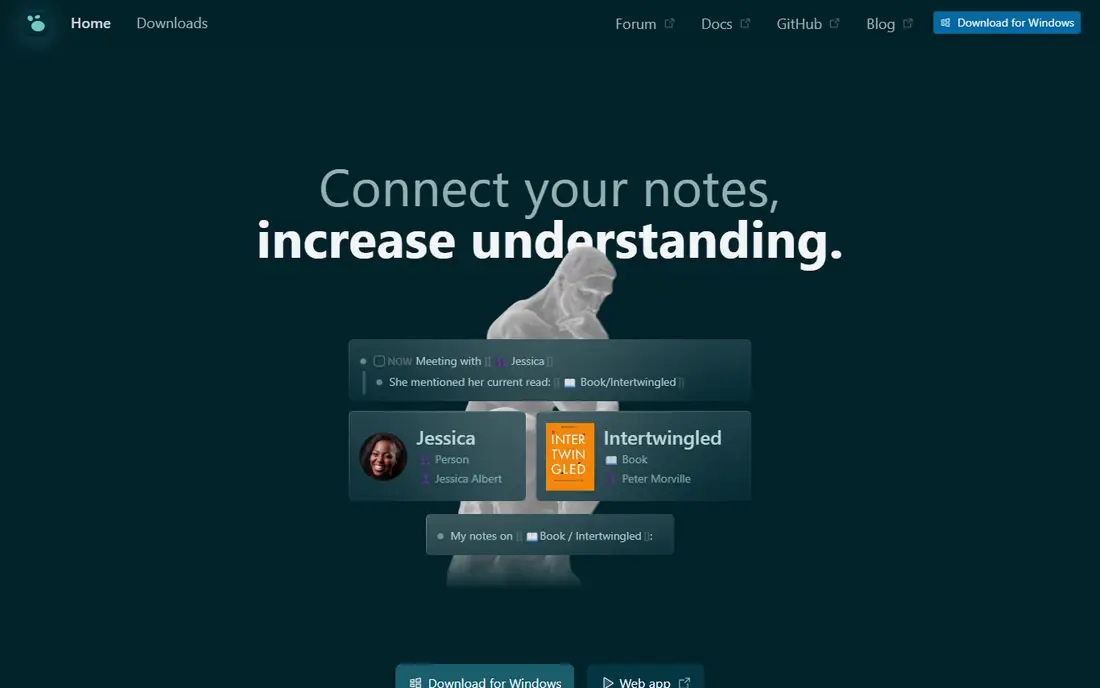
Logseq is the best free outliner for researchers who think in outlines and links. It is open source and local-first, with daily notes, bidirectional linking, and a graph overview of ideas, plus full offline access. For students and researchers building a Zettelkasten of linked lecture notes at zero cost, Logseq is hard to beat.
The outliner model takes getting used to for writers who think in long documents, and the interface is plainer than Notion. Optional Sync costs $5 per month in guides. For free, open, linked thinking, Logseq is the best choice.
What we like- Free and open source
- Outliner with bidirectional linking and graph view
- Local-first with full offline access
- Optional Sync at $5 per month
Watch out for- Outliner model takes getting used to
- Interface is plainer than Notion
- Smaller plugin ecosystem than Obsidian
Starting price$15 per month
Free planNo
Roam Research pioneered the bidirectional linking movement and remains popular with knowledge workers who do serious thinking. Its block-level structure, where every bullet is referenceable, plus daily notes and a graph overview, still suits developing ideas in a way few tools match.
It is expensive next to the alternatives at about $15 per month or $165 per year, with no real offline access and cloud-only storage. Newer tools have caught up on features, so Roam now suits researchers who specifically love its interface rather than anyone seeking the cheapest linked notes.
What we like- Pioneered bidirectional linking
- Block-level structure where every bullet is referenceable
- Daily notes and graph overview
- Real-time multiplayer
Watch out for- Pro near $15 per month or $165 per year in guides
- No real offline access
- Stores data in the cloud only
- Expensive next to free rivals
Starting priceFree
Free planYes
Anytype is the encrypted local-first alternative to Notion. It offers Notion-style objects, databases, and pages, but stores data locally with encryption, which suits privacy-minded users who want a modern workspace without a cloud-only vendor. Plus costs $4 per month in guides for extra features.
The community is smaller than Notion or Obsidian, and collaboration features are still maturing. For a private, local-first workspace that feels modern, Anytype is the best privacy pick.
What we like- Free with local-first encrypted storage
- Notion-style objects and databases
- Plus at $4 per month in guides
- Strong privacy story
Watch out for- Smaller community than Notion or Obsidian
- Collaboration features still maturing
- Sync and advanced features sit behind Plus
Starting priceFree
Free planYes
Capacities treats notes as objects: people, books, meetings, and ideas each become typed objects with their own properties and links, which makes a second brain feel structured rather than flat. That model suits users who collect many kinds of knowledge and want each kind to behave differently.
Pro costs $11.99 per month, or $119.88 per year, in guides, a jump from free rivals, and the ecosystem is smaller than Obsidian. For object-based thinking with a clean interface, Capacities is the most elegant option here.
What we like- Object-based notes where people, books, and ideas are typed objects
- Clean interface
- Pro at $11.99 per month, or $119.88 per year, in guides
Watch out for- Pro pricing is a jump from free rivals
- Smaller ecosystem than Obsidian
- Object model takes learning for plain note-takers
Starting price$11.99 per month
Free planNo
Heptabase pairs a visual whiteboard with notes, letting spatial thinkers arrange cards, PDFs, and notes on a canvas and see connections visually rather than in a list. That suits researchers and visual learners who think by moving ideas around a board.
There is no free tier in guides, and Pro costs $11.99 per month, or about $8.99 billed annually, which prices it above free rivals. For visual thinking with notes attached, Heptabase is the best whiteboard-first second brain.
What we like- Visual whiteboard plus notes in one tool
- Strong for spatial thinkers and researchers
- Pro near $8.99 per month billed annually in guides
Watch out for- No free tier in guides
- Pro at $11.99 per month monthly
- Narrower appeal for linear writers
Starting priceFree
Free planYes
Tana is the AI-native outliner, built around supertags that turn outline bullets into structured data and AI features that summarize meetings and surface knowledge. It suits meeting-driven knowledge work, where notes from calls become structured, searchable records without manual filing.
Pro costs near $20 per month in guides, and the tool carries a learning curve, since its model differs from plain note apps. For AI-native outlining with structured data, Tana is the most forward-looking pick.
What we like- AI-native outliner with agentic meeting notes
- Supertags for structured data
- Strong for meeting-driven knowledge work
Watch out for- Pro near $20 per month in guides
- Newer tool with a learning curve
- AI features are the main price driver
How we chose
We started from what second brain apps must do well: capture ideas fast, link them so they resurface later, and keep the knowledge under your control. We compared vendor pricing pages and current 2026 guides, and we favored tools with clear pricing, real free tiers, and honest limits. We left out dead tools, chat-only AI apps that do not accumulate knowledge, and tools whose pricing could not be traced. Prices here come from September and October 2026 guides and vendor pages, and they vary by billing period, so check the pricing page before you pay. A conversation with a chatbot is not a knowledge base: it does not automatically accumulate, organize, or resurface what you gave it last month, which is exactly the job these tools do.
How to pick a second brain app
Start with how you think, not the feature list. Outliners, document writers, visual thinkers, and team wiki builders each need a different tool, and the wrong model will sit unused however good the app looks.
Match the model to your mind
Outliners should pick Logseq, Roam, or Tana. Document and database thinkers should pick Notion or Anytype. Markdown owners should pick Obsidian. Visual thinkers should pick Heptabase, and object collectors should pick Capacities. The model matters more than the price, since an unused second brain costs more in lost knowledge than any subscription.
Decide what ownership means to you
Local-first tools such as Obsidian, Logseq, and Anytype keep your notes as files you control, which protects against vendor changes and price rises. Cloud tools such as Notion and Roam offer better collaboration and less setup, at the cost of vendor dependence. If your notes must survive a decade, local-first wins; if your team must share them today, cloud wins.
Start free, pay only for the AI you use
The tools that store knowledge are cheapest when they are simple: Obsidian is free, Logseq is free, and Notion is free for solo use. The AI layer is where everyone charges, from $4 per month for Obsidian Sync to $20 for Notion Business or Tana Pro. Start free, build the capture habit first, and pay only when AI search or agents save you measurable time.
Frequently asked questions
What is the best second brain app overall?
Obsidian for personal ownership and free use, Notion for team knowledge, and Logseq for free outliner research. No single app wins every model, so pick by how you think, not by popularity.
Is Obsidian really free?
Yes, for personal use, including local storage without limits. Optional Sync costs $4 per user per month billed annually, Publish costs $8 per site per month, and a commercial license costs $50 per user per year for business use.
What is the difference between a second brain and a note app?
A note app stores notes. A second brain links them, resurfaces them, and grows into a knowledge system you can search, browse by graph, and build on over years. Linking, daily notes, and structured objects are what separate the two.
Do I need AI in a second brain app?
No, not to start. Capture and linking habits matter more than AI features, and free tools cover both. AI helps later for search across large vaults and meeting summaries, and that is when paid tiers earn their price.
Which second brain app is best for students?
Obsidian for free, linked lecture notes, and Logseq for free outliner research. Craft also suits Apple students, but this list favors the free and cross-platform options that work on any device a student already owns.
Sources we checked (8)
- https://obsidian.md
- https://www.notion.so
- https://logseq.com
- https://roamresearch.com
- https://anytype.io
- https://capacities.io
- https://heptabase.com
- https://tana.inc
Is your product missing or out of date?
We review this list regularly. Vendors can request a listing, send updated pricing or ask about featured placement.

Shihab Mia · Founder, Rankite
Shihab has 5+ years in B2B and SaaS SEO. He writes Rankite's software buying guides from pricing pages, documentation and public user reviews. More about Shihab.