How we make this list: we compare pricing pages, product documentation and public user reviews. Ratings come from G2, Capterra or Trustpilot, with the date we checked them.
Key takeaways
- Google Lens leads for everyday use, with camera search, shopping, translation, and homework help built into Google and Chrome.
- TinEye leads on privacy and verification, searching 86.4 billion images without saving or indexing search images.
- Berify and Pixsy lead for creators, combining image matching with monitoring, takedowns, and legal recovery.
- Lenso leads on AI categories, with separate models for faces, places, duplicates, and similar images plus research mode.
- Face search tools must be used responsibly: search only your own photos or images you have rights to, never to track strangers.
Quick comparison
Is your product missing or out of date?
We review this list regularly. Vendors can request a listing, send updated pricing or ask about featured placement.
Starting priceFree
Free planFree
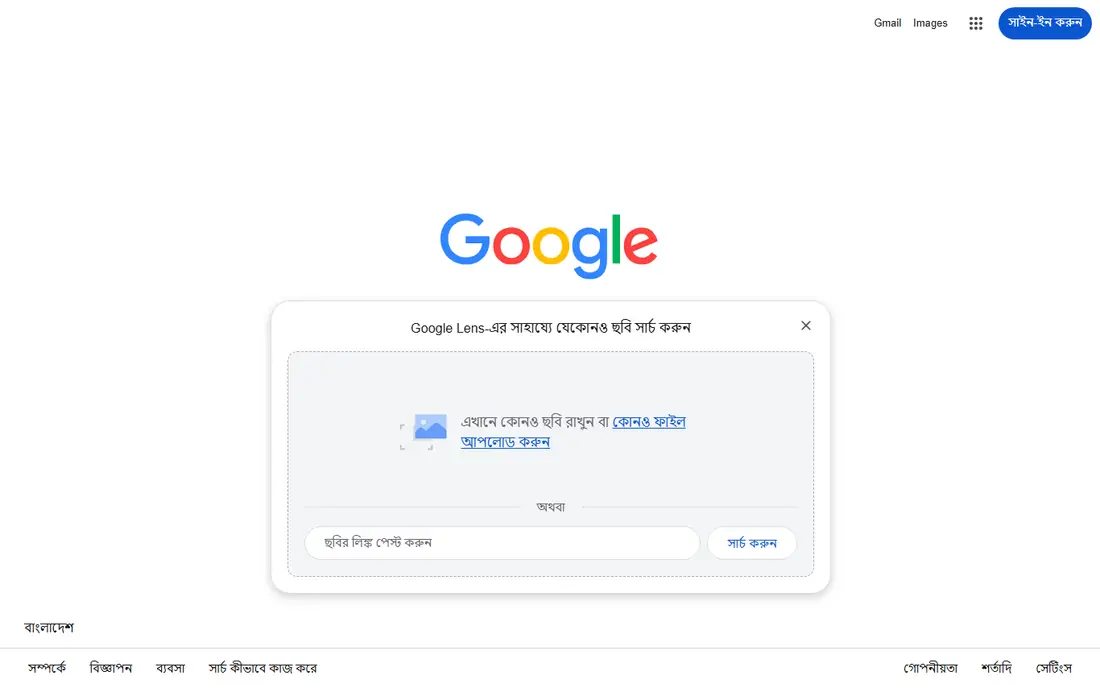
Google Lens lets users search with a camera, an image, or a screenshot instead of words. Point it at a product to find who makes it, how much it costs, and where to buy it, refining with text for different patterns, colors, or sizes. Point it at the world to identify plants, dogs, artwork, murals, and landmarks, or copy and translate text from menus, signs, and handwriting in over 100 languages. In Chrome on desktop, Lens searches anything on a web page without leaving the tab. Google Lens suits anyone who wants one free visual search tool already on their phone and browser.
What we like- Free on desktop, mobile, Chrome, and Google Photos
- Shop what you see with prices and sellers
- Identify plants, animals, artwork, and landmarks
- Translate menus, signs, and handwriting in over 100 languages
- Step-by-step homework help for math, history, chemistry, biology, and physics
- New create mode restyles photos with prompts
Watch out for- Shopping results limited to listed countries
- No dedicated image-theft monitoring or alerts
Starting priceFree
Free planFree
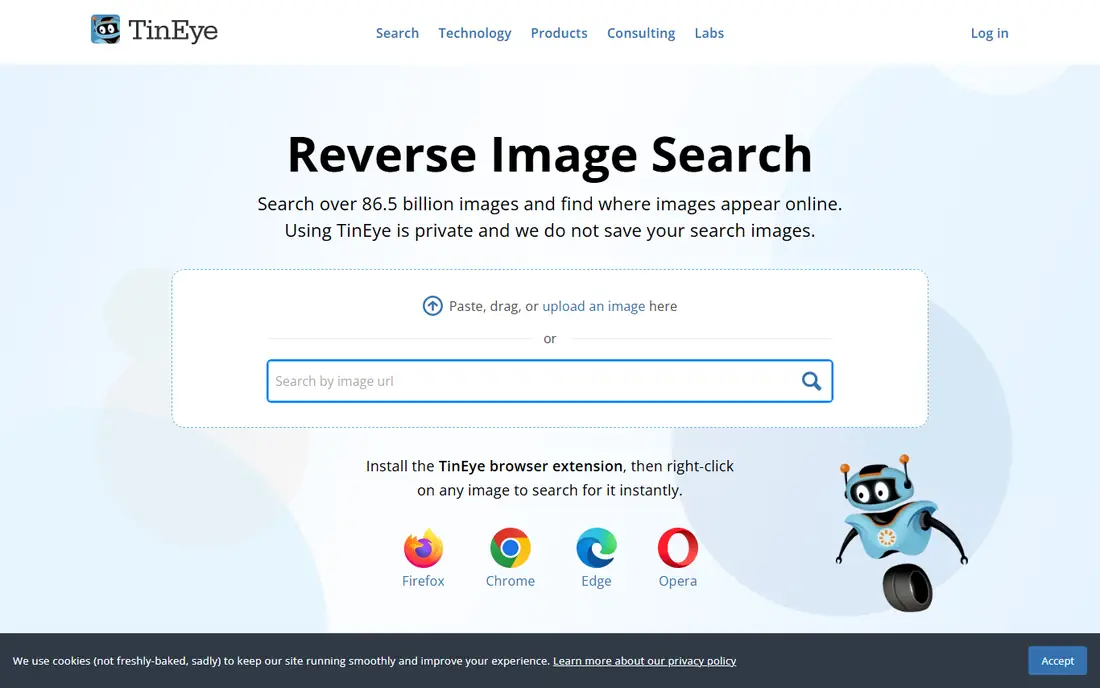
TinEye is a dedicated reverse image search engine that continuously crawls the web to help users find, verify, and track images online. Upload an image or paste a URL to find where it appears, sort results by first occurrence or largest and most edited version, and compare the search image with matches to see differences. Privacy is central: TinEye does not save or index search images. Business products add MatchEngine for duplicate detection, a TinEye API for large-scale verification, TinEye Alerts for ongoing tracking, and specialized engines for cards, mobile recognition, colors, and wine labels. TinEye suits journalists, researchers, and anyone verifying an image before trusting or publishing it.
What we like- Searches over 86.4 billion images
- Private by design, never saves or indexes search images
- Sorts by first occurrence, largest version, or most edited version
- Compares search images with matches to show modifications
- Verifies stock photos and copyright status
- Business APIs for match engine, alerts, card matching, and mobile recognition
Watch out for- No shopping or product identification focus
- Advanced features need business plans
Starting priceFree
Free planFree
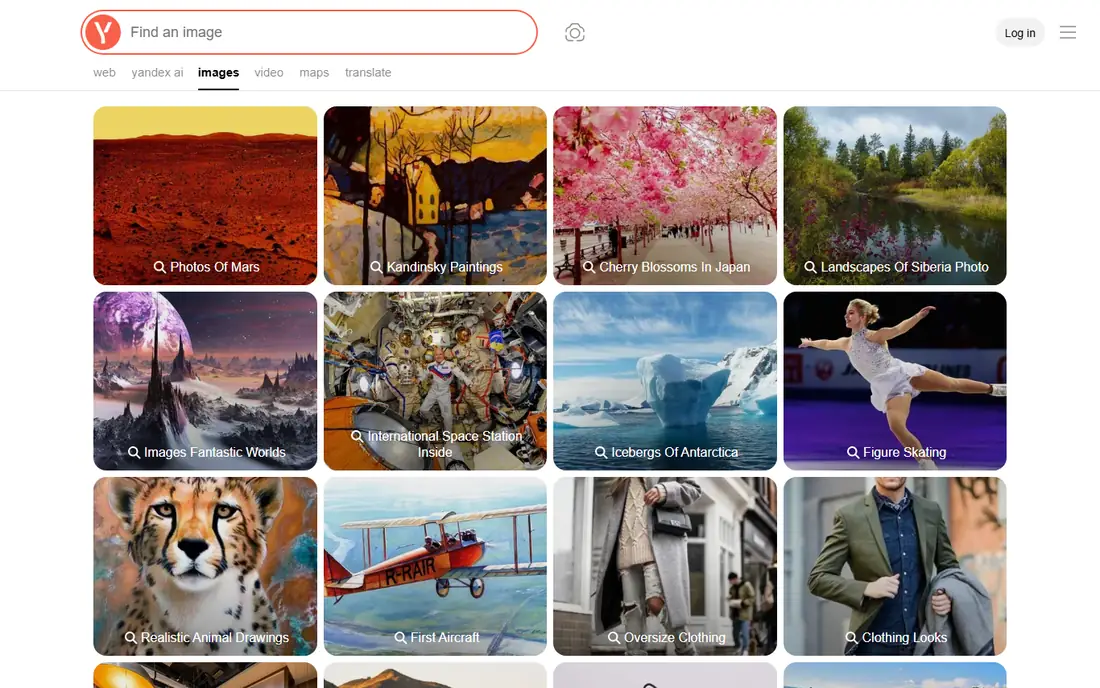
Yandex Images offers search by images and photos, letting users upload a picture or paste a URL to find matching and visually similar images across the web. Third-party comparisons credit Yandex with strong similar-image matching, including facial and geographical identification, and note that it returns images in different sizes alongside visually similar results. The homepage itself returned only navigation and legal links in our check, so feature details rest on published descriptions rather than homepage copy. Yandex Images suits users who want a second opinion alongside Google and TinEye, especially for similar-image discovery.
What we like- Free image search from a major search engine
- Strong on visually similar images, faces, and geography per third-party descriptions
- Upload or paste a URL to search
- No account needed for basic search
Watch out for- Homepage extract was thin, so feature details rest on published descriptions
- Interface and results skew toward Russian-language content
- Privacy terms differ from US providers
Starting priceSee website
Free planFree search
PimEyes is a face recognition search engine that finds where a face appears across the open web, helping users monitor their images, protect privacy, and audit copyright usage. The process runs in four steps from upload to results, and the service is available exclusively through its own website, with no Telegram bots, mobile apps, or third-party subscriptions. A free search shows where images appear before committing to a plan. PimEyes suits people auditing their own digital footprint and creators tracking unauthorized face use, used only on their own photos or images they have rights to.
What we like- Dedicated face recognition search across the open web
- Monitors digital footprint and copyright usage
- Free initial search
- 500,000 plus users
- Available only through its own website, with no Telegram bots or third-party apps
Watch out for- Full results and monitoring need a subscription
- Face search raises privacy questions that demand responsible use
Starting priceFree
Free planFree searches
Berify provides reverse image search to help photographers, models, lawyers, agencies, vloggers, and brands find stolen images and videos online. Upload photos directly or import from a site sitemap or RSS feed, and Berify returns exact matches plus possible matches, including cropped, filtered, and color-adjusted versions other engines miss, with results from its own database plus Google, Bing, Yandex, and Baidu. Email updates arrive whenever new matches appear, and a developer API integrates the search into other applications. Berify suits creators who want ongoing monitoring with alerts rather than one-off searches.
What we like- Searches over 800 million images plus data from major image search engines
- Finds exact and similar matches including cropped, filtered, and modified versions
- Reverse search for video content and frames
- Email updates when new matches appear
- Developer API
- Free searches with no credit card required
Watch out for- Homepage theft statistics are vendor research, not independent data
- Monitoring depth needs a paid plan
Starting priceSee website
Free planFree face search
Lenso is an AI reverse image search engine that searches billions of images with diverse AI-trained models for faces, places, duplicates, related, and similar images, each category generating unique but consistently relevant results. Face search finds where photos of a face appear with high precision, while duplicate search traces original sources for copyright protection. Research mode delivers 10,000 results for people and duplicates with advanced filters by language, domain, date range, size, and title keyword, plus URL and text refinement, shareable links, alerts, and collections. Lenso suits power users who want category control and deep result sets beyond a single general search.
What we like- AI-trained models for faces, places, duplicates, related, and similar images
- Research mode with 10,000 results for people and duplicates
- Advanced filters by language, domain, date range, size, and title keyword
- URL and text filters
- Shareable searches
- Alerts and collections
- Developer API with up to 5,000 calls per month on the Developer plan
Watch out for- Facial search available only in selected regions
- Homepage pricing not shown
- Category results vary by query type
Starting priceFree
Free planMonitor 500 images
Pixsy helps photographers, agencies, and creators detect unauthorized image use, monitor copyright infringement, and recover compensation. Import images with one-click platform connections or manual uploads, and Pixsy scans the public internet daily, grouping matches with AI filters and alerting users to new detections. From a match, users can send legally binding takedown notices in local law and language, or submit a case for resolution, where Pixsy's copyright experts and international legal partners handle recovery on a no win, no fee basis, charging 50 percent only on successful recovery. Monitoring 500 images is free forever. Pixsy suits professional photographers whose income depends on licensing.
What we like- Monitors 150 million images daily with over 350 million matches found
- Free monitoring for 500 images forever
- No win, no fee case recovery with a 50 percent recovery fee only on success
- Legally binding takedown notices worldwide
- US Copyright Office integration
- 150,000 plus creatives from 120 plus countries
- Over 250,000 infringement cases managed
Watch out for- Recovery fee takes half of any payout
- Case handling is licensing-agent based, not a law firm
- Best suited to professional photographers and agencies
Starting priceFree
Free planFree
ReverseImageSearch.com offers a free search-by-image tool that retrieves results from four major search engines, Google, Bing, Baidu, and Yandex, without visiting each one separately. Upload, drag and drop, or paste an image in JPG, JPEG, PNG, WEBP, or HEIC formats, preview the selection, filter by relevance, size, or type, and explore similar results within seconds. Face recognition helps track people-related visuals, and uploads are automatically deleted after the session for privacy. ReverseImageSearch.com suits casual users who want one free upload to check several engines at once.
What we like- Free multi-engine search across Google, Bing, Baidu, and Yandex from one upload
- Drag, drop, paste, or upload in JPG, JPEG, PNG, WEBP, and HEIC formats
- Image filtering by relevance, size, and type
- Face recognition
- Automatic deletion of uploads after the session
- Mobile compatible on Android and iOS browsers
Watch out for- Aggregator quality depends on the underlying engines
- No dedicated monitoring, alerts, or legal recovery features
How we chose
We opened each homepage and compared index size, search categories, privacy handling, monitoring features, and pricing transparency. Two well-known names were excluded: Bing Visual Search and SauceNAO, whose homepages were blocked by policy in our checks and were not retried, so they could not be verified here. Yandex Images is kept with a thin-extract flag, since its homepage returned only navigation and legal links.
Start with the task. For everyday identification, shopping, and translation, Google Lens is free and already installed for most users. For verifying an image before publishing, TinEye's privacy promise and first-occurrence sorting are unmatched. For similar-image discovery, add Yandex Images and Lenso as second opinions. For creators, Berify covers monitoring and alerts, while Pixsy adds takedowns and no win, no fee recovery.
Then mind the ethics. Face search tools like PimEyes and Lenso can find real people, so use them only on your own photos, your clients' licensed images, or images you have clear rights to check. Searching strangers, stalking, or building profiles of people without consent can violate platform terms and privacy law, and results can include lookalikes rather than confirmed matches. Always confirm identity through a second source before acting on a face match. For copyright disputes, keep dated screenshots and original files, since platforms and courts weigh original evidence over search results alone.
Frequently asked questions
What is the best reverse image search tool?
Google Lens leads for everyday use, TinEye for privacy and verification, Lenso for AI categories, and Pixsy for copyright recovery. The best choice depends on whether the goal is identification, verification, or enforcement.
Is reverse image search free?
Most tools here offer free searches. Google Lens, TinEye, Yandex Images, and ReverseImageSearch.com are free for basic use, while Berify offers free searches and Pixsy monitors 500 images free forever.
Can reverse image search find the original source of an image?
Often, yes. TinEye sorts by first occurrence, Lenso traces duplicates to original sources, and Berify finds exact and modified matches. Results depend on index coverage, so checking two engines improves odds.
Can reverse image search identify a person?
Face search tools like PimEyes and Lenso can find photos of the same face online, but results may include lookalikes. Use them only on your own photos or images you have rights to check, and confirm identity through a second source.
Does TinEye save my search images?
No. TinEye states that using it is private and that it does not save or index search images.
What should I do if someone steals my photo?
Document the use with dated screenshots, keep original files, send a takedown notice, and consider a service like Pixsy for licensing recovery or Berify for ongoing monitoring.
Sources we checked (8)
- https://lens.google.com/
- https://tineye.com/
- https://yandex.com/images
- https://pimeyes.com/
- https://berify.com/
- https://lenso.ai/
- https://www.pixsy.com/
- https://reverseimagesearch.com/
Is your product missing or out of date?
We review this list regularly. Vendors can request a listing, send updated pricing or ask about featured placement.

Shihab Mia · Founder, Rankite
Shihab has 5+ years in B2B and SaaS SEO. He writes Rankite's software buying guides from pricing pages, documentation and public user reviews. More about Shihab.
 Google Lens
 TinEye
 Yandex Images
 PimEyes
 Berify
 Lenso
Lenso Pixsy
Pixsy ReverseImageSearch.com