How we make this list: we compare pricing pages, product documentation and public user reviews. Ratings come from G2, Capterra or Trustpilot, with the date we checked them.
Key takeaways
- Microsoft To Do is the best genuinely free reminder app, with no paid tier, reminders included, and apps on every platform.
- Apple Reminders is the best free pick on iPhone and Mac, with Siri, shared lists, and plain-language input since iOS 27.
- Google Tasks suits Gmail and Google Calendar households, with free minimal reminders inside tools you already use.
- Todoist suits power users who want projects, labels, and natural-language dates, though reminders are a Pro feature.
- TickTick suits all-in-one users who want tasks, habits, Pomodoro, and calendar in one app.
- Any.do suits polished lists and family sharing, Due suits nagging reminders that repeat until done, and Remember The Milk suits email-based reminders.
- The ranking weighs one thing above features: does the reminder reach you and get you to act?
Quick comparison
Is your product missing or out of date?
We review this list regularly. Vendors can request a listing, send updated pricing or ask about featured placement.
The best reminder apps
Starting priceFree
Free planYes
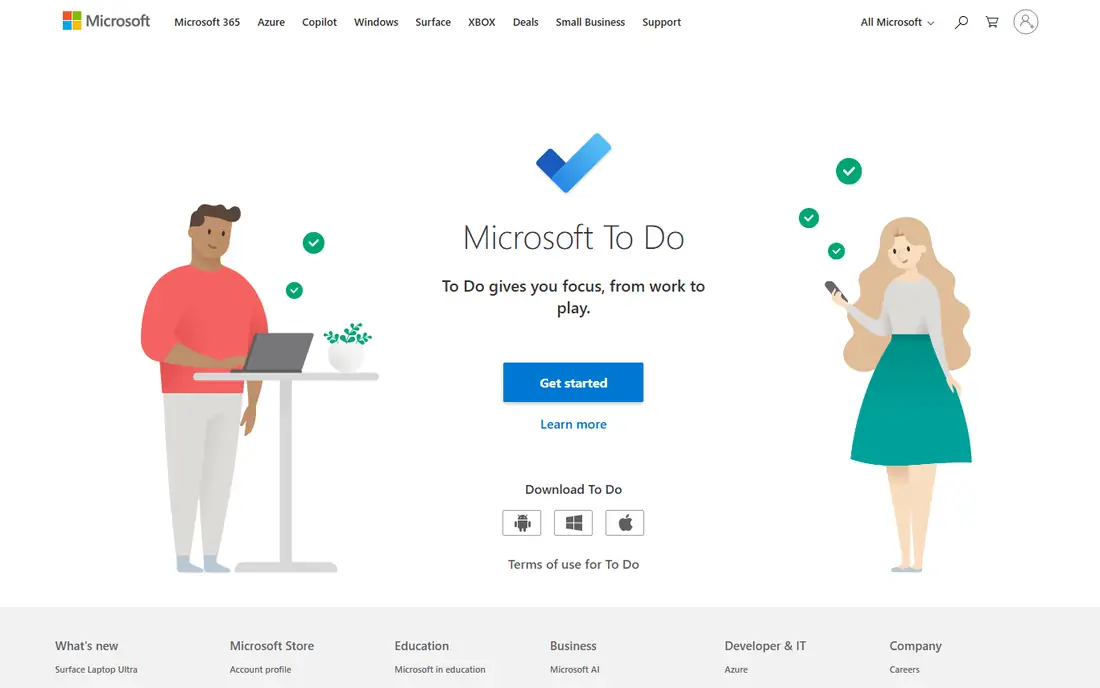
Microsoft To Do is the best genuinely free reminder app: it has no paid tier, includes reminders, and runs on Windows, Mac, iPhone, Android, and the web with a Microsoft account. Outlook integration suits Microsoft 365 users, with tasks synced across Outlook, Teams, and To Do. Lists, steps, and due dates cover most personal reminder needs.
Reminders stay inside the Microsoft world, and power features like filters and labels are thinner than Todoist. For free reminders on every platform, Microsoft To Do is clearly the top pick, since no other app combines free reminders with every platform.
What we like- Genuinely free, no paid tier
- Reminders included
- Runs on Windows, Mac, iPhone, Android, and web
Watch out for- Reminders stay inside the Microsoft world
- Fewer power features than Todoist
- Design plain
Starting priceFree
Free planYes
Apple Reminders is built into iPhone, iPad, and Mac, with Siri input, shared lists, and, since iOS 27, plain-language input on iPhone 15 Pro or newer: type a line such as remind me to go grocery shopping at 2pm on Thursday and Reminders fills in the date and time itself. The app is free with iOS and macOS, with a web version for iCloud users.
Reminders work only on Apple devices, and the app gives one alert, then silence, with no nagging until done. For Apple users who want a free built-in app, Apple Reminders is clearly the best pick, since it is already installed and synced.
What we like- Free with iOS and macOS
- Siri input
- Shared lists
- Plain-language input since iOS 27
Watch out for- Apple devices only
- One alert, then silence
- No nagging
Starting priceFree
Free planYes
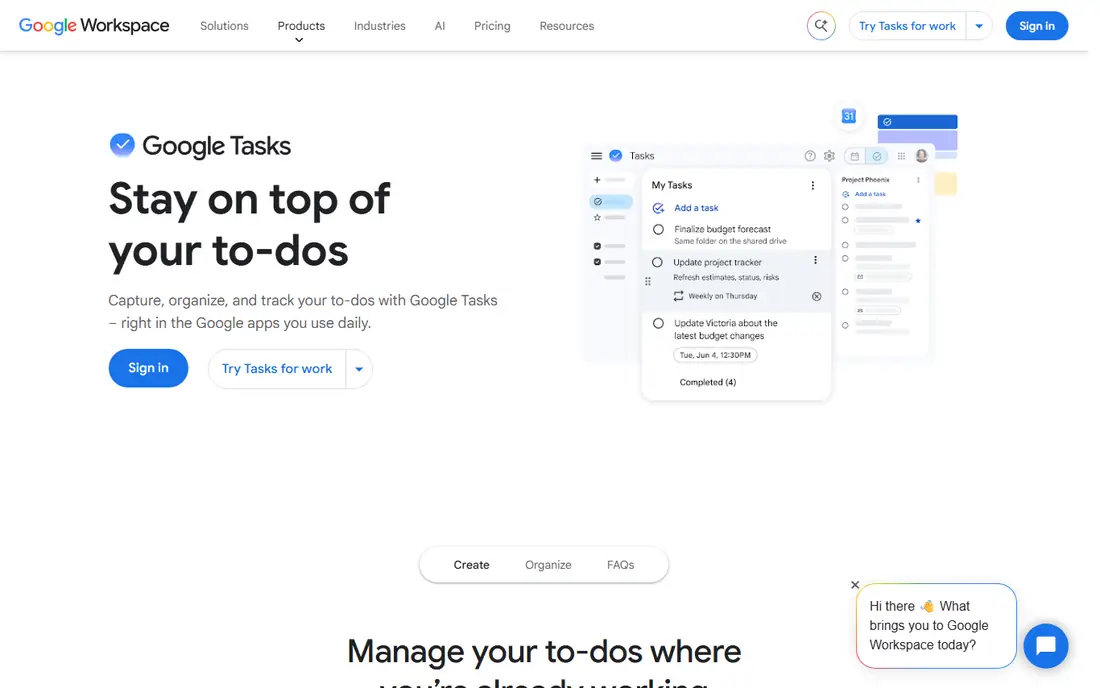
Google Tasks is free with a Google account and lives inside Gmail and Google Calendar, which suits households that already run on Google. Tasks created from emails or calendar events appear in one list, with due dates and subtasks. The app is minimal and fast, with no learning curve.
Notifications are basic, with no nag and no natural language input, and location reminders are gone, since Google moved Keep reminders into Tasks. For Gmail and Calendar users who want simple free reminders, Google Tasks is clearly the best pick, since it lives inside tools they already open daily.
What we like- Free with a Google account
- Lives inside Gmail and Calendar
- Minimal and fast
Watch out for- Basic notifications, no nag
- No natural language
- Location reminders gone
Starting price$7 per month
Free planYes
Todoist is the strongest app-store option for power users, with projects, labels, filters, and natural-language dates that turn typed lines into scheduled tasks. The free tier covers basic tasks, while Pro starts at $7 per month or $60 per year, with some sources listing $5 per month billed annually, so check the current page.
Reminders are a Pro feature, which is the key free tier limit: free users can set due dates but not reminder alerts. For power users who want a full task system, Todoist is clearly the best pick, since its filters and labels lead the category.
What we like- Projects, labels, and filters
- Natural-language dates
- Cross-platform power
Watch out for- Reminders are a Pro feature
- Pro price varies by source
- Free tier caps projects

#5TickTick
Best for: All-in-one tasks and habits4.5/5 on
G2 (113 reviews, checked Oct 2026)
Visit ticktick.com
Starting price$49.99 per year
Free planYes
TickTick combines tasks, habits, a Pomodoro timer, and a calendar in one app, with a free tier that includes reminders, unlike Todoist. Premium starts at $49.99 per year, with some sources listing $35.99 per year on offer, so check the current page. The all-in-one design suits users who want one app for tasks, habits, and time blocking.
The free tier caps reminders at 2 per task and habits at 5, which limits heavy users. For all-in-one users who want reminders on the free tier, TickTick is clearly the best pick, since its free tier includes reminders that Todoist holds back.
What we like- Tasks, habits, Pomodoro, and calendar in one app
- Free tier includes reminders
- Affordable premium
Watch out for- Free tier caps at 2 reminders per task and 5 habits
- Premium price varies by source

#6Any.do
Best for: Polished lists and family sharing4.2/5 on
G2 (197 reviews, checked Oct 2026)
Visit any.do
Starting price$4.99 per month
Free planYes
Any.do offers polished lists, a daily Plan My Day prompt that helps people who forget to open to-do apps, and shared and family reminders. Premium starts at $4.99 per month billed yearly, with $7.99 monthly in some sources, and adds WhatsApp reminders, unlimited lists, and advanced features. The free tier covers basic lists and reminders.
WhatsApp reminders need Premium, and the free tier limits some features. For polished lists and family sharing, Any.do is clearly a strong pick, since its daily Plan My Day prompt helps people who forget to open to-do apps.
What we like- Polished lists
- Daily Plan My Day prompts
- Shared and family reminders
- WhatsApp reminders on Premium
Watch out for- WhatsApp integration needs Premium
- Premium price varies
- Free tier limits features
Starting price$7.99 one-time
Free planNo
Due is the nagging reminder app: it auto-snoozes and repeats a reminder until you mark it done, which suits people who dismiss a single alert and forget. The app costs $7.99 once on iOS, with an optional Upgrade Pass for later features, and some sources list $9.99, so check the current store listing. The design is simple and focused on one job.
Due is Apple only, bought per platform, and it can only nag, with no full task system underneath. For people whose reminders fail because one alert is easy to ignore, Due is clearly the best pick, since its nagging loop is unmatched in this list.
What we like- Auto-snooze nagging until you mark it done
- One-time purchase
- Simple and focused
Watch out for- Apple only
- Bought per platform
- Can only nag, no full task system
Starting price$49.99 per year
Free planYes
Remember The Milk offers reminders by email and instant message, which suits people who live in email and want reminders to arrive where they already read messages. Smart lists, tags, and cross-platform apps cover personal and shared tasks, with a free tier for basic lists.
Reminders require the Pro plan at $49.99 per year, which is the key free tier limit, and the interface feels dated compared with Todoist or TickTick. For email-based reminders, Remember The Milk is clearly the best pick, since its email and message alerts suit people who live in email daily for work.
What we like- Email and instant-message reminders
- Cross-platform
- Smart lists and tags
Watch out for- Reminders require Pro
- Free tier limits features
- Interface dated
How we chose
We compared whether reminders actually reach you and get you to act, free tier usefulness, nagging behavior, natural-language input, platform support, and pricing. We also weighed setup effort, since an app that takes twenty minutes to configure for a simple daily reminder is less likely to be used than one that takes two minutes. Apps that hold reminders behind paid plans scored lower than apps with free reminders. We favored apps with persistent alerts for forgetful users and noted where free tiers cap reminders. We did not test any app hands-on, and prices come from vendor and comparison sources, with conflicts noted.
Buying guide: what to check before you pick
Start with your platform: Apple users should start with Apple Reminders, Microsoft users with Microsoft To Do, and Google users with Google Tasks, since the built-in app is free and already synced. Switching ecosystems later is painful, since shared lists and history rarely move cleanly between platforms. Next, check whether reminders are free: Todoist and Remember The Milk hold reminders behind Pro, while Microsoft To Do, Apple Reminders, Google Tasks, and TickTick include them free. Check nagging behavior if you dismiss alerts: Due repeats until done, while Apple Reminders gives one alert and stops. Check sharing if you remind family members: Any.do and Apple Reminders support shared lists. Finally, test the app for a week with real reminders, since a reminder system only works if you actually see and act on its alerts.
Frequently asked questions
What is the best free reminder app?
Microsoft To Do is the best genuinely free reminder app, with no paid tier and apps on every platform. On iPhone, Apple Reminders is free and built in, while on Android, Google Tasks is the free default.
Do Todoist reminders require a paid plan?
Yes, reminders are a Pro feature in Todoist, starting at $7 per month or $60 per year. Free users can set due dates but not reminder alerts. TickTick includes reminders on its free tier.
What app nags me until I finish a task?
Due auto-snoozes and repeats reminders until you mark them done, which suits people who dismiss single alerts. Due is Apple only and costs $7.99 one-time on iOS.
Can I set reminders by voice?
Yes, Apple Reminders works with Siri, Google Tasks works with Google Assistant, and Microsoft To Do works with Cortana and Outlook voice features. Todoist and TickTick support natural-language typed dates.
What is the best reminder app for families?
Any.do suits families with shared lists and a daily Plan My Day prompt, while Apple Reminders suits Apple households with shared lists. Microsoft To Do also supports shared lists across platforms.
Sources we checked (0)
Is your product missing or out of date?
We review this list regularly. Vendors can request a listing, send updated pricing or ask about featured placement.

Shihab Mia · Founder, Rankite
Shihab has 5+ years in B2B and SaaS SEO. He writes Rankite's software buying guides from pricing pages, documentation and public user reviews. More about Shihab.
 Microsoft To Do
 Apple Reminders
 Google Tasks
 Todoist
 Due
Due Remember The Milk