How we make this list: we compare pricing pages, product documentation and public user reviews. Ratings come from G2, Capterra or Trustpilot, with the date we checked them.
Key takeaways
- Moovit offers the widest city coverage for riders, while Citymapper gives the most detail in the large metro areas it covers.
- Transit app suits daily commuters who want a clean real time view of nearby departures without extra clutter.
- Google Maps and Apple Maps are the best defaults, since most riders already have them and they cover driving, walking, and transit in one app.
- Optibus, Remix by Via, and Swiftly serve transit agencies, not riders, covering planning, scheduling, and real time performance.
- Always check the operator app for your city too, since it often carries disruption news faster than any third party app.
Quick comparison
| Tool | Best for | Starting price | Free plan |
|---|
 Moovit Moovit | Widest city coverage | Free | Yes |
 Citymapper Citymapper | Detail in large cities | Free | Yes |
 Transit Transit | Clean commuter departures | Free | Yes |
 Google Maps Google Maps | All in one default app | Free | Yes |
 Apple Maps Apple Maps | iPhone transit directions | Free | Yes |
 Optibus Optibus | Agency planning and scheduling | See website | No |
 Remix by Via Remix by Via | Agency route planning | See website | No |
 Swiftly Swiftly | Agency real time analytics | See website | No |
Is your product missing or out of date?
We review this list regularly. Vendors can request a listing, send updated pricing or ask about featured placement.
The best public transportation software
Starting priceFree
Free planYes
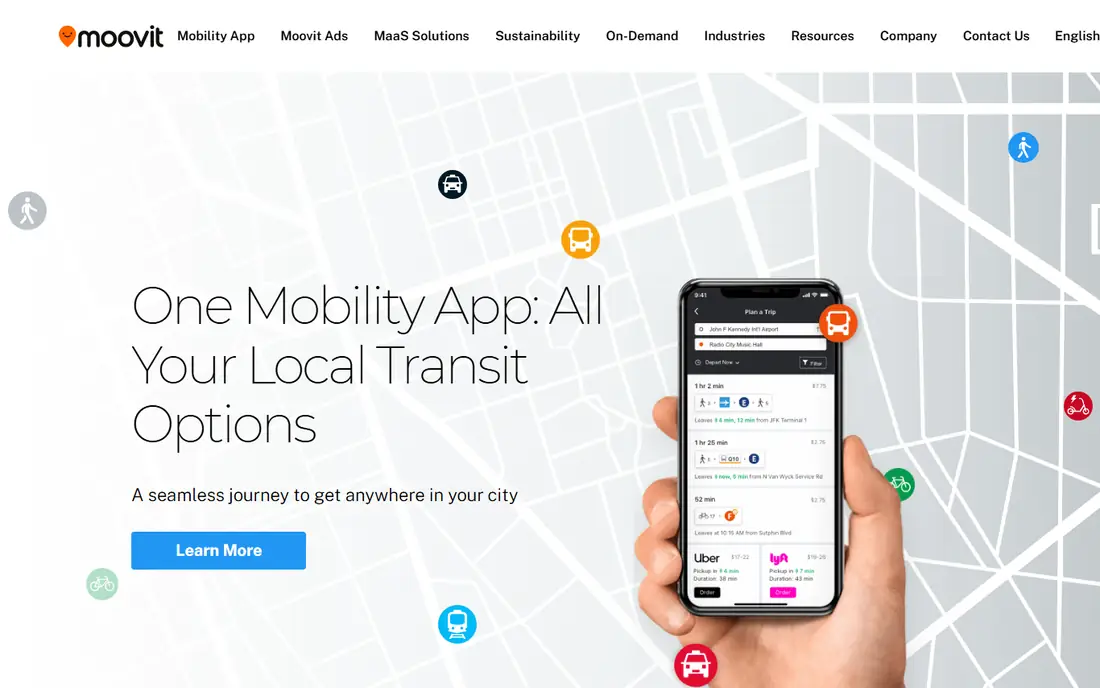
Moovit is the widest reaching transit app for riders. It combines bus, train, subway, ferry, bike share, and ride options into one trip plan, with step by step live directions that warn when the stop to get off is next. Service alerts flag delays, detours, and cancellations, and the app covers far more cities than Citymapper, which makes it useful for travel to smaller cities and new countries.
The free app includes ads, and some features sit behind in app purchases that vary by region. Real time accuracy depends on the quality of local agency data, so a familiar route test is wise before relying on it for a new commute. Moovit fits riders who travel to many cities and want one app that works in most of them.
What we like- Covers a very large number of cities worldwide
- Step by step live directions with get off alerts
- Service alerts and disruption updates
- Bike share and ride options in some cities
Watch out for- Ads on the free app
- Real time accuracy varies by city data quality
- Interface carries more options than simpler rivals
Starting priceFree
Free planYes
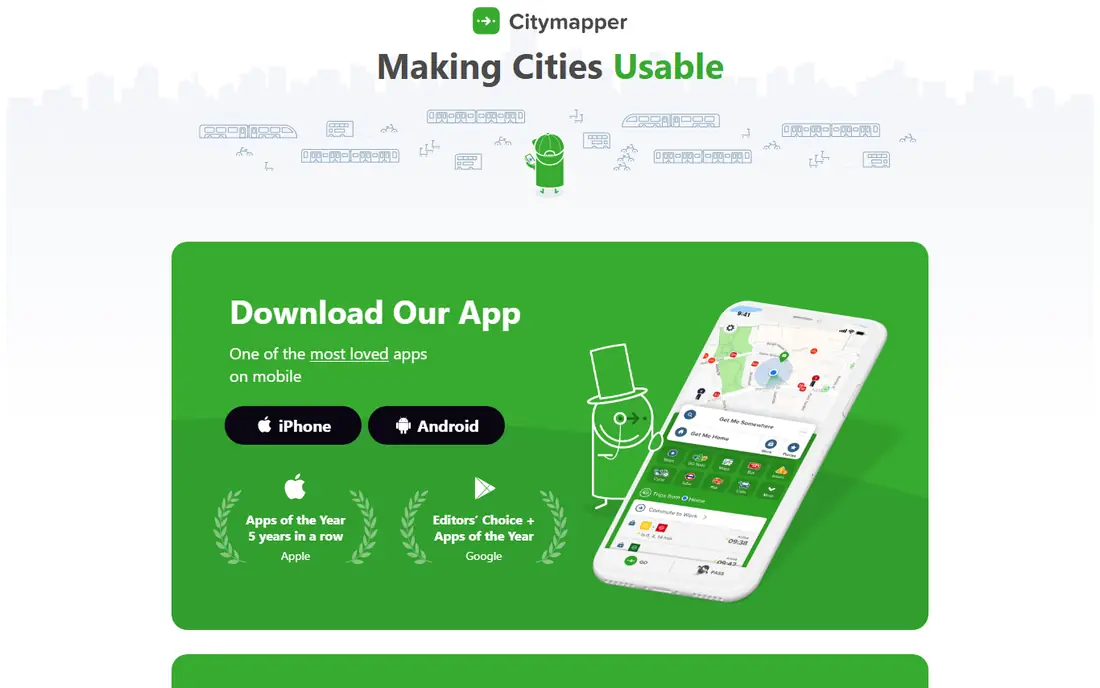
Citymapper gives the most polished transit experience in the cities it covers, including London, Paris, New York, Berlin, and other large metros. Routes include live times, disruption alerts, and practical details such as which train carriage to board and which station exit to use. Users can follow a line for push alerts, share a live trip link, and download metro maps for offline use.
The core app is free, with an optional ad removal subscription at $9.99 per year. The limit is coverage: outside its city list, Citymapper offers little, and riders there should use Moovit or Google Maps instead. Citymapper fits daily commuters in a covered large city who want the most detailed trip guidance available.
What we like- Very detailed routing in covered cities
- Live disruption alerts by line
- Offline metro maps
- Step by step guidance with carriage and exit tips
Watch out for- Covers fewer cities than Moovit or Google Maps
- Some smaller cities have no coverage
- Ad removal is the only paid option
Starting priceFree
Free planYes
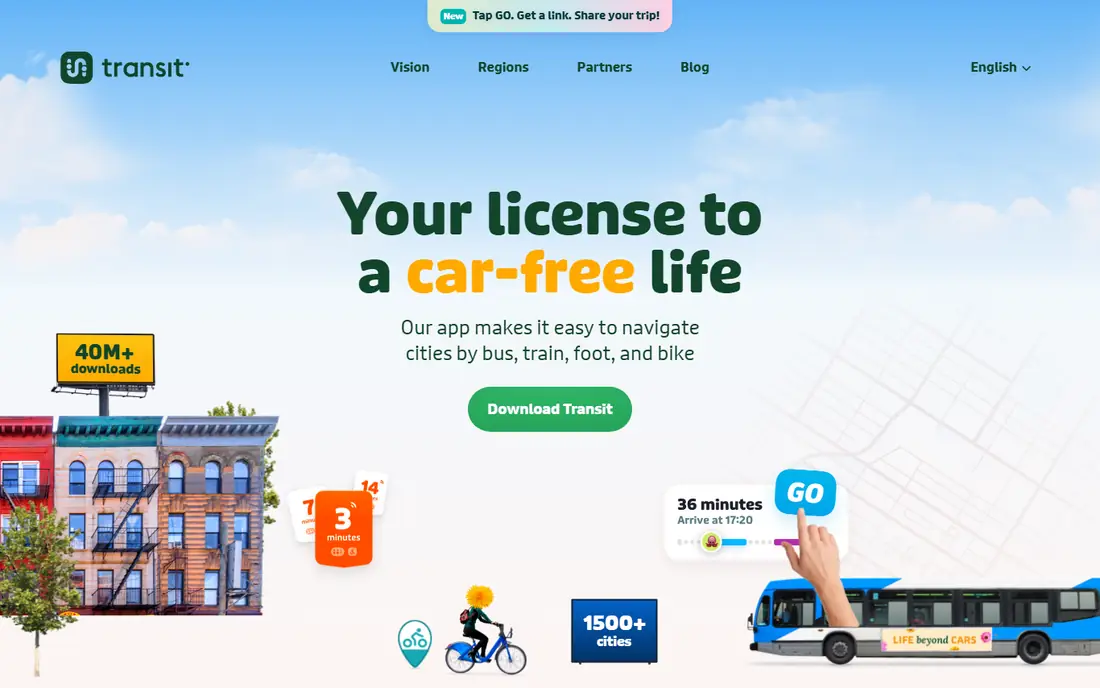
Transit app focuses on one screen that matters most to a commuter: what leaves next, from where, and how long the wait is. Opening the app shows nearby departures in real time, color coded by line, with walking directions to the stop. Bike share docks and ride options appear alongside transit where available.
The simplicity is the point, and also the limit. Transit app does less trip planning detail than Citymapper and covers fewer cities than Moovit. It fits riders with a regular commute who want to glance at departures and go, rather than study several route options each morning.
What we like- Clear real time departure board
- Simple, fast interface
- Covers bus, train, subway, and bike share
- Works well for daily commuting
Watch out for- Coverage is narrower than Moovit
- Fewer trip planning extras than Citymapper
- Some features vary by city
Starting priceFree
Free planYes
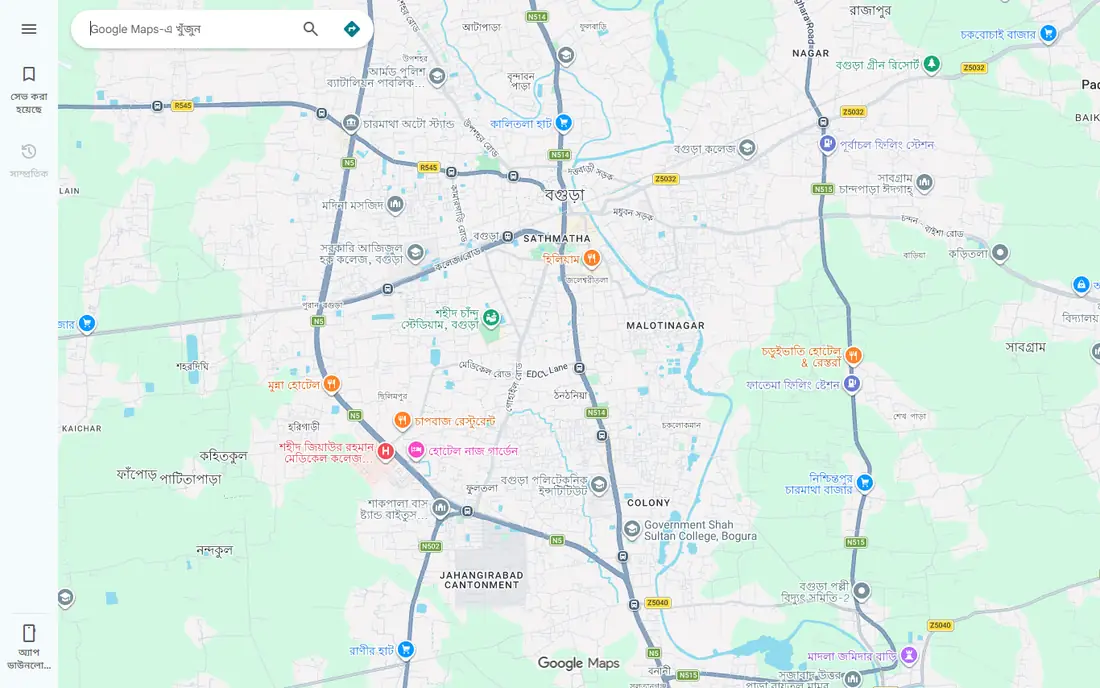
Google Maps is the safe default for public transportation, since it is already on most phones and covers transit in most cities. A rider can compare a bus, a train, driving, and walking for the same trip, check live departure times, and download an offline map for an area with weak signal. Live crowding estimates and delay information appear in many cities.
The trade-off is depth. Google Maps rarely matches Citymapper carriage tips, exit guidance, or line alert detail in a large metro. It also depends on agency data feeds, so a city with a weak feed will show weaker results. Google Maps fits riders who want one app for every mode of travel, and travelers visiting a city for the first time.
What we like- Transit directions in most cities worldwide
- Driving, walking, cycling, and transit in one app
- Downloadable offline maps
- Live crowding and delay info in many cities
Watch out for- Transit detail is thinner than Citymapper in large cities
- Real time data quality varies by agency
- Ads and business listings can clutter the view
Starting priceFree
Free planYes
Apple Maps gives iPhone owners transit directions without installing another app. Routes cover bus, train, and subway in many large cities, with step by step guidance, walking segments, and fare information where available. The app has no ads, and directions continue on an Apple Watch with haptic taps for turns.
Coverage is the limit. Apple Maps transit data covers fewer cities than Google Maps, and real time arrivals vary by agency feed. iPhone owners in a covered city can rely on it daily, while travelers to smaller cities should keep Google Maps or Moovit as a backup. Apple Maps fits iPhone users who want a clean, ad free default for transit and driving alike.
What we like- Built into every iPhone
- Clean transit directions with step by step guidance
- No ads
- Works with Apple Watch and Siri
Watch out for- IPhone only
- Transit coverage is narrower than Google Maps
- Some cities lack full real time data
Starting priceSee website
Free planNo
Optibus is a cloud platform for transit agencies and operators, not a rider app. Planners use it to design routes, build timetables, schedule vehicles and crews, and test scenarios such as a new route, a frequency change, or a holiday timetable. Optimization tools help match vehicles and drivers to service needs, and the platform connects to operations and passenger information systems.
Pricing is quoted per agency, based on fleet size and modules, so there is no public starting price to list. Smaller operators may find the platform more than they need, while larger agencies gain the most from scenario planning at scale. Optibus fits transit agencies that plan and schedule fixed route service and want faster, data driven timetable decisions.
What we like- Cloud planning, scheduling, and rostering in one platform
- Fast scenario testing for route changes
- Vehicle and crew optimization
- Passenger information tools
Watch out for- Built for agencies, not individual riders
- Pricing requires a vendor quote
- Implementation needs agency data and training
Starting priceSee website
Free planNo
Remix by Via helps transit planners draw routes on a map, test service changes, and compare scenarios side by side. Planners can see population, jobs, and demographic data along a proposed route, estimate ridership effects, and share plans with colleagues and stakeholders. A timetable tool, fed by real time run time data through a Swiftly integration, helps set schedules that match how buses actually run.
Remix is a planning tool, so riders will not use it to catch a bus. Pricing is quoted per agency. It fits city and agency planning teams that need to justify route changes with maps, data, and scenario comparisons, especially when public consultation or funding decisions depend on clear visuals.
What we like- Visual map based route planning
- Demographic and ridership analysis
- Scenario comparison for service changes
- Collaboration tools for planning teams
Watch out for- Built for agencies, not riders
- Pricing requires a vendor quote
- Needs good local data to give useful results
Starting priceSee website
Free planNo
Swiftly is a connected transit platform for agencies that want to improve service reliability. It cleans and monitors real time vehicle location data, measures on time performance by route and time of day, and analyzes run times so schedules reflect real operating conditions. Agencies can also use Swiftly data to feed rider apps and station signs with accurate arrival predictions.
Swiftly does not plan a rider trip itself; it improves the data behind the apps riders use. Pricing is quoted per agency, and results depend on the quality of the agency vehicle tracking feed. Swiftly fits agencies that struggle with unreliable arrival data, late buses, or schedules that no longer match traffic conditions.
What we like- Real time vehicle data quality tools
- On time performance and run time analytics
- Rider facing data feeds for apps
- Operations dashboards for agencies
Watch out for- Built for agencies, not riders
- Pricing requires a vendor quote
- Value depends on agency vehicle tracking data
How we chose
We compared vendor sites, product documentation, and public reviews on G2, Capterra, and Reddit, and we split the list into rider apps and agency tools, since the keyword covers both. For rider apps we weighed city coverage, real time accuracy, routing detail, and price. For agency tools we weighed planning, scheduling, and analytics capability, plus the quality of real time data handling. We also weighed the honest limit of each tool, such as narrow city coverage or enterprise only pricing, because a tool that does not cover a rider city or a small agency budget is a poor pick no matter how strong its features.
How to pick for your situation
Riders and agencies need different tools, so start by naming which side of the system you are on, then check coverage before features.
For daily riders
Install your phone default first, then add one specialist. iPhone owners start with Apple Maps, Android owners with Google Maps, then add Citymapper if your city is covered or Moovit if it is not. Test a familiar route in each app and compare the stop, the departure time, and the walking directions with the real station signs. Keep the operator app for your main line as well, since it often posts disruption news first.
For travelers
Moovit is the best single travel app, since it covers the most cities, while Google Maps adds offline maps and driving comparisons. Download the city map before you arrive, save the hotel and station locations, and check whether the city transit card works in a phone wallet. In a large metro covered by Citymapper, switch to it for the trip, since its carriage and exit tips save time in big stations.
For agencies and operators
Start with the problem, not the product. Choose Optibus when scheduling and rostering drive the need, Remix when route redesign and public consultation drive it, and Swiftly when unreliable arrival data and on time performance drive it. Many agencies use more than one: Remix for planning, Optibus for scheduling, and Swiftly for real time data quality. Ask each vendor for a pilot on your own network data before signing, since results depend heavily on local feeds.
Check data before you trust any app
No transit app is better than the agency data behind it. A city with a weak real time feed will show weak results in every app, while a city with a strong feed will look good everywhere. Compare the app prediction with the station display for a week, note which app is closest most often, and keep that app as your primary for that city.
Frequently asked questions
What is the best public transportation app for riders?
Moovit is the best choice for wide coverage, Citymapper for detail in large covered cities, and Google Maps as the best all round default. The right pick depends on your city: check which app covers your lines with real time data, then keep that app as your primary and the operator app as a backup.
Is Citymapper really free?
Yes, the core Citymapper app is free, including routing, live alerts, offline maps, and live tracking. The only paid option is an ad removal subscription, listed at $9.99 per year. There is no premium tier that locks routing features behind a paywall.
Do I need a separate app if I already have Google Maps?
Not always. Google Maps covers transit in most cities and adds driving, walking, and offline maps in one app. A separate app helps in two cases: a large city covered by Citymapper, where detail is better, or a city where Moovit real time data proves more accurate than Google Maps over a test week.
What software do transit agencies use to plan routes?
Agencies use tools such as Optibus for planning and scheduling, Remix by Via for visual route planning and scenario analysis, and Swiftly for real time data quality and on time performance. These are enterprise tools priced by vendor quote, not rider apps, and they work with agency timetable and vehicle tracking data.
Why do arrival times differ between apps?
Apps use different agency data feeds, update at different intervals, and handle delays differently. A bus delayed in traffic may appear on time in one app and late in another until the feed updates. The station display and the operator app usually reflect the freshest agency data, so check those when apps disagree.
Can these apps sell me a transit ticket?
Some rider apps and operator apps support mobile tickets or wallet based transit cards in certain cities, but coverage varies widely. Moovit, Transit app, Google Maps, and Apple Maps mainly plan trips and show arrivals, not tickets, in most cities. Check the operator app or the city transit site for ticket options in your city.
Sources we checked (8)
- https://www.moovit.com
- https://citymapper.com
- https://transitapp.com
- https://maps.google.com
- https://www.apple.com/maps
- https://www.optibus.com
- https://www.remix.com
- https://goswift.ly
Is your product missing or out of date?
We review this list regularly. Vendors can request a listing, send updated pricing or ask about featured placement.

Shihab Mia · Founder, Rankite
Shihab has 5+ years in B2B and SaaS SEO. He writes Rankite's software buying guides from pricing pages, documentation and public user reviews. More about Shihab.