How we make this list: we compare pricing pages, product documentation and public user reviews. Rankite is independent; if a vendor ever pays for a featured spot, that listing is clearly labeled Partner.
Key takeaways
- PagerDuty ($25 per user per month) and xMatters ($15 per user per month) publish pricing; the enterprise mass-notification players are quote-only.
- IT alerting and mass notification are different jobs: buy PagerDuty or xMatters for on-call incidents, Everbridge or AlertMedia for reaching thousands of people.
- Free tiers exist at PagerDuty, xMatters (up to 5 users) and AlertOps (up to 5 users), so small teams can start without a purchase order.
- Opsgenie is discontinued and OnSolve was acquired, so shortlists built from old articles need updating.
Quick comparison
| Tool | Best for | Starting price | Free plan |
|---|
 Everbridge Everbridge | Enterprise critical event management | See website | No |
 AlertMedia AlertMedia | Modern emergency communication for mid-size orgs | See website | No |
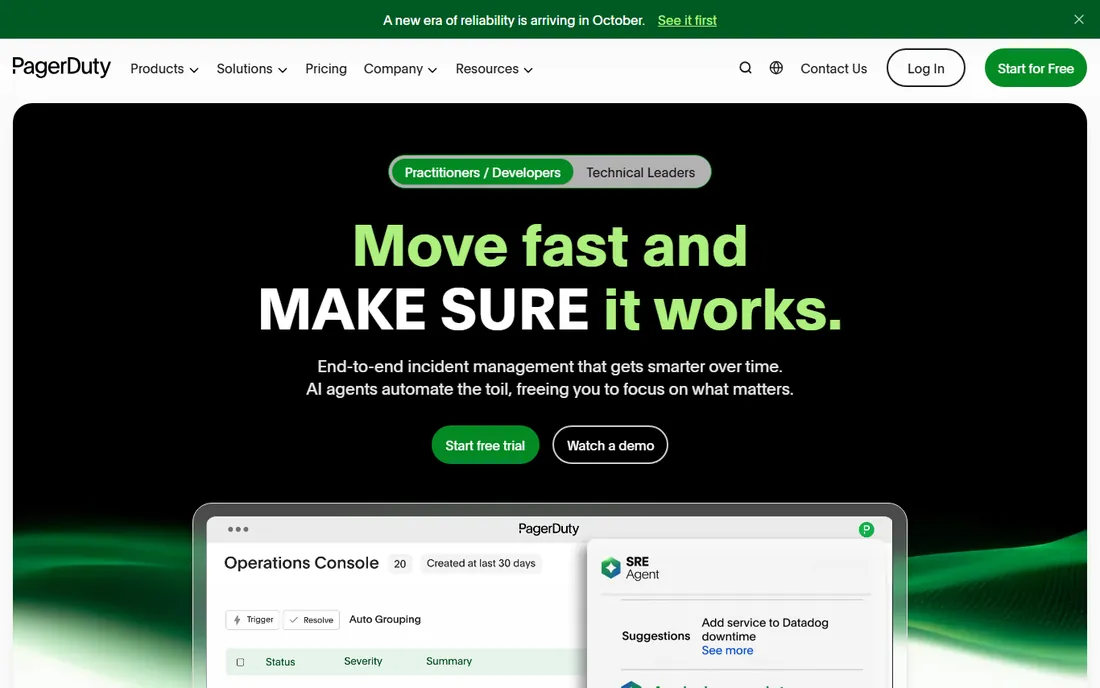
 PagerDuty PagerDuty | Incident management for engineering teams | $25 per user/month | Yes |
 xMatters xMatters | IT alerting with a genuinely free tier | $15 per user/month | Yes |
 OnPage OnPage | Secure urgent alerting for healthcare and IT | $13.99 per user/month (paid yearly) | Free trial |
 AlertOps AlertOps | Alert management with free starter plan | See website | Yes |
 Regroup Regroup | Mass notification for schools and organizations | See website | No |
 Splunk On-Call Splunk On-Call | On-call alerting inside the Splunk ecosystem | See website | Free trial |
 Rave Rave | Public safety and campus emergency alerts | See website | No |
Is your product missing or out of date?
We review this list regularly. Vendors can request a listing, send updated pricing or ask about featured placement.
The best proactive notification software
Starting priceSee website
Free planNo
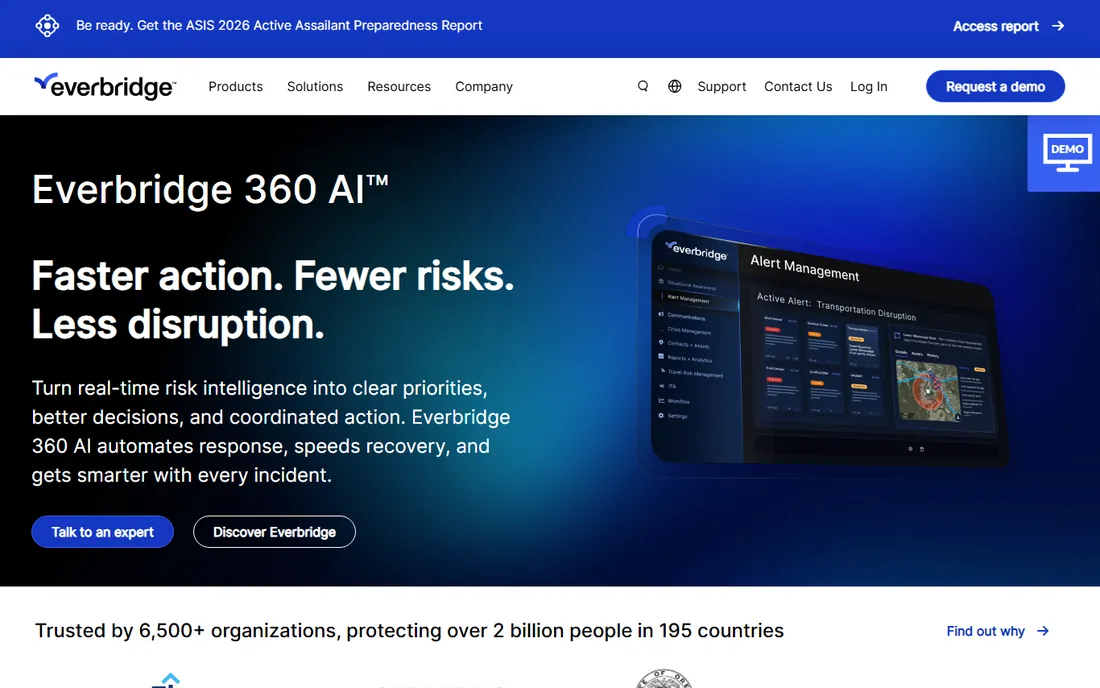
At 2:14 a.m., a water sensor trips in the server room, and by 2:16 the facilities lead, the IT on-call and the regional manager all need to know, in that order, with confirmation. Everbridge is built for exactly that choreography at enterprise scale. It combines multi-channel messaging (SMS, voice, mobile app, email), polling notifications that collect responses, threat intelligence feeds and incident coordination in one platform. Large organizations with distributed sites trust it because delivery stays reliable under heavy load.
The price of that depth is complexity and cost. Pricing is quote-based, with platform packages starting under $9,000, and rolling it out means program planning, contact data hygiene and configuration work. Small teams will find it overwhelming and overpriced. Everbridge is the right call when the organization is large, the sites are many, and failure is not an option.
What we like- The deepest critical event management platform in the category
- Multi-channel messaging with polling and response tracking
- Proven at global enterprise scale
Watch out for- Quote-only pricing that starts in the thousands
- Implementation is a program, not a signup
- More platform than most mid-size companies need
Starting priceSee website
Free planNo
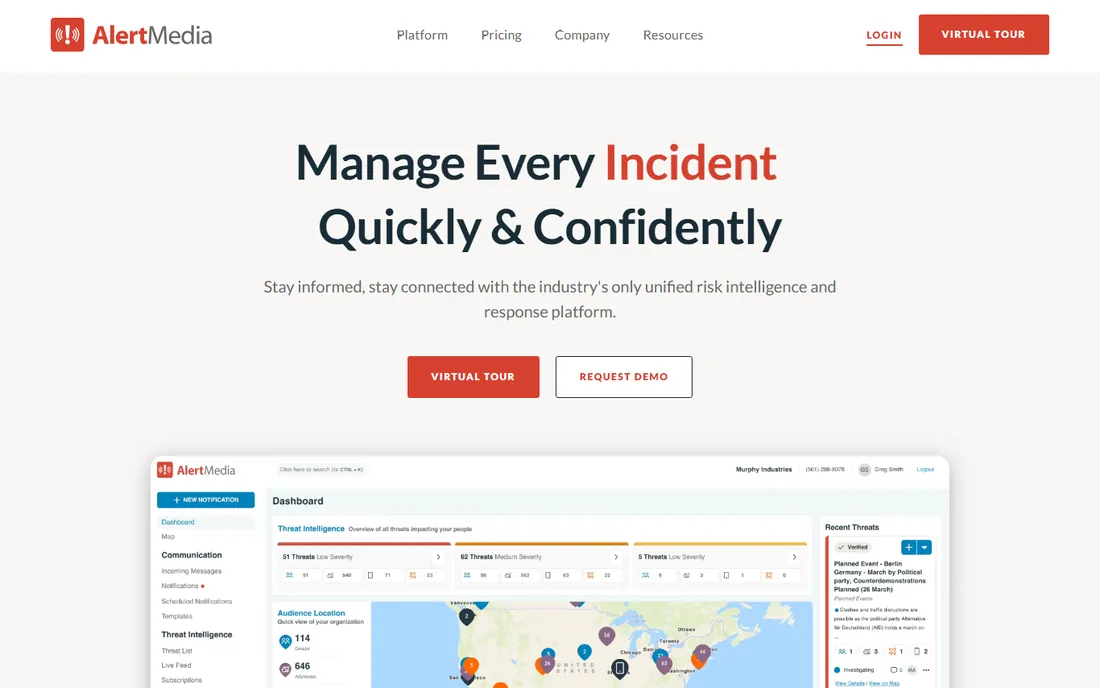
AlertMedia took the emergency notification category and rebuilt it for people who hated the old tools. The interface is modern, alerts go out across SMS, voice, email, mobile app and desktop, and built-in threat intelligence means the system can warn you about severe weather near your facilities before anyone picks up a phone. Two-way messaging, wellness checks and event pages make the response side as strong as the alerting side.
Pricing is quote-based, which slows down comparison shopping, and the analytics depth that enterprises want can require training to use well. But for mid-size organizations that need serious emergency communication without an Everbridge-scale implementation, AlertMedia is the most user-friendly serious option. Adoption is the feature here: the best alerting system is the one your safety team actually uses.
What we like- Intuitive interface that safety teams actually adopt
- Threat intelligence and weather feeds built in
- Strong two-way communication and wellness checks
Watch out for- Quote-only pricing
- Advanced analytics may need admin training
- Smaller ecosystem than Everbridge
Starting price$15 per user/month
Free planYes
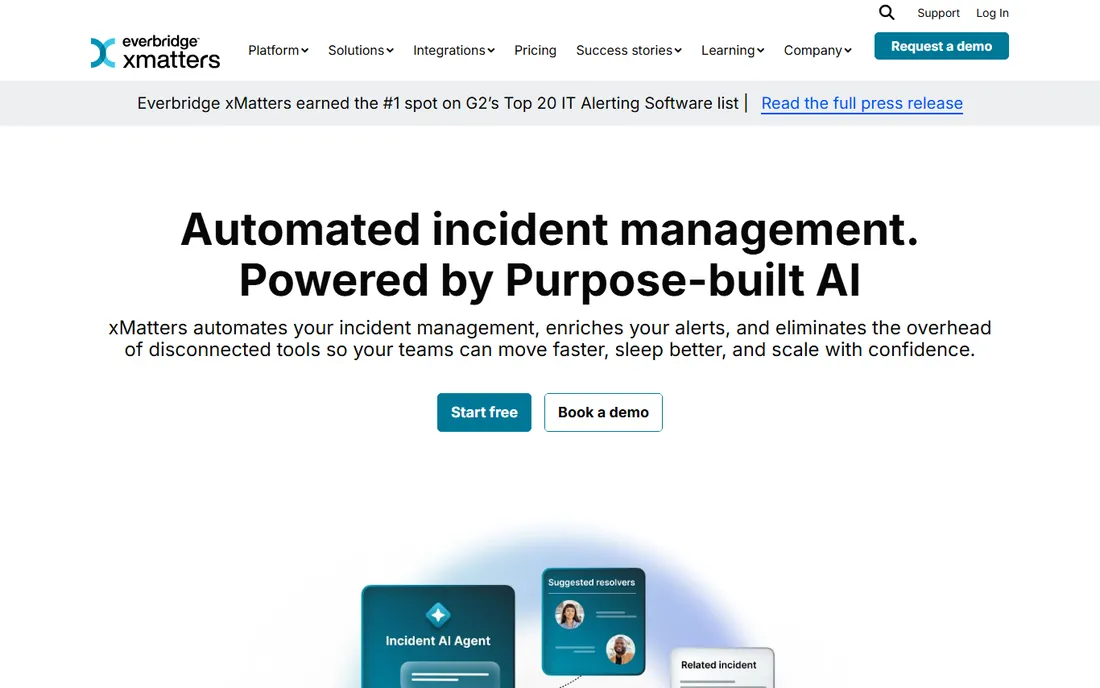
xMatters has the most generous entry point in IT alerting: a free tier for up to 5 users that never expires, covering on-call scheduling, rotations and escalations. Paid plans start at $15 per user per month for teams up to 25 users, which undercuts PagerDuty meaningfully for the core alerting job. It handles the essential workflow well: the right person gets the alert through the right channel, and if they do not respond, it escalates.
The context buyers should know is ownership: xMatters is now part of Everbridge, which is good for stability and means the strategic direction follows the parent. The free tier's 5-user cap means growing teams move to paid quickly. For small IT teams that need proper on-call management without enterprise budgets, xMatters is the value pick.
What we like- Free tier for up to 5 users with no time limit
- Starter at $15 per user per month is affordable
- Strong on-call scheduling and escalation for IT teams
Watch out for- Now part of Everbridge, so the long-term roadmap is theirs
- The free tier caps at 5 users
- Enterprise features push you toward the parent platform
#5
OnPage
Best for: Secure urgent alerting for healthcare and IT
Visit onpage.com
Starting price$13.99 per user/month (paid yearly)
Free planFree trial
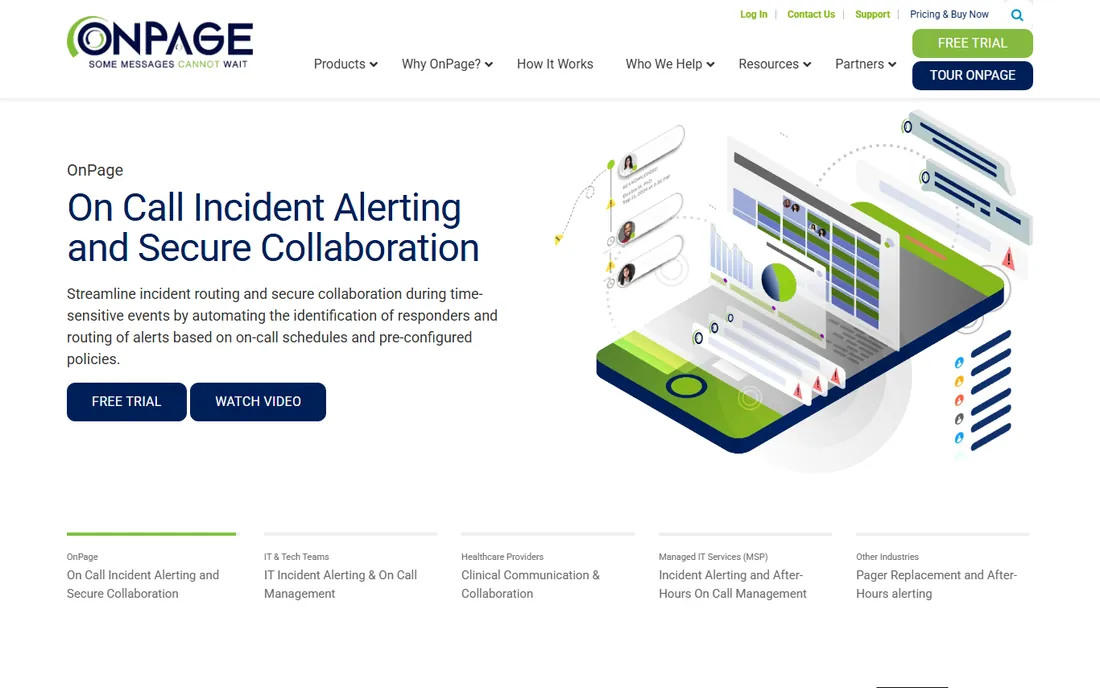
Some alerts cannot wait for someone to check their phone. OnPage's signature feature is the persistent, loud alert that continues until acknowledged, which is why it has a strong following in healthcare, where a missed page has clinical consequences, and in IT operations with strict SLAs. Messaging is secure and compliant, escalation is built in, and the pricing is straightforward at $13.99 per user per month on yearly billing.
The trade-off is breadth. OnPage is a specialist in urgent, cannot-miss alerting, not a general incident management platform, so teams that also want post-incident reviews and broad integrations will pair it with something else. For the specific job of making sure the right person wakes up, it is one of the best tools here.
What we like- Persistent alerts that cannot be missed or dismissed
- HIPAA-compliant messaging for clinical teams
- Clear per-user pricing from $13.99 a month
Watch out for- Niche focus means fewer general integrations
- The per-user price climbs for large teams
- The interface prioritizes function over polish
Starting priceSee website
Free planYes
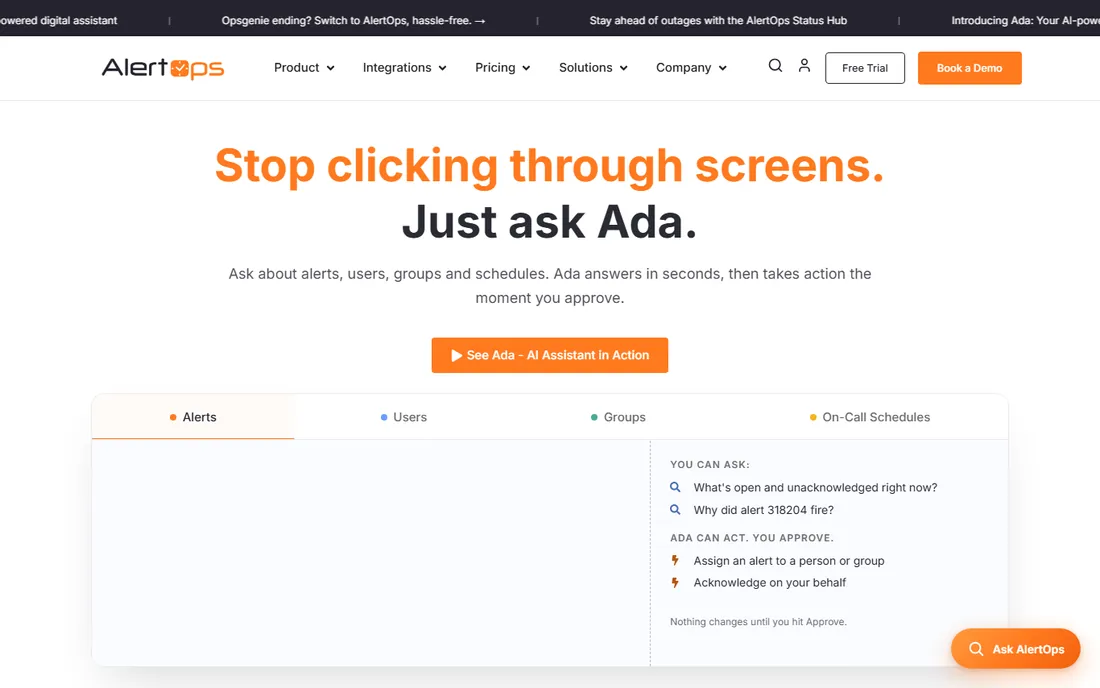
AlertOps competes directly with PagerDuty and xMatters for the IT alerting job, with a free-forever Starter plan for up to 5 users as its wedge. Escalation policies, on-call scheduling and multi-channel notifications cover the fundamentals, and the add-on menu (stakeholder notifications, status pages, voicemail transcription) lets teams buy only what they need.
The main drawback is transparency: paid tier pricing is not published as clearly as its competitors', so budgeting requires a conversation. It is also the smallest vendor in this group, which matters if you weight vendor stability. For a small team that wants free, functional alerting today with room to grow, AlertOps deserves a look alongside xMatters.
What we like- Starter plan free forever for up to 5 users
- Solid escalation and on-call scheduling
- Sensible add-ons like stakeholder notifications and voicemail transcription
Watch out for- Paid plan pricing is not published clearly
- Smaller vendor with less market presence
- Advanced AI features require talking to sales
#7
Regroup
Best for: Mass notification for schools and organizations
Visit regroup.com
Starting priceSee website
Free planNo
Regroup lives in the world of school districts, universities, local governments and large organizations that need to reach thousands of people in minutes. Geo-targeted alerts, two-way messaging, pre-built templates for common emergencies and integrations with existing contact databases are the core. When a campus needs to lock down or a county needs to warn residents, this is the shape of tool they buy.
It is not a tool for engineering on-call or IT incidents, and pricing is quote-based, which is standard for the institutional market. The buying process involves demos and proposals rather than credit cards. If your job is reaching a large population quickly with accountability, Regroup is a proven specialist.
What we like- Purpose-built for reaching thousands of people fast
- Strong in education and local government
- Two-way messaging and geo-targeted alerts
Watch out for- Quote-only pricing
- The interface shows its institutional focus
- Overkill for simple team alerting
#8
Splunk On-Call
Best for: On-call alerting inside the Splunk ecosystem
Visit splunk.com
Starting priceSee website
Free planFree trial
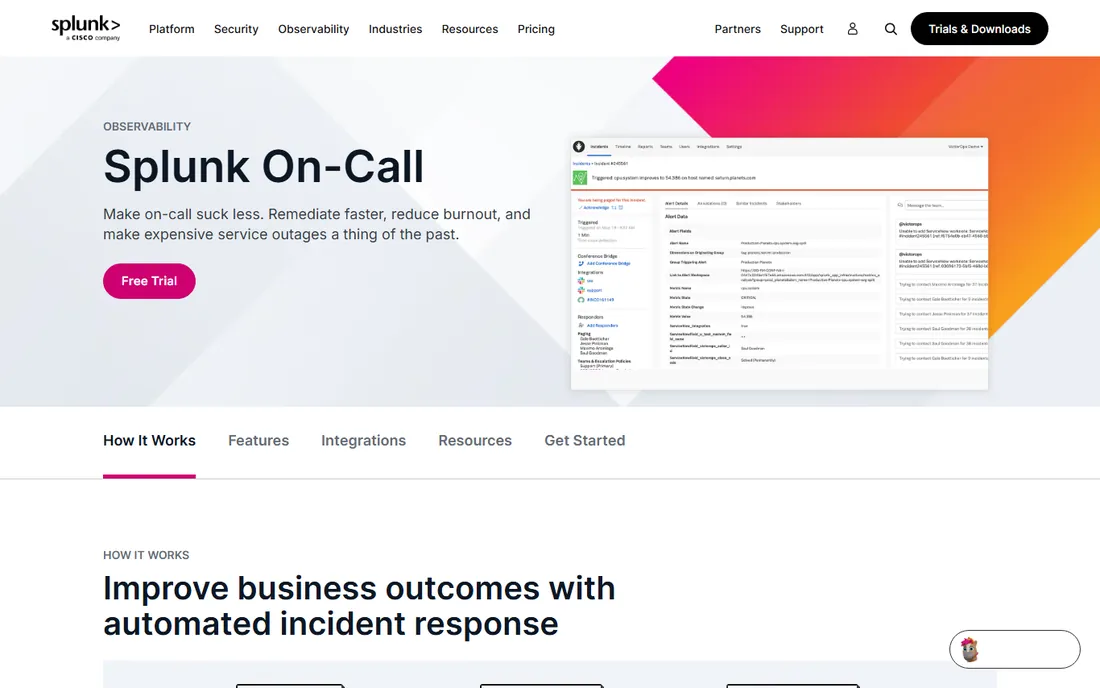
Splunk On-Call, the former VictorOps, is the on-call answer for the Splunk-centric operations team. Alert routing, escalation and collaboration timelines integrate with Splunk's observability data, so the alert arrives with the context the responder needs. For teams that already pay for Splunk, keeping alerting in the same ecosystem simplifies procurement and integration.
Outside that ecosystem, there is little reason to choose it over PagerDuty or xMatters, and the rebranding history means older documentation and reviews refer to VictorOps. Pricing is not published as a standalone figure. It is a good product in the right stack and a strange choice anywhere else.
What we like- Native fit for teams already on Splunk observability
- Intelligent alert routing to cut noise
- Timeline-based incident collaboration
Watch out for- Pricing is not published standalone
- Makes little sense outside the Splunk stack
- The product has been through rebranding that confuses buyers
Starting priceSee website
Free planNo
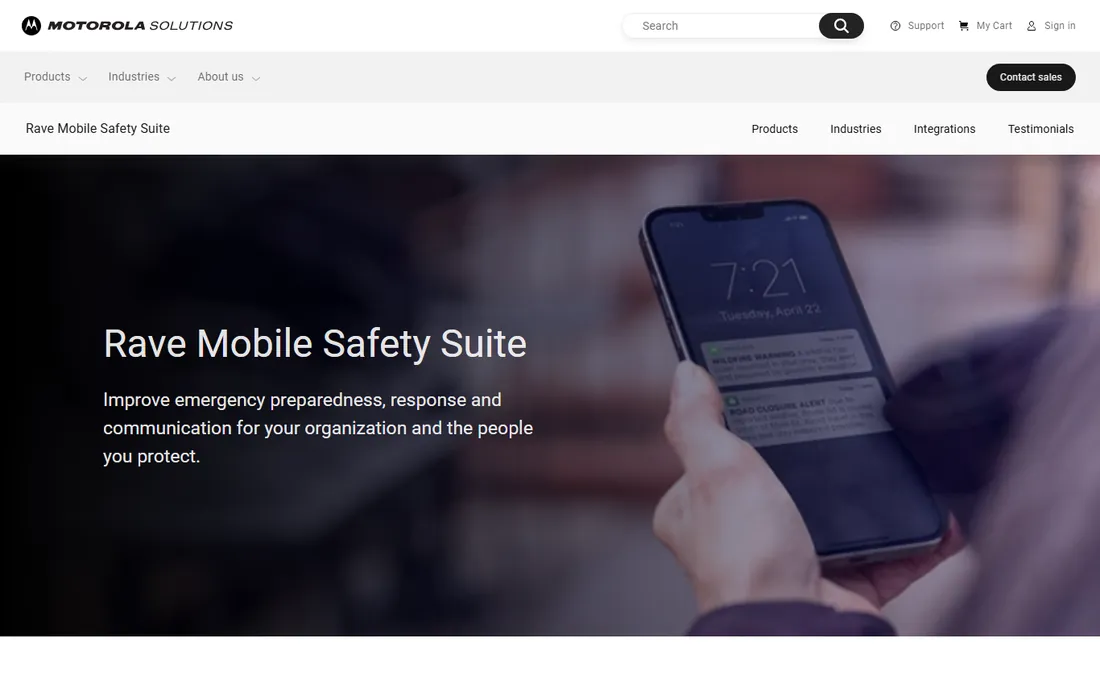
Rave built its name on campus safety: emergency alerts, panic buttons, and 911 integration for schools and public safety agencies. As part of Motorola Solutions, it now sits inside a much larger public safety portfolio, which brings stability and deeper integration with command-center technology. For universities, hospitals and municipalities, it remains a standard shortlist name.
The fit is narrow by design. This is not IT alerting software and should not be evaluated as such. Pricing is enterprise and quote-based, and the acquisition means the sales experience follows Motorola's enterprise motion. For the safety use case it was built for, it is proven; for anything else, look at the IT tools above.
What we like- Deep roots in campus and public safety alerting
- Panic button and 911 integration capabilities
- Now backed by Motorola Solutions
Watch out for- Quote-only enterprise pricing
- The Motorola acquisition changed the buying experience
- Focused on safety, not IT operations
How we chose
We mapped the category as buyers actually experience it: IT incident alerting on one side, mass emergency notification on the other. Products were checked to exist today as purchasable offerings, which removed two familiar names: Opsgenie, which Atlassian discontinued and now redirects to a migration page, and OnSolve, which was acquired by Crisis24. Pricing comes only from the vendors' own pricing pages, captured in October 2026; the enterprise notification vendors do not publish rates, so those listings say so. We weighted real-world adoption in each sub-category over feature checklists.
IT alerting vs mass notification: know which one you are buying
These are two categories wearing one name, and buying the wrong one wastes a year. IT alerting (PagerDuty, xMatters, OnPage, AlertOps, Splunk On-Call) routes system-generated alerts to the right engineer, manages on-call rotations, and escalates when nobody responds. The audience is dozens of technical people. Mass notification (Everbridge, AlertMedia, Regroup, Rave) reaches thousands of people during emergencies: employees, students, residents. The audience is everyone.
The evaluation criteria differ completely. For IT alerting, ask about monitoring integrations, escalation logic, alert noise reduction and on-call scheduling. For mass notification, ask about delivery speed at scale, contact data management, geo-targeting, two-way response collection and compliance reporting. A tool that excels at one is usually mediocre at the other. Decide which job you are hiring for before you read another feature list.
What to test before you sign
Alerting software fails in ways demos hide, so test the failure modes. Send a test alert to a phone in airplane mode and watch the escalation: how long until the backup is paged, and through which channels. Test the contact data import with your actual HR or directory export, because stale contact data is the number one reason emergency notifications fail.
Then test the human side. Put the mobile app in the hands of three real on-call engineers for a week and ask whether alerts are distinguishable from normal notifications at 3am. Ask for a reference customer in your industry and ask them what broke during their first real incident. Finally, read the contract for message and contact pricing: several vendors charge per message or per contact on top of seats, and that is where the bill surprises live.
Frequently asked questions
What is proactive notification software?
Software that sends time-sensitive alerts to the right people automatically, either when systems detect a problem (IT alerting) or when an organization needs to reach people during an emergency (mass notification). It typically spans SMS, voice calls, email, mobile apps and desktop alerts, with escalation when the first person does not respond.
How much does emergency notification software cost?
IT alerting tools publish pricing from $13.99 to $25 per user per month, with free tiers for small teams. Enterprise mass notification platforms like Everbridge and AlertMedia are quote-based, with packages starting in the thousands annually. Always ask whether messages, contacts and phone calls are metered separately.
What happened to Opsgenie?
Atlassian discontinued Opsgenie and migrated customers to its other products. If your shortlist or existing setup references Opsgenie, evaluate PagerDuty, xMatters or Splunk On-Call as replacements. Old comparison articles that still recommend it are out of date.
Can we use one tool for both IT alerts and emergency notifications?
A few platforms span both, notably Everbridge with its IT alerting offering and xMatters. In practice, most organizations run separate tools because the workflows, audiences and integrations differ so much. Consolidation is possible but rarely the best version of either job.
How do we keep contact data current?
This is the unglamorous make-or-break. Integrate with your HR system or directory so departures and number changes flow automatically, run quarterly audits asking employees to confirm their details, and test the system twice a year. The best alerting platform in the world cannot reach a phone number from 2019.
What should our escalation policy look like?
Start simple: primary on-call gets the alert, escalate to secondary after 5 to 10 unacknowledged minutes, then to the manager. Define what counts as acknowledged, set quiet hours honestly, and review the policy quarterly against real incidents. The most common failure is escalation chains that exist on paper and never get tested.
Sources we checked (9)
- https://www.everbridge.com/pricing
- https://www.alertmedia.com/
- https://www.pagerduty.com/pricing
- https://www.xmatters.com/pricing
- https://www.onpage.com/pricing
- https://alertops.com/pricing
- https://www.regroup.com/pricing
- https://www.splunk.com/en_us/products/on-call.html
- https://www.motorolasolutions.com/en_us/products/command-center-software/rave.html
Is your product missing or out of date?
We review this list regularly. Vendors can request a listing, send updated pricing or ask about featured placement.

Shihab Mia · Founder, Rankite
Shihab has spent more than a decade helping SaaS and e-commerce brands grow through search. He writes Rankite's software buying guides from pricing pages, documentation and public user reviews. More about Shihab.