How we make this list: we compare pricing pages, product documentation and public user reviews. Ratings come from G2, Capterra or Trustpilot, with the date we checked them.
Key takeaways
- What to Expect is the strongest free all-round choice, with week-by-week content, videos, and large due date communities.
- Ovia is the best free tracker for detailed health logging, kick counts, contraction timing, and food safety lookups.
- BabyCenter is a strong free alternative for due date Birth Clubs, 3D visuals, and childbirth preparation content.
- Pregnancy+ is the pick for visual learners who want interactive 3D baby images, with some tools behind a paid plan.
- No app replaces prenatal care, so use these tools to prepare questions for appointments, not to diagnose symptoms.
Quick comparison
Is your product missing or out of date?
We review this list regularly. Vendors can request a listing, send updated pricing or ask about featured placement.
The best pregnancy app
A pregnancy app has two jobs, and most apps do only one of them well. The first job is tracking, which means logging symptoms, kicks, contractions, weight, and appointments in a way that is easy to review later. The second job is guidance, which means clear week-by-week information, preparation checklists, and a community of people at the same stage. This guide covers apps that do at least one of those jobs well, and notes where a paid plan is needed for the full set of tools. This is not medical advice. If you have a health concern, contact your clinician or midwife promptly rather than waiting for an app to explain it.
Starting priceFree
Free planYes
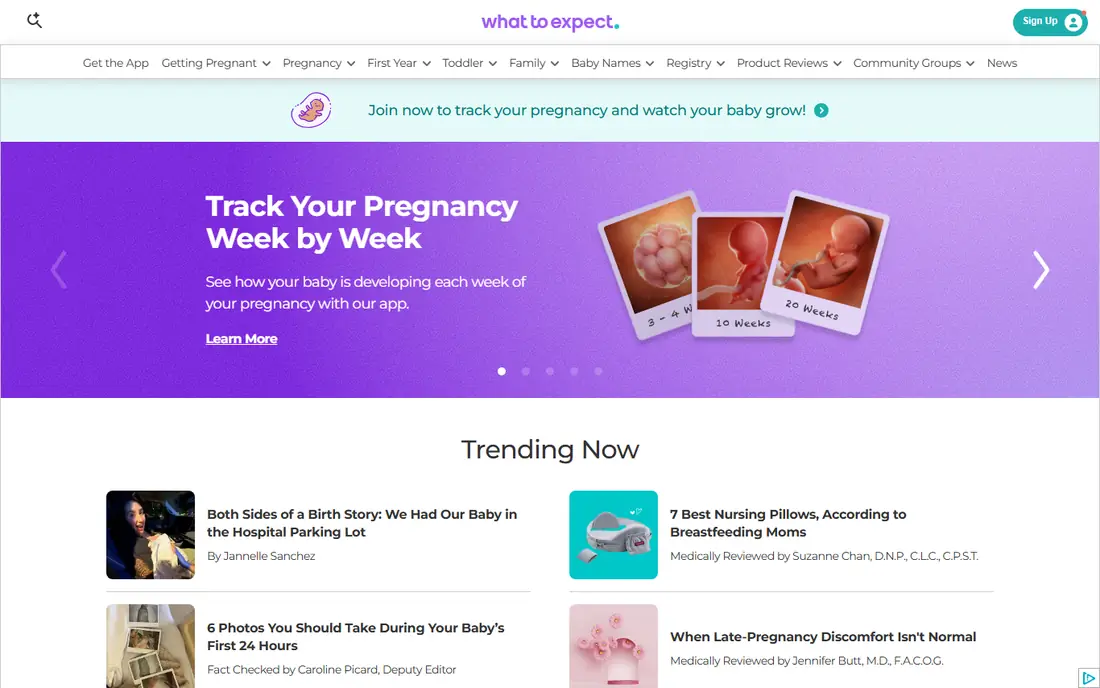
What to Expect is built on the book series of the same name, and that editorial base shows. Each week brings a clear explanation of fetal development, common symptoms, and questions worth asking at the next appointment. Daily tips keep the information short, and videos cover labor, delivery, and newborn care without assuming prior knowledge. For a first time parent, that steady stream of plain guidance is reassuring.
Community is the second strength. Forums are organized by due date month, so users talk with people at the same week. That peer support matters at night, when a new symptom or worry appears and an appointment is days away. The app also includes a kick counter and a baby tracker for feeding, diapers, and sleep after birth. The main drawbacks are ads and basic symptom logging, plus data sharing for advertising that users should review in privacy settings. For content and community in one free app, What to Expect is hard to beat.
What we like- Detailed week-by-week guides
- Large due date forums
- 3D videos and daily tips
- Baby tracker after birth
Watch out for- Ad supported
- Symptom tracking is basic
- Privacy settings need review at setup
Starting priceFree
Free planYes
Ovia suits parents who want to log a lot and review it later. The app tracks symptoms, weight, sleep, mood, and other health factors, and it includes a kick counter and contraction timer without a paywall for the core tools. Food safety lookups answer a common daily question, whether a food is generally considered safe during pregnancy, and medication lookups give a starting point for questions to raise with a clinician. Users can also generate reports to bring to appointments.
That depth comes with a cost in time. Logging many factors each day can feel like work, especially in the first trimester when energy is low. The free version is ad supported, and some premium features are available through an employer or health plan rather than a direct purchase. Privacy settings deserve attention, since employer linked signups can share data with a plan. For parents who value tracking over articles, Ovia is the strongest free option in this list.
What we like- Kick counter and contraction timer included
- Food safety and medication lookups
- Symptom and health logging
- Reports for appointments
Watch out for- Data entry can feel detailed
- Some premium tools need employer or health plan access
- Ads in the free version
Starting priceFree
Free planYes
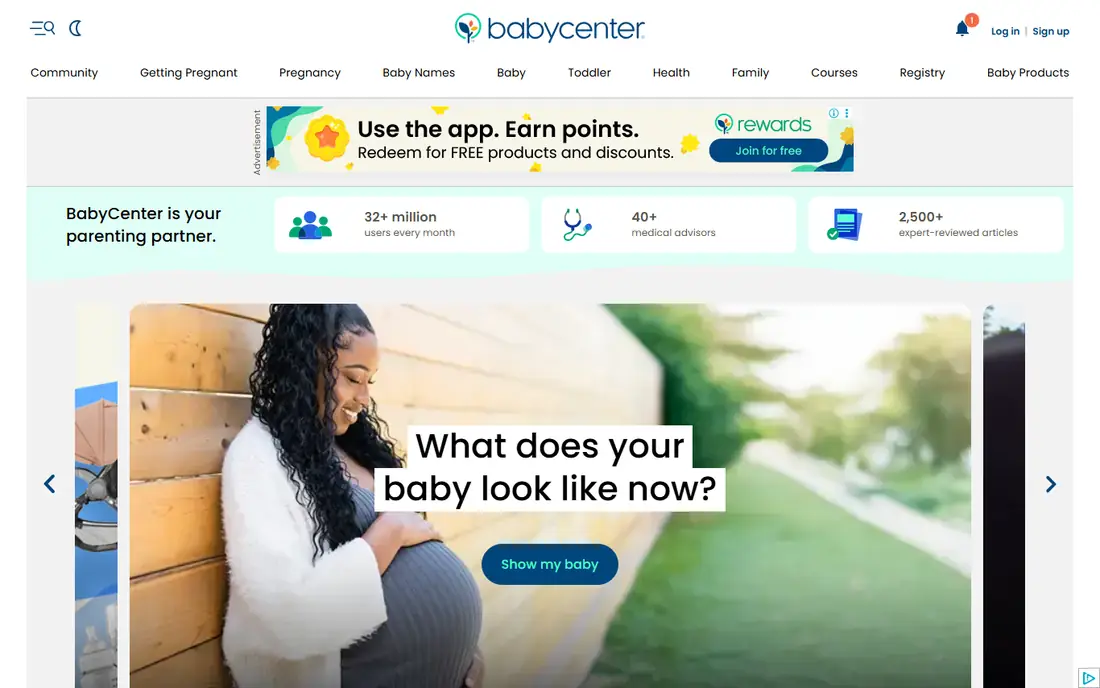
BabyCenter has served parents for years, and its app reflects that history. Birth Clubs group users by due month, creating a long running community that often continues after birth. Weekly content explains development in plain terms, and 3D videos help visualize growth. The kick counter and contraction timer are free, which removes a common paywall found in other apps. Free childbirth preparation classes add practical value before delivery.
The app is not as focused on detailed health logging as Ovia, and its content can feel general compared with What to Expect. Ads support the free model, so users should check privacy and ad settings at setup. BabyCenter works best for parents who want a free, friendly community and solid weekly content without paying for a premium plan. Pairing it with a dedicated tracker covers most needs without a subscription.
What we like- Birth Clubs by due month
- 3D fetal videos
- Free kick counter and contraction timer
- Childbirth preparation classes
Watch out for- Ad supported
- Content can feel broad
- Some features duplicate What to Expect
Starting priceFree
Free planYes
Pregnancy+ stands out on visuals. Interactive 3D images show development in a way that text alone cannot, and size comparisons make each week concrete. The app also includes a personal diary, checklists, a shopping list, and a birth plan section, which help with practical preparation. A kick counter and contraction timer are present, though some tools sit behind a paid upgrade.
That visual strength is also a limit. Pregnancy+ does not match Ovia for detailed symptom or health factor logging, and parents who want deep tracking may need a second app. The paid plan costs about $35 per year in many listings, which is modest, but users should check what is included before paying. For visual learners, and for partners who want to follow development, Pregnancy+ is a strong choice.
What we like- Interactive 3D baby images
- Week-by-week size comparisons
- Kick counter and contraction timer
- Personal diary and checklists
Watch out for- Some tools require a paid plan
- Visual focus means less deep health logging
- In-app purchases can add up
Starting priceFree
Free planYes
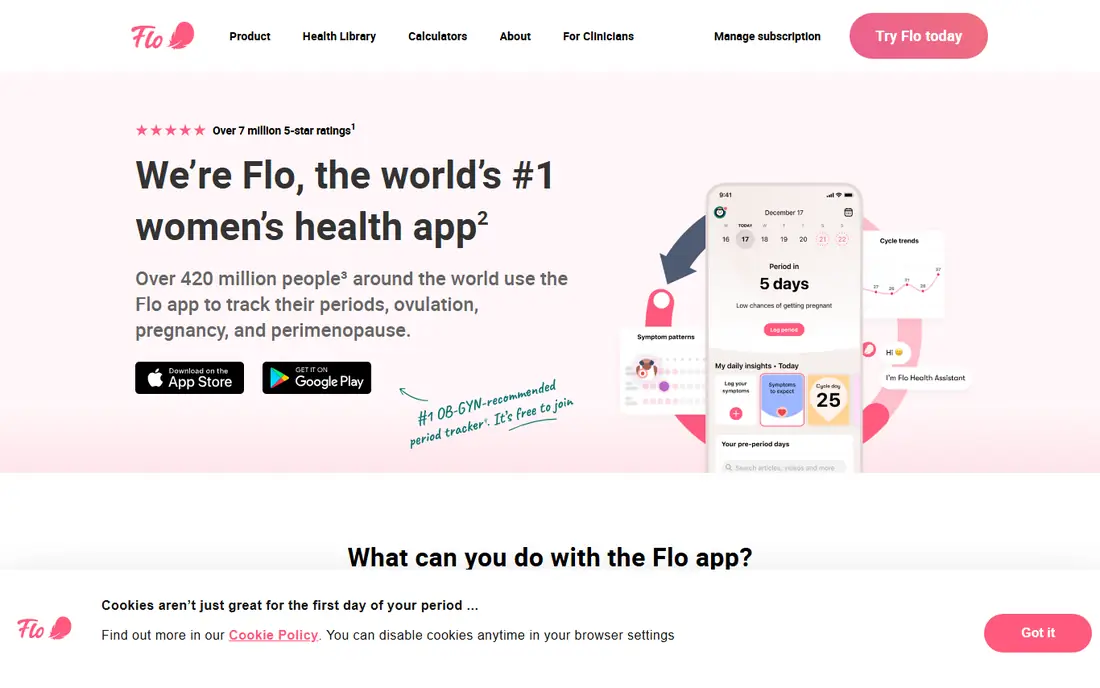
Flo is the natural pick for people who already used Flo for period or fertility tracking. Switching to pregnancy mode keeps past cycle data in one place, and symptom, mood, and sleep logging continue without starting over. The app offers daily insights, a community, and partner sharing, which helps a partner follow the pregnancy week by week. An AI chatbot answers common questions, though its answers should not replace clinician advice.
The drawback is paywall placement. Some pregnancy tools, including advanced kick and contraction features in some versions, require a premium plan. Premium pricing is higher than Pregnancy+ and sits near $48 to $60 per year in many listings, so check the current price before subscribing. Flo also faced a past privacy settlement, so review data sharing settings carefully. For continuity from cycle tracking, Flo is still a practical option.
What we like- Smooth switch from period tracking to pregnancy mode
- Symptom and mood logging
- Large community
- Partner sharing options
Watch out for- Kick counter and contraction tools are paid in many cases
- Premium price is higher than rivals
- Past privacy concerns need checking
Starting priceFree
Free planYes
The Bump blends tracking with practical preparation. Weekly updates explain development, while checklists cover registry building, hospital bag packing, and nursery setup. Registry tools let parents organize items across retailers, which saves time compared with managing separate lists. Content focuses on real life preparation, including stage specific advice for each trimester.
Health tracking is lighter here than in Ovia or Flo. Symptom logging exists, but it is not the main focus, and the community is smaller than the largest forums. Ads support the free app. The Bump fits parents who want structure and a plan, rather than a detailed health log. Use it alongside a tracker if detailed symptom records matter for appointments.
What we like- Weekly growth updates
- Registry tools
- Checklists for each stage
- Practical preparation articles
Watch out for- Less deep health tracking
- Community is smaller than What to Expect
- Ads in the free version
Starting priceFree
Free planYes
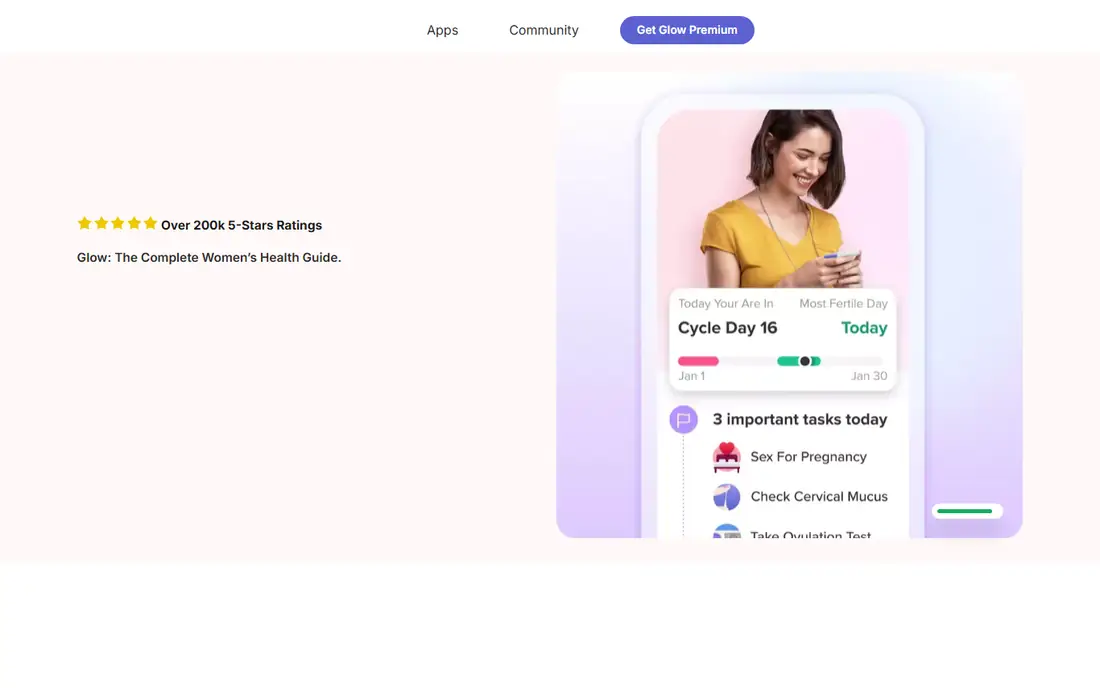
Glow Nurture comes from the Glow family of health apps, and it shares their logging focus. Users can record symptoms, weight, mood, and other daily factors, set reminders for appointments and medications, and share updates with a partner. Forums provide peer support, though the community is smaller than What to Expect or BabyCenter. The app is useful for parents who already use Glow for fertility tracking and want a familiar layout.
The interface packs many options onto each screen, which can feel busy at first. Some advanced features require a premium plan, so the free version is best for core logging. Glow Nurture is a solid second tracker for parents who want detailed records and reminders, especially when paired with a content app for week-by-week reading.
What we like- Detailed daily logging
- Community forums
- Partner sharing
- Appointment and medication reminders
Watch out for- Interface can feel busy
- Some features need a premium plan
- Smaller pregnancy community than leaders
Starting priceFree
Free planYes
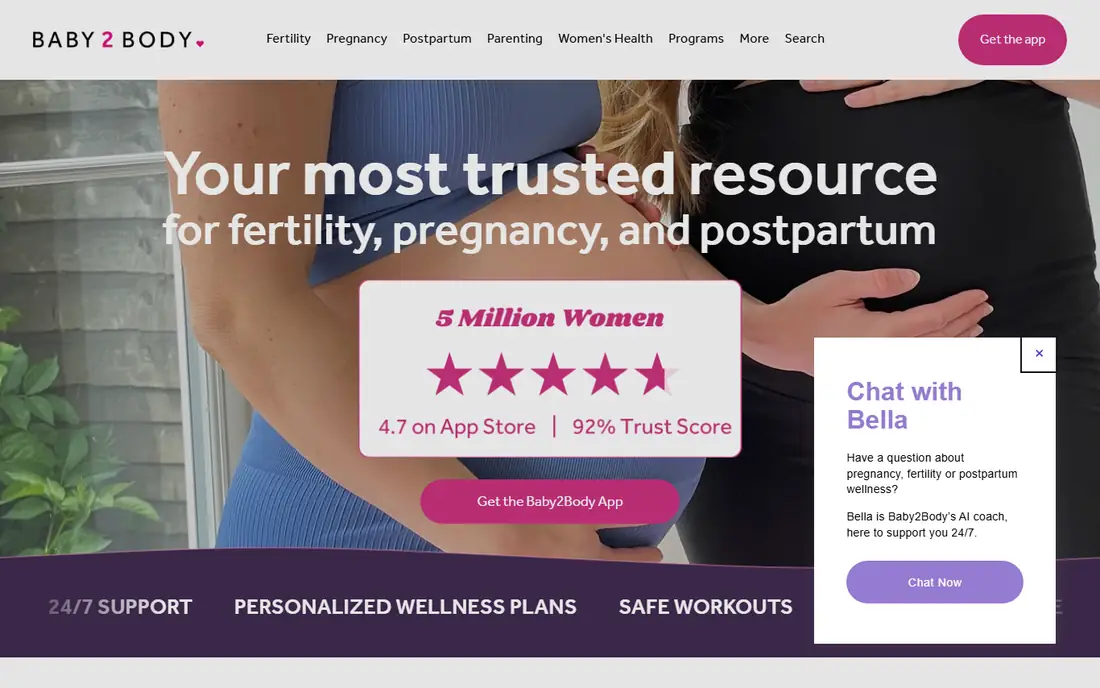
Baby2Body takes a different angle, focusing on fitness, nutrition, and wellness during pregnancy and after birth. Programs are organized by week and trimester, with exercise guidance adapted for pregnancy. Nutrition and wellness articles support daily choices, and postpartum plans help with recovery and movement after delivery. For parents who want to stay active safely, this focus is a real advantage.
The trade-off is tracking depth. Baby2Body is not the best choice for kick counts, contraction timing, or detailed symptom logs. Some full programs require a paid plan. It works best as a companion app, used for movement and wellness while a tracker like Ovia or What to Expect handles logs and community. Always check exercise plans with a clinician, especially when a pregnancy is high risk or complications arise.
What we like- Pregnancy safe exercise guidance
- Wellness and nutrition content
- Week-by-week programs
- Postpartum plans
Watch out for- Less focus on kick counts and contraction timing
- Some programs need a paid plan
- Smaller community
How we chose
We compared pricing pages and app store listings, product documentation, and public reviews on G2, Capterra, and Reddit, focusing on which features are free and which sit behind a paywall. Apps were scored on tracking depth, week-by-week content quality, community size, privacy controls, and post birth usefulness. We favored apps available on both iOS and Android in the US, with a free core that covers the main pregnancy period. Prices and paywall details change, so confirm them in the app store listing before subscribing. This is not medical advice, and no app in this list replaces prenatal care.
How to pick the right pregnancy app
Start by deciding which job matters most to you. If you want to read and learn, pick a content app first, such as What to Expect or BabyCenter. If you want to log symptoms, kicks, and contractions, start with Ovia. If visuals help you understand development, add Pregnancy+. Many parents use two apps, one for content and community, and one for tracking, and that pairing often works better than searching for a single perfect app.
Privacy, ads, and data sharing
Pregnancy data is sensitive, so check privacy settings on day one. Free apps often use ads and share data with advertising partners, and employer linked versions can share data with a health plan. Turn off personalized ads where the setting exists, avoid logging details you would not want stored on a company server, and use a strong unique password. If privacy is a top concern, choose an app with clear data controls and read its privacy policy before entering health details.
When to call your clinician
Apps can track patterns, but they cannot judge whether a symptom needs urgent care. Contact your clinician or midwife promptly for bleeding, severe pain, reduced fetal movement, severe headache, vision changes, swelling, fever, or any worry that feels urgent. Bring app logs to appointments, since a clear record of kicks, contractions, and symptoms helps a clinician spot patterns. Use the app to prepare questions, not to delay a call.
Frequently asked questions
What is the best pregnancy app overall?
What to Expect is the strongest free all-round choice for most parents, thanks to week-by-week content, videos, and large due date communities. Ovia is better for detailed tracking, and BabyCenter is a strong free alternative for community. The best app depends on whether you value reading, logging, or peer support most.
Are pregnancy apps free?
Most leading pregnancy apps are free to download, with ads and optional paid plans. What to Expect, BabyCenter, and Ovia offer strong free cores, while Pregnancy+ and Flo place some tools behind paid plans. Check the app store listing for current premium prices, since they change and vary by platform.
Which pregnancy app is best for tracking kicks and contractions?
Ovia and BabyCenter include a kick counter and contraction timer in their free versions, which makes them strong picks for tracking. Pregnancy+ also offers both tools, though some features may need a paid plan. Flo places some of these tools behind premium in many versions, so confirm before subscribing.
Can a pregnancy app replace prenatal appointments?
No. Apps support tracking and learning, but they cannot examine you, run tests, or judge risk. Keep all prenatal appointments, follow your clinician guidance, and use app logs to make those visits more useful. If a symptom worries you, contact your care team rather than searching an app for reassurance.
Should I use more than one pregnancy app?
Many parents do, and it often works well. Pair a content and community app with a tracker, for example What to Expect plus Ovia, to cover both jobs. Avoid using too many apps at once, since duplicate logging becomes a chore and data gets scattered across accounts.
How do I protect my privacy in a pregnancy app?
Review privacy settings at setup, turn off personalized ads where possible, and avoid employer linked signup if you do not want data shared with a health plan. Use a strong unique password, limit optional health details, and read the privacy policy for data sharing and retention. Delete data or the account if you stop using the app.
Sources we checked (8)
- https://www.whattoexpect.com
- https://www.oviahealth.com
- https://www.babycenter.com
- https://www.pregnancyplus.app
- https://flo.health
- https://www.thebump.com
- https://glowing.com
- https://baby2body.com
Is your product missing or out of date?
We review this list regularly. Vendors can request a listing, send updated pricing or ask about featured placement.

Shihab Mia · Founder, Rankite
Shihab has 5+ years in B2B and SaaS SEO. He writes Rankite's software buying guides from pricing pages, documentation and public user reviews. More about Shihab.
 What to Expect
 Ovia Pregnancy Tracker
 BabyCenter
 Pregnancy+
 Flo
Flo The Bump
 Glow Nurture
 Baby2Body