How we make this list: we compare pricing pages, product documentation and public user reviews. Rankite is independent; if a vendor ever pays for a featured spot, that listing is clearly labeled Partner.
Key takeaways
- Police-specific schedulers handle rotating shifts, minimum staffing rules, FLSA 7(k) overtime, and union seniority, which generic scheduling apps do not.
- Most vendors price by quote rather than publishing plans; expect to demo two or three before you see a number.
- Snap Schedule starts at $450/year with a 30-day trial, and Hero Schedule lists $6 per user per month, making them the most transparent options for small departments.
- Court scheduling and subpoena tracking matter: InTime and PowerTime fold court appearances into the roster instead of managing them separately.
- Mobile self-service is standard across this list, so officers can view schedules, request time off, and bid on overtime without calling the station.
Quick comparison
| Tool | Best for | Starting price | Free plan |
|---|
 InTime InTime | large agencies with complex overtime rules | See website | No |
 Aladtec Aladtec | 24/7 rotational coverage and audit readiness | See website | No |
 PowerTime PowerTime | agencies already using PowerDMS | See website | No |
 Snap Schedule Snap Schedule | automated callouts on a tight budget | $450/year | Free trial (30 days) |
 eSchedule eSchedule | small departments that need timekeeping included | $1,250/year (up to 20 active employees) | No |
 Vector Solutions Vector Solutions | agencies that want training and scheduling together | See website | No |
 Pace Scheduler Pace Scheduler | mid-size departments that want fast onboarding | See website | No |
 Hero Schedule Hero Schedule | simple, cheap first step off spreadsheets | $6 per user/month | No |
 VCS POSS VCS POSS | departments that want scheduling inside a full HR suite | See website | No |
Is your product missing or out of date?
We review this list regularly. Vendors can request a listing, send updated pricing or ask about featured placement.
The best police scheduling software
Starting priceSee website
Free planNo
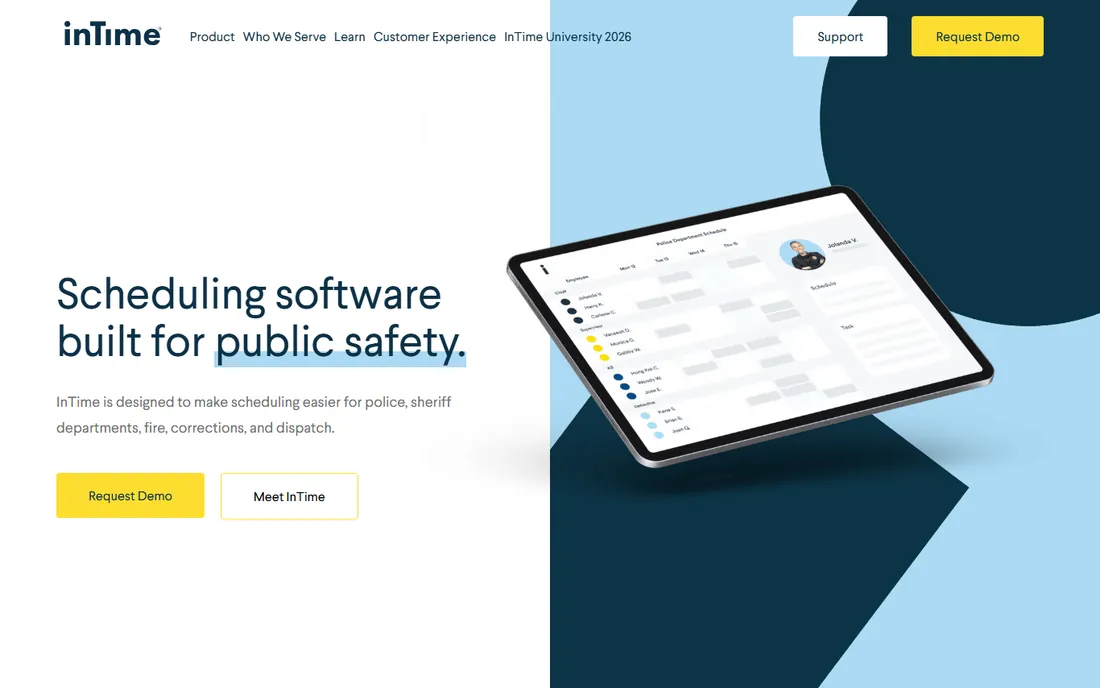
InTime is the specialist's specialist. It was built only for police, sheriff, fire, corrections, and dispatch, and its team draws on public safety experience rather than generic HR software. The scheduling core automates shift assignments and coverage tracking, while the overtime module applies your agency's actual rules instead of a flat time-and-a-half calculation. Court appearances and electronic subpoenas live inside the same schedule, which is the detail that wins over agencies drowning in missed court notifications.
Two things set it apart from the rest of this list. The wellness dashboards surface scheduling decisions weeks ahead so command staff can spot fatigue patterns before they become a liability problem, and the SOC 2 Type II compliance with AWS hosting answers the security questions city IT will ask. The trade-off is that InTime sells on quotes and demos, and the breadth of modules (training management, asset management, event management) means implementation takes real planning. For a department of several hundred officers with complicated overtime, it is the strongest fit here.
What we like- Rule-based overtime engine built for public safety
- Court and subpoena module
- Wellness dashboards that flag fatigue risk
Watch out for- Pricing is quote-only
- Feature depth can mean a longer rollout
- Best fit for agencies big enough to use the full module set
Starting priceSee website
Free planNo
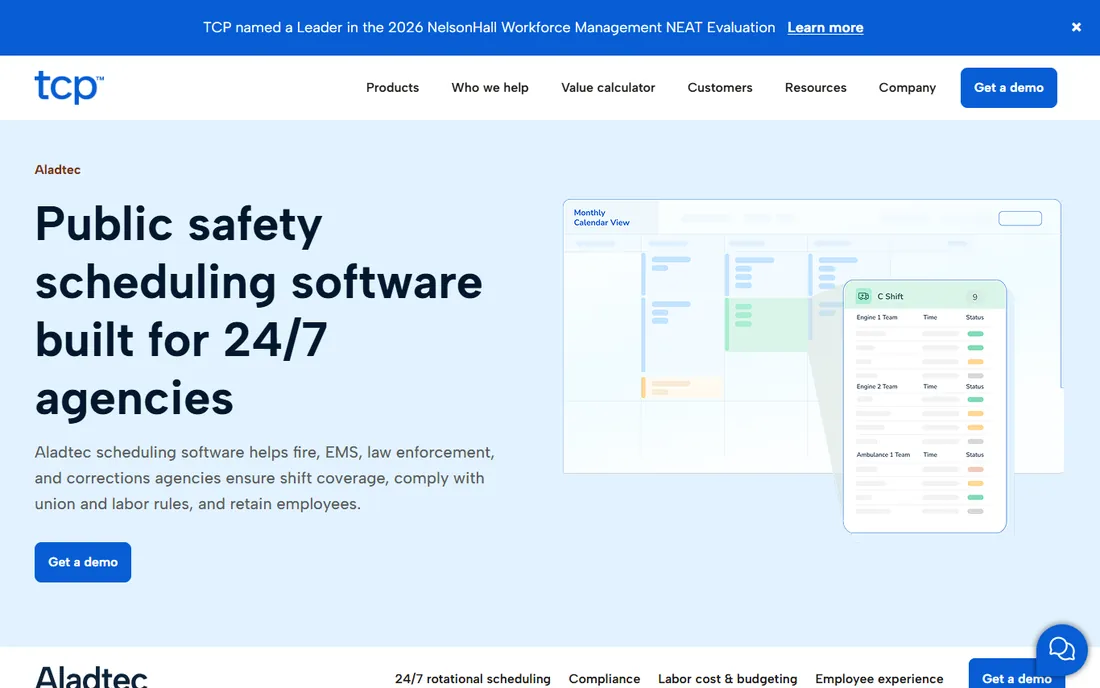
Aladtec has been doing one thing for years: keeping round-the-clock agencies covered. The platform encodes rotation patterns directly, so whether your department runs 8s, 10s, or 12s, the schedule builds around them rather than fighting them. Minimum staffing monitoring, shift trades, overtime sign-ups, and messaging all run through the same system, and the built-in forms library replaces the paper checklists that pile up in patrol (vehicle inspections, daily activity logs, equipment checks).
The compliance angle is the real selling point. Work, union, and fatigue rules are baked into scheduling, and the reporting is designed to walk into an audit with confidence. Aladtec was acquired by TCP Software in 2021 and is maintained as a standalone product inside a larger workforce suite, which is good for stability and payroll integrations but means pricing and packaging follow enterprise software norms: custom quotes, demos, and no self-serve trial. If audit readiness is your top worry, start here.
What we like- Rotational scheduling built for continuous operations
- Compliance and audit reporting
- Digital forms and certification tracking
Watch out for- No published pricing
- No free trial or free tier
- Owned by TCP, so the roadmap follows a larger suite
Starting priceSee website
Free planNo
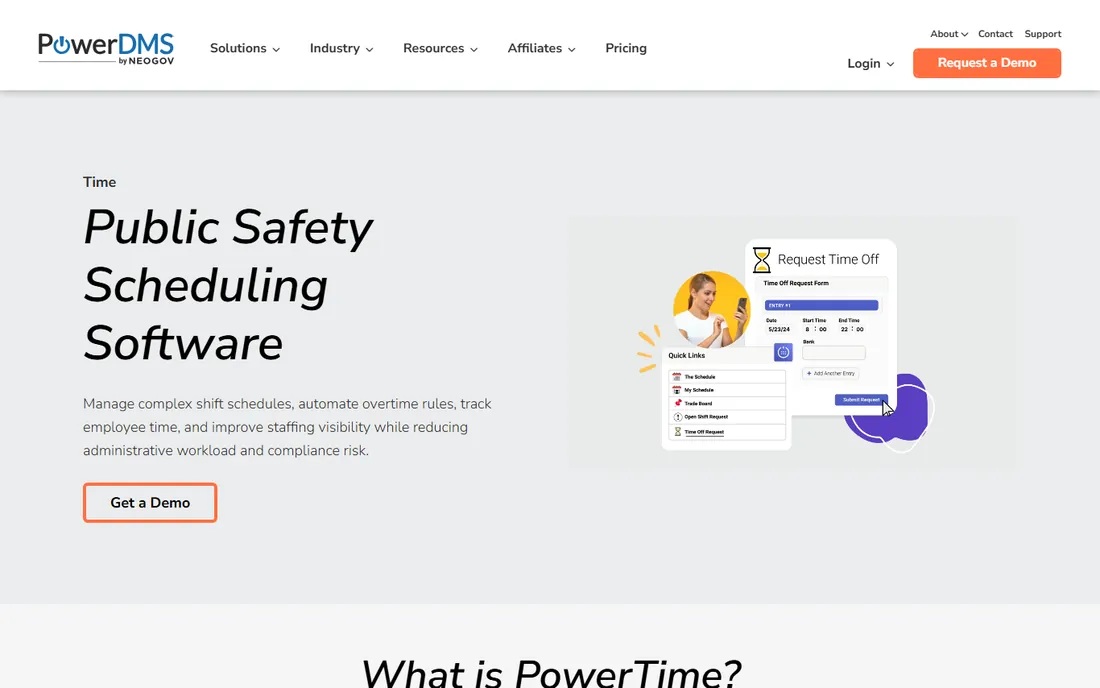
PowerTime is the current name for PlanIt Schedule, the long-running police scheduler that now sits inside the PowerDMS (now NEOGOV) portfolio. That history matters: the product carries over a decade of public safety scheduling logic, including complex shift rotations, leave balance projections, and FLSA overtime math that generic tools get wrong. Supervisors see projected leave balances before approving time off, which prevents the negative-balance surprises that blow up staffing.
The pitch is strongest for departments already in the PowerDMS ecosystem, where scheduling, policy, and training data can live under one roof. Security controls are built for public sector buyers: secure cloud hosting, role-based permissions down to individual fields, and audit logs. Pricing is quote-based and implementation is guided, so expect a real sales and onboarding process rather than a signup page. Mention PlanIt Schedule once for anyone researching the older name, then evaluate it as PowerTime.
What we like- FLSA overtime calculations built in
- Union rules and role-based permissions
- Public sector payroll integrations
Watch out for- Quote-only pricing
- Newest brand in this list (formerly PlanIt Schedule)
- Implementation timeline varies with agency size
Starting price$450/year
Free planFree trial (30 days)
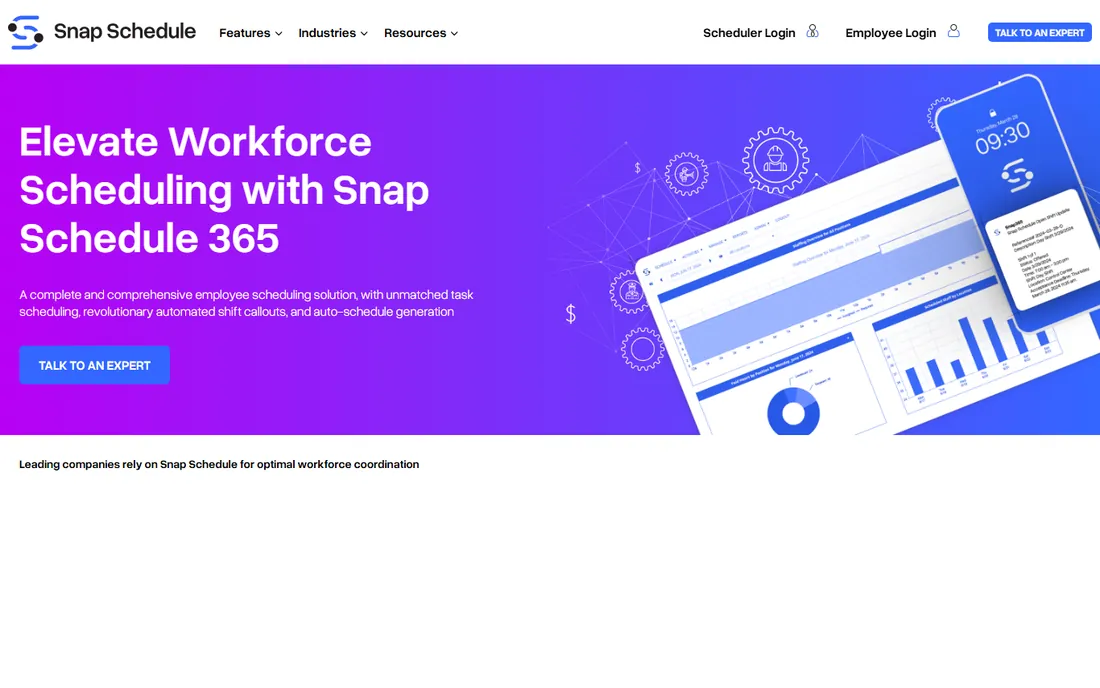
Snap Schedule wins on two things: price transparency and the callout engine. When a shift opens, the system ranks eligible officers by your criteria (skills, availability, seniority, labor cost) and contacts them automatically by text or phone, tracking who accepted and who declined in real time. That single feature replaces the midnight phone tree, and it is the reason small departments pick Snap Schedule over building rotations in Excel.
The licensing model is unusual and friendly: you license schedulers, not total headcount, so adding officers does not change the bill. The 30-day trial is genuinely free, and $450 a year is the lowest entry price in this list. The honest catch is scope. Snap Schedule serves every industry, so it lacks the police-specific depth of InTime or PowerTime: no court subpoena module, no FLSA 7(k) work-period logic out of the box. For a department whose main pain is filling shifts fast and cheap, that trade is usually worth it.
What we like- Automated callout engine contacts eligible officers by SMS or phone
- Published pricing from $450/year
- Licenses schedulers, not headcount
Watch out for- General scheduling tool, not police-only
- Interface shows its Windows-software roots
- Deeper public safety features lag the specialists
Starting price$1,250/year (up to 20 active employees)
Free planNo
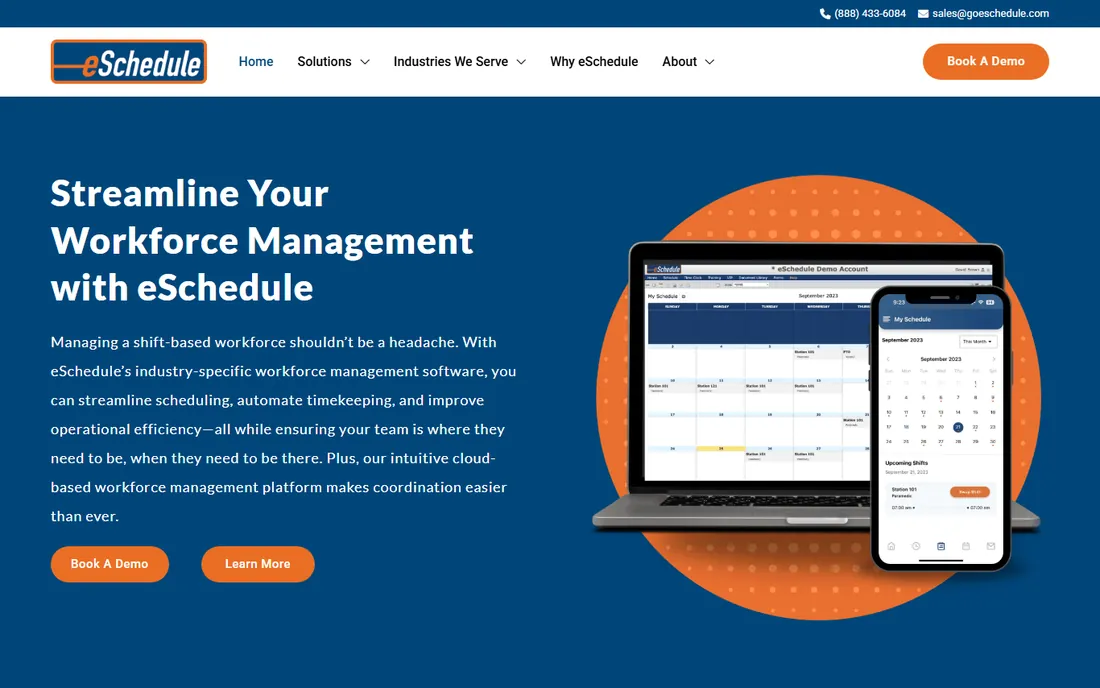
eSchedule has served fire, EMS, and police departments since 2004, and it reads like software designed by people who have staffed a station. Scheduling and timekeeping live together, so timesheets flow from the roster instead of being reconciled by hand. Certification tracking with expiration alerts keeps training compliance visible, and unusual extras like vehicle maintenance scheduling and equipment tracking make it a small department's operations hub rather than just a calendar.
The entry price is published at $1,250 a year for up to 20 active employees, which is refreshingly concrete in a category full of "contact us" buttons. Larger agencies get custom quotes. The company is small, which shows up as responsive support in reviews and a product that evolves more slowly than venture-backed competitors. If you want one system that covers scheduling, time clocks, certs, and fleet without enterprise pricing, eSchedule deserves a demo.
What we like- Scheduling plus timekeeping in one platform
- Certification and training tracking
- Vehicle maintenance and equipment modules
Watch out for- Pricing beyond the base tier is quote-based
- Smaller vendor with a leaner support bench
- Interface is functional rather than modern
Starting priceSee website
Free planNo
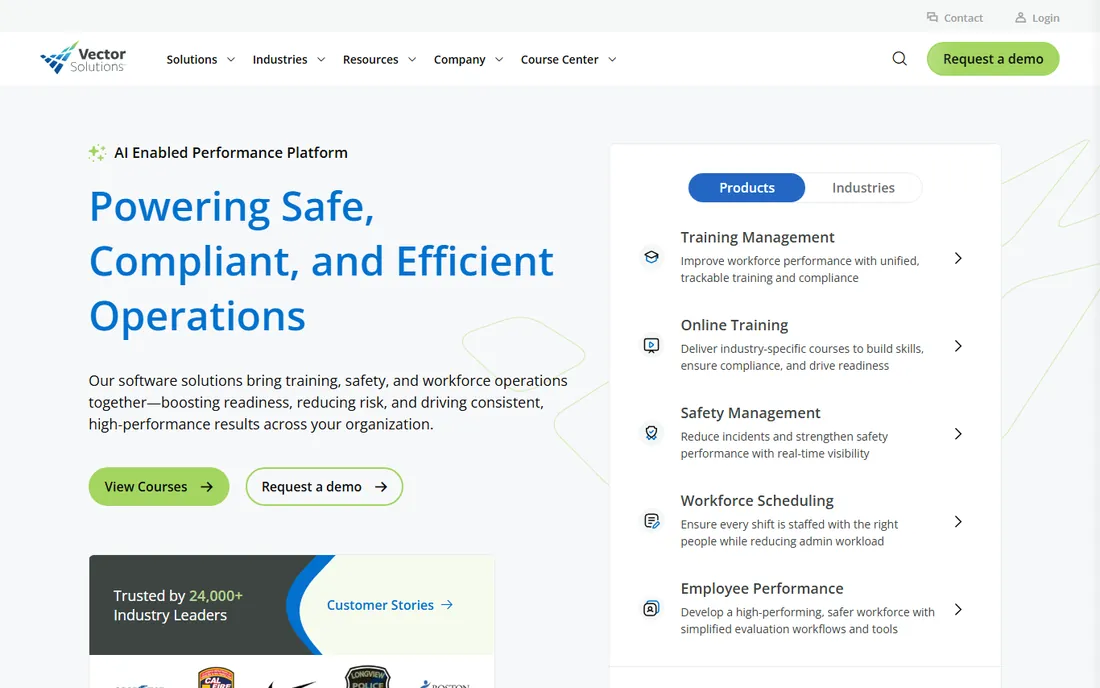
Vector Solutions acquired CrewSense to add scheduling to its training and compliance platform, and the integration is the whole argument. When a shift opens, the system can match, qualify, and fill it automatically, and because it shares data with the training side, it knows whose certifications are current before assigning them. For agencies already running TargetSolutions for training management, adding scheduling removes a system boundary that causes real errors.
The platform serves thousands of public safety agencies, so the public-sector feature set (union overtime rules, compliance reporting, 24/7 shift patterns) is proven rather than promised. The downside of suite software applies: pricing is quote-only, and the scheduling module shines brightest when you also buy training, policy, or asset management. If you are shopping for scheduling alone, the specialists above give you more for less. If you are consolidating systems, Vector belongs on the shortlist.
What we like- Scheduling integrates with the TargetSolutions training suite
- Automated shift filling with qualification matching
- Strong public safety install base
Watch out for- Quote-only pricing
- Scheduling is one module in a large suite
- Best value requires buying into the broader platform
Starting priceSee website
Free planNo
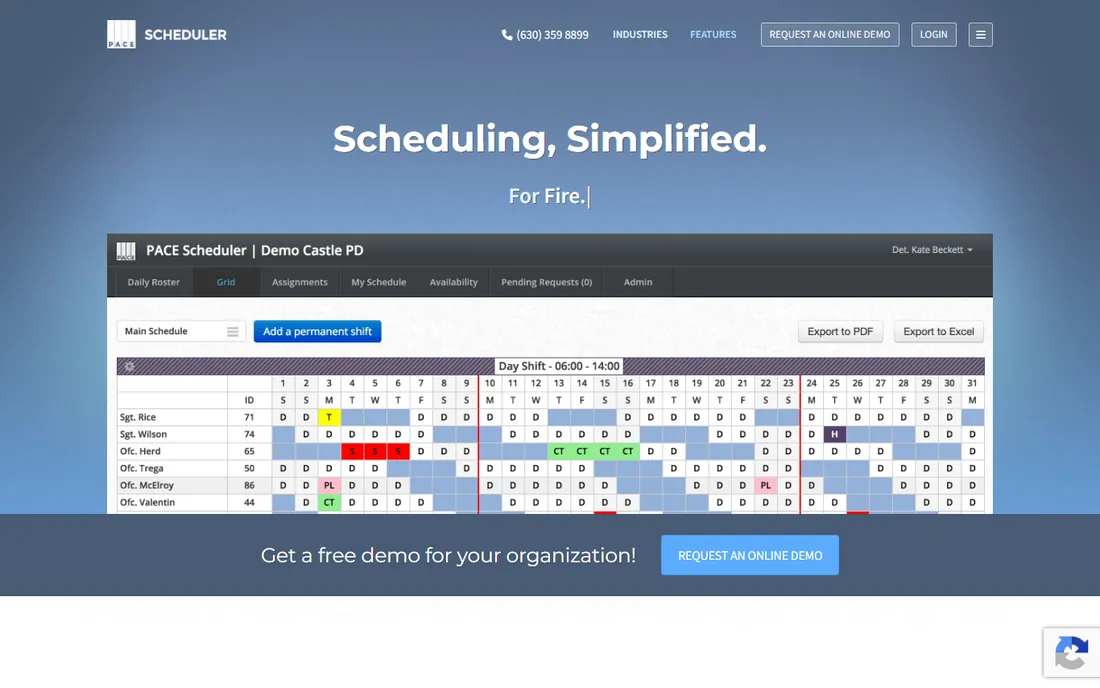
Pace Scheduler is the younger challenger in this list, and its customer reviews read like a support team's highlight reel: responsive onboarding, quick answers, and a product that adapts to how each department actually works. The police version handles shift bidding, time-off requests, overtime tracking, leave accruals, and payroll exports, with a mobile app officers actually use to check balances and request time.
The standout feature is shift bidding: departments report compressing a month-and-a-half bidding process into days. Pricing is quote-based, which is the one annoyance for a product that otherwise sells simplicity. Pace is a good fit for a department moving off spreadsheets or an aging scheduler that wants modern software without an enterprise implementation. It is less proven at the scale of a thousand-officer agency, so large departments should ask for reference customers their own size.
What we like- Purpose-built police version of the system
- Fast onboarding with responsive support
- Shift bidding that shrinks a six-week process to days
Watch out for- No published pricing
- Younger company with a smaller feature set
- Fewer third-party integrations than the big suites
Starting price$6 per user/month
Free planNo
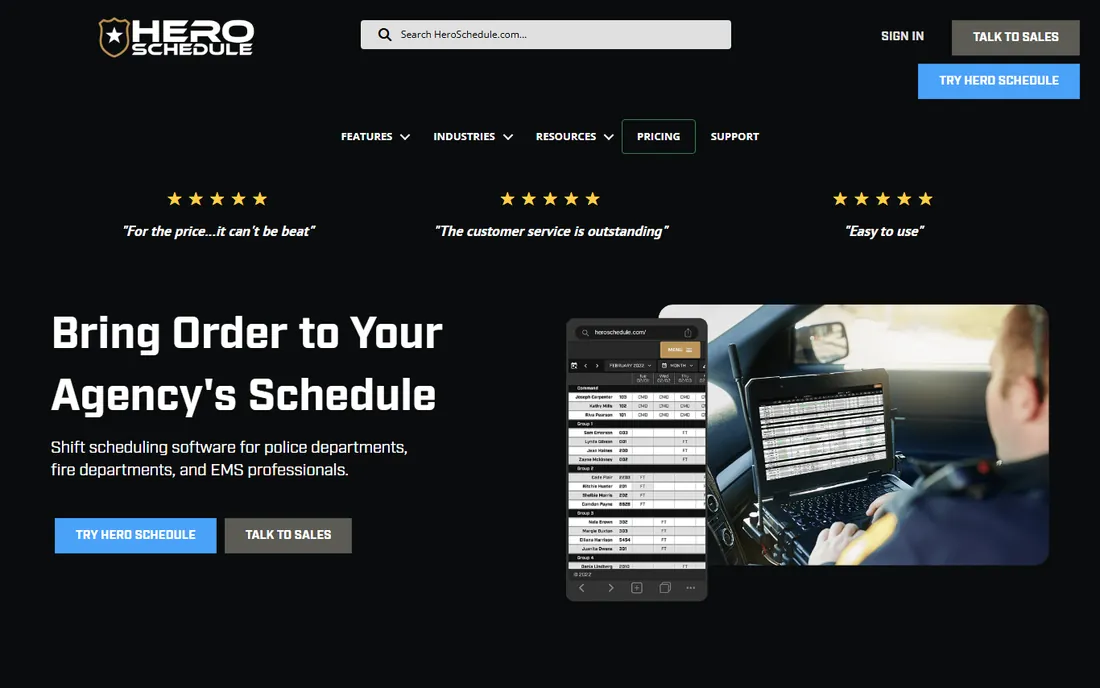
Hero Schedule does one thing and prices it plainly: $6 per user per month for shift scheduling built for police, fire, and EMS. No quote process, no pricing page scavenger hunt. The product covers the essentials (scheduling, time-off, overtime, shift trades) with a clean interface, and the all-U.S. support team is a genuine differentiator for departments tired of ticket queues.
The trade-off is depth. You will not find FLSA work-period engines, subpoena management, or asset tracking here. Hero Schedule is the answer for a 20-officer department currently running on a shared spreadsheet and a group text, where the goal is to get schedules online, stop the phone tree, and pay a predictable monthly bill. Larger or more complex agencies will outgrow it, but as a first step it is hard to beat on simplicity and price.
What we like- Clear $6 per user per month pricing
- Built only for first responders
- U.S.-based support team
Watch out for- No free trial or free tier
- Feature set is narrower than the specialists
- Best for small agencies
Starting priceSee website
Free planNo
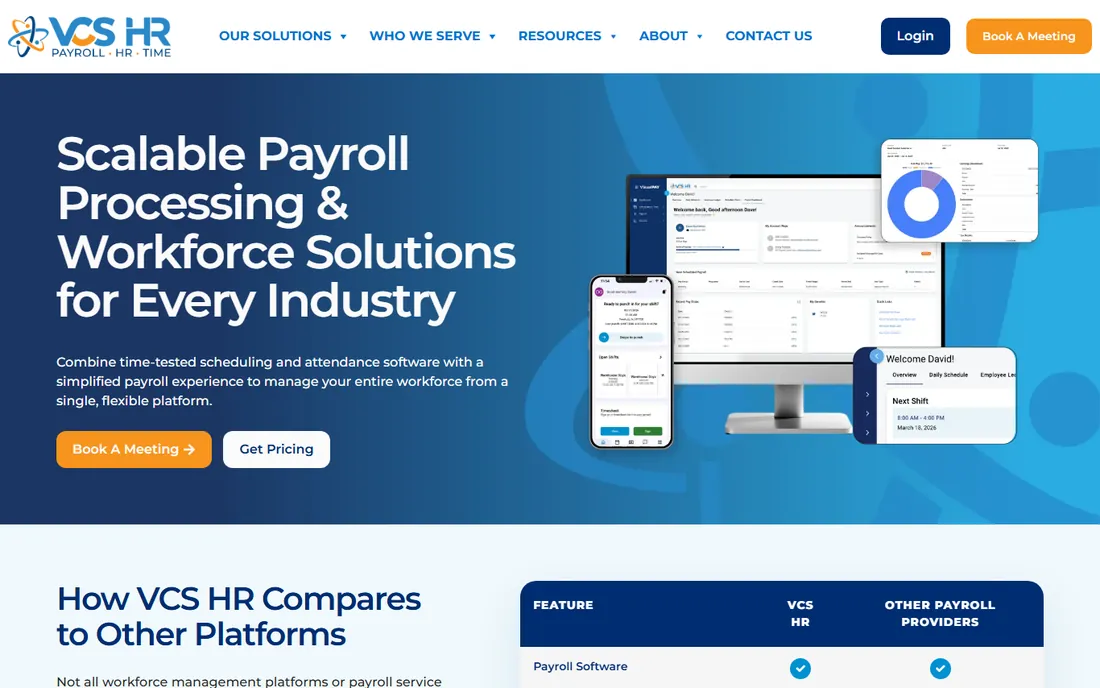
POSS, the Police Officer Scheduling System from VCS Software, claims more than 700 police departments, which makes it one of the most widely deployed names in this category. It covers the police-specific workflows (shift bidding, overtime management, compliance, PTO) and sits inside the larger VCS HR platform, so departments that also need payroll, time and attendance, and benefits administration can consolidate vendors.
The platform's union-rule compliance logic and AI-assisted overtime management are the technical highlights, and the U.S.-based support team answers fast. The buying experience is enterprise software through and through: quotes, demos, and implementation planning, with no published pricing or trial. POSS fits departments that want scheduling as part of a single HR and payroll system rather than a standalone tool. If you only need scheduling, the standalone specialists will be simpler to buy and run.
What we like- POSS module is police-specific with 700+ department install base
- Shift bidding and compliance tools
- Full payroll and HR available in the same suite
Watch out for- Quote-only pricing
- The broader VCS HR platform is generalist
- Sales process is enterprise-style
How we chose
We researched vendor homepages, pricing pages, and product documentation, then cross-checked features and pricing against public reviews on G2 and Capterra, law enforcement trade press (Police1, Officer.com), and community discussion on Reddit. Every price above comes from the vendor's own site or a recently published third-party comparison, and where vendors publish no pricing we say so rather than guessing. We included only tools with verifiable, currently active products; renamed products appear under their current names, and acquired products that were folded into another tool are listed once under the surviving brand. We did not test any of these tools hands-on.
What to check before you sign
Union rules and FLSA compliance are not optional features
Police overtime is governed by union contracts and, for qualifying agencies, the FLSA 7(k) exemption, which allows overtime to be calculated over a defined work period instead of a 40-hour week. Generic scheduling apps do not model this. Ask every vendor to show you exactly how their system applies your contract's overtime rules and work periods, and get the answer in writing before you sign.
Court scheduling is part of the roster
Subpoenas and court appearances pull officers off patrol, and managing them in a separate system creates conflicts and missed appearances. InTime and PowerTime fold court scheduling into the roster; if your shortlist lacks this, ask how the vendor handles it, because a spreadsheet workaround will cost you in overtime.
Count the cost of implementation, not just the license
Quote-based pricing means the license is only part of the bill. Ask about implementation timelines, historical data migration, and training, and ask for reference customers at your agency's size. A $450/year tool you can set up in a week can beat a quoted enterprise suite that takes six months to deploy, depending on your staffing.
Mobile access decides adoption
Officers will not call the station to check a schedule. Every tool on this list offers mobile access, but the quality varies: self-service for time-off requests, shift bids, and overtime sign-ups is what actually reduces the scheduler's workload. Demo the officer-facing mobile experience, not just the admin dashboard.
Why police scheduling is not like retail scheduling
A restaurant can run short a server and apologize. A police department running below minimum staffing breaks policy, and sometimes the law. That is why this category exists as its own market. Rotating 24/7 shifts, seniority-based overtime callouts, fatigue rules, certification expirations, court subpoenas, and union work rules all interact in one roster, and a mistake can mean a grievance, a compliance finding, or an uncovered shift.
Generic scheduling tools model none of this. They assume interchangeable workers, simple overtime, and no legal duty to maintain staffing levels. Police-specific platforms encode the constraints directly: minimum staffing alerts, qualification matching, automated callouts that respect seniority order, and audit trails that stand up to review. When you demo, bring your three hardest scheduling scenarios and make the vendor solve them live. The tools that hesitate are telling you something.
Frequently asked questions
How much does police scheduling software cost?
It ranges widely. Snap Schedule publishes pricing from $450/year, Hero Schedule lists $6 per user per month, and eSchedule starts at $1,250/year for up to 20 staff. The enterprise-oriented tools (InTime, Aladtec, PowerTime, Vector Solutions, Pace Scheduler, VCS POSS) price by quote based on agency size and modules. Budget for implementation and training on top of the license.
Does police scheduling software handle union rules and FLSA overtime?
The police-specific tools do. They model seniority-based overtime callouts, union work rules, and FLSA calculations including the 7(k) work-period exemption for qualifying agencies. Generic scheduling apps generally do not, which is the main reason departments buy category-specific software. Always ask the vendor to demonstrate your contract's rules in the product.
Can officers swap shifts and bid on overtime from their phones?
Yes, across this list. Mobile self-service for viewing schedules, requesting time off, trading shifts, and signing up for overtime is standard. The quality of the officer-facing app varies, so demo it from the officer's perspective during evaluation, not just the scheduler's dashboard.
How is this different from a generic scheduling app like a retail shift planner?
Police schedulers enforce minimum staffing levels, model union and FLSA overtime rules, track certifications, manage court appearances and subpoenas, and keep audit trails for compliance. Generic apps assume interchangeable staff and simple overtime, which breaks against the legal and contractual constraints departments operate under.
What about court appearances and subpoenas?
Court scheduling is a core police workflow, not an add-on. InTime includes a court and subpoena module with electronic subpoena service, and PowerTime folds court appearances into the roster. If scheduling software cannot see court commitments, it will schedule officers for patrol when they are legally required elsewhere, so treat this as a must-have in demos.
We are a 15-officer department on spreadsheets. Where do we start?
Start with the transparent options: Hero Schedule at $6 per user per month or Snap Schedule at $450/year with a 30-day trial. Both get you off spreadsheets fast without a quote process. If you need timekeeping and certification tracking too, look at eSchedule. Move up to the quote-based specialists when union complexity or agency size demands it.
Sources we checked (13)
- https://intime.com
- https://aladtec.com/
- https://www.powerdms.com/power-time
- https://www.snapschedule.com
- https://goeschedule.com
- https://vectorsolutions.com/
- https://pacescheduler.com/
- https://heroschedule.com/
- https://vcssoftware.com/
- https://www.vcssoftware.com/solutions/poss/
- http://wheniwork.com/blog/top-police-officer-scheduling-systems
- https://tcpsoftware.com/articles/police-scheduling-software/
- https://www.g2.com/sellers/planit-schedule
Is your product missing or out of date?
We review this list regularly. Vendors can request a listing, send updated pricing or ask about featured placement.

Shihab Mia · Founder, Rankite
Shihab has spent more than a decade helping SaaS and e-commerce brands grow through search. He writes Rankite's software buying guides from pricing pages, documentation and public user reviews. More about Shihab.