How we make this list: we compare pricing pages, product documentation and public user reviews. Ratings come from G2, Capterra or Trustpilot, with the date we checked them.
Key takeaways
- LangChain and LangGraph lead for developers building custom agents in code, with the widest model and tool support.
- Microsoft Copilot Studio suits business teams that want no-code agents inside Microsoft 365 and Dynamics.
- Google Vertex AI Agent Builder suits teams already on Google Cloud that need search, grounding, and enterprise controls.
- OpenAI Agents SDK is the simplest path for teams building on OpenAI models with function calling and handoffs.
- Agent reliability depends more on testing, guardrails, and tool design than on which framework you pick.
Quick comparison
Is your product missing or out of date?
We review this list regularly. Vendors can request a listing, send updated pricing or ask about featured placement.
Starting priceFree
Free planYes
LangChain is the most widely used framework for building AI agents in Python and JavaScript, with chains, tools, memory, and integrations for nearly every model provider, vector store, and API. Developers use it to build retrieval agents, research assistants, and workflow automations that call tools and keep context across steps. Its community and docs are the largest in the space, which helps new teams find examples for common patterns.
The trade-offs are change and abstraction. LangChain APIs have changed fast, which breaks older tutorials, and its abstraction layers can hide what the model actually does, making debugging harder. Even so, LangChain suits developers who want the widest integration choice and a large community behind their agent code, and it remains the default starting point for custom agent projects.
What we like- Largest ecosystem of integrations
- Works with many models
- Strong docs and community
Watch out for- Fast-changing APIs
- Abstraction layers can hide behavior
- Production debugging takes work

#2LangGraph
Best for: Stateful multi-step agents4.4/5 on
G2 (35 reviews, checked Oct 2026)
Visit langchain.com
Starting priceFree
Free planYes
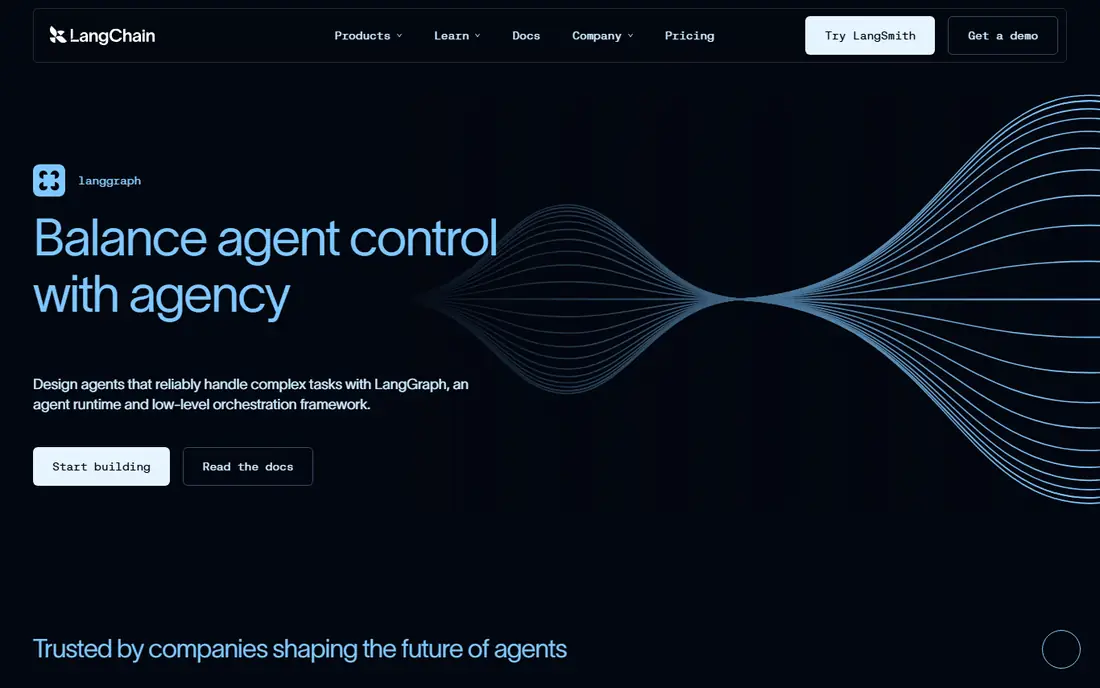
LangGraph, from the LangChain team, builds agents as graphs where each step is a node and state flows between nodes, which gives developers precise control over multi-step workflows. It supports cycles, branching, human-in-the-loop review, and durable state, so long-running agents can pause, wait for approval, and resume without losing context. That control suits agents that handle approvals, research loops, and multi-tool workflows.
The limits are learning curve and deployment. Graph concepts take time to learn, LangGraph is newer than LangChain, and production deployment usually pairs with LangSmith or self-hosted infrastructure. Even so, LangGraph suits teams building serious multi-step agents that need state, review, and reliable control flow rather than a simple prompt chain.
What we like- Graph-based control of agent steps
- Durable state and human review
- Good for complex workflows
Watch out for- Learning curve for graph concepts
- Newer than LangChain
- Deployment needs LangSmith or self-hosting

#3Microsoft Copilot Studio
Best for: No-code business agents4.4/5 on
G2 (155 reviews, checked Oct 2026)
Visit microsoft.com
Starting priceSee website
Free planNo
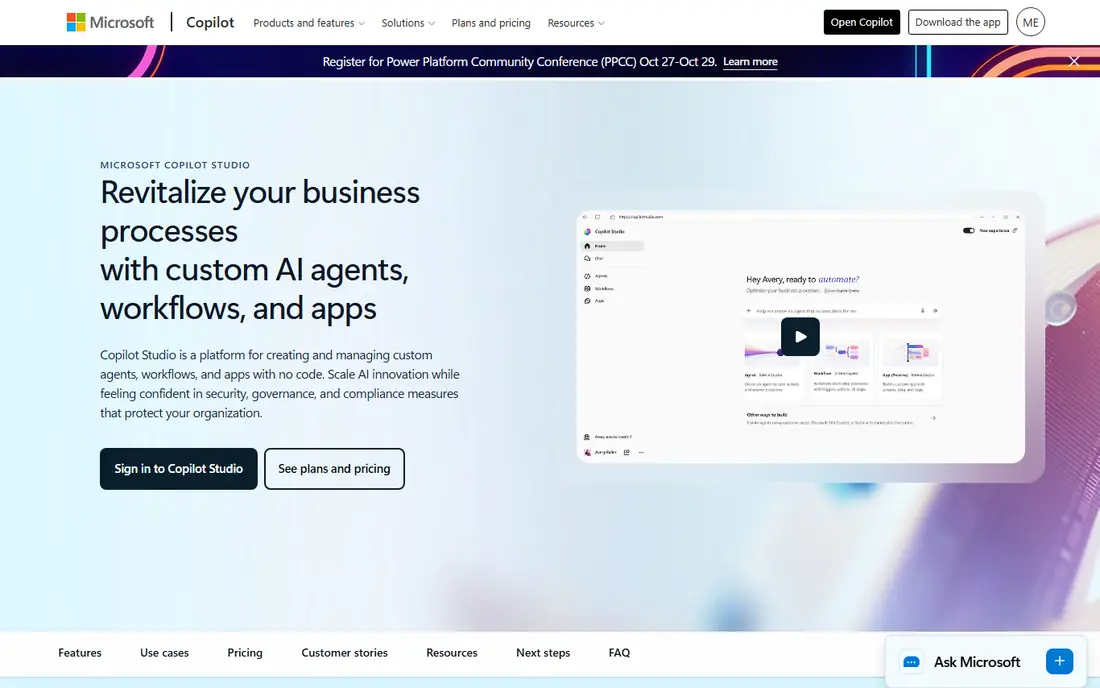
Microsoft Copilot Studio lets business teams build agents with a visual builder, connecting to Microsoft 365, Dynamics 365, SharePoint, and hundreds of other data sources without writing code. Agents can answer questions from company data, automate approvals, and work inside Teams and Outlook. Enterprise governance, data controls, and admin tools suit large firms with compliance needs.
The trade-offs are licensing and ecosystem fit. Pricing is complex and message-based, the best experience comes inside the Microsoft ecosystem, and deep custom logic is harder than in code frameworks. Even so, Copilot Studio suits business teams that want governed, no-code agents on company data without hiring a development team.
What we like- No-code builder for business users
- Deep Microsoft 365 and Dynamics ties
- Enterprise governance
Watch out for- Licensing is complex
- Best inside Microsoft ecosystem
- Custom code options are limited
Starting priceSee website
Free planNo
Google Vertex AI Agent Builder, part of Vertex AI, helps teams build search, chat, and task agents grounded in company documents, websites, and structured data, with enterprise security and controls. It suits support agents, internal search, and document Q and A, where grounding answers in real sources matters more than free-form chat. Integration with BigQuery, Cloud Storage, and Google Workspace fits teams already on Google Cloud.
The limits are ecosystem and pricing. The best experience comes on Google Cloud, pricing is usage-based and takes care to forecast, and setup needs cloud skills. Even so, Vertex AI Agent Builder suits Google Cloud teams that want grounded, enterprise-grade agents for search and support.
What we like- Search and grounding on Google data
- Enterprise security
- Strong for support and search agents
Watch out for- Best on Google Cloud
- Pricing is usage-based and complex
- Setup needs cloud skills
Starting priceSee website
Free planYes
The OpenAI Agents SDK, formerly the Agents SDK for Python and TypeScript, gives developers a simple model for agents, tools, guardrails, and handoffs between agents, built for OpenAI models. It suits teams that already use OpenAI APIs and want agents with function calling, structured output, and tracing without a heavy framework. Handoffs let one agent pass work to a specialist agent cleanly.
The trade-offs are model fit and cost. Results are best on OpenAI models, usage costs follow model pricing, and the SDK is newer with changing APIs. Even so, the OpenAI Agents SDK suits teams building on OpenAI who want a light, clear agent framework with good tracing and guardrails.
What we like- Simple agent, tool, and handoff model
- Strong OpenAI model support
- Good tracing tools
Watch out for- Tied to OpenAI models for best results
- Usage costs are model-based
- Newer SDK with changing APIs

#6CrewAI
Best for: Multi-agent teams4.5/5 on
G2 (3 reviews, checked Oct 2026)
Visit crewai.com
Starting priceFree
Free planYes
CrewAI is an open source framework for building teams of agents, where each agent has a role, goal, and tools, and crews work through tasks in sequence or in parallel. It suits research, content, and analysis workflows where different agents handle different steps, such as one agent gathering data and another writing a summary. The role-based design is easy to explain to non-developers, and it works with many model providers.
The limits are overhead and debugging. Multi-agent teams add coordination cost for simple tasks, and tracing failures across agents takes work. Even so, CrewAI suits teams that want role-based multi-agent systems for research and content workflows without building orchestration from scratch.
What we like- Role-based multi-agent design
- Easy to define crews and tasks
- Works with many models
Watch out for- Multi-agent overhead for simple tasks
- Debugging crews takes work
- Newer framework
Starting priceFree
Free planYes
AutoGen, from Microsoft Research, is an open source framework for multi-agent conversation, where agents talk to each other to solve tasks, review code, and plan work. It suits research and experimental systems, such as code review teams and planning agents, and it supports flexible patterns including group chat and sequential workflows. Its research backing gives it strong ideas about agent coordination.
The trade-offs are production readiness and setup. AutoGen leans research-oriented, production tooling is thinner than LangGraph or Copilot Studio, and setup needs code skill. Even so, AutoGen suits researchers and advanced teams experimenting with multi-agent conversation patterns.
What we like- Strong research backing from Microsoft
- Flexible conversation patterns
- Good for experiments
Watch out for- Research-oriented
- Production tooling is thinner
- Setup takes code skill

#8Botpress
Best for: Chat agents with visual builder4.5/5 on
G2 (514 reviews, checked Oct 2026)
Visit botpress.com
Starting priceFree
Free planYes
Botpress is a visual platform for building chat agents and support bots, with a flow builder, knowledge base tools, and integrations for websites, WhatsApp, and other channels. It suits support and sales teams that want a chat agent without writing code, and its free tier covers small projects. The visual builder makes conversation design clear for non-developers.
The limits are depth and scale. Botpress is less suited to code-heavy multi-step agents than LangGraph, advanced AI features need paid tiers, and the ecosystem is smaller than LangChain. Even so, Botpress suits teams that want a visual chat agent builder for support and lead capture with a gentle learning curve.
What we like- Visual flow builder
- Good for chat and support agents
- Free tier for small projects
Watch out for- Less suited to code-heavy agents
- Advanced AI features need paid tiers
- Ecosystem is smaller
How we chose
We compared agent platforms on framework flexibility, model support, tool integration, state and memory handling, guardrails, deployment options, and community size, favoring platforms with proven production use. We excluded single-model chat wrappers that cannot call tools or run multi-step tasks. Prices mix open source frameworks, which are free to use, with cloud platforms that charge by usage or license, so we wrote See website where pricing is usage-based or unpublished.
Buying guide
Start by deciding who builds the agent. Business teams need no-code builders such as Copilot Studio or Botpress, while engineering teams need code frameworks such as LangChain, LangGraph, or the OpenAI Agents SDK. Next, list the tools your agent must call, such as databases, CRMs, and internal APIs, since tool support shapes framework choice more than model choice.
Then plan for reliability from the start. Test agents on real tasks with edge cases, add guardrails for harmful or wrong outputs, and include human review for high-stakes actions such as payments or external messages. Finally, watch costs: token usage grows fast in multi-step agents, so set budgets, cache common answers, and pick smaller models for simple steps. A well-tested agent on a small model often beats a large model with no guardrails.
Frequently asked questions
What is an AI agent platform?
It is a framework or builder for AI systems that plan, use tools, and complete multi-step tasks, rather than giving a single chat reply. Platforms handle model calls, tool use, memory, and workflow control.
Should I use a code framework or a no-code builder?
Use a code framework if engineers build the agent and it needs custom tools or complex workflows. Use a no-code builder if business teams build support or internal agents on company data without developers.
What is the difference between LangChain and LangGraph?
LangChain is a broad framework for chains, tools, and integrations, while LangGraph builds agents as graphs with state, cycles, and human review. LangGraph suits complex multi-step agents that need precise control flow.
How do I keep AI agents reliable?
Test on real tasks, add guardrails, limit tool access, log every step, and require human approval for high-stakes actions. Reliability comes from testing and controls, not from model size alone.
How much do AI agent platforms cost?
Open source frameworks are free to use, while cloud platforms charge by usage, messages, or license. Model token costs are separate and often larger than platform fees for busy agents.
Sources we checked (0)
Is your product missing or out of date?
We review this list regularly. Vendors can request a listing, send updated pricing or ask about featured placement.

Shihab Mia · Founder, Rankite
Shihab has 5+ years in B2B and SaaS SEO. He writes Rankite's software buying guides from pricing pages, documentation and public user reviews. More about Shihab.
 LangChain
 Vertex AI Agent Builder
 OpenAI Agents SDK
 AutoGen