How we make this list: we compare pricing pages, product documentation and public user reviews. Rankite is independent; if a vendor ever pays for a featured spot, that listing is clearly labeled Partner.
Key takeaways
- A bad meeting platform costs more than the subscription: dropped calls with clients, capped meeting lengths that cut off real conversations, and IT tickets every Monday morning.
- Zoom and Google Meet remain the safest defaults: everyone knows how to join, and both handle everything from quick calls to large webinars.
- Microsoft Teams makes sense if your company already lives in Microsoft 365; Webex fits enterprises that need serious compliance and room hardware.
- Budget-conscious teams should look at Zoho Meeting, Whereby, GoTo Meeting, and the completely free Jitsi before paying for a big-name plan.
Quick comparison
| Tool | Best for | Starting price | Free plan |
|---|
 Zoom Zoom | teams that want the universal default | See website | Yes |
 Google Meet Google Meet | companies on Google Workspace | See website | Yes |
 Microsoft Teams Microsoft Teams | organizations standardized on Microsoft 365 | See website | Yes |
 Webex Webex | enterprises with compliance and hardware needs | See website | Yes |
 GoTo Meeting GoTo Meeting | small businesses that want reliability | See website | Yes |
 Zoho Meeting Zoho Meeting | cost-conscious teams in the Zoho world | See website | Yes |
 Whereby Whereby | browser-based meetings with no downloads | See website | Yes |
 Jitsi Jitsi | anyone who wants free video conferencing | Free | Yes |
Is your product missing or out of date?
We review this list regularly. Vendors can request a listing, send updated pricing or ask about featured placement.
The meeting platform you pick touches every part of the workday. When it works, nobody thinks about it. When it fails, the damage is immediate: a sales call drops at the worst moment, a client cannot figure out how to join, a 40-minute cap ends the meeting mid-sentence. The best online meeting platforms disappear into the background, and that reliability is worth more than any feature list.
#1
Zoom
Best for: teams that want the universal default
Visit zoom.us
Starting priceSee website
Free planYes
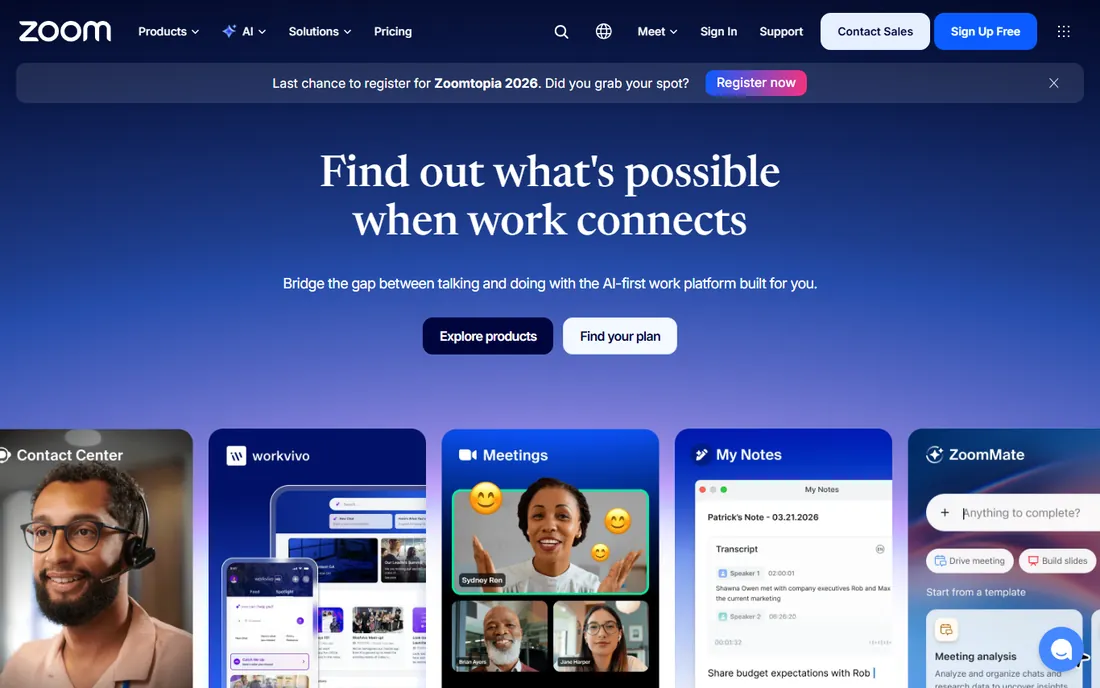
Zoom became the generic word for video meetings for a reason. Joining is frictionless, call quality is consistently good, and the platform scales from a two-person call to a webinar with thousands of attendees. For client-facing businesses, that universality matters: nobody needs instructions to join a Zoom call.
The platform has grown well beyond meetings into Zoom Workplace: chat, phone, whiteboard, and contact center. AI features now capture notes, summarize discussions, and extract action items automatically. That breadth makes Zoom a genuine collaboration hub rather than just a call tool.
The honest catch is cost structure. The free plan caps group meetings, and the features that matter most to businesses, longer meetings, cloud recording, webinars, live in paid tiers with add-ons that stack up. For a small team that meets constantly, the per-user math deserves a close look. But as the safe default, Zoom still sets the standard.
What we like- Everyone already knows how to use it
- Strong webinar and large-meeting support
- AI companion for summaries and action items
Watch out for- Free plan limits group meetings
- Pricing adds up with add-ons
Starting priceSee website
Free planYes
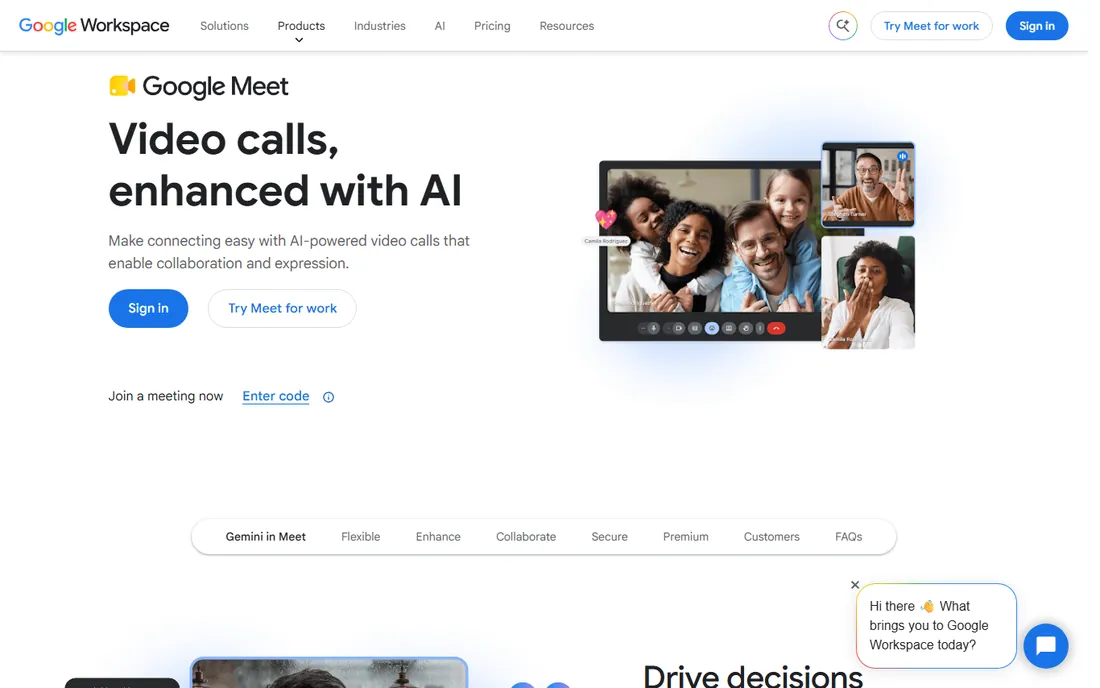
Google Meet wins on simplicity. Anyone with a Google Account can create a meeting with up to 100 participants for up to 60 minutes at no cost, and one-on-one calls have no time limit. There is nothing to install: it runs in the browser, and joining from a Calendar invite takes one click.
For Google Workspace customers, Meet is the obvious choice. Scheduling, recording, and admin controls live inside the same ecosystem as Gmail, Drive, and Calendar, and external guests can join without a Google Account once invited. Premium Workspace plans add recording, live streaming, international dial-in, and larger meetings.
The tradeoff is depth. Meet's webinar and large-event tooling trails Zoom and Webex, and power users miss some advanced host controls. But for internal team meetings and everyday client calls, it is the path of least resistance, and the free tier is genuinely useful.
What we like- Free for anyone with a Google Account
- No downloads needed
- Tight integration with Gmail and Calendar
Watch out for- Free meetings limited to 60 minutes and 100 participants
- Fewer webinar features than Zoom
Starting priceSee website
Free planYes
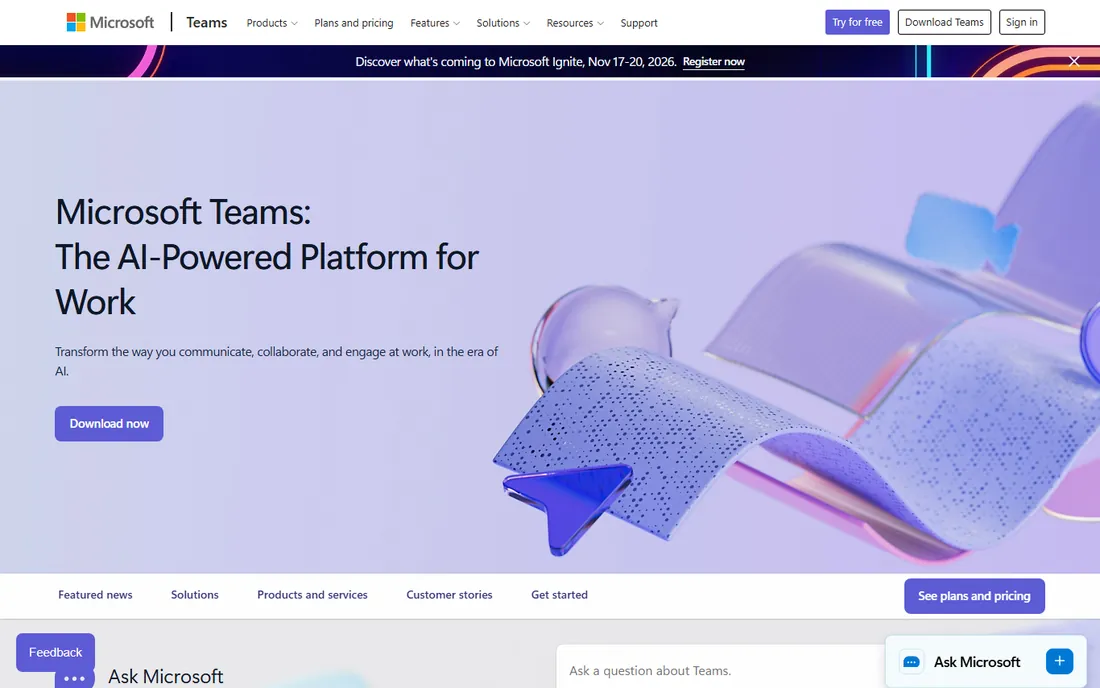
Microsoft Teams is the meeting platform for the Microsoft 365 world. Meetings, chat, channels, and Office documents live in one application, so a call can start from a chat thread and end with shared files already in place. For companies already paying for Microsoft 365, the meeting functionality is effectively included.
The enterprise story is strong: compliance, retention policies, and admin controls that IT departments trust. Large meetings, webinars, and town halls are covered, and Teams Rooms hardware turns conference rooms into one-touch join spaces.
The catch is weight. Teams can feel sluggish compared to lighter alternatives, and guests outside the Microsoft world sometimes struggle with the join flow. Organizations not already on Microsoft 365 get less value. But if your company runs on Outlook and Office, Teams is the natural center of collaboration.
What we like- Meetings, chat, and file collaboration in one app
- Included with Microsoft 365
- Strong enterprise admin controls
Watch out for- Can feel heavy for simple meetings
- Best value only inside the Microsoft ecosystem
#4
Webex
Best for: enterprises with compliance and hardware needs
Visit webex.com
Starting priceSee website
Free planYes
Webex by Cisco is the enterprise veteran of video conferencing. Its strengths are security, compliance, and the hardware ecosystem: Webex room devices are consistently ranked among the best in the industry, and the platform spans meetings, calling, messaging, webinars, and contact center in one suite.
For regulated industries and large organizations, Webex's compliance posture and administrative controls are decisive. The platform's AI assistant works across meetings, messaging, and calling, and Cisco's global infrastructure delivers reliable quality at scale. The claim of 95% of the Fortune 500 running on Webex reflects how deeply it is embedded in large enterprises.
Smaller companies may find the suite heavier than they need, and pricing is built for larger deployments. The free plan covers basic meetings. For organizations where compliance, room systems, and scale matter most, Webex remains the benchmark.
What we like- Enterprise-grade security and compliance
- Excellent room devices and hardware
- Used by 95% of the Fortune 500
Watch out for- The full suite can be complex
- Pricing favors larger deployments
#5
GoTo Meeting
Best for: small businesses that want reliability
Visit goto.com
Starting priceSee website
Free planYes
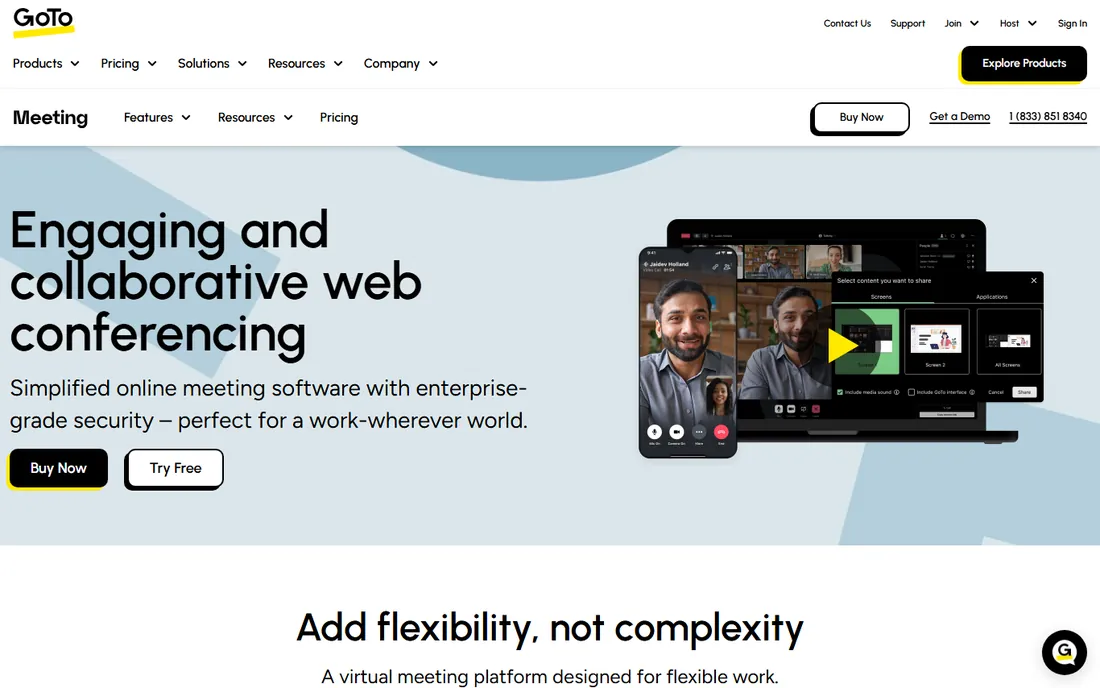
GoTo Meeting has been doing web conferencing since before it was fashionable, and its pitch is reliability over flash. The platform backs its service with a 99.999% uptime commitment, and its security story includes HIPAA-compliant conferencing with a signed business associate agreement, which matters for healthcare and legal teams.
Getting started is easy: a 14-day free trial of the Business plan with no credit card required, plus genuinely free video conferencing for up to 4 participants. The interface is straightforward, and long-time users praise its simplicity compared to heavier platforms.
The tradeoff is ecosystem. GoTo Meeting does meetings well but offers fewer collaboration extras than Zoom Workplace or Teams. For a small business that wants dependable calls without complexity, that focus is a feature. For companies that want an all-in-one collaboration suite, look elsewhere.
What we like- Dependable call quality with 99.999% uptime backing
- 14-day free trial with no credit card
- Free video conferencing for up to 4 participants
Watch out for- Fewer collaboration extras than Zoom or Teams
- Brand recognition lags the leaders
#6
Zoho Meeting
Best for: cost-conscious teams in the Zoho world
Visit zoho.com
Starting priceSee website
Free planYes
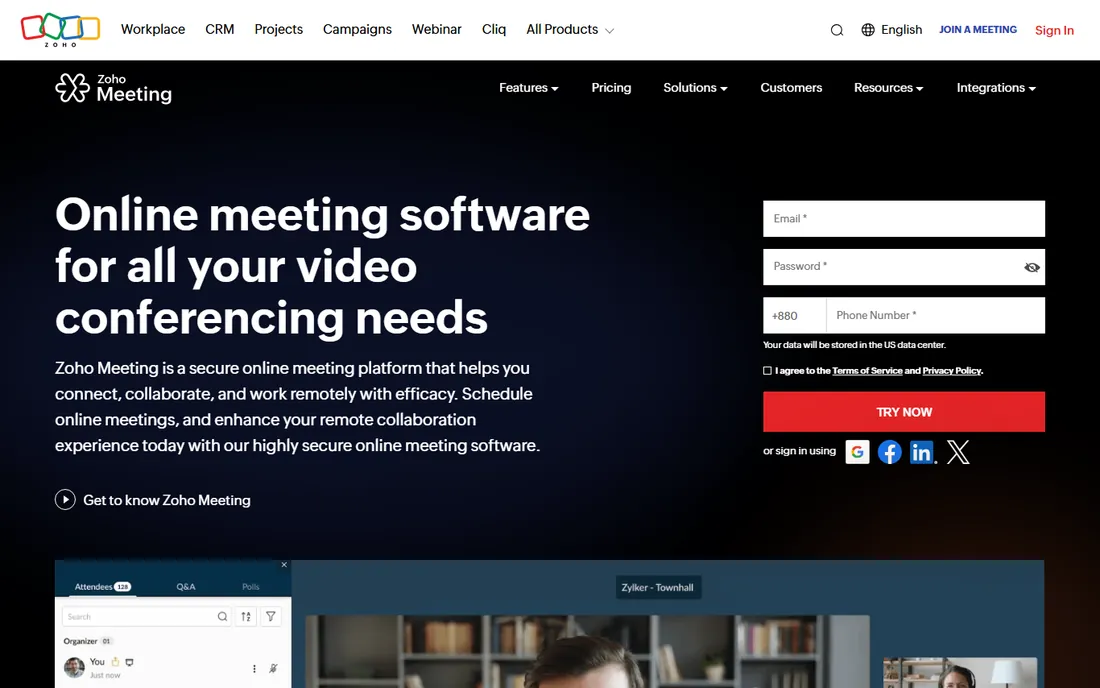
Zoho Meeting is the value pick of this list. The free plan allows meetings up to 60 minutes with 100 participants, including screen sharing and recording, which covers many small teams entirely. Paid plans start at prices well below the big names, making it one of the cheapest ways to get unlimited professional meetings.
Integration with the Zoho ecosystem is the strategic reason to choose it. If your company runs on Zoho CRM, Zoho Projects, or Zoho Books, meetings launch from inside those apps with contacts and context attached. AI-generated transcriptions and session keynotes add modern touches, and security includes meeting locks, moderator controls, and encrypted streams.
The catch is familiarity. External clients may never have heard of Zoho Meeting, and the advanced webinar and large-event features are thinner than Zoom's. For internal teams and Zoho shops watching their budget, it is hard to beat on value.
What we like- Generous free plan with 100 participants
- Very affordable paid plans
- Integrates with the full Zoho suite
Watch out for- Brand is less familiar to external guests
- Advanced features trail the leaders
Starting priceSee website
Free planYes
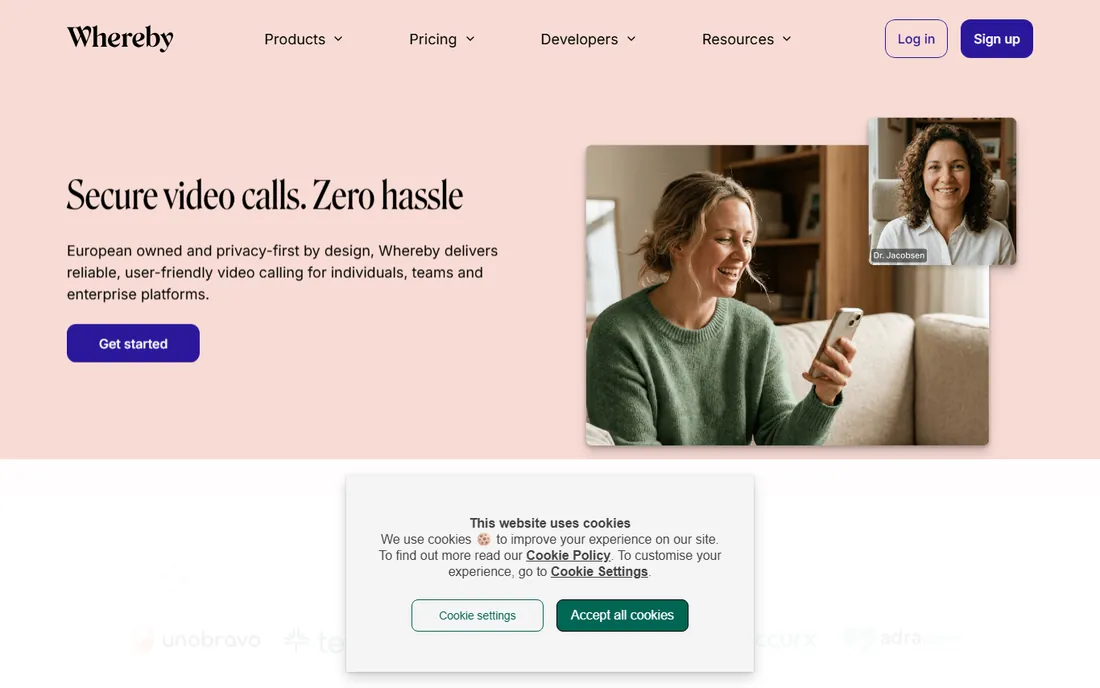
Whereby's whole philosophy is removing friction. Meetings run entirely in the browser with no downloads, and permanent room links mean your meeting URL never changes. For use cases like telehealth, tutoring, or customer support, where guests join once and should never install anything, that simplicity is decisive.
The company is built in Europe with GDPR and HIPAA compliance and ISO 27001 certification, which appeals to privacy-conscious organizations. Beyond meetings, Whereby offers API and SDK tooling so product teams can embed video calls directly into their own applications, a use case the bigger platforms handle less elegantly.
Whereby will not replace Zoom for a 1,000-person webinar. Its feature set is deliberately focused. But for teams that value the join experience above all else, or developers who need embeddable video, it is one of the most pleasant tools on this list.
What we like- Runs entirely in the browser
- Permanent room links
- GDPR and HIPAA compliant with ISO 27001 certification
Watch out for- Smaller feature set than the giants
- Less suited to very large events
Starting priceFree
Free planYes
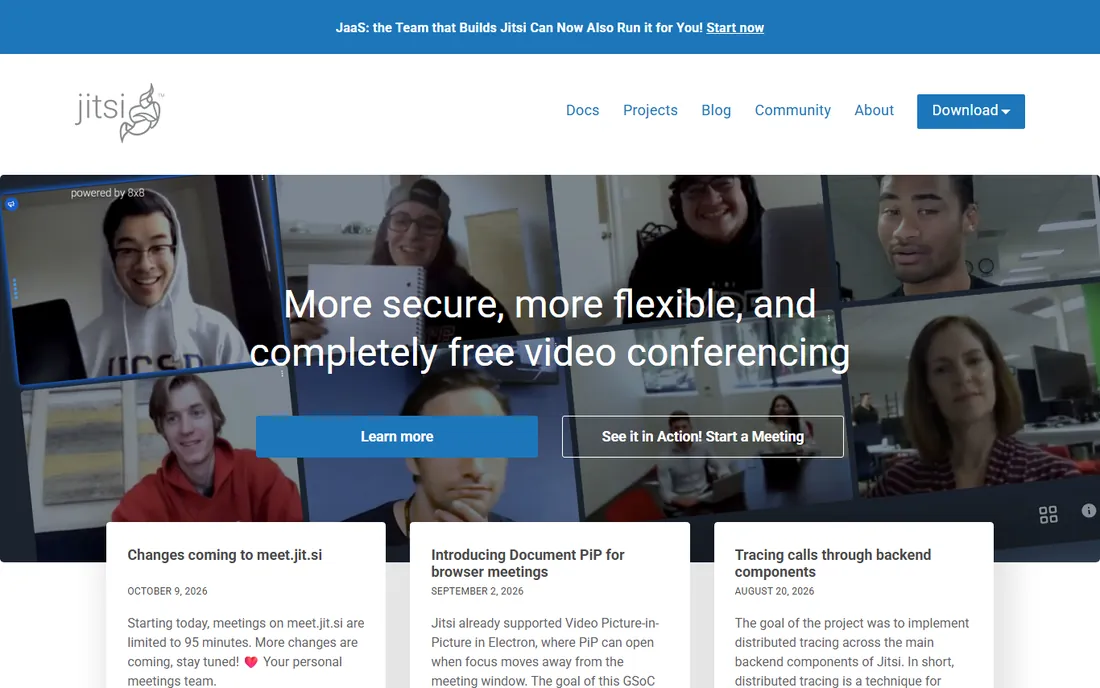
Jitsi is the open-source answer to video conferencing, and it is completely free. Anyone can start a meeting in the browser with no account, and the software can be self-hosted for organizations that want full control over their data. That combination is unmatched: no other tool here offers this much for zero cost.
The project powers video inside products from 8x8, Rocket.Chat, and others, which speaks to the maturity of the underlying technology. Privacy-conscious teams appreciate that there is no vendor tracking them, and developers can extend or embed Jitsi freely.
The honest catch is support and polish. The free public service comes with no SLA, and recent changes have added limits to public meetings. Organizations that depend on it should consider self-hosting or a commercial Jitsi-based provider. For cost-free conferencing with no strings, nothing else compares.
What we like- Completely free and open source
- No account needed to join
- Self-hosting option for full control
Watch out for- No official support on the free service
- Features depend on community development
How we chose
We evaluated meeting platforms on the factors that decide daily satisfaction: call reliability and quality, ease of joining for guests, meeting limits on free and paid tiers, recording and webinar capabilities, integrations, and security. We verified each vendor's current homepage and pulled pricing and plan details from official pricing pages and FAQs. We mixed market leaders with strong smaller and open-source alternatives, and we excluded any tool whose homepage we could not open and confirm. We did not run hands-on call-quality tests across networks; real-world performance varies by location and connection.
Keeping meeting costs under control
Video conferencing looks cheap until you multiply per-user pricing across the company and add the extras. A little planning keeps the bill sane.
Audit who actually hosts meetings
Most companies pay for licenses for everyone while only a fraction ever hosts. Many platforms let attendees join free, so you may only need paid seats for organizers. Count your real hosts before buying, and re-audit twice a year as teams change.
Watch the add-on trap
Base plans rarely include everything. Cloud recording storage, webinar capacity, phone dial-in, and AI features often cost extra. Price the complete package your team needs, not the headline per-user rate, and compare that total across vendors.
Use free tiers strategically
The free plans from Google Meet, Zoom, Zoho Meeting, and Jitsi cover a surprising amount of real work. Small teams, occasional meetings, and external interviews may never need a paid plan. Start free, identify the actual limits you hit, and pay only to remove those specific limits.
Why the join experience decides everything
The most important feature of a meeting platform is the thirty seconds before the meeting starts. If a client, candidate, or customer struggles to join, the technology has already failed, no matter how good the call quality is afterward.
Browser-based joining without downloads wins for external meetings. Permanent room links win for recurring sessions with the same people. One-click joins from calendar invites win for internal teams. When you evaluate, test the guest experience from a device with nothing installed, because that is what your least technical participant faces.
Internal friction matters too. Every app switch, login prompt, and permission dialog taxes your team daily. The platforms that disappear into the workflow, launching from chat, email, or calendar, earn their keep in saved minutes across hundreds of meetings.
Frequently asked questions
What is the best online meeting platform overall?
Zoom remains the safest all-around choice because everyone knows how to use it and it scales from small calls to large webinars. Google Meet is best for Google Workspace teams, Microsoft Teams for Microsoft 365 organizations, and Webex for enterprises with strict compliance needs.
Which video conferencing tool is completely free?
Jitsi is completely free and open source, with no account required to join a meeting. Google Meet, Zoom, Zoho Meeting, and Whereby all offer useful free plans with limits on meeting length or participants.
How many participants can join a free Google Meet call?
Anyone with a Google Account can host a free Google Meet call with up to 100 participants for up to 60 minutes. One-on-one calls have no time limit. Longer meetings, recording, and larger capacity require a paid Google Workspace plan.
Is Zoom or Microsoft Teams better for business?
It depends on your ecosystem. Teams is the better choice if your company already uses Microsoft 365, since meetings, chat, and Office apps work together and the cost is bundled. Zoom is the better choice for external meetings and webinars, since guests join more easily and its event features are stronger.
Do I need to install software to join a video meeting?
Not always. Google Meet, Whereby, and Jitsi run entirely in the browser, and Zoom and Teams offer browser joining as well. For the best experience with advanced features like virtual backgrounds, the desktop apps still help, but guests can usually join with nothing installed.
What should small businesses look for in a meeting platform?
Reliability, simple guest joining, and honest pricing matter most. Check the free plan limits against your actual meeting habits, confirm recording and dial-in costs before you need them, and test the join flow on a phone. Tools like GoTo Meeting, Zoho Meeting, and Whereby are built for exactly this buyer.
Sources we checked (8)
- https://zoom.us
- https://meet.google.com
- https://www.microsoft.com/en-us/microsoft-teams/group-chat-software
- https://webex.com/
- https://www.goto.com/meeting
- https://www.zoho.com/meeting/
- https://whereby.com/
- https://jitsi.org/
Is your product missing or out of date?
We review this list regularly. Vendors can request a listing, send updated pricing or ask about featured placement.

Shihab Mia · Founder, Rankite
Shihab has spent more than a decade helping SaaS and e-commerce brands grow through search. He writes Rankite's software buying guides from pricing pages, documentation and public user reviews. More about Shihab.