How we make this list: we compare pricing pages, product documentation and public user reviews. Rankite is independent; if a vendor ever pays for a featured spot, that listing is clearly labeled Partner.
Key takeaways
- The shortlist for most teams: Nanonets ($100/month for 100 credits after $50 in free credits), DocuClipper ($20.30/month billed annually for 60 pages) and Parseur (free tier of 20 pages/month, paid from $49/month).
- Rossum starts at $18,000 per year on its Starter plan, which only makes sense once you process serious invoice volume.
- Veryfi publishes per-document rates ($0.16 per invoice, $0.08 per receipt) on a free tier of 100 documents per month, making it one of the few tools you can test at real volume before paying.
- Dext Prepare, Doxis AI.dp (formerly Klippa DocHorizon) and ABBYY Vantage publish no usable starting price: plan on a custom quote and use their trials or demos to check extraction quality first.
Quick comparison
| Tool | Best for | Starting price | Free plan |
|---|
 Rossum Rossum | Mid-market and enterprise AP teams processing high volumes of diverse vendor invoices | From $18,000/year (Starter plan) | No free plan (14-day free trial available) |
 Dext Prepare Dext Prepare | Small businesses and accounting firms that want invoice capture inside a bookkeeping workflow | See website (plan builder, priced by document volume) | No free plan (14-day free trial, no credit card required) |
 Nanonets Nanonets | Mid-market operations teams automating invoice processing as part of broader document workflows | $100/month for 100 credits (Starter), after $50 in free credits | $50 in free credits to start, no credit card required |
 Doxis AI.dp Doxis AI.dp | Finance teams in regulated industries that need fraud detection, verification and e-invoicing formats | See website (volume-based, tailored quote) | No (demo via sales) |
 Veryfi Veryfi | Developers and finance teams that want published per-document pricing and a usable free tier | $500/month (Starter platform), plus $0.16 per invoice and $0.08 per receipt | Free tier, up to 100 documents per month |
 DocuClipper DocuClipper | Bookkeepers, accounting firms and SMBs extracting invoices, bank statements and receipts into accounting software | $20.30/month billed annually (Starter, 60 pages per month) | No free plan (14-day free trial, no credit card required) |
 Docparser Docparser | Teams with stable, recurring invoice layouts that suit template-based parsing | $39/month (Starter, 100 credits covering 100 to 500 pages) | No free plan (14-day free trial, no credit card required) |
 Parseur Parseur | SMBs that want emailed invoices parsed automatically into spreadsheets, accounting tools or APIs | $49/month (Micro, 100 pages per month) | Free tier, 20 pages per month |
 ABBYY Vantage ABBYY Vantage | Enterprises already running RPA, BPM or ERP stacks that need document skills plugged into them | See website (custom quote) | No (demo-based sales process) |
Is your product missing or out of date?
We review this list regularly. Vendors can request a listing, send updated pricing or ask about featured placement.
Stop typing invoice data by hand
A single invoice can take three to five minutes of manual entry: vendor name, invoice number, dates, line items, totals, tax, GL codes. Multiply that by a few hundred invoices a month and the AP desk becomes a data-entry department. Invoice OCR tools read those documents and turn them into structured data, but the products below are not interchangeable. Some are full AP workflow platforms, some are pure extraction engines you wire into your own systems, and some are bookkeeping tools with OCR attached.
These nine tools cover the real invoice-capture market for accounts payable in 2026. Prices come from each vendor's own pricing page, and where a vendor publishes nothing usable we say so instead of guessing.
#1
Rossum
Best for: Mid-market and enterprise AP teams processing high volumes of diverse vendor invoices
Visit rossum.ai
Starting priceFrom $18,000/year (Starter plan)
Free planNo free plan (14-day free trial available)
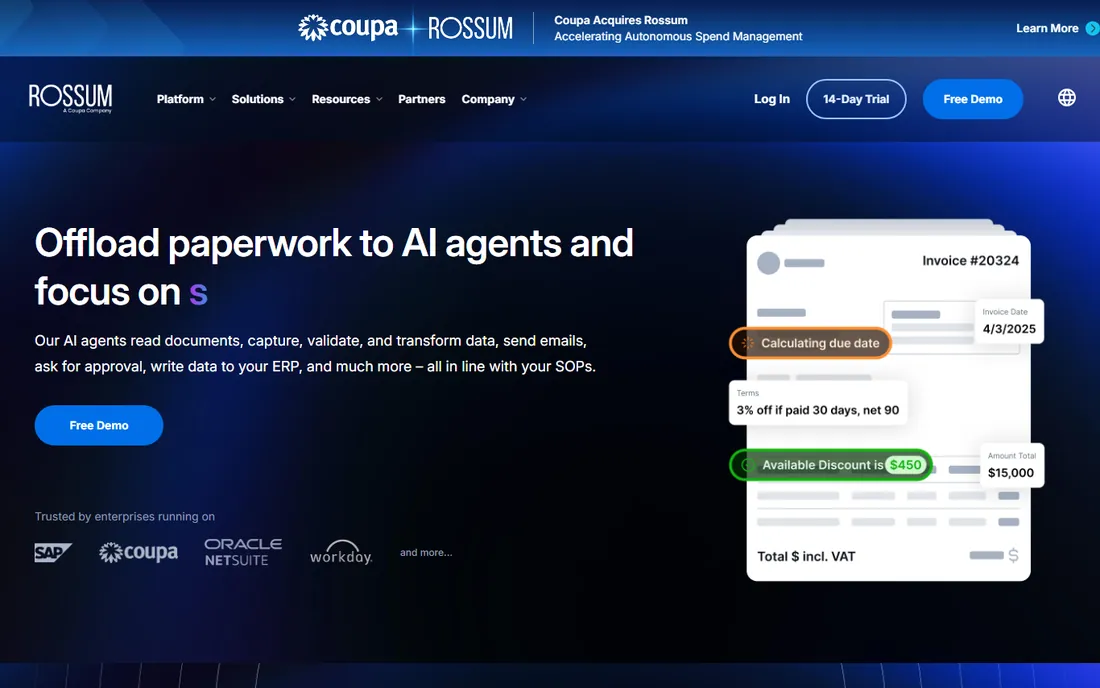
Rossum is the AP-native extraction platform of this set: it was built for accounts payable, not for generic documents. Its Aurora AI engine reads invoices without per-vendor templates, routes exceptions to reviewers, and learns from corrections. The Starter plan includes unlimited seats, document ingestion through email, API or upload, a validation screen for human review, and a 12-month document archive. Higher tiers add master-data matching, duplicate detection, custom business logic, SSO and ERP integrations for SAP, Oracle, Coupa and Workday.
The honest catch is cost and commitment. At $18,000 a year with a one-year minimum, Rossum only pencils out for thousands of invoices annually. Upper tiers are quote-based and climb with volume, and new vendor formats need a learning period. If your volume is in the hundreds per month, the tools below do the job at a fraction of the price.
What we like- Zero-template AI that adapts to new vendor layouts without manual setup
- Built-in validation workflows and exception routing designed for AP
- Unlimited seats on the Starter plan with API access included
Watch out for- The $18,000 annual starting point prices out small teams
- Minimum contract length is one year
- Pricing scales with page volume and workflow complexity, so the sticker number is a floor
#2
Dext Prepare
Best for: Small businesses and accounting firms that want invoice capture inside a bookkeeping workflow
Visit dext.com
Starting priceSee website (plan builder, priced by document volume)
Free planNo free plan (14-day free trial, no credit card required)
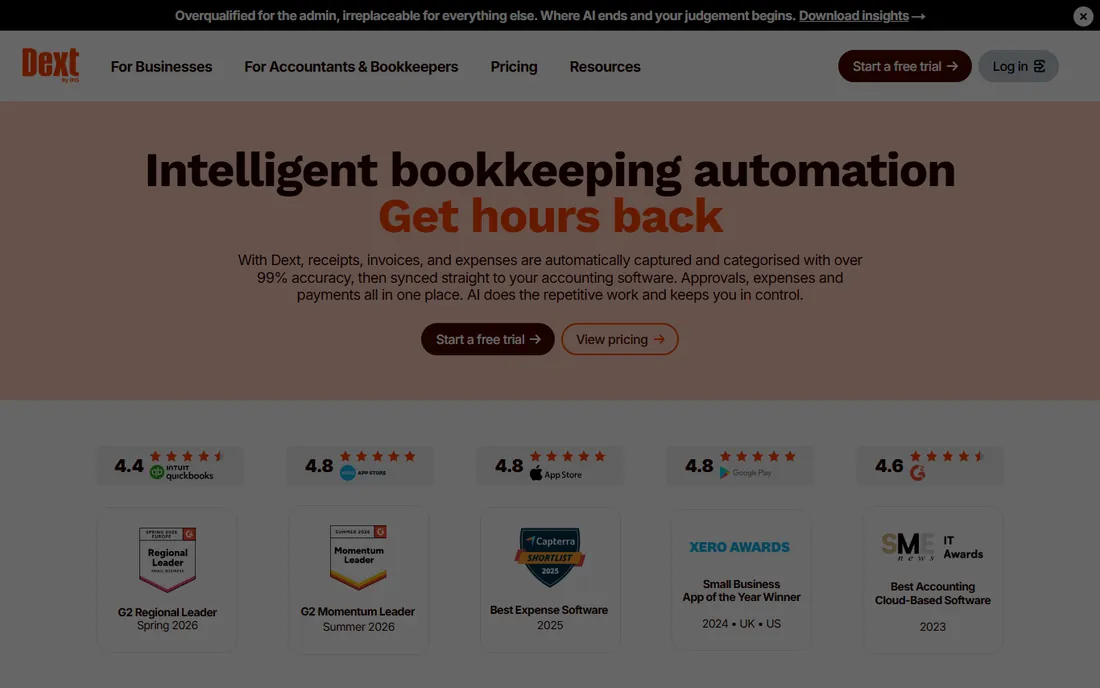
Dext (formerly Receipt Bank) is the bookkeeping-side answer to invoice capture. You snap, email, or forward invoices, receipts and statements; Dext extracts the data at a stated 99 percent accuracy, categorizes it and publishes it to your accounting software. Business plans cover documents, users and extraction add-ons, while firm plans are priced per client. The trial includes free extraction credits.
The honest catch is transparency. The public pricing page is a volume slider, not a tier table, which makes side-by-side comparison awkward. Dext also stops where serious AP begins: no approval chains, PO matching or payment runs. Buy it when the problem is getting invoice data into the books cleanly.
What we like- Documents flow straight into QuickBooks, Xero, Sage and other accounting software
- Line-item extraction, supplier statement extraction and bank feed sync in one place
- Every plan is backed by a 14-day trial with no card required
Watch out for- No published starting price, so you work through a plan builder instead of comparing tiers
- Pricing is volume-slider based, which makes side-by-side comparison awkward
- Geared toward bookkeeping, not deep AP approval workflows
#3
Nanonets
Best for: Mid-market operations teams automating invoice processing as part of broader document workflows
Visit nanonets.com
Starting price$100/month for 100 credits (Starter), after $50 in free credits
Free plan$50 in free credits to start, no credit card required
Nanonets prices like a utility instead of a subscription: you buy credits and spend them on workflow blocks. Simple operations cost $0.02 per run, standard AI $0.10 and complex AI $0.30, and the vendor says a typical invoice workflow runs 4 to 6 blocks, which puts a single invoice under $2. Starter includes data extraction AI, API access, email integration and cloud storage connectors for up to 3 users.
The honest catch is arithmetic. At 1,000 invoices a month with 5 complex-AI blocks each, usage alone costs $1,500. The models are trained per document type, so constantly changing layouts need setup time. The $50 free start is genuinely enough to test on real documents.
What we like- Published per-block pricing ($0.02 to $0.30 per run) with a concrete cost model: a typical invoice runs 4 to 6 blocks
- ERP integrations for SAP, Oracle, QuickBooks and Salesforce
- No seat or platform fees on the Starter plan
Watch out for- You pay per workflow block, so a typical invoice costs under $2 end to end but complex flows add up
- Growth and Enterprise tiers are quote-based
- Reviewers note that per-vendor training still takes setup effort
#4
Doxis AI.dp
Best for: Finance teams in regulated industries that need fraud detection, verification and e-invoicing formats
Visit klippa.com
Starting priceSee website (volume-based, tailored quote)
Free planNo (demo via sales)
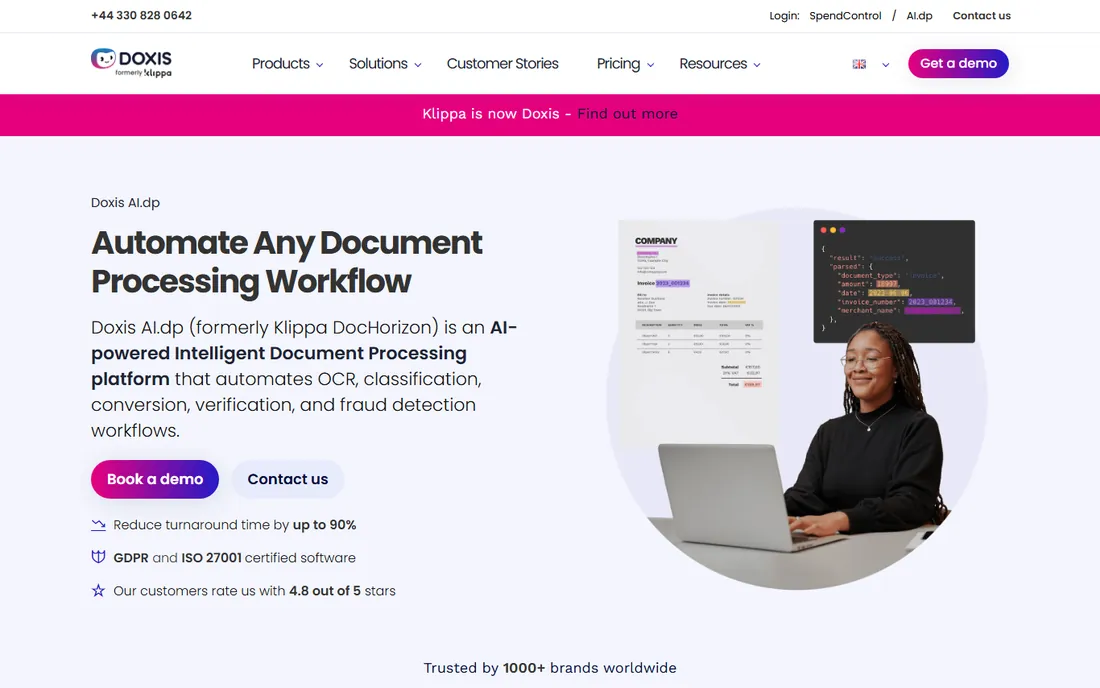
Doxis AI.dp is the product formerly known as Klippa DocHorizon, from the Dutch company Klippa, now under the Doxis brand. It is an API-first document processing platform: you define intake, extraction, approval and output, and it handles invoices, receipts, IDs and 50 plus document types. The AP-relevant extras are document verification against trusted sources, human-in-the-loop review options, and conversion of invoice data into structured e-invoicing formats. Output formats include JSON, XML, CSV, XLSX, UBL, PDF and TXT.
The honest catch is fit. This is a platform for teams with developers, not a plug-and-play AP inbox, and pricing is entirely quote-based. For EU teams, the GDPR-native hosting and e-invoicing support are real advantages. If you want to forward invoices and get clean data with no engineering, pick a mailbox-style tool instead.
What we like- Built-in fraud detection including duplicate detection and document tampering checks
- Invoice data can be structured into XML or UBL for e-invoicing and Peppol exchange
- API and SDK with documented integration, plus GDPR and ISO 27001 certification
Watch out for- Pricing is entirely quote-based, so expect a sales process
- The platform is developer-oriented, which is overhead for teams without technical staff
- Public review volume is thin next to the US-focused tools here
#5
Veryfi
Best for: Developers and finance teams that want published per-document pricing and a usable free tier
Visit veryfi.com
Starting price$500/month (Starter platform), plus $0.16 per invoice and $0.08 per receipt
Free planFree tier, up to 100 documents per month
Veryfi is one of the few extraction vendors that publishes everything. The free tier processes up to 100 documents a month across all document types. Paid plans price invoices at $0.16, receipts at $0.08, checks at $0.25 and bank statements at $0.25 per document, with volume discounts. A transaction is one document up to 15 pages, so a 10-page invoice costs the same as a 1-page one. The platform supports 38 languages, 110 plus data fields and 91 plus currencies, and carries SOC 2 Type 2, HIPAA, GDPR and CCPA compliance.
The honest catch is the entry fee. The free tier is generous, but paid Starter starts at $500 a month before you process a single invoice, which is hard to justify for a few hundred invoices monthly. Veryfi is built for companies embedding extraction into their own products or pipelines. If your finance team has no developers, the mailbox tools below are a better shape.
What we like- Per-document rates published on the pricing page with no per-page math
- You are charged per document (up to 15 pages), not per page, which favors multi-page invoices
- Free tier lets you test on real volume at no cost
Watch out for- The $500 per month Starter fee is steep for a small AP team before you process a single invoice
- The platform is API-centric, so non-technical teams need integration help
- SDKs and no-code options add flexibility but also setup
#6
DocuClipper
Best for: Bookkeepers, accounting firms and SMBs extracting invoices, bank statements and receipts into accounting software
Visit docuclipper.com
Starting price$20.30/month billed annually (Starter, 60 pages per month)
Free planNo free plan (14-day free trial, no credit card required)
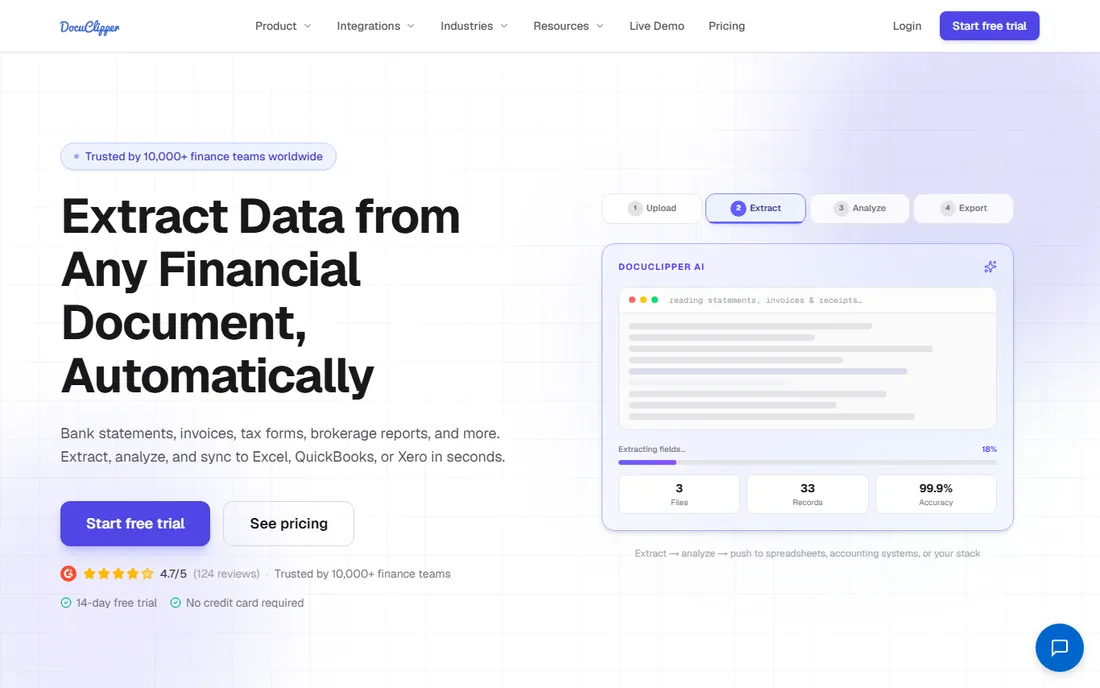
DocuClipper is purpose-built for financial document extraction: invoices, bank statements, receipts, checks and tax forms go in, and clean Excel, CSV, QBO or Xero entries come out. Pricing is page-based and transparent: Starter covers 60 pages a month, Business 640 and Enterprise 1,800, with custom volume beyond that. Every plan includes direct QuickBooks and Xero integration and unlimited users.
The honest catch is the page ceiling. At 60 pages a month, Starter suits a bookkeeper with a light client load, not an AP department. Unused pages do not roll over on monthly billing, though annual billing releases the full year upfront. Failed conversions never consume pages. For teams that live in QuickBooks or Xero, this is one of the cleanest price-to-function ratios in the set.
What we like- Unlimited users on every plan with pages pooled across the account
- Direct integrations with QuickBooks Online, QuickBooks Desktop and Xero plus API on every paid plan
- No contracts, no setup fees, cancel anytime
Watch out for- Page quotas are strict: 60 pages a month on Starter means about 60 invoices
- The headline price requires annual billing, monthly costs more
- The financial-analysis features sit on Business, not Starter
#7
Docparser
Best for: Teams with stable, recurring invoice layouts that suit template-based parsing
Visit docparser.com
Starting price$39/month (Starter, 100 credits covering 100 to 500 pages)
Free planNo free plan (14-day free trial, no credit card required)
Docparser takes the opposite approach to the AI-first tools: you build a parsing template for each recurring document layout, and it extracts the same fields every time. For AP teams that receive invoices from a stable set of vendors, this is reliable and cheap. The Starter plan is $39 a month for 100 credits, each credit worth $0.39, covering roughly 100 to 500 pages depending on document complexity. Larger plans scale the credit pool, and a parsing-assistant add-on will build templates for you.
The honest catch is change. When a vendor redesigns their invoice, your template breaks and someone has to fix it. Teams with hundreds of one-off vendors will spend more time maintaining templates than they save. But for a few dozen recurring suppliers with consistent formats, Docparser is one of the cheapest dependable options.
What we like- Template-based parsing gives predictable, controllable results on consistent vendor formats
- Credit-based plans scale from 100 credits upward with per-credit pricing published
- A paid parsing-assistant service sets up templates for you if you are time-poor
Watch out for- New or changing layouts need new templates, which is manual setup
- The Starter credit allowance is modest for high-volume AP
- Add-ons like extended document retention cost extra
#8
Parseur
Best for: SMBs that want emailed invoices parsed automatically into spreadsheets, accounting tools or APIs
Visit parseur.com
Starting price$49/month (Micro, 100 pages per month)
Free planFree tier, 20 pages per month
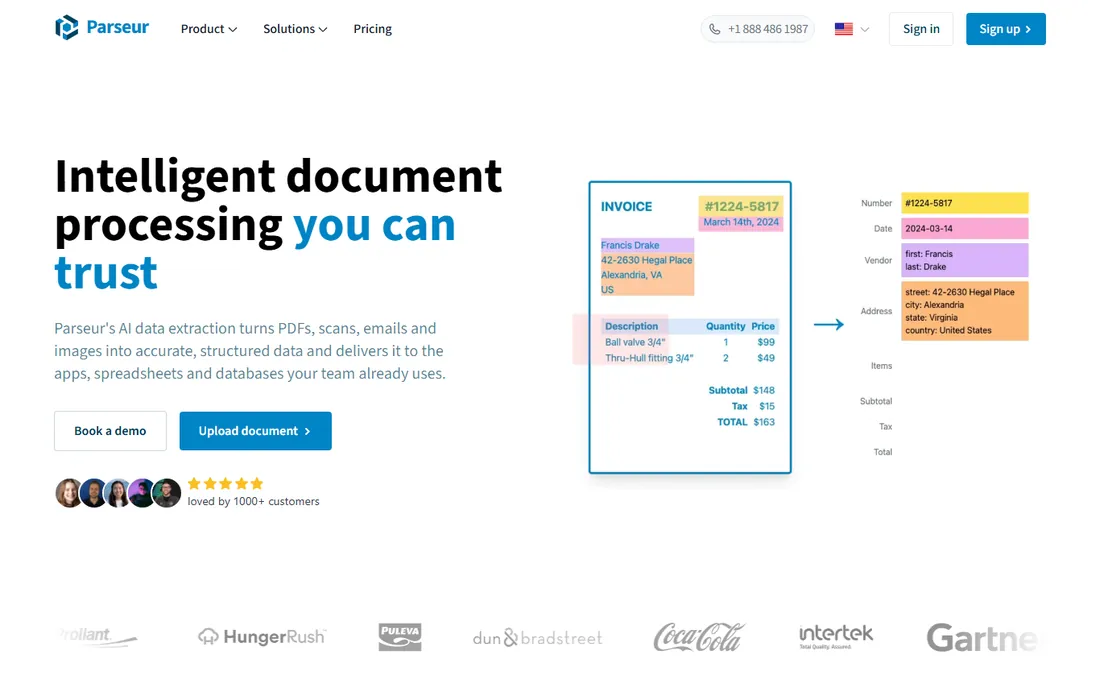
Parseur gives every account a mailbox: invoices arrive by email, the AI parsing engine extracts the fields you name, and the data flows to Google Sheets, Excel, your accounting stack via Zapier or Make, or your own systems via API and webhooks. The free tier processes 20 pages a month forever, which covers a surprising number of micro-business AP flows. Paid plans start at Micro ($49 a month for 100 pages) and scale through Mini, Starter, Premium and Pro tiers up to 250,000 pages a month, with volume discounts on annual billing.
The honest catch is the unit economics at scale. One credit equals one page, so a 3-page invoice costs 3 credits, and credits do not roll over month to month. Multi-user sharing and Python post-processing are only available on the Scale tiers. For a small business forwarding PDF invoices from email into a spreadsheet, though, the free tier alone can eliminate the typing.
What we like- Genuine free tier with 20 pages a month, enough to automate a small invoice flow permanently
- Email-to-mailbox parsing with no template setup required on the AI engine
- Exports to Excel, Google Sheets, Zapier, Power Automate, webhooks and API
Watch out for- Credits expire each billing period with no rollover
- The free tier allows only one user and 90 days of data retention
- Paid tiers climb steeply if you process thousands of pages monthly
#9
ABBYY Vantage
Best for: Enterprises already running RPA, BPM or ERP stacks that need document skills plugged into them
Visit abbyy.com
Starting priceSee website (custom quote)
Free planNo (demo-based sales process)
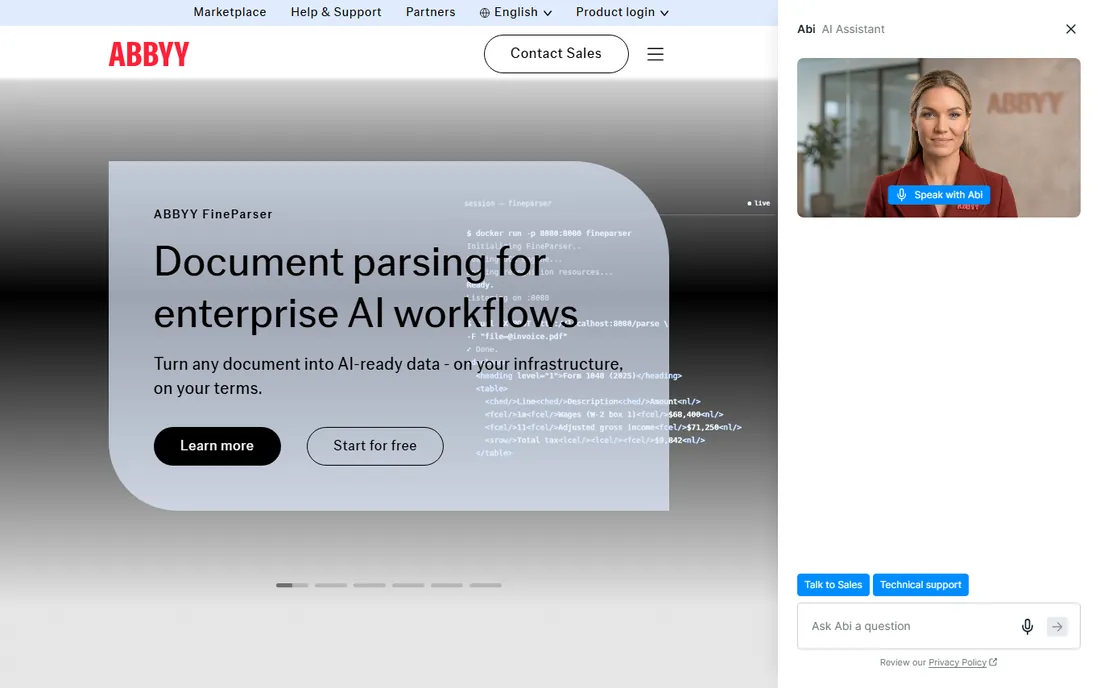
ABBYY Vantage is the veteran of this list. It is a cloud intelligent document processing platform where pre-trained AI skills extract data from invoices, purchase orders and other financial documents, and a marketplace extends it to 150 plus use cases. The pitch for AP is straight-through processing: capture, extract, validate and deliver process-ready data into ERP, RPA or ECM systems. Vantage runs in ABBYY's SOC 2 certified cloud in the US, EU or Australia, or on-premises and in private Azure clouds, and its skills improve with human-in-the-loop review.
The honest catch is that you do not buy ABBYY for invoice OCR alone. It is priced and sold for enterprise automation programs. If your company already runs UiPath or Blue Prism bots and needs invoice skills dropped into those workflows, this is the natural choice. If you just need invoices read into QuickBooks, every other tool on this list is cheaper and simpler.
What we like- Pre-trained AI document skills for 150 plus use cases with a low-code skill designer for custom documents
- Native connectors for SAP, Microsoft Dynamics, Salesforce, UiPath, Blue Prism and Automation Anywhere
- Handles handwriting, barcodes and multi-language documents
Watch out for- Enterprise-grade pricing with nothing published, so expect a serious sales cycle
- Overkill for teams processing fewer than a few thousand documents monthly
- The platform assumes you have automation infrastructure to plug into
Volume pricing: how to compare per-page vs. per-document quotes
These nine tools do not price in the same unit, which is where most comparisons go wrong. DocuClipper, Docparser and Parseur charge per page (or per credit, where a credit is roughly a page). Veryfi charges per document regardless of page count up to 15 pages. Rossum contracts on annual page volume. Nanonets charges per workflow block. To compare them, convert everything to your cost per invoice.
Run your own numbers. If your invoices average 2 pages, a page-priced tool at $0.39 per credit costs roughly $0.78 per invoice, while Veryfi costs $0.16 for the same document. But at 300 one-page invoices a month, DocuClipper Starter at $20.30 a month beats Nanonets Starter at $100. Watch for three traps: credits that expire monthly with no rollover, annual contracts with minimum terms, and quote-based enterprise tiers where the published floor is not the price you will pay.
Invoice OCR vs. full AP automation: where the line sits
Invoice OCR answers one question: what does this document say. Full AP automation answers the next five: is it a duplicate, does it match a purchase order, who approves it, when do we pay, and how does it post to the ledger. Rossum, Doxis AI.dp and ABBYY Vantage sit near the automation end, with validation workflows, duplicate handling and ERP posting. DocuClipper, Docparser, Parseur and Veryfi sit at the capture end: they extract data accurately and hand it to your systems.
Buy at the capture end when your accounting software already handles approvals and payments: QuickBooks, Xero and NetSuite users usually need extraction, not another workflow engine. Buy at the automation end when invoices arrive from hundreds of vendors and must match against POs before anyone pays. Dext sits in between for bookkeeping-led teams. The most common mistake is buying an automation platform when a $49-a-month mailbox would have solved the problem.
How we chose
We started with the categories buyers search: ocr software for accounts payable, invoice OCR software and invoice data capture software. For each candidate we opened the vendor's own pricing page, checked plan details against public reviews on G2 and Capterra and practitioner discussion on Reddit, and compared extraction approach, integrations and company-size fit. Where a vendor published no usable price we wrote "See website" rather than guessing. We did not claim hands-on testing; feature descriptions come from vendor documentation and reviewer reports.
Frequently asked questions
How much does invoice OCR software cost?
For small volumes, $20 to $100 a month: DocuClipper starts at $20.30 a month billed annually, Docparser at $39, Parseur at $49, and Nanonets at $100 for 100 credits. Veryfi offers a free tier of 100 documents a month with paid plans from $500 a month plus per-document rates. Enterprise platforms start far higher: Rossum from $18,000 a year.
What is the difference between OCR and intelligent document processing?
Basic OCR converts images of text into machine-readable characters. Intelligent document processing adds layout understanding, field extraction, validation and workflow: it knows which number is the invoice total and which is the tax, checks the math, and routes exceptions. All nine tools here do the latter; plain OCR alone is not enough for accounts payable.
Do these tools integrate with QuickBooks or Xero?
Most do. DocuClipper integrates directly with QuickBooks Online, QuickBooks Desktop and Xero. Dext syncs with QuickBooks, Xero, Sage and others. Nanonets connects to QuickBooks, Xero, SAP and Salesforce. Parseur reaches accounting tools through Zapier, Make and API. Rossum, Doxis AI.dp and ABBYY Vantage connect to ERPs including SAP, Oracle and Microsoft Dynamics.
How accurate is invoice OCR in 2026?
Vendor-stated accuracy figures run from 90 percent to over 99 percent, and reviewers generally report good results on clean, standard invoices. Accuracy drops on low-quality scans, unusual layouts and handwritten content. Every tool on this list benefits from a human review step on exceptions, and the enterprise tools build that review into the workflow.
Can invoice OCR match invoices to purchase orders?
Some can. Rossum offers master-data matching on its Business tier and above. Doxis AI.dp supports 3-way matching for purchase orders, invoices and delivery notes. The capture-focused tools (DocuClipper, Docparser, Parseur, Veryfi) extract the data and leave matching to your ERP or accounting system.
Which invoice OCR tool is best for a small business?
Start with the free or cheap options and test on your own invoices. Parseur's free tier (20 pages a month) and Veryfi's free tier (100 documents a month) cost nothing to try. DocuClipper at $20.30 a month billed annually is the cheapest paid entry with direct accounting integration. Move up to Nanonets or Rossum only when volume or workflow complexity demands it.
Sources we checked (11)
- https://rossum.ai/pricing/
- https://dext.com/
- https://nanonets.com/pricing
- https://www.klippa.com/en/dochorizon
- https://www.veryfi.com/pricing/
- https://docuclipper.com/pricing/
- https://docparser.com/pricing
- https://parseur.com/pricing/
- https://www.abbyy.com/vantage/
- https://www.g2.com/categories/ocr
- https://www.capterra.com/document-management-software/
Is your product missing or out of date?
We review this list regularly. Vendors can request a listing, send updated pricing or ask about featured placement.

Shihab Mia · Founder, Rankite
Shihab has spent more than a decade helping SaaS and e-commerce brands grow through search. He writes Rankite's software buying guides from pricing pages, documentation and public user reviews. More about Shihab.