How we make this list: we compare pricing pages, product documentation and public user reviews. Rankite is independent; if a vendor ever pays for a featured spot, that listing is clearly labeled Partner.
Key takeaways
- PRTG Network Monitor and Auvik are the most popular picks for small and mid-sized IT teams.
- Zabbix, Nagios Core, and LibreNMS are free and open-source, with paid support where you need it.
- SolarWinds NPM and Datadog serve larger environments with deep performance analytics.
- Site24x7 and ManageEngine OpManager bundle network monitoring with broader IT operations.
- Every tool here was verified against its live vendor homepage in October 2026.
Quick comparison
Is your product missing or out of date?
We review this list regularly. Vendors can request a listing, send updated pricing or ask about featured placement.
The best network monitor software
Starting priceSee website
Free planYes
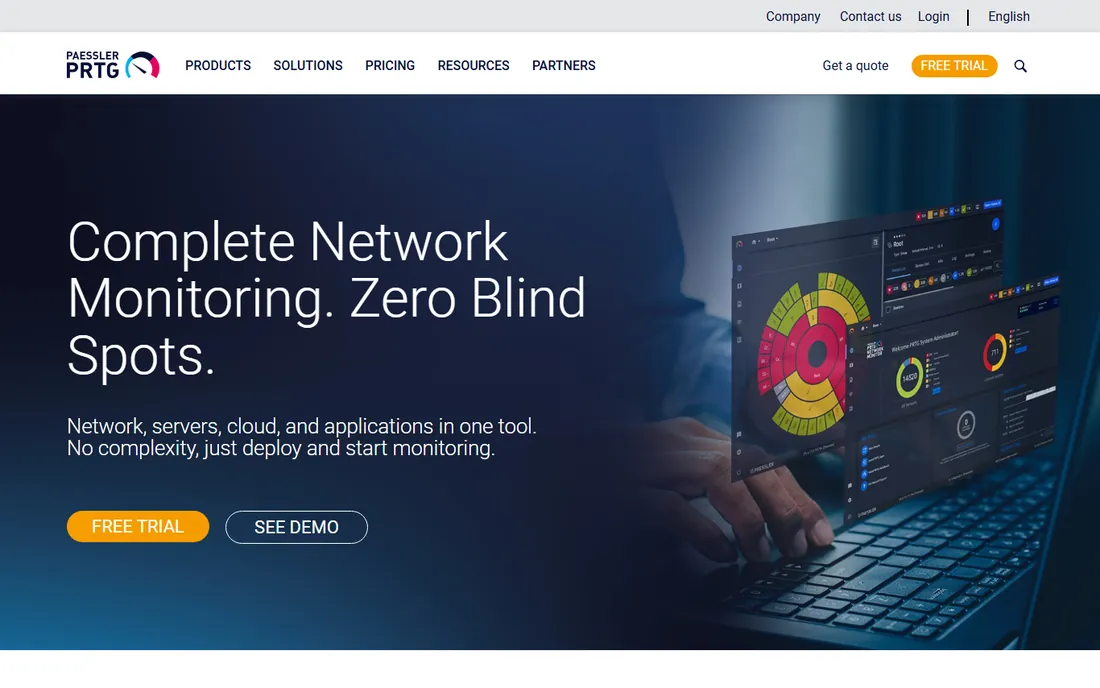
PRTG from Paessler is the monitoring tool that small and mid-sized IT teams actually finish setting up. Auto-discovery finds your devices, pre-configured sensors start monitoring immediately, and the unified dashboard covers network traffic, servers, applications, and even factory floor hardware. Over 100,000 customers use it, from one-person IT shops to global MSPs.
The honest catch: PRTG prices by sensor count, and sensor counts grow faster than you expect. The free tier covers small environments comfortably, but budget carefully as you scale. If you want monitoring running this afternoon with minimal fuss, PRTG is the easiest yes in this list.
What we like- Auto-discovery and pre-configured sensors get you monitoring fast
- One dashboard for network, servers, and cloud
- Free tier for small setups
Watch out for- Sensor-based pricing can get expensive at scale
- Windows-centric deployment
- Interface is functional rather than modern
Starting priceSee website
Free planFree trial
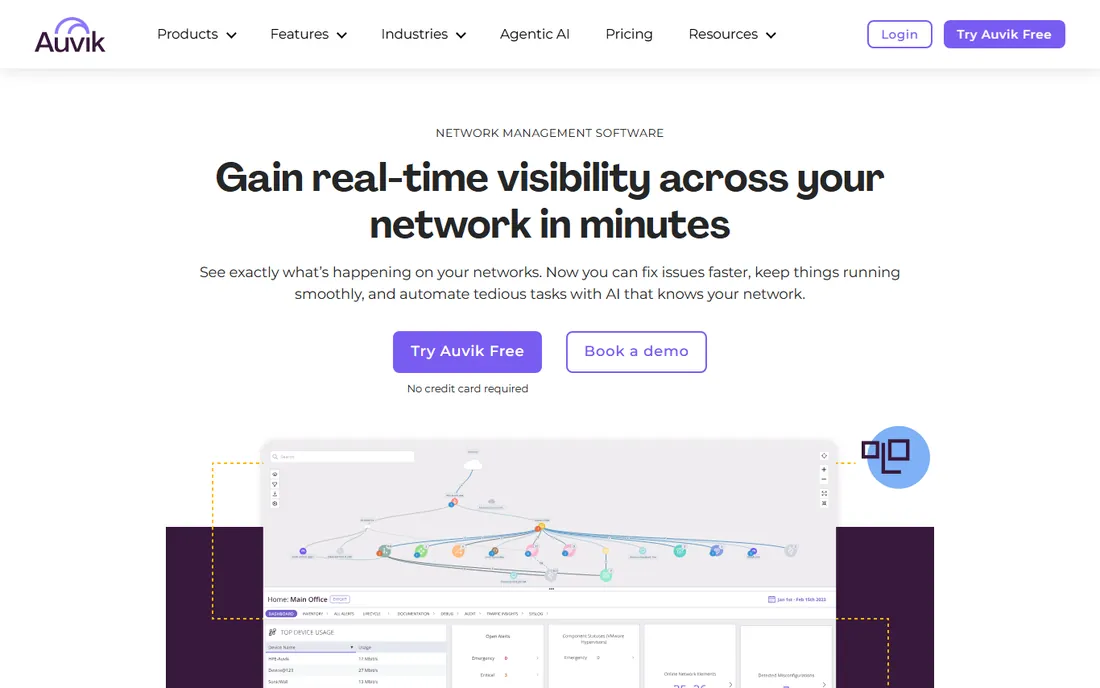
Auvik gives you real-time visibility across your network in minutes: live automated mapping, traffic analysis, automated config backups, and an inventory that builds itself. It supports 700+ device vendors out of the box, and the cloud-based deployment means no monitoring server to maintain. AI-guided troubleshooting helps junior techs find root causes faster.
The honest trade: Auvik is network-first, so server and application monitoring are thinner than PRTG or Datadog. Per-device pricing is simple but scales with your network. For MSPs and IT teams managing switches, firewalls, and routers across sites, the automated mapping alone justifies the trial.
What we like- Automated network mapping that stays current
- Cloud deployment in under an hour
- 64+ pre-configured alerts out of the box
Watch out for- Priced per managed device, which adds up
- Less deep on servers and applications
- Config backup focuses on network gear

#3
SolarWinds Network Performance Monitor
Best for: enterprise network performance
Visit solarwinds.com
Starting priceSee website
Free planFree trial
SolarWinds NPM is the enterprise network monitoring incumbent: deep visibility into routers, switches, firewalls, and load balancers across vendors, with the performance analytics and capacity planning large networks need. The broader SolarWinds platform adds observability, database monitoring, and ITSM around it.
The honest note: SolarWinds is powerful and expensive, and the 2020 supply-chain attack means security teams will scrutinize it. For large enterprises that need the depth, it remains the benchmark. Smaller teams will find PRTG or Auvik faster and cheaper.
What we like- Deep multi-vendor network analytics
- Trusted by 84% of the Fortune 500
- Mature alerting and reporting
Watch out for- Enterprise pricing
- The 2020 breach still comes up in security reviews
- Can be complex to deploy
Starting priceSee website
Free planYes
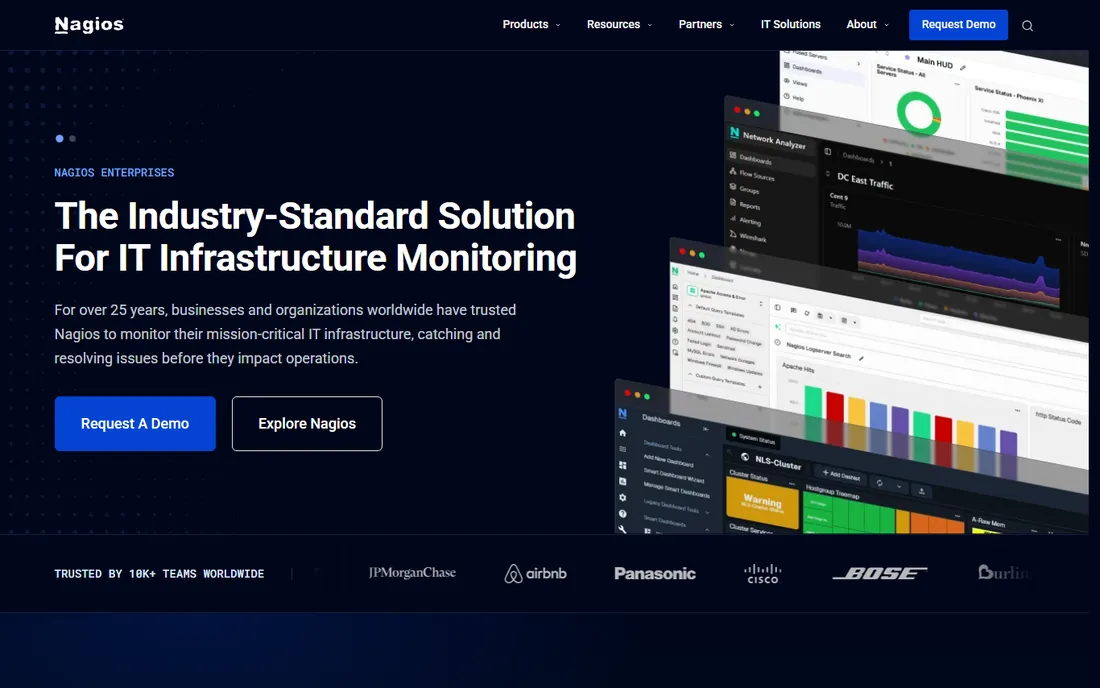
Nagios has monitored infrastructure for 25 years, and its philosophy is simple: any executable that returns an exit code works as a check, so you can monitor literally anything. Nagios XI adds the enterprise web interface, dashboards, and reporting on top of the open-source Core, with licensing by node count that does not climb with metrics or data volume.
The honest framing: Nagios rewards expertise and punishes beginners. Setup is manual, the UI is dated, and you will write checks yourself. But nothing matches its flexibility, and the free Core version means you can start today. Regulated and air-gapped environments love it because your data never leaves your infrastructure.
What we like- Anything can become a check with a simple script
- Licensing by node count keeps costs predictable
- Nagios Core is free open source
Watch out for- Configuration is hands-on and technical
- The interface shows its age
- Scaling requires expertise
Starting priceSee website
Free planYes
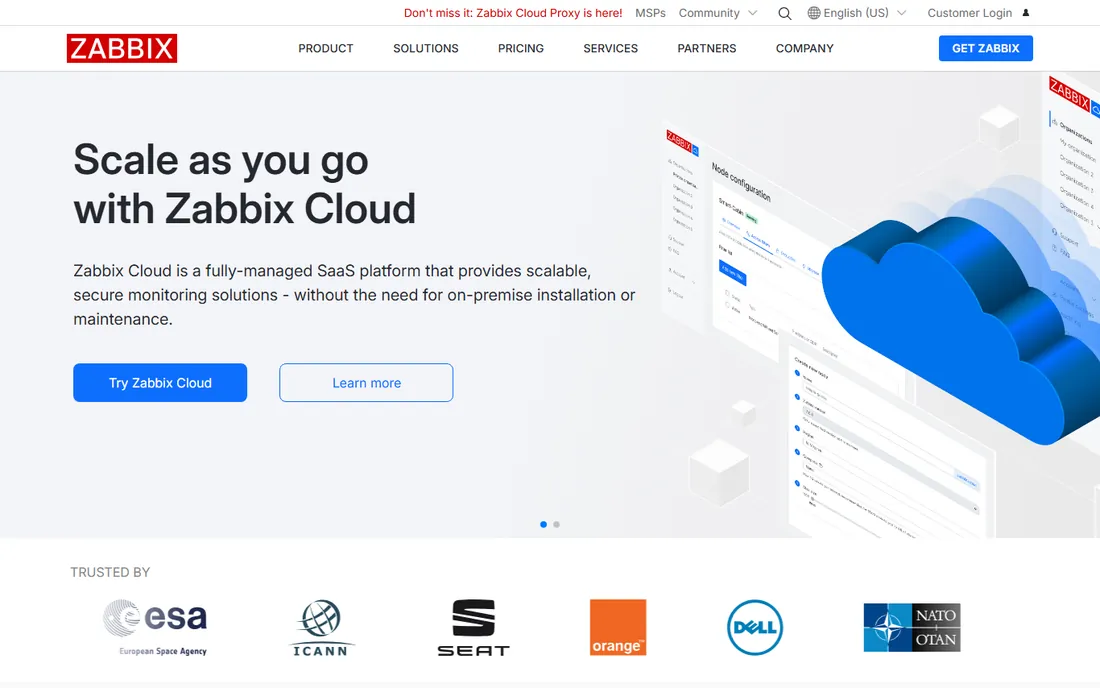
Zabbix is the enterprise-class open-source observability solution: no license fees, no per-device charges, whatever the size of your environment. It monitors networks, servers, cloud, and applications from one pane of glass, with the European Space Agency and major banks among its users. Zabbix Cloud offers a fully managed SaaS option if you want the software without the servers.
The honest catch: free software does not mean free effort. Zabbix demands Linux and monitoring expertise to deploy well, and the learning curve is real. But for teams with the skills, it delivers enterprise monitoring at the cost of support alone. The 20-year track record means it is not going anywhere.
What we like- Completely free open-source core with no per-device charges
- Enterprise-grade scalability
- Zabbix Cloud for managed hosting
Watch out for- Setup and tuning require real expertise
- The interface is utilitarian
- Support is a paid add-on
Starting priceSee website
Free planYes
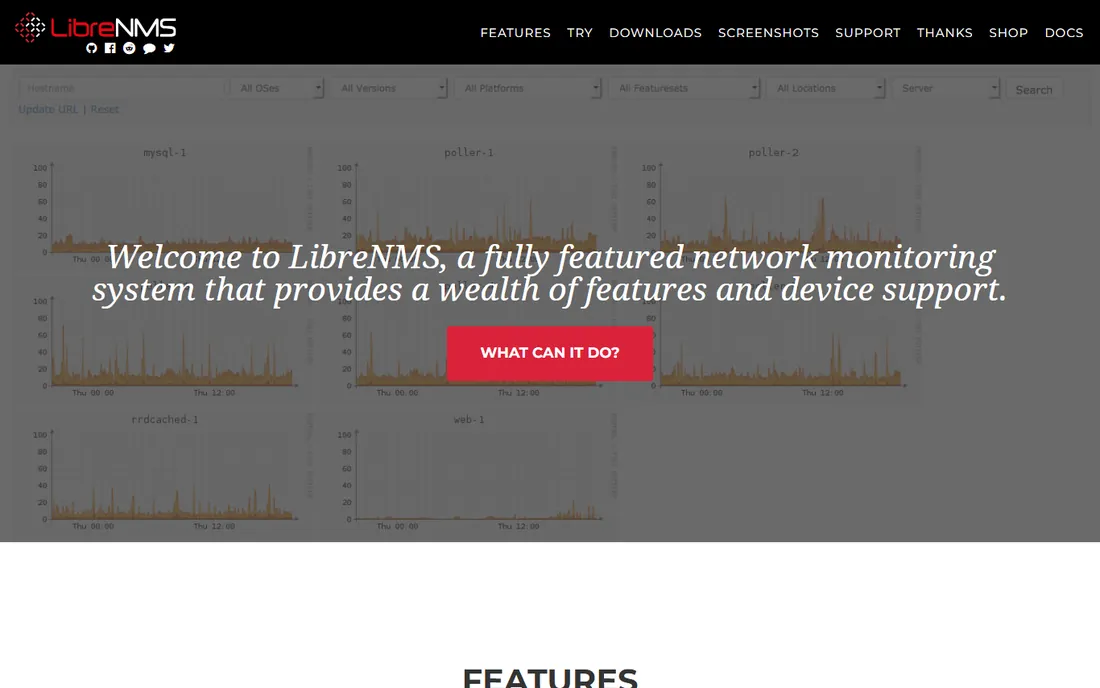
LibreNMS is the community-built network monitor that just works: point it at your network and it discovers devices automatically via CDP, LLDP, OSPF, BGP, SNMP, and ARP, then graphs everything. Alerting is flexible, there is a full API, and iPhone and Android apps provide core functionality on the go. An online demo lets you try before installing.
The honest note: LibreNMS is a labor of love, not a product with a sales team. Commercial support comes through partners, and you bring your own infrastructure. For budget-constrained teams with networking skills, it is remarkable value. For teams that need a support contract and SLAs, look at the commercial options.
What we like- Completely free and open source
- Automatic network discovery via SNMP, LLDP, and more
- Active community and mobile apps
Watch out for- Community support only unless you hire a partner
- Requires Linux skills
- Fewer enterprise reporting features
Starting priceSee website
Free planYes
Datadog is the AI-powered monitoring and security platform for cloud applications, and its network monitoring analyzes traffic patterns across cloud environments alongside infrastructure, APM, logs, and synthetics. Everything is SaaS, so there is nothing to install beyond agents, and the free tier lets small teams start.
The honest trade: Datadog is observability for cloud-native teams, not a traditional network monitor. If your world is routers and switches, PRTG or Auvik fit better. If your world is Kubernetes, microservices, and cloud networks, Datadog's unified platform is hard to beat. Watch the usage-based bill carefully.
What we like- Full-stack observability from network to APM to logs
- SaaS with no infrastructure to run
- AI agents for investigation
Watch out for- Usage-based pricing can surprise you
- Network monitoring is one module of a large platform
- Overkill for simple SNMP polling
Starting priceSee website
Free planFree trial
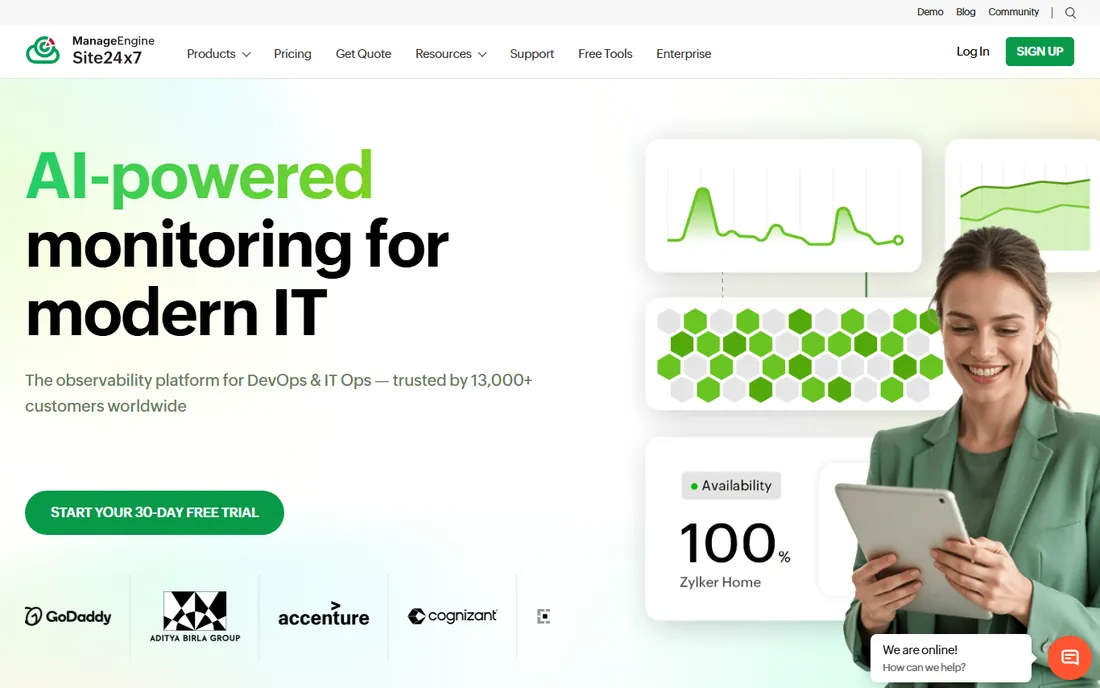
Site24x7 is the all-in-one monitoring platform for DevOps and IT operations: network monitoring of routers, switches, and firewalls sits alongside website, server, cloud, Kubernetes, and application performance monitoring. AIOps features add anomaly detection and automated remediation, and the single dashboard covers the whole stack.
The honest framing: Site24x7 wins on value and breadth. Pure network specialists go deeper on traffic analysis and config management, but if you need one tool watching everything, Site24x7 covers more ground per dollar than most. The MSP offering makes it popular with service providers too.
What we like- Website, server, cloud, APM, and network monitoring in one
- Trusted by 13,000+ customers
- Strong value for the breadth
Watch out for- Breadth means less depth in pure network monitoring
- Interface packs a lot in
- Advanced features need higher tiers
Starting priceSee website
Free planYes

ManageEngine OpManager monitors networks and servers with the depth mid-sized IT teams need, and it sits inside one of the largest IT management portfolios in the industry: ITSM, endpoint management, AD management, and security tools that all integrate. A free edition covers small environments, and 30-day trials open up the premium features.
The honest note: OpManager is the pragmatic enterprise pick for Windows-heavy shops already using ManageEngine. The interface is dense and the product family is sprawling, but the integration story is real. If you are standardizing on ManageEngine, OpManager is the obvious network monitoring choice.
What we like- Network and server monitoring with a free edition
- Part of a huge IT management suite
- 30-day trials on premium features
Watch out for- The suite can feel sprawling
- UI is dense
- Best value inside the ManageEngine ecosystem
How we chose
We verified each tool's current homepage by opening the live site and using the final resolved URL. We reviewed vendor feature pages, pricing pages, and public documentation, favoring tools with real network monitoring depth over general observability marketing. We did not test any tool hands-on.
What to look for in network monitoring
Coverage vs. depth
Decide whether you need one tool watching everything or the best tool for the network specifically. All-in-one platforms like Site24x7, Datadog, and PRTG cover servers and applications too. Specialists like Auvik go deeper on network mapping, traffic analysis, and config management. Most mid-sized teams are happiest with a strong generalist; network-heavy teams should shortlist the specialists.
Pricing models that bite
Network monitoring pricing comes in flavors that punish different growth patterns: per-sensor (PRTG), per-device (Auvik), per-node (Nagios), and usage-based (Datadog). Model your actual device and sensor counts before buying, and ask what happens to the bill when you add a site. The free and open-source options (Zabbix, LibreNMS, Nagios Core) sidestep this entirely at the cost of your time.
Alerts you will actually read
A monitor that cries wolf gets ignored, and an ignored monitor is decoration. Look for flexible alerting with dependencies (so one failed switch does not page you 50 times), escalation policies, and integrations with PagerDuty, Opsgenie, or Slack. During trials, simulate a failure and judge the alert quality, not just the dashboards.
Free and open source vs. commercial
The network monitoring category has an unusually strong free tier. Zabbix, Nagios Core, and LibreNMS are production-grade tools running serious networks at zero license cost. The trade is expertise and time: you install, tune, and maintain them yourself.
Commercial tools charge for convenience: faster setup, polished interfaces, support contracts, and SaaS options with no servers to run. PRTG's free tier, Auvik's trial, and ManageEngine's free edition let you test the commercial experience before committing. Many teams run open source in the lab and commercial in production, or vice versa. There is no wrong answer, only the tradeoff between your budget and your team's time.
Frequently asked questions
What is the best free network monitoring software?
Zabbix, Nagios Core, and LibreNMS are the three leading free and open-source options, all production-grade. PRTG and ManageEngine OpManager also offer free tiers for small environments. Choose based on your team's skills: Zabbix and Nagios reward expertise, while PRTG's free tier is the easiest start.
What is the difference between network monitoring and observability?
Network monitoring focuses on the health and performance of network devices: routers, switches, firewalls, bandwidth, and uptime. Observability is broader, correlating metrics, logs, and traces across applications and infrastructure. Tools like Datadog do both; specialists like Auvik focus on the network layer.
How much does network monitoring software cost?
It varies widely. Open-source tools are free to license. Commercial tools use per-sensor, per-device, or per-node pricing that scales with your environment, and vendors rarely publish prices, so expect quote-based sales. Always model your device count and ask for the total annual cost including support.
Do I need network monitoring if I use a cloud provider?
Yes, but different tools. Cloud providers monitor their own infrastructure; you still need to watch your connectivity, on-premises gear, SaaS dependencies, and the user experience. Cloud-native teams often pair provider tools with Datadog or Site24x7 for the full picture.
What protocols should network monitoring support?
At minimum, SNMP for device polling, plus flow protocols (NetFlow, sFlow, IPFIX) for traffic analysis. Auto-discovery via LLDP, CDP, or ARP saves enormous setup time. If you manage configurations, look for automated config backup over SSH or Telnet.
Can network monitoring tools map my network automatically?
Yes. Auvik is famous for live automated topology mapping, and PRTG, Zabbix, and LibreNMS all offer auto-discovery. Automatic mapping is one of the highest-value features for teams inheriting undocumented networks.
Sources we checked (9)
- https://www.paessler.com/
- https://www.auvik.com/
- https://www.solarwinds.com/
- https://www.nagios.com/
- https://zabbix.com/
- https://librenms.org/
- https://www.datadoghq.com/
- https://www.site24x7.com/
- https://www.manageengine.com/
Is your product missing or out of date?
We review this list regularly. Vendors can request a listing, send updated pricing or ask about featured placement.

Shihab Mia · Founder, Rankite
Shihab has spent more than a decade helping SaaS and e-commerce brands grow through search. He writes Rankite's software buying guides from pricing pages, documentation and public user reviews. More about Shihab.
 PRTG Network Monitor
 Auvik
Auvik Nagios XI
 Zabbix
 LibreNMS
 Datadog
 Site24x7
 ManageEngine OpManager