How we make this list: we compare pricing pages, product documentation and public user reviews. Rankite is independent; if a vendor ever pays for a featured spot, that listing is clearly labeled Partner.
Key takeaways
- @RISK (now at Lumivero) is the Excel standard: $2,900/year for Professional.
- ModelRisk and RiskAMP are the Excel add-in alternatives, with RiskAMP the budget pick.
- GoldSim is the premier standalone platform for complex dynamic systems.
- Frontline Solver adds optimization and machine learning to simulation in Excel.
- Simul8, AnyLogic, TreeAge, and Analytica cover process, decision, and healthcare modeling.
Quick comparison
| Tool | Best for | Starting price | Free plan |
|---|
 @RISK @RISK | Excel-based risk analysis | $2,900/year | No |
 ModelRisk ModelRisk | comprehensive Excel simulation | See website | No |
 Frontline Solver Frontline Solver | optimization + simulation | See website | No |
 GoldSim GoldSim | dynamic system modeling | See website | No |
 Simul8 Simul8 | process simulation | See website | No |
 AnyLogic AnyLogic | multimethod simulation | See website | No |
 TreeAge TreeAge | health economic decision models | See website | Free trial |
 RiskAMP RiskAMP | budget Excel Monte Carlo | See website | Free trial |
 Analytica Analytica | visual decision modeling | See website | No |
Is your product missing or out of date?
We review this list regularly. Vendors can request a listing, send updated pricing or ask about featured placement.
The best Monte Carlo simulation software
Starting price$2,900/year
Free planNo
@RISK is the name Monte Carlo simulation wears in Excel: define uncertainty with over 90 distribution functions, run thousands of iterations without leaving your spreadsheet, and present results with tornado charts, sensitivity analysis, and Six Sigma tools. Palisade is now part of Lumivero, and @RISK ships alongside Predict!, decision trees, and the DecisionTools Suite under one roof. The Professional edition costs $2,900 per year, with Industrial at $3,500 for high-speed simulations and RISKOptimizer.
The honest trade: @RISK is priced like the standard it is. Finance teams, project planners, and engineers who live in Excel get unmatched depth. Budget buyers and non-Excel users should keep reading, because the alternatives are real.
What we like- The industry standard for Monte Carlo in Excel
- 90+ distribution functions
- Now backed by Lumivero with AI-assisted workflows
Watch out for- $2,900/year is serious money
- Windows and Excel-centric
- The Industrial edition costs $3,500/year
Starting priceSee website
Free planNo
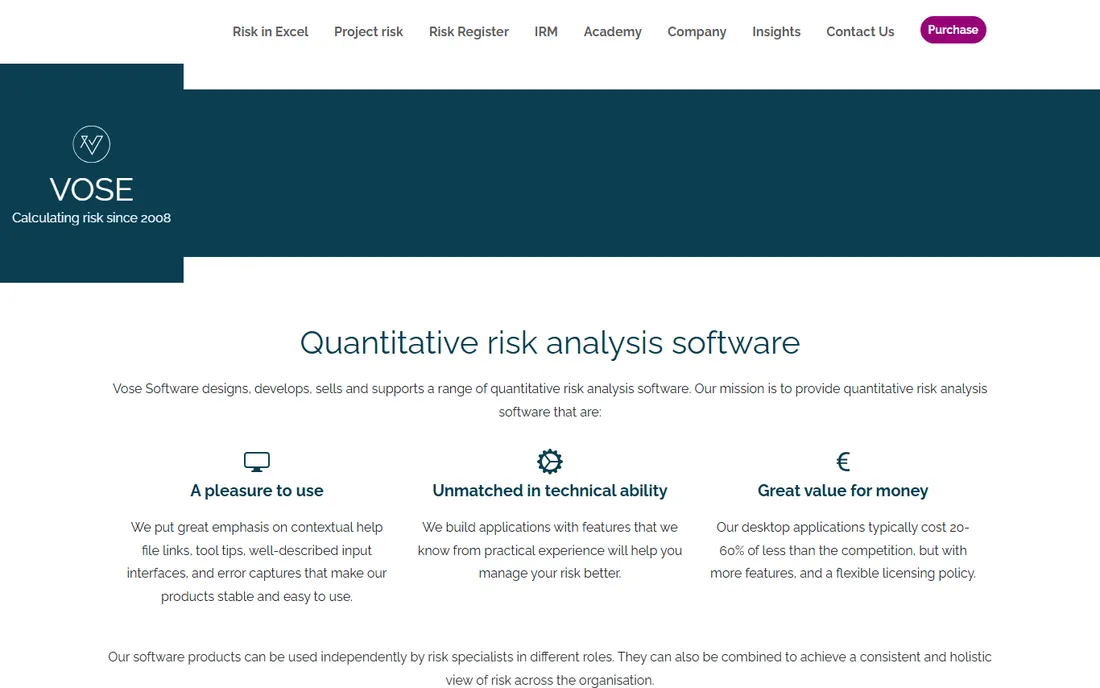
Vose Software's ModelRisk calls itself the most comprehensive Monte Carlo Excel add-in on the market, and it backs the claim with unusual pricing honesty: desktop licenses typically cost 20 to 60% less than the competition, with more features and flexible licensing. It sits in a suite with Tamara for project schedule risk and Pelican for enterprise risk registers, so individual models can roll into an organization-wide view.
The honest note: Vose wins on value and on the quality of its technical support, which the founders treat as their top priority. What it lacks is @RISK's brand recognition, which matters when your stakeholders need to trust the tool behind your numbers. For analysts who know their craft, it is the connoisseur's choice.
What we like- The most comprehensive Monte Carlo Excel add-in
- Typically 20-60% cheaper than the competition
- Built by risk consultants with 30+ years of practice
Watch out for- Smaller brand than @RISK
- Pricing requires a quote
- The interface is functional rather than flashy
Starting priceSee website
Free planNo
Frontline Systems does what the pure simulation add-ins do not: it combines Monte Carlo simulation with optimization, so you can find the best decision under uncertainty rather than just describing the uncertainty. Excel-based tools serve analysts, while SDKs and a REST API let developers deploy the same models in production applications. It is the company behind the Solver that ships with Excel itself.
The honest framing: if your question is "what is the probability of X", any tool here works. If your question is "what should we do about X", Frontline's optimization under uncertainty is the differentiator. The breadth means a steeper learning curve, but the capability ceiling is the highest in the Excel category.
What we like- Monte Carlo simulation plus optimization in Excel
- RASON modeling language and SDKs for developers
- Cloud and API deployment
Watch out for- The platform is broad and takes time to master
- Pricing not public
- Excel focus like the other add-ins
Starting priceSee website
Free planNo
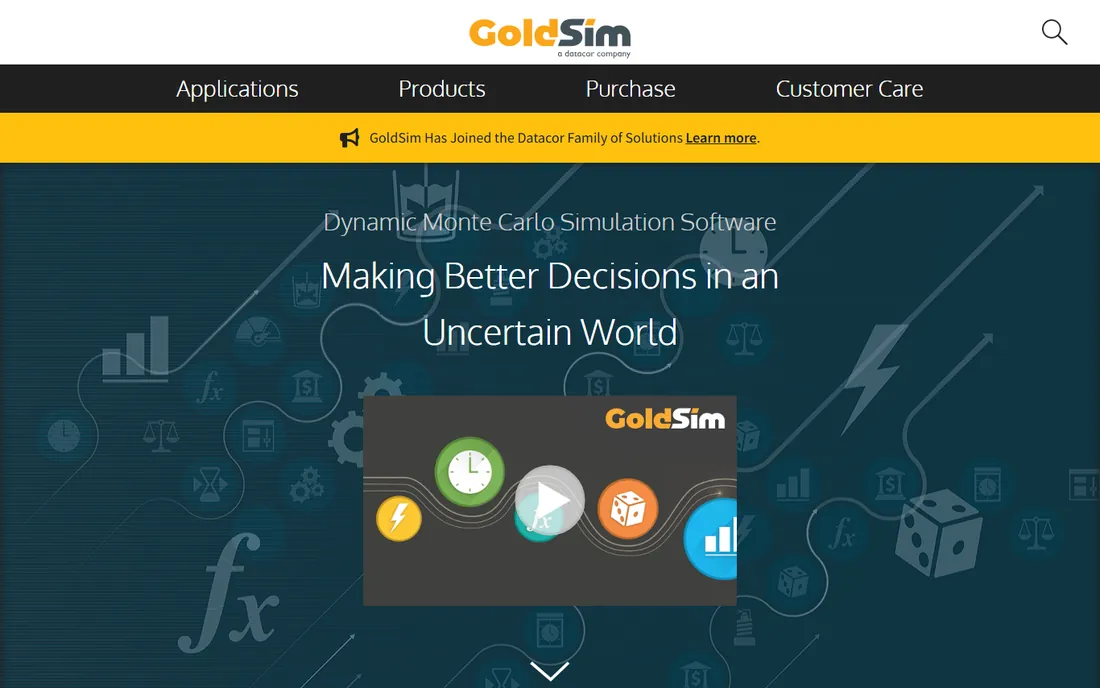
GoldSim is where you go when the system itself changes over time: you draw an influence diagram of your system, and GoldSim simulates its future behavior with Monte Carlo uncertainty layered on top. Environmental systems, mine plans, space missions, and financial strategies have all been modeled here. Over 600 commercial and government organizations in nearly 60 countries use it, with extension modules for financial modeling, reliability analysis, and contaminant transport.
The honest catch: GoldSim is a modeling platform, not a spreadsheet add-in, and it expects you to think like a modeler. Simple project cost risk does not need this much power. Complex dynamic systems with feedback loops, on the other hand, cannot be done properly anywhere else in this list.
What we like- The premier platform for dynamic probabilistic systems
- Hybrid simulator for discrete and continuous events
- 25+ years of development depth
Watch out for- Built for modelers, not casual spreadsheet users
- Pricing not public
- Overkill for simple what-if analysis
Starting priceSee website
Free planNo
Simul8 answers process questions with simulation: staffing levels, waiting times, production mix, patient flow. You build the process visually, run scenarios in a risk-free environment, and find the bottlenecks before they cost money. Now part of Minitab, it connects simulation with analytics and process improvement. Customers cite results like $1 million per day revenue gains and 16% reductions in emergency department wait times.
The honest note: Simul8 is discrete-event process simulation first, general Monte Carlo second. If your uncertainty lives in workflows and queues, it is the most accessible tool here. If it lives in financial models or engineering systems, the Excel add-ins or GoldSim fit better.
What we like- Intuitive drag-and-drop process simulation
- 30+ years helping organizations
- Now part of Minitab with analytics integration
Watch out for- Process-focused rather than general Monte Carlo
- Pricing not public
- Serious models still need training
Starting priceSee website
Free planNo
AnyLogic is the simulation platform for problems too complex for one method: combine discrete-event, agent-based, and system dynamics modeling in a single tool, animate the results in 2D and 3D on real GIS maps, and deploy models to the cloud. Supply chains, rail networks, hospitals, and manufacturing plants are its natural habitat. It compiles models to Java, so technical teams can extend anything.
The honest framing: AnyLogic is the most capable general simulation platform here, and the most demanding. It handles uncertainty through its experiment framework rather than as its headline feature. Choose it when your Monte Carlo needs sit inside a complex system model; choose an Excel add-in when they sit inside a spreadsheet.
What we like- The only multimethod simulation tool (discrete event, agent-based, system dynamics)
- GIS maps and 3D animation
- AnyLogic Cloud for web deployment
Watch out for- Java-based modeling expects technical users
- Pricing not public
- Enterprise-oriented
Starting priceSee website
Free planFree trial
TreeAge Pro is the decision modeling standard in healthcare and health economics: build decision trees and Markov models visually, run cost-effectiveness analysis, probabilistic sensitivity analysis, and microsimulation, and communicate the results to clinicians and policymakers who will never open a spreadsheet. Legal and business decision modeling are covered too.
The honest catch: TreeAge is a specialist. Health economists and outcomes researchers should shortlist it first; everyone else will find the other tools more natural. Within its niche, though, it has no real competition in this list.
What we like- The standard for health economic and cost-effectiveness models
- Visual decision trees with probabilistic sensitivity analysis
- Free trial available
Watch out for- Healthcare-focused niche
- The interface is utilitarian
- Pricing not public
Starting priceSee website
Free planFree trial
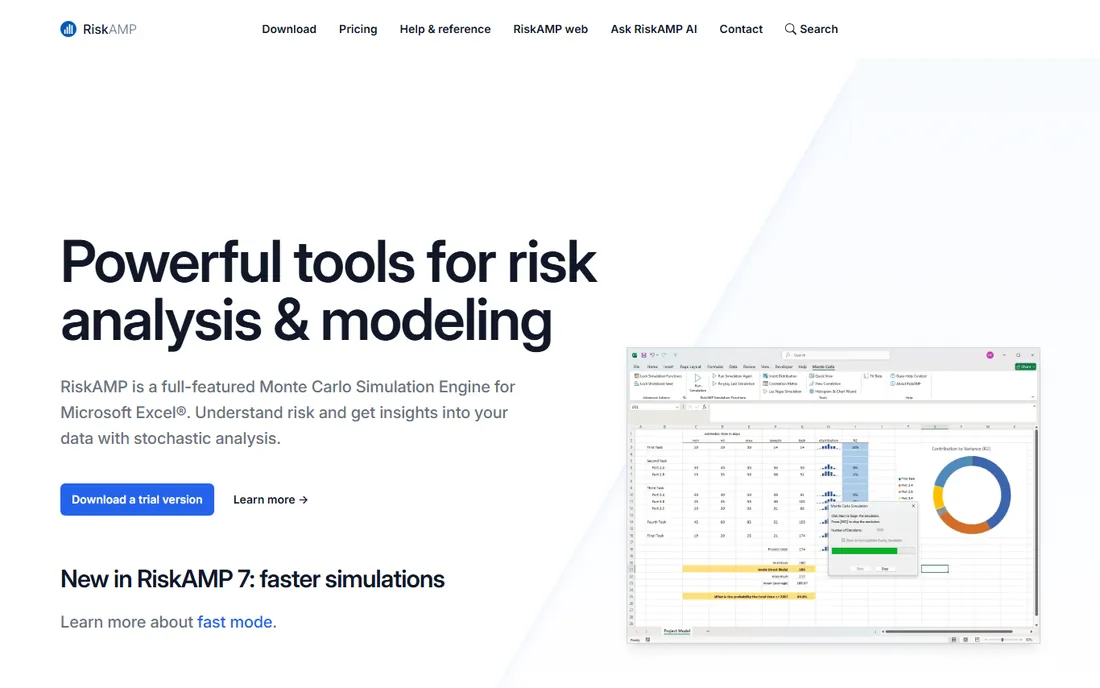
RiskAMP is the budget answer to @RISK: a full-featured Monte Carlo add-in for Excel with over 40 distribution functions, Latin hypercube sampling, distribution fitting, and a zero-install web version, all positioned as the best value in the category. A free trial and an unconditional 30-day money-back guarantee make evaluation risk-free.
The honest note: RiskAMP does the core job well at a fraction of the flagship price. Power users who need the deepest distribution libraries and advanced sensitivity tools may hit its ceiling. For teams that need solid Monte Carlo in Excel without the $2,900 invoice, it is the obvious first try.
What we like- The best value in Excel Monte Carlo
- 40+ distribution functions
- Free trial plus 30-day money-back guarantee
Watch out for- Fewer advanced features than @RISK or ModelRisk
- Smaller company
- The interface is simpler
Starting priceSee website
Free planNo
Analytica by Lumina Decision Systems replaces opaque spreadsheets with visual influence diagrams where every assumption, uncertainty, decision, and objective is visible and auditable. Its Monte Carlo engine handles risk and uncertainty natively, and the new Assista AI collaborator builds models with you while showing its reasoning. Practitioners report building models five times faster than in spreadsheets.
The honest framing: Analytica asks you to think in diagrams rather than cells, which is a genuine shift. The payoff is models that stakeholders can inspect and trust, which is exactly what risk analysis needs. If your audience must believe the model, not just the output, Analytica's transparency is the selling point.
What we like- Influence diagrams make models transparent and auditable
- AI collaborator (Assista) shows its work
- Faster than spreadsheets for complex models
Watch out for- A distinct modeling paradigm to learn
- Smaller user community
- Pricing not public
How we chose
We verified each tool's current homepage by opening the live site and using the final resolved URL. Two legacy notes: Palisade's @RISK is now sold by Lumivero following the acquisition, so we list it under the current Lumivero home, and Oracle Crystal Ball was discontinued in January 2025, so we excluded it. Pricing comes from vendors' own pages: @RISK Professional at $2,900/year from the Lumivero shop. Other vendors do not publish starting prices, so those are listed as "See website". We reviewed product pages and public documentation. We did not test any tool hands-on.
Picking the right simulation approach
The Excel add-ins
@RISK, ModelRisk, Frontline Solver, and RiskAMP all live inside Excel. Choose @RISK for the industry standard, ModelRisk for the best value from risk specialists, Frontline when you need optimization too, and RiskAMP when the budget is tight. Your models stay in the spreadsheets your team already uses.
The standalone platforms
GoldSim, AnyLogic, Simul8, TreeAge, and Analytica are modeling environments, not add-ins. Choose GoldSim for dynamic systems, AnyLogic for multimethod complexity, Simul8 for processes, TreeAge for health economics, and Analytica for transparent decision models. These handle problems that do not fit in a spreadsheet.
Start with the question
If your question fits in a spreadsheet, start with an add-in and its free trial. If it needs a system model, invest in learning one platform. The wrong choice here costs months, so run your actual problem through the trial before committing.
Why Monte Carlo beats single-point estimates
A single-point estimate hides the risk; a distribution reveals it. The project that is "on budget" in the base case may have a 40% chance of overrunning by 20%, and that changes the decision. Monte Carlo simulation forces you to state your uncertainties explicitly, which alone improves the conversation. The tools above just make the math fast enough to do routinely.
Frequently asked questions
What is the best Monte Carlo simulation software for Excel?
@RISK is the industry standard at $2,900/year, with ModelRisk as the value alternative from risk specialists and RiskAMP as the budget pick. Frontline Solver adds optimization if you need to find the best decision under uncertainty, not just describe it.
Is there a free Monte Carlo simulation tool?
TreeAge and RiskAMP offer free trials. Fully free options exist in open-source statistical languages, but among commercial tools in this comparison, trials are the entry point. RiskAMP's trial plus 30-day money-back guarantee is the lowest-risk paid evaluation.
What happened to Oracle Crystal Ball?
Oracle discontinued Crystal Ball in January 2025. Former users typically migrate to @RISK, ModelRisk, or RiskAMP, which are the closest Excel-based equivalents.
What is the difference between @RISK and GoldSim?
@RISK runs Monte Carlo simulation inside Excel spreadsheets, which suits financial and project models. GoldSim is a standalone platform for modeling dynamic systems over time, which suits engineering, environmental, and complex operational systems. Choose based on whether your model lives in a spreadsheet or needs a system diagram.
Can Monte Carlo simulation handle project schedules?
Yes. TreeAge and the Excel add-ins handle cost and schedule risk, Vose Software's Tamara imports Primavera and MS Project schedules for dedicated schedule risk analysis, and Simul8 models process and project flows. State your uncertainty in task durations and the simulation produces realistic completion dates.
Sources we checked (9)
- https://palisade.lumivero.com/
- https://www.vosesoftware.com/
- https://www.solver.com/
- https://www.goldsim.com/
- https://simul8.com/
- https://anylogic.com/
- https://www.treeage.com/
- https://www.riskamp.com/
- https://www.lumina.com/
Is your product missing or out of date?
We review this list regularly. Vendors can request a listing, send updated pricing or ask about featured placement.

Shihab Mia · Founder, Rankite
Shihab has spent more than a decade helping SaaS and e-commerce brands grow through search. He writes Rankite's software buying guides from pricing pages, documentation and public user reviews. More about Shihab.