How we make this list: we compare pricing pages, product documentation and public user reviews. Ratings come from G2, Capterra or Trustpilot, with the date we checked them.
Key takeaways
- Mailchimp, MailerLite, and Constant Contact suit email marketing on a budget, with free or low-cost tiers for small lists.
- Canva suits design on a budget, while Buffer and Later suit social scheduling without agency prices.
- HubSpot suits teams that want a free CRM plus marketing tools in one place as they grow.
- Google Analytics suits every small business, since it measures website results free and guides where budget should go next.
- Budget marketing works best when tools share data, so pick tools that connect rather than collecting separate subscriptions.
Quick comparison
Is your product missing or out of date?
We review this list regularly. Vendors can request a listing, send updated pricing or ask about featured placement.

#1Mailchimp
Best for: Email marketing starter4.4/5 on
G2 (5,436 reviews, checked Oct 2026)
Visit mailchimp.com
Starting priceFree
Free planYes
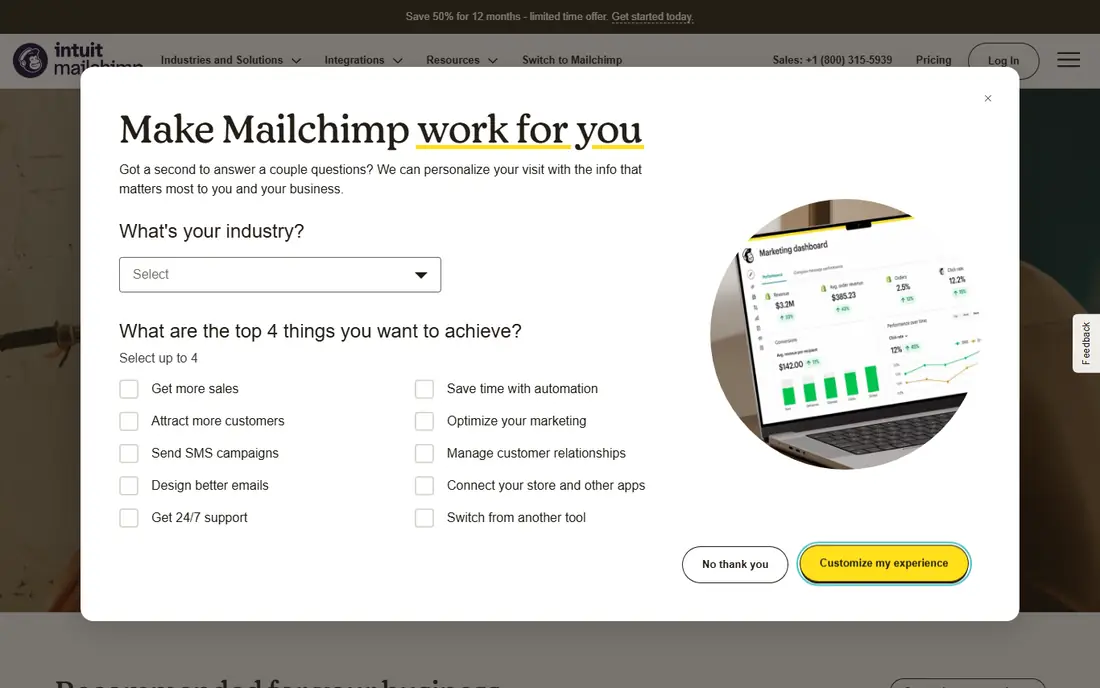
Mailchimp suits small businesses starting email marketing, with a free tier for small lists, templates, automation, and landing pages in one place. Its drag-and-drop builder helps non-designers create professional emails, and automation handles welcome series and abandoned cart messages without manual work. That breadth makes it the default starter for many small businesses.
Pricing rises fast as lists grow, and advanced segmentation and testing need paid plans. Mailchimp works best for businesses with small lists that will grow gradually and can upgrade when revenue follows. For email marketing starters, it remains the most popular choice.
What we like- Free tier for small lists
- Templates and automation
- Landing pages
Watch out for- Pricing rises fast with list growth
- Advanced features need paid plans

#2Canva
Best for: Budget design4.7/5 on
G2 (7,678 reviews, checked Oct 2026)
Visit canva.com
Starting priceFree
Free planYes
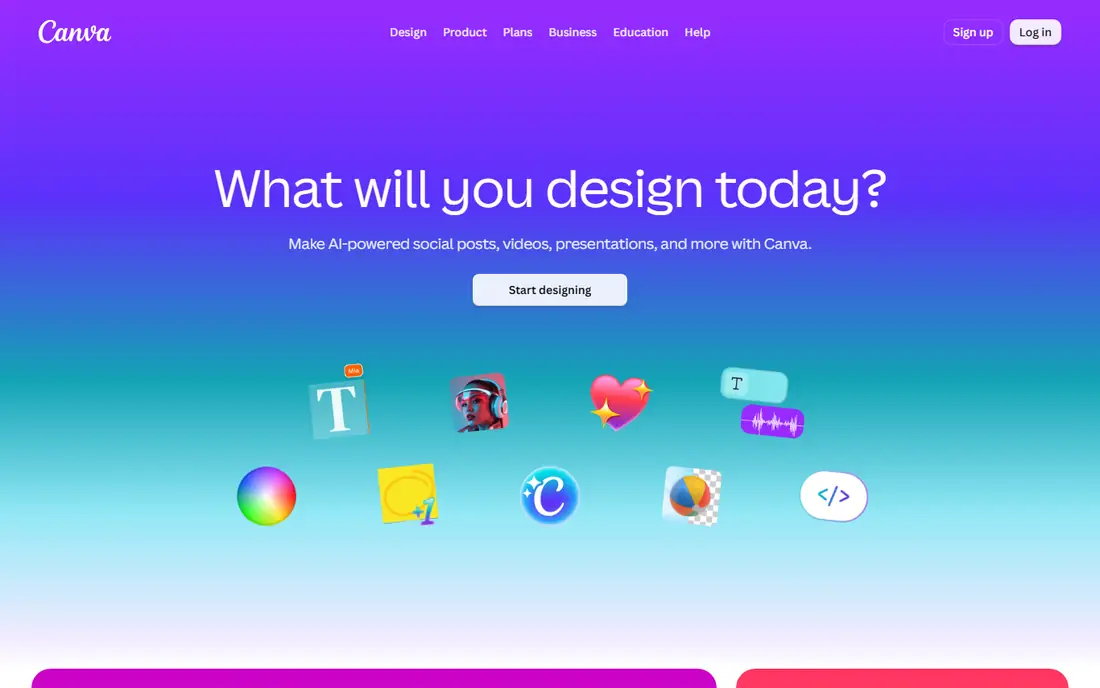
Canva suits small businesses that need social posts, flyers, presentations, and ads without hiring a designer. Its free templates cover most formats, and drag-and-drop editing lets anyone produce clean visuals quickly. Brand colors and fonts stay consistent with saved templates, which helps small teams look professional across channels.
Design depth is limited compared with professional tools, and the best templates and assets sit behind Pro. Canva works best as the everyday design tool for small teams, with freelancers hired only for major brand work. For budget design, it is essential.
What we like- Free design templates
- Social, print, and video formats
- Brand kit on Pro
Watch out for- Design depth is limited
- Best assets need Pro

#3Buffer
Best for: Social scheduling4.3/5 on
G2 (1,041 reviews, checked Oct 2026)
Visit buffer.com
Starting priceFree
Free planYes
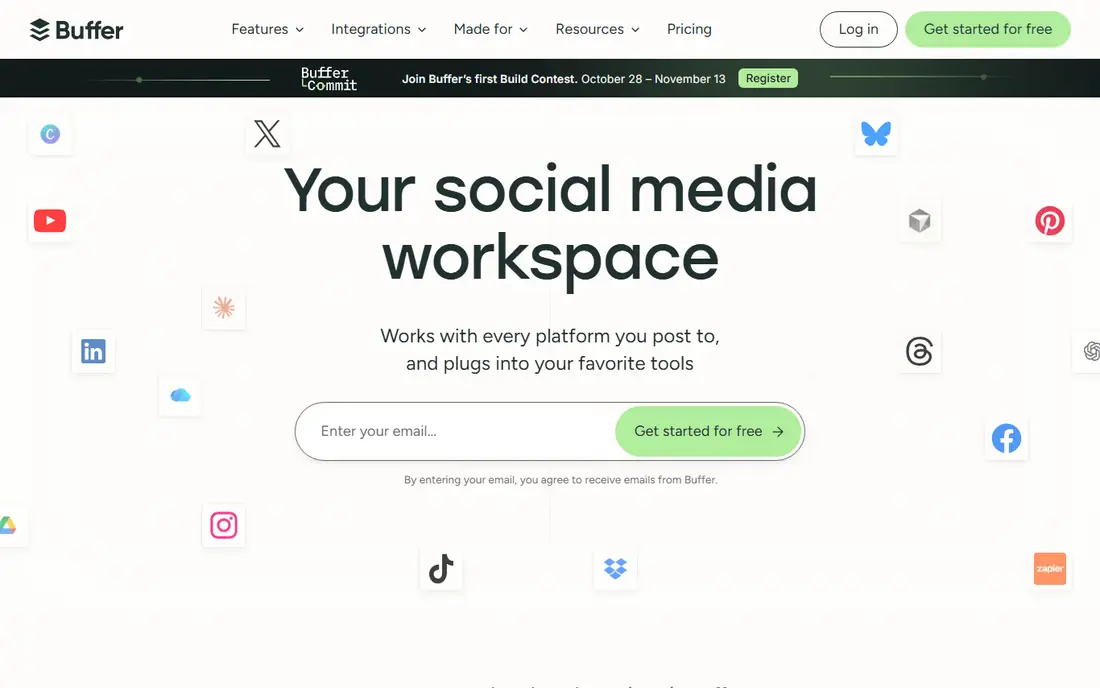
Buffer suits small businesses that want simple social scheduling without complex suites. Its queue system schedules posts across major networks, analytics show which posts perform, and affordable paid plans add channels and team members gradually. That simplicity helps owners who manage social media themselves alongside other work.
The free plan limits channels and posts, and engagement tools like inbox replies are basic. Buffer works best for businesses that plan content weekly and value simplicity over deep social listening. For budget social scheduling, it is a practical pick.
What we like- Simple scheduling
- Analytics
- Affordable paid plans
Watch out for- Free plan limits channels
- Engagement tools are basic
Starting priceFree
Free planYes
HubSpot suits small businesses that want a free CRM plus marketing tools that grow with them. Its free tier covers contacts, email, forms, and basic reporting, so teams can track leads from first visit to sale without paying. As businesses grow, paid tiers add automation, ads, and advanced reporting without migrating data.
Paid tiers are expensive, and setup takes time to configure pipelines and properties well. HubSpot works best for businesses that plan to grow and want one system for marketing and sales. For a free CRM plus marketing foundation, it is the strongest choice.
What we like- Free CRM
- Email and forms included
- Scales as business grows
Watch out for- Paid tiers are expensive
- Setup takes time
Starting priceFree
Free planYes
Google Analytics suits every small business with a website, since it measures traffic, conversions, and channel performance free. It shows which marketing efforts bring visitors and sales, which pages convert, and where visitors drop off, so budget goes to what works rather than guesses. Integration with Google Ads and Search Console adds search and ad data in one view.
The learning curve is real, and privacy setup needs care with consent and data retention settings. Google Analytics works best when owners track a few key conversions weekly rather than drowning in reports. For free measurement, it is indispensable.
What we like- Free
- Measures traffic, conversions, and channels
- Integrates with Google Ads
Watch out for- Learning curve
- Privacy setup needs care

#6Later
Best for: Visual social planning4.5/5 on
G2 (384 reviews, checked Oct 2026)
Visit later.com
Starting priceFree
Free planYes
Later suits visual-first small businesses that plan Instagram, TikTok, and Pinterest content around images and video. Its drag-and-drop calendar shows how the feed will look, link-in-bio tools drive traffic from social profiles, and the media library organizes photos and videos for reuse. That visual planning helps food, fashion, beauty, and travel businesses especially.
The free plan limits posts and channels, and Later suits visual brands more than text-heavy B2B firms. Later works best for businesses whose social presence lives or dies on imagery. For visual social planning on a budget, it stands out.
What we like- Visual planner for Instagram and TikTok
- Link in bio
- Media library
Watch out for- Free plan limits posts
- Best for visual-first brands

#7MailerLite
Best for: Affordable email marketing4.6/5 on
G2 (1,114 reviews, checked Oct 2026)
Visit mailerlite.com
Starting priceFree
Free planYes
MailerLite suits small businesses that want affordable email marketing with generous free and low-cost plans. Its builder covers emails, automation, landing pages, and forms simply, and paid plans stay cheaper than Mailchimp at similar list sizes. That value helps businesses with growing lists that need to control costs.
Its template library is smaller than Mailchimp, and integrations lag larger rivals, though common tools connect well. MailerLite works best for businesses that prioritize price and simplicity over template variety. For affordable email marketing, it is the best value pick.
What we like- Affordable paid plans
- Simple automation
- Landing pages and forms
Watch out for- Smaller template library
- Fewer integrations than Mailchimp
Starting priceSee website
Free planNo
Constant Contact suits small businesses that want simple email plus event and survey tools with strong support. Its builder is easy for beginners, event management handles registrations and reminders, and phone and chat support help owners who prefer human help over documentation. That support focus suits non-technical owners especially.
There is no free tier, and pricing rises with list size, so budget-conscious startups may prefer MailerLite first. Constant Contact works best for businesses that value simplicity and support over lowest price. For simple email plus events, it is a reliable choice.
What we like- Simple email builder
- Event and survey tools
- Strong support
Watch out for- No free tier
- Pricing rises with list size
How we chose
We compared marketing tools on free tier generosity, ease of use, feature breadth, and price at small business scale, using vendor pages, pricing pages, and public user experience. The reference buyer was a US small business with a limited marketing budget, so free tiers and low-cost paid plans mattered more than enterprise features. Pricing was treated as plan-dependent where vendors vary rates by contacts or channels. Free tier limits were checked against real small business use, since headline free claims often hide channel or contact caps. That caution applies to free claims across all tools on this list, so test limits before building workflows around them. Integration quality was checked, since disconnected tools waste time on manual data entry. Support quality was compared for free tier users. Template quality was compared for design tools. Automation depth was compared for email tools. A tool that saves an hour weekly justifies a modest paid plan quickly, so value matters more than headline price alone. Support response times were compared for paid users as well, since help quality affects adoption.
Start with measurement, then channels
Set up Google Analytics and HubSpot free first, so every later tool can be judged by results. Without measurement, budget spreads across channels that may not work. Define one primary conversion per channel before launching campaigns, since vague goals produce vague reports. Review measurement setup monthly, since tracking breaks silently after site updates. Document measurement setup for future team members. Train one team member on reporting basics. Share monthly reports with the whole team. Review conversion definitions yearly for accuracy. Measurement discipline turns marketing from guesswork into a repeatable process that improves every quarter. Add secondary conversions for email signups and content downloads, so early-stage channels still show value.
Pick one tool per job
Choose one email tool, one design tool, and one social tool, and avoid overlapping subscriptions that do the same job. Overlap wastes budget faster than any single tool price. Audit subscriptions quarterly and cancel tools that duplicate functions, since overlap creeps in as teams adopt new apps. Keep a simple tool inventory with owner and cost per tool. Review the inventory with finance every quarter. Assign one owner per tool for accountability. Document cancellation dates for unused tools. Review renewal dates monthly to avoid surprises. A quarterly audit often finds one or two subscriptions nobody uses anymore. Share audit findings with team leads, so duplicate purchases stop before they start.
Upgrade only when limits hurt
Stay free until a limit blocks real work, like list size, channel count, or post volume, then upgrade the one tool that unblocks growth. Premature upgrades burn budget before revenue justifies them. Set a monthly tool budget cap and review spending against it, since small subscriptions add up quietly. Downgrade promptly when usage falls below paid thresholds. Negotiate annual pricing only after months of consistent paid use. Review annual contracts before renewal dates. Compare monthly versus annual costs before committing. Document savings from downgrades for budget reviews. Disciplined upgrades keep marketing spend tied to results rather than enthusiasm. Track upgrade decisions in a simple log, so future reviews show what worked and what did not.
Frequently asked questions
What is the best free marketing tool for small businesses?
Google Analytics is best for measurement, Canva for design, and HubSpot for CRM, since all offer strong free tiers. Combine those three free tools before paying for anything else.
Is Mailchimp or MailerLite better on a budget?
MailerLite is cheaper at similar list sizes, while Mailchimp offers more templates and integrations. Budget-focused businesses should start with MailerLite, while template-heavy businesses may prefer Mailchimp.
Do I need paid social scheduling tools?
No, Buffer and Later free plans cover basic scheduling for small businesses, and paid plans suit only teams with many channels or posts. Start free and upgrade when post volume or channels exceed free limits.
How much should a small business spend on marketing tools?
Many small businesses start with free tools plus one or two paid subscriptions totaling under 100 dollars a month. Spend should follow revenue and results, not tool count, so measure before adding tools.
Can HubSpot free replace paid marketing tools?
HubSpot free covers CRM, email, and forms well, but it does not replace Canva for design or Buffer for social scheduling. Use HubSpot as the hub, with Canva and Buffer alongside it for design and social work.
Sources we checked (8)
- https://mailchimp.com
- https://www.canva.com
- https://buffer.com
- https://www.hubspot.com
- https://analytics.google.com
- https://later.com
- https://www.mailerlite.com
- https://www.constantcontact.com
Is your product missing or out of date?
We review this list regularly. Vendors can request a listing, send updated pricing or ask about featured placement.

Shihab Mia · Founder, Rankite
Shihab has 5+ years in B2B and SaaS SEO. He writes Rankite's software buying guides from pricing pages, documentation and public user reviews. More about Shihab.
 HubSpot
 Google Analytics
 Constant Contact