How we make this list: we compare pricing pages, product documentation and public user reviews. Rankite is independent; if a vendor ever pays for a featured spot, that listing is clearly labeled Partner.

Key takeaways
- Gmail users have the richest options (YAMM, Mailmeteor, GMass, Mail Merge for Gmail); Outlook users should look at Mail Merge Toolkit and MailMerge365.
- All mail merge tools are bound by Gmail/Outlook sending limits (500/day for Gmail, up to 2,000 for Workspace, 5,000 for Microsoft 365).
- Free plans are genuinely useful for small sends (20-50 emails/day); paid plans start around $5/month and scale with daily volume.
- There are two different products named "Mail Merge for Gmail" (Qualtir's merge.email and Digital Inspiration's add-on); check the vendor before you buy.
- Privacy varies: some tools only request send permission and never read your inbox; check permissions before installing.
Quick comparison
| Tool | Best for | Starting price | Free plan |
|---|
 YAMM (Yet Another Mail Merge) YAMM (Yet Another Mail Merge) | the simplest Gmail mail merge | See website | Yes (20 recipients/day) |
 Mailmeteor Mailmeteor | affordable Gmail mail merge with AI help | See website | Yes (50 emails/day) |
 GMass GMass | power users who live in Gmail | See website | Yes |
 Mail Merge for Gmail Mail Merge for Gmail | generous free-tier Gmail merging | $4.99/month (Personal, billed monthly) | Yes (50 emails/day) |
 Mail Merge Toolkit Mail Merge Toolkit | Outlook users needing serious attachments | See website | No |
 MailMerge365 MailMerge365 | Outlook and Microsoft 365 teams | See website | Free trial (100 recipients) |
 MailKing MailKing | free Gmail campaigns with templates | See website | Yes |
 Document Studio Document Studio | merging documents, invoices, and certificates | $79/year (Standard) | Free trial |
 Mail Merge by Quicklution Mail Merge by Quicklution | merging across Docs, Sheets, and Slides | See website | No |
Is your product missing or out of date?
We review this list regularly. Vendors can request a listing, send updated pricing or ask about featured placement.
The best mail merge software
#1
YAMM (Yet Another Mail Merge)
Best for: the simplest Gmail mail merge
Visit yamm.com
Starting priceSee website
Free planYes (20 recipients/day)
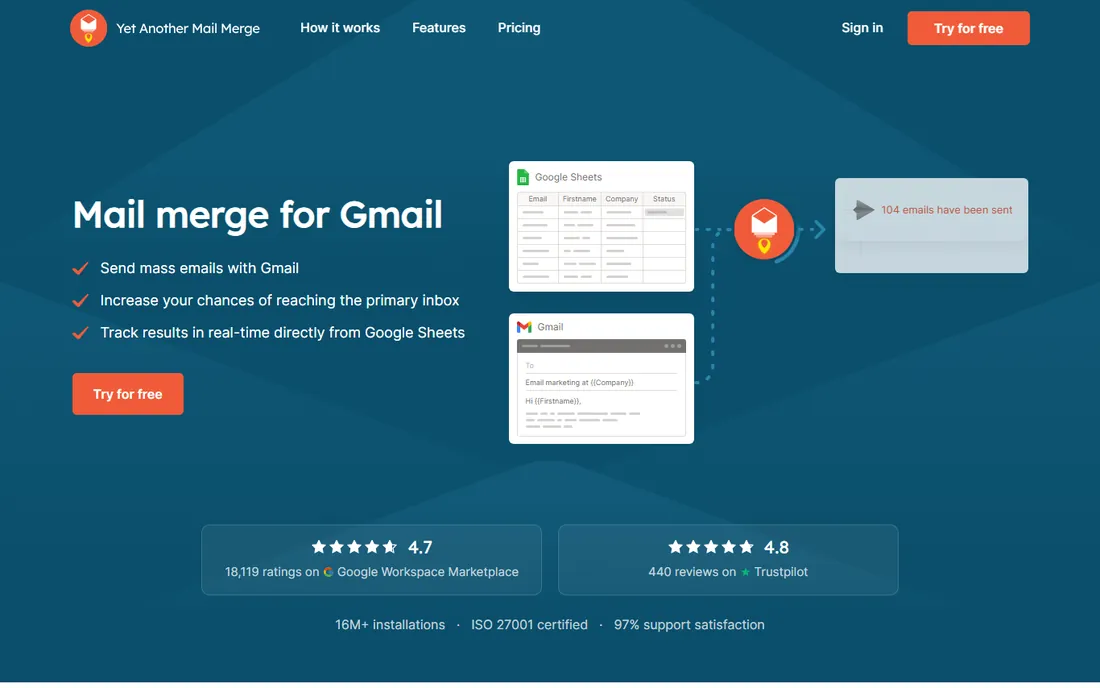
YAMM is the mail merge tool people recommend when someone asks "what's the simplest way to do this in Gmail?" The workflow is three steps: prepare your list in Google Sheets, write a Gmail draft with merge fields, and send from the sheet. Opens, clicks, replies, bounces, and unsubscribes are tracked back into the spreadsheet, and it supports scheduling, follow-up campaigns, and personalized attachments.
With more than ten million installs on the Google Workspace Marketplace, it is the most proven option here. The honest limitation is scale: the free plan caps at 20 recipients a day, so regular senders will need a Pro plan quickly. It also deliberately keeps the feature set lean compared to GMass. If you want mail merge without a learning curve and you send a few hundred emails a week, YAMM is the default choice.
What we like- Dead simple three-step workflow
- Works from Gmail drafts and Sheets
- Strong deliverability reputation
Watch out for- Free tier is only 20 recipients a day
- Pricing varies by billing country
- Fewer advanced features than GMass
Starting priceSee website
Free planYes (50 emails/day)

Mailmeteor has grown to several million users by being the friendly, affordable alternative in this space. The free plan covers 50 emails a day with tracking, scheduling, and templates included, and paid tiers scale up to 2,000 emails a day with AI writing assistance, automated follow-up sequences, and email warmup. It works in Gmail, as a Sheets add-on, and through a dashboard.
The standout detail is privacy: Mailmeteor requests only permission to send email, and cannot read, modify, or delete your inbox. That is not true of every competitor, and for regulated industries it matters. It is recommended by Google as a Workspace app, which is a real credibility signal. For small teams and solo senders who want more than the basics without enterprise pricing, it is the best value on this list.
What we like- Generous free plan at 50 emails a day
- Minimal permissions, never reads your inbox
- Strong 4.9/5 marketplace rating
Watch out for- Gmail and Outlook focus only
- Higher tiers needed for big volume
- AI features sit behind paid plans
Starting priceSee website
Free planYes
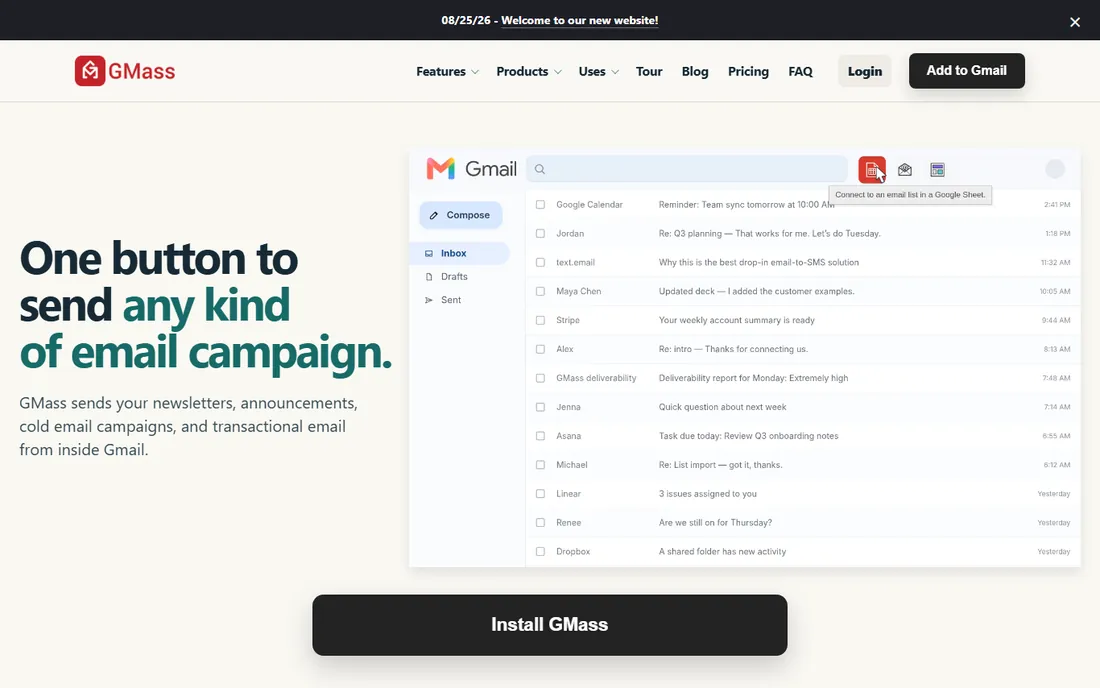
GMass is what you graduate to when simple mail merge is not enough. Everything happens inside Gmail through a Chrome extension: connect a Google Sheet, write your email, hit the red GMass button. Behind that button sits automatic follow-up sequences, behavior-based triggers, A/B testing, deliverability tools like inbox placement testing, and at scale, SMTP sending and inbox rotation that move beyond Gmail's native limits.
The company is upfront that GMass is not a wizard-driven beginner tool; the settings are all there at once. But that density is the point for heavy senders: recruiters, sales teams, and founders running thousands of personalized emails. The free tier exists with paid features locked, and paid plans scale with volume. If your mail merge needs look more like an email operation than an occasional send, GMass is the most capable tool here.
What we like- Enormous feature set inside Gmail
- Automatic follow-ups and behavior triggers
- SMTP and inbox rotation for scale
Watch out for- All-at-once interface can overwhelm beginners
- Paid plans needed for serious volume
- Chrome extension required
Starting price$4.99/month (Personal, billed monthly)
Free planYes (50 emails/day)

This is Qualtir's Mail Merge for Gmail, built around one appealing promise: the free plan has no feature restrictions, just a daily limit of 50 emails. Paid tiers are refreshingly cheap: Personal at $4.99 a month for 250 emails a day with scheduling and no branding, Professional at $7.49 for up to 1,500 a day with automated follow-up sequences and custom HTML templates. It holds a 4.9/5 rating across more than 6,000 marketplace reviews.
Like Mailmeteor, it never reads your inbox; your data stays in your Google Sheet. The practical catch is the name collision: Digital Inspiration also sells an add-on called "Mail Merge for Gmail." They are different products from different companies. Make sure you are installing the one at merge.email. If price per email is your deciding factor, this is the cheapest capable option on the list.
What we like- Free plan with 50 emails a day and no feature restrictions
- Clear, cheap paid tiers
- Privacy-first design
Watch out for- Name collides with a different Digital Inspiration add-on
- Gmail-only
- Paid plans priced monthly, not annual, by default
#5
Mail Merge Toolkit
Best for: Outlook users needing serious attachments
Visit mapilab.com
Starting priceSee website
Free planNo
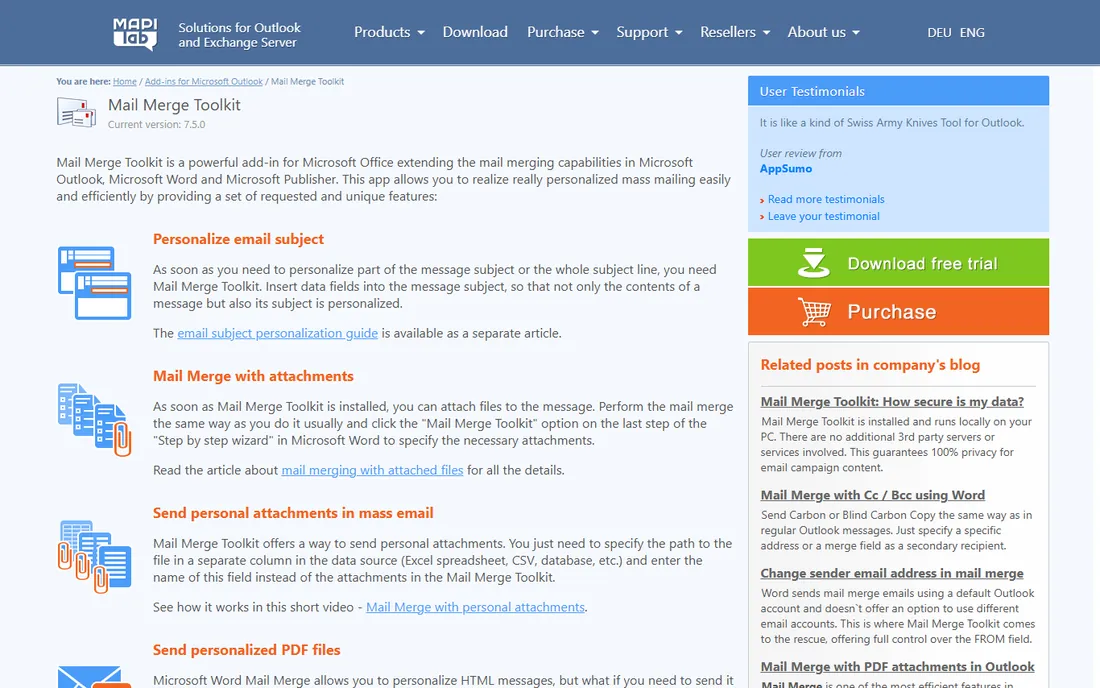
Mail Merge Toolkit by MAPILab is the specialist for the case the Gmail tools handle poorly: mail merge with real, personalized attachments from Microsoft Office. It extends Word's built-in mail merge so each recipient can receive a different file, a personalized PDF or DOCX generated on the fly, even password-protected documents, with personalized subject lines and Send-As support for shared mailboxes. Everything runs locally on your PC, which the company pitches as a privacy advantage.
It comes in Standard and Professional editions as one-time lifetime licenses rather than subscriptions, which is rare and welcome in 2026. The trade-offs are real: it is a Windows desktop add-in for Office, with no free tier and an interface that shows its age. But if your workflow is "Word plus Outlook plus a spreadsheet of 500 recipients who each need their own PDF," nothing else on this list does it as completely.
What we like- Sends personalized PDF, DOCX, and password-protected attachments
- Runs fully locally, no third-party servers
- Lifetime licenses, not subscriptions
Watch out for- Windows and Office only
- No free tier
- Interface is dated
Starting priceSee website
Free planFree trial (100 recipients)
MailMerge365 is the modern answer for organizations standardized on Microsoft. It runs inside Outlook across Windows, Mac, and the web, pulling recipients from Excel, CSV, or your contacts, with open and click tracking, unsubscribe management, scheduled sending, and follow-ups to non-responders. It respects Microsoft 365's limits by spreading large campaigns across days automatically.
The pricing model is flexible: a free trial covering your first 100 recipients, an annual subscription per mailbox, or pay-as-you-go for occasional campaigns. Reviews on the Microsoft App Store praise it specifically against the pain of Word's native mail merge. If your company lives in Outlook and you need tracked, personalized mass email without leaving it, this is the most polished option.
What we like- Works in Outlook on Windows, Mac, and web
- Open/click tracking with unsubscribes
- Pay-as-you-go option for occasional senders
Watch out for- Free trial limited to 100 recipients
- Microsoft 365 sending limits apply
- Annual subscription is per mailbox
Starting priceSee website
Free planYes
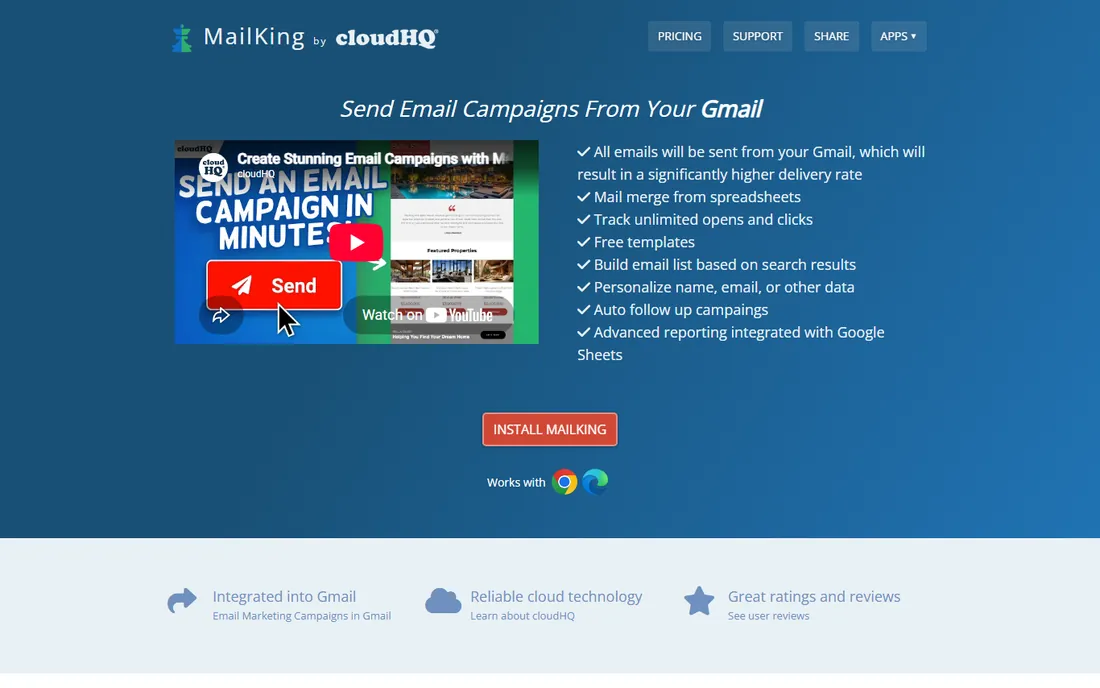
MailKing by cloudHQ takes the freemium idea to its limit: the tool is free to use, with a small MailKing logo at the bottom of sent emails, and a premium version removes the branding. It includes mail merge from Google Sheets, CSV, or Excel, a free email template library, MailChimp template imports, unlimited open and click tracking, and campaign scheduling, all sent directly from your Gmail account.
The value proposition is obvious for nonprofits, schools, clubs, and anyone sending occasional campaigns on a zero budget. The catches: the free version's branding, unpublished premium pricing, and some user reports of clunky preview and support. For professional outreach where branding control matters, the paid options elsewhere on this list are safer. For "I need to send 400 personalized emails and have no budget," MailKing is hard to argue with.
What we like- Completely free to use with a MailKing logo
- Mail merge from Sheets, CSV, and Excel
- Unlimited email tracking
Watch out for- Free version adds branding to emails
- Premium pricing not published on the site
- Mixed user reviews on support
Starting price$79/year (Standard)
Free planFree trial
Document Studio by Digital Inspiration (Google Developer Expert Amit Agarwal) answers a different mail merge question: what if the output is documents, not emails? It takes data from Google Sheets or Forms and generates personalized invoices, contracts, certificates, offer letters, and event tickets as PDFs, Word files, or slides, with QR codes, conditional content, Drive folder creation, and integrations with Slack, Asana, and Trello.
The Standard edition at $79 a year covers 500 transactions a day, and the free trial gives you 25 transactions a month with no credit card. The free tier is genuinely limited, so this is a paid-tool decision. If your mail merge need is "generate and email 200 personalized PDF certificates," Document Studio plus its Mail Merge integration is purpose-built for exactly that. Email-only senders should pick a Gmail tool instead.
What we like- Generates PDFs, Word, and slides from sheet data
- Conditional workflows and e-signatures
- Free trial with no credit card
Watch out for- Document-focused, not an email-first tool
- Free tier limited to 25 transactions a month
- Annual pricing only
Starting priceSee website
Free planNo

Quicklution's Mail Merge add-on covers the Google Workspace surface the others leave alone. Beyond email, it merges to documents, envelopes, and labels in Google Docs, generates personalized certificate PDFs from Google Slides templates, and handles form-submit autoresponders from Sheets. Its documentation site is unusually thorough, with step-by-step guides for printing envelopes and merging images or QR codes.
Pricing is license-based per user with volume discounts, but no public price list, so expect a sales conversation. Quicklution claims a combined install base of over 16 million users across its add-ons. It is not the prettiest tool here, but for organizations that need mail merge across the full Google suite, including printable output like envelopes and certificates, it covers more ground than the Gmail-only options.
What we like- Works across Google Docs, Sheets, Slides, and Forms
- Envelope and label printing guides
- Certificates with personalized PDF attachments
Watch out for- Licensed per user with unpublished pricing
- Smaller vendor
- Interface less polished than the leaders
How we chose
We verified each tool's current homepage and vendor identity, opening every site to confirm the live URL. We reviewed vendor pricing pages and documentation, the Google Workspace Marketplace and Microsoft App Store listings, and public user reviews. Where two products share a name (the two "Mail Merge for Gmail" add-ons), we identify the vendor explicitly. Pricing reflects what each vendor publishes on its own site; where prices are not published, we say so rather than inventing figures. We did not test any tool hands-on.
If you live in Gmail
YAMM is the simplest start, Mailmeteor is the best value with strong privacy, GMass is the power tool for heavy senders, and Qualtir's Mail Merge for Gmail is the cheapest capable option. All four send from your Gmail account and track results back into Sheets. Your real choice is between simplicity (YAMM), price (Mail Merge for Gmail), privacy plus AI (Mailmeteor), and raw capability (GMass).
If you live in Outlook
MailMerge365 is the modern choice for Microsoft 365 teams who want tracking and scheduling inside Outlook. Mail Merge Toolkit is the desktop specialist for personalized attachments and one-time lifetime licensing. If your sends are occasional, MailMerge365's pay-as-you-go option is the economical route.
If the output is documents, not just email
Document Studio generates the PDFs, invoices, and certificates, and can email them too. Quicklution covers envelopes, labels, and Slides-based certificates. These are the tools for HR, schools, and operations teams whose "mail merge" ends at a printed or attached document.
Mind the sending limits
No tool on this list can exceed what Google and Microsoft allow. Free Gmail caps around 500 sends a day, Google Workspace around 2,000, Microsoft 365 around 5,000. Tools that promise more are routing through their own SMTP or spreading sends across days. Plan your list size against the limit before you pick a plan.
The deliverability question nobody asks
Every vendor here promises better inbox placement because mail merge sends from your own account instead of a bulk mail server. That advantage is real, but it is not a license to blast. Sending 1,000 cold emails from a fresh Gmail account will still get you flagged, throttled, or banned, no matter which tool you use.
The tools that take deliverability seriously build in throttling, bounce detection, unsubscribe management, and warmup. Use them. Warm up new sending accounts gradually, keep lists clean and consented, and watch bounce rates. A mail merge tool is a personalization engine, not a spam permit. The senders who get the best results treat these tools like writing 300 careful individual emails, because functionally, that is what they are.
Frequently asked questions
What is mail merge software?
Mail merge software combines a data source (usually a spreadsheet) with a template (email or document) to generate personalized messages for each recipient. Each person receives an individual email with their own name, company, and custom details, sent from your own email account.
Is mail merge the same as bulk email?
Not quite. Bulk email sends the same message to everyone, often from a marketing platform, and usually lands in the Promotions tab. Mail merge sends individual, personalized emails from your own Gmail or Outlook account, so they look and behave like personal email, with better deliverability for small lists.
How many emails can I send with mail merge?
You are limited by your email provider, not the tool. Free Gmail allows around 500 sends per day, Google Workspace around 2,000, and Microsoft 365 around 5,000. Most mail merge tools respect these limits automatically, and some spread large campaigns across multiple days.
Which mail merge tool is best for Gmail?
YAMM is the simplest, Mailmeteor offers the best value with strong privacy, GMass is the most powerful for heavy senders, and Mail Merge for Gmail (merge.email) is the cheapest capable option. All four are well-reviewed on the Google Workspace Marketplace.
Which mail merge tool is best for Outlook?
MailMerge365 is the most modern option for Microsoft 365 teams, with tracking and scheduling inside Outlook. Mail Merge Toolkit is a one-time-purchase desktop add-in that excels at personalized attachments like individual PDFs per recipient.
Can mail merge tools send personalized attachments?
Yes. Most Gmail tools support attachments, some personalized per recipient. Mail Merge Toolkit specializes in this, generating individualized PDF or DOCX files (even password-protected) for each recipient. Document Studio generates and emails personalized PDF documents from sheet data.
Sources we checked (12)
- https://yamm.com/
- https://mailmeteor.com/
- https://gmass.co/
- https://merge.email/
- https://www.mapilab.com/outlook/mail_merge/
- https://mailmerge365.com/
- https://mailking.io/
- https://digitalinspiration.com/
- https://quicklution.com/
- https://yamm.com/pricing/
- https://mailmeteor.com/pricing/
- https://digitalinspiration.com/docs/document-studio/pricing
Is your product missing or out of date?
We review this list regularly. Vendors can request a listing, send updated pricing or ask about featured placement.

Shihab Mia · Founder, Rankite
Shihab has spent more than a decade helping SaaS and e-commerce brands grow through search. He writes Rankite's software buying guides from pricing pages, documentation and public user reviews. More about Shihab.