How we make this list: we compare pricing pages, product documentation and public user reviews. Ratings come from G2, Capterra or Trustpilot, with the date we checked them.
Best lone worker app at a glance
SHEQSY is the best lone worker app for most teams, with check-ins, panic alerts and a dashboard from $10 per user per month. Peoplesafe suits UK teams that want devices as well as an app, while StaySafe suits larger employers that need satellite tracking.
Key takeaways
- SHEQSY at $10 per user per month is the cheapest published price here with a full feature set, and Be Safe starts at $29.99 per user per month.
- Most lone worker platforms are quote-only, so the real cost depends on team size, devices and whether you add 24-7 monitoring.
- The core features are the same everywhere: timed check-ins, a panic button, GPS location and an alert when a check-in is missed.
- 24-7 monitoring is usually a separate service, so check whether alerts go to your own team or to a professional centre.
- Prices here are third-party reported, checked 13 Nov 2026, because no vendor pricing page was opened directly for this guide. Confirm current figures with each vendor before you buy.
Best lone worker app compared
| Tool | Best for | Starting price | Free plan |
| SHEQSY | Check-ins and dashboard for most teams | From $10 per user per month | Free trial |
| Peoplesafe | UK teams wanting app plus devices | Free tier; paid plans by quote | Yes |
| Safepoint | App plus wearables and monitoring | Quote only | Free trial |
| StaySafe | Larger employers and remote sites | Quote only | Free trial |
| SafetyIQ | Full safety platform with lone worker tools | From $20 per user per month | Free trial |
| SoloProtect | Dedicated lone worker devices | Quote only | Free trial |
| Be Safe | Simple low-cost start for small teams | From $29.99 per user per month | Free trial |
| Vismo | Travel and remote worker tracking | Quote only | Free trial |
What is a lone worker app?
A lone worker app protects employees who work alone, remotely or after hours, in the field, at client sites or on night shifts. The worker checks in at set intervals from a phone app, and the system raises an alert if a check-in is missed or if the worker presses a panic button. A dashboard shows who is working alone, where they are and whether they are safe, while a monitoring team or a manager responds to alerts. Many countries and US states treat this as a duty of care duty, and employers in home care, utilities, facilities, delivery and field service are the most common buyers. The app replaces the old practice of a paper log and a phone call at the end of a shift, which cannot help if something goes wrong mid-shift.
What features matter most in a lone worker app?
Timed check-ins matter most, because a missed check-in is the signal that triggers help when a worker cannot press a button. A panic button comes next, and it must be easy to press under stress, ideally with a duress option that alerts silently. Man-down detection matters for falls and medical events, using the phone or a wearable to detect no movement. GPS location matters for sending help to the right place, and offline and satellite support matters for rural and basement sites with no signal. A clear dashboard matters for the person watching: they must see who is overdue at a glance. Finally, check escalation: alerts should go to named monitors first, then to a 24-7 centre if nobody answers, and that centre is usually a paid add-on.
How much do lone worker apps cost?
Published prices start at $10 per user per month for SHEQSY and $29.99 per user per month for Be Safe, while SafetyIQ is listed from $20 per user per month. Peoplesafe offers a free tier, with paid plans by quote. Safepoint, StaySafe, SoloProtect and Vismo are quote-only, which is normal in this market: the price depends on team size, devices, monitoring hours and contract length. A ten-person team on a published price pays roughly $100 to $300 a month before devices, while a quote-only platform can cost more once wearables and 24-7 monitoring are added. Prices are third-party reported, checked 13 Nov 2026, so ask each vendor for a written quote for your team size before you budget.
Do lone worker apps work without mobile signal?
Most lone worker apps need a mobile signal for live check-ins and alerts, but the better ones handle gaps. Apps can queue a check-in and send it when signal returns, and some offer satellite devices for areas with no coverage at all. StaySafe and Vismo both offer satellite tracking options for remote workers, and SoloProtect offers dedicated devices that work beyond a phone. Wi-Fi calling and offline modes help in basements and rural buildings, but no phone app can alert anyone with no connection of any kind. If your workers go beyond mobile coverage, budget for a satellite device or a dedicated lone worker device, and test the app on your actual sites before rollout.
Quick comparison
| Tool | Best for | Starting price | Free plan |
|---|
 SHEQSY | Check-ins and a clear dashboard for most teams | From $10 per user per month, third-party reported, checked 13 Nov 2026 | Free trial |
 Peoplesafe | UK teams that want an app plus wearable devices | Free tier; paid plans by quote, third-party reported, checked 13 Nov 2026 | Yes |
 Safepoint | An app plus wearables with a central monitoring service | Quote only, third-party reported, checked 13 Nov 2026 | Free trial |
 StaySafe | Larger employers and remote sites with satellite needs | Quote only, third-party reported, checked 13 Nov 2026 | Free trial |
 SafetyIQ | A full safety platform with lone worker tools included | From $20 per user per month, third-party reported, checked 13 Nov 2026 | Free trial |
 SoloProtect | Dedicated lone worker devices with professional monitoring | Quote only, third-party reported, checked 13 Nov 2026 | Free trial |
 Be Safe | A simple low-cost start for small teams | From $29.99 per user per month, third-party reported, checked 13 Nov 2026 | Free trial |
 Vismo | Travel and remote worker tracking with global coverage | Quote only, third-party reported, checked 13 Nov 2026 | Free trial |
Is your product missing or out of date?
We review this list regularly. Vendors can request a listing, send updated pricing or ask about featured placement.
The 8 best lone worker apps compared
#1
SHEQSY
Best for: Check-ins and a clear dashboard for most teams
Visit sheqsy.com
Starting priceFrom $10 per user per month, third-party reported, checked 13 Nov 2026
Free planFree trial
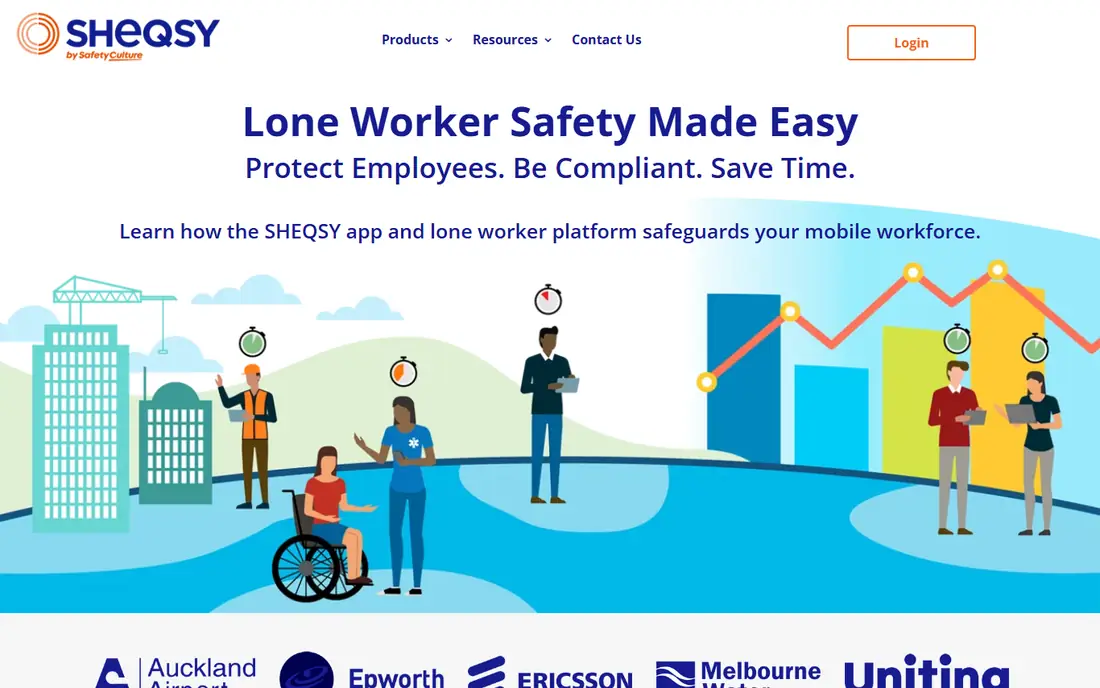
SHEQSY is the leading lone worker safety solution for teams that want real-time protection without buying hardware. The app for iOS and Android is easily deployed to employee smartphones, and the dashboard lets managers monitor check-ins, alerts and lone worker activity from one place. Workers check in on a schedule, press a panic button when needed, and the system flags missed check-ins at once. It costs from $10 per user per month, which is the cheapest published price in this list. The trade-off is hardware: SHEQSY runs on phones, so teams that need a dedicated wearable or satellite device must look elsewhere. Pick SHEQSY when you want a fast phone-based rollout at a clear price.
What we like- Real-time check-ins and panic alerts, simple dashboard for managers, easy deployment on worker smartphones
Watch out for- No dedicated hardware of its own, and advanced reporting sits in higher tiers
Starting priceFree tier; paid plans by quote, third-party reported, checked 13 Nov 2026
Free planYes
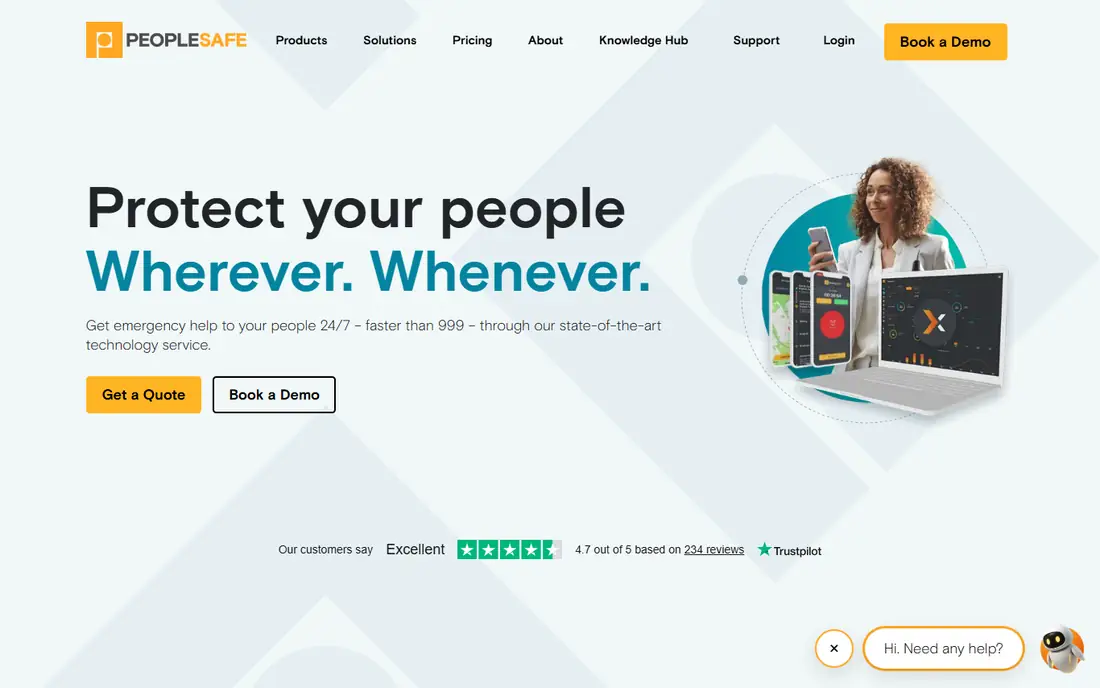
Peoplesafe is a workforce safety platform that protects employees who work alone, remotely or in hazardous settings by combining safety apps, wearable devices and a central monitoring service. The platform covers a wide range of roles, from home care visits to utility field work, and its 24-7 monitoring centre can handle alerts when your own team is off duty. A free tier is listed, with paid plans priced by quote. The trade-off is transparency: there is no published price for the paid platform, so a small team cannot budget without a quote. Pick Peoplesafe when you want one supplier for apps, devices and professional monitoring.
What we like- App plus wearable devices, 24-7 monitoring centre, covers office, field and remote workers
Watch out for- Paid pricing is quote-only, so budgeting needs a sales conversation
Starting priceQuote only, third-party reported, checked 13 Nov 2026
Free planFree trial
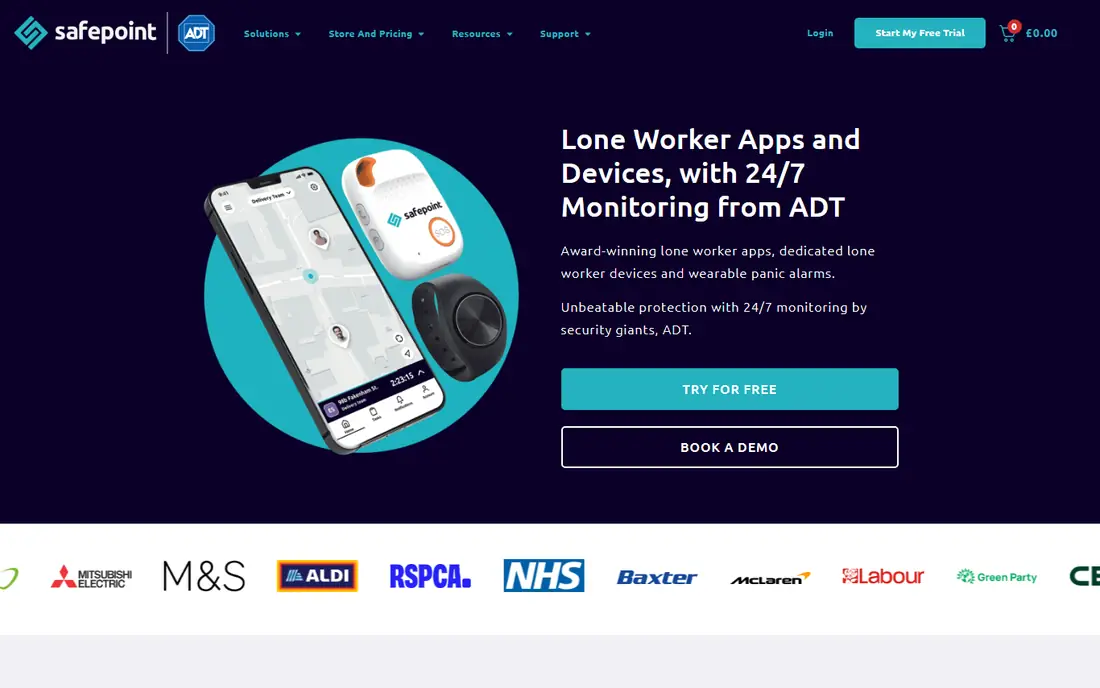
Safepoint is a lone worker safety platform that combines a mobile app, wearable safety devices and a central monitoring service to help employers protect staff who work alone or in high-risk settings. The app handles check-ins and panic alerts, while wearables add man-down detection and a discreet way to raise an alarm. The monitoring service watches alerts when your own managers are unavailable. Pricing is quote-only, so the cost depends on team size and devices. The trade-off is track record: Safepoint is newer than Peoplesafe or StaySafe, with fewer public case studies. Pick Safepoint when you want wearables as well as an app and you are comfortable buying on a quote.
What we like- Mobile app plus wearable safety devices, central monitoring service, works on iOS and Android
Watch out for- Quote-only pricing, and the platform is newer than the biggest names here
Starting priceQuote only, third-party reported, checked 13 Nov 2026
Free planFree trial
StaySafe, now part of EcoOnline, is a lone worker app with a cloud-based monitoring hub used by hundreds of clients and tens of thousands of users. The app covers check-ins, panic alerts and location sharing, and the platform adds wearable technology and satellite tracking devices for employees beyond mobile coverage. That range makes it the strongest pick for utilities, energy and field teams working in remote areas. Pricing is quote-only and sized for larger employers, so small teams will pay more per head than on SHEQSY. The trade-off is complexity: the full platform needs a proper rollout rather than a same-day app install. Pick StaySafe when your workers go beyond mobile signal or you need satellite cover.
What we like- Cloud monitoring hub, wearable tech and satellite tracking devices, used by hundreds of clients
Watch out for- Quote-only pricing, and the platform is built for larger employers, so small teams pay more per head
#5
SafetyIQ
Best for: A full safety platform with lone worker tools included
Visit safetyiq.com
Starting priceFrom $20 per user per month, third-party reported, checked 13 Nov 2026
Free planFree trial
SafetyIQ is a wider safety platform that includes lone worker monitoring alongside incident reporting, audits and compliance tools, which suits regulated industries that want one system for all of safety. The lone worker side covers check-ins, alerts and location, while the reporting tools give managers a full picture of risk across sites. Pricing is listed from $20 per user per month. The trade-off is scope: a small team that only needs check-ins and a panic button pays for a platform built for much more. Pick SafetyIQ when lone worker safety is one part of a wider safety and compliance programme.
What we like- Lone worker tools inside a wider safety system, strong reporting, suits regulated industries
Watch out for- Wider than a lone worker app alone, so small teams pay for features they may not use
Starting priceQuote only, third-party reported, checked 13 Nov 2026
Free planFree trial
SoloProtect builds dedicated lone worker devices rather than relying on a worker phone, with panic buttons, man-down detection and a 24-7 alarm receiving centre behind them. A dedicated device suits workers who cannot carry a phone on the job, or roles where a phone could be lost, broken or taken. The device raises an alert with location even if the worker cannot speak, and the centre handles the response. Pricing is quote-only and device-based, which costs more per worker than a phone app. The trade-off is that devices need charging, issuing and replacing, which adds administration. Pick SoloProtect when the job needs a dedicated device rather than a phone app.
What we like- Purpose-built devices with panic and man-down alerts, 24-7 alarm receiving centre, no phone needed
Watch out for- Quote-only pricing, and device-based pricing costs more than a phone app per worker
Starting priceFrom $29.99 per user per month, third-party reported, checked 13 Nov 2026
Free planFree trial
Be Safe is lone worker safety software for people working alone, remotely, after hours, in the field or in high-risk roles. The app covers timed check-ins, panic alerts and location sharing, with a dashboard for managers to watch the team. It needs no hardware, so a small team can start with phones they already own. Pricing is listed from $29.99 per user per month, which is the highest published monthly price in this list, though it covers a full feature set. The trade-off is reporting: its dashboards are simpler than SHEQSY or SafetyIQ, so larger teams may outgrow it. Pick Be Safe when you want a simple phone-based start and a published price you can budget against.
What we like- Simple check-in and monitoring for remote, field and after-hours roles, no hardware required
Watch out for- Highest published monthly price here, and reporting is simpler than SHEQSY or SafetyIQ
#8
Vismo
Best for: Travel and remote worker tracking with global coverage
Visit vismo.com
Starting priceQuote only, third-party reported, checked 13 Nov 2026
Free planFree trial
Vismo tracks travelling and remote workers worldwide, with location monitoring, mass notification and check-in tools that suit employers with staff moving between sites and countries. It covers the lone worker job of knowing where people are and whether they are safe, and adds travel risk features such as country alerts and satellite options for areas with no mobile signal. Pricing is quote-only and sized by team and coverage. The trade-off is focus: Vismo is built for travel risk first, so a team that only needs lone worker check-ins gets extra features it may not use. Pick Vismo when your lone workers also travel and you need one platform for both jobs.
What we like- Global tracking for travellers and remote staff, mass notification and check-in tools, satellite options
Watch out for- Quote-only pricing, and it is built for travel risk, so pure lone worker teams get extra features they may not need
How we picked these apps
We compared apps on check-in reliability, panic and man-down features, dashboard clarity, device options, monitoring services and pricing, using vendor pages and published comparisons from 2026. Prices are third-party reported and were checked 13 Nov 2026, because no vendor pricing page was opened directly for this guide. We did not claim hands-on testing, and prices vary by team size and region, so verify before buying. OK Alone was left out because it is the Peoplesafe brand for North America, the same platform listed here as Peoplesafe.
Frequently asked questions
Do I legally need a lone worker app?
The law varies by country and US state, but most health and safety rules require employers to assess lone worker risk and put a system in place, and a lone worker app is the most common way to meet that duty. The UK Health and Safety at Work Act and similar rules elsewhere do not name an app, but they do require a workable way to check on people working alone. Check your local rules and your insurer before choosing.
What happens when a worker misses a check-in?
The system raises an alert to the named monitor or monitoring centre, usually after a short grace period. The monitor tries to contact the worker by phone or message, and if there is no answer, the escalation plan starts: a supervisor visit, a welfare check or emergency services, depending on the risk level. Set the grace period and the escalation steps before rollout, not after an incident.
Can a lone worker app track employees outside work hours?
It should not, and the good apps here let workers start and end a shift so tracking only runs while they are on duty. Workers should be able to pause monitoring during breaks and turn it off after a shift. Tell your team clearly what is tracked, when, and who sees it, since trust decides whether the app gets used.
Is a phone app enough, or do I need a device?
A phone app is enough for most office, care, retail and field roles with mobile signal. A dedicated device is better for high-risk roles, workers who cannot carry a phone, or areas with no signal, since devices add man-down detection and satellite options. SoloProtect and StaySafe cover the device route, while SHEQSY and Be Safe cover the phone route.
How do I get workers to actually use the app?
Keep the routine simple: one check-in per visit or per hour, a panic button they have tested, and no punishment for false alarms. Train everyone on day one, make check-ins part of the job rather than extra work, and review missed check-ins as a system problem before blaming the worker. Adoption fails when the app is imposed without explanation, so say plainly why it exists.
Sources we checked (11)
- https://sheqsy.com
- https://peoplesafe.co.uk
- https://safepointapp.com
- https://www.staysafeapp.com
- https://safetyiq.com
- https://soloprotect.com
- https://besafeapp.com
- https://www.vismo.com
- https://sourceforge.net/software/lone-worker/for-nonprofit/
- https://slashdot.org/software/lone-worker/android/
- https://www.okaloneworker.com/lone-worker-safety-app/
Is your product missing or out of date?
We review this list regularly. Vendors can request a listing, send updated pricing or ask about featured placement.

Shihab Mia · Founder, Rankite
Shihab has 5+ years in B2B and SaaS SEO. He writes Rankite's software buying guides from pricing pages, documentation and public user reviews. More about Shihab.