How we make this list: we compare pricing pages, product documentation and public user reviews. Ratings come from G2, Capterra or Trustpilot, with the date we checked them.
Key takeaways
- Live transfer means the AI receptionist answers first, then hands the caller to a staff member with context, instead of taking a message and hanging up.
- Warm transfers, where the AI briefs your team before connecting the caller, beat cold transfers that drop the caller into a queue with no context.
- Smith.ai leads on hybrid AI plus human transfer, because its live agents can take over complex calls without the caller redialing.
- Per-call pricing suits low-volume businesses, while flat monthly plans suit high-volume teams, so match the billing model to your call count.
- AI has limits: sensitive, angry, or complex callers still need a human, and the best services make that handoff fast and graceful.
Quick comparison
| Tool | Best for | Starting price | Free plan |
|---|
 Smith.ai Smith.ai | AI plus human transfer for law firms | $150 per month | Yes |
 Goodcall Goodcall | Predictable monthly AI answering | $79 per month | No |
 Dialzara Dialzara | Low-cost AI answering with fast setup | $29 per month | Free trial |
 Upfirst Upfirst | Lowest entry price for solo owners | $24.95 per month | No |
 Abby Connect Abby Connect | One human and AI service | See website | Free trial |
 Nexa Nexa | Industry playbooks and bilingual cover | See website | No |
 Ruby Ruby | Human receptionists with AI tools | See website | No |
 Moneypenny Moneypenny | People, AI, or both under one provider | See website | No |
Is your product missing or out of date?
We review this list regularly. Vendors can request a listing, send updated pricing or ask about featured placement.
The best live transfer services for AI receptionists
#1
Smith.ai
Best for: AI plus human transfer for law firms
Visit smith.ai
Starting price$150 per month
Free planYes
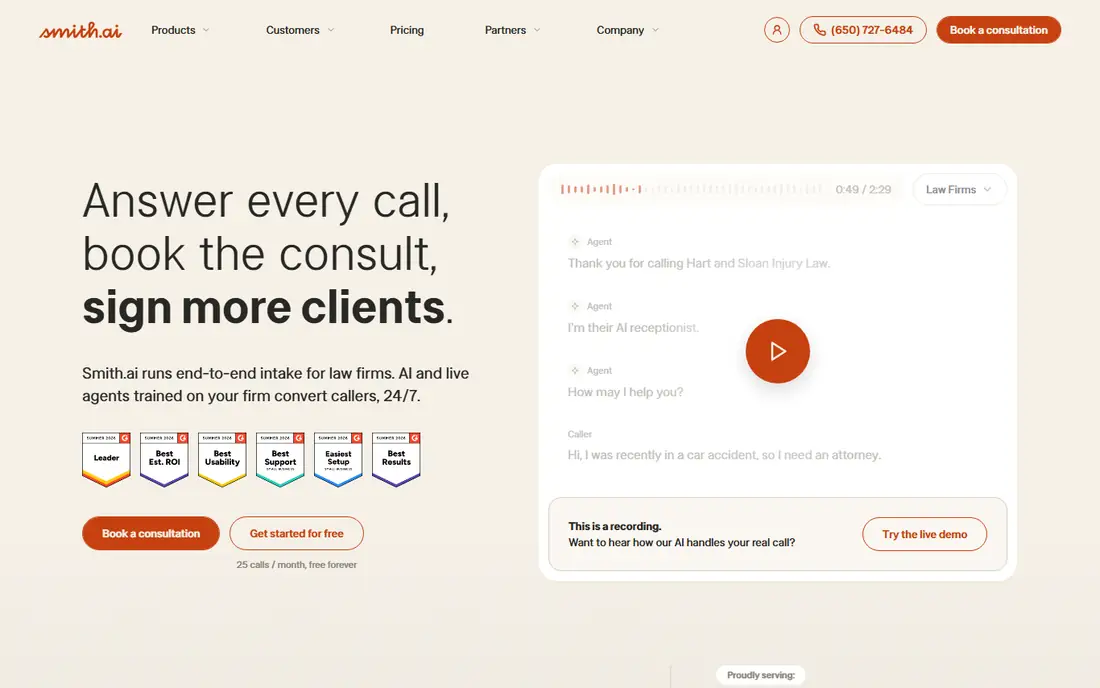
Smith.ai combines an AI receptionist with North America-based live receptionists, so routine calls stay automated and sensitive calls reach a person without the caller dialing again. The AI answers on the first ring, handles FAQs and intake, books appointments, and escalates to a human when a call needs judgment, such as a detailed legal intake or a distressed caller. Its live receptionist plans run on the same per-call model, which makes costs predictable for teams with longer, intake-style calls.
The limits are price and add-ons. The AI Pro plan costs 150 dollars per month for 75 calls, live plans start at 300 dollars for 30 calls, and paid add-ons for booking, transcription, and extra transfer destinations raise the real monthly cost. For law firms and professional services where a missed call can mean a lost case, Smith.ai hybrid transfer is worth the premium.
What we like- AI answers first and live agents take over complex calls
- Free tier with 25 calls
- CRM and calendar integrations
Watch out for- Per-call costs add up at high volume
- Booking and transfer add-ons cost extra
- Live plans start at 300 dollars
Starting price$79 per month
Free planNo
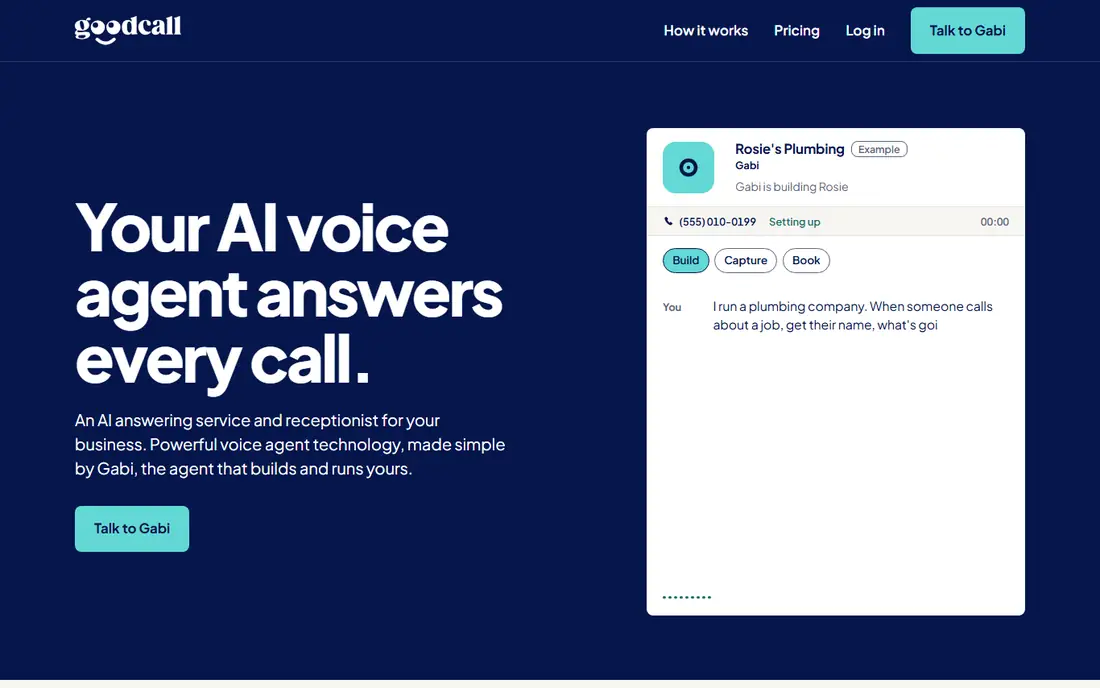
Goodcall offers AI answering on a flat monthly plan starting at 79 dollars per month, which suits small businesses that want a predictable bill instead of per-call charges. The AI answers around the clock, qualifies callers, books appointments, and transfers live calls to staff phones when the caller needs a person. That flat model makes budgeting simple, since a busy month costs the same as a quiet one.
The drawbacks are the lack of live human backup and thinner integrations. When a caller needs judgment that the AI cannot provide, Goodcall can transfer to your team, but there is no pool of live agents to catch calls your staff miss. Goodcall suits small businesses with steady call volume that want predictable pricing and solid AI transfer.
What we like- Flat monthly billing
- 24/7 answering
- Live transfer to staff phones
Watch out for- AI only, no live human agents
- Fewer deep CRM integrations than Smith.ai
- Setup takes some tuning
Starting price$29 per month
Free planFree trial
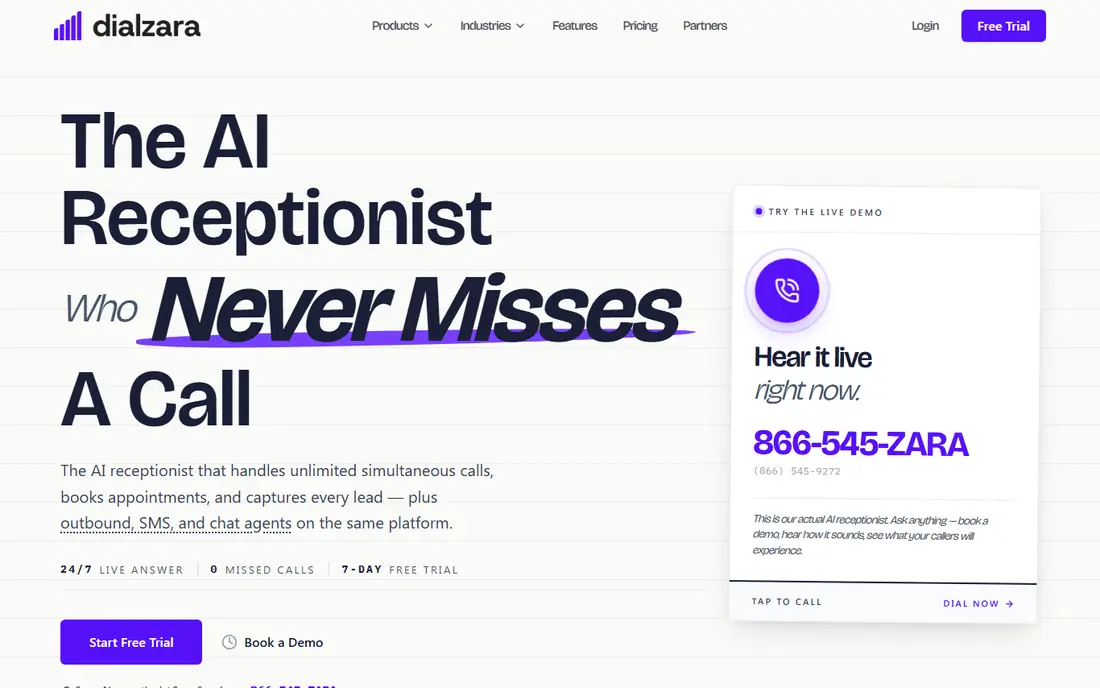
Dialzara offers low-cost AI answering starting at 29 dollars per month, with a free trial, and setup is fast enough for a small business to go live the same day. The AI answers calls, books appointments, and transfers live to staff when needed, covering the core receptionist job at a fraction of the price of hybrid services. For solo owners and tiny teams, Dialzara low entry price removes the main barrier to 24/7 answering.
The limits are human backup and integrations. Dialzara has no live agent pool, so calls your team cannot take still end as messages, and its integration list is shorter than Smith.ai or Ruby. Dialzara suits cost-conscious businesses that mainly need reliable AI answering with live transfer to their own phones.
What we like- Lowest flat price on this list
- Fast setup
- Live transfer and appointment booking included
Watch out for- AI only with no human fallback
- Smaller integration list
- Newer brand with fewer reviews
Starting price$24.95 per month
Free planNo
Upfirst is an AI-only answering service billed per call, with every core feature on every plan: 24/7 answering, booking, warm transfers, texting callers mid-call, and spam blocking. The Starter plan costs 24.95 dollars per month for 30 calls, and the service trains itself from your website at signup, which shortens setup. Spam and very short calls are not billed, which keeps the effective cost lower than the headline rate.
The drawbacks are the lack of human agents and onboarding limits. White-glove onboarding is only available on Pro and Scale plans, and high-volume months cost more as overage calls add up. Upfirst suits solo owners who want the lowest entry price with full features and are comfortable with AI-only answering.
What we like- Entry plan at 24.95 dollars for 30 calls
- All core features on every plan
- Spam and very short calls not billed
Watch out for- No live human agents
- White-glove onboarding only on higher plans
- Per-call overage beyond plan
Starting priceSee website
Free planFree trial
Abby Connect offers businesses one service that blends human receptionists with AI tools, so callers can reach a person when the AI is not enough, and transfers carry context from the AI screening. That combination suits businesses that want a single vendor for both automated and human answering, rather than juggling two providers. A free trial lets teams test call quality before committing.
The limits are price transparency and scale. Pricing is not published as clearly as rivals, so you must request a quote based on call volume, and public reviews are thinner than for Smith.ai. Abby Connect suits businesses that want human and AI under one roof and are willing to get a custom quote.
What we like- Combines human receptionists with AI tools
- Live transfer with context
- Free trial available
Watch out for- Pricing not published clearly
- Plans vary by call volume
- Fewer public reviews than Smith.ai
#6
Nexa
Best for: Industry playbooks and bilingual cover
Visit nexa.com
Starting priceSee website
Free planNo
Nexa provides virtual receptionist services with industry-specific playbooks for sectors such as legal, medical, and home services, plus bilingual English and Spanish cover. Its agents follow scripts tuned to each industry, which improves intake quality, and live transfer connects callers to staff with notes from the screening. Nexa also offers chat and scheduling support alongside voice, which suits businesses with mixed contact channels.
The drawbacks are quote-based pricing and team size fit. Plans skew toward larger teams with steady call volume, and smaller businesses may find the minimums higher than AI-only rivals. Nexa suits industry-specific businesses that want trained agents, bilingual cover, and live transfer in one service.
What we like- Industry-specific call playbooks
- Bilingual English and Spanish cover
- Live transfer included
Watch out for- Pricing requires a quote
- Plans skew toward larger teams
- AI features vary by plan
Starting priceSee website
Free planNo
Ruby built its reputation on human receptionists, and its AI tools now assist those agents with routing, notes, and call summaries rather than replacing them. That human-first model gives callers a warm, professional greeting and a transfer handled by a person who already knows the caller context. For businesses where first impressions matter most, such as law firms and clinics, Ruby call quality is a strong selling point.
The limits are price and AI scope. Human receptionist plans cost more than AI-only services, pricing varies by plan and requires a quote, and the AI features assist agents rather than answering alone around the clock. Ruby suits businesses that prioritize human call handling with AI support over the lowest price.
What we like- Human receptionists as the core service
- AI tools assist routing and notes
- Strong reputation for call quality
Watch out for- Human plans cost more than AI-only rivals
- Pricing varies by plan
- AI features are assistive, not standalone
Starting priceSee website
Free planNo
Moneypenny lets businesses choose people, AI, or both under one provider, so a team can start with AI answering and add human receptionists as call volume or complexity grows. Transfers carry context from the AI screening, and the provider covers a broad range of industries with established operations. That flexibility suits businesses whose needs change across seasons or growth stages.
The drawbacks are quote-based pricing and complexity. Plans vary widely by model and volume, so comparing Moneypenny to flat-rate AI rivals takes a custom quote, and hybrid setups need more configuration. Moneypenny suits businesses that want one provider for every answering model and are willing to plan the setup carefully.
What we like- Choice of human, AI, or hybrid answering
- Live transfer with context
- Established provider with broad coverage
Watch out for- Pricing requires a quote
- Plans vary widely
- Setup complexity grows with hybrid options
How we chose
We compared transfer type, human backup availability, AI capability, pricing model, and integrations, using 2026 vendor pricing and comparison coverage. We favored services where the AI passes context to the human or staff member, rather than dropping the caller into a queue, and we noted where pricing is per call versus flat monthly. We also weighed free tiers and trials, since call quality is hard to judge without testing.
How to choose the best live transfer service for AI receptionists
Start by counting your monthly calls and noting how many need a human, since per-call plans suit low volume and flat plans suit high volume. Next, test the transfer yourself: call the service, ask a complex question, and judge how fast and gracefully it reaches a person. Then check integrations with your CRM and calendar, because intake data that never reaches your systems loses much of its value. Finally, confirm spam handling, since spam calls that count against your quota inflate the real cost.
Frequently asked questions
What is the difference between warm and cold transfer?
A warm transfer briefs the staff member with caller context before connecting, while a cold transfer sends the caller to a queue with no context. Warm transfers feel more professional and save the caller from repeating their story.
Can an AI receptionist transfer to my mobile phone?
Yes, most services on this list transfer live to staff mobiles, office lines, or a call queue you define, and they can follow a schedule so after-hours calls go to voicemail or an on-call rota instead.
Do I need human agents if I have AI answering?
Not always, but human backup helps with sensitive, angry, or complex callers that AI handles poorly. Hybrid services such as Smith.ai cover this gap, while AI-only services transfer to your own team instead.
How much does a live transfer service cost per month?
AI-only plans start near 25 to 79 dollars per month, hybrid AI plans start near 150 dollars, and human receptionist plans start near 300 dollars. Per-call plans vary with volume, so model your actual call count before choosing.
Will callers know they are talking to an AI?
Most services use natural voices, but callers often notice on longer or complex calls. The best services disclose AI use where required and transfer to a human quickly when the caller asks or the topic turns sensitive.
What happens when my team misses a transferred call?
The service usually takes a detailed message with the caller details and AI notes, then sends it by text, email, or CRM alert. Some services retry the transfer or route to a backup number before falling back to voicemail.
Sources we checked (0)
Is your product missing or out of date?
We review this list regularly. Vendors can request a listing, send updated pricing or ask about featured placement.

Shihab Mia · Founder, Rankite
Shihab has 5+ years in B2B and SaaS SEO. He writes Rankite's software buying guides from pricing pages, documentation and public user reviews. More about Shihab.