How we make this list: we compare pricing pages, product documentation and public user reviews. Rankite is independent; if a vendor ever pays for a featured spot, that listing is clearly labeled Partner.
Key takeaways
- Most companies do not have a contract problem. They have a finding-the-contract problem, and that decides which tool fits.
- PandaDoc, Concord and ContractSafe publish pricing ($499 a month for Concord, from $450 a month for ContractSafe); the enterprise CLM players are all quote-based.
- Sales-led teams should buy document automation (PandaDoc); legal-led teams should buy lifecycle management (Ironclad, Juro, LinkSquares).
- AI clause extraction and redlining are now table stakes in mid-market and enterprise tools, not differentiators.
Quick comparison
| Tool | Best for | Starting price | Free plan |
|---|
 PandaDoc PandaDoc | Sales documents, proposals and e-signatures | See website | Free trial (14 days) |
 Ironclad Ironclad | Enterprise contract lifecycle management | See website | No |
 Juro Juro | Collaborative browser-native contracting | See website | No |
 Concord Concord | Unlimited e-signatures with simple pricing | $499 per month | No |
 ContractWorks ContractWorks | Mid-market contract repository and alerts | See website | No |
 LinkSquares LinkSquares | AI-first contract analytics for legal teams | See website | No |
 SpotDraft SpotDraft | AI-native contracting for growing companies | See website | No |
 DocuSign CLM DocuSign CLM | Contract workflows for DocuSign customers | See website | No |
 ContractSafe ContractSafe | Simple searchable contract repository | $450 per month | No |
Is your product missing or out of date?
We review this list regularly. Vendors can request a listing, send updated pricing or ask about featured placement.
The best legal document software
Starting priceSee website
Free planFree trial (14 days)
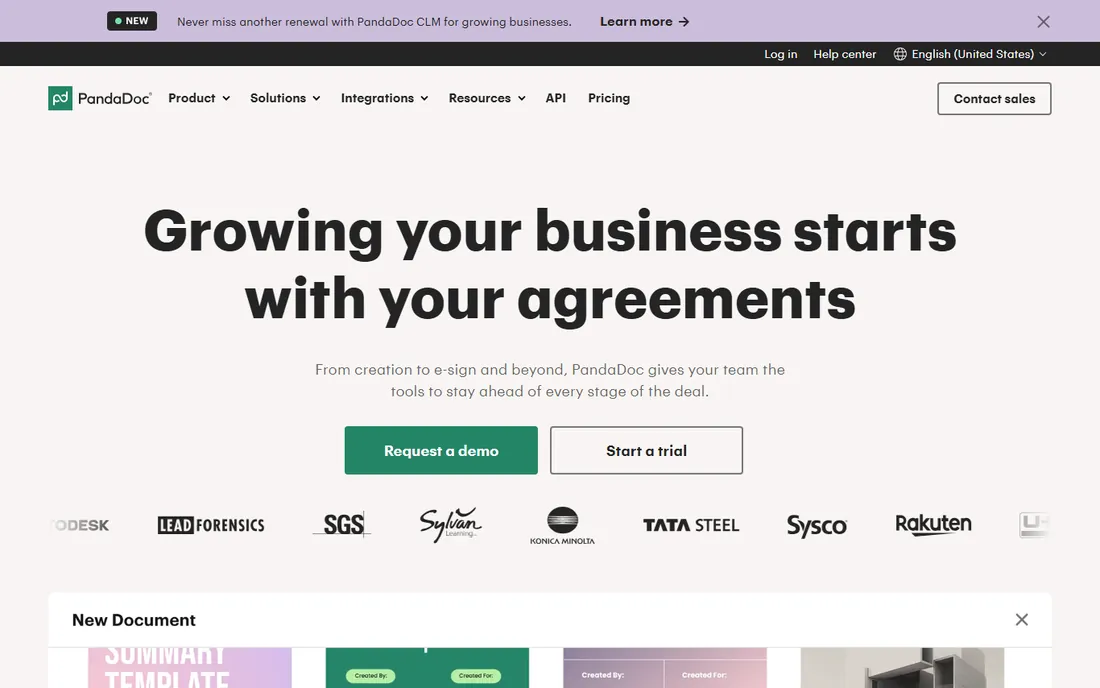
PandaDoc owns the sales-document workflow: proposals, quotes and contracts built from templates, sent for e-signature, tracked to the open. The editor is genuinely easy, CRM integrations with HubSpot and Salesforce pull deal data straight into documents, and paid plans include unlimited documents created in the UI. A 14-day free trial lets a sales team test the real workflow.
The honest catch is category fit. PandaDoc automates documents; it does not govern contract lifecycles the way Ironclad or LinkSquares do, with clause libraries, obligation tracking and renewal workflows. Pricing has also grown more complex, with usage credits for API and automation-created documents and per-document overages on lower tiers. Buy PandaDoc when sales owns the process and speed matters most.
What we like- Editor sales teams learn in an afternoon
- Unlimited documents on paid plans
- Deep CRM integrations for proposal workflows
Watch out for- Pricing is no longer published as simple per-seat figures
- Document overages apply on lower tiers
- It is document automation, not full lifecycle governance
Starting priceSee website
Free planNo
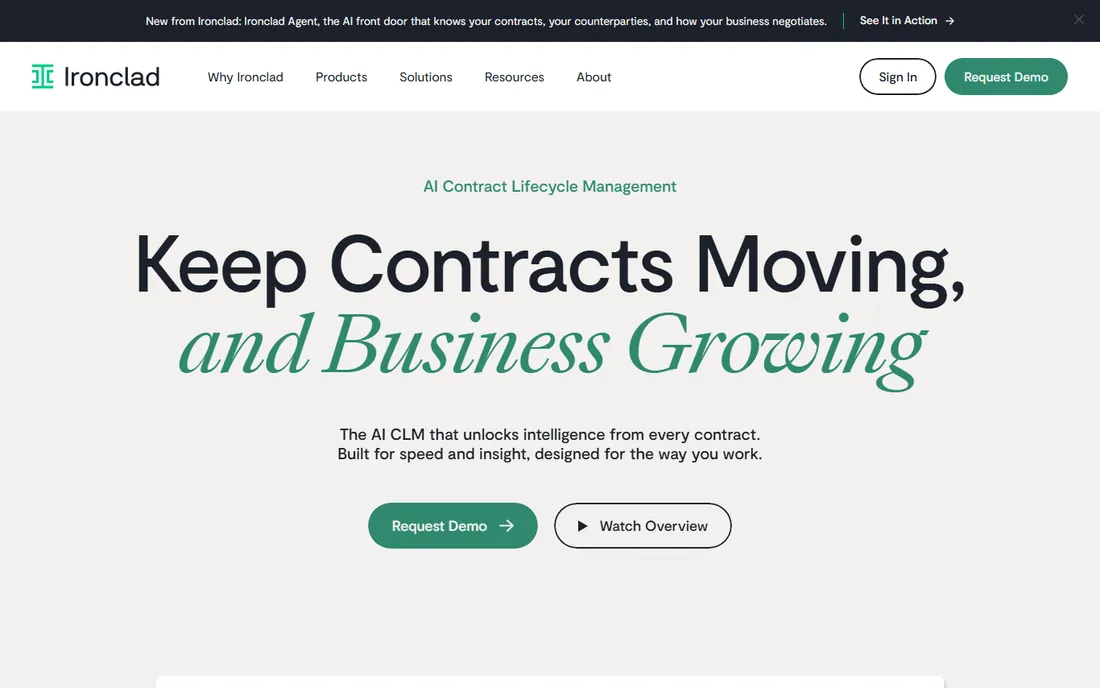
Ironclad is the enterprise standard for contract lifecycle management, and the depth shows. Every contract type gets its own workflow with required fields, approvers and fallback clauses. Sales kicks off a contract from Salesforce, legal approves in Ironclad, signature flows through DocuSign, and the executed agreement lands in a searchable repository with AI-extracted terms. For legal teams managing hundreds of contracts, that structure is the product.
Everything about the buying experience is enterprise: quote-based pricing typically starting around $10,000-plus annually and scaling deep into six figures, with implementation measured in weeks or months. A ten-person company should not be here. But for the in-house legal team drowning in email-based redlining, Ironclad is the serious answer.
What we like- The deepest workflow automation in the category
- Strong clause library and approval routing
- Built for sophisticated legal operations
Watch out for- Quote-only pricing that starts in five figures annually
- Implementation takes weeks to months
- Overkill for simple document needs
#3
Juro
Best for: Collaborative browser-native contracting
Visit juro.com
Starting priceSee website
Free planNo
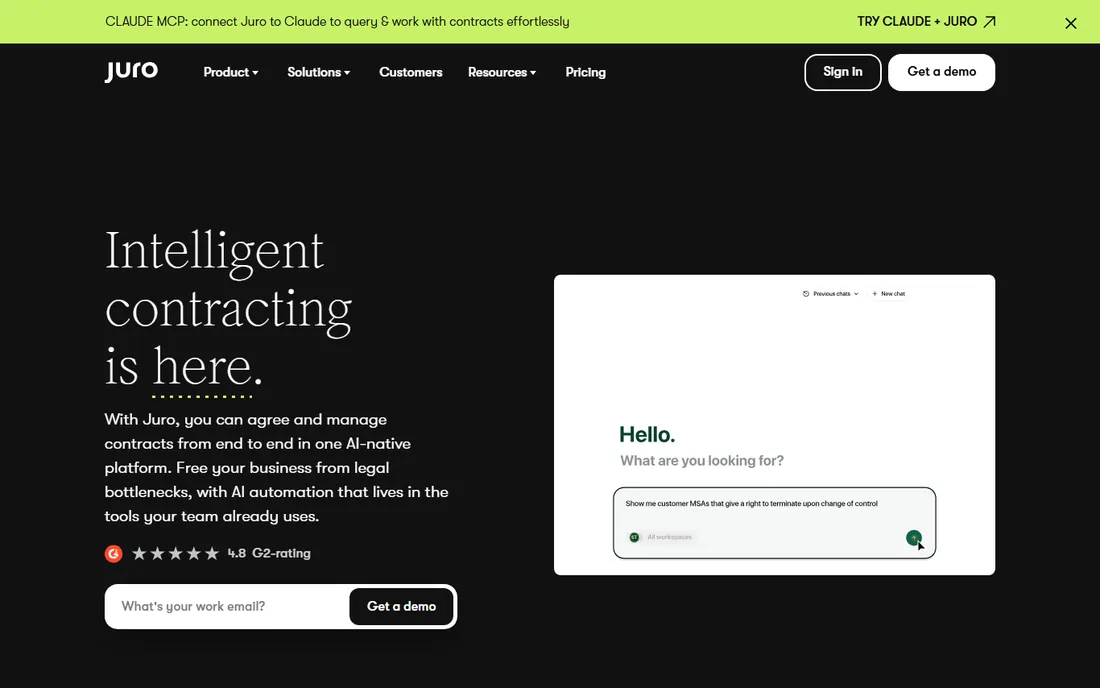
Juro's bet is that contracts should never leave the browser. Instead of redlining Word documents over email, both sides negotiate in a shared, collaborative editor with version control, commenting and approval workflows built in. For mid-market companies doing tens to hundreds of contracts a year, it removes the most painful part of contracting: the attachment tennis.
Pricing is quote-based, which frustrates smaller buyers, and the platform does not match Ironclad's depth for the most complex enterprise requirements. The browser-native model also asks counterparties to work your way, which some large customers resist. When both sides adopt it, though, contracting gets dramatically faster, and that is the whole pitch.
What we like- Contracts negotiated in the browser, no Word attachments
- Clean collaborative editor legal and business teams share
- Strong automation for mid-market volume
Watch out for- Quote-based pricing with no public figures
- Less depth than Ironclad for complex enterprise needs
- The all-in-browser model requires buy-in from counterparties
Starting price$499 per month
Free planNo
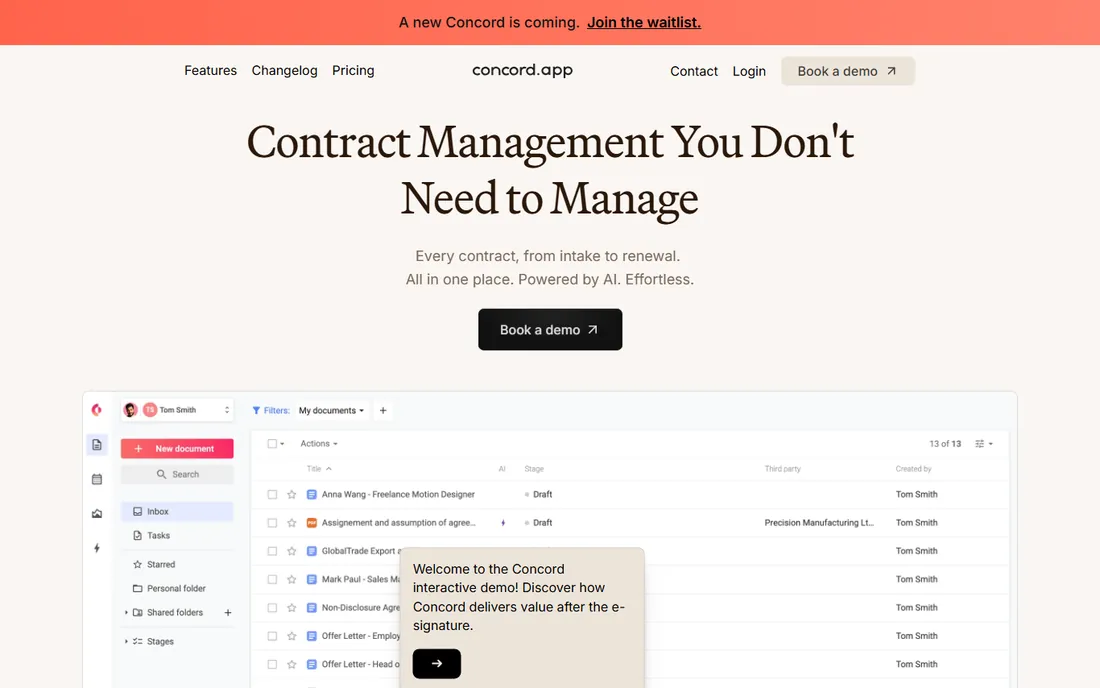
Concord sells contract management without the fine print, and the pricing page proves it: flexible plans starting at $499 a month, stated plainly. You get unlimited e-signatures, template libraries, approval workflows, deadline reminders and audit trails. For the company that needs real contract process without enterprise sales cycles, that transparency is refreshing.
The price is the filter. At $499 a month to start, Concord is not for the freelancer with five contracts a year; it is for the growing business with steady contract volume. AI capabilities trail the newest AI-native entrants, and deep customization is limited by design. If you want honest pricing and solid fundamentals, Concord delivers.
What we like- Published pricing starting at $499 a month with no fine print games
- Unlimited e-signatures
- Approval workflows, audit trails and deadline reminders included
Watch out for- $499 a month is steep for very small teams
- Less AI depth than the newest entrants
- The simplicity means fewer advanced customization options
Starting priceSee website
Free planNo
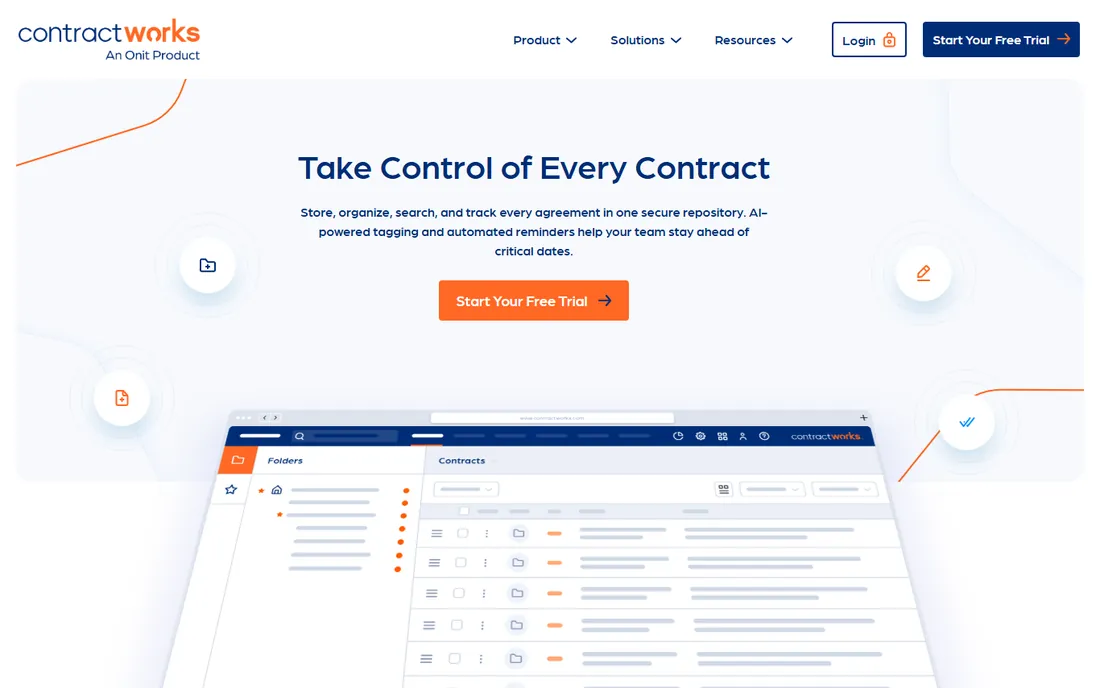
ContractWorks takes the opposite approach from the enterprise giants: get your contracts into one searchable repository fast, with automated alerts for renewals and milestones, and AI search that finds any clause in seconds. Implementation is measured in days, not months, which is why it keeps appearing on mid-market shortlists.
The trade-off is ceiling. Workflow automation and negotiation tooling are lighter than Juro or Ironclad, and pricing is not published, so budgeting needs a conversation. For the company whose actual problem is "we cannot find our contracts and we miss renewals," ContractWorks solves the stated problem without selling a transformation project.
What we like- Fast to deploy for a CLM, focused on repository and alerts
- AI-powered search across clauses and terms
- Straightforward for non-legal users
Watch out for- Pricing not published on the site
- Less workflow depth than Ironclad or Juro
- The simplicity ceiling appears at enterprise scale
Starting priceSee website
Free planNo
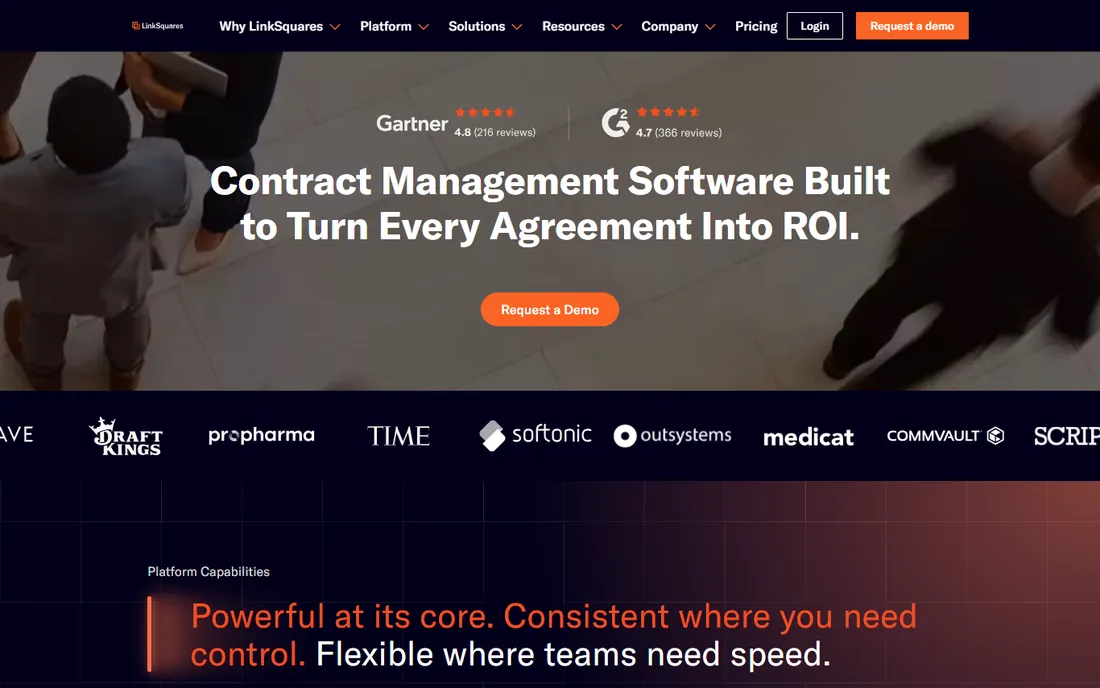
LinkSquares leads with AI: upload your existing contracts and the platform extracts clauses, terms and obligations into structured, searchable data. Post-signature, that means renewal tracking, obligation management and portfolio analytics that would take paralegals months to build manually. Legal teams that want self-service answers from their contract data tend to like it.
Like most enterprise CLM, pricing is quote-based and the sales cycle is enterprise. Small teams will find the analytics depth unnecessary and the price unjustifiable. For the legal department sitting on thousands of executed agreements it cannot query, LinkSquares turns the archive into an asset.
What we like- Strong AI for clause extraction and contract analytics
- Self-service analytics legal teams can run themselves
- Good post-signature intelligence
Watch out for- Quote-only enterprise pricing
- The analytics depth exceeds what small teams need
- Implementation needs legal ops attention
Starting priceSee website
Free planNo
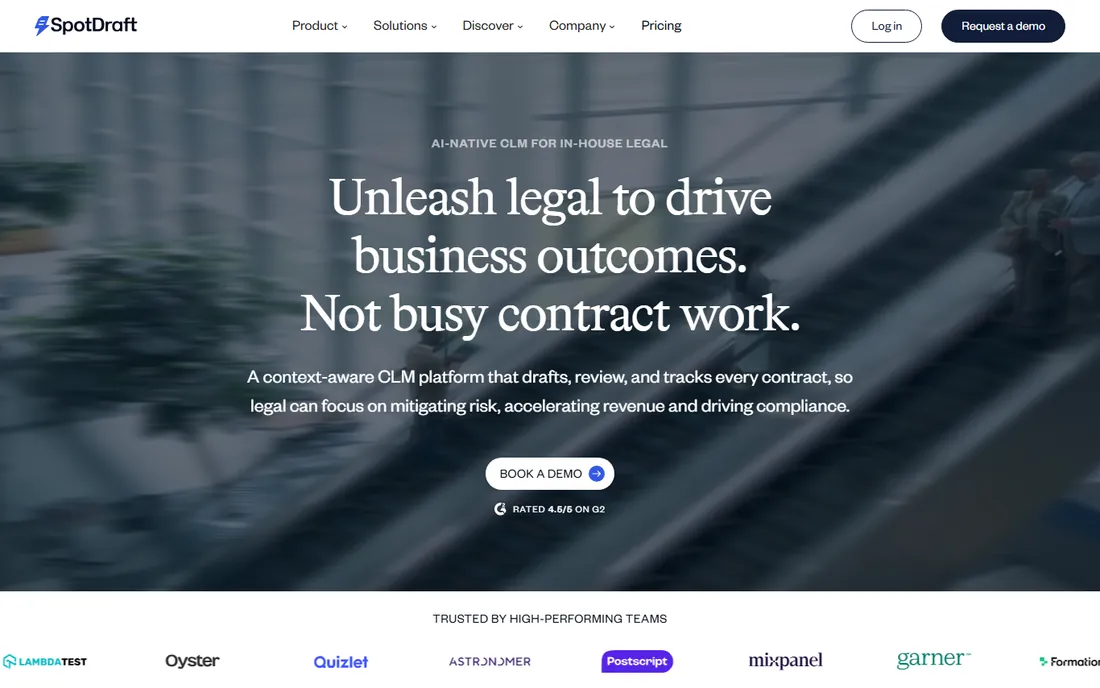
SpotDraft is the AI-native challenger in a category of incumbents. Drafting assistance, AI review that flags risky terms, and an intelligent repository come standard rather than as add-ons, in an interface designed for the way growing companies actually work. It has won attention as the modern alternative for teams that find Ironclad too heavy and PandaDoc too light.
The caveats are youth and opacity. SpotDraft has less market history than the established players, pricing is quote-based, and AI review quality varies by contract type and jurisdiction, so validate it on your actual agreements during evaluation. For the growing company that wants modern contracting without enterprise baggage, it is worth a demo slot.
What we like- AI-first approach to drafting, review and repository
- Modern interface growing teams adopt quickly
- Positioned well for mid-market budgets
Watch out for- Newer entrant with less market history than Ironclad
- Pricing not published
- The AI promises need validation on your contract types
Starting priceSee website
Free planNo
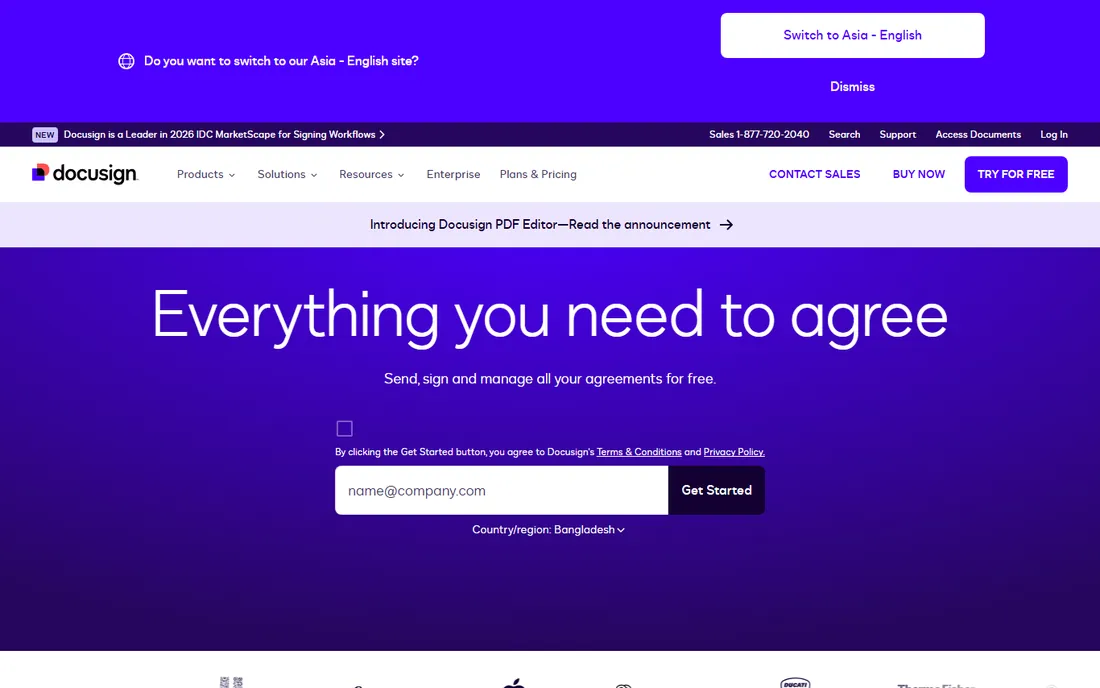
If your company already runs on DocuSign for e-signature, DocuSign CLM is the path of least resistance to lifecycle management. Contract generation, negotiation workflows, AI analytics and the repository all connect to the signing experience your teams know. Procurement is simpler when it is an expansion rather than a new vendor.
The honest question is whether it is the best CLM or just the most convenient one. Pricing is quote-based and stacks on existing DocuSign costs, and dedicated CLM vendors often lead on workflow depth. For the DocuSign-centric organization that values a single vendor relationship, the convenience argument usually wins.
What we like- Natural extension if you already sign with DocuSign
- AI-powered contract analytics
- Deep integration with the DocuSign ecosystem
Watch out for- Quote-based pricing on top of existing DocuSign spend
- Can feel like a upsell path rather than a best-of-breed choice
- Implementation is a project
Starting price$450 per month
Free planNo
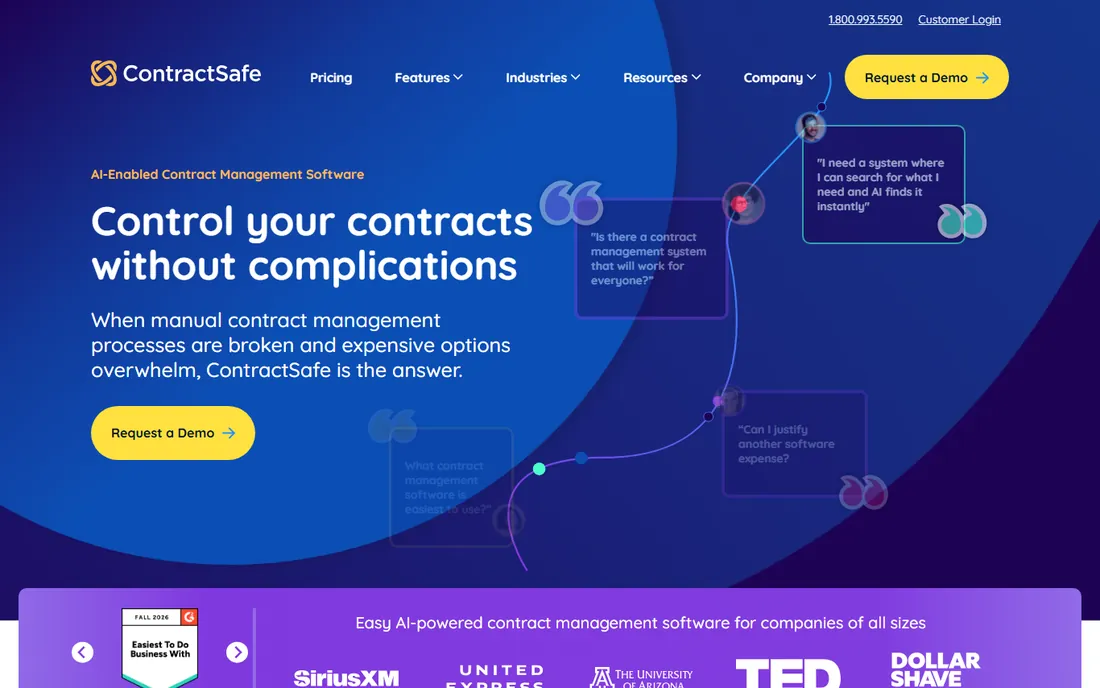
ContractSafe does one thing and does it well: every contract, organized and easy to find. AI-powered organization, full-text search across the repository, and automatic reminders for renewals and milestones cover the needs of companies that lose track of agreements. Pricing is published, starting at $450 a month, with a phone number for humans who prefer to talk.
Do not buy it expecting Ironclad. There is little negotiation workflow, no deep approval routing, and no clause library management. But most companies do not need those; they need to find the MSA from 2023 and know when it renews. ContractSafe is the honest, simple answer to that problem.
What we like- Published pricing starting at $450 a month
- Dead-simple searchable repository
- Automatic reminders for key dates
Watch out for- Minimal workflow and negotiation tooling
- Not a CLM for complex approvals
- The simplicity is the ceiling
How we chose
We framed the category the way buyers experience it: document automation for sales-led teams versus lifecycle management for legal-led teams. Every product was verified to exist today as a purchasable offering, and pricing comes only from the vendors' own sites, captured in October 2026. Most enterprise CLM vendors do not publish pricing, so those listings say so rather than repeating third-party estimates. We weighted real adoption and category fit over feature checklists, and we treated AI claims skeptically, listing them as table stakes where they are standard.
Who should own it: legal or sales
This single question decides the purchase, and getting it wrong is the most common failure in the category. If sales owns the process, the job is speed: proposals out fast, signatures collected, CRM updated. Buy document automation like PandaDoc, optimize for the sales workflow, and do not pay for clause libraries nobody will maintain.
If legal owns the process, the job is control: approved templates, enforced approvals, clause consistency, obligation tracking, renewal governance. Buy lifecycle management like Ironclad, Juro or LinkSquares, and accept the implementation project. Organizations that need both usually end up with two tools, because the sales rep and the general counsel are doing genuinely different jobs. Clarify the owner before the first demo, or every demo will talk past you.
The questions that reveal the real product
CLM demos all look the same until you ask specific questions. Ask to see a redline round trip with a counterparty who refuses to use the platform: what does that workflow actually look like. Ask how the AI handles your most complex agreement type, not the sample NDA. Ask what happens to your data, in what format, if you cancel, because contract repositories become hostages easily.
Then the commercial questions. Is pricing per user, per contract, or flat, and what counts as a user. Which features are add-ons: e-signature, AI extraction, advanced workflows and integrations are commonly gated. What does implementation cost and who does the work. Get the answers in writing, because the demo never includes the invoice.
Frequently asked questions
What is the difference between CLM and e-signature software?
E-signature software (DocuSign, Dropbox Sign) handles the signing moment. Contract lifecycle management covers the whole journey: drafting from templates, negotiation and redlining, approvals, signature, storage, obligation tracking and renewals. Tools like PandaDoc sit between, automating documents and signature without full lifecycle governance.
How much does contract management software cost?
Published pricing runs from $450 a month (ContractSafe) to $499 a month (Concord) at the transparent end. PandaDoc and mid-market tools price per user or per month in the low hundreds. Enterprise CLM from Ironclad, LinkSquares and DocuSign CLM is quote-based, typically starting in the five figures annually and scaling with volume and implementation.
Can AI review our contracts reliably?
AI clause extraction and risk flagging are genuinely useful for first-pass review and for making archives searchable, and they are now standard in mid-market and enterprise tools. They do not replace legal judgment: AI-generated clauses and flagged risks should be verified by qualified counsel, especially for high-stakes agreements.
Do we still need a lawyer if we buy this software?
Yes. The software makes legal work faster and more consistent: templates, workflows, reminders and searchable repositories. It does not provide legal advice, and templates for important agreements should be reviewed by counsel. Think of it as an extension of legal expertise, not a replacement.
How long does implementation take?
Document automation like PandaDoc or Concord deploys in days to weeks. Mid-market CLM like ContractWorks or Juro typically takes weeks. Enterprise platforms like Ironclad or DocuSign CLM are multi-week to multi-month projects involving workflow design, template building and integrations. The template and clause library work is usually the long pole.
What happens to our contracts if we cancel?
Ask before you sign. You should be able to export executed agreements with their metadata in standard formats. Some platforms make bulk export easy and some make it a professional-services engagement. Your contracts are your records; the export terms belong in the contract for the software itself.
Sources we checked (9)
- https://www.pandadoc.com/pricing/
- https://ironcladapp.com/
- https://juro.com/
- https://www.concord.app/pricing
- https://www.contractworks.com/
- https://linksquares.com/
- https://www.spotdraft.com/
- https://www.docusign.com/products/clm
- https://www.contractsafe.com/pricing
Is your product missing or out of date?
We review this list regularly. Vendors can request a listing, send updated pricing or ask about featured placement.

Shihab Mia · Founder, Rankite
Shihab has spent more than a decade helping SaaS and e-commerce brands grow through search. He writes Rankite's software buying guides from pricing pages, documentation and public user reviews. More about Shihab.