How we make this list: we compare pricing pages, product documentation and public user reviews. Ratings come from G2, Capterra or Trustpilot, with the date we checked them.
Key takeaways
- Yardbook starts free and Clear Estimates publishes flat rates from $79/month, making them the only picks here with pricing you can verify without a sales call.
- Jobber ($29/month for one user, billed annually) is the best value if you also need scheduling, invoicing and client reminders in the same login.
- LMN, Aspire and SingleOps are the green-industry specialists. All three sell through demos, so budget a week for quotes and expect annual contracts.
- STACK fits contractors who do heavy plan takeoff work. ProEst suits larger construction-led shops that estimate in hundreds of line items.
Quick comparison
| Tool | Best for | Starting price | Free plan |
|---|
 LMN LMN | Landscape contractors wanting estimating, job management and time tracking in one platform | See website (custom quote; no published prices) | See website |
 Aspire Aspire | Growing landscape companies that need detailed job costing across branches | See website (custom quote; no published prices) | See website |
 SingleOps SingleOps | Tree care and landscape companies that sell recurring and one-time work | See website (custom quote; no published prices) | See website |
 Jobber Jobber | Small field-service businesses that want quotes, scheduling and invoicing in one login | $29/month (Core plan, 1 user, billed annually) | 14-day free trial (no credit card required) |
 Yardbook Yardbook | Lawn care and small landscape operators who want to start free | $34.99/month (Standard); Starter plan free | Yes (Starter plan is free) |
 Service Autopilot Service Autopilot | Lawn care and landscape companies that want heavy automation of routes and billing | See website (custom quote; no published prices) | See website |
 STACK STACK | Contractors who estimate from digital plans and need cloud takeoff | See website (custom quote; pricing page lists tiers without dollar figures) | Free tier (1 project/month) plus free trial |
 Clear Estimates Clear Estimates | Remodeling and specialty contractors who want published, flat-rate pricing | $79/month (Standard, billed monthly; $59/month billed annually) | 30-day free trial |
 ProEst ProEst | Larger construction firms that estimate complex, multi-trade projects | See website (contact sales for pricing) | See website |
Is your product missing or out of date?
We review this list regularly. Vendors can request a listing, send updated pricing or ask about featured placement.
The best landscape estimating software
Your best estimator calls in sick, three bids are due Thursday, and the spreadsheet with last year's margins lives on a laptop nobody can find. That week is the reason landscape companies buy estimating software. A missed line item on a $40,000 install costs more than a year of any subscription on this list.
These nine tools cover the real market for landscape and field-service estimating, from green-industry specialists like LMN and Aspire to general field-service platforms like Jobber and Yardbook. Prices below come from each vendor's own pricing page. Where the vendor publishes nothing, we say so.
#1
LMN
Best for: Landscape contractors wanting estimating, job management and time tracking in one platform
Visit golmn.com
Starting priceSee website (custom quote; no published prices)
Free planSee website
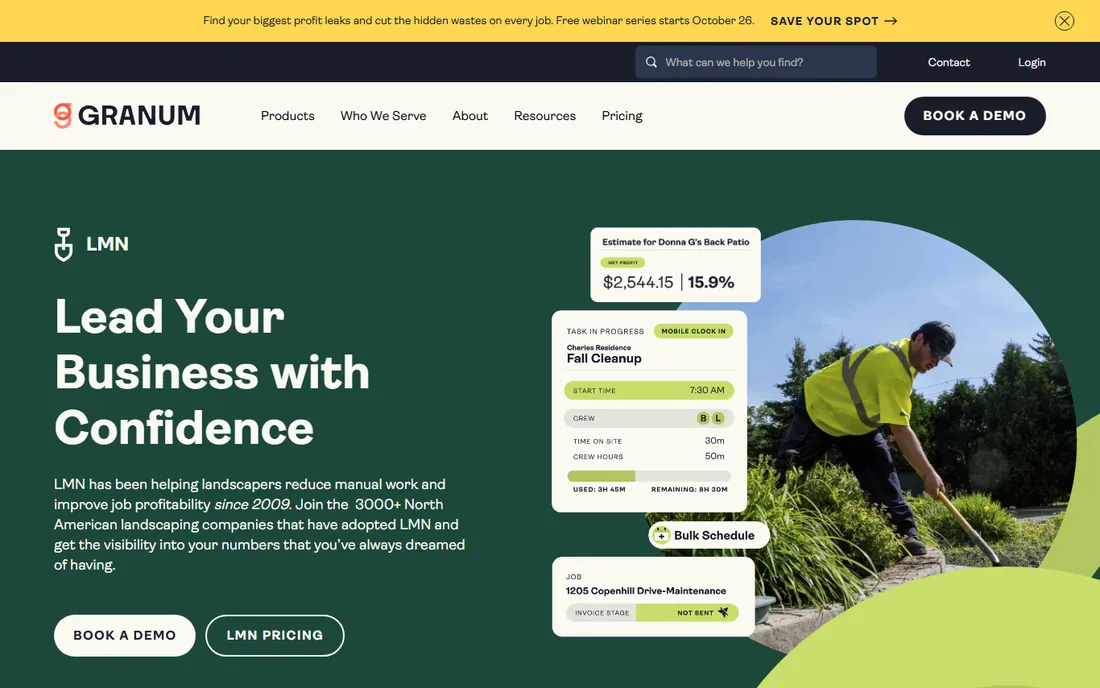
LMN is the name that comes up most inside landscape shops, and the reason is focus. It was designed for landscape and snow contractors rather than adapted from generic construction software. Estimates, schedules, time tracking and job costing live in one system, so the numbers on the bid connect to the hours the crew actually logs.
That focus has a price in more ways than one. LMN publishes no prices and sells through demos, so expect a sales conversation and an annual commitment. Smaller shops that only need fast quotes will find simpler tools here. But if you run multiple crews and want the estimate to talk to the schedule and the timesheet, LMN is the category reference point.
What we like- Built specifically for landscape and snow contractors, not adapted from generic software
- Combines estimating with scheduling, time tracking and job costing
- Deep library of training content for crews and office staff
Watch out for- No published pricing, so every buyer goes through a sales process
- Annual contracts are the norm
- The breadth of features means a longer setup than simpler quoting tools
#2
Aspire
Best for: Growing landscape companies that need detailed job costing across branches
Visit youraspire.com
Starting priceSee website (custom quote; no published prices)
Free planSee website
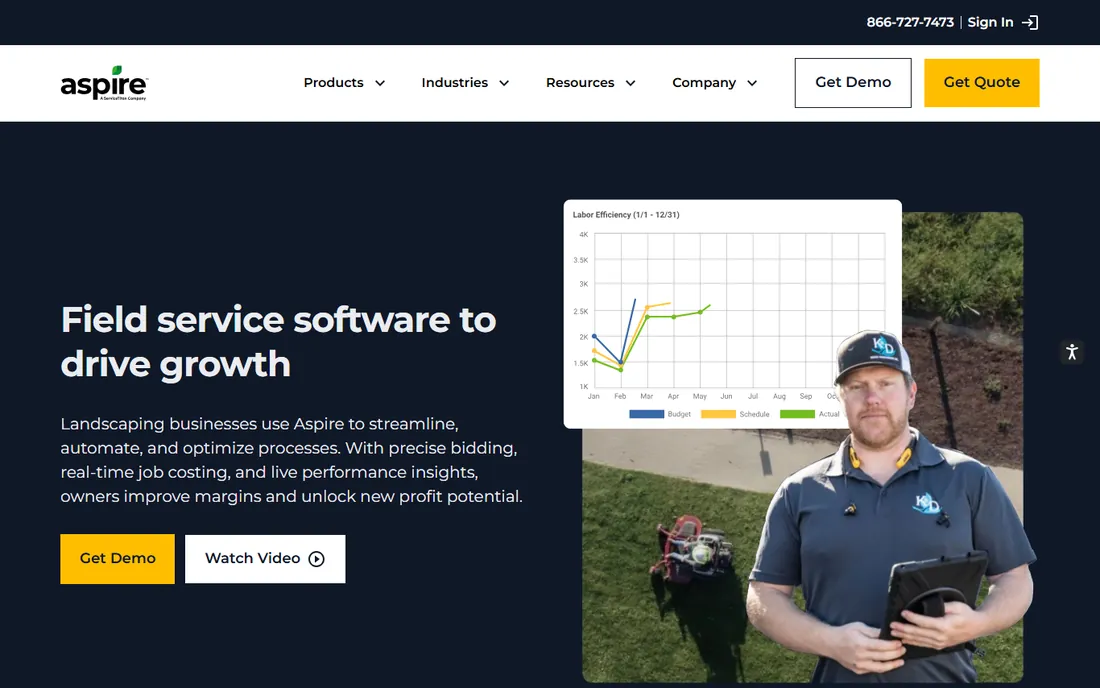
Aspire plays in the same field as LMN but aims one rung up the company-size ladder. Where smaller tools focus on getting the quote out the door, Aspire focuses on what happens after the job is sold: job costing, crew performance and branch-level reporting. For companies running multiple crews or locations, that operational layer is the whole point.
The trade-off is accessibility. Pricing is quote-only and demos are the front door, so budget time for the sales process. A two-truck operation will find the depth unnecessary and the onboarding heavy. Aspire makes sense when you have an office staff, a real estimating process and questions about margins you cannot answer today.
What we like- Strong job-costing and operational reporting for multi-crew companies
- Handles estimating, scheduling and invoicing in one workflow
- Designed for landscape, lawn care and snow businesses at scale
Watch out for- Demo-led sales with no published pricing
- Built for larger operations, so small shops pay for depth they may not use
- Implementation takes planning
#3
SingleOps
Best for: Tree care and landscape companies that sell recurring and one-time work
Visit singleops.com
Starting priceSee website (custom quote; no published prices)
Free planSee website
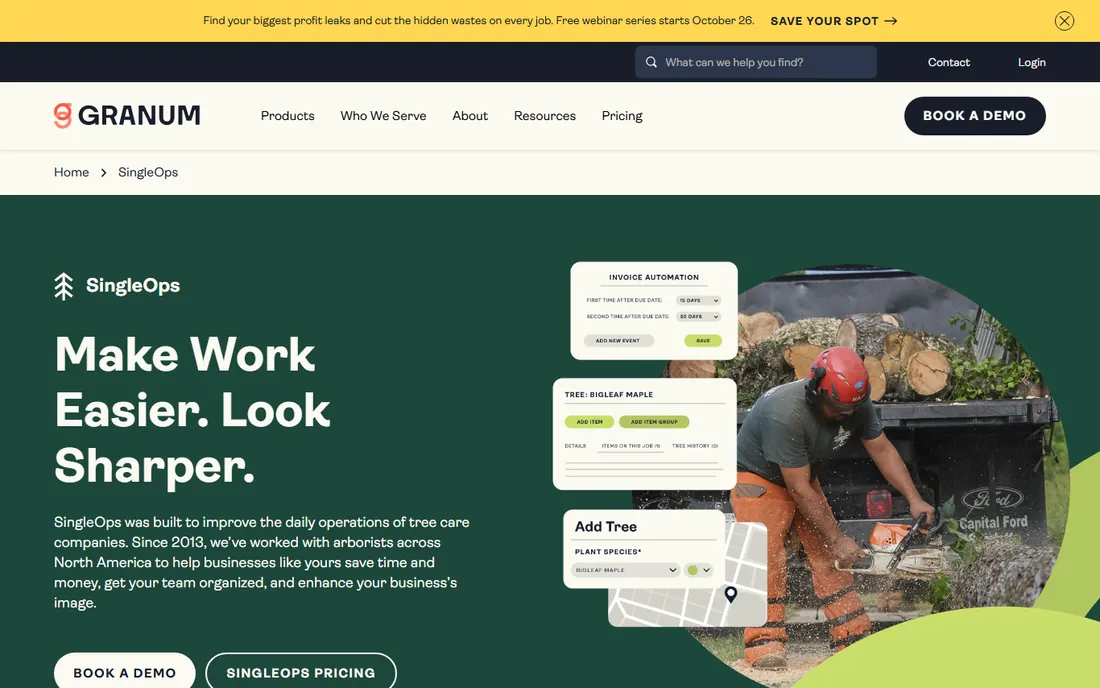
If your crews spend their days in trees rather than on turf, SingleOps deserves the first look. It is one of the few platforms built around tree care and recurring landscape routes: proposals, scheduled visits, crew assignments and invoices follow the same job. Recurring work, which many generic tools handle awkwardly, is a first-class citizen here.
Like the other specialists, SingleOps sells through demos and publishes no prices. That is worth knowing before you fall in love with a trial you cannot start yourself. The platform fits owner-operators with crews up to mid-size companies. Pure construction or hardscape contractors will find the tree-and-route framing less natural.
What we like- Built for tree care, lawn care and landscape workflows including recurring routes
- Estimating connects to scheduling and invoicing
- Customer portal and e-signatures speed up approvals
Watch out for- Quote-based pricing with nothing published
- Narrower fit if your work is mostly construction or hardscape installs
- Annual agreements typical
#4
Jobber
Best for: Small field-service businesses that want quotes, scheduling and invoicing in one login
Visit getjobber.com
Starting price$29/month (Core plan, 1 user, billed annually)
Free plan14-day free trial (no credit card required)
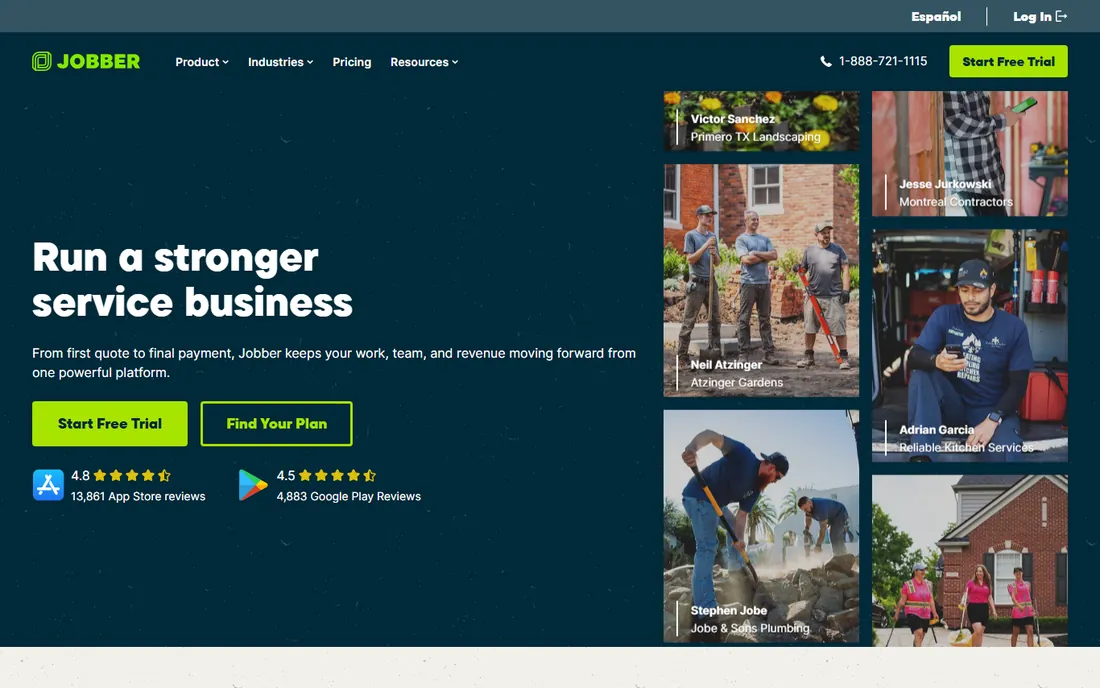
Jobber is the generalist on this list, and that is a strength rather than a weakness. Landscapers, lawn care operators and maintenance contractors get professional quotes, drag-and-drop scheduling, crew dispatch, invoicing and card payments in one login. The Core plan at $29 per month for one user (billed annually) is the cheapest transparent starting price among the full platforms here.
The honest limit is estimating depth. Jobber builds clean quotes fast, but it will not do the detailed takeoff and job-cost analysis that LMN or Aspire offer. Per-user pricing means a five-person office pays meaningfully more than the headline number. Still, for small shops that need the whole job cycle handled well, Jobber is the value pick.
What we like- Published pricing starting at $29/month with a genuine free trial
- Quoting, scheduling, dispatch, invoicing and payments in one app
- Large integration marketplace including QuickBooks
Watch out for- Estimating depth is lighter than the landscape specialists
- Per-user pricing adds up as the team grows
- Advanced features sit on the $99 and $149 tiers
#5
Yardbook
Best for: Lawn care and small landscape operators who want to start free
Visit yardbook.com
Starting price$34.99/month (Standard); Starter plan free
Free planYes (Starter plan is free)
Yardbook takes the opposite approach from the demo-led platforms: you can sign up today and start sending invoices on the free Starter plan. For a solo operator or a two-person lawn care business, that removes every excuse. The paid Standard plan at $34.99 per month adds the features a growing shop needs, and everything is priced on the website.
Nobody should confuse it with LMN or Aspire. Estimating is straightforward quoting rather than detailed takeoff, and the platform is built for smaller operations. But the value equation is hard to beat: free to start, under $35 a month to run the business, and no sales rep required. If your bids are maintenance contracts and straightforward installs, Yardbook covers the job.
What we like- A genuinely free Starter plan, rare in this category
- Published prices with no sales call required
- Covers scheduling, invoicing, customer management and payments for lawn and landscape work
Watch out for- Estimating features are simpler than the specialist platforms
- Scaled for small operations rather than multi-crew companies
- Enterprise tier at $49.99/month adds little for most solo operators
#6
Service Autopilot
Best for: Lawn care and landscape companies that want heavy automation of routes and billing
Visit serviceautopilot.com
Starting priceSee website (custom quote; no published prices)
Free planSee website
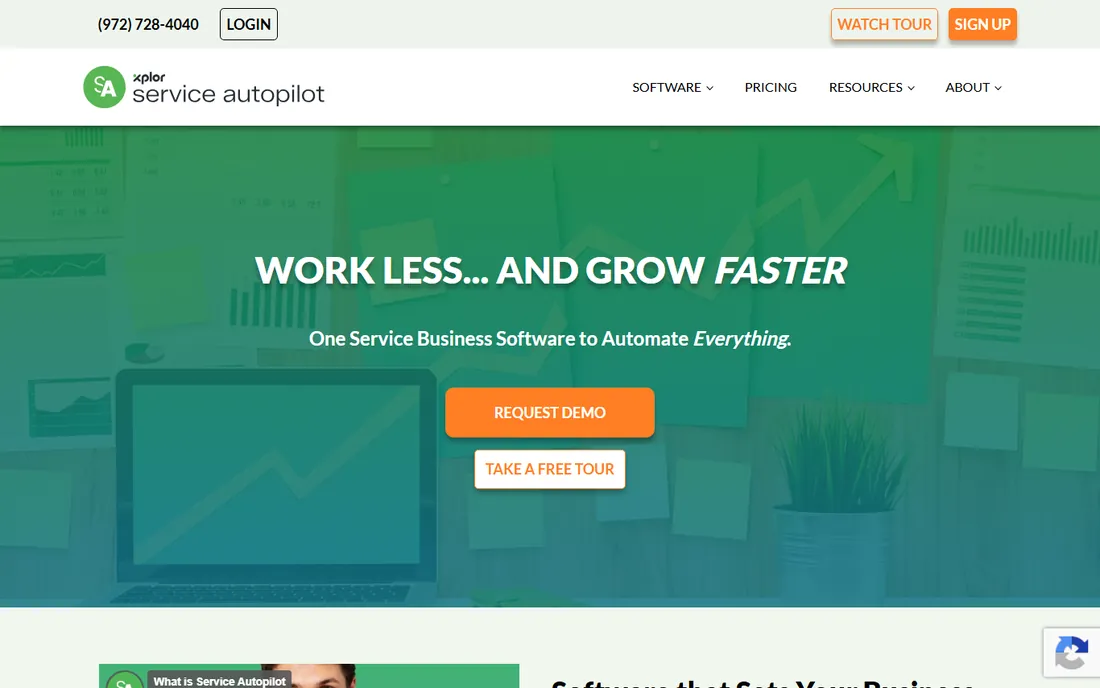
Service Autopilot built its following on one promise: the business runs while you are on the mower. Recurring schedules, optimized routes, automatic billing and client follow-ups are the core of the product, and for route-based lawn care companies that automation is worth real money. The tier structure runs from Startup through Pro, Pro Plus and Elite, so there is a plan for each growth stage.
The catch is the front door. Pricing is not published and demos lead the sale, so comparing it to Jobber or Yardbook takes a phone call. The platform also asks more of you during setup: automation this deep needs configuration. Companies with real route density will earn it back. Solo operators should start with the simpler tools on this list.
What we like- Automation depth (recurring schedules, routing, billing, client follow-up) is the platform's signature
- Tiered plans from Startup to Elite scale with company size
- Strong fit for route-based lawn and maintenance work
Watch out for- No published pricing
- The automation power brings a steeper learning curve
- Best value shows up at higher volumes, so tiny shops may overbuy
#7
STACK
Best for: Contractors who estimate from digital plans and need cloud takeoff
Visit stackct.com
Starting priceSee website (custom quote; pricing page lists tiers without dollar figures)
Free planFree tier (1 project/month) plus free trial
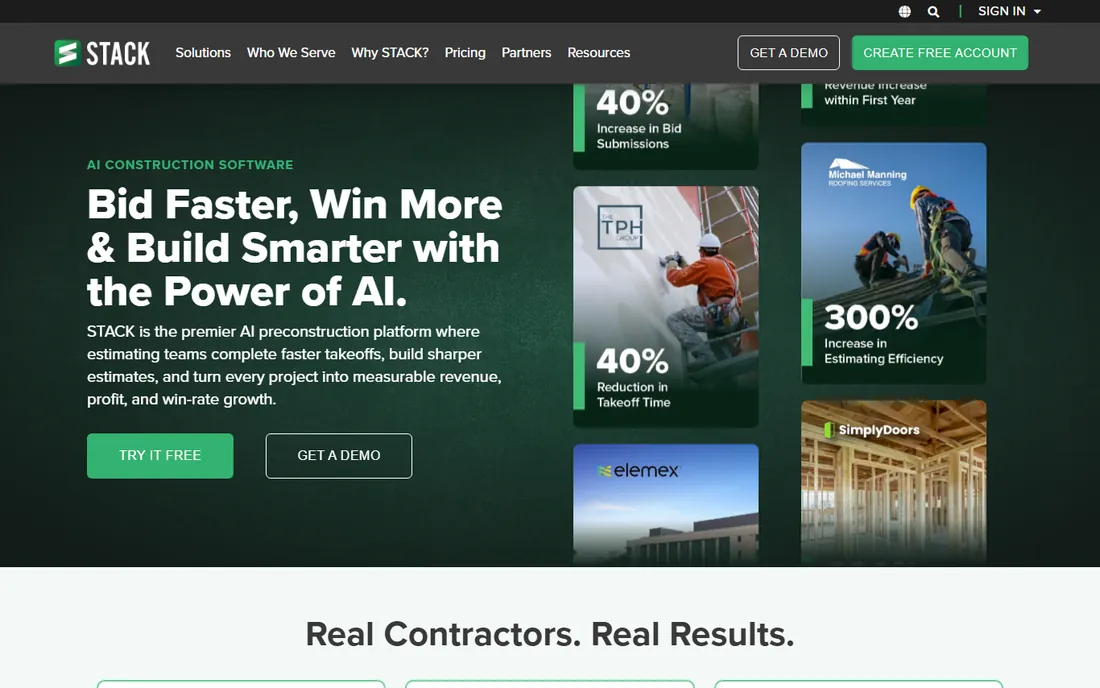
Most tools on this list estimate from line items. STACK starts one step earlier, with the plans themselves. You upload digital drawings, measure areas, lengths and counts on screen, then build the estimate from those takeoffs. For landscape construction, hardscape and install work bid from site plans, that workflow catches what manual entry misses.
STACK is the odd one here: a construction takeoff platform rather than a landscape specialist, included because plan-based bidding is exactly where landscape contractors lose money. The free tier (one project a month) and free trial make it easy to evaluate. Pricing is quote-based, so the pricing page tells you which features sit on which tier but not what they cost.
What we like- Cloud-based takeoff and estimating with prebuilt item and assembly libraries
- A limited free tier lets you test real projects
- AI-assisted takeoffs and Excel integration on paid tiers
Watch out for- No published dollar prices, so the pricing page only shows feature tiers
- Construction-focused, which makes it broader than landscape-only tools
- Full value needs the paid takeoff features
#8
Clear Estimates
Best for: Remodeling and specialty contractors who want published, flat-rate pricing
Visit clearestimates.com
Starting price$79/month (Standard, billed monthly; $59/month billed annually)
Free plan30-day free trial
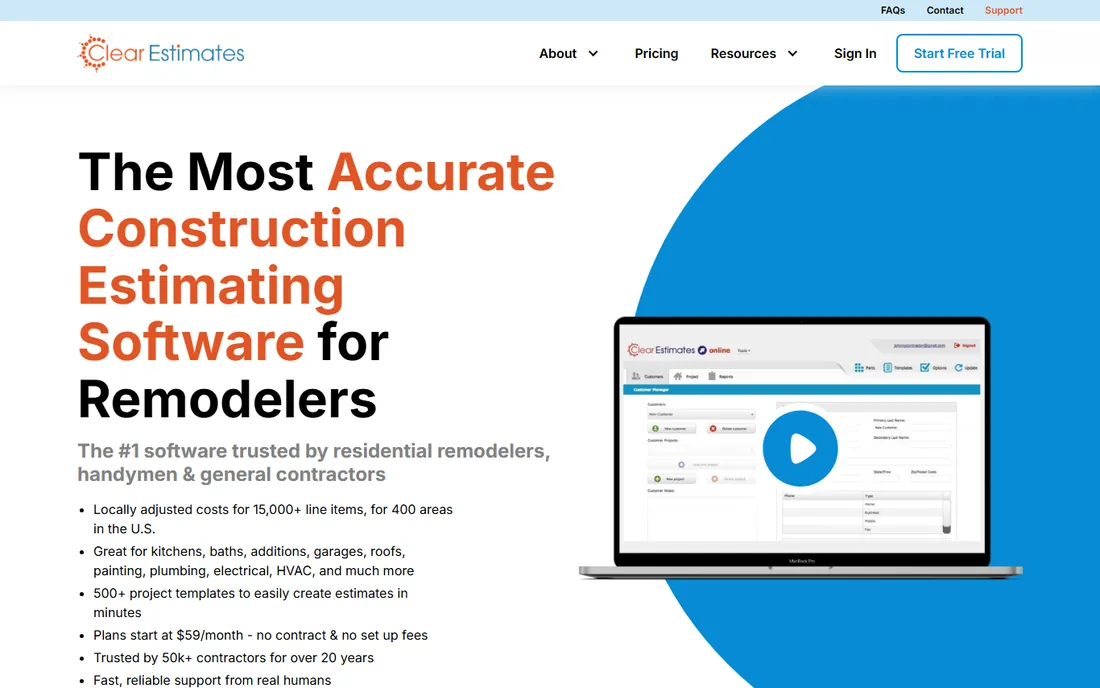
Clear Estimates is the only contractor-focused estimator here with prices printed on its website, and that alone earns it a place. The Standard plan runs $79 per month billed monthly or $59 per month billed annually, with a 30-day free trial and a Pro tier at $119 per month ($99 annually) for heavier use. No sales call, no quote process.
The fit for pure landscape maintenance is looser than the green-industry tools: Clear Estimates speaks remodeling and specialty contracting. But landscape contractors who do install work, outdoor living projects or hardscape will find the assembly-based estimating familiar. If price transparency matters to you as a buyer, start here and compare everything else against it.
What we like- Transparent published pricing with a 30-day trial
- Standard plan covers estimating with prebuilt assemblies
- Flat monthly rate with no per-user math
Watch out for- Built for remodeling and general contracting rather than landscape maintenance
- Per-project estimating depth is lighter than STACK
- Franchise tier pricing carries an asterisk worth reading
#9
ProEst
Best for: Larger construction firms that estimate complex, multi-trade projects
Visit proest.com
Starting priceSee website (contact sales for pricing)
Free planSee website
ProEst comes from the construction world, where estimates run to hundreds of line items and historical cost data decides bids. It is cloud-based, which matters for firms with estimators in the office and project managers in the field. If your company bids commercial landscape construction or design-build projects with real complexity, this is the weight class you need.
For everyone else it is too much tool. A maintenance contractor or small install shop will drown in structure built for general contractors. Pricing is entirely sales-led. ProEst belongs on the shortlist when estimating is someone's full-time job and bid accuracy is a company-level metric.
What we like- Cloud construction estimating built for detailed, multi-trade bids
- Handles large estimate databases and historical cost data
- Suits firms where estimating is a dedicated role
Watch out for- Sales-led pricing with nothing published
- Overbuilt for maintenance and small install work
- Implementation and training are a real project
What to look for in landscape estimating software
Start with how you actually bid. If most of your revenue is recurring maintenance, you need fast templated quotes, route scheduling and automatic billing more than you need takeoff tools. If you bid installs and construction from plans, takeoff accuracy and assembly libraries matter more than the CRM. Buy for the work you do most, not the work you hope to win.
Second, check what happens after the bid is signed. The expensive mistakes in this business are not slow quotes; they are jobs sold at the wrong margin. Tools with job costing (LMN, Aspire) tell you whether the $40,000 install made money. Quoting-only tools leave that to your accountant months later.
Third, count the real users. Per-user pricing looks cheap at one seat and doubles or triples by the time the office staff is in. Flat-rate tools (Clear Estimates, Yardbook's paid tiers) keep the math simple. And confirm the mobile story: your estimator works from a truck, so quotes, photos and signatures need to work on a phone, not just a desktop.
What estimating software really costs
The honest answer is that most of this market hides its prices. Five of the nine tools here publish nothing and sell through demos, which usually means annual contracts and per-user or per-tier pricing you negotiate. That is normal for the category but it makes comparison shopping slow.
The published numbers give you anchors. Jobber starts at $29 per month for one user billed annually. Yardbook runs $34.99 per month with a free Starter tier. Clear Estimates charges $79 per month billed monthly or $59 billed annually. STACK offers a limited free tier. Everything else is a conversation.
Budget beyond the subscription. Implementation, data migration and training cost time on every platform here, and the deeper tools (Aspire, ProEst, Service Autopilot) ask for more of it. Ask each vendor for the total first-year cost in writing, including onboarding fees, before you compare. A $29 plan with a $2,000 onboarding fee is not cheaper than a $79 plan with free setup.
How we chose
We started with the searches buyers actually run: landscape estimating software, landscaping estimating software, lawn care estimating software and landscape business software. For each candidate we opened the vendor's homepage and pricing page, read the feature documentation, and checked public reviews on G2 and Capterra plus practitioner discussion on Reddit. We compared estimating depth, takeoff capability, scheduling and job-costing features, integrations and company-size fit. Where a vendor publishes no price, we wrote "See website" rather than repeating third-party guesses.
Frequently asked questions
How much does landscape estimating software cost?
Published prices run from free (Yardbook Starter, STACK's limited free tier) to $29 per month (Jobber Core, one user, billed annually), $34.99 per month (Yardbook Standard) and $79 per month (Clear Estimates Standard, billed monthly). The specialist platforms (LMN, Aspire, SingleOps, Service Autopilot, ProEst) publish no prices and sell annual contracts through demos.
Do I still need QuickBooks if I buy estimating software?
Yes, for accounting. Estimating tools handle bids, jobs and invoices; QuickBooks or Xero handles the books, payroll and taxes. Most tools here integrate with QuickBooks so invoices flow across. Estimating software replaces the spreadsheet, not the accountant.
What is the difference between estimating software and takeoff software?
Estimating software builds the price: labor, materials, overhead and margin per job. Takeoff software measures the job first: areas, lengths and counts pulled from digital plans. STACK does takeoff first and estimating second. The landscape specialists do estimating with lighter takeoff. If you bid from plans, you want both.
Can this software handle change orders?
The fuller platforms (LMN, Aspire, ProEst) handle change orders as part of job costing. Simpler quoting tools handle them as revised quotes. If change orders are a regular part of your install work, ask specifically during the demo, because this is where cheap tools show their limits.
Is there really a free option?
Yardbook's Starter plan is free and covers the basics for very small operations. STACK's free tier allows one project a month. Both are real but limited: expect to pay once you have regular bid volume. Free trials (Jobber's 14 days, Clear Estimates' 30 days) are the better way to evaluate the paid tools.
Should a solo operator buy the specialist platforms?
Usually not at first. LMN, Aspire and Service Autopilot earn their keep with crews, routes and job costing. A solo operator bidding maintenance and small installs will move faster with Yardbook, Jobber or Clear Estimates, and can graduate to a specialist platform when the crew grows.
Sources we checked (11)
- https://golmn.com/
- https://youraspire.com/
- https://singleops.com/
- https://www.getjobber.com/pricing/
- https://yardbook.com/pricing
- https://serviceautopilot.com/
- https://www.stackct.com/takeoff-and-estimate-pricing/
- https://clearestimates.com/pricing/
- https://proest.com/
- https://www.g2.com/categories/field-service-management
- https://www.capterra.com/field-service-management-software/
Is your product missing or out of date?
We review this list regularly. Vendors can request a listing, send updated pricing or ask about featured placement.

Shihab Mia · Founder, Rankite
Shihab has 5+ years in B2B and SaaS SEO. He writes Rankite's software buying guides from pricing pages, documentation and public user reviews. More about Shihab.