How we make this list: we compare pricing pages, product documentation and public user reviews. Ratings come from G2, Capterra or Trustpilot, with the date we checked them.
Key takeaways
- The best job scheduling app in 2026 is Jobber for small crews, Housecall Pro for small to mid size crews, and ServiceTitan for large operations.
- Pick by crew size and by how much software your team will actually use, since the most powerful tool is a waste if nobody opens it.
- Jobber and Housecall Pro publish prices and get you running in days, while ServiceTitan is quote based and needs formal onboarding.
- Payment processing rates, often 2.9 to 3.9 percent, can cost far more than the subscription, so compare processing before comparing software price.
- Always check the regular price, not the trial promo, since trial offers make the first month or two look cheaper than the real cost.
Quick comparison
Is your product missing or out of date?
We review this list regularly. Vendors can request a listing, send updated pricing or ask about featured placement.
The best job scheduling apps
Starting price$49 per month
Free planNo
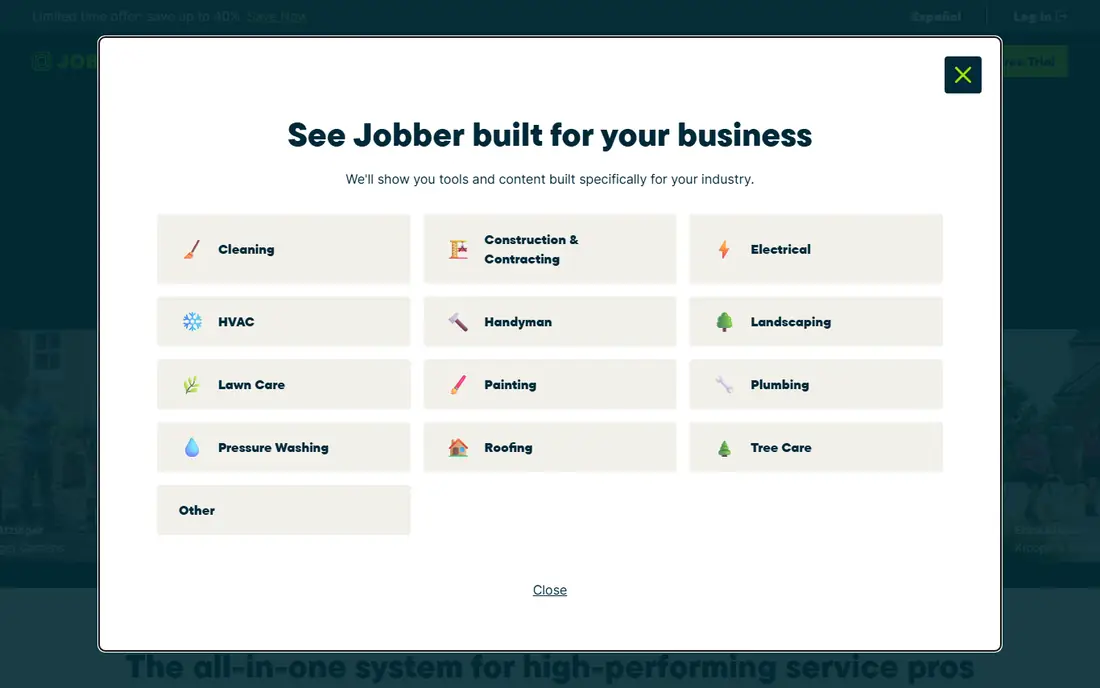
Jobber is the tool most owner operators start with, and for good reason. It does scheduling, quoting, invoicing, and client management without overwhelming you with features you do not need yet. The interface is clean: you open it, see your schedule, drag jobs around, send quotes, and invoice customers. Most people are up and running in a day.
Pricing runs 49 to 249 dollars per month in published tiers, with Core at 49 dollars for one user, Connect adding GPS tracking and online booking for up to 5 users, and Grow adding job costing and two way texting for up to 15 users. The limits are marketing depth and dispatch scale. For a small crew that needs something that just works, Jobber is the best choice.
What we like- Fastest setup
- Clean interface
- Solid QuickBooks and Xero integrations
Watch out for- Marketing tools are minimal
- Reporting is basic on lower tiers
- Limited dispatch for larger teams
Starting price$79 per month
Free planNo
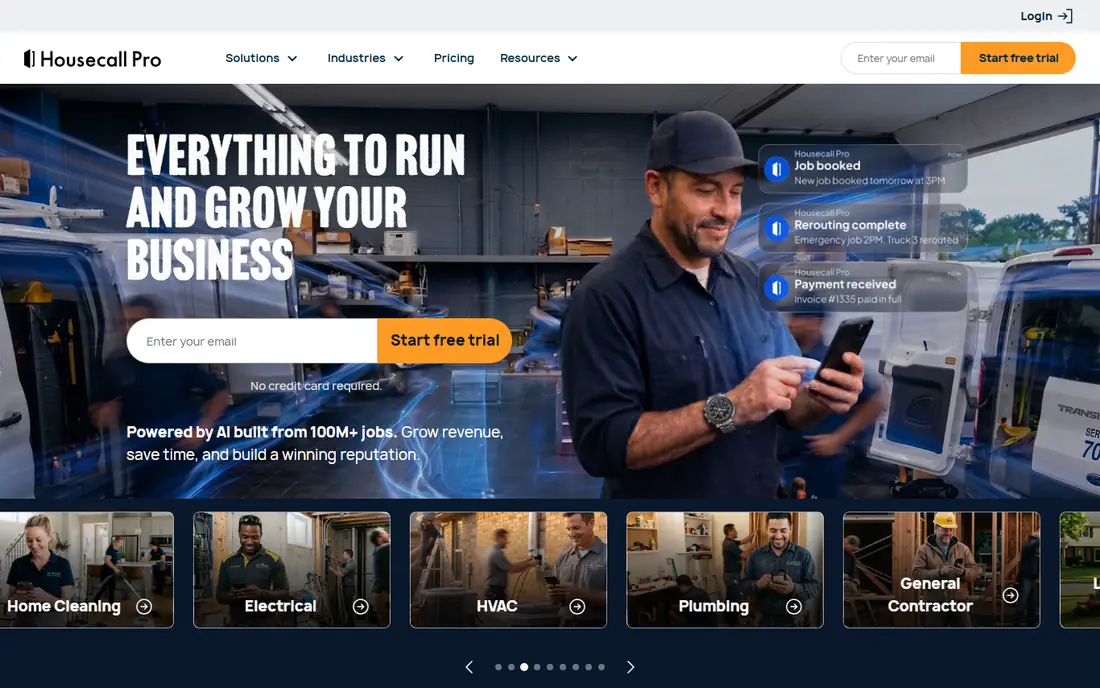
Housecall Pro suits small to mid size crews, with a drag and drop dispatch board, automated reminders, live GPS tracking, and built in marketing tools like review requests and postcards. Published plans start at 79 dollars per month for one user, with mid plans at 149 dollars for 5 users and upper plans at 299 dollars for 8 users, plus extra user fees beyond that.
The sweet spot is 3 to 8 users, where plan pricing and included users align well. Past 8 users, extra fees add up fast: a 20 person team on the top plan pays the plan plus hundreds in extra user fees each month. For a small crew that likes its mobile app and wants marketing built in, Housecall Pro is a strong choice.
What we like- Excellent mobile app
- Drag and drop dispatch
- Marketing and review tools
Watch out for- Per user costs grow past 8 users
- Marketing add ons cost extra
- Trial pricing hides real cost
Starting priceSee website
Free planNo

ServiceTitan is enterprise software built for operations running 20 or more trucks with dedicated dispatchers and office staff. It offers an advanced dispatch board with capacity planning, technician performance reporting, a flat rate pricebook, and a full marketing suite. Contractor reported rates run 245 to 500 dollars per technician per month, plus implementation fees from 5,000 to 50,000 dollars.
The limits are cost and complexity. ServiceTitan needs a formal onboarding process that takes months and a mandatory twelve month contract, and per technician pricing means every hire is a permanent monthly increase. For a large operation that will use its reporting depth, ServiceTitan is the most powerful tool, but for a five person shop it is the wrong tool at the wrong stage.
What we like- Advanced dispatch board
- Pricebook and capacity planning
- Full marketing suite
Watch out for- Quote based pricing
- Implementation fees
- Needs dedicated dispatchers and office staff
Starting price$245 per month
Free planNo
Service Fusion starts at 245 dollars per month for its Starter plan with unlimited users, which makes it strong value once a team grows past the user caps of Jobber and Housecall Pro. It covers scheduling, dispatch, customer records, quoting, and invoicing, with QuickBooks integration for accounting.
The limits are starting price and polish. At 245 dollars per month, it costs more than Jobber or Housecall Pro for a solo operator, and its interface is less polished than its rivals. For a growing team that wants unlimited users without per user fees, Service Fusion is a smart choice.
What we like- Unlimited users on plans
- Strong dispatch
- Good value at larger team sizes
Watch out for- Higher starting price
- Interface less polished
- Smaller app ecosystem

#5FieldEdge
Best for: QuickBooks focused shops4.0/5 on
G2 (87 reviews, checked Oct 2026)
Visit fieldedge.com
Starting priceSee website
Free planNo
FieldEdge covers booking, dispatch, customer records, quoting, and invoicing, with QuickBooks integration as a central part of its accounting workflow. Its published plans are Select, Premier, and Elite, with pricing confirmed by quote based on plan and team details.
The limits are pricing transparency and interface. Quote based pricing makes comparison harder, and the interface feels dated next to Jobber. For a shop that relies heavily on QuickBooks and wants dispatch depth, FieldEdge is worth a quote.
What we like- Strong QuickBooks integration
- Booking and dispatch
- Flat rate pricing support
Watch out for- Quote based pricing
- Interface feels dated
- Smaller community

#6Workiz
Best for: Growing service teams4.5/5 on
G2 (247 reviews, checked Oct 2026)
Visit workiz.com
Starting priceSee website
Free planNo
Workiz offers online booking, job management, dispatch, and a phone system integration that ties calls to jobs, which suits growing service teams that take many phone bookings. Its plans are quote based, so pricing depends on team size and features.
The limits are transparency and tier gating. Quote based pricing slows comparison, and some features sit on higher tiers. For a growing team that books heavily by phone, Workiz deserves a look.
What we like- Online booking
- Job management
- Phone system integration
Watch out for- Quote based pricing
- Some features on higher tiers
- Smaller brand than leaders

#7Kickserv
Best for: Simple small teams4.5/5 on
G2 (181 reviews, checked Oct 2026)
Visit kickserv.com
Starting price$60 per month
Free planNo
Kickserv offers a simple approach to job scheduling, with plans starting around 60 dollars per month for 5 users and unlimited users on higher plans. It covers scheduling, invoicing, and customer management without the complexity of enterprise tools.
The limits are feature depth. Kickserv lacks the advanced dispatch, marketing, and reporting of larger rivals. For a small team that wants simple scheduling at a fair price, Kickserv is a good fit.
What we like- Simple setup
- Unlimited users on some plans
- Good value for small teams
Watch out for- Fewer advanced features
- Smaller integrations range
- Less marketing depth
Starting price$6 per user per month
Free planNo
Workyard starts at 6 dollars per user per month, making it the cheapest option on this list for teams that mainly need scheduling plus GPS time tracking. It suits construction and field crews that want to track where techs are and how long jobs take.
The limits are job management depth. Workyard is lighter on quoting, invoicing, and customer records than Jobber or Housecall Pro. For a crew that needs scheduling and time tracking at the lowest cost, Workyard is a strong value choice.
What we like- Very low per user cost
- GPS time tracking
- Simple scheduling
Watch out for- Lighter job management
- Fewer integrations
- Best as time tracking plus scheduling
How we chose
We ranked apps by scheduling quality, dispatch tools, invoicing, mobile apps, accounting integrations, and total cost at real crew sizes, favoring apps that small crews can run without dedicated office staff. We gave extra weight to total cost at 5 and 10 users, since per user pricing changes the ranking sharply as teams grow. We also weighed setup speed, because a tool that takes months to implement delays the benefit it promises. Finally, we checked GPS tracking and customer communication, since live location updates and automatic reminders cut no shows and keep customers informed without extra office calls.
Buying guide
Start by counting your crew and your office staff. A solo operator needs a different tool from a 20 truck operation, and buying enterprise software early wastes money and time. Match the tool to your current size, not the size you hope to reach in three years, and revisit the choice when your crew doubles rather than buying for a future that may not arrive.
Next, follow one job from booking to payment inside each trial. Check how a job moves from the schedule to the invoice and whether anyone has to enter the same details twice. Double entry is where scheduling tools fail in real use, and a trial reveals it fast.
Finally, compare the full cost, not only the subscription. Payment processing at 2.9 to 3.9 percent, add on modules at 29 to 299 dollars per month, and per user charges can push true annual cost 50 to 150 percent above the advertised base. Also check who owns your site. Several platforms build and host your site, and canceling the software can mean losing the site. Host your website somewhere you own it, even when the bundled option looks convenient.
Frequently asked questions
What is the best job scheduling app for a small business?
Jobber suits most small crews, with fast setup and clear pricing. Housecall Pro suits small to mid size crews that want stronger marketing tools and a top rated mobile app.
How much does job scheduling software cost?
Small crew plans start around 49 to 79 dollars per month, while enterprise tools like ServiceTitan cost hundreds per technician per month plus implementation fees. Always add payment processing and add ons to the total.
Do I need ServiceTitan for a small crew?
No. ServiceTitan is built for operations with 20 or more trucks and dedicated office staff. For a five person shop, it is too much software at too high a price, and Jobber or Housecall Pro fits better.
Does job scheduling software replace an office manager?
It reduces office work, but it does not replace a person. Someone still needs to handle exceptions, customer calls, and schedule changes that software cannot resolve alone.
Can I try these apps before paying?
Jobber and Housecall Pro offer 14 day free trials, while ServiceTitan offers a demo only. Use the trial to run real jobs end to end, not only to click through a demo.
Sources we checked (0)
Is your product missing or out of date?
We review this list regularly. Vendors can request a listing, send updated pricing or ask about featured placement.

Shihab Mia · Founder, Rankite
Shihab has 5+ years in B2B and SaaS SEO. He writes Rankite's software buying guides from pricing pages, documentation and public user reviews. More about Shihab.
 Jobber
 Housecall Pro
 ServiceTitan
 Service Fusion
 Workyard