How we make this list: we compare pricing pages, product documentation and public user reviews. Ratings come from G2, Capterra or Trustpilot, with the date we checked them.
Key takeaways
- Storylane is the broadest starting point, with screenshot, HTML, and video demos plus hubs for buyers in one workspace.
- Navattic suits teams that want HTML demos as the core format, with a free Starter plan covering one demo.
- Supademo, Guideflow, and Arcade let budget teams publish a real demo before paying, thanks to usable free plans.
- HTML capture, sandbox demos, and single sign-on are often gated to higher tiers, so check which plan includes the format you actually need.
Quick comparison
| Tool | Best for | Starting price | Free plan |
|---|
 Storylane Storylane | Marketing and sales demo hubs | $40 per user/month (billed annually) | Yes |
 Navattic Navattic | HTML product demos | See website | Yes |
 Walnut Walnut | Enterprise sales personalization | $575 per month (billed annually) | No |
 Supademo Supademo | Low cost tours and onboarding | $38 per creator/month (billed annually) | Yes |
 Arcade Arcade | Polished screenshot demos and video | $42.50 per user/month (billed annually) | Yes |
 Guideflow Guideflow | Low cost guided tours | $35 per month (billed annually) | Yes |
 Reprise Reprise | Cloned product environments | See website | No |
 Demostack Demostack | Near-live sales sandboxes | See website | No |
Is your product missing or out of date?
We review this list regularly. Vendors can request a listing, send updated pricing or ask about featured placement.
The best interactive product demo software
#1Storylane
Best for: Marketing and sales demo hubs4.7/5 on
G2 (1,625 reviews, checked Oct 2026)
Visit storylane.io
Starting price$40 per user/month (billed annually)
Free planYes
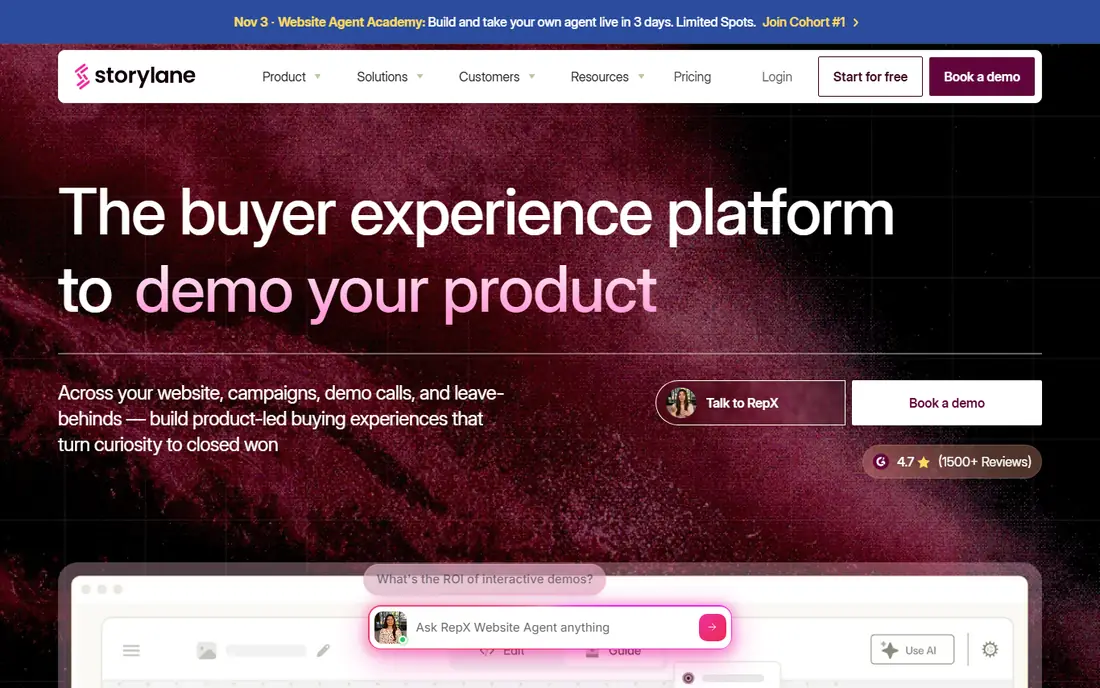
Storylane is the broadest replacement for teams that need demos across marketing, sales, and onboarding. You can build screenshot tours for a website, add HTML demos for deeper product interaction, and group finished demos into hubs for buyers, prospects, or new customers. That range matters when one team owns the website, another owns sales follow-up, and both need demos that look consistent.
Starter pricing is $40 per month when billed annually, but that entry tier covers screenshot demos, while HTML editing starts on Growth at $500 a month. Teams that need HTML as the core format should budget for Growth, not Starter, and check what sandbox and single sign-on features require. The free plan helps you test tour building and sharing, though advanced features stay behind paid tiers.
What we like- Screenshot, HTML, and video demos in one editor
- Demo hubs
- Strong analytics
Watch out for- HTML editing sits on higher tiers
- Per-seat pricing grows with larger teams
#2Navattic
Best for: HTML product demos4.8/5 on
G2 (1,125 reviews, checked Oct 2026)
Visit navattic.com
Starting priceSee website
Free planYes
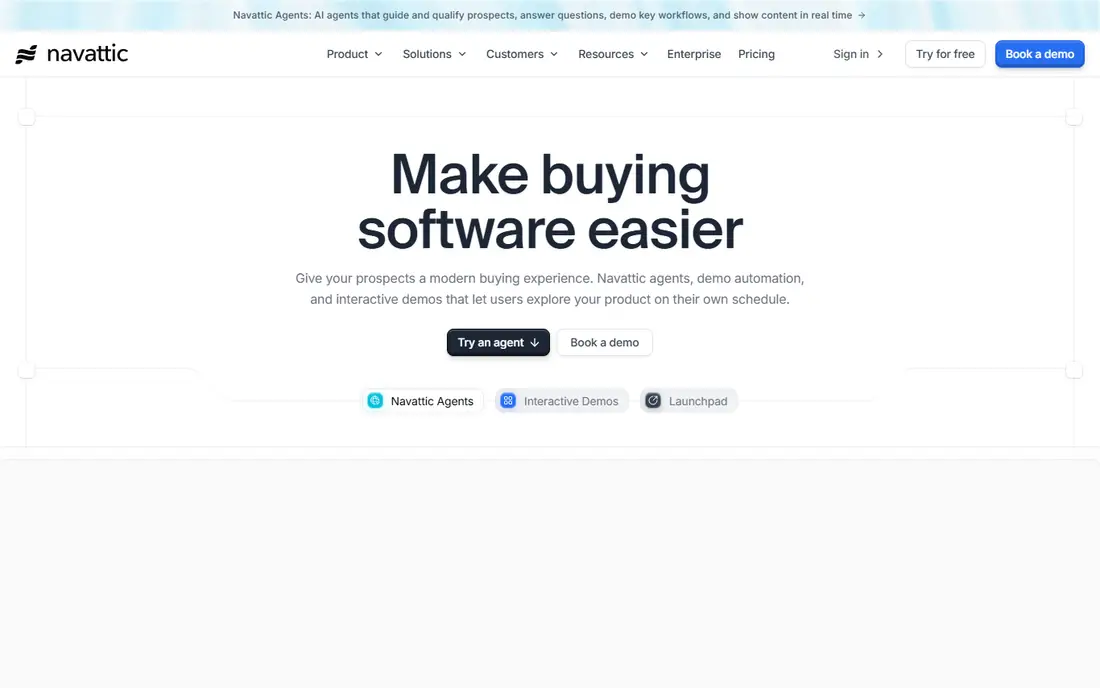
Navattic is the HTML-first option, built for teams whose demos must feel like the real product rather than a slideshow. Its capture records live product screens into clickable flows, and AI Copilot helps draft steps and copy. Launchpad gives sales teams a place to share demos and track engagement after the call, which closes the loop between demo creation and deal progress.
The main frustration is pricing opacity: paid plan prices are not published, so budgeting needs a sales conversation. Sandbox demos, single sign-on, and translation also start on higher tiers. Even so, teams that live or die by HTML demo quality often pick Navattic first and sort pricing second.
What we like- Mature HTML capture
- AI Copilot drafting
- Launchpad for sales follow-up
Watch out for- Paid prices are not public
- Sandbox and SSO start on higher tiers
#3Walnut
Best for: Enterprise sales personalization4.5/5 on
G2 (150 reviews, checked Oct 2026)
Visit walnut.io
Starting price$575 per month (billed annually)
Free planNo
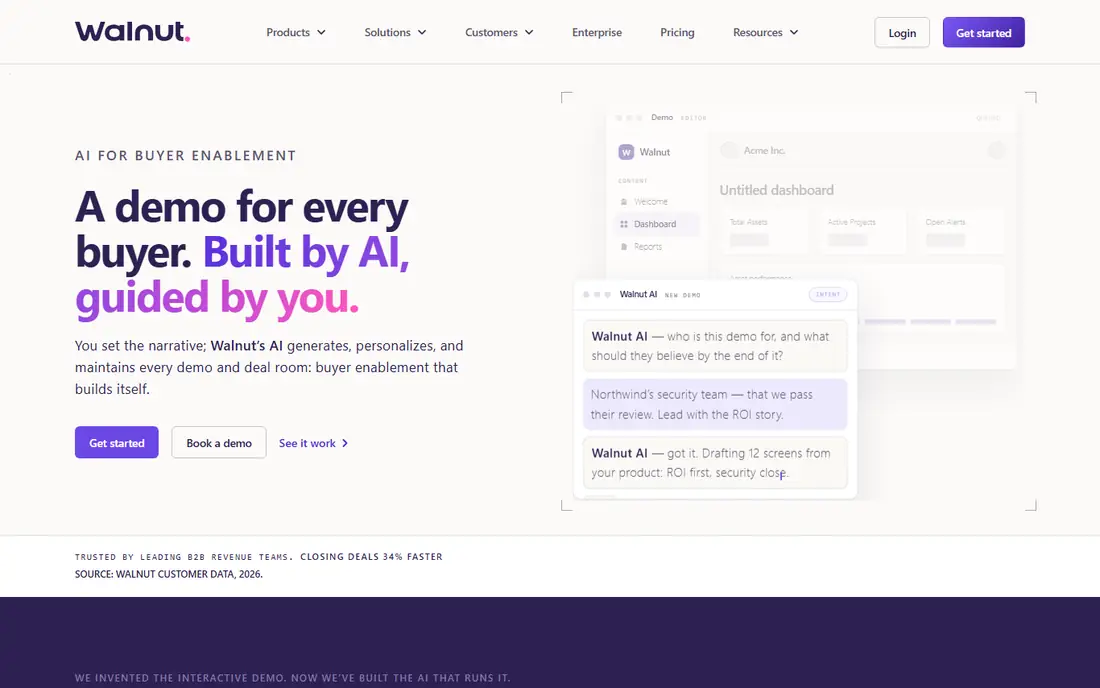
Walnut targets sales-led organizations that personalize every demo for a specific prospect. Its editor supports in-demo data editing, so a rep can swap in a prospect's company name, metrics, and branding without engineering help. AI Mode drafts demo flows from a description, and playlists group demos for different buyer roles in one deal.
Entry pricing starts at $575 per month billed annually, with no self-serve free plan, so Walnut is a considered purchase rather than a trial-and-see tool. Sandbox demos require the Accelerate tier at $1,550 a month. Walnut fits established sales teams with deal sizes that justify that spend, not startups testing whether demos help at all.
What we like- Deep personalization per deal
- AI Mode drafting
- Sandbox demos on higher tiers
Watch out for- No free plan
- High entry price
- Sandbox needs the Accelerate tier
#4Supademo
Best for: Low cost tours and onboarding4.7/5 on
G2 (653 reviews, checked Oct 2026)
Visit supademo.com
Starting price$38 per creator/month (billed annually)
Free planYes
Supademo is the budget pick for teams that need polished tours fast. The free tier covers several demos, and the Scale plan at $38 per creator per month billed annually adds more capacity and branding control. Recording is quick, sharing is a link, and onboarding tours for new customers work as well as sales demos.
HTML demos start on the Business tier, and sandbox demos need Growth, so teams that need a live-feeling product should check those gates before committing. For screenshot-led tours, onboarding checklists, and help-center walkthroughs, Supademo delivers most of what larger tools offer at a fraction of the price.
What we like- Low entry price
- Generous free tier
- Fast to publish
Watch out for- HTML demos start on Business
- Sandbox only on Growth
#5Arcade
Best for: Polished screenshot demos and video4.6/5 on
G2 (181 reviews, checked Oct 2026)
Visit arcade.software
Starting price$42.50 per user/month (billed annually)
Free planYes
Arcade is built for speed and polish. A marketing team can record a flow, add AI voiceover, and publish a demo that looks designed rather than captured, often within an hour. Exports to MP4 and GIF make the same demo usable in emails, social posts, and help articles, which stretches one recording across channels.
HTML capture sits on the Enterprise tier, so teams that need clickable live-product demos should look elsewhere or budget up. Arcade is also lighter on presales workflow features like deal rooms and deep analytics. It fits marketing and product teams that value visual quality and speed over enterprise demo operations.
What we like- Fast recording to publish
- AI voiceovers
- MP4 and GIF exports
Watch out for- HTML capture is Enterprise-only
- Lighter on presales workflow
#6Guideflow
Best for: Low cost guided tours5.0/5 on
G2 (142 reviews, checked Oct 2026)
Visit guideflow.com
Starting price$35 per month (billed annually)
Free planYes
Guideflow covers a wide range of formats, from screenshot tours to mobile and HTML demos, across five tiers that scale from solo creators to enterprises. The Solo plan at $35 a month billed annually is one of the lowest paid entry points here, and the free tier lets a team publish before paying anything.
The tier gates matter: HTML capture starts on Growth at $499 a month, and sandbox demos need Advanced at $1,499 a month. Teams that only need guided tours will find Guideflow excellent value, while teams that need HTML should budget for Growth from the start rather than discovering the gate mid-evaluation.
What we like- Five clear tiers
- Mobile demos
- Low Solo entry price
Watch out for- HTML capture starts at $499 per month
- Sandbox on Advanced only
#7Reprise
Best for: Cloned product environments4.4/5 on
G2 (175 reviews, checked Oct 2026)
Visit reprise.com
Starting priceSee website
Free planNo
Reprise serves enterprise presales teams whose products are too complex for screenshots alone. Its cloning technology replicates the application into a demo environment, and data injection lets reps show realistic customer data without touching production. Tours, live demos, and cloned environments sit in one platform, which suits large presales operations.
Setup is heavier than capture-based tools, and pricing is an annual platform fee plus per-user licenses, quoted rather than published. Reprise fits organizations with dedicated presales engineers and complex products, not small teams that need a tour by Friday.
What we like- Code-level cloning
- Data injection
- Tours plus live environments in one vendor
Watch out for- No public pricing
- Heavier setup than capture tools
#8Demostack
Best for: Near-live sales sandboxes4.7/5 on
G2 (80 reviews, checked Oct 2026)
Visit demostack.com
Starting priceSee website
Free planNo
Demostack builds near-live replicas of a product that prospects can click through as if using the real thing. That matters for complex enterprise software, where a screenshot tour cannot show workflows, integrations, or data handling. Its analytics show which parts of a demo prospects actually use, which helps presales teams refine the story.
Pricing is quote-based and enterprise-grade, and implementation for a complex product takes real effort from both vendor and customer. Demostack fits large deals where a convincing hands-on demo can swing a decision, and where the team has the time to build it properly.
What we like- Near-live product replicas
- Strong for complex enterprise products
- Demo analytics
Watch out for- Quote-based enterprise pricing
- Long implementation for complex products
How we chose
We compared pricing pages, product documentation, and public user reviews for demo tools that are actively sold in 2026. We favored tools with a clear demo format, published or confirmable pricing, and a real path from trial to production use. We checked which features sit on which tier, since tier gates decide the real cost more than headline prices, and we left out tools that no longer publish or sell a current product.
Demo tools differ first by format, and format decides what a prospect experiences. Screenshot tours are fast to build and easy to update, HTML demos feel like the product but cost more to maintain, and cloned or sandbox environments feel real but need engineering time. Decide which experience your deals need before comparing vendors, since a cheap tool in the wrong format is still the wrong tool.
Match the tool to the team using it
Marketing teams usually need speed, branding, and sharing, while presales teams need personalization, analytics, and deal follow-up. A tool that delights marketing may frustrate presales if it lacks stakeholder tracking, and vice versa. Run the trial with the people who will actually build and present demos, not only with the person signing the contract.
Check the tier gates before you fall in love
The most common regret in this category is discovering that the feature you bought the tool for needs a tier three times the entry price. List your must-have formats and features, then confirm the exact plan that includes each one, in writing, before the trial ends. Pay attention to HTML capture, sandbox access, single sign-on, and analytics depth.
Measure whether demos move deals
Track demo views, step completion, and drop-off points, and connect them to pipeline stages where possible. A demo that nobody finishes is a content problem, not a tool problem, and analytics will show where buyers stall. Review those numbers monthly, and prune or rebuild demos that consistently lose viewers at the same step.
Frequently asked questions
What is the difference between a screenshot tour and an HTML demo?
A screenshot tour strings captured images into a clickable walkthrough, which is fast to build and update. An HTML demo captures the live product interface, so prospects can click real elements and see realistic behavior, at higher build and maintenance cost.
Do I need a sandbox demo?
Only if prospects must try realistic workflows, data, or integrations before buying. For many products, a good HTML or screenshot demo answers the key questions. Sandbox demos earn their cost on complex enterprise products where hands-on proof closes deals.
Can small teams use enterprise demo tools?
Technically yes, but the price and setup rarely justify it. Small teams usually do better with Supademo, Guideflow, or Arcade, which publish real demos on free or low-cost plans, and move up only when deal size demands it.
How long does it take to build a first demo?
A screenshot tour can be ready in an afternoon, while a polished HTML demo usually takes a few days of capture, editing, and review. Cloned or sandbox environments take weeks, since they need product access, data setup, and testing before prospects see them.
Should demos replace live sales calls?
No. Demos work best before and after calls: before, they qualify interest and teach the basics; after, they serve as leave-behind material for buying groups. Live calls still matter for questions, objections, and trust, especially on larger deals.
Sources we checked (8)
- https://www.storylane.io
- https://www.navattic.com
- https://www.walnut.io
- https://supademo.com
- https://www.arcade.software
- https://www.guideflow.com
- https://www.reprise.com
- https://www.demostack.com
Is your product missing or out of date?
We review this list regularly. Vendors can request a listing, send updated pricing or ask about featured placement.

Shihab Mia · Founder, Rankite
Shihab has 5+ years in B2B and SaaS SEO. He writes Rankite's software buying guides from pricing pages, documentation and public user reviews. More about Shihab.