How we make this list: we compare pricing pages, product documentation and public user reviews. Ratings come from G2, Capterra or Trustpilot, with the date we checked them.
Key takeaways
- Later leads on visual planning, with a drag-and-drop calendar and media library built for Instagram-first creators.
- Buffer leads on simple, affordable scheduling across Instagram plus other networks, with a clean queue.
- Hootsuite and Sprout Social lead on team workflows and analytics for businesses managing many accounts.
- Planoly and Preview lead on grid planning, showing exactly how posts will look on your profile before publishing.
- Meta Business Suite is the free official option, with scheduling for Instagram and Facebook at no cost.
- SocialBee suits small businesses that want content categories and evergreen recycling alongside scheduling.
- Auto-publishing now covers most post types, but stories and some reels still need manual steps on certain tools, so check your formats.
Quick comparison
| Tool | Best for | Starting price | Free plan |
|---|
 Later Later | Visual planning | See website | Free plan |
 Buffer Buffer | Simple affordable scheduling | See website | Free plan |
 Hootsuite Hootsuite | Team workflows | See website | Free trial |
 Sprout Social Sprout Social | Analytics and teams | See website | Free trial |
 Planoly Planoly | Grid planning | See website | Free plan |
 Preview Preview | Grid preview | Free app | Free plan |
 Meta Business Suite Meta Business Suite | Free official scheduling | Free | Free |
 SocialBee SocialBee | Categories and recycling | See website | Free trial |
Is your product missing or out of date?
We review this list regularly. Vendors can request a listing, send updated pricing or ask about featured placement.
Instagram scheduling tools save creators and businesses from daily manual posting by letting them plan, design, and queue content in batches, then publish automatically at chosen times. The eight tools below cover visual planning, simple queues, team workflows, grid previews, and the free official option, and the right pick depends on your account count, team size, and whether Instagram is your main channel or one of many.
How we chose
We started from the Instagram scheduling tools creators and businesses actually use in 2026, drawing on vendor pages, creator guides, and social media comparisons. We favored tools with direct auto-publishing through Instagram's API, visual calendars, and analytics, and we excluded tools that only send reminders without publishing. Prices vary by plan, profiles, and users, so where a figure is not confirmed on a vendor page, we use "See website" and flag the gap.
Buying guide
Start with your post types. Feed posts, carousels, reels, and stories publish differently: most tools auto-publish feed posts and reels now, while stories often need a manual final step or a notification workflow. List your weekly mix before comparing, since a tool that handles your main format poorly wastes the subscription.
Next, check account and user limits. Solo creators need one profile and one seat, while agencies need many profiles, team approvals, and client views. Pricing jumps sharply at team tiers, so model cost at your real profile and seat count, not the entry price.
Then test the visual planner with your own content. Grid preview tools such as Later, Planoly, and Preview show how posts will look together, which matters for brands with a curated feed, while queue tools such as Buffer suit creators who care more about consistency than grid aesthetics. Finally, check analytics depth: basic tools show likes and reach, while Hootsuite and Sprout add audience insights, best times, and reports that justify the higher price for businesses.
Posting times also deserve a test, not a guess. Most tools suggest best times based on your audience activity, but those suggestions are averages, not guarantees for your account. Try two or three time slots for a few weeks each, compare reach and saves rather than likes alone, and keep the slots that actually perform for your followers. Audiences differ by niche, time zone, and work patterns, so your own data beats generic advice every time, and a good scheduling tool makes that testing easy by showing per-post performance in one place.
One more factor matters for growing accounts: first comment and hashtag tools. Scheduling captions with hashtags in the first comment keeps captions clean, and saved hashtag groups speed up posting. Check whether your tool supports first comment scheduling and hashtag sets, since those small features save minutes on every post.
Common mistakes to avoid
The most common mistake is scheduling a month of content and never engaging. Instagram rewards replies, comments, and stories, so scheduled posts need human engagement around them, or reach drops. Treat scheduling as planning, not as autopilot, and spend time daily on replies, comments, and community building.
The second mistake is ignoring format limits. A tool that cannot auto-publish your reels or stories forces manual work that defeats the purpose, so verify each format before paying. The third mistake is over-scheduling: posting too often with thin content hurts quality and unfollows, while a steady rhythm of strong posts beats daily filler.
Frequently asked questions
Can Instagram scheduling tools auto-publish reels and stories?
Most tools auto-publish feed posts, carousels, and reels through Instagram's API now, while stories often need a manual step or notification workflow depending on the tool. Check your exact formats before subscribing.
Is Meta Business Suite enough for scheduling?
For basic scheduling on Instagram and Facebook, yes: it is free, official, and covers posts, reels, and stories scheduling. Paid tools add visual planning, analytics, team workflows, and multi-network scheduling that Business Suite lacks.
How many posts should I schedule per week?
Quality beats quantity: most accounts grow well on 3 to 5 feed posts a week plus regular stories and a few reels. Consistency matters more than volume, so pick a rhythm you can sustain with strong content.
Do scheduling tools hurt Instagram reach?
No evidence shows that API-scheduled posts lose reach compared with manual posts, and creators use them widely. Reach depends on content quality and engagement, not on whether a tool published the post, provided the tool uses Instagram's official API.
Which tool is best for agencies?
Hootsuite and Sprout Social lead for agencies, with team approvals, client views, and reporting. Later also suits agencies with visual clients, while Buffer suits smaller agencies that want simplicity.
Sources
- Vendor pages for Later, Buffer, Hootsuite, Sprout Social, Planoly, Preview, Meta Business Suite, and SocialBee
- Third-party 2026 comparisons of Instagram scheduling tools
- Creator guides on auto-publishing, grid planning, and posting frequency
#1Later
Best for: Visual planning4.5/5 on
G2 (384 reviews, checked Oct 2026)
Visit later.com
Starting priceSee website
Free planFree plan
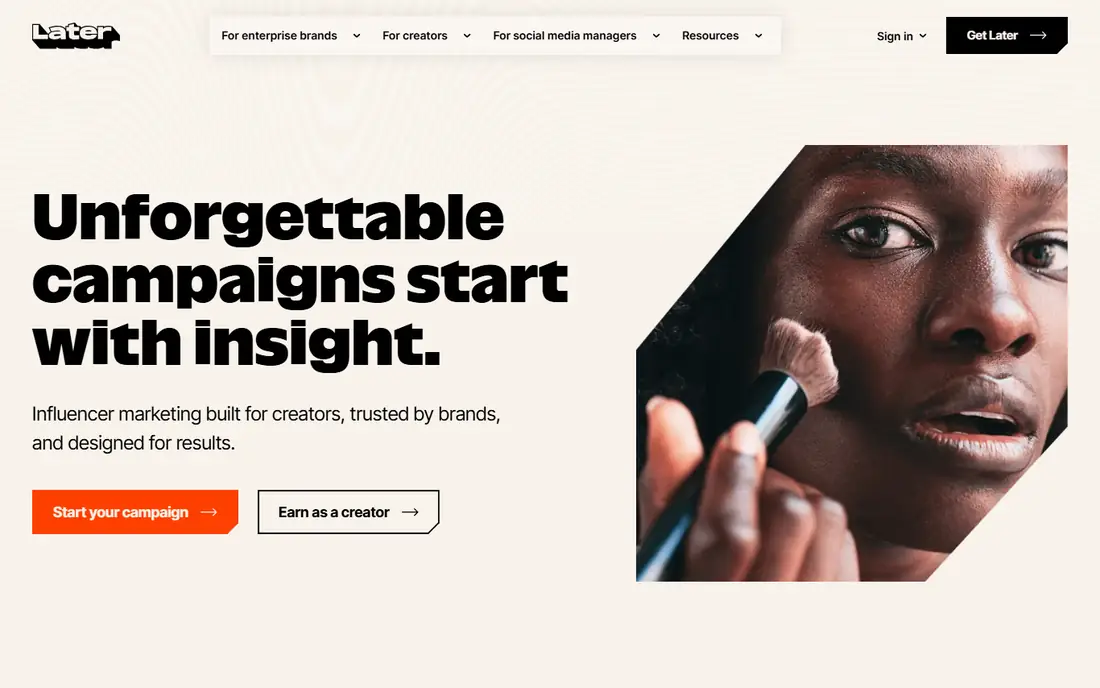
Later is the visual planning leader for Instagram-first creators, with a drag-and-drop calendar, a media library for organizing photos and videos, and a link in bio tool that turns one bio link into a mini landing page. Its Instagram focus shows in features such as hashtag suggestions and best time recommendations.
Analytics are thinner than Hootsuite or Sprout, team features need higher plans, and pricing rises with profile counts. Later suits creators and small brands that plan visually and want Instagram-first scheduling with a clean calendar.
What we like- Visual drag-and-drop calendar
- Media library
- Link in bio tool
Watch out for- Analytics are thinner than Hootsuite
- Team features need higher plans
- Pricing rises with profiles
#2Buffer
Best for: Simple affordable scheduling4.3/5 on
G2 (1,041 reviews, checked Oct 2026)
Visit buffer.com
Starting priceSee website
Free planFree plan
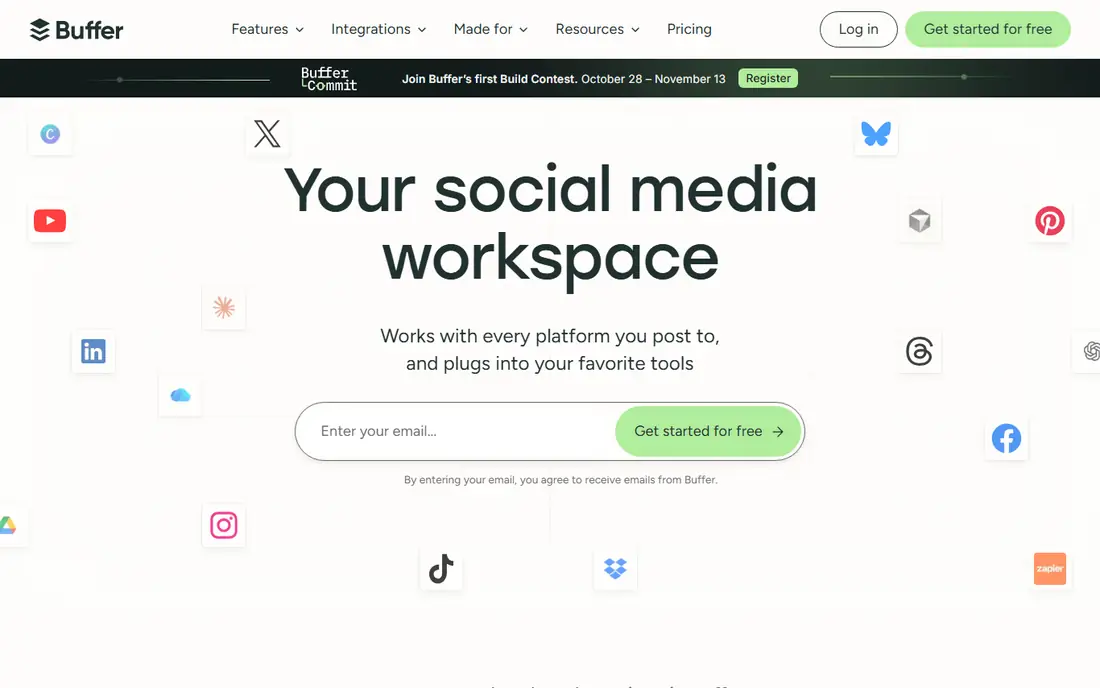
Buffer is the simplicity pick: add posts to a queue, set posting times, and let Buffer publish across Instagram, Facebook, X, LinkedIn, and more. Its clean interface suits users who want scheduling without learning a complex platform, and its free tier covers basic use.
Visual planning is thinner than Later, analytics are basic, and team collaboration needs higher plans. Buffer suits solo creators and small businesses that want affordable, simple scheduling across several networks.
What we like- Simple queue scheduling
- Affordable entry
- Multi-network support
Watch out for- Visual planning is thinner
- Analytics are basic
- Team tools need higher plans
Starting priceSee website
Free planFree trial
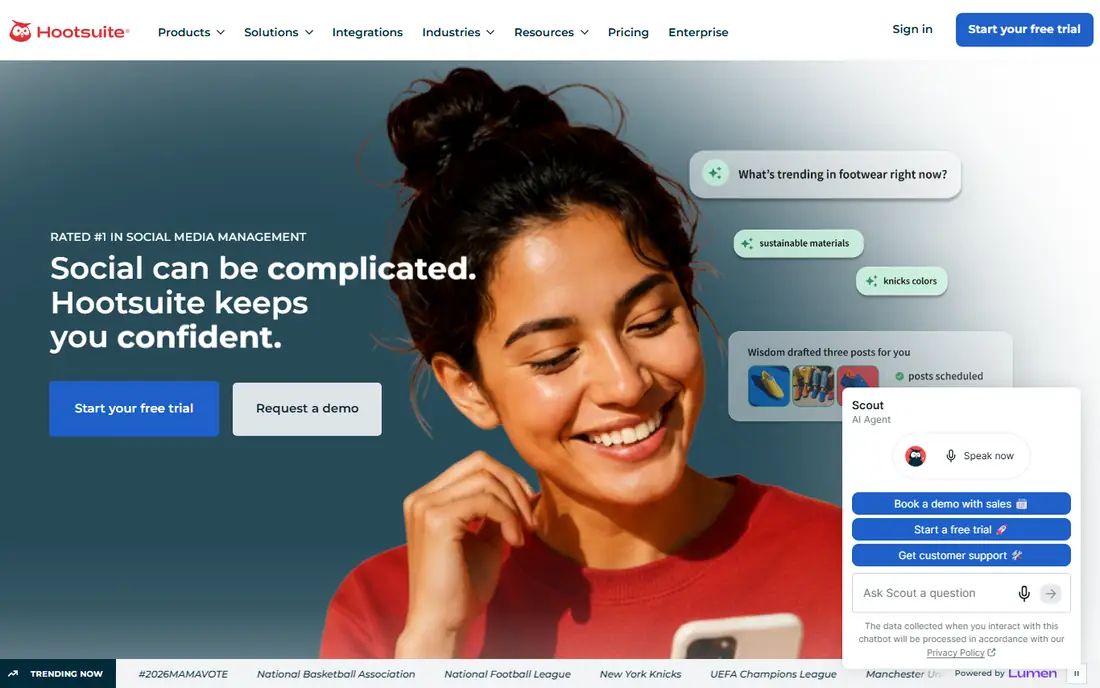
Hootsuite is the team workflow standard, with approval flows, assignment, streams for monitoring mentions and hashtags, and scheduling across almost every major network. Agencies and businesses managing many accounts rely on its team controls and reporting.
Pricing is expensive for small teams, the interface is dense, and new users face a learning curve. Hootsuite suits businesses and agencies that need team workflows, approvals, and monitoring at scale.
What we like- Strong team approvals
- Streams for monitoring
- Broad network support
Watch out for- Expensive for small teams
- Interface is dense
- Learning curve
Starting priceSee website
Free planFree trial
Sprout Social leads on analytics and reporting, with a smart inbox that unifies messages, detailed audience insights, and presentation-ready reports that justify social budgets to stakeholders. Its team tools cover approvals, assignments, and permissions cleanly.
Prices are the highest on this list, solo creators will find it overkill, and some plans involve contract terms. Sprout Social suits mid-size and large businesses that need deep analytics and team workflows and will pay for them.
What we like- Best analytics and reporting
- Smart inbox
- Strong team tools
Watch out for- Highest prices here
- Overkill for solo creators
- Contract terms on some plans
Starting priceSee website
Free planFree plan
Planoly built its name on grid planning: drag posts onto a visual grid that shows exactly how your profile will look, then auto-publish on schedule. Its sell-it links turn posts into shoppable pages, which suits creators and boutiques selling through Instagram.
Analytics are basic, multi-network support is thinner than Buffer or Hootsuite, and team features cost more. Planoly suits Instagram-first creators and shops that care deeply about grid aesthetics and shoppable posts.
What we like- Grid preview planning
- Auto-publish
- Sell-it links for shopping
Watch out for- Analytics are basic
- Multi-network support is thinner
- Team features cost more
Starting priceFree app
Free planFree plan
Preview is a free-first grid planning app for Instagram, letting users drag posts into a preview grid, organize hashtag groups, and schedule posts with a simple clean interface. Its free tier covers core planning well, which appeals to new creators testing scheduling.
Scheduling depth is thinner than Later or Buffer, analytics are basic, and team features are minimal. Preview suits new creators who want free grid planning and simple scheduling without paying.
What we like- Free grid preview
- Simple drag-and-drop
- Hashtag groups
Watch out for- Scheduling depth is thinner
- Analytics are basic
- Team features are minimal
Starting priceFree
Free planFree
Meta Business Suite is the free official scheduler for Instagram and Facebook, covering post, reel, and story scheduling plus basic insights and inbox management at no cost. Since it comes from Meta, publishing reliability is high and new Instagram features arrive here first.
There is no visual grid planning, support covers Meta networks only, and the interface feels clunky compared with Later or Buffer. Meta Business Suite suits businesses that only need Instagram and Facebook scheduling and want a free, official tool.
What we like- Free and official
- Schedules Instagram and Facebook
- Basic insights included
Watch out for- No visual grid planning
- Multi-network support is Meta-only
- Interface is clunky
#8SocialBee
Best for: Categories and recycling4.7/5 on
G2 (477 reviews, checked Oct 2026)
Visit socialbee.com
Starting priceSee website
Free planFree trial
SocialBee organizes content into categories, such as tips, promotions, and behind-the-scenes, and recycles evergreen posts automatically, which keeps feeds consistently active without constant new content. Multi-network scheduling covers Instagram plus other major platforms.
The interface takes learning, Instagram grid planning is thinner than Later or Planoly, and pricing tiers split features. SocialBee suits small businesses that want category-based scheduling and evergreen recycling to maintain a steady presence.
What we like- Content categories
- Evergreen recycling
- Multi-network scheduling
Watch out for- Interface takes learning
- Instagram grid planning is thinner
- Pricing tiers split features
Is your product missing or out of date?
We review this list regularly. Vendors can request a listing, send updated pricing or ask about featured placement.

Shihab Mia · Founder, Rankite
Shihab has 5+ years in B2B and SaaS SEO. He writes Rankite's software buying guides from pricing pages, documentation and public user reviews. More about Shihab.