How we make this list: we compare pricing pages, product documentation and public user reviews. Ratings come from G2, Capterra or Trustpilot, with the date we checked them.
Key takeaways
- BambooHR gives small and mid-sized teams a clear per-employee price, starting at $10 per employee per month for Core, with payroll and benefits as paid add-ons.
- Rippling starts at $8 per user per month plus a $40 monthly base fee, and its strength is automation across HR, IT, and payroll from one employee record.
- Gusto is the simplest payroll-first choice for US small businesses, starting at $49 per month plus $6 per person on its Simple plan.
- Zoho People is the lowest cost entry point, with a free plan for up to five users and paid plans from $1.50 per user per month.
- Deel HR suits distributed teams, with a free core HRIS for up to 200 employees and global employment services priced separately.
Quick comparison
| Tool | Best for | Starting price | Free plan |
|---|
 BambooHR BambooHR | Growing teams needing a clear HR system | $10 per employee/month | Free trial |
 Rippling Rippling | Automation across HR, IT, and payroll | $8 per user/month plus $40 base fee | Free trial |
 Gusto Gusto | US small business payroll and HR | $49 per month plus $6 per person | Free trial |
 Deel Deel | Global and remote teams | $5 per employee/month | Yes |
 HiBob HiBob | Mid-market people management | See website | No |
 Zoho People Zoho People | Budget HR for small teams | $1.50 per user/month | Yes |
 Paycor Paycor | Mid-market payroll and HR in one suite | See website | Free trial |
 ADP RUN ADP RUN | Small businesses wanting a large provider | See website | No |
Is your product missing or out of date?
We review this list regularly. Vendors can request a listing, send updated pricing or ask about featured placement.
The best HR automation software
#1BambooHR
Best for: Growing teams needing a clear HR system4.4/5 on
G2 (7,718 reviews, checked Oct 2026)
Visit bamboohr.com
Starting price$10 per employee/month
Free planFree trial
BambooHR is the easiest HR system to explain to a finance team. Core covers employee records, custom reports, workflows and approvals, hiring, onboarding, time off, and benefits tracking. The interface is clean, employees can update their own details, and managers can approve time off without chasing HR. That simplicity is why many companies adopt it as their first real HRIS after outgrowing spreadsheets.
Core costs $10 per employee per month for companies above 25 employees, while Pro costs $17 and Elite costs $25. Companies with 25 or fewer employees pay a flat rate starting at $250 per month, which changes the math for a 10-person team. Pro adds performance management, 360 feedback, goals, and recognition. Elite adds compensation planning, salary benchmarks, and custom dashboards. Payroll, benefits administration, and time tracking are add-ons, so price the full bundle before comparing BambooHR with a payroll-first rival.
What we like- Published per-employee pricing
- Strong onboarding, time off, and reporting
- Month-to-month terms with automatic volume discounts
Watch out for- Payroll and benefits are paid add-ons
- Small teams face a $250 monthly minimum
#2Rippling
Best for: Automation across HR, IT, and payroll4.8/5 on
G2 (13,464 reviews, checked Oct 2026)
Visit rippling.com
Starting price$8 per user/month plus $40 base fee
Free planFree trial
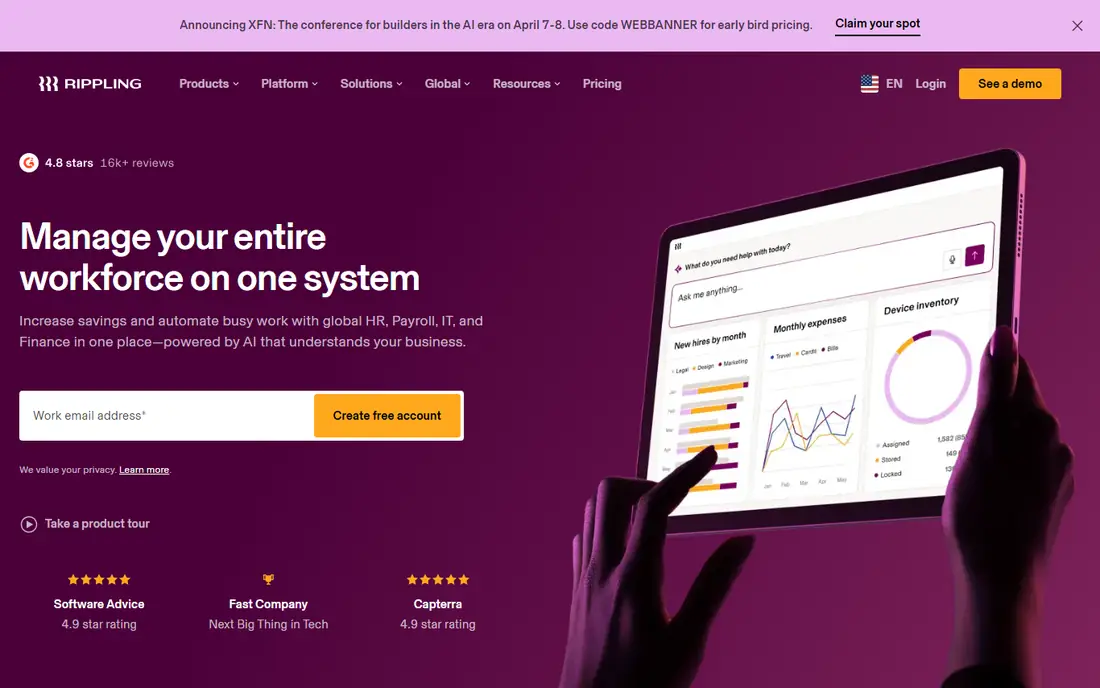
Rippling treats HR automation as a company-wide job, not just an HR job. When a new hire is onboarded, Rippling can send the offer letter, set up payroll, enroll benefits, grant app access, and order a laptop, all from the same workflow. When someone leaves, access is removed in the same way. That single-record design cuts the manual handoffs that cause most onboarding mistakes, and it is especially useful for companies that hire quickly or manage devices remotely.
Pricing starts at $8 per user per month plus a $40 monthly base fee for the entry payroll setup, according to Rippling's own published starting point. Tiers Core, Pro, and Enterprise then add workflow depth, and each module for payroll, benefits, time tracking, spend, or IT adds a per-employee charge. That modular model is flexible, but it also means the headline price is rarely the final bill. Get a written quote for the exact modules you need before signing.
What we like- One employee record drives HR, payroll, and IT access
- Workflow Studio automates approvals and onboarding
- Strong app and device management
Watch out for- Modules add cost on top of the base platform
- Full pricing requires a quote for larger setups
#3Gusto
Best for: US small business payroll and HR4.6/5 on
G2 (13,355 reviews, checked Oct 2026)
Visit gusto.com
Starting price$49 per month plus $6 per person
Free planFree trial
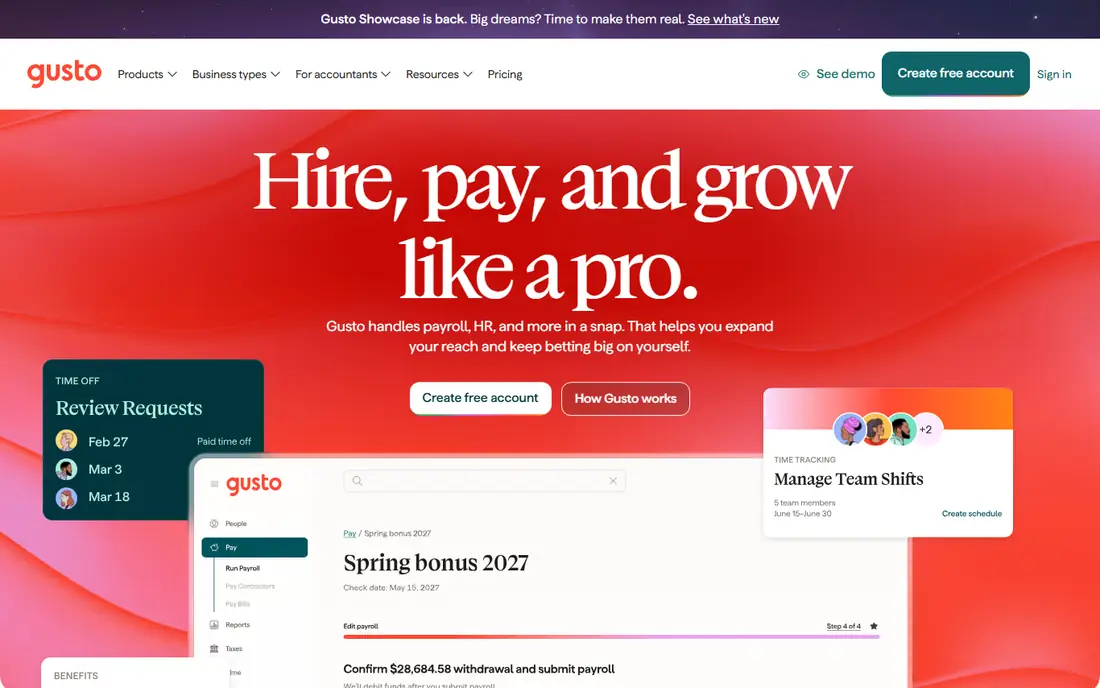
Gusto is the most approachable option for a US business that wants payroll done correctly and HR handled in the same place. Full-service payroll, tax filings, direct deposit, and year-end W-2 and 1099 forms are included on every plan. Onboarding covers offer letters, document signatures, and new hire reporting, and employees get a self-service portal for pay stubs, time off, and benefits. The interface is widely praised for clarity, which matters when the owner, not an HR specialist, runs payroll.
Simple costs $49 per month plus $6 per person and covers single-state payroll and basic HR. Plus costs $80 per month plus $12 per person and adds multi-state payroll, time tracking, hiring tools, and next-day direct deposit. Premium costs $180 per month plus $22 per person and adds a dedicated manager and HR experts. A contractor-only plan costs $35 per month plus $6 per contractor. The main limit is scale and geography. Gusto fits US teams well, but companies hiring employees abroad will need a global provider alongside it.
What we like- Clear published pricing
- Full-service payroll with automated tax filing
- Easy onboarding and employee self-service
Watch out for- Multi-state payroll needs the Plus plan
- International hiring is limited compared with Deel or Rippling
#4Deel
Best for: Global and remote teams4.7/5 on
G2 (6,959 reviews, checked Oct 2026)
Visit deel.com
Starting price$5 per employee/month
Free planYes
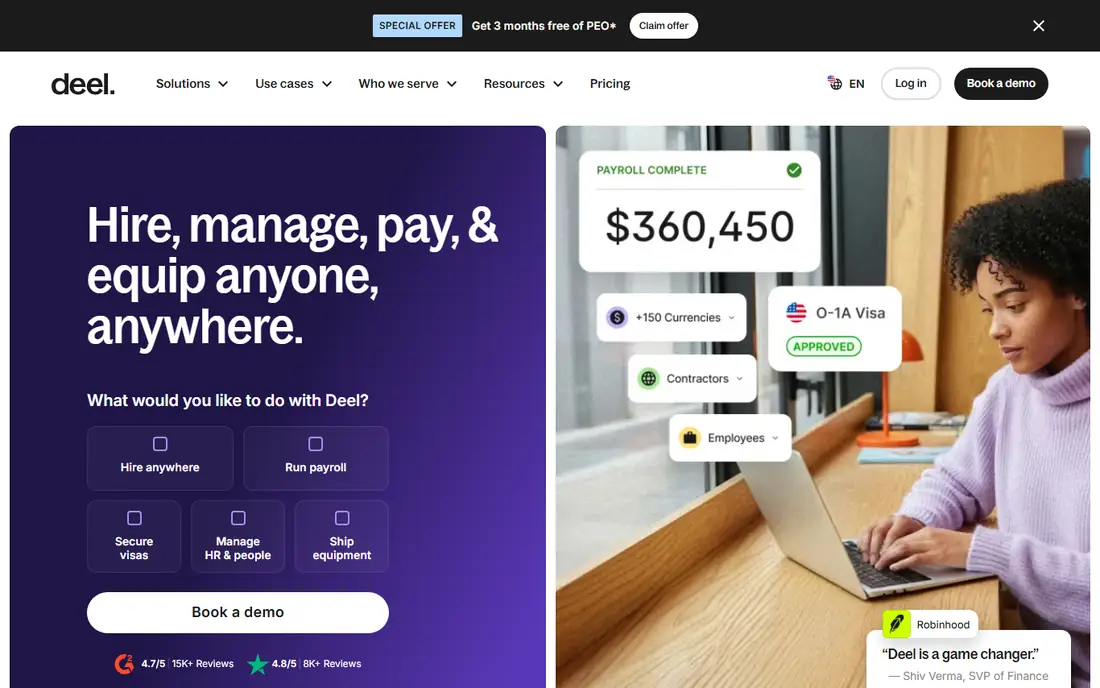
Deel solves a problem most HR tools avoid, which is employing people legally in countries where a company has no entity. Its employer of record service handles local contracts, payroll, taxes, and benefits, while contractor management covers invoicing and payouts in many currencies. Deel HR adds a core system for onboarding, time off, documents, and org charts, so a distributed team can keep one record even when employment sits in different countries.
Deel HR starts from $5 per employee per month, and a free HRIS plan covers core HR for teams up to 200 employees. Contractor management starts at $49 per contractor per month, contractor of record at $325, US PEO at $125 per employee per month, and employer of record at $599 per employee per month. Those higher fees exclude salary, employer taxes, and statutory benefits, which usually dwarf the service fee. Deel is the right choice when global hiring is the core need, and an expensive choice when a team is entirely US based.
What we like- Free core HRIS for up to 200 employees
- Employer of record service in many countries
- Fast contractor onboarding and multi-currency pay
Watch out for- Employer of record fees are high at $599 per employee per month
- Salary, taxes, and benefits sit on top of service fees
#5HiBob
Best for: Mid-market people management4.5/5 on
G2 (2,704 reviews, checked Oct 2026)
Visit hibob.com
Starting priceSee website
Free planNo
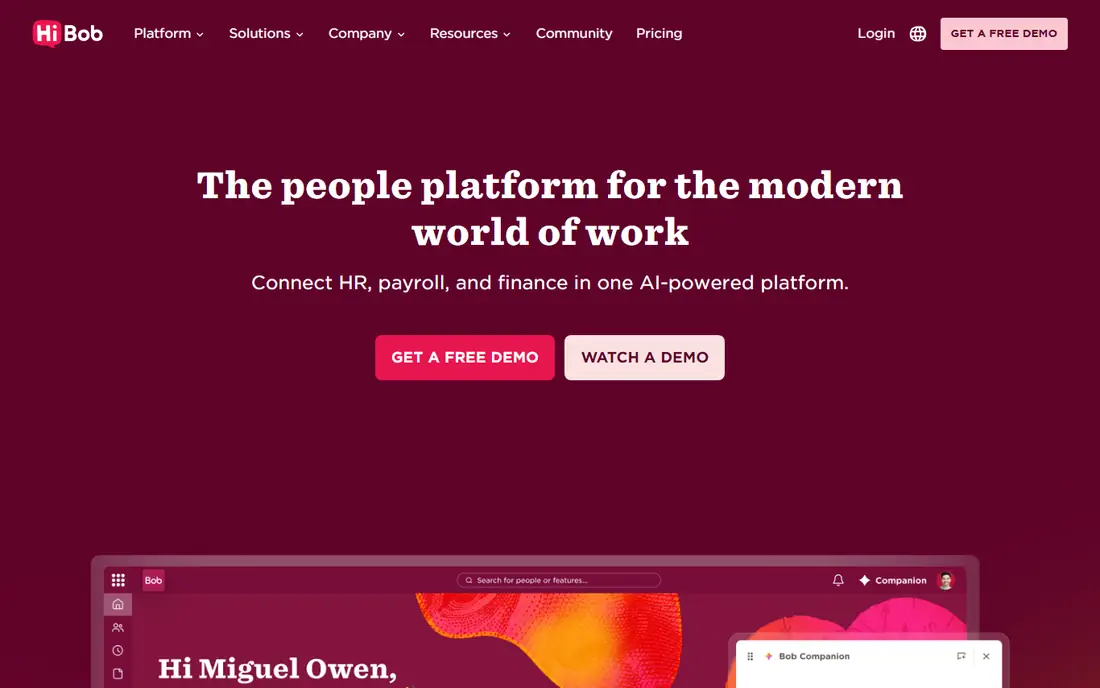
HiBob, often called Bob, is built for companies that have outgrown a basic HRIS and want people data to guide decisions. Core HR covers records, onboarding, time off, and documents, while add-on modules cover performance reviews, engagement surveys, compensation, learning, and workforce planning. Managers get dashboards and headcount models, and employees get a modern profile, org chart, and self-service tools. That combination suits HR leaders who own reporting, not just administration.
Pricing is the main friction. HiBob does not publish a rate card, and every plan starts with core HR and adds modules on top. Third-party estimates put core pricing in a low per-employee range with fuller suites higher, but those figures are not a substitute for a quote. Buyers should ask for the full module list, the minimum user count, implementation fees, and renewal terms in writing. HiBob also offers native payroll in the US and UK, with other countries handled through payroll partners, so global payroll buyers should check coverage country by country.
What we like- Strong people analytics and workforce planning
- Modern interface employees actually use
- Modules for performance, engagement, and compensation
Watch out for- Pricing is quote only, so comparison takes longer
- No free trial without a demo
#6Zoho People
Best for: Budget HR for small teams4.4/5 on
G2 (430 reviews, checked Oct 2026)
Visit zoho.com
Starting price$1.50 per user/month
Free planYes
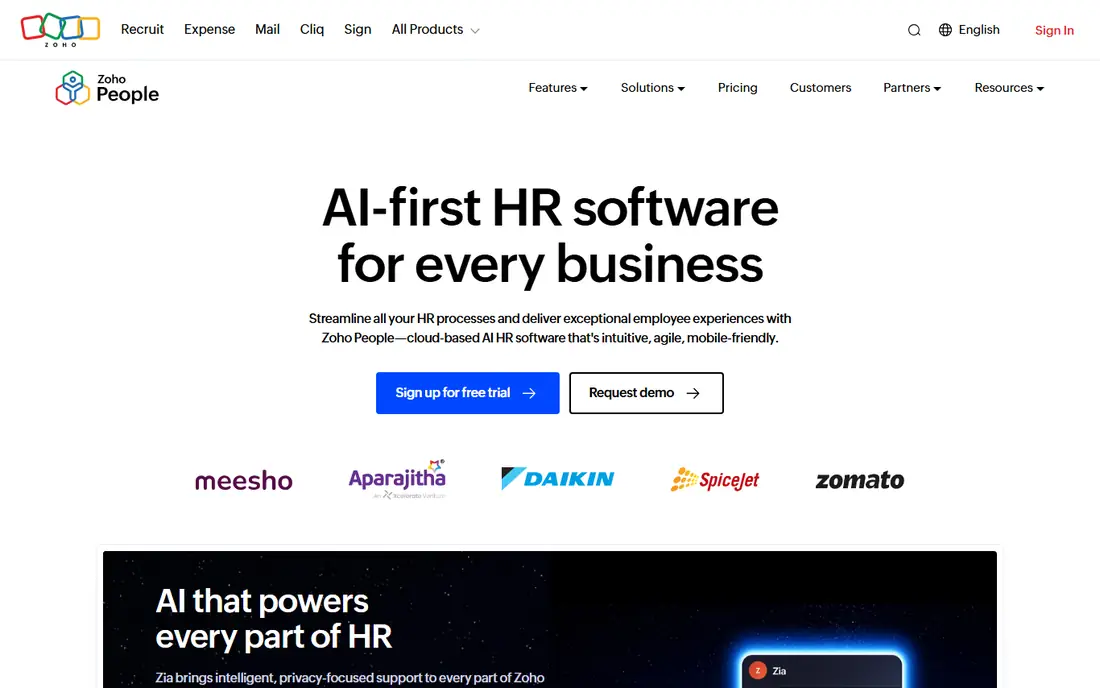
Zoho People is the cheapest credible HR system on this list, and for a small team that is often enough. The free plan covers up to five users with employee records, document management, and basic leave tracking. Paid plans add onboarding, e-signatures, attendance, shift rostering, timesheets, performance appraisals, and a learning system as the tier rises. A built-in assistant answers common employee questions about leave balances and policies, which cuts routine HR inbox work.
Essential HR costs $1.50 per user per month on monthly billing, or $1.25 billed annually. Professional costs $2.50 monthly or $2.00 annually, Premium costs $3.50 monthly or $3.00 annually, and Enterprise costs $5.00 monthly or $4.50 annually, with a minimum of five users on paid plans. The trade-off is depth and polish. Zoho Payroll is separate, some advanced features sit on higher tiers, and setup can take more configuration than a US-focused rival. For a cost-conscious team already using Zoho apps, the value is hard to argue against.
What we like- Free plan for up to five users
- Very low paid pricing
- Attendance, shifts, and performance on higher tiers
Watch out for- Payroll is a separate Zoho product
- Interface and setup feel less polished than BambooHR or HiBob
#7Paycor
Best for: Mid-market payroll and HR in one suite4.0/5 on
G2 (2,018 reviews, checked Oct 2026)
Visit paycor.com
Starting priceSee website
Free planFree trial
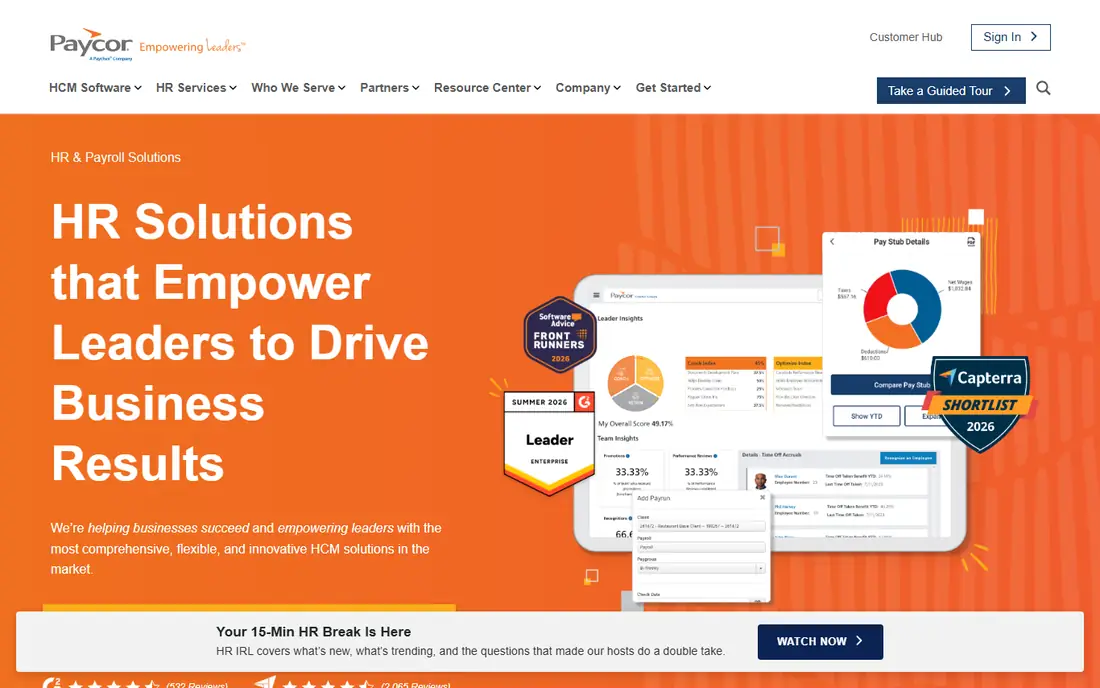
Paycor covers the full middle of the HR market, from recruiting and onboarding through payroll, time tracking, benefits, performance, and compensation. Its reporting tools are a real strength, because managers can build labor cost, turnover, and time reports without exporting data to spreadsheets. The suite also supports industry-specific needs, which matters for employers in healthcare, manufacturing, and hospitality with shift and compliance rules.
Paycor no longer publishes a pricing page, so every tier is quote based in 2026. Older published figures and third-party estimates put small-business plans around a monthly base fee plus a per-employee charge, with mid-market deployments higher depending on modules, but those numbers should be treated as benchmarks only. Implementation typically adds a one-time fee, often estimated at 10 to 20 percent of annual software cost. Buyers should request a quote for their exact headcount and modules, confirm which features sit on each tier, and budget for the price after any introductory discount ends.
What we like- Payroll, HR, time, benefits, and talent in one suite
- Strong reporting and analytics
- Long track record with mid-market employers
Watch out for- Pricing is quote only in 2026
- Implementation can add 10 to 20 percent of annual software cost
#8ADP RUN
Best for: Small businesses wanting a large provider4.7/5 on
G2 (6,546 reviews, checked Oct 2026)
Visit adp.com
Starting priceSee website
Free planNo
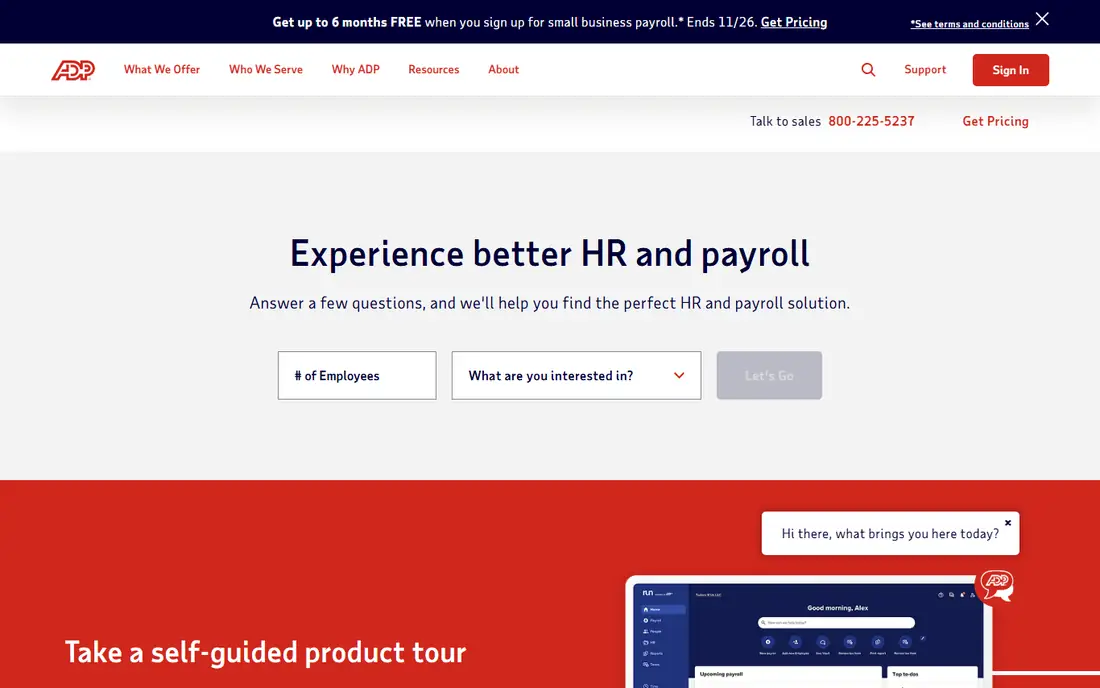
ADP RUN is the small-business product from the largest payroll provider in the US, and that scale shows in compliance coverage. Packages cover payroll, tax filing, new hire reporting, and, on higher tiers, HR support, applicant tracking, time tracking, and benefits administration. For a business that wants a provider with long experience handling multi-state tax rules and year-end forms, ADP is a safe pair of hands. The brand also helps when a company grows, because ADP offers larger products beyond the 49-employee RUN range.
Pricing is quote only for all RUN packages, which makes direct comparison slower than with Gusto or BambooHR. Buyers should ask which package includes the HR help desk, whether off-cycle payroll runs carry fees, and how much support costs after onboarding. ADP RUN suits owners who value compliance depth and a provider that can grow with them, even if the sales process takes longer than a self-serve signup. Very small teams that want the lowest published price and instant online signup may prefer Gusto or Zoho People.
What we like- Deep payroll and tax compliance expertise
- Packages scale from 1 to 49 employees up to enterprise ADP products
- HR help desk and legal support on higher packages
Watch out for- Pricing is quote only
- Interface and add-ons can feel complex for very small teams
How we chose
We reviewed vendor pricing pages, product documentation, and public reviews on G2, Capterra, and Reddit, and we applied the same tests to each product. Does it automate onboarding, time off, approvals, and payroll data flow, or only store employee records. Is pricing published, quote based, or a mix, and what does the first full-price month cost after any discount. Does it fit US small businesses, mid-market teams, or global employers. We kept quote-only products only where their market position and feature depth made them essential to a fair comparison.
How to choose without overbuying
Start by listing the workflows that consume the most HR hours today. For most teams, that list is onboarding, time-off approvals, payroll changes, and benefits enrollment. Choose the tool that automates those four well, even if another tool has a longer feature list. A performance module bought early often sits unused while the core record stays messy.
Price the whole first year
Add the base fee, the per-employee charge, each module, implementation, and any payroll or benefits add-on. Then check what happens when an introductory discount ends and when headcount grows by 20 percent. A tool that looks cheap at 10 employees can become expensive at 50 if every module charges per person.
Check payroll and compliance fit first
Payroll mistakes cost more than a missing engagement survey. Confirm state tax coverage, contractor handling, year-end forms, and how time and benefits data reach payroll. If you hire abroad, confirm employer of record coverage and costs for each target country before committing to a US-only system.
Run a real onboarding test
Use the trial or demo to onboard a test employee from offer letter to first payroll run, including a time-off request and a manager approval. That single test reveals integration gaps, permission problems, and support quality faster than a feature checklist. If the test needs vendor help at every step, budget for implementation support.
Frequently asked questions
What is HR automation software?
HR automation software stores employee records in one place and uses workflows to handle repetitive tasks such as onboarding, time-off approvals, document signatures, and payroll updates. Instead of re-entering the same details in several systems, a change in one place flows to the others. That reduces errors and frees HR staff for work that needs judgment.
How much does HR automation software cost?
Small teams can start free with Zoho People for up to five users, or from $1.50 per user per month on paid plans. BambooHR starts at $10 per employee per month, Gusto at $49 per month plus $6 per person, and Rippling at $8 per user per month plus a $40 base fee. Quote-only products such as HiBob, Paycor, and ADP RUN require a sales quote, and modules can raise the total well above the headline figure.
Do I need payroll in the same tool?
Not always, but payroll integration matters more than most buyers expect. When time off, benefits, and salary changes do not reach payroll automatically, errors and corrections follow. A combined system such as Gusto, Rippling, or Paycor reduces that risk. A standalone HRIS such as BambooHR Core or Zoho People can work well if it connects cleanly to your existing payroll provider.
Can HR automation software handle remote and global teams?
Yes, but coverage varies. Deel is built for global employment and contractors, Rippling handles HR, IT, and payroll across locations, and HiBob supports multi-country teams with partner payroll outside the US and UK. Check each target country, currency, and compliance rule before choosing, because global coverage is rarely uniform.
How long does implementation take?
A small team on a self-serve product can often go live in days to a few weeks, while a mid-market suite with payroll, benefits, and custom workflows can take one to three months. Data cleanup is usually the slowest step. Clean employee records, leave balances, and org structures before migration, and run payroll in parallel for at least one cycle.
Is a free plan enough for a small business?
A free plan can be enough for a very small team that only needs records and leave tracking, which is what Zoho People and Deel HR offer at the entry level. Once payroll, benefits, performance, or reporting matter, a paid plan becomes necessary. Start free, track which limits you hit first, and upgrade only for the module that removes a real bottleneck.
Sources we checked (8)
- https://www.bamboohr.com/pricing
- https://www.rippling.com/pricing
- https://www.gusto.com/product/pricing
- https://www.deel.com/pricing
- https://www.hibob.com/pricing
- https://www.zoho.com/people/pricing
- https://www.paycor.com/pricing
- https://www.adp.com/pricing
Is your product missing or out of date?
We review this list regularly. Vendors can request a listing, send updated pricing or ask about featured placement.

Shihab Mia · Founder, Rankite
Shihab has 5+ years in B2B and SaaS SEO. He writes Rankite's software buying guides from pricing pages, documentation and public user reviews. More about Shihab.