How we make this list: we compare pricing pages, product documentation and public user reviews. Ratings come from G2, Capterra or Trustpilot, with the date we checked them.
Key takeaways
- Houzz is the best starting point for ideas, products and finding local professionals in one app.
- Planner 5D and SketchUp cover design depth, with Planner 5D easier for beginners and SketchUp stronger for precise 3D work.
- iScape and REimagineHome are the quickest ways to visualise an exterior or yard from a photo.
- Thumbtack and TaskRabbit solve the other half of home improvement: hiring and booking help for the actual work.
- Free plans are generous for ideas and basic design, but full catalogues, renders and pro features usually need a paid plan.
Quick comparison
| Tool | Best for | Starting price | Free plan |
|---|
 Houzz Houzz | ideas, products and pros | Free | Yes |
 Planner 5D Planner 5D | easy 2D and 3D home design | $4.99 per month | Yes |
 SketchUp SketchUp | precise 3D modeling | See website | Yes |
 iScape iScape | AR yard visualization | See website | Yes |
 REimagineHome REimagineHome | AI exterior and room redesign | See website | Yes |
 Home Design 3D Home Design 3D | affordable 3D home and garden design | See website | Yes |
 Thumbtack Thumbtack | hiring local professionals | Free | Yes |
 TaskRabbit TaskRabbit | booking help for small jobs | Free | Yes |
Is your product missing or out of date?
We review this list regularly. Vendors can request a listing, send updated pricing or ask about featured placement.
The best home improvement apps
Starting priceFree
Free planYes
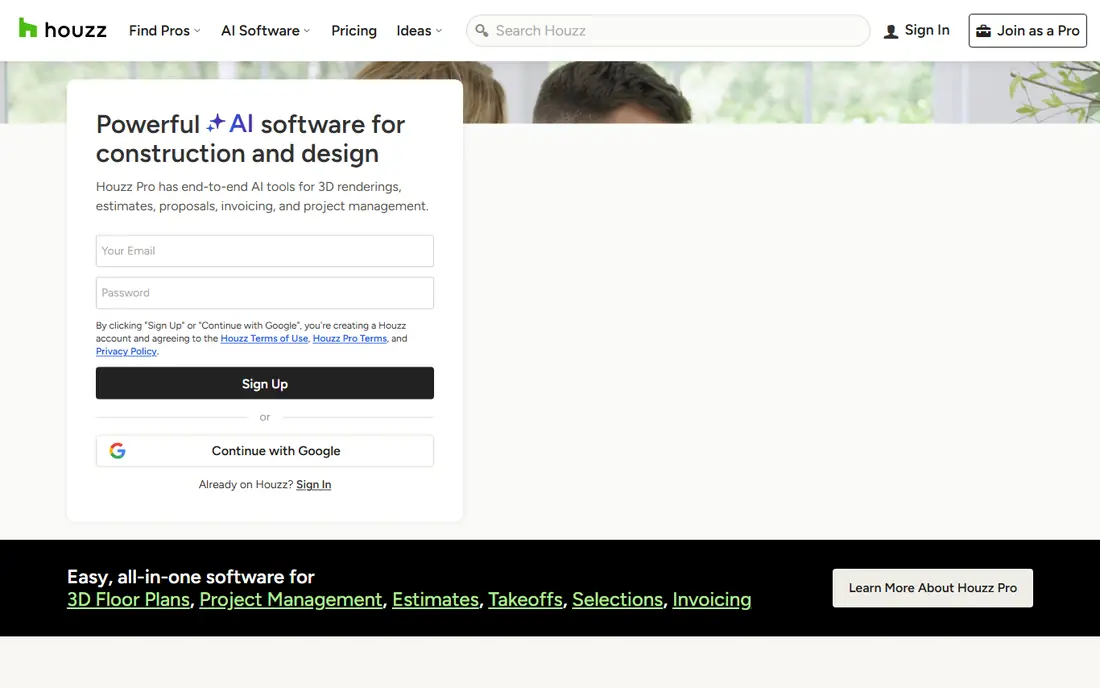
Houzz is where most home improvement projects start, even if they finish elsewhere. You browse millions of photos by room, style and budget, save favourites into ideabooks, shop furniture and fixtures, and find architects, contractors and designers in your area. That combination of inspiration, products and professionals in one place is why Houzz remains the default app for homeowners planning a remodel.
The directory is the part to use with care. Pro quality, availability and pricing vary by city, so read recent reviews, check licences where required and get multiple quotes before hiring. Houzz itself is free for homeowners, with revenue from pros and product sales, so the app is a research and hiring tool, not a design or project management system on its own.
What we like- Huge photo library for inspiration
- Product shopping and pro directory in one app
- Ideabooks to save ideas
Watch out for- Pro quality varies by market
- Shopping prices vary and some features are US focused
#2Planner 5D
Best for: easy 2D and 3D home design4.7/5 on
G2 (178 reviews, checked Oct 2026)
Visit planner5d.com
Starting price$4.99 per month
Free planYes
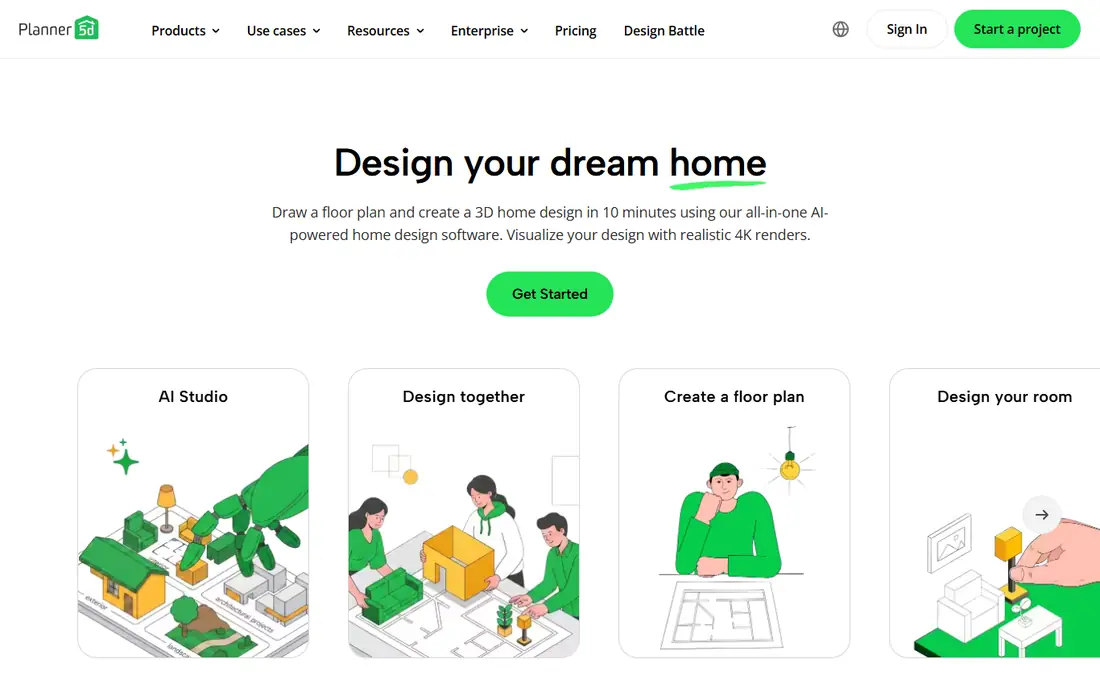
Planner 5D is the easiest design app here for a homeowner who wants to test a layout, not learn CAD. You draw rooms to scale in 2D, switch to 3D, add furniture, change materials and walk through the result. Recent summaries list Premium from $4.99 per month billed annually, with a free plan that covers basic design and a partial catalogue.
It is not a construction documentation tool, so a contractor will still need proper plans for permits and building work. For early planning, comparing layouts, testing a kitchen remodel or visualising an exterior and yard, Planner 5D gives fast, understandable results without a steep learning curve. That speed is its main advantage over SketchUp.
What we like- Easy drag and drop floor plans
- AI assisted design and 4K renders in paid plans
- Works on web and mobile
Watch out for- Full catalogue and high quality renders need Premium
- Precise construction detailing is limited
#3SketchUp
Best for: precise 3D modeling4.5/5 on
G2 (1,327 reviews, checked Oct 2026)
Visit sketchup.com
Starting priceSee website
Free planYes

SketchUp is the choice when a project needs real geometry, not just a photo restyle. You model walls, roofs, decks, fences and garden structures in true 3D, pull windows, doors and plants from the 3D Warehouse, and orbit around the house to check proportions from the street. Homeowners use it for porches and additions, while small contractors use it to show clients a finished exterior before building.
The free web version handles simple massing and material tests, which is enough for many homeowners. Photorealistic rendering, advanced exports and professional features require paid plans and sometimes a renderer such as V-Ray or Enscape, which adds cost and learning time. If you want precision and are willing to learn, SketchUp rewards the effort. If you want a quick idea in minutes, use REimagineHome or Planner 5D first.
What we like- True 3D modeling for houses, decks and yards
- Huge 3D Warehouse model library
- Works on web, desktop and iPad
Watch out for- Photorealistic rendering needs a paid add on
- Learning curve is higher than Planner 5D
Starting priceSee website
Free planYes
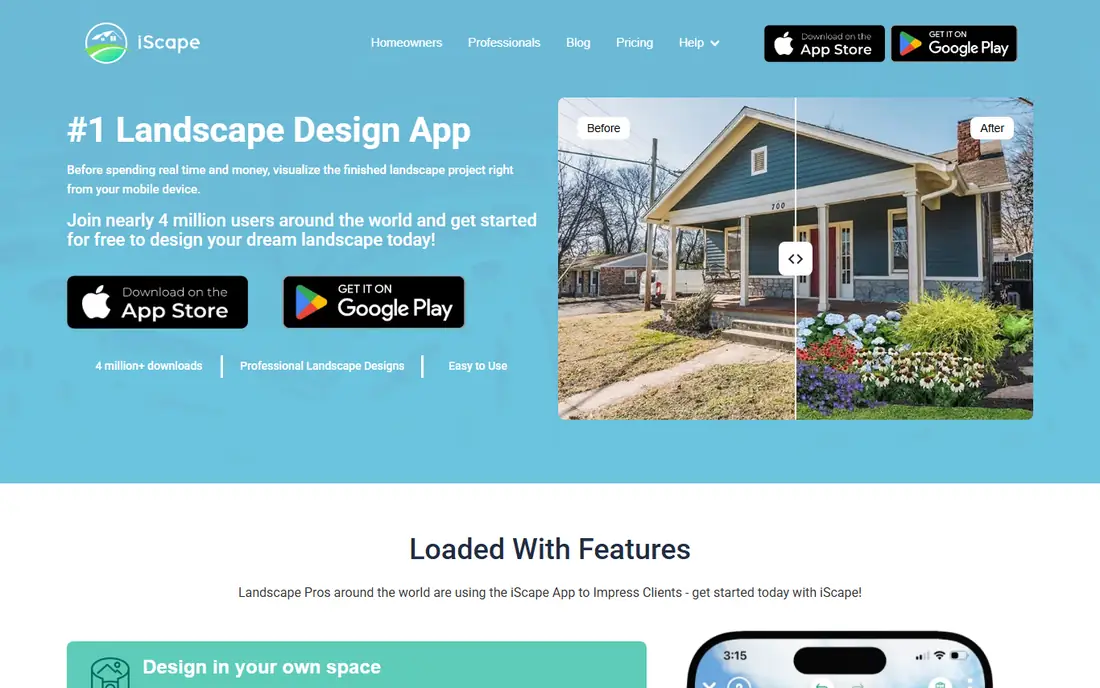
iScape is built for the yard, not the whole house. On a phone, you photograph your home, add plants, trees, patios, paths and mulch, or preview them in augmented reality as you walk the yard. That immediacy helps homeowners and landscapers agree on a planting plan before buying anything, and it is far more intuitive than a flat sketch.
Limits are catalogue and precision. The full plant library, advanced hardscaping and pro sharing features sit behind paid plans, and iScape will not produce construction drawings for a contractor. For curb appeal, garden redesign and patio ideas, it is one of the most practical apps here. For a full exterior remodel with siding, roofing and structural changes, pair it with REimagineHome or SketchUp.
What we like- Place plants and hardscape on a photo or in AR
- Easy phone based yard planning
- Good for curb appeal ideas
Watch out for- Full plant library and advanced features need a paid plan
- Not a full construction plan tool
Starting priceSee website
Free planYes
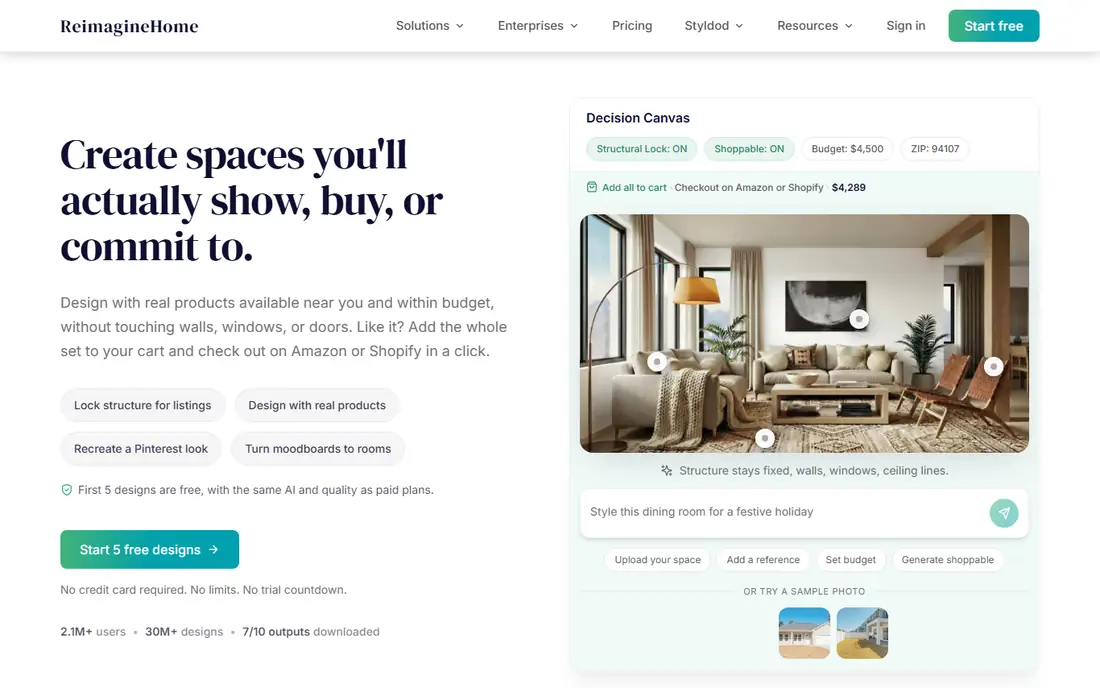
REimagineHome is the fastest way to see a different exterior. Upload a photo of your house, choose a style, and get AI generated concepts for paint, siding, roofing, landscaping and overall curb appeal in minutes. Recent summaries note five free designs for new users, with paid plans from around $19 per month for more designs and features, though exact pricing should be checked on the vendor site.
AI restyles are concepts, not construction plans. Colours, materials and proportions can look plausible in a render but need a contractor check before buying paint or siding. Use REimagineHome for inspiration and for narrowing styles with a partner or designer, then move to SketchUp or Planner 5D for a measurable plan. For pure idea generation, it is hard to beat on speed.
What we like- Fast AI restyles from a single photo
- Five free designs for new users in recent summaries
- Exterior, garden and room styles
Watch out for- AI results need checking for realism
- Detailed control and shoppable products sit in paid plans
Starting priceSee website
Free planYes
Home Design 3D, from Anuman, is a budget friendly middle ground between Planner 5D and SketchUp. You draw a house and garden in 2D, view it in 3D, add rooms, decks, pools and planting, and adjust terrain and outdoor areas. Recent summaries list it from around $3.99 on iOS or free to start on Android, with in app purchases for fuller features, though platform pricing varies.
Rendering and professional output are more limited than SketchUp with a renderer, and feature availability differs between iOS, Android, Windows and Mac. For a homeowner who wants an affordable, self contained design app without a subscription, Home Design 3D is a solid pick. For a professional presentation to a client, Planner 5D Premium or SketchUp will look more polished.
What we like- 2D and 3D design for house and garden
- Terrain and outdoor tools
- Affordable one time options on some platforms
Watch out for- Catalogue and export features vary by platform
- Rendering quality is below dedicated renderers
#7Thumbtack
Best for: hiring local professionals3.4/5 on
G2 (58 reviews, checked Oct 2026)
Visit thumbtack.com
Starting priceFree
Free planYes

Thumbtack solves the hiring half of home improvement. Describe a job, from a bathroom remodel to gutter cleaning, and local professionals send quotes you can compare by price, reviews, response time and past work. The app is free for homeowners, with pros paying for leads or bookings, which keeps the homeowner side simple.
Quality control is up to you. Check reviews across several sources, verify licences and insurance for regulated trades, ask for written scopes and timelines, and get at least three quotes for larger work. Thumbtack is strongest for finding and comparing pros quickly, not for designing the project itself, so pair it with Houzz for ideas and Planner 5D for a plan before you request quotes.
What we like- Request quotes from local pros across many trades
- Compare profiles, reviews and prices
- Instant booking for some services
Watch out for- Pro availability and quality vary by area
- Service fees and lead costs can affect pro pricing
Starting priceFree
Free planYes
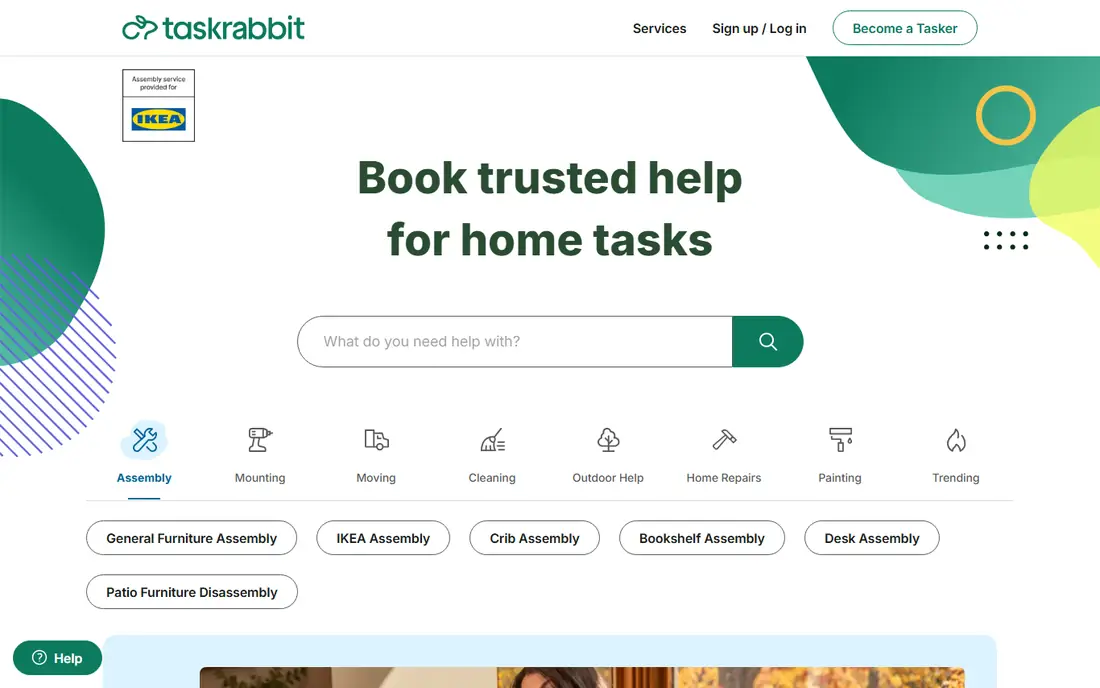
TaskRabbit covers the small jobs that stall a home improvement project: assembling furniture, mounting a TV, hanging shelves, minor repairs, moving boxes and yard help. You choose a Tasker by rating, price and availability, book a time, and pay through the app, with hourly rates shown up front. In many cities, same day help is available.
It is not a replacement for a licensed contractor for electrical, plumbing, roofing or structural work, and Tasker skill varies, so read task specific reviews, not just overall ratings. For the long tail of small tasks around a larger remodel, TaskRabbit saves weekends and keeps a project moving. For major work, use Thumbtack or Houzz to find a licensed pro.
What we like- Book vetted Taskers for assembly, mounting, moving and small repairs
- Clear hourly pricing
- Same day options in many cities
Watch out for- Not suited to licensed major remodels
- Availability and pricing vary by city and Tasker
How we chose
We compared pricing pages, product documentation and public reviews on app stores, G2, Capterra and Reddit, focusing on design ease, exterior and landscaping fit, idea discovery, hiring tools and pricing transparency. We did not claim hands on testing. Prices are from vendor pages and recent summaries, and quote based or platform variable tools are marked See website where a single starting price could not be verified.
Planning a project with apps, not just one app
A realistic home improvement workflow uses several apps in sequence. Start with Houzz for ideas and a rough style, use REimagineHome or iScape to test exterior and yard concepts from photos, then build a measurable layout in Planner 5D or SketchUp. Only then request quotes on Thumbtack, with photos, measurements and a clear scope, and use TaskRabbit for the small tasks that do not need a contractor.
That sequence prevents the most common mistake: hiring before you know what you want. A contractor quote for a vague remodel will vary wildly, while a quote for a defined layout, material direction and photo reference is comparable. Keep a single folder for photos, measurements, quotes and permits, and check local permit and licence rules before structural, electrical or plumbing work begins.
Frequently asked questions
What is the best home improvement app overall?
Houzz is the best starting point for ideas, products and pros, while Planner 5D is best for easy design and SketchUp is best for precise 3D modeling. Most projects benefit from two or three apps, not one.
Which app is best for exterior home design?
REimagineHome is fastest for AI exterior concepts from a photo, iScape is best for yard and planting visualization, and SketchUp is best for a precise exterior model with decks, porches and additions.
Are home improvement apps free?
Many offer free plans for ideas and basic design, including Houzz, Planner 5D, SketchUp Free, iScape and REimagineHome free designs. Full catalogues, high quality renders and pro features usually require a paid plan.
Can I hire a contractor through these apps?
Yes, through Houzz and Thumbtack for larger licensed work, and TaskRabbit for small jobs. Always verify licences, insurance and reviews, and get multiple written quotes for major work.
Do I need a permit for work planned in these apps?
Possibly, for structural, electrical, plumbing, roofing and major exterior changes. Check your local building department rules before starting, even if an app design looks ready to build.
Sources we checked (8)
- https://www.houzz.com
- https://planner5d.com
- https://www.sketchup.com
- https://www.iscapeit.com
- https://www.reimaginehome.ai
- https://www.homedesign3d.net
- https://www.thumbtack.com
- https://www.taskrabbit.com
Is your product missing or out of date?
We review this list regularly. Vendors can request a listing, send updated pricing or ask about featured placement.

Shihab Mia · Founder, Rankite
Shihab has 5+ years in B2B and SaaS SEO. He writes Rankite's software buying guides from pricing pages, documentation and public user reviews. More about Shihab.