How we make this list: we compare pricing pages, product documentation and public user reviews. Ratings come from G2, Capterra or Trustpilot, with the date we checked them.
Key takeaways
- GasBuddy finds the cheapest station nearby, while Upside pays cash back on top of the pump price, so the two together save more than either alone.
- Brand rewards apps from Shell, bp and Exxon Mobil reward loyalty, but they only pay off if you regularly fill up at that brand.
- Waze saves fuel indirectly, by routing around traffic and showing station prices on the way, which cuts wasted miles and idling.
- Drivvo tracks what each tank actually costs per mile, which is the only way to know whether a saving habit is working.
Quick comparison
| Tool | Best for | Starting price | Free plan |
|---|
 GasBuddy GasBuddy | Finding the cheapest gas nearby | Free | Yes |
 Upside Upside | Cash back on gas and groceries | Free | Yes |
 Waze Waze | Avoiding traffic and finding stations | Free | Yes |
 Shell Shell | Shell rewards and station finder | Free | Yes |
 Drivvo Drivvo | Tracking fuel cost per mile | Free | Yes |
 bp bp | bp rewards and station services | Free | Yes |
 AAA AAA | Member discounts and trip tools | See website | No |
 Exxon Mobil Exxon Mobil | Exxon and Mobil rewards | Free | Yes |
Is your product missing or out of date?
We review this list regularly. Vendors can request a listing, send updated pricing or ask about featured placement.
The best gas saving apps
Starting priceFree
Free planYes
GasBuddy is the default app for anyone who wants the cheapest pump price without driving around to check. Drivers report prices, and the app maps them so you can see the cheapest station on your route before you leave. A trip cost calculator helps with longer journeys, and a fuel logbook tracks what you spend over time. With over 100 million downloads claimed on its site, coverage in most US towns is strong.
The weakness is freshness. Community-reported prices can lag behind a price change, especially in smaller towns, so check the report time before driving out of your way for a small saving. The Pay with GasBuddy card adds a per-gallon discount, advertised up to 33 cents per gallon, at participating stations, which stacks with finding a cheap station in the first place. Used together, the price map and the card cover both halves of saving at the pump.
What we like- Live station prices reported by drivers
- Price map and trip cost calculator
- Pay with GasBuddy card discounts
Watch out for- Prices depend on community reports and can lag
- Card discounts apply at participating stations
- Some features push partner offers
Starting priceFree
Free planYes
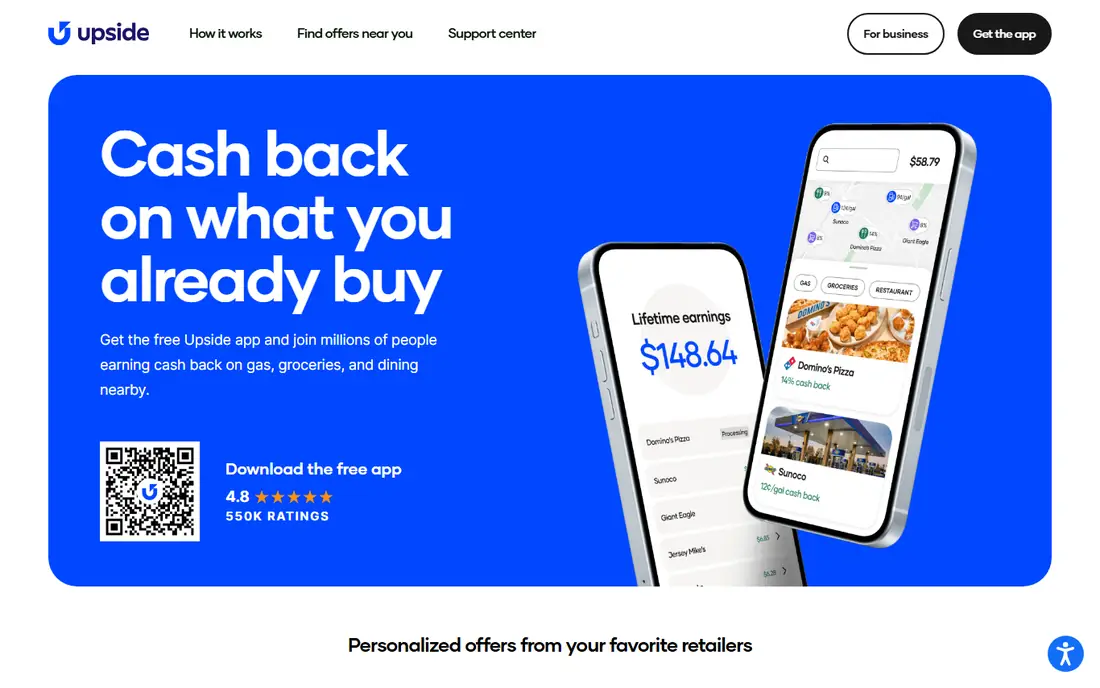
Upside pays you back for fuel you were going to buy anyway. You open the app, claim a cash back offer at a nearby station, pay with a linked card, and the cash back lands in your account to withdraw to a bank account or PayPal or to convert to gift cards. The app claims over $1 billion in cash back earned by users, with frequent users averaging $255 in first-year earnings, which shows the value of using it consistently rather than once.
The catch is that offers are not the same everywhere. A station near you may offer a few cents per gallon or several times that, and the offer must be claimed before you pump. Upside also stacks with credit card and loyalty rewards, so it should sit alongside, not instead of, a station rewards card. For drivers who fill up weekly, the habit of claiming an offer each time adds up to real money over a year.
What we like- Cash back on gas, groceries and dining
- Stacks with card and loyalty rewards
- Cash out to bank, PayPal or gift cards
Watch out for- Offers vary by station and location
- Cash back requires claiming an offer first
- Earnings are modest per fill-up
Starting priceFree
Free planYes
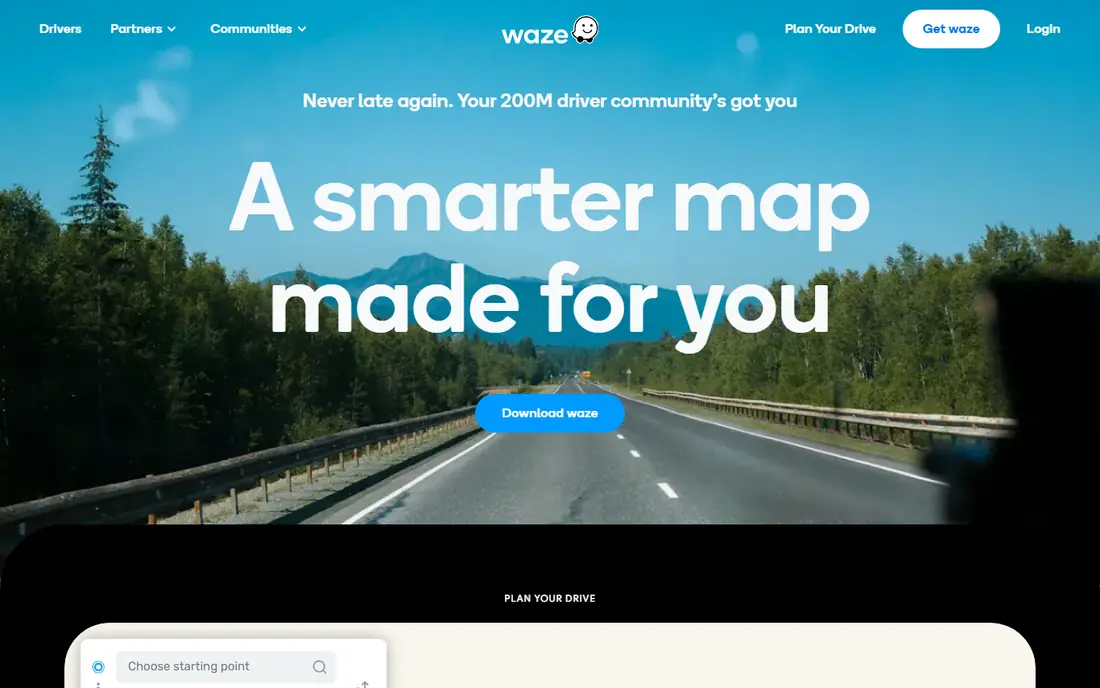
Waze saves fuel by cutting the driving you do not need. Its driver community reports traffic, hazards and road closures in real time, and routing around a jam saves both time and the fuel burned while idling or crawling. The app also shows gas station prices along your route, so you can pick a cheap station without a detour, which is exactly the kind of small decision that adds up over a year of commuting.
Waze is a navigation app first, so its fuel prices are a bonus rather than the main event, and coverage is thinner in rural areas. It also works best with the screen on and location services active, which uses battery on long drives. Pair Waze with GasBuddy or Upside: use Waze to choose the route, GasBuddy to choose the station, and Upside to claim cash back once you arrive.
What we like- Real-time traffic and hazard reports from drivers
- Station prices shown along routes
- Free navigation with no subscription
Watch out for- Not a dedicated fuel price app
- Station price coverage varies
- Heavy use can drain a phone battery
Starting priceFree
Free planYes
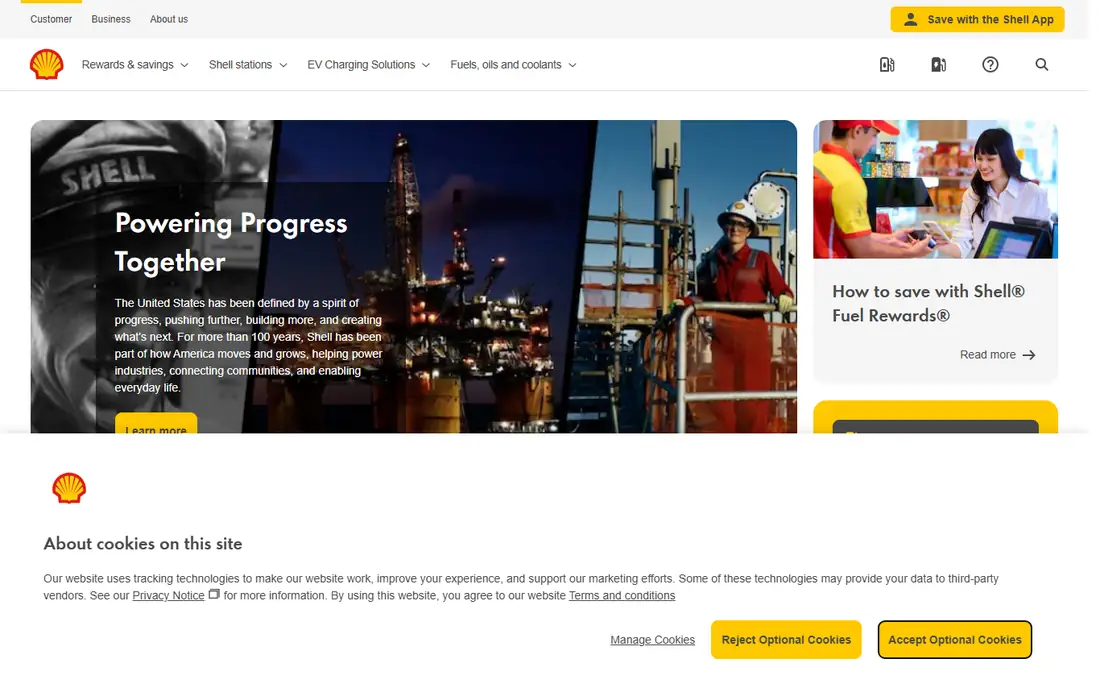
The Shell app is worth installing if Shell stations sit on your regular routes. It finds nearby stations, shows which fuels and services each one offers, and connects to the Fuel Rewards program, which discounts fuel based on everyday purchases and partner offers. Drivers who already buy a particular brand gain the most, since the rewards stack on top of the station price you would have paid anyway.
Loyalty is also the limit. Rewards earned at Shell do not help at another brand, and premium V-Power fuel costs more per gallon, so it only saves money in the sense of engine cleaning benefits, not pump price. If you pass several brands on your commute, a brand-neutral app like GasBuddy or Upside will save more. If Shell is already your station of choice, the app turns routine fill-ups into steady discounts.
What we like- Station finder with fuel grades and services
- Shell V-Power premium fuel option
- Fuel Rewards program discounts
Watch out for- Savings only apply at Shell stations
- Premium fuel costs more per gallon
- Program terms and discounts vary by location
Starting priceFree
Free planYes
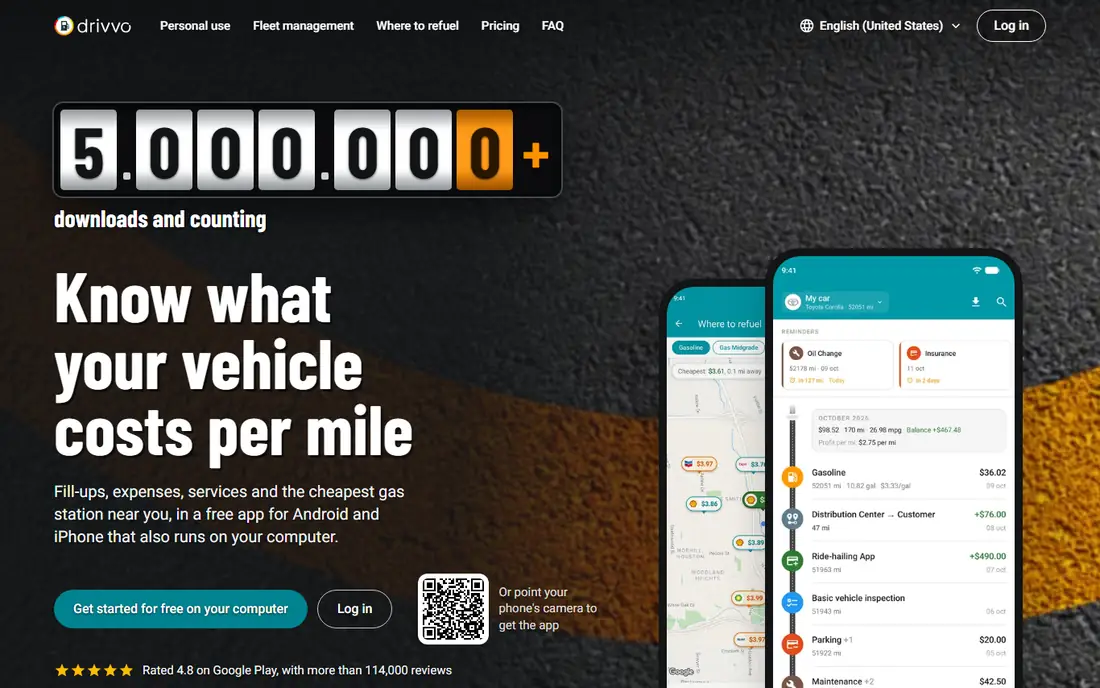
Drivvo answers a question the other apps skip: what does your car actually cost you per mile? You log each fill-up with the price and odometer reading, and the app calculates fuel economy and cost per mile, alongside maintenance, insurance and other expenses. It also maps station prices nearby, with over 600,000 stations listed across more than 190 countries, and reminds you about oil changes and services by date or mileage.
The app only works if you log honestly. Skip a few fill-ups and the economy figures drift, which defeats the purpose. Drivvo is also strongest as a tracker rather than a deal finder, so pair it with GasBuddy for prices and Upside for cash back. For drivers who want to know whether gentler driving, a different station or a new route is actually saving money, Drivvo gives a number instead of a guess.
What we like- Logs fill-ups and shows cost per mile
- Maps nearby station prices
- Service and expense reminders
Watch out for- Needs consistent logging to be useful
- Station price coverage varies by country
- Advanced fleet features sit on paid plans
Starting priceFree
Free planYes
The bp app serves drivers who regularly use bp stations, much as the Shell app serves Shell drivers. It helps you find stations, see services, pay in the app at participating locations, and earn rewards on fuel and store purchases that turn into savings on later fill-ups. For a commuter with a bp station on the daily route, that routine adds up without changing driving habits at all.
The same loyalty limit applies. If you rarely pass a bp station, the app will not save you much, and program terms differ by market, so check what your local program offers before counting on a particular discount. Brand apps work best as a second layer: find the cheapest station with GasBuddy, claim cash back with Upside, and collect brand rewards when the cheapest station happens to be one you already use.
What we like- Station finder across the bp network
- Rewards on fuel and in-store purchases
- App payment at participating stations
Watch out for- Rewards apply only at bp stations
- Program details vary by market
- App features differ between regions
Starting priceSee website
Free planNo
AAA is a membership organization, and its app bundles gas saving into a wider package. Members can find gas prices, plan trips with fuel costs in mind, and use member discounts at participating stations and partners. Roadside assistance, travel booking and insurance services sit in the same membership, which makes AAA a different kind of value from a free fuel app.
The membership fee is the obvious drawback if fuel saving is your only goal. A free app will beat AAA on pump price alone, and station discounts vary by club and location. AAA makes sense for drivers who already want roadside cover and travel benefits, and who will use the gas tools as part of that package. If you only want cheaper fuel, start with the free apps on this list.
What we like- Gas price finder and trip planning tools
- Member discounts at stations and partners
- Roadside assistance included with membership
Watch out for- Full benefits require a paid membership
- Gas discounts depend on location and partner
- App is broader than fuel saving alone
Starting priceFree
Free planYes
Exxon Mobil Rewards works like other brand programs, with points earned on fuel and in-store purchases at participating Exxon and Mobil stations, redeemable for savings on fuel, snacks, car washes and more. The station finder covers both brands, and app payment at participating stations shortens the stop. Drivers who already favor these stations get a steady return on fill-ups they would make anyway.
Points expire after one year, so infrequent visitors can lose rewards before using them, and the program only helps at Exxon and Mobil stations. As with Shell and bp, treat this as a loyalty layer on top of price comparison, not a replacement for it. Check GasBuddy first, claim Upside cash back, and let Exxon Mobil Rewards add a third saving when the station matches.
What we like- Exxon Mobil Rewards program for fuel and store savings
- Station finder for Exxon and Mobil locations
- App payment at participating stations
Watch out for- Rewards apply only at Exxon and Mobil stations
- Points expire after one year
- Program value depends on how often you visit
How we chose
We compared gas saving apps on how they actually cut fuel costs: finding cheaper stations, paying cash back, rewarding loyalty, avoiding wasted miles, and tracking cost per mile. We checked vendor homepages and app store listings, and weighed public reviews and driver feedback, with attention to where each app works, since station coverage and offers vary sharply by location. We did not claim hands-on testing of every app, and fuel prices and offers change daily, so check the live price and offer in the app before you drive to a station.
How to save the most at the pump
Stack three habits and the savings compound. First, check prices before you leave, not when the tank is nearly empty, since a driver low on fuel will pay whatever the nearest station charges. GasBuddy or Drivvo will show the cheapest station on your route, and a short detour is only worth it if the saving beats the fuel used to get there. Second, claim cash back or rewards every time. Upside offers and brand rewards cost nothing to claim and add up across a year of fill-ups.
Third, drive for economy. Gentle acceleration, steady speeds, correct tire pressure and a light load all cut consumption, and avoiding traffic with Waze removes the idling that burns fuel for no miles at all. Track the result in Drivvo for a month. If your cost per mile falls, the habit is working. If it does not, the problem may be the car, the route or tire pressure rather than the app, and a service check is worth more than another discount card.
A short fuel saving checklist
- Check station prices before you leave, and note the report time on community prices.
- Claim Upside or brand rewards before you pump, not after.
- Keep tires at the recommended pressure and remove roof boxes and heavy loads when not needed.
- Use Waze or another traffic app to avoid jams on regular routes.
- Log fill-ups in Drivvo for a month to see your true cost per mile.
Frequently asked questions
Which gas saving app saves the most money?
It depends on how you drive. GasBuddy saves the most for drivers who regularly pass stations with wide price gaps, while Upside saves the most for drivers who fill up often at participating stations. Using both together, plus a brand rewards app when the station matches, usually beats any single app. Track your cost per mile to see which combination works for you.
Is Upside really free?
Yes, the Upside app is free to download and use, and it earns money from retailers rather than charging users. You claim an offer, pay with a linked card, and receive cash back that you can withdraw to a bank account or PayPal or convert to gift cards. Offers vary by location and station, so check the offer before you pump.
Do gas price apps work in rural areas?
They work best where many drivers report prices, which usually means towns and cities. In rural areas, fewer reports mean prices can be stale or missing, and the cheapest station may be too far away to justify a detour. Brand apps and station finders still help you locate the nearest station, even when live prices are thin.
Should I pay extra for premium fuel to save money?
Usually not. Premium fuel costs more per gallon, and most cars designed for regular fuel gain no economy benefit from it. Check your owner manual: if it requires premium, use it, and if it only recommends it, regular fuel is normally the cheaper choice. Premium fuels with cleaning additives may help engine cleanliness over time, but that is a maintenance benefit, not a pump-price saving.
Can these apps help with electric vehicles?
Most of the apps on this list are built for gasoline and diesel drivers. Upside offers cash back at some charging and retail locations, and Waze routing helps any driver avoid traffic, but EV drivers should look for charging apps that show charger prices, availability and charging speed. Drivvo can still track electricity costs if you log charging sessions as expenses.
Why do gas prices differ so much between nearby stations?
Prices differ because of location, rent, supply contracts, brand, fuel grade and local competition, and stations near highways or in high-rent areas often charge more. Taxes also vary by state and locality. That is why checking prices before you leave matters: two stations a few minutes apart can differ by enough to make a detour worthwhile, especially on a full tank.
Sources we checked (8)
- https://www.gasbuddy.com
- https://upside.com
- https://www.waze.com
- https://shell.us
- https://drivvo.com
- https://bp.com
- https://www.aaa.com
- https://www.exxon.com
Is your product missing or out of date?
We review this list regularly. Vendors can request a listing, send updated pricing or ask about featured placement.

Shihab Mia · Founder, Rankite
Shihab has 5+ years in B2B and SaaS SEO. He writes Rankite's software buying guides from pricing pages, documentation and public user reviews. More about Shihab.