How we make this list: we compare pricing pages, product documentation and public user reviews. Ratings come from G2, Capterra or Trustpilot, with the date we checked them.
Key takeaways
- NZXT BLD offers the best balance of build quality and support, while iBUYPOWER wins on budget value and Origin PC wins on customization.
- Match spending to your monitor resolution: for 1080p gaming, $800 to $1,100; for 1440p gaming, $1,300 to $1,800; for 4K gaming, $2,200 to $3,000; for enthusiast builds, $3,500 and up.
- Buy 32 GB of DDR5 minimum for new builds in 2026, since 16 GB systems struggle at good performance in modern titles, and check that XMP or EXPO profiles are enabled for full speed.
- A solid 2026 prebuilt remains viable for 3 to 5 years of gaming, and a well-maintained machine with occasional upgrades lasts 5 to 7 years or more.
- Prices vary by configuration, so every starting price below is See website, and check the current price before you buy, since prebuilt pricing moves week to week.
Quick comparison
| Tool | Best for | Starting price | Free plan |
|---|
 NZXT BLD NZXT BLD | Build quality and support | See website | Not applicable |
 iBUYPOWER iBUYPOWER | Budget value | See website | Not applicable |
 Skytech Gaming Skytech Gaming | Value 1440p | See website | Not applicable |
 Corsair Corsair | High-refresh 1440p | See website | Not applicable |
 Alienware Alienware | High-end brand and service | See website | Not applicable |
 HP OMEN HP OMEN | Clean styling and esports | See website | Not applicable |
 Origin PC Origin PC | Customization | See website | Not applicable |
 CyberPowerPC CyberPowerPC | Budget 1080p | See website | Not applicable |
Is your product missing or out of date?
We review this list regularly. Vendors can request a listing, send updated pricing or ask about featured placement.
The best gaming PC companies
Starting priceSee website
Free planNot applicable
NZXT BLD is the build quality pick, offering the best balance of build quality and support, with clean NZXT cases and cooling, a two-year warranty on the current Player Three, and meticulous build quality in reviews. Its Player Three pairs a Ryzen 7 9800X3D with an RTX 5080, 32 GB of DDR5-6000 memory, and a 4 TB SSD, with a Kraken Elite 360 RGB V2 cooler in an H6 Flow case and an 850W Gold power supply.
The trade off is build quality against high-end price. NZXT builds clean, well-cooled machines with good support, but its high-end configurations sit in the upper $3,000 range. NZXT BLD fits buyers who want a powerful, well-built PC without configuring a custom system themselves.
What we like- Best balance of build quality and support
- Clean NZXT cases and cooling
- Two-year warranty on current Player Three
- Meticulous build quality in reviews
- Good mid-range value
Watch out for- Premium pricing at the high end, with Player Three in the upper $3,000 range
- Less budget choice than iBUYPOWER
- Configurator options narrower than Origin PC
Starting priceSee website
Free planNot applicable
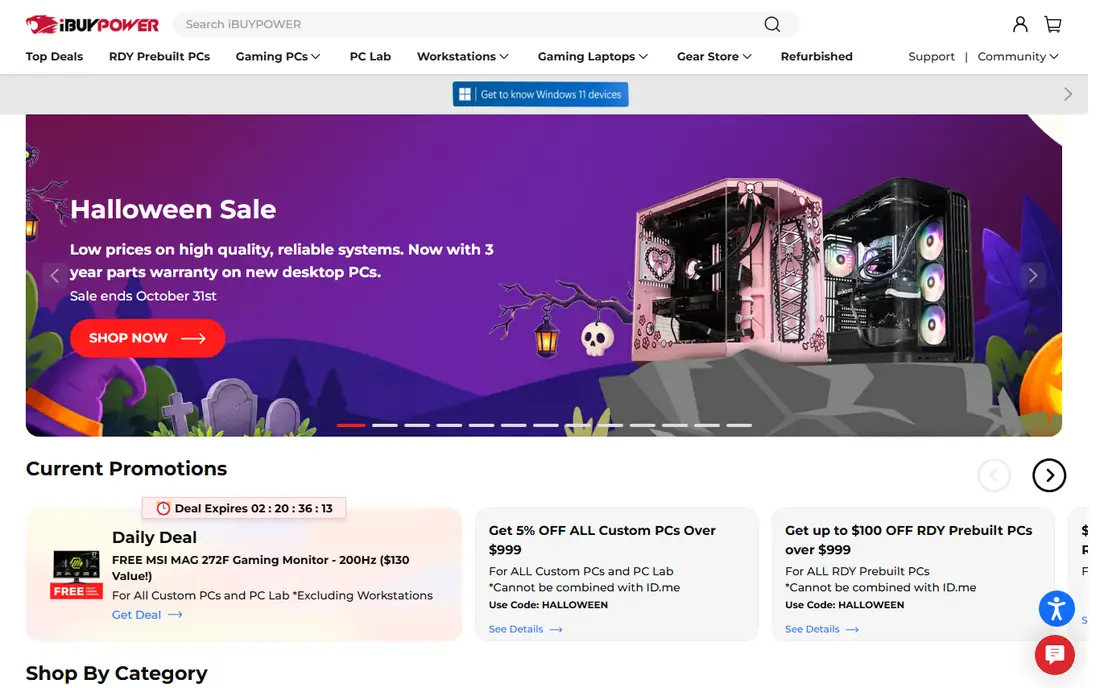
iBUYPOWER is the budget value pick, winning on budget value with entry systems around $749, a one-year warranty with US-based support, and a beginner-friendly case layout for future upgrades. Its TraceMR 274i pairs an RTX 4060 with a Core i5-14400F and 1 TB NVMe storage, with a tempered glass panel and RGB fans, and its Element SE costs around $1,324 but uses a generation-old graphics card.
The trade off is price against memory. iBUYPOWER is the safest entry-level buy, but its budget models ship 16 GB RAM, so plan a memory upgrade. iBUYPOWER fits buyers who want the most gaming per dollar at the entry level.
What we like- Wins on budget value
- Entry systems around $749
- One-year warranty with US-based support
- Beginner-friendly case layout for upgrades
- Wide range from budget to high-end
Watch out for- Budget models ship 16 GB RAM, which is below the 32 GB minimum for new builds
- Some budget configurations use last-generation graphics
- Upgrade room varies by model
Starting priceSee website
Free planNot applicable
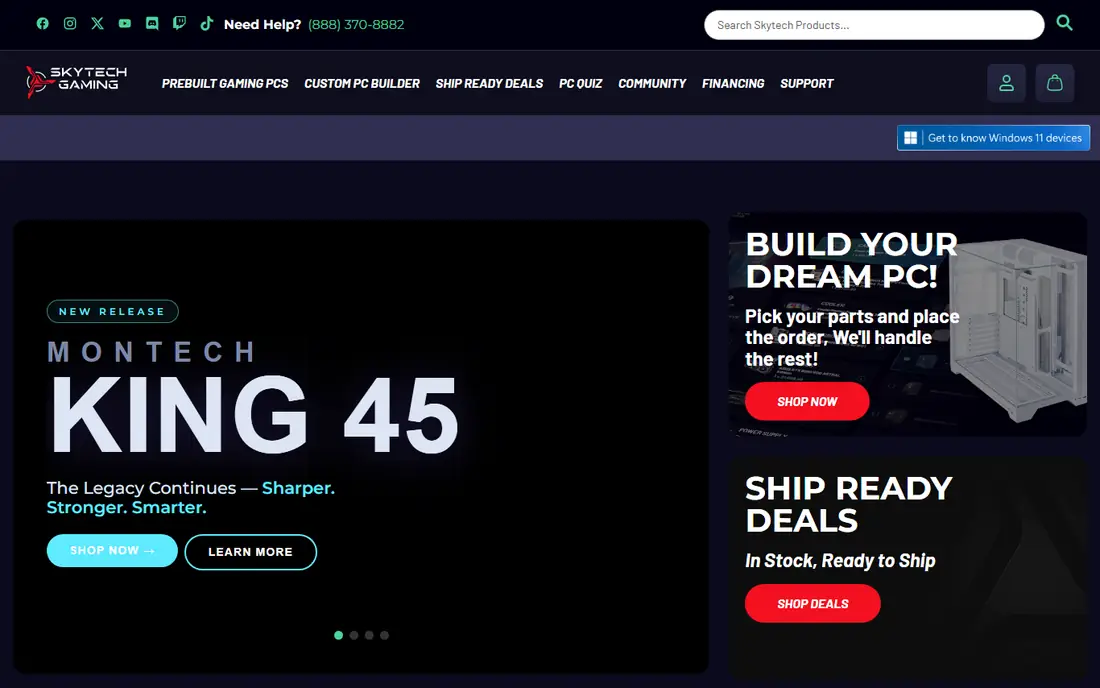
Skytech Gaming is the value 1440p pick, with its Azure around $1,299 pairing an RTX 5060 Ti with a Ryzen 7 7700 and 32 GB RAM, which suits 1440p gaming at ultra settings with headroom for streaming. It offers solid airflow cases and wide retail availability, and it sits in the mid-range where prebuilts offer their best value in 2026.
The trade off is 1440p value against brand depth. Skytech delivers strong value at 1440p, but its brand and support network are smaller than Alienware or HP. Skytech fits buyers who want the best 1440p value without paying a premium brand price.
What we like- Strong value at 1440p, with Azure around $1,299 pairing an RTX 5060 Ti with a Ryzen 7 7700 and 32 GB RAM
- Good mid-range positioning
- Solid airflow cases
- Wide retail availability
Watch out for- Brand and support network smaller than Alienware or HP
- High-end options thinner than Corsair or Origin
- Configuration quality varies by model
Starting priceSee website
Free planNot applicable
Corsair is the high-refresh 1440p pick, with its Vengeance a7500 around $2,099 pairing an RTX 5070 Ti with a Ryzen 7 9800X3D and 32 GB RAM, which suits high-refresh 1440p gaming, while its Vengeance i5200 delivers honest 1080p gaming at $899 in one guide. Its One i500 pairs an RTX 5080 with a Core Ultra 9 285K and 64 GB DDR5 for creators and streamers.
The trade off is component quality against upgrade room. Corsair builds with strong component quality, but its compact One series designs limit upgrade room. Corsair fits buyers who want quality components and high-refresh performance.
What we like- Best balance of quality and value in testing
- Vengeance a7500 around $2,099 with RTX 5070 Ti and Ryzen 7 9800X3D
- Vengeance i5200 delivers honest 1080p gaming at $899 in one guide
- One i500 is a capable creator-focused prebuilt
- Strong component quality
Watch out for- Premium pricing at the high end
- One series compact designs limit upgrade room
- Some models use proprietary parts that restrict upgrades
Starting priceSee website
Free planNot applicable
Alienware is the high-end brand pick, backed by a Dell service network, with its Area-51 around $3,699 pairing an RTX 5090 with a Ryzen 7 9850X3D and 64 GB RAM for no-compromise gaming, and its Aurora R16 pairing an RTX 5060 Ti with a Core i7-14700KF and 32 GB RAM. One guide names the Aurora R15 as the platform of choice for esports competitors demanding 240Hz and above, and one guide names a $1,699.98 Alienware desktop as the best balance at 1440p.
The trade off is brand and service against upgrade room. Alienware offers a real service network and strong esports pedigree, but some models use proprietary parts that restrict upgrades. Alienware fits buyers who want a premium brand with service backing.
What we like- Dell service network backing
- Area-51 around $3,699 with RTX 5090 and Ryzen 7 9850X3D in one comparison
- Aurora R16 pairs RTX 5060 Ti with Core i7-14700KF and 32 GB
- Esports platform of choice in one guide at 240Hz and above
- Amazon ships some models directly
Watch out for- Premium pricing
- Some models use proprietary motherboards and limited power supplies that restrict upgrades
- 16 GB RAM on some mid-range models needs an upgrade
Starting priceSee website
Free planNot applicable
HP OMEN is the clean styling pick, offering one tester's best balance of quality and value, with its OMEN 35L around $2,699 pairing an RTX 5080 with a Core Ultra 9 285K and 32 GB RAM for 4K gaming, and an esports configuration pairing a Ryzen 7 9800X3D with an RTX 5070 Ti and 32 GB DDR5-5600. It offers clean styling and HP service network backing.
The trade off is clean design against customization. OMEN delivers clean, well-built machines with a strong service network, but less customization than boutique builders. HP OMEN fits buyers who want a clean, high-performance machine with brand support.
What we like- Best balance of quality and value in one tester's verdict
- OMEN 35L around $2,699 with RTX 5080 and Core Ultra 9 285K in one comparison
- Clean styling
- Strong esports configuration with Ryzen 7 9800X3D and RTX 5070 Ti in one guide
- HP service network
Watch out for- Premium pricing at the high end
- Some configurations use proprietary parts
- Upgrade room varies by model
- Less customization than boutique builders
Starting priceSee website
Free planNot applicable
Origin PC is the customization pick, winning on customization with its Neuron configurable up to a Ryzen 9 9950X3D or Core Ultra 9 285K, an RTX 5090, up to 128 GB DDR5, and up to 8 TB of storage, plus premium component choice and boutique build quality. Its Millennium line targets no-compromise builds, and it suits buyers who want every component chosen.
The trade off is choice against price. Origin PC offers the most customization here, but premium pricing and longer lead times come with it. Origin PC fits buyers who want a fully custom machine and will pay for it.
What we like- Wins on customization
- Neuron configurable up to Ryzen 9 9950X3D or Core Ultra 9 285K, RTX 5090, up to 128 GB DDR5, and up to 8 TB storage
- Premium component choice
- Boutique build quality
- Millennium line for no-compromise builds
Watch out for- Premium pricing, with high-end builds well above $3,500
- Longer lead times than retail prebuilts
- Customization adds cost quickly
- Support is boutique-scale, not a mass service network
Starting priceSee website
Free planNot applicable
CyberPowerPC is the budget 1080p pick, named best overall under $1,000 in one tester's verdict, with its Gamer Xtreme around $1,099 pairing an RTX 5060 with a Core Ultra 5 225F and 32 GB RAM for budget 1080p and capable 1440p gaming, and its Gamer Master around $1,499 for current-generation graphics. It ships ready to use out of the box with peripherals included, with strong airflow and customizable RGB cases.
The trade off is value against memory on budget models. CyberPowerPC offers strong value, but some budget listings ship 16 GB RAM, so check the configuration before buying. CyberPowerPC fits buyers who want the best value under $1,000.
What we like- Best overall under $1,000 in one tester's verdict
- Gamer Xtreme around $1,099 with RTX 5060 and Core Ultra 5 225F and 32 GB
- Gamer Master around $1,499 for current-generation graphics
- Ready to use out of the box with peripherals included
- Strong airflow and RGB cases
Watch out for- Budget models ship 16 GB RAM in some listings, below the 32 GB minimum
- No liquid cooling option on some budget models
- Upgrade room varies by model
- Support quality varies by retailer
How we chose
We compared published configurations, pricing ranges, and review verdicts from 2026, favoring companies with distinct strengths: the best build quality, the best budget value, the best 1440p value, the best high-refresh 1440p, the best high-end brand, the best clean styling, the best customization, and the best budget 1080p. We wrote See website for all starting prices, since prices vary by configuration and prebuilt pricing moves week to week, and we flagged configuration conflicts separately. We favored companies with a current lineup and an active buyer base, and we stressed resolution matching, since a flagship GPU is wasted on a 1080p screen.
How to choose a gaming PC company
Start with your monitor resolution: for 1080p gaming, $800 to $1,100; for 1440p gaming, $1,300 to $1,800; for 4K gaming, $2,200 to $3,000; for enthusiast builds, $3,500 and up. Next, check memory: buy 32 GB of DDR5 minimum and check that XMP or EXPO profiles are enabled for full speed. Then check upgrade room: most prebuilts use standard parts and allow RAM, storage, and GPU upgrades, but some use proprietary motherboards and limited power supplies, so check specifications before buying if upgrades matter to you. Finally, check cooling: either air or liquid cooling is fine if temperatures stay below 80 degrees under gaming load, so ask for temperature results before buying.
Frequently asked questions
What is the best gaming PC company?
NZXT BLD offers the best balance of build quality and support, while iBUYPOWER wins on budget value and Origin PC wins on customization. The best company depends on budget: iBUYPOWER around $749 for budget, Skytech around $1,299 for 1440p, Corsair or Alienware for high-end.
Are prebuilt gaming PCs worth it in 2026?
Yes, more than in past years. Large manufacturers bought components before price spikes, passing savings to buyers, so prebuilts can cost less than building the same machine yourself. A solid 2026 prebuilt remains viable for 3 to 5 years of gaming.
How much should I spend on a prebuilt gaming PC?
For 1080p gaming, $800 to $1,100. For 1440p gaming, $1,300 to $1,800. For 4K gaming, $2,200 to $3,000. For enthusiast builds, $3,500 and up. Match spending to your monitor resolution.
Can I upgrade a prebuilt gaming PC?
It depends on the system. Most prebuilts use standard parts and allow RAM, storage, and GPU upgrades, but some use proprietary motherboards and limited power supplies. Check specifications before buying if upgrades matter to you.
Is 16 GB of RAM enough for gaming in 2026?
No, not for new builds. Modern titles run best with 32 GB of DDR5, and 16 GB systems struggle at good performance. Buy 32 GB minimum, and check that XMP or EXPO profiles are enabled for full speed.
How long do prebuilt gaming PCs last?
A well-maintained prebuilt with occasional upgrades lasts 5 to 7 years or more, especially if the GPU is updated once. A solid 2026 machine stays viable for 3 to 5 years before GPU technology makes an upgrade worthwhile.
Sources we checked (0)
Is your product missing or out of date?
We review this list regularly. Vendors can request a listing, send updated pricing or ask about featured placement.

Shihab Mia · Founder, Rankite
Shihab has 5+ years in B2B and SaaS SEO. He writes Rankite's software buying guides from pricing pages, documentation and public user reviews. More about Shihab.