How we make this list: we compare pricing pages, product documentation and public user reviews. Ratings come from G2, Capterra or Trustpilot, with the date we checked them.
Key takeaways
- Jotform is the value pick: a usable free plan plus Bronze at $34/month billed annually (25 forms, 1,000 submissions), with HIPAA compliance on Gold at $99/month annually.
- Formstack is the compliance and automation pick at $83/month billed annually for Forms, bundling workflows, document generation and e-signatures, but there is no free plan, only a 14-day trial.
- Typeform ($25/month annually for Basic) wins when form completion rates matter; Tally wins on price with a genuinely unlimited free plan.
- Watch the meter: Typeform caps responses (100 a month on Basic) and Jotform caps submissions (1,000 on Bronze), while Paperform and Tally do not meter volume at all.
Quick comparison
| Tool | Best for | Starting price | Free plan |
|---|
 Jotform Jotform | Teams that want templates, automation and payments without enterprise pricing | $34/month (Bronze, billed annually; $39 monthly) | Yes (5 forms, 100 submissions/month) |
 Formstack Formstack | Healthcare, legal and HR teams needing compliance, documents and e-signatures in one suite | $83/month (Forms plan, billed annually; $99 monthly) | No (14-day free trial) |
 Typeform Typeform | Customer-facing surveys and lead forms where completion rates matter | $25/month (Basic, billed annually; $29 monthly) | Yes (10 responses/month, essentially a trial) |
 Paperform Paperform | Branded landing-page forms with payments, calculations and e-signatures | $49/month (Pro, billed annually; $59 monthly) | Yes (free plan for simple forms; 7-day trial of paid plans, no card required) |
 Cognito Forms Cognito Forms | SMBs that want calculations, approval workflows and HIPAA at low prices | $19/month (Pro, billed annually) | Yes (Individual: 100 entries/month, 1 user) |
 Tally Tally | Anyone who wants a capable form builder for free | $29/month (Pro) | Yes (unlimited forms and unlimited submissions) |
 Fillout Fillout | Teams building AI-generated forms with deep integrations | $19/month (Starter, 2,000 responses/month) | Yes (1,000 responses/month) |
 Zoho Forms Zoho Forms | Businesses already running on Zoho CRM, Books or other Zoho apps | $12/month (Standard, billed annually) | Yes |
 Wufoo Wufoo | Simple standalone forms with minimal fuss | $16.25/month (Starter, billed annually; $22 monthly) | Yes (5 forms, 100 submissions/month) |
 FormAssembly FormAssembly | Enterprises that need Salesforce-native, compliant data collection | See website (custom quote; Atlas tiers) | No |
Is your product missing or out of date?
We review this list regularly. Vendors can request a listing, send updated pricing or ask about featured placement.
Picture Monday morning at a 20-person company. HR emails a PDF onboarding packet, sales asks IT for a new lead form, and the operations lead keeps a spreadsheet of who approved what. By Friday, three versions of the same form are circulating and nobody knows which one is current. Forms automation software ends that cycle: one builder, conditional logic, approval workflows, payments and e-signatures, with every submission landing in the right system. These ten tools cover the real market, from free builders to enterprise compliance platforms.
#1
Jotform
Best for: Teams that want templates, automation and payments without enterprise pricing
Visit jotform.com
Starting price$34/month (Bronze, billed annually; $39 monthly)
Free planYes (5 forms, 100 submissions/month)
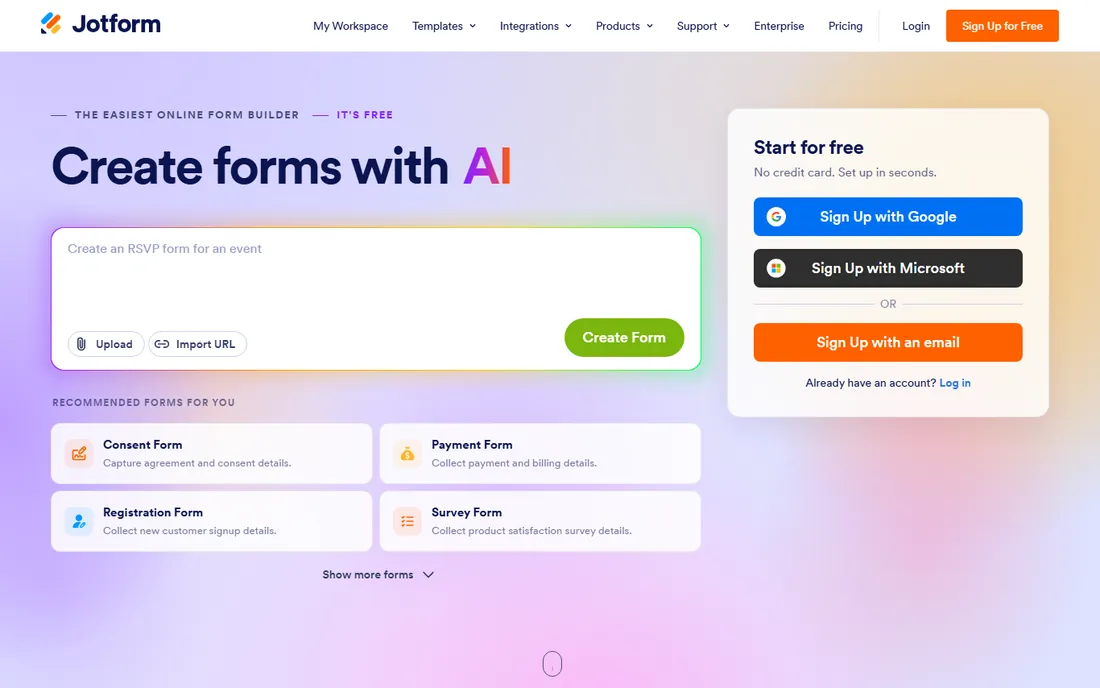
Jotform is the value pick in forms. The free plan is genuinely usable (5 forms, 100 submissions a month), Bronze at $34 a month annually gives 25 forms and 1,000 submissions, Silver at $39 annually gives 50 forms and 2,500 submissions, and Gold at $99 annually gives 100 forms, 5,000 submissions and HIPAA features. Beyond the builder, you get Jotform Tables for submission data, approval workflows, PDF generation from submissions, and an AI agent builder for conversational data collection. Offline form collection works through the mobile app.
The honest catch is the submission meter. A lead-gen form on a decent website can burn through 1,000 submissions faster than expected, and overage or upgrade is the only fix. If your volume is high and predictable, Paperform or Tally price flat. For everyone else, Jotform gives the most capability per dollar in the category.
What we like- A library of 10,000-plus templates, the largest in the category
- Native approval workflows and 100-plus integrations on paid plans
- Payment collection through Stripe, PayPal, Square and others with no extra gateway fee from Jotform
Watch out for- Submission caps are tight (1,000 a month on Bronze, 2,500 on Silver)
- HIPAA compliance waits until Gold at $99 a month annually
- The interface packs in so many features that new users face a learning curve
#2
Formstack
Best for: Healthcare, legal and HR teams needing compliance, documents and e-signatures in one suite
Visit formstack.com
Starting price$83/month (Forms plan, billed annually; $99 monthly)
Free planNo (14-day free trial)
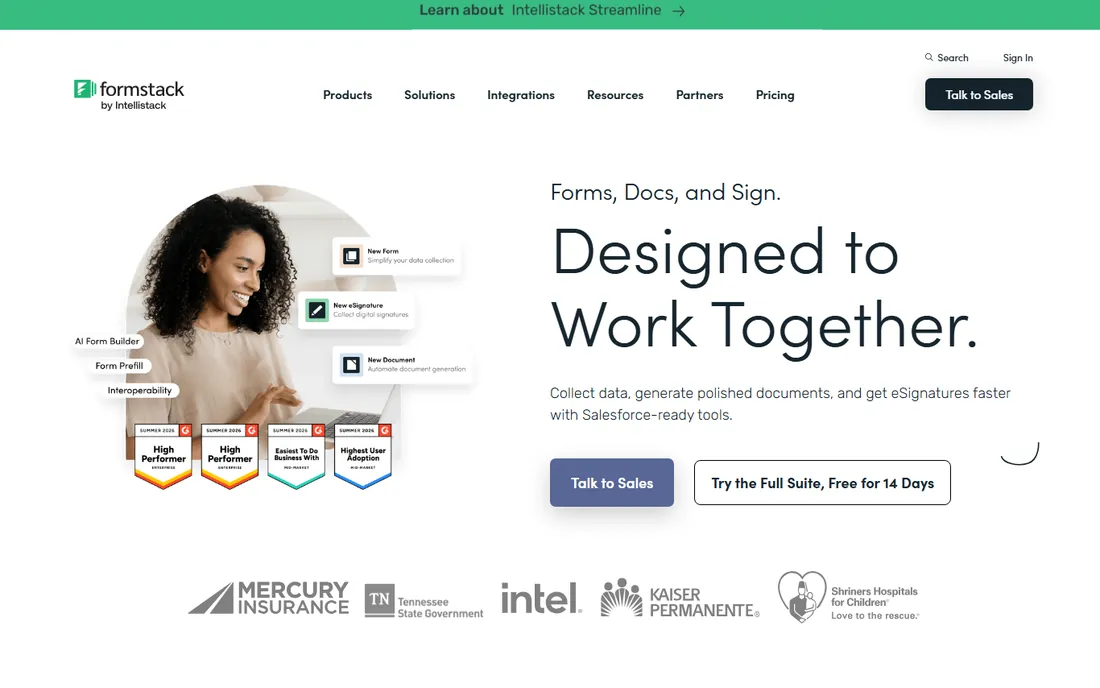
Formstack sells to regulated teams. The Forms plan at $83 a month annually covers 25 forms and 1,000 submissions per form with conditional logic and integrations. The Suite at $250 a month annually adds Formstack Documents (auto-generated contracts and proposals from form data) and Formstack Sign (e-signatures), which is the real product for healthcare and legal buyers: intake form to signed document to filed record without stitching three vendors together. A 14-day trial is offered.
The trade-off is price and support. At $83 a month entry with no free tier, Formstack costs triple the entry price of Jotform or Cognito Forms, and independent reviews flag support responsiveness as a weak point. Buy it for the compliance stack and the documents-plus-signature workflow. If you just need forms, the cheaper tools do the same job.
What we like- HIPAA compliance and advanced security available
- Documents, e-signatures and forms in one Suite ($250/month annually)
- Approval workflows and Salesforce integration built for regulated industries
Watch out for- No free plan at all
- Entry at $83 a month is steep next to $15 to $30 competitors
- Reviewers report support quality that does not match the price
#3
Typeform
Best for: Customer-facing surveys and lead forms where completion rates matter
Visit typeform.com
Starting price$25/month (Basic, billed annually; $29 monthly)
Free planYes (10 responses/month, essentially a trial)
Typeform is the design pick. When the form faces customers, prospects or research respondents, the conversational format genuinely reduces drop-off versus a wall of fields. Basic at $25 a month annually covers 100 responses a month, Plus at $50 annually covers 1,000 responses, and Business at $83 annually covers 10,000 responses with Salesforce integration. A free plan exists but at 10 responses a month it is a trial in disguise.
The honest catch is the response meter combined with seat caps (1 user on Basic, 3 on Plus, 5 on Business). A form that works well punishes you: more responses means a forced upgrade. Internal forms, HR paperwork and anything high-volume belong on Jotform or Tally. Customer research, waitlists and qualification forms where every completion counts belong here.
What we like- The conversational one-question-at-a-time format lifts completion rates on external surveys
- 3,000-plus templates and 120-plus integrations including Salesforce and HubSpot
- Logic jumps create branching flows without code
Watch out for- The free plan allows 10 responses a month, one of the tightest limits anywhere
- Pricing is per response volume, so a viral form gets expensive
- Payment collection runs only through Stripe
#4
Paperform
Best for: Branded landing-page forms with payments, calculations and e-signatures
Visit paperform.co
Starting price$49/month (Pro, billed annually; $59 monthly)
Free planYes (free plan for simple forms; 7-day trial of paid plans, no card required)
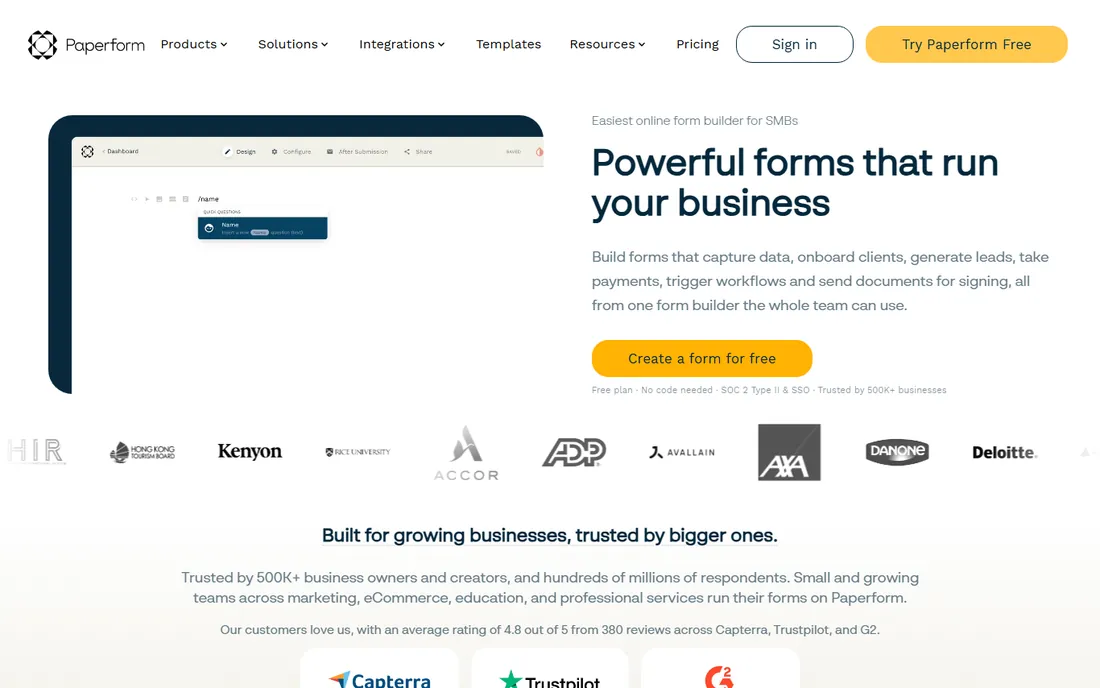
Paperform is the flat-rate pick. Where Typeform and Jotform meter responses and submissions, Paperform charges $49 a month annually for Pro with unlimited submissions and unlimited seats, plus Business at $124 annually with the API. A limited free plan covers simple forms. One subscription covers three products: Paperform for forms, Papersign for e-signatures, and Stepper for workflow automation. The document-style editor produces forms that look like branded landing pages, and five payment gateways (Stripe, PayPal, Square, Braintree, Google Pay) make it a real order-form tool.
The honest catch is the entry price and the HIPAA gap. At $49 a month for full features, it costs more than Jotform Bronze to start, and regulated healthcare buyers must look elsewhere. If your volume is unpredictable or your forms double as order pages, the unmetered model pays for itself quickly.
What we like- Unlimited submissions and unlimited seats on every paid plan, so volume spikes cost nothing extra
- An Excel-grade calculation engine for quotes, order forms and dynamic pricing
- Papersign e-signatures and Stepper workflow automation included in the subscription
Watch out for- No full-featured free tier (the free plan covers simple forms
- Paid starts at $49 a month)
- Not HIPAA compliant and signs no BAAs, so healthcare workflows are out
- Smaller integration list than Jotform
#5
Cognito Forms
Best for: SMBs that want calculations, approval workflows and HIPAA at low prices
Visit cognitoforms.com
Starting price$19/month (Pro, billed annually)
Free planYes (Individual: 100 entries/month, 1 user)
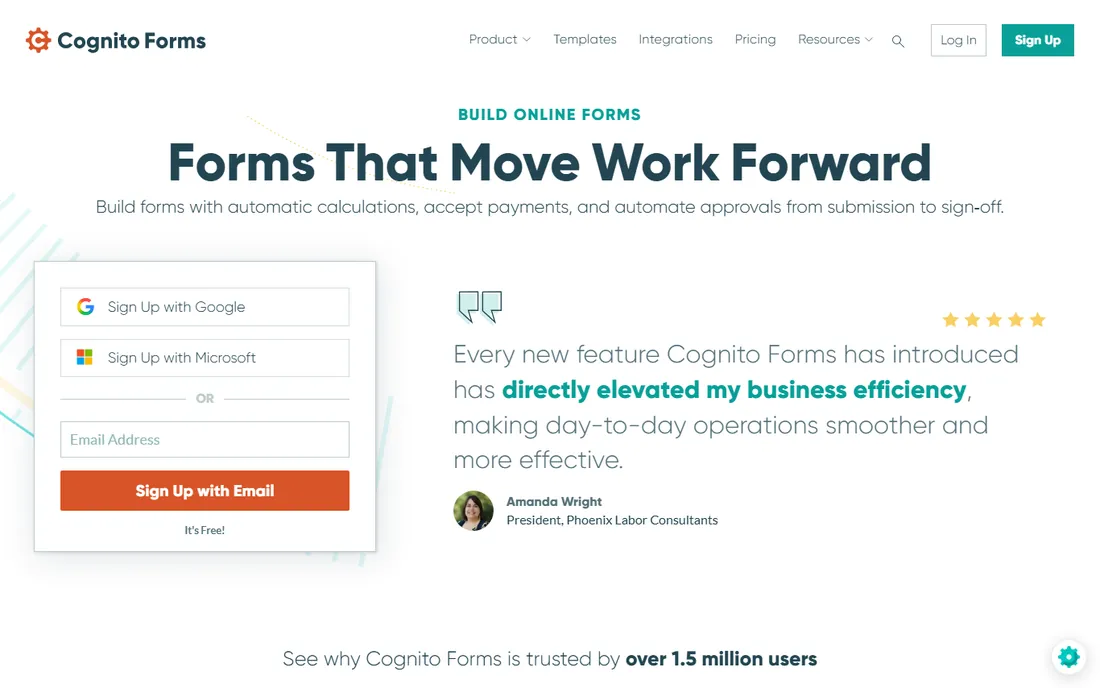
Cognito Forms is the quiet bargain. Pro at $19 a month annually covers 2,000 entries, 2 users, electronic signatures and save-and-resume. Team at $39 annually adds 10,000 entries, 5 users, client portals and workflow approvals. Enterprise at $129 annually adds HIPAA compliance, SSO and folder permissions. The calculation engine handles quotes, scoring and conditional pricing that many pricier tools struggle with, and Microsoft 365 integration is a genuine strength for Office-centric teams.
The trade-off is polish. Forms look functional rather than beautiful, and the builder will not win a design contest against Typeform or Paperform. For internal workflows, client intake, registrations and anything where the math matters more than the look, it is the best value on this list.
What we like- The cheapest HIPAA-compliant path in the category (Enterprise at $129/month annually)
- A calculation engine that rivals tools costing three times more
- Entry pricing undercuts every comparable builder
Watch out for- The interface looks dated next to Typeform or Tally
- The free plan is thin at 100 entries a month
- Advanced branding and white-labeling lag the design-first tools
#6
Tally
Best for: Anyone who wants a capable form builder for free
Visit tally.so
Starting price$29/month (Pro)
Free planYes (unlimited forms and unlimited submissions)
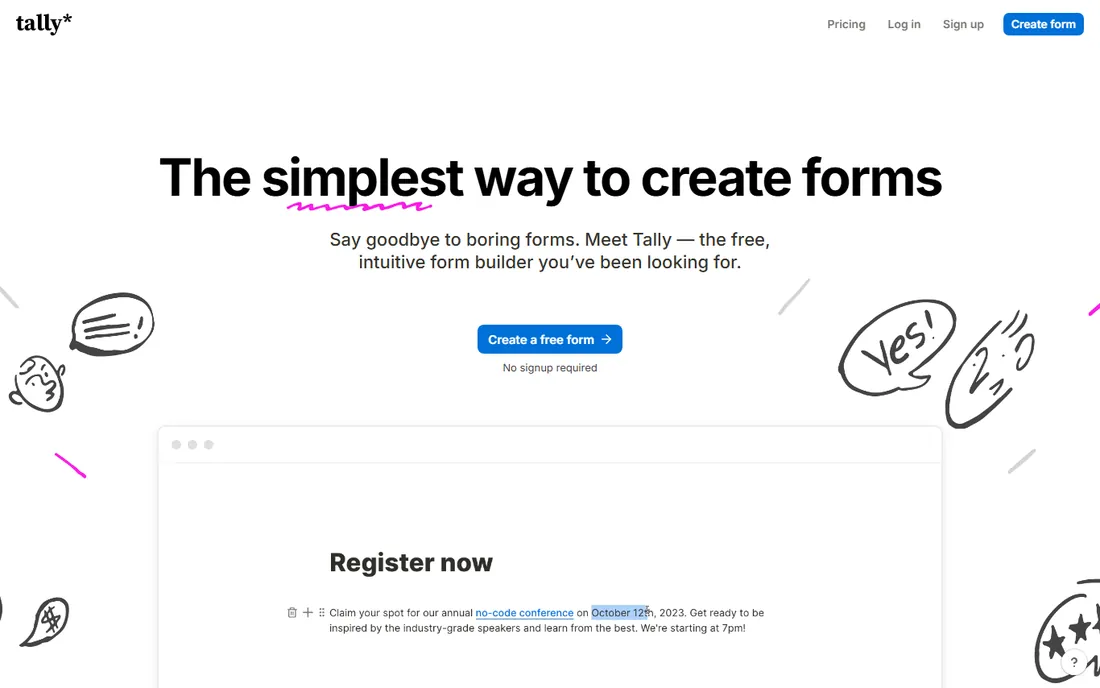
Tally rewrote the pricing expectations for form builders. The free plan includes unlimited forms, unlimited submissions, conditional logic, calculated fields, file uploads and multi-page forms, which is more than most competitors put in their paid tiers. Pro at $29 a month (about $24 annually) adds custom domains, branding removal, team collaboration and advanced customization. Business at $89 a month adds organizational controls and data retention management.
The honest catch is what is missing: no HIPAA tier, a smaller integration catalog, and analytics that stay basic. For startups, freelancers, nonprofits and internal tools, the free plan is the whole product and it is excellent. Pay for Pro when you need your own domain and no Tally branding, not for features.
What we like- The most generous free plan in the category: unlimited forms, unlimited submissions, conditional logic and calculations
- A Notion-like editor that is fast to learn
- AI form generation available even on the free plan
Watch out for- Pro at $29 a month adds branding removal, custom domains and collaboration but little functional depth
- Fewer native integrations than Jotform
- No HIPAA compliance tier
#7
Fillout
Best for: Teams building AI-generated forms with deep integrations
Visit fillout.com
Starting price$19/month (Starter, 2,000 responses/month)
Free planYes (1,000 responses/month)
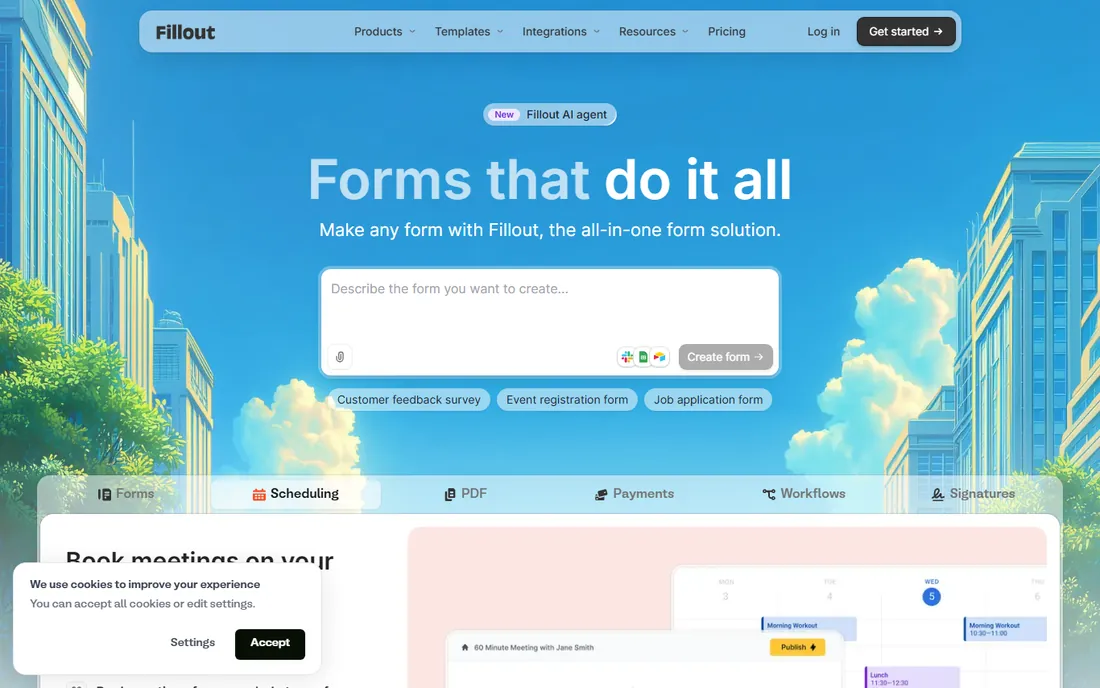
Fillout is the modern builder for teams that live in Airtable, Notion or Salesforce. The free plan covers 1,000 responses a month with unlimited forms, which beats most competitors. Starter at $19 a month adds 2,000 responses and custom themes, Pro at $49 adds 5,000 responses, respondent emails and branding removal, and Business at $89 offers unlimited responses. AI template creation and automation workflows are the differentiators: describe the form, get a working draft, connect it to your stack.
The catch is the gating. Branding removal, custom domains and CSS all wait for the $49 Pro tier, and the editor does not always flag premium blocks until you have built with them. For integration-heavy teams it is the best fit here. For simple forms, Tally is free and Jotform is cheaper.
What we like- AI form generation that builds from a prompt, with templates from the AI as a starting point
- Strong native integrations (Airtable, Notion, Salesforce, Calendly, Google Sheets)
- A generous free plan at 1,000 responses a month
Watch out for- Paid tiers gate features aggressively (custom branding and CSS wait for Pro at $49)
- The interface buries premium features until you insert them
- HIPAA compliance only on higher tiers
#8
Zoho Forms
Best for: Businesses already running on Zoho CRM, Books or other Zoho apps
Visit zoho.com
Starting price$12/month (Standard, billed annually)
Free planYes
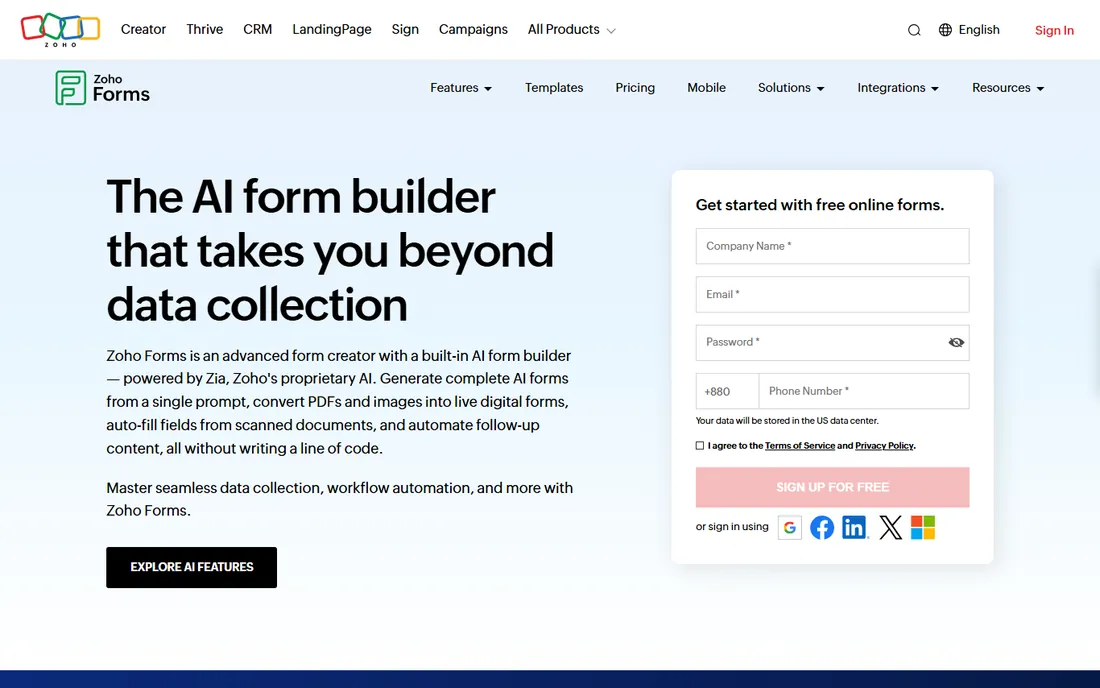
Zoho Forms makes sense in one situation: your business already runs on Zoho. Then form submissions flow into Zoho CRM as leads, into Campaigns as contacts, and into Desk as tickets with no connectors and no extra integration bill. Standard at $12 a month annually is the cheapest paid plan on this list, and the free plan covers basic needs.
Outside Zoho, there is little reason to choose it. The builder is solid but unremarkable, templates are fewer, and the design polish lags the leaders. If you are not a Zoho shop, Jotform gives you more for slightly more money. If you are, this is the obvious pick.
What we like- The cheapest paid entry on this list at $12 a month
- Deep native integration with the Zoho suite (CRM, Campaigns, Desk)
- Offline form collection through the mobile app
Watch out for- Weak outside the Zoho ecosystem
- The template library and design polish trail Jotform and Typeform
- Advanced workflow features need higher Zoho One tiers
#9
Wufoo
Best for: Simple standalone forms with minimal fuss
Visit wufoo.com
Starting price$16.25/month (Starter, billed annually; $22 monthly)
Free planYes (5 forms, 100 submissions/month)
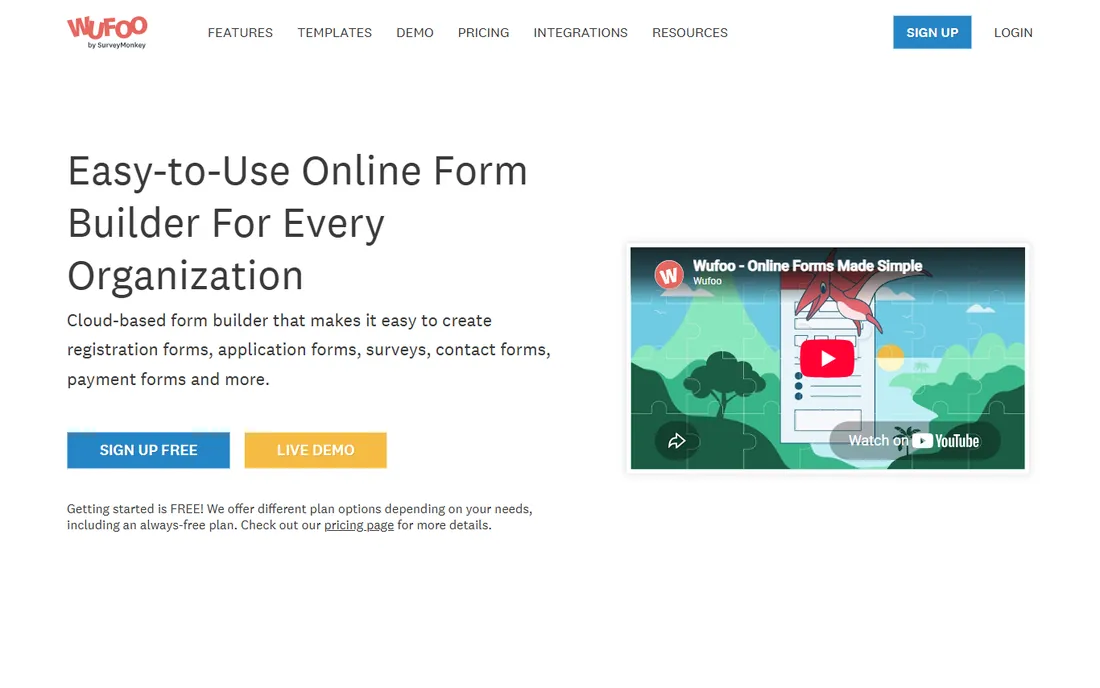
Wufoo is the legacy pick that still works. Starter at $16.25 a month annually covers 10 forms and 1,000 entries, Professional at $33.25 annually covers unlimited forms and 5,000 entries with payments, and Advanced at $83.25 annually covers 25,000 entries and 20 users. Setup is genuinely fast, and for a contact form or a simple survey it does the job with no learning curve.
The honest catch is stagnation. Wufoo has not meaningfully evolved in years, the UI shows it, and SurveyMonkey has not invested in new features. For basic forms that will not change, that stability is fine. For anything you expect to grow, Jotform or Cognito Forms give you a future as well as a present.
What we like- Dead simple to set up, with a builder anyone can learn in minutes
- Entry pricing undercuts most competitors at $16.25 a month annually
- Unlimited forms on Professional and above
Watch out for- The interface has barely changed in years and feels dated
- The free plan caps fields at 10 per form and excludes payments
- Development pace is slow under SurveyMonkey ownership, so expect maintenance, not innovation
#10
FormAssembly
Best for: Enterprises that need Salesforce-native, compliant data collection
Visit formassembly.com
Starting priceSee website (custom quote; Atlas tiers)
Free planNo
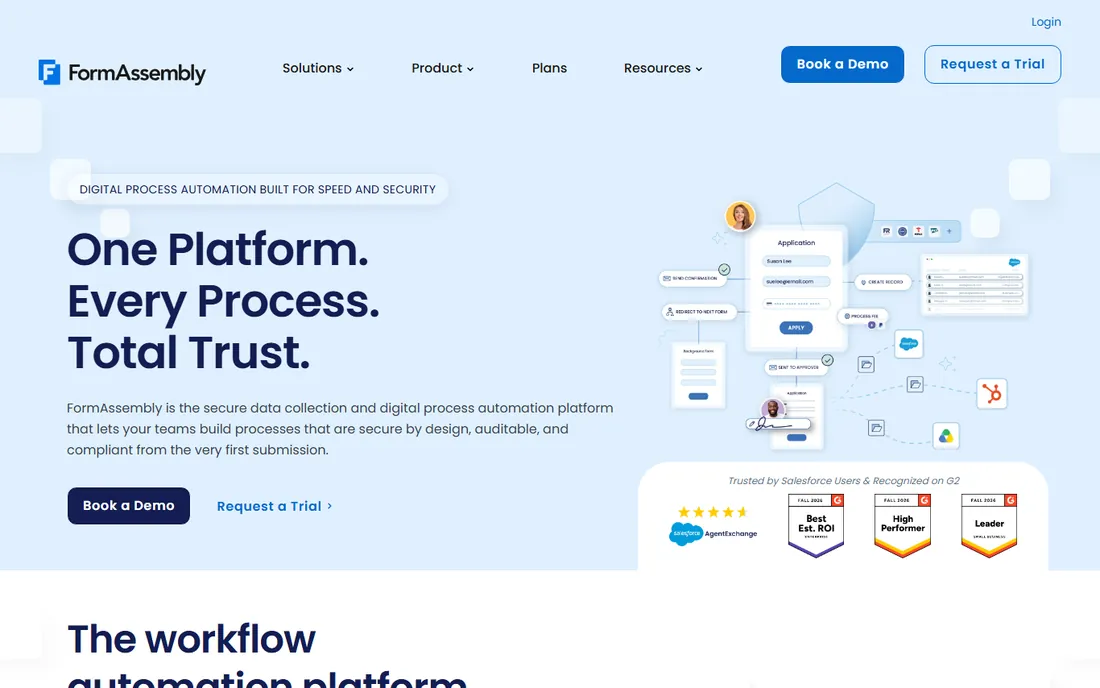
FormAssembly is the enterprise compliance pick. Where the other tools on this list are form builders with compliance features, FormAssembly is a compliance platform that builds forms: every submission lands structured, validated and ready for automation, with connectors into Salesforce and the rest of the stack. The Atlas platform tiers (Explorer, Team, Enterprise, Gov Cloud) are quote-based, which reflects the implementation scope.
For a hospital system, university or financial institution collecting sensitive data at scale, it is the right call. For a 20-person company, it is a sales process you do not need: Cognito Forms or Jotform Gold cover HIPAA at a published price. FormAssembly earns its place as the ceiling of this category.
What we like- Deep Salesforce integration, including prefilled forms and direct record creation
- Compliance-first architecture (HIPAA, PCI, GDPR) with government cloud options
- An AI assistant that drafts forms and workflows
Watch out for- Custom pricing with a sales process, so no self-serve start
- Overkill and overpriced for anything under enterprise scale
- Implementation needs real planning
Submission limits, seats and the pricing traps
Form builders meter three things: submissions, forms and seats. The meter that bites depends on your use case. A lead-gen form on a busy site burns submissions: Jotform Bronze allows 1,000 a month, Typeform Basic 100 responses, Wufoo Starter 1,000 entries. An HR team with many forms burns the form count: Jotform Bronze allows 25 forms, Cognito Forms allows unlimited on every plan. A team burns seats: Typeform allows 1 user on Basic and 5 on Business, Paperform allows unlimited seats on every plan.
Then there are the overages. Typeform stops collecting when you hit the response cap until you upgrade. Jotform charges for extra submissions. Paperform and Tally do not meter volume at all, which makes them the safest picks for unpredictable traffic. Before you commit, estimate your busiest month, not your average, and check what happens at 2x that volume.
How we chose
We started with the searches buyers run: best form builder, forms automation software, online form builder and HIPAA compliant forms. For each candidate we opened the vendor's own pricing page, checked the numbers against public reviews on G2 and Capterra and practitioner discussion on Reddit, and compared automation depth, limits, compliance options and fit for different team sizes. Prices that could not be verified on the vendor's page are marked "See website".
When you need HIPAA (and when you do not)
HIPAA compliance matters if your forms collect protected health information: patient intake, medical history, insurance details. On this list, Jotform Gold ($99/month annually), Formstack Enterprise, Cognito Forms Enterprise ($129/month annually) and FormAssembly sign BAAs and offer compliant tiers. Zoho Forms also states HIPAA compliance on its site, though its BAA process is less documented than the specialists. Everyone else either lacks compliance or, in Paperform's case, explicitly declines to sign BAAs.
Do not pay the HIPAA premium if you do not need it. A marketing survey, a job application and a quote request carry no PHI, and the compliant tiers cost two to five times the standard ones. The one exception: if a form might collect health details incidentally (a "tell us about your condition" free-text field), either remove the field or buy the compliant tier. Fines cost more than software.
Frequently asked questions
What is the best free form builder?
Tally: unlimited forms and unlimited submissions on the free plan, including conditional logic and calculations. Jotform's free plan (5 forms, 100 submissions) is the runner-up for teams that need more integrations. Typeform's free plan is too limited at 10 responses a month to count as a real free tier.
How much does form builder software cost?
Entry paid plans run $12 to $34 a month billed annually (Zoho Forms $12, Cognito Forms $19, Jotform Bronze $34). Mid tiers with real automation run $39 to $83 a month. Enterprise compliance platforms (Formstack Suite, FormAssembly) are quote-based and cost several hundred a month.
Which form builder is best for payments?
Jotform and Paperform both collect payments natively through Stripe, PayPal and Square with no extra gateway fee from the vendor. Typeform collects only through Stripe. Wufoo's free plan excludes payments entirely; they start on Professional.
Do form builders integrate with CRMs?
Yes. Jotform, Formstack, Typeform, Fillout and Cognito Forms all integrate with Salesforce and HubSpot natively. Zoho Forms integrates deepest with Zoho CRM. Check whether the CRM connector sits on your plan: Typeform gates Salesforce to Business, while Jotform includes it on all paid tiers.
What is the difference between a form builder and forms automation software?
A form builder creates the form. Forms automation adds what happens after submit: approval chains, conditional routing, document generation, e-signatures and system updates. Jotform, Formstack and Cognito Forms include real automation; Typeform and Tally are primarily builders with lighter workflow features.
Sources we checked (12)
- https://jotform.com/pricing/
- https://www.formstack.com/pricing
- https://typeform.com/pricing/
- https://paperform.co/pricing/
- https://cognitoforms.com/pricing
- https://tally.so/pricing
- https://fillout.com/pricing
- https://www.zoho.com/forms/pricing/
- https://wufoo.com/pricing/
- https://formassembly.com/pricing/
- https://www.g2.com/categories/online-form-builder
- https://www.capterra.com/online-form-builder-software/
Is your product missing or out of date?
We review this list regularly. Vendors can request a listing, send updated pricing or ask about featured placement.

Shihab Mia · Founder, Rankite
Shihab has 5+ years in B2B and SaaS SEO. He writes Rankite's software buying guides from pricing pages, documentation and public user reviews. More about Shihab.