How we make this list: we compare pricing pages, product documentation and public user reviews. Ratings come from G2, Capterra or Trustpilot, with the date we checked them.
Key takeaways
- Anki suits serious learners who want full control over spaced repetition, while Quizlet suits students who want ready-made decks and classroom features.
- Brainscape suits learners who want confidence-based repetition, while RemNote suits students who combine notes with flashcards in one app.
- StudySmarter suits students who want a full study platform, while Cram, Mochi and Flashcards Deluxe suit simpler, focused flashcard use.
- Spaced repetition only works with regular review, so pick an app whose daily review habit you will actually keep.
Quick comparison
Is your product missing or out of date?
We review this list regularly. Vendors can request a listing, send updated pricing or ask about featured placement.
The best flashcard apps
Starting priceFree
Free planYes
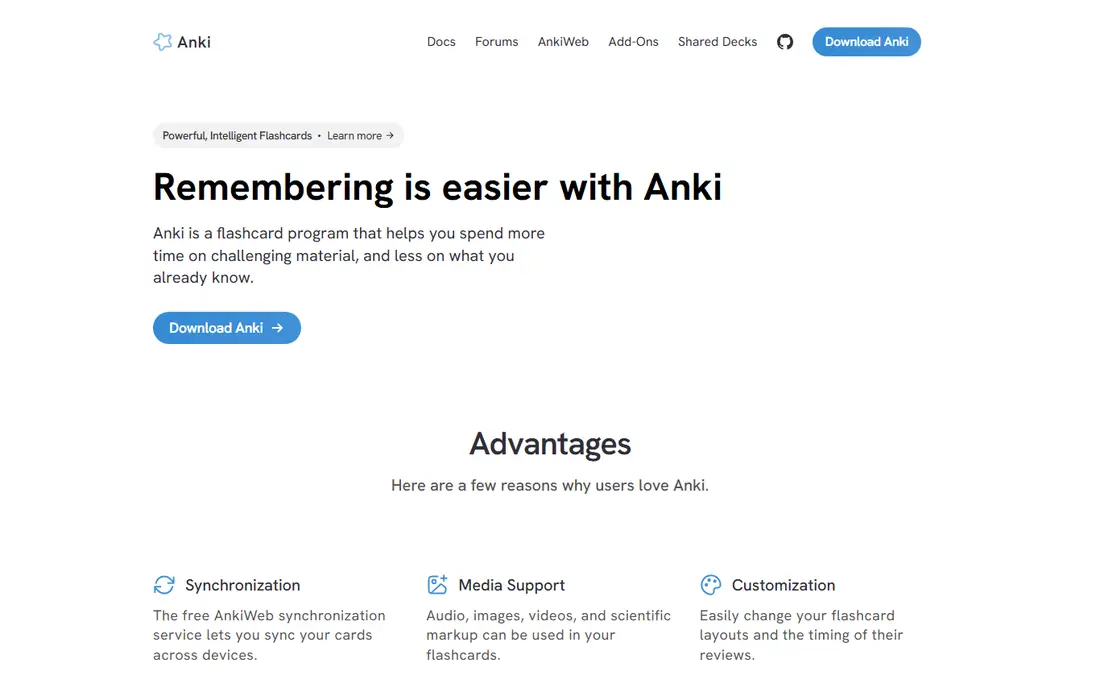
Anki suits a learner who takes spaced repetition seriously, from medical students to language learners. The algorithm schedules each card just before you are likely to forget it, which makes long-term retention far stronger than rereading notes. Shared decks cover medicine, law, languages and many other subjects, while custom card types support images, audio, cloze deletions and typed answers. For a learner with a large exam ahead, Anki is the most powerful tool in this list.
The interface feels dated, and setup takes learning, especially for custom decks and settings. The iOS app is paid, although desktop and Android versions are free, and syncing across devices needs an AnkiWeb account. For a learner willing to learn the tool, Anki offers unmatched retention power.
What we like- Powerful spaced repetition algorithm
- Huge shared deck library
- Fully customizable card types
Watch out for- Interface feels dated
- IOS app is paid while desktop and Android are free

#2Quizlet
Best for: Ready-made decks4.5/5 on
G2 (291 reviews, checked Oct 2026)
Visit quizlet.com
Starting priceFree
Free planYes
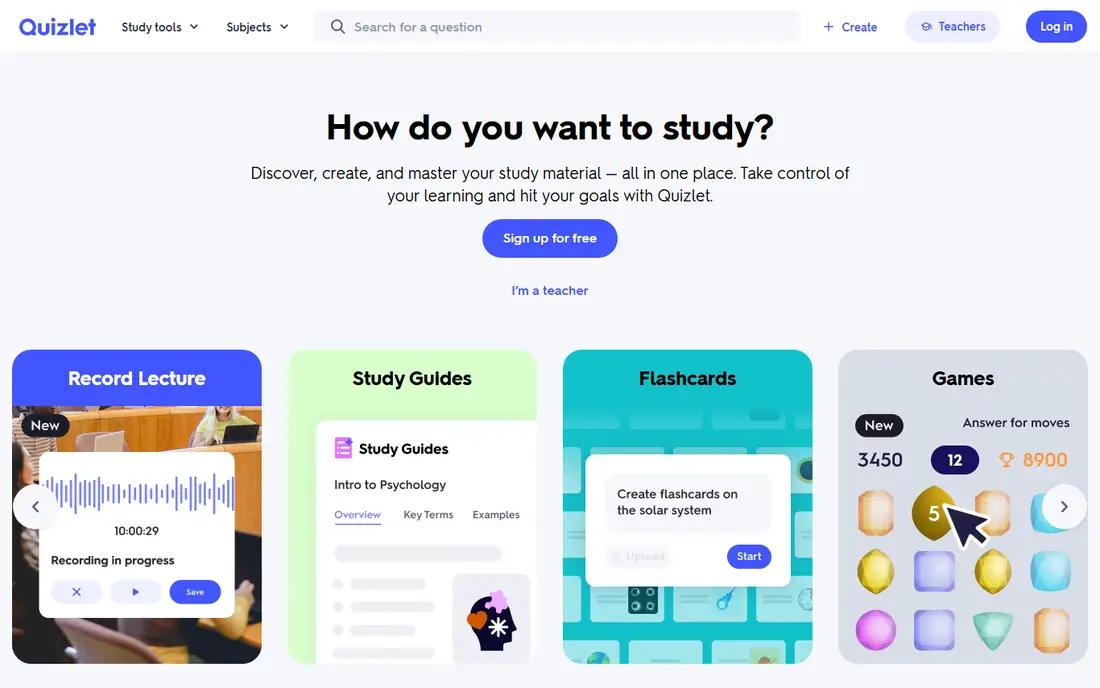
Quizlet suits a student who wants to start studying in minutes. Millions of user-made decks cover school subjects, languages, medicine and professional exams, so a learner often finds a deck for their exact textbook or course. Learn mode quizzes with spaced review, Test mode builds practice exams, and Match turns review into a game. Teachers can create classes and track student progress, which makes Quizlet popular in schools.
Advanced features such as unlimited Learn, offline access and ad-free use need a paid plan, and the spaced repetition algorithm is simpler than Anki. A learner who needs precise scheduling control should pick Anki. For ready-made decks and classroom use, Quizlet is the easiest start.
What we like- Huge library of ready-made decks
- Learn and Test modes
- Classroom features for teachers
Watch out for- Advanced features need a paid plan
- Spaced repetition is simpler than Anki
Starting priceFree
Free planYes
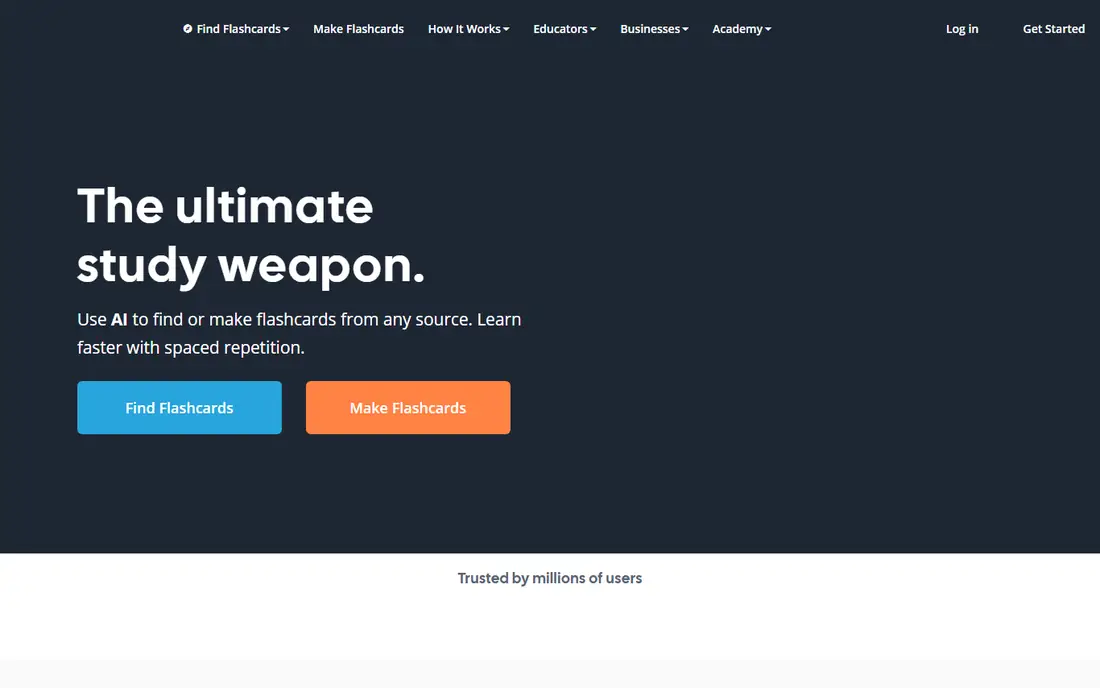
Brainscape suits a learner who likes rating their own confidence. After each card, you rate how well you knew it on a scale, and the algorithm repeats low-confidence cards sooner and high-confidence cards later. That self-rating builds metacognition, since a learner must judge mastery honestly rather than flipping cards passively. Curated decks cover popular subjects, and the interface stays clean and focused.
Free tier limits deck creation and some features, so heavy users need a paid plan. The deck library is smaller than Quizlet for niche topics. For confidence-based spaced repetition with a clean interface, Brainscape is a strong choice.
What we like- Confidence-based repetition adapts to self-rated mastery
- Curated decks for popular subjects
- Clean interface
Watch out for- Free tier limits deck creation
- Paid plans needed for full features

#4RemNote
Best for: Notes plus flashcards3.5/5 on
G2 (1 reviews, checked Oct 2026)
Visit remnote.com
Starting priceFree
Free planYes
RemNote suits a student who takes notes and wants flashcards without double work. Notes written in outline form can become flashcards with a simple marker, and spaced repetition schedules those cards automatically. That link between notes and cards helps a learner who studies concepts in context, since each card traces back to its source note. For a university student who already takes structured notes, RemNote saves the step of building decks separately.
The interface takes learning, since the outline-plus-flashcard model differs from a simple deck app, and some features sit behind paid plans. A learner who only wants quick decks may prefer Quizlet. For notes-plus-flashcards study, RemNote is uniquely efficient.
What we like- Notes turn into flashcards automatically
- Spaced repetition built in
- Good for concept-linked learning
Watch out for- Interface takes learning
- Free tier limits some features
Starting priceFree
Free planYes
StudySmarter suits a student who wants flashcards inside a full study platform. Notes, summaries, study plans and flashcards work together, with shared content for many school and university subjects. Exam countdowns and progress tracking help a student plan revision across subjects, not just one deck. For a school or university student who wants one app for all study, StudySmarter offers breadth that single-purpose flashcard apps lack.
Flashcard depth trails Anki for power users, since the platform prioritizes breadth over algorithm control, and some features vary by country. A medical student with a huge deck may still prefer Anki. For a full study platform with flashcards included, StudySmarter is a strong choice.
What we like- Flashcards plus notes, summaries and study plans
- Large shared content library
- Exam-focused features
Watch out for- Platform is broad, so flashcard depth trails Anki
- Some features vary by country
Starting priceFree
Free planYes
Cram suits a learner who wants simple, free flashcards without complexity. Decks are easy to create and share, memorize mode walks through cards in a focused review, and the core features cost nothing. That simplicity appeals to a student who finds Anki overwhelming and Quizlet busy. For a quick deck for a test next week, Cram gets the job done with minimal setup.
The interface feels dated, and spaced repetition is basic compared with Anki or Brainscape, so long-term retention planning is weaker. A learner with a large exam in months should pick a stronger algorithm. For simple, free flashcards, Cram is a reliable and easy option.
What we like- Simple deck creation and sharing
- Memorize mode for review
- Free core features
Watch out for- Interface feels dated
- Spaced repetition is basic compared with Anki
Starting priceFree
Free planYes
Mochi suits a learner who writes notes in Markdown and wants flashcards from the same text. Cards support Markdown formatting, images and code blocks, which helps a technical learner studying programming, math or science. Spaced repetition schedules reviews, and the interface stays clean and focused without social features or games. For a Markdown-loving student, Mochi feels natural in a way that Anki setup does not.
The community and shared deck library are smaller than Anki or Quizlet, and full sync features need a paid plan. A learner who wants ready-made decks should pick Quizlet instead. For Markdown-based spaced repetition, Mochi is a modern and focused choice.
What we like- Markdown-based cards with spaced repetition
- Clean, focused interface
- Good for technical notes
Watch out for- Smaller community and deck library
- Paid plan needed for full sync features
Starting priceSee website
Free planFree trial
Flashcards Deluxe suits a learner who wants reliable offline flashcards on a phone or tablet. Decks import from spreadsheets, text files and Quizlet, card layouts are customizable with text, images and audio, and spaced repetition plus quiz modes cover review. Offline use is a genuine strength, since a learner can study on a plane, a commute or a campus with poor signal without worrying about sync. For a traveller or a commuter, that reliability matters.
The app is paid after a trial period, and the interface prioritizes function over beauty. A learner who wants a large shared deck library should pick Quizlet or Anki instead. For offline, customizable flashcards with easy import, Flashcards Deluxe is a dependable pick.
What we like- Strong offline use
- Imports from spreadsheets and Quizlet
- Customizable card layouts
Watch out for- Paid app after trial
- Interface is functional rather than beautiful
How we chose
We compared vendor pages, feature lists and public reviews for flashcard apps serving students and self-learners. We looked for spaced repetition quality, deck libraries, ease of creation, offline access and honest pricing. We did not claim hands-on testing, and we noted where free tiers end, since many apps limit decks, sync or advanced review behind paid plans.
How to study with flashcards effectively
Start with active recall, not rereading. Try to answer each card before flipping it, and rate your confidence honestly, since the algorithm depends on that rating. Keep cards short, with one fact per card, and use images or examples where they help memory. A deck of short, clear cards beats a deck of long paragraphs every time.
Next, review daily in short sessions rather than cramming weekly. Spaced repetition works because it schedules reviews just before forgetting, so missing days weakens the effect. Finally, mix new cards with reviews, and retire cards you know cold so review time focuses on weak spots. A daily habit of twenty minutes beats a weekend marathon for long-term retention.
Making your own cards helps more than downloading a deck, since writing a clear question forces you to decide what matters. Use a shared deck as a starting point, then edit cards, add your own examples and delete facts you already know. That editing step turns passive review into active study, and it keeps the deck matched to your course and exam. Review missed cards the same day, while the correct answer is still fresh, to lock in the correction.
Check where your data lives before you commit to an app. Some apps sync across phone, tablet and desktop, while others work best on one device, and export options vary widely. A learner who studies on several devices should confirm sync and offline access during a trial, and keep a backup export of important decks so years of study never depend on one account.
Frequently asked questions
Which flashcard app is best for medical school?
Anki is the standard for medical students, thanks to its powerful spaced repetition, huge shared decks and customizable cards for images and cloze deletions. Brainscape and Quizlet also work, but Anki offers the deepest control for large, long-term decks.
Is Anki really free?
Anki desktop and Android apps are free, while the iOS app is paid. Syncing through AnkiWeb is free, and shared decks are free, which makes Anki unusually affordable for its power.
Can I use flashcards for language learning?
Yes. Flashcards suit vocabulary, grammar patterns and phrases, especially with audio cards in Anki, Mochi or Flashcards Deluxe. Pair flashcards with speaking practice, since cards alone rarely build conversation fluency.
How many flashcards should I review per day?
It depends on your exam and time. Many learners review 50 to 200 cards daily in 20 to 40 minutes, with new cards limited so reviews stay manageable. Start with 20 new cards a day and adjust based on review load.
Do flashcards work for all subjects?
Flashcards work best for factual, definitional and procedural knowledge, such as vocabulary, anatomy, formulas and history dates. They work less well for essays, design and open-ended problem solving, which need practice and feedback beyond recall.
Sources we checked (8)
- https://apps.ankiweb.net
- https://quizlet.com
- https://www.brainscape.com
- https://www.remnote.com
- https://www.studysmarter.de
- https://www.cram.com
- https://mochi.cards
- https://orangeorapple.com
Is your product missing or out of date?
We review this list regularly. Vendors can request a listing, send updated pricing or ask about featured placement.

Shihab Mia · Founder, Rankite
Shihab has 5+ years in B2B and SaaS SEO. He writes Rankite's software buying guides from pricing pages, documentation and public user reviews. More about Shihab.
 Anki
Anki Brainscape
 StudySmarter
 Cram
Cram Mochi
Mochi Flashcards Deluxe