How we make this list: we compare pricing pages, product documentation and public user reviews. Rankite is independent; if a vendor ever pays for a featured spot, that listing is clearly labeled Partner.
Key takeaways
- Dropbox, Google Drive, and OneDrive are the defaults most teams already live in.
- Box and Egnyte serve regulated and mid-size businesses that need governance.
- Sync, Tresorit, and Internxt are the zero-knowledge picks for privacy-first teams.
- pCloud stands out with Swiss privacy and lifetime purchase options.
- Every tool here offers a free tier or trial except the enterprise-leaning ones.
Quick comparison
| Tool | Best for | Starting price | Free plan |
|---|
 Dropbox Dropbox | everyday team file sync | See website | Yes |
 Google Drive Google Drive | Google Workspace teams | See website | Yes |
 Microsoft OneDrive Microsoft OneDrive | Microsoft 365 shops | See website | Yes |
 Box Box | enterprise content management | See website | No |
 Egnyte Egnyte | regulated industry collaboration | See website | Free trial |
 pCloud pCloud | privacy-first lifetime storage | See website | No |
 Sync Sync | zero-knowledge team storage | See website | Yes |
 Tresorit Tresorit | compliance-grade encryption | See website | No |
 Internxt Internxt | open-source encrypted storage | €9.99/month | No |
Is your product missing or out of date?
We review this list regularly. Vendors can request a listing, send updated pricing or ask about featured placement.
The best file management software
Starting priceSee website
Free planYes
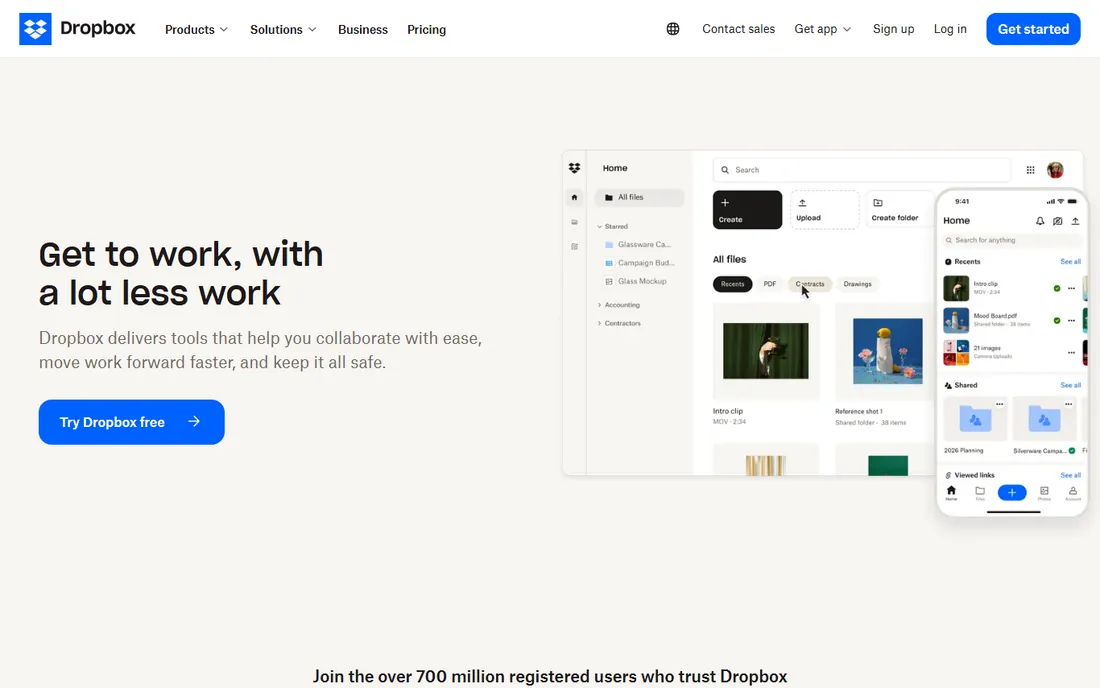
Dropbox is the file sync tool the whole world knows: files appear on every device, version history covers mistakes, and shared links with large file transfers up to 250GB handle client deliveries without email attachments. Previews for 175+ file types mean you rarely download just to look. The free plan covers individuals getting started.
The honest note: Dropbox wins on ubiquity, not specialization. Teams with compliance requirements or heavy workflow automation usually outgrow it toward Box or Egnyte. For a small business that just needs files to be where they should be, it is the lowest-friction choice.
What we like- 700 million registered users and universal familiarity
- Syncs across every major platform
- AI integrations with leading AI tools
Watch out for- Free tier is limited
- Business pricing adds up for large teams
- Fewer compliance features than Box or Egnyte
Starting priceSee website
Free planYes
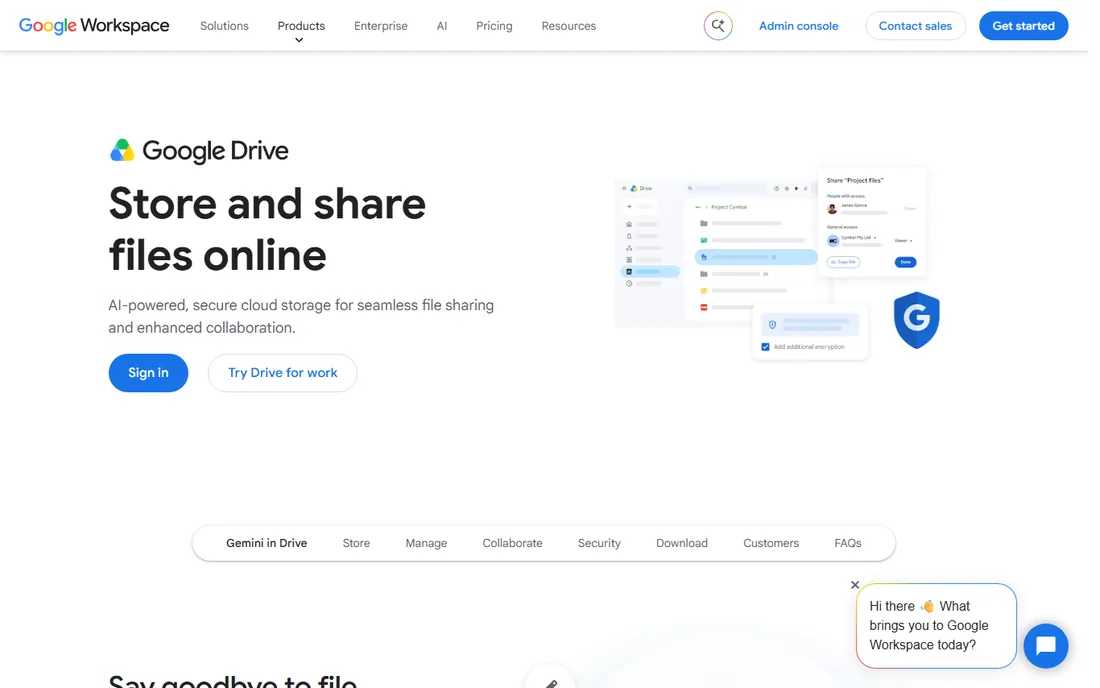
Google Drive is the file home for Google Workspace teams: 15 GB of free storage, documents that multiple people edit at once, and Google's search finding a file from three words in its contents. For teams already living in Gmail and Google Docs, there is no setup and no learning curve.
The honest catch: Drive's sharing model is powerful but easy to misconfigure, and ex-employees with lingering access are a classic problem. The desktop sync experience still trails Dropbox. If your company runs on Google Workspace, though, Drive is the obvious and correct default.
What we like- 15 GB free storage per account
- Real-time collaboration in Docs, Sheets, and Slides
- Search is best in class
Watch out for- Sharing permissions confuse new users
- Desktop sync is weaker than Dropbox
- Tied to the Google ecosystem
Starting priceSee website
Free planYes
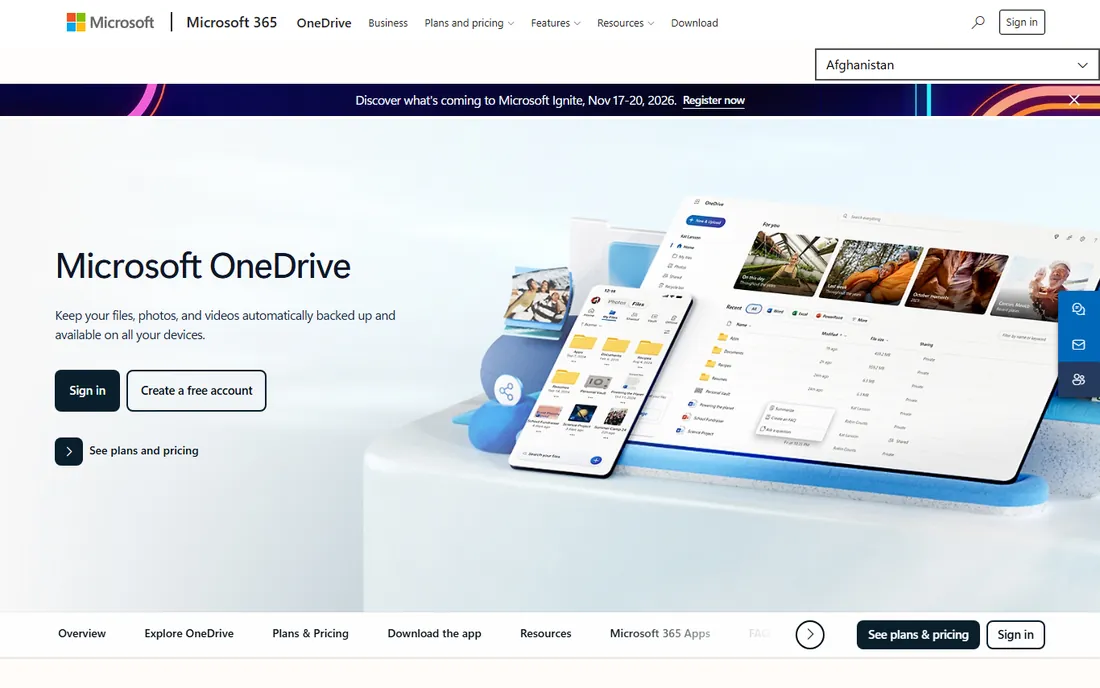
OneDrive is the file layer of the Microsoft world: automatic backup of PC folders, real-time co-authoring in Office documents, and a Personal Vault behind multi-factor authentication for your most sensitive files. Every free Microsoft account gets 5 GB, and paid plans scale through Microsoft 365 Personal (1 TB) and Family (up to 6 TB).
The honest framing: OneDrive shines inside Microsoft 365 and merely exists outside it. Businesses that already pay for Microsoft 365 are leaving value on the table by using something else. Everyone else should weigh the alternatives on their own merits.
What we like- 5 GB free with any Microsoft account
- Deep integration with Word, Excel, and Teams
- Personal Vault adds a protected folder
Watch out for- Best experience requires a Microsoft 365 subscription
- Admin controls live in a separate console
- Sync conflicts still happen
Starting priceSee website
Free planNo
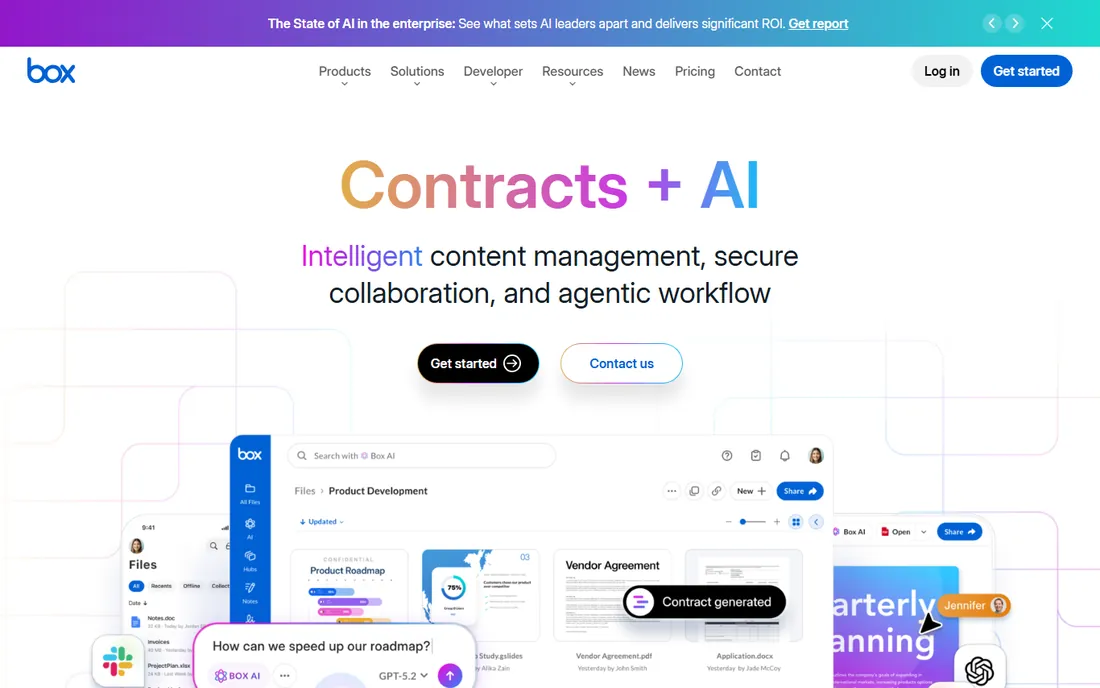
Box has grown from cloud storage into an intelligent content management platform: secure collaboration, AI-powered document insights and data extraction, automated workflows with a drag-and-drop builder, and e-signatures included free. Compliance tools cover GDPR, HIPAA, and FINRA out of the box.
The honest trade: Box is priced and positioned for organizations, and solo users should look elsewhere. But a mid-size company that needs content governance, compliance, and workflow automation in one platform will find Box's depth unmatched by the sync-first tools.
What we like- Enterprise-grade security and compliance (GDPR, HIPAA, FINRA)
- Box AI extracts insights from documents
- Unlimited free e-signatures built in
Watch out for- Priced for businesses, not individuals
- The feature depth takes time to learn
- Smaller teams may find it heavy
Starting priceSee website
Free planFree trial
Egnyte calls itself the content cloud that works like a local file server, and that description fits: open large files from desktop apps without downloads or VPNs, co-edit complex CAD and design files, and manage it all under governance that satisfies GDPR, HIPAA, and CMMC. AI search, AI workflows, and a conversational AI assistant sit on top of 23,000+ customers' content.
The honest note: Egnyte targets industries with complex content and real compliance needs, and the sales-led buying process reflects that. A creative agency or architecture firm will feel understood here. A ten-person startup that just needs shared folders should not pay for this much machinery.
What we like- Works like a local file server with cloud benefits
- AI assistant and agents built in
- Strong in AEC, finance, and life sciences
Watch out for- Enterprise sales process
- Pricing not public
- Smaller brand than Box
Starting priceSee website
Free planNo
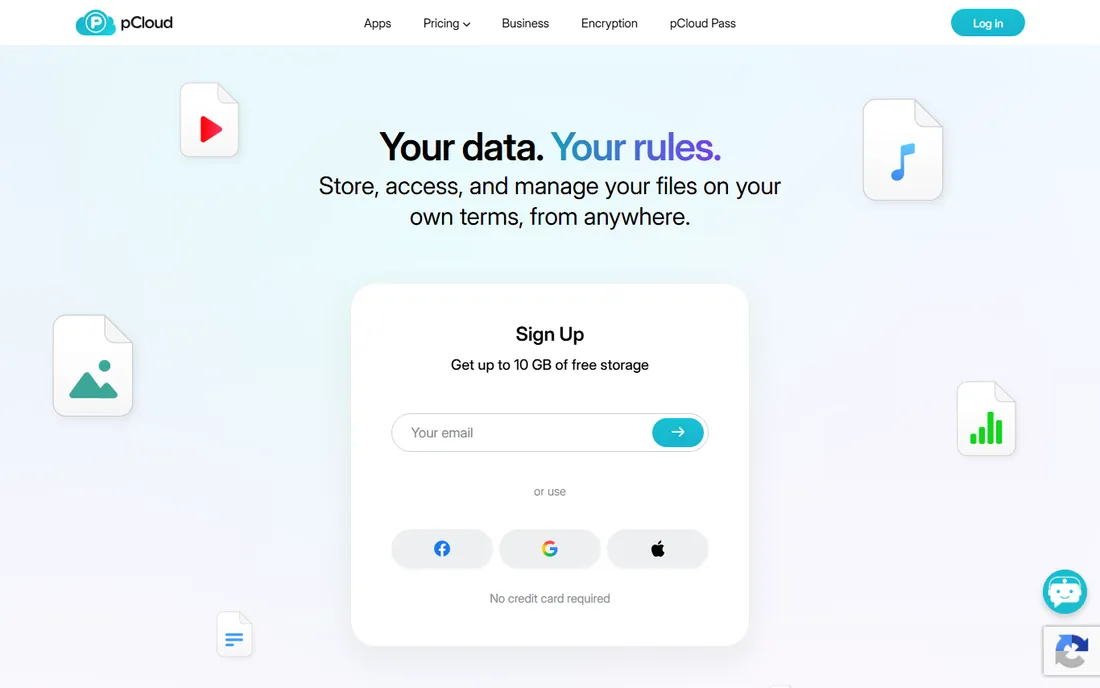
pCloud is the cloud storage for people who want to buy storage once: Swiss-based privacy, your choice of EU or US data residency, unlimited-speed transfers with no file size limits, and lifetime plans that end the monthly subscription treadmill. Over 22 million users trust it with nearly a trillion files.
The honest catch: pCloud is storage, not a collaboration platform. Teams that need workflow automation, e-signatures, or granular governance will miss what Box and Egnyte offer. Individuals and small teams who value privacy and hate subscriptions, though, have few better options.
What we like- Swiss-based with strict privacy standards
- Lifetime plans avoid endless subscriptions
- 22 million users across 130+ countries
Watch out for- Lifetime plans are a large upfront cost
- Business features lag Box and Egnyte
- Collaboration is basic
Starting priceSee website
Free planYes
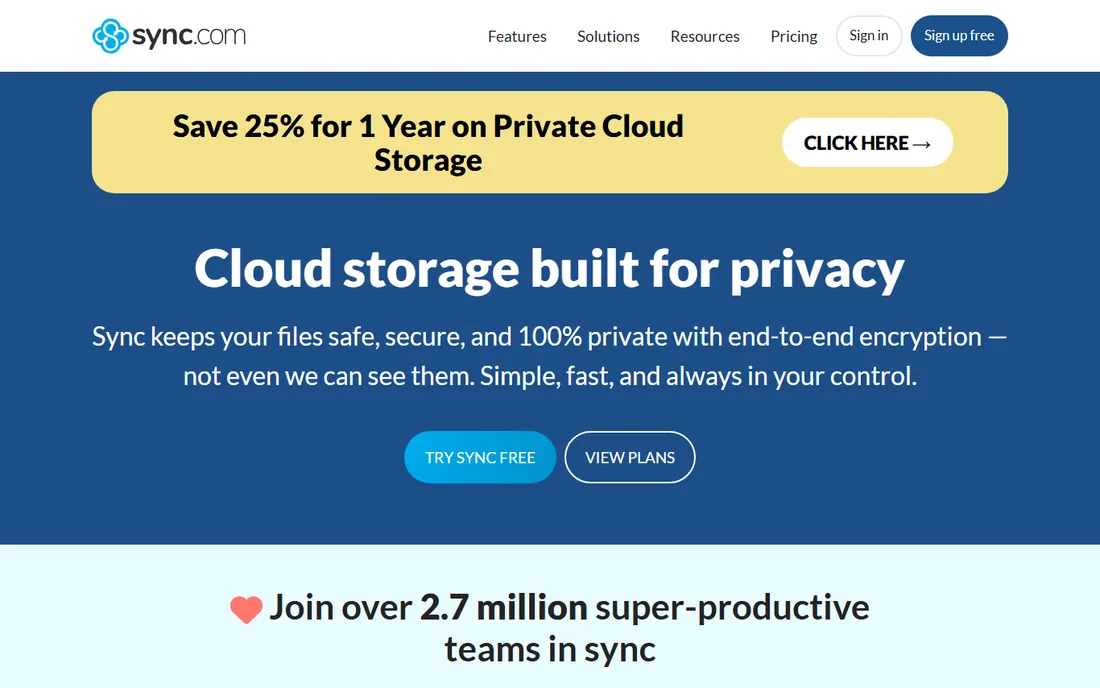
Sync is the privacy-first Dropbox alternative: end-to-end encryption means even Sync cannot read your files, with HIPAA, GDPR, and PIPEDA compliance built in. The free tier gives you 5 GB, and the Pro Teams Unlimited plan removes storage caps entirely. Over 2.7 million people use it as their safe space for files.
The honest framing: Sync trades some of Dropbox's polish and integrations for genuine privacy. Teams in legal, healthcare, or any field where client confidentiality matters get encryption that the big names do not match. Pure speed demons with huge media libraries may find the sync pace slower than Dropbox.
What we like- End-to-end encrypted by default
- 5 GB free to start
- Unlimited storage plans for teams
Watch out for- Fewer integrations than Dropbox
- Sync can be slower on large libraries
- Smaller ecosystem
Starting priceSee website
Free planNo
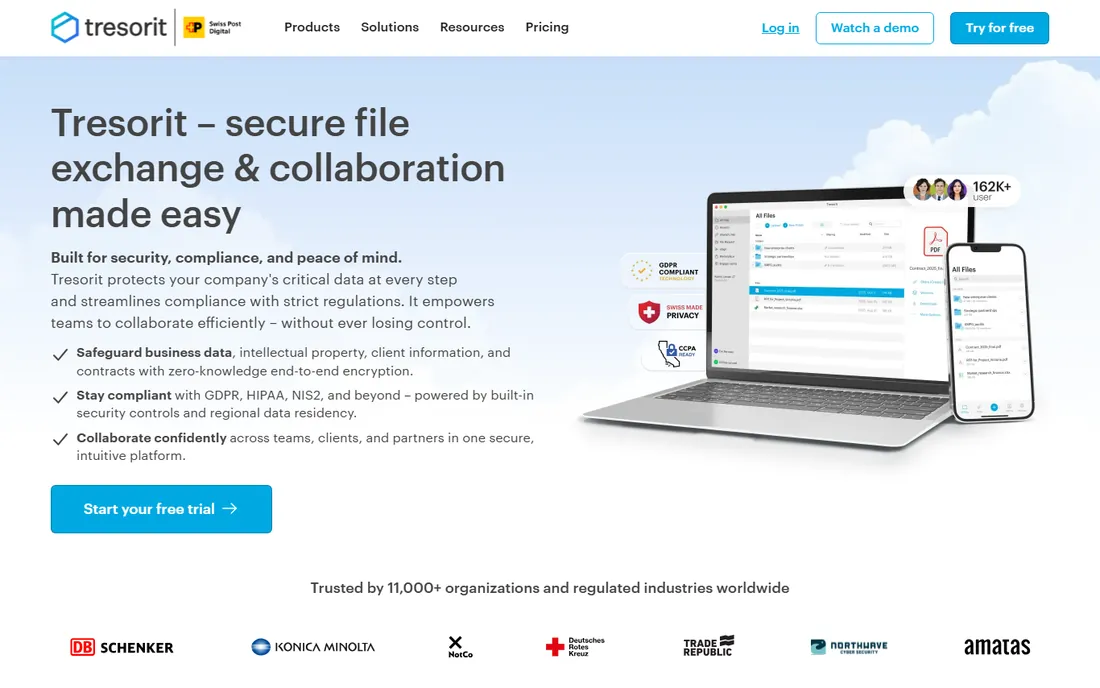
Tresorit is the file platform for organizations that cannot compromise on security: every file encrypted on your device before it reaches the cloud, zero-knowledge architecture so even Tresorit cannot access your data, and compliance coverage from GDPR and HIPAA to NIS2 and FINRA. Healthcare, finance, and legal teams collaborate with granular controls and audit logs.
The honest note: Tresorit costs more than consumer tools and offers no free tier, because it sells security as the product. If your industry has real data protection obligations, that price buys defensible compliance. If it does not, Sync or pCloud deliver most of the privacy for less.
What we like- Zero-knowledge end-to-end encryption
- Compliance across GDPR, HIPAA, NIS2, FINRA
- Choose your data residency across 12 locations
Watch out for- Premium pricing for premium security
- No free tier
- Collaboration features trail the giants
Starting price€9.99/month
Free planNo
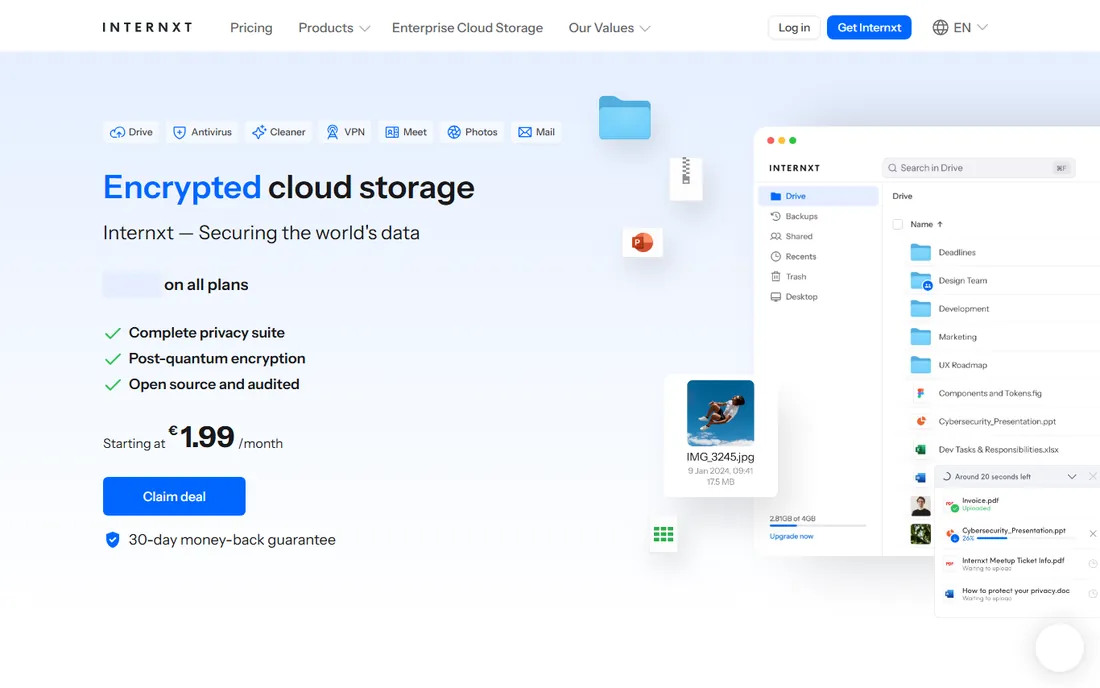
Internxt is the open-source, zero-knowledge storage suite: Drive, Antivirus, VPN, Meet, and more under one privacy promise, with AES-256 plus post-quantum Kyber-512 encryption, ISO 27001:2022 certification, and HIPAA compliance verified by a 2024 Securitum audit. Plans start at €9.99 per month.
The honest catch: Internxt is the ambitious newcomer, and its ecosystem is thinner than Dropbox's or Box's. The privacy architecture is the most future-proof in this list, and open-source code means anyone can verify the claims. Privacy purists and open-source advocates should shortlist it; conservative buyers may wait for more maturity.
What we like- Open-source and independently audited
- Post-quantum encryption layer
- Plans start at €9.99/month with a 30-day money-back guarantee
Watch out for- Smaller and younger than competitors
- Fewer business integrations
- The suite approach spreads focus
How we chose
We verified each tool's current homepage by opening the live site and using the final resolved URL. Pricing facts come from vendors' own pages: Internxt starts at €9.99/month, OneDrive includes 5 GB free with any Microsoft account, and Sync offers 5 GB free. Other vendors do not publish starting prices on their homepages, so we list those as "See website". We reviewed product pages and public documentation. We did not test any tool hands-on.
Choosing between sync, collaboration, and governance
The sync-first tools
Dropbox, Google Drive, OneDrive, pCloud, Sync, and Internxt are fundamentally about getting files to devices and people. Pick based on your ecosystem (Google or Microsoft), your privacy bar (Sync, pCloud, or Internxt for zero-knowledge), and your budget (lifetime plans from pCloud end subscriptions). These cover most small businesses completely.
The collaboration platforms
Box and Egnyte add workflow automation, e-signatures, AI document processing, and compliance governance on top of storage. Choose them when files are your business process: contracts, design reviews, regulatory submissions, or anything with an approval chain. The extra cost buys structure that sync tools cannot provide.
The hybrid reality
Many companies run two systems: OneDrive or Drive for everyday work because it comes with the office suite, plus Tresorit or Sync for the client data that carries real obligations. That split is not wasteful; it matches the tool's security model to the data's sensitivity.
Migration: moving without losing anything
Switching file platforms is the highest-stakes migration a small business does. Before you move, audit what you actually have: orphaned accounts, shared folders owned by ex-employees, and files nobody can identify. Most vendors offer migration tools or services, and Egnyte in particular is built for the local-server-to-cloud journey.
Run the new system in parallel for at least two weeks. Confirm permissions, sharing links, and backup restores before you cancel the old one. And keep one offline copy of everything critical during the transition; no cloud SLA replaces a backup you control.
Frequently asked questions
What is the best file management software for small business?
Dropbox, Google Drive, and OneDrive cover most small businesses, and the best choice usually matches your office suite. Teams with compliance needs should look at Box or Egnyte. Privacy-focused teams should consider Sync, pCloud, or Tresorit.
Which cloud storage is the most private?
Sync, Tresorit, and Internxt use zero-knowledge end-to-end encryption, meaning the provider cannot read your files. pCloud offers Swiss privacy with your choice of data residency. Mainstream tools like Google Drive and OneDrive encrypt in transit and at rest but hold the keys.
Is there a free file management software?
Yes. Google Drive includes 15 GB free, OneDrive includes 5 GB free with a Microsoft account, Sync offers 5 GB free, and Dropbox has a free tier. Egnyte offers a free trial. For fully free and open source, options exist but were outside this comparison's business focus.
What is the difference between Box and Dropbox?
Dropbox is a sync-first tool focused on getting files to devices and people with minimal friction. Box is an enterprise content management platform with compliance, workflow automation, AI document processing, and e-signatures. Choose Dropbox for simplicity, Box for governance.
Can I buy cloud storage as a one-time payment?
pCloud is the best-known option here for lifetime plans that end the subscription cycle. Most other tools in this list are subscription-only. Compare the lifetime price against several years of a subscription before deciding.
Sources we checked (9)
- https://dropbox.com/
- https://drive.google.com/
- https://onedrive.com/
- https://www.box.com/
- https://www.egnyte.com/
- https://www.pcloud.com/
- https://www.sync.com/
- https://tresorit.com/
- https://internxt.com/
Is your product missing or out of date?
We review this list regularly. Vendors can request a listing, send updated pricing or ask about featured placement.

Shihab Mia · Founder, Rankite
Shihab has spent more than a decade helping SaaS and e-commerce brands grow through search. He writes Rankite's software buying guides from pricing pages, documentation and public user reviews. More about Shihab.