How we make this list: we compare pricing pages, product documentation and public user reviews. Ratings come from G2, Capterra or Trustpilot, with the date we checked them.
Key takeaways
- Warm vs. cold is the first split: ActiveCampaign, Kit, Mailchimp, Drip, GetResponse and Brevo serve opted-in audiences; lemlist, Instantly and Mailshake are built for cold outreach.
- Pricing models differ more than prices: most charge per contact, Brevo charges per email sent, lemlist and Mailshake charge per user, and Drip and Instantly sell flat feature tiers.
- The cheapest real start is Brevo at $9/month or Kit's free Newsletter plan (up to 10,000 subscribers, broadcasts only).
- Deepest automation on this list: ActiveCampaign. Best revenue tracking for stores: Drip. Simplest cold sequences: Mailshake.
Quick comparison
| Tool | Best for | Starting price | Free plan |
|---|
 ActiveCampaign ActiveCampaign | SMBs that want deep automation with a built-in CRM | $15/month (Starter, annual billing, 1,000 contacts) | No (14-day free trial) |
 Kit Kit | Creators, bloggers and newsletter writers growing an audience | $39/month (Creator, 1,000 subscribers) | Yes (Newsletter plan, up to 10,000 subscribers, broadcasts only) |
 Mailchimp Mailchimp | Beginners sending their first automated sequences | $13/month (Essentials) | Yes (250 contacts, 500 sends per month, no automation) |
 Drip Drip | Ecommerce brands that want sequences tied to revenue | $39/month (up to 2,500 contacts, unlimited sends) | No (14-day free trial) |
 GetResponse GetResponse | Small businesses that want funnels, webinars and email in one place | $15.58/month (Starter, annual billing) | Yes (free plan with sending limits) |
 Brevo Brevo | Businesses with large lists that send infrequently | $9/month (Starter, 5,000 emails per month) | Yes (300 emails per day) |
 lemlist lemlist | Sales teams running personalized multichannel cold sequences | $39/month per user (Email Starter) | No (free trial available) |
 Instantly Instantly | Agencies and founders scaling cold outreach across many inboxes | $47/month ($37.60/month on annual billing, Growth plan) | No (no free plan offered) |
 Mailshake Mailshake | Small sales teams that want simple cold email sequences | $29/month (Starter) | No (no free trial reported) |
Is your product missing or out of date?
We review this list regularly. Vendors can request a listing, send updated pricing or ask about featured placement.
The best email sequence software
An email sequence is a row of messages that send themselves. One signup triggers a welcome series. An abandoned cart triggers three reminders. A cold prospect gets five touches across two weeks, unless they reply first. The software decides who gets what, when, and what happens after they click.
Every tool below sends emails. The difference is what happens around the send: how smart the automation gets, whether your cold emails land in the inbox or the spam folder, and whether you pay per contact, per email, or per user. That pricing detail alone can turn a $9/month bargain into a $400/month bill, so read the pricing notes as carefully as the feature lists.
These nine tools cover both worlds: warm sequences for people who asked to hear from you, and cold outreach for people who have not met you yet. Pick your side first, then pick the tool. Prices come from the vendors' own pricing pages; where a number could not be verified, we say "See website."
Starting price$15/month (Starter, annual billing, 1,000 contacts)
Free planNo (14-day free trial)
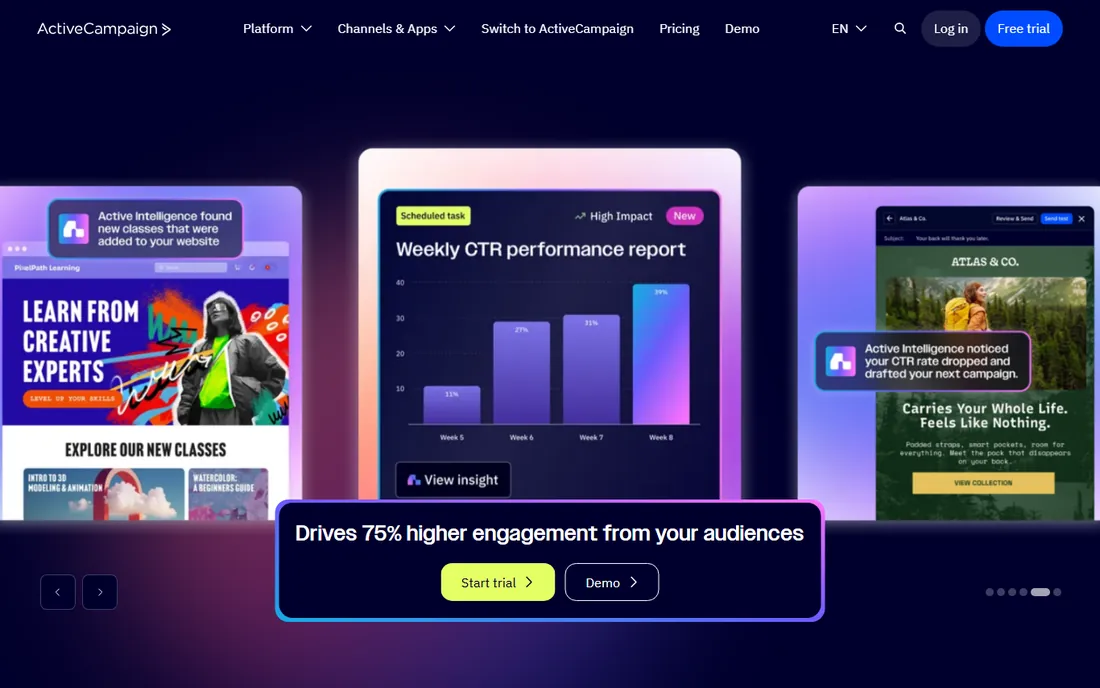
ActiveCampaign built its reputation on the visual automation builder. You draw the sequence on a canvas, set conditions like "opened email two but did not click," and branch the journey from there. Goals, split tests, predictive sending and site tracking sit inside the same builder, which is why marketers who outgrow basic autoresponders usually land here.
The trade-off is cost and complexity. Starter begins at $15 a month for 1,000 contacts on annual billing, but the ladder runs to Plus at $49, Pro at $79 and Enterprise at $145, and contacts beyond your tier add overage charges. The builder has more options than a beginner needs, so expect a week of learning before your first serious automation goes live. If you want one platform for email, SMS and a light CRM, the price makes sense. If you only need a welcome series, this is more tool than the job needs.
What we like- Visual automation builder with conditional logic, goals and split testing
- Built-in CRM and sales automation on higher plans
- 900-plus integrations listed by the vendor
Watch out for- Pricing climbs fast as contact counts and plans grow
- Steeper learning curve than simpler tools
- No free plan
#2
Kit
Best for: Creators, bloggers and newsletter writers growing an audience
Visit kit.com
Starting price$39/month (Creator, 1,000 subscribers)
Free planYes (Newsletter plan, up to 10,000 subscribers, broadcasts only)
Kit, the company formerly known as ConvertKit, is the sequence tool for people rather than companies. Newsletters, courses, paid memberships and digital products live in the same dashboard, and sequences are the heart of it: write the emails once, and every new subscriber walks the same path. The free Newsletter plan covers up to 10,000 subscribers, the most generous free tier on this list by a wide margin.
The catch sits in the fine print. Automation and sequences were removed from the free plan, so running them requires Creator from $39 a month for 1,000 subscribers (Creator Pro from $79 adds fancier features). Design tools stay basic, which suits text-first newsletters and frustrates brands that want polished templates. For creators who monetize an audience, Kit's commerce and paid recommendations justify the price. For a local business sending promos, a cheaper general tool goes further.
What we like- Generous free tier for newsletters
- Sequences and visual automations are simple to build
- Built-in commerce for selling digital products
Watch out for- Free plan excludes automation
- Email templates and design options are basic
- Cheaper list-based tools undercut it on price
Starting price$13/month (Essentials)
Free planYes (250 contacts, 500 sends per month, no automation)
Mailchimp is where an enormous number of small businesses send their first email, and the onboarding shows it. Pre-built journeys cover the welcome series, abandoned cart and post-purchase follow-up with a few clicks, and the template library means you rarely start from a blank page. For a first sequence, nothing here gets you live faster.
The free plan is no longer the deal it once was. In early 2026 Mailchimp cut it to 250 contacts and 500 sends a month with no automation, so any real sequence needs a paid plan starting at $13 a month for Essentials (Standard from $20, Premium from $350). Contact-based pricing means the bill grows every time your list does. Mailchimp fits beginners who value ease over depth. Once your automations need branching logic, ActiveCampaign or GetResponse give you more for similar money.
What we like- Easiest builder on this list to learn
- Huge template and integration library
- Pre-built customer journeys for common sequences
Watch out for- Free plan shrank sharply in 2026 and excludes automation
- Pricing jumps quickly with contact count
- Support is limited on lower plans
#4
Drip
Best for: Ecommerce brands that want sequences tied to revenue
Visit drip.com
Starting price$39/month (up to 2,500 contacts, unlimited sends)
Free planNo (14-day free trial)
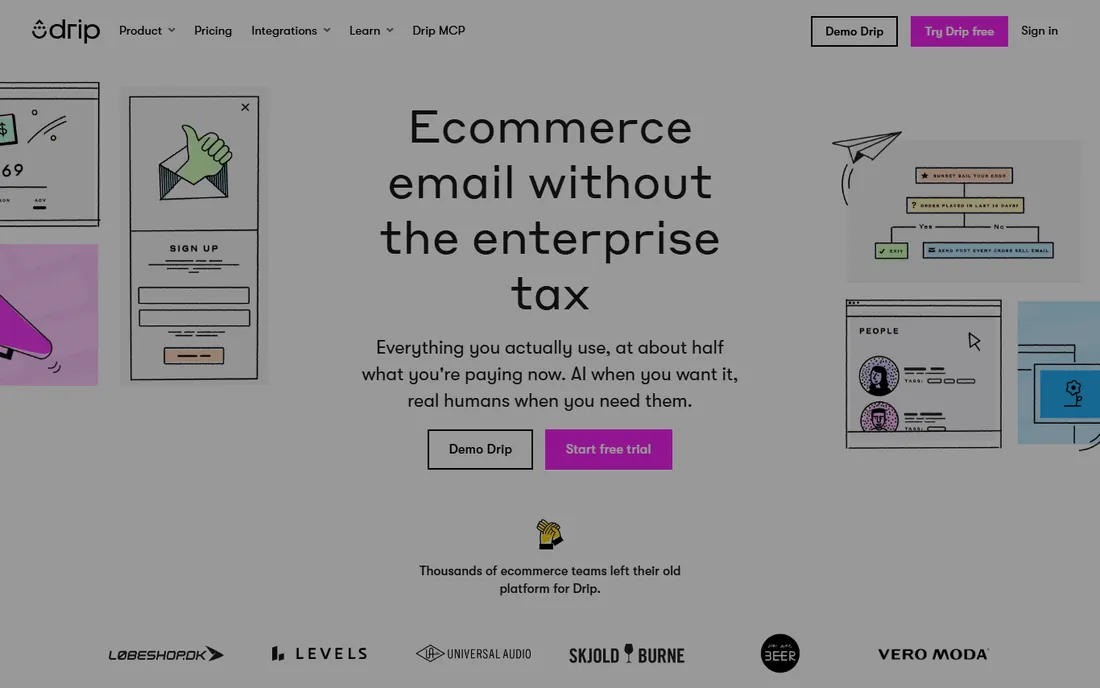
Drip only cares about one metric: whether your emails make money. Every plan includes every feature, starting at $39 a month for up to 2,500 contacts with unlimited sends, and the reporting ties each workflow to revenue per recipient instead of vanity metrics. The Shopify integration syncs your catalog and order history, so abandoned cart, browse abandonment and win-back workflows run on real store behavior.
That focus is also the limit. Drip is built for online stores, and B2B teams or publishers will find the playbook thin. There is no free tier, and the single-plan model means a 500-person list pays the same base as a 2,400-person one. For a growing store, the revenue reporting alone justifies the price. For everyone else, a general marketing platform fits better.
What we like- Every plan includes every feature
- Revenue attribution shows which emails drive sales
- Deep Shopify and WooCommerce integrations with pre-built workflows
Watch out for- Single-plan structure means small lists pay the same base as big ones
- Built for stores, thin for B2B or publishers
- No free tier
#5
GetResponse
Best for: Small businesses that want funnels, webinars and email in one place
Visit getresponse.com
Starting price$15.58/month (Starter, annual billing)
Free planYes (free plan with sending limits)
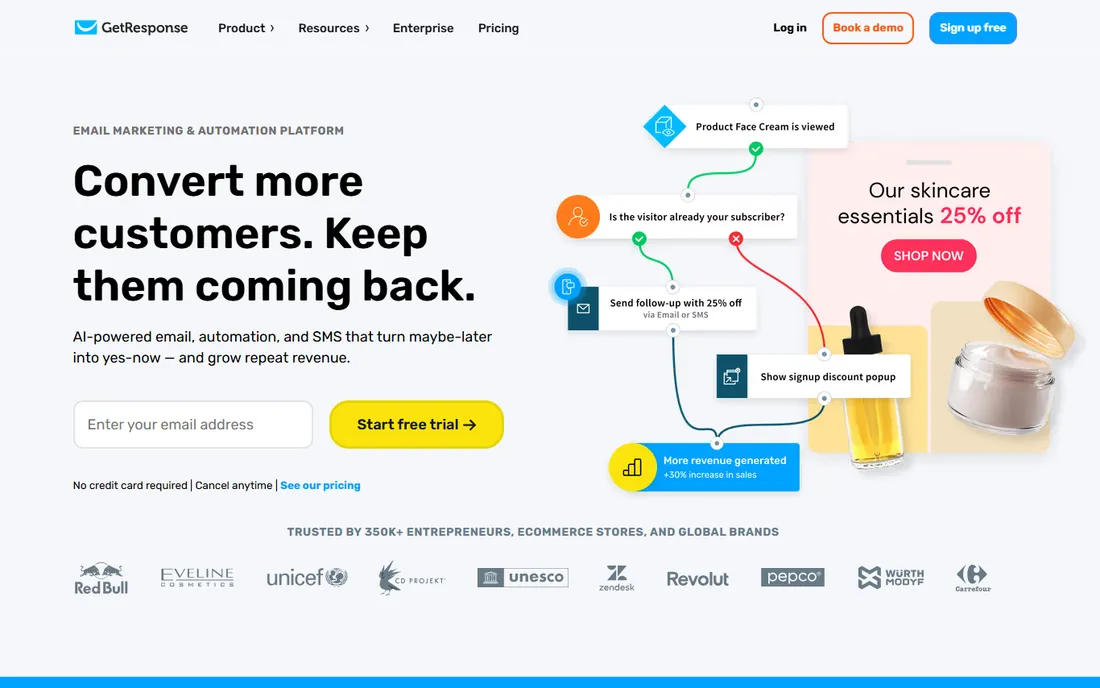
GetResponse has sold email software since 1998 and has spent the years adding rooms to the house. The current platform bundles email sequences with landing pages, conversion funnels, webinars and even a website builder, so a small business can run its whole funnel without stitching tools together. Starter begins at $15.58 a month on annual billing, with Marketer from $48.38 and Creator from $56.58, and paid plans include unlimited sends.
Breadth brings clutter. The dashboard holds a lot of products, and reviewers note a learning curve just from the number of menus. Webinar capacity is capped by plan, and while the automation builder is solid, it does not match ActiveCampaign's branching depth. GetResponse fits businesses that will actually use the funnels and webinars. If you only need email, you are paying for rooms you will never enter.
What we like- All-in-one toolkit: email, landing pages, funnels, webinars, website builder
- Unlimited sends on paid plans
- Conversion funnels included on higher tiers
Watch out for- Interface can feel crowded with so many tools
- Webinar attendee limits vary by plan
- Automation depth trails the specialists
#6
Brevo
Best for: Businesses with large lists that send infrequently
Visit brevo.com
Starting price$9/month (Starter, 5,000 emails per month)
Free planYes (300 emails per day)
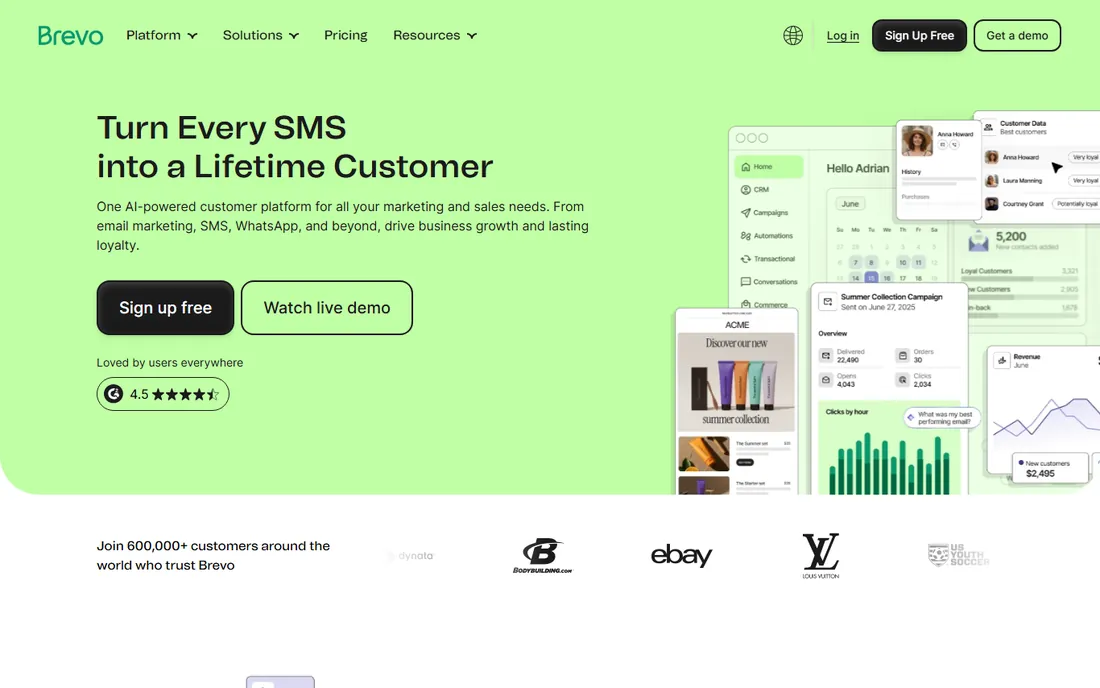
Brevo, formerly Sendinblue, prices backwards from everyone else: you pay for emails sent, not contacts stored. Starter costs $9 a month for 5,000 emails, and contacts are unlimited, so a 50,000-person list that gets one monthly newsletter costs almost nothing. The free plan sends 300 emails a day with no contact cap, and SMS, WhatsApp, live chat and a sales CRM share the same login.
The model cuts both ways. Send daily to a big list and per-email pricing gets expensive fast; compare it against unlimited-send plans before committing. The free plan's daily cap also means a 10,000-person blast takes over a month. Automation is serviceable but not the reason to buy. Brevo fits the classic small-business pattern: a large list, a weekly or monthly send, and a tight budget.
What we like- Charges per email sent, not per contact, so big lists cost little
- Cheapest paid entry on this list
- SMS, WhatsApp, chat and a sales CRM in one platform
Watch out for- Daily sending cap on the free plan limits big list blasts
- Automation features trail the specialists
- Deliverability setup needs more care
#7
lemlist
Best for: Sales teams running personalized multichannel cold sequences
Visit lemlist.com
Starting price$39/month per user (Email Starter)
Free planNo (free trial available)
lemlist is the first tool on this list built for strangers, not subscribers. Sequences mix email with LinkedIn steps and calls, and the personalization engine inserts custom images, videos and text tailored to each prospect. A built-in lead database, enrichment and the lemwarm warm-up tool sit alongside, so prospecting and sending happen in one place. Email Starter starts at $39 per user per month, with Email Pro at $69, Multichannel Expert at $99 and Outreach Scale at $159.
Per-user pricing is the catch for teams: five reps on Multichannel Expert is a serious line item. And lemlist will not fix bad fundamentals. Cold sequences still need warmed domains, verified lists and careful volume ramps, or inboxes will eat your mail. For outbound teams that live on meetings booked, the personalization features pay for themselves. For warm marketing sequences, the tools above do the job cheaper.
What we like- AI personalization with custom images, videos and text variables
- Built-in lead database and email warm-up tools
- Multichannel sequences across email, LinkedIn and calls
Watch out for- Per-user pricing multiplies fast for teams
- Overkill if you only send newsletters
- Cold email deliverability still depends on your domains
#8
Instantly
Best for: Agencies and founders scaling cold outreach across many inboxes
Visit instantly.ai
Starting price$47/month ($37.60/month on annual billing, Growth plan)
Free planNo (no free plan offered)
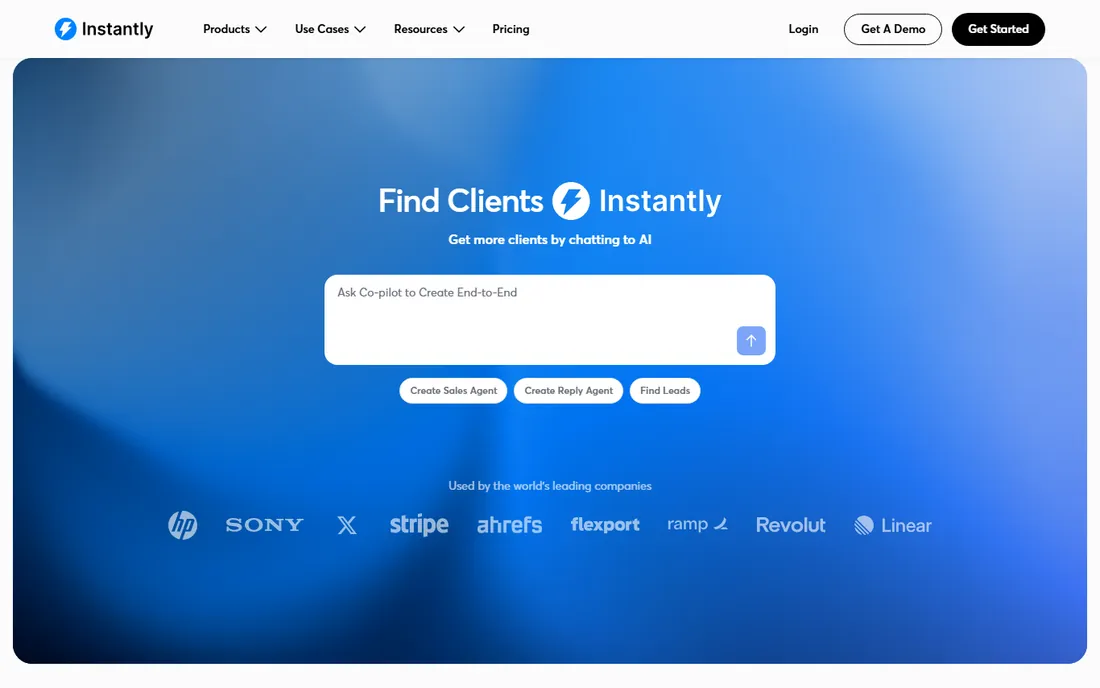
Instantly exists for one job: cold email at scale without burning your domains. Every plan includes unlimited sending accounts and warm-up, with inbox rotation spreading volume so no single domain takes the hit. Growth starts at $47 a month ($37.60 on annual billing), Hypergrowth at $97 and Light Speed at $358, and the platform adds an AI sequence writer, A/Z testing and a unified inbox for replies.
Know what you are not getting. The lead database and CRM pieces are billed separately, and this is a cold outreach machine, not a newsletter platform. Unlimited accounts do not grant unlimited deliverability: list quality and sending discipline still decide whether you land in the inbox. For agencies running client campaigns or founders doing founder-led sales, the warm-up and rotation bundle is the value. Everyone else should look at the warm-sequence tools first.
What we like- Unlimited sending accounts and email warm-up included on every plan
- Inbox rotation protects domain reputation
- AI sequence writer and unified inbox for replies
Watch out for- Lead database and CRM features cost extra
- Built for cold email, not newsletters or warm marketing
- Aggressive sending still risks deliverability
#9
Mailshake
Best for: Small sales teams that want simple cold email sequences
Visit mailshake.com
Starting price$29/month (Starter)
Free planNo (no free trial reported)
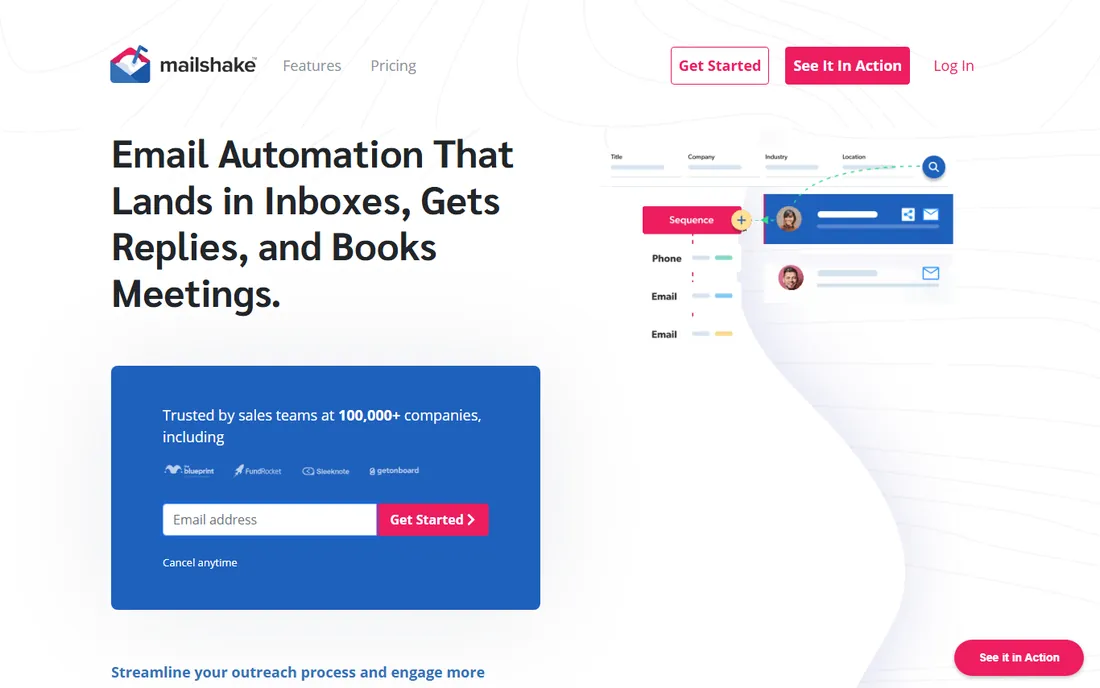
Mailshake keeps cold outreach simple on purpose. Starter at $29 a month gets a small team sending sequences fast, with templates, automated follow-ups, warm-up and A/Z testing included. Email Outreach at $49 and Sales Engagement at $99 per user add the phone dialer, LinkedIn steps and deeper automation for teams that want multichannel without lemlist's price tag.
Simplicity has edges. Reviewers note fewer advanced features than the bigger outbound platforms, and the deliverability toolkit is lighter than Instantly's. No free trial is reported, so you buy on reputation and reviews. For a founder or a two-person sales team that wants cold sequences running this week, Mailshake is the low-friction pick. Larger outbound operations will outgrow it.
What we like- Simple setup with proven sequence templates
- Built-in email warm-up and A/Z testing
- Phone dialer and social steps on higher plans
Watch out for- Fewer advanced features than lemlist or Instantly
- Deliverability tools are lighter
- Per-user pricing on upper tiers
How to pick the right sequence software
Start with the audience question. Are these people opted in, or are they cold prospects? Warm sequences (welcome series, carts, newsletters) belong on ActiveCampaign, Kit, Mailchimp, Drip, GetResponse or Brevo. Cold outreach belongs on lemlist, Instantly or Mailshake, because they include the warm-up, rotation and reply handling that cold sending needs. Using a warm tool for cold email, or a cold tool for newsletters, is the most common buying mistake in this category.
Then run the pricing math on your own numbers. Contact-based pricing punishes list growth: Mailchimp and ActiveCampaign get expensive as your audience grows, while Brevo barely notices a bigger list and charges for what you send. Per-user pricing (lemlist, Mailshake's upper plans) punishes team growth instead. Model twelve months of your actual list size and send volume before choosing.
Check the automation depth against what you will really build. A three-email welcome series runs fine on Mailchimp or Kit. Branching journeys with conditions, goals and split tests need ActiveCampaign or GetResponse. Cold multichannel plays need lemlist. Buying depth you will never use just adds to the learning curve.
Finally, confirm the integration and exit basics. Your sequence tool should sync with your CRM, store or website without manual CSV exports. Ask what happens to your automations and data if you cancel, and whether unsubscribes and suppression lists export cleanly. Moving lists is easy; rebuilding two years of automations is not.
No sequence software rescues a bad sender reputation. Warm up new domains and inboxes for two to four weeks before real volume, and ramp sends gradually instead of blasting on day one. Cold tools like Instantly and lemlist include warm-up, but warm-sequence tools expect your domain to arrive healthy.
Authenticate everything. SPF, DKIM and DMARC records on your sending domain are table stakes in 2026; mailbox providers filter harder every year, and unauthenticated mail is the first to get flagged. Every tool here walks you through setup, but you have to actually do it.
Keep lists clean and replies fast. Remove hard bounces and chronic non-openers, because dead addresses drag down your reputation with every send. For cold outreach, reply speed matters too: a same-day human reply to a positive response beats any automation, which is why the unified inboxes on Instantly and Mailshake exist. The tool sends the sequence. Your habits decide whether anyone sees it.
How we chose
We started with the searches buyers use: email sequence software, email automation software, cold email software and drip campaign tools. For each candidate we opened the vendor's own pricing page, checked prices against public reviews on G2 and Capterra and practitioner discussion on Reddit, and compared feature lists, automation depth, deliverability tooling, integrations and fit for small teams. Where a price could not be verified on the vendor's page we wrote "See website" rather than guessing.
Frequently asked questions
What is the best email sequence software for a small business?
For warm audiences, ActiveCampaign offers the deepest automation, Mailchimp is the easiest start, and Brevo is the cheapest if your list is large and your sends are infrequent. For cold outreach, Mailshake is the simplest entry, lemlist adds personalization and multichannel steps, and Instantly scales best across many inboxes. Match the tool to your audience type first.
How much does email sequence software cost?
From $9 a month (Brevo Starter) to $350 a month (Mailchimp Premium), with most serious plans landing between $29 and $99 a month. Contact-based plans grow with your list, per-email plans grow with your volume, and per-user plans grow with your team. Model a year of your actual numbers before committing.
What is the difference between an email sequence and a newsletter?
A newsletter is a one-off broadcast you send manually each time. A sequence is automated: a trigger (signup, purchase, no reply) starts a timed series of messages that runs without you. Most tools here do both, but Kit and the cold outreach tools lean toward one side.
Is cold email legal?
In the US, the CAN-SPAM Act allows cold commercial email with conditions: accurate header and subject information, a valid physical address, a clear opt-out mechanism honored within ten business days, and no deceptive content. Some states and many other countries have stricter rules. This is general information, not legal advice; check the rules for every market you email.
Can I switch email tools later without losing everything?
Your contact lists and suppression data export easily from every tool here. Automations do not: sequences, branching logic and templates have to be rebuilt in the new platform. If you switch cold outreach tools, plan to warm up your sending domains again. Pick with a two-year horizon to avoid rebuilding.
Sources we checked (14)
- https://www.activecampaign.com
- https://kit.com
- https://kit.com/pricing
- https://mailchimp.com/
- https://www.drip.com
- https://www.drip.com/pricing
- https://www.getresponse.com
- https://www.brevo.com
- https://en.wikipedia.org/wiki/Brevo
- https://www.lemlist.com
- https://www.lemlist.com/pricing
- https://instantly.ai
- https://instantly.ai/blog/ai-tools-for-cold-email-outreach/
- https://mailshake.com
Is your product missing or out of date?
We review this list regularly. Vendors can request a listing, send updated pricing or ask about featured placement.

Shihab Mia · Founder, Rankite
Shihab has 5+ years in B2B and SaaS SEO. He writes Rankite's software buying guides from pricing pages, documentation and public user reviews. More about Shihab.