How we make this list: we compare pricing pages, product documentation and public user reviews. Ratings come from G2, Capterra or Trustpilot, with the date we checked them.
Key takeaways
- NetDocuments and iManage are the dedicated document management systems built for law firms, with matter based filing, version control, and email management.
- Clio, Smokeball, and PracticePanther are practice management platforms with document tools inside; for many small firms that is enough and simpler.
- LexWorkplace is the cloud DMS aimed squarely at small and mid size firms that want NetDocuments style filing without enterprise weight.
- Every file you store is client confidential material. Check encryption, access controls, and your bar's ethics rules on cloud storage before choosing on features.
- Pricing in legal software is mostly quote based or per user with wide ranges, so the table marks unverified figures as See website.
Quick comparison
| Tool | Best for | Starting price | Free plan |
|---|
 NetDocuments NetDocuments | Dedicated legal DMS | See website | No |
 iManage iManage | DMS with the deepest legal pedigree | See website | No |
 Clio Clio | Practice management with documents included | See website | No |
 Smokeball Smokeball | Document automation for small firms | See website | No |
 LexWorkplace LexWorkplace | Small firm cloud DMS | See website | No |
 Filevine Filevine | Case heavy practices | See website | No |
 PracticePanther PracticePanther | Simple all in one for solos and small firms | $49 per user per month | No |
 Microsoft SharePoint Microsoft SharePoint | Firms already on Microsoft 365 | $7 per user per month | No |
Is your product missing or out of date?
We review this list regularly. Vendors can request a listing, send updated pricing or ask about featured placement.
The best document management software for small law firms
Starting priceSee website
Free planNo
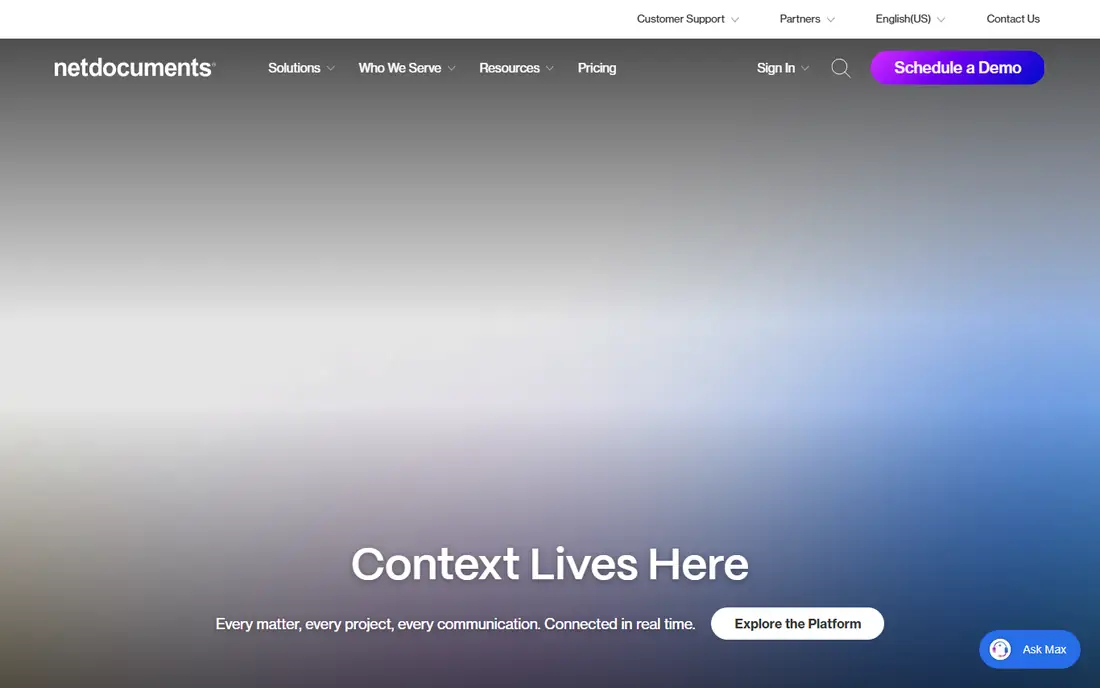
NetDocuments is the cloud DMS most associated with law firms. Documents live in workspaces organised by client and matter, every version is kept, and tools such as ndMail file email into the same structure so the record of a matter is complete. Security and compliance certifications are a core part of its pitch to firms.
The trade off is depth against weight. A solo with simple needs pays for governance they will never switch on, and pricing is quoted per user. NetDocuments fits small firms that have outgrown folders, handle volume litigation or transactional records, or face client security questionnaires that demand a real DMS.
What we like- Matter centric filing designed for law firms
- Strong version control and audit trails
- Email management files messages with the matter
- Used by firms of every size
Watch out for- Quote based per user pricing
- More system than a two lawyer firm may need
- Setup and migration take planning
Starting priceSee website
Free planNo
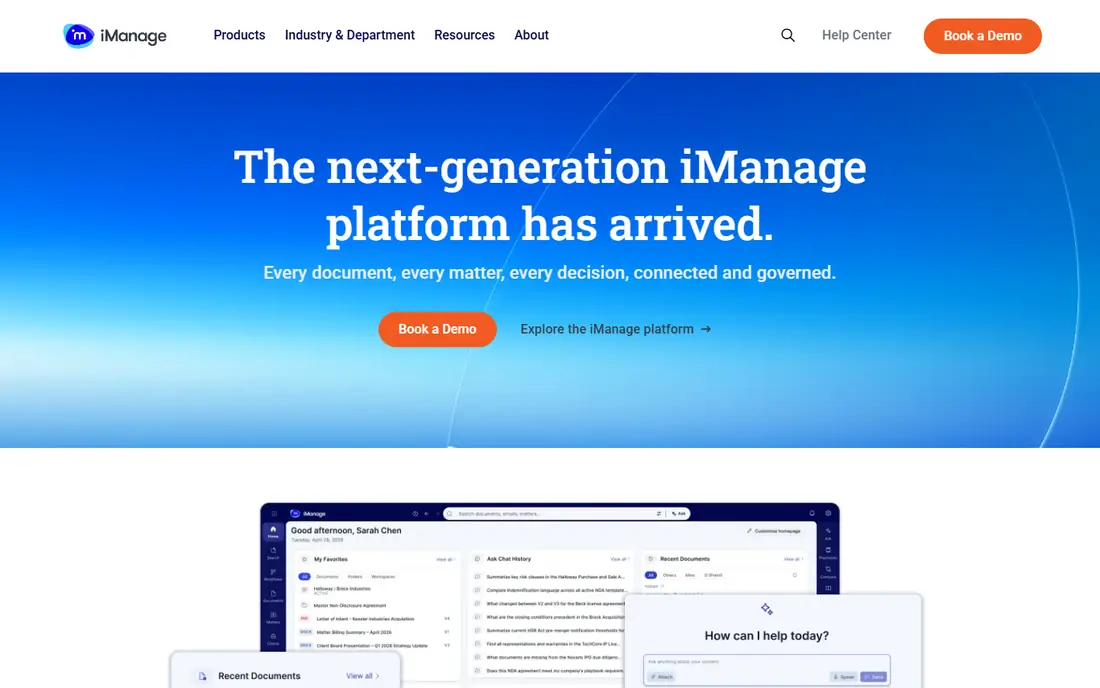
iManage powered document management at large firms for decades and now sells the same matter based discipline as a cloud service. Its search, workspaces, and email filing are the benchmark others are measured against, and its security tooling watches for unusual access to sensitive matters.
The trade off is pedigree against fit. The platform was designed for firms with IT staff, and its pricing and onboarding assume it. iManage fits ambitious small firms in areas such as corporate or IP work whose clients and matters resemble big law more than main street practice.
What we like- Long dominant in large law, now cloud delivered
- Excellent search and matter workspaces
- Strong email management
- Knowledge and security products around the core DMS
Watch out for- Enterprise heritage shows in pricing and setup
- Small firms may find the platform heavy
- Quote based
#3Clio
Best for: Practice management with documents included4.6/5 on
G2 (997 reviews, checked Oct 2026)
Visit clio.com
Starting priceSee website
Free planNo

Clio is the most popular practice management platform for small firms, and its document handling covers the daily reality for many of them: unlimited document storage tied to matters, templates, e signatures, and a client portal. For a firm whose pain is organisation rather than records governance, Clio solves it inside the tool they already use for billing.
The trade off is breadth against document depth. There is no legal grade email filing or the versioning rigour of NetDocuments. Clio fits small firms that want one system for cases, documents, and bills and do not face formal DMS requirements from clients.
What we like- Documents sit inside the matter record with billing and calendaring
- Cloud access everywhere
- Huge app ecosystem
- Easy for staff to learn
Watch out for- Document features are lighter than a true DMS
- Pricing per user varies widely by tier and source
- Advanced automation needs higher tiers
#4Smokeball
Best for: Document automation for small firms4.7/5 on
G2 (388 reviews, checked Oct 2026)
Visit smokeball.com
Starting priceSee website
Free planNo
Smokeball's difference is automation: thousands of forms and precedents that fill themselves from matter data, so a letter or filing takes minutes. Documents are organised inside the matter, and the software tracks the time you spend producing them, which firms often fail to bill.
The trade off is automation value against generality. The form library pays off only where it covers your practice area and jurisdiction, so test your own documents in the trial. Smokeball fits small firms doing repeatable document heavy work, such as real estate, estate planning, and family law.
What we like- Large library of automated court forms and letters
- Automatic time tracking tied to document work
- Matter files organise documents by type
- Strong for conveyancing and family style practices
Watch out for- Pricing by quote
- Automation library depth varies by practice area and state
- Windows heritage in parts of the product
Starting priceSee website
Free planNo
LexWorkplace exists because small firms told the market that NetDocuments and iManage felt oversized. It delivers the DMS essentials in the cloud: matter workspaces, versioning, full text search, and email filing, without an enterprise sales process. It is the closest thing on this list to a DMS sized for a five to fifty person firm.
The trade off is fit against ecosystem. The integration catalogue and third party support world are smaller. LexWorkplace fits small firms that know they need a true DMS, want it cloud based and simple, and do not need the surrounding practice management suite.
What we like- Purpose built DMS for small and mid size firms
- Matter based filing with version control
- Includes email management
- Windows and Mac support
Watch out for- Smaller vendor than NetDocuments
- Pricing by plan rather than published per user rates
- Fewer integrations than the big platforms
#6Filevine
Best for: Case heavy practices4.6/5 on
G2 (295 reviews, checked Oct 2026)
Visit filevine.com
Starting priceSee website
Free planNo
Filevine runs the case rather than the library: documents live inside each case alongside medical records, communications, deadlines, and settlement tracking. For personal injury and other document heavy plaintiff work, that case centred view matches how the team actually works.
The trade off is workflow against records control. Version discipline and email filing trail the dedicated DMS tools. Filevine fits growing plaintiff and litigation firms whose bottleneck is case throughput, not library governance.
What we like- Case management with documents in the case file
- Strong for plaintiff and high volume practices
- Texting and intake tools beside documents
- Deadline and task automation
Watch out for- Quote based pricing
- Document governance is lighter than a dedicated DMS
- Setup is customised, which takes time
#7PracticePanther
Best for: Simple all in one for solos and small firms4.3/5 on
G2 (113 reviews, checked Oct 2026)
Visit practicepanther.com
Starting price$49 per user per month
Free planNo
PracticePanther is the simple, transparent option: published tiers reported from $49 per user per month, with matters, documents, billing, and a client portal in one clean interface. Documents attach to matters with basic versioning, which covers a small firm's daily needs.
The trade off is simplicity against document power. There is no email management or enterprise search. PracticePanther fits solos and very small firms that want everything in one affordable place and will outgrow document features later rather than sooner.
What we like- Published per user pricing from $49
- Documents, billing, and intake in one tool
- Client portal and e signatures
- Easy setup for non technical staff
Watch out for- Document management is basic filing, not a DMS
- Automations sit on higher tiers
- Fewer deep integrations
#8Microsoft SharePoint
Best for: Firms already on Microsoft 3654.0/5 on
G2 (8,961 reviews, checked Oct 2026)
Visit microsoft.com
Starting price$7 per user per month
Free planNo
SharePoint is the option already in the building. Microsoft 365 Business Basic is reported at $7 per user per month, and SharePoint brings document libraries, permissions, version history, and retention policies. With a disciplined matter library design, it serves small firms well at near zero added cost.
The trade off is price against legal fit. SharePoint knows nothing about clients, matters, or ethical walls until you build that structure, and it will happily reproduce folder chaos in the cloud. SharePoint fits cost conscious firms with Microsoft 365 already deployed and someone willing to design and police the library structure.
What we like- Included in Microsoft 365 plans many firms already pay for
- Strong permissions and retention tooling
- Word and Outlook integration is native
- Co authoring works well
Watch out for- Matter structure must be designed and enforced by you
- No legal specific features
- Poor setup creates the folder chaos you were escaping
How we chose
We compared the systems small firms actually buy: the two dedicated legal DMS platforms, the practice management suites with document tools, one small firm cloud DMS, and the Microsoft baseline. We weighed matter based filing, version control, email management, and security posture, because those are the features that separate a DMS from a shared drive. Most legal vendors price by quote or by tiered per user plans that sources report inconsistently, so we recorded published figures only where they are stable and wrote See website elsewhere.
How to choose document management for a small law firm
Start with the confidentiality duties, not the features. Your state bar's ethics guidance on cloud storage, plus any client outside counsel guidelines, set the floor: encryption in transit and at rest, access controls per matter, audit trails, and a vendor that will sign a data agreement. Then decide which kind of tool you need. If clients or courts demand formal document governance, buy a DMS such as NetDocuments or LexWorkplace. If the real problem is that documents, bills, and deadlines live in five places, a practice platform such as Clio or Smokeball fixes more pain per dollar. Test migration honestly: your existing files are the project, so ask each vendor how they import a decade of folders and what it costs. Finally, pilot with one practice group, measure retrieval time against the old shared drive, and only then roll the whole firm in.
Frequently asked questions
What is the difference between a DMS and practice management software?
A DMS governs documents: matter filing, versions, email management, search, and access control. Practice management runs the firm: cases, calendars, billing, and intake, with document storage included. Small firms often start with practice management and add a DMS when volume or client demands require it.
Is cloud storage ethical for client files?
Generally yes, with due diligence. US state bars that have addressed cloud computing allow it when the lawyer takes reasonable care: a reputable vendor, encryption, access controls, and a plan to retrieve data if the vendor fails. Check your own bar's opinions, because the duty is yours, not the vendor's.
How much does law firm document software cost?
Practice platforms with document tools publish per user pricing from about $49 a month. Dedicated DMS platforms such as NetDocuments and iManage price by quote per user, and total cost includes migration. Budget for importing your existing files, which is often the largest single line.
Can SharePoint work as a law firm DMS?
It can for a small firm willing to design matter libraries, permissions, and retention rules and enforce them. It lacks legal specific features such as email filing by matter and ethical wall tooling, so most firms that grow past a handful of lawyers move to a legal DMS.
What should we migrate first?
Active matters first, then recent closed matters, then the archive. Set a cut off date after which everything new is filed in the system, and resist importing decades of unstructured folders in one project, which is where DMS rollouts stall.
How do we keep privileged documents safe in the system?
Use matter level permissions so staff see only the matters they work on, turn on audit logging, require multi factor authentication, and review access when anyone leaves the firm. Ethical walls for conflicted matters should be a named feature on your shortlist, not an afterthought.
Sources we checked (0)
Is your product missing or out of date?
We review this list regularly. Vendors can request a listing, send updated pricing or ask about featured placement.

Shihab Mia · Founder, Rankite
Shihab has 5+ years in B2B and SaaS SEO. He writes Rankite's software buying guides from pricing pages, documentation and public user reviews. More about Shihab.