How we make this list: we compare pricing pages, product documentation and public user reviews. Rankite is independent; if a vendor ever pays for a featured spot, that listing is clearly labeled Partner.
Key takeaways
- Data loss prevention is misnamed. The best DLP tools stop sensitive data from leaving; the rest just tell you it left. The difference is enforcement versus monitoring.
- Microsoft Purview is the default for Microsoft shops: DLP ships in M365 E5 ($60/user/month) or as a $12/user/month Purview Suite add-on. If you already pay for E5, you may own DLP you have not turned on.
- Safetica (from $72/user/year) and Teramind (EUR 30/seat/month) are the only serious DLP tools with published prices, and both target the mid-market the enterprise vendors ignore.
- Symantec, Forcepoint, Fortra (Digital Guardian), Netskope, Cyberhaven and CrowdStrike are quote-based enterprise platforms with deeper enforcement and analytics.
- DLP pricing is the most opaque in security software: where no price is published below, treat the absence as information about who the vendor sells to.
Quick comparison
| Tool | Best for | Starting price | Free plan |
|---|
 Microsoft Purview Microsoft Purview | Any organization already running Microsoft 365 | $12/user/month (Purview Suite add-on, billed yearly); included in M365 E5 | Free trial (via M365 E5 trial) |
 Safetica Safetica | Mid-market companies that want real DLP without enterprise sales | From $72/user/year | Free trial |
 Teramind Teramind | Companies that want DLP plus user activity monitoring | EUR 30/seat/month (DLP tier) | Free trial |
 Symantec DLP Symantec DLP | Large enterprises with sprawling data estates | See website | No |
 Forcepoint DLP Forcepoint DLP | Organizations that want risk-adaptive, behavior-driven protection | See website | No |
 Fortra DLP Fortra DLP | Companies that want deep endpoint DLP, optionally fully managed | See website | No |
 Netskope Netskope | Cloud-heavy organizations standardizing on SASE | See website | No |
 Cyberhaven Cyberhaven | Tracing how sensitive data actually moves and transforms | See website | No |
 CrowdStrike Falcon DLP CrowdStrike Falcon DLP | Security teams already running CrowdStrike Falcon | See website | Free trial |
Is your product missing or out of date?
We review this list regularly. Vendors can request a listing, send updated pricing or ask about featured placement.
The best DLP software
DLP software discovers sensitive data, classifies it, and enforces policies that stop it from leaving through endpoints, email, web uploads or cloud apps. Nine tools below, from bundled Microsoft DLP to lineage-based newcomers.
#1
Microsoft Purview
Best for: Any organization already running Microsoft 365
Visit microsoft.com
Starting price$12/user/month (Purview Suite add-on, billed yearly); included in M365 E5
Free planFree trial (via M365 E5 trial)
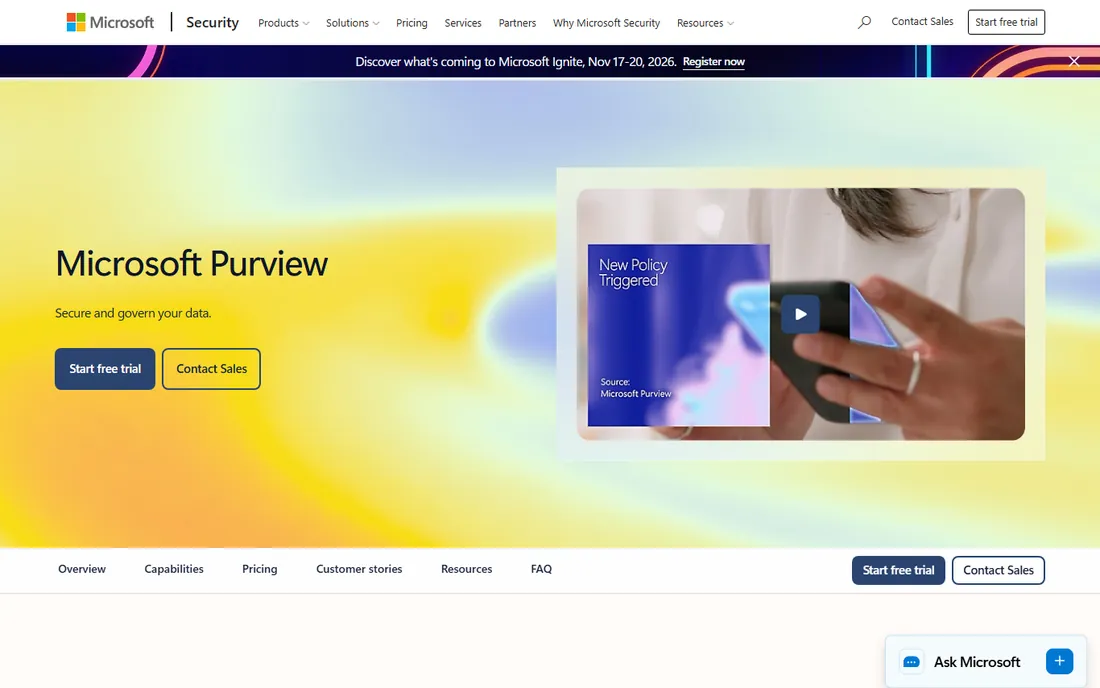
Purview is the DLP most companies already own. Endpoint DLP, email DLP, Teams and SharePoint policies, and sensitive information types all come from one console, and organizations on M365 E5 ($60/user/month) have it included. Everyone else can add the Purview Suite at $12 per user per month billed yearly.
The honest advice from practitioners: activate what you own before buying anything else. Run Purview in monitor mode, classify your crown-jewel data, and only then write blocking rules. Many companies discover their E5 licenses already cover the DLP program they were about to buy from someone else.
What we like- Native to M365, Teams, SharePoint and endpoints via Defender
- Unified labeling across cloud and devices
- Often already licensed but not activated
Watch out for- Full value needs E5 or the add-on
- Policy tuning still requires real expertise
- Weaker outside the Microsoft ecosystem
#2
Safetica
Best for: Mid-market companies that want real DLP without enterprise sales
Visit safetica.com
Starting priceFrom $72/user/year
Free planFree trial
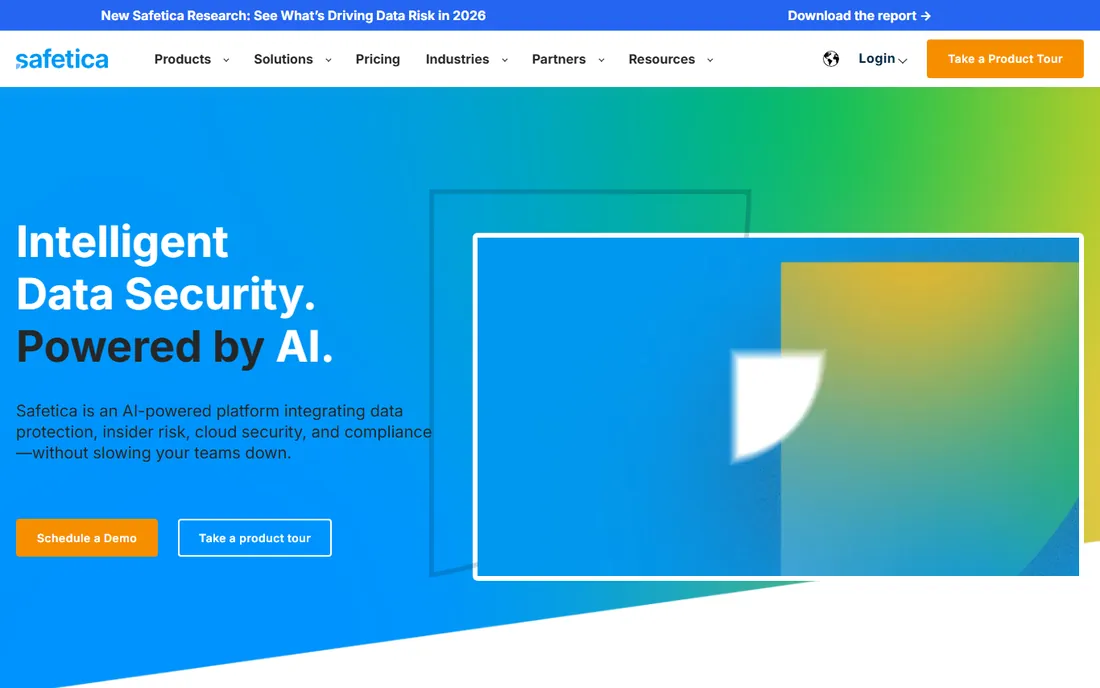
Safetica is the mid-market answer to a category that mostly sells to enterprises. Three tiers start at $72, $96 and $144 per user per year, covering endpoint DLP, data classification and insider-risk monitoring from a SaaS console. The pricing is public, the deployment is measured in days, and the feature set covers what most 200-to-2,000-person companies actually need.
It will not match Forcepoint's analytics or Netskope's cloud coverage, and that is the point: it is not trying to. For companies that need endpoint DLP with data classification and cannot justify an enterprise quote, Safetica is the price-transparent pick.
What we like- Published pricing from $72 per user per year, the cheapest serious DLP here
- Endpoint DLP plus insider-risk features
- Simpler deployment than enterprise suites
Watch out for- Less depth in network and cloud channels than the big platforms
- Smaller ecosystem of integrations
#3
Teramind
Best for: Companies that want DLP plus user activity monitoring
Visit teramind.co
Starting priceEUR 30/seat/month (DLP tier)
Free planFree trial
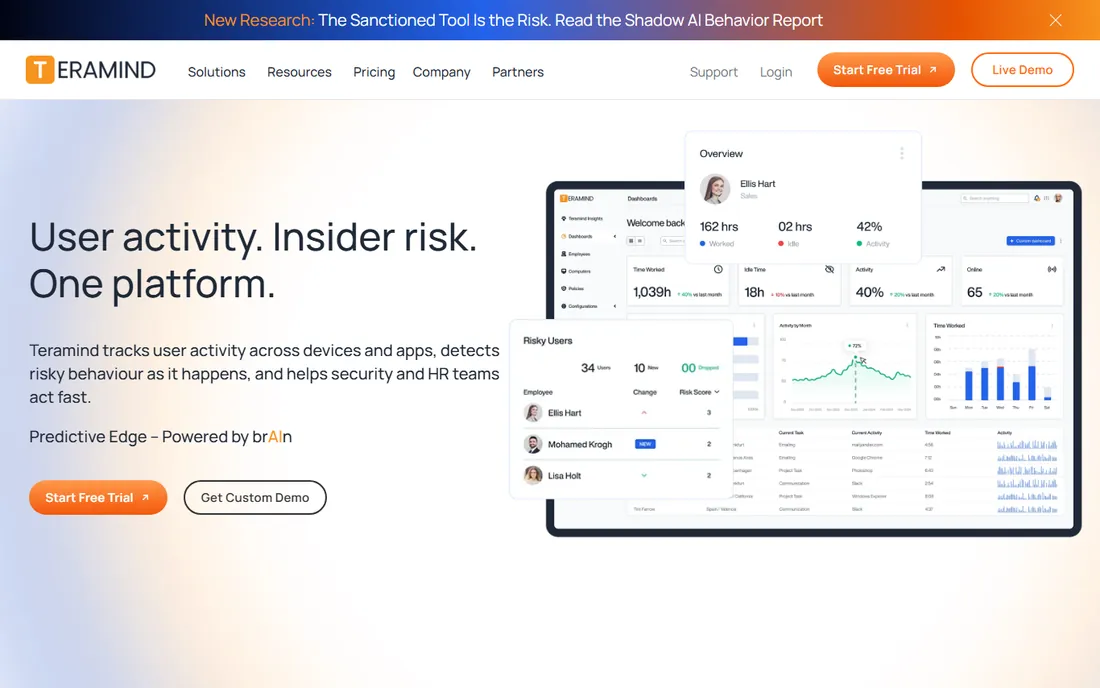
Teramind sits at the intersection of DLP and insider-threat monitoring. The DLP tier runs EUR 30 per seat per month (EUR 28 on yearly billing, 5-seat minimum), adding content inspection and policy enforcement to Teramind's user-activity analytics. Deployment options include cloud and on-premises.
The combination is the selling point and the controversy: the same agent that blocks data exfiltration also records user activity, which needs clear HR and legal alignment before rollout. For regulated industries and IP-heavy companies that already want both capabilities, one agent is cheaper and simpler than two.
What we like- Combines DLP with behavior analytics and productivity monitoring
- Published pricing with a 5-seat minimum
- Cloud or on-prem deployment
Watch out for- Activity monitoring features raise employee-privacy questions
- Priced in EUR, which complicates US budgeting
Starting priceSee website
Free planNo
Symantec DLP, now under Broadcom, remains the reference enterprise platform. It covers data at rest (discovery), in motion (network, email, web) and in use (endpoint) with indexed document matching, data fingerprinting and hundreds of policy templates. Licensing is per user, per device or per appliance, all quote-based.
Buyers should know the Broadcom reality: renewals are the pricing event, and negotiation matters. Reviewers consistently call it costly, especially for smaller companies, while acknowledging the depth. It suits enterprises with dedicated DLP staff and compliance mandates that justify the investment.
What we like- The broadest coverage: endpoint, network, cloud and discovery from one policy engine
- Mature data fingerprinting and exact-data-match
- Deep regulatory template library
Watch out for- Broadcom-era pricing and renewals need negotiation
- Complex to deploy well
- Expensive for small and mid-size companies
#5
Forcepoint DLP
Best for: Organizations that want risk-adaptive, behavior-driven protection
Visit forcepoint.com
Starting priceSee website
Free planNo
Forcepoint's differentiator is risk adaptivity: instead of static block rules, policies adjust to user behavior, so a trusted employee and a risky one face different controls. OCR detection, data fingerprinting and policy-based auto-encryption round out a platform that spans endpoints, network, email and CASB.
Pricing is quote-based and reviewers note annual increases, though value satisfaction runs high. It fits organizations with real insider-risk concerns and the security maturity to use behavioral analytics well. Smaller teams will find the sales cycle and price disproportionate to the problem.
What we like- Behavioral analytics drive dynamic, risk-based policy enforcement
- OCR finds sensitive data in images
- Unified policy across endpoint, cloud, web and email
Watch out for- Quote-based enterprise pricing
- Professional support costs extra
- Reports can be hard to interpret
#6
Fortra DLP
Best for: Companies that want deep endpoint DLP, optionally fully managed
Visit fortra.com
Starting priceSee website
Free planNo
Fortra DLP is the former Digital Guardian, and it keeps that product's endpoint depth: a kernel-level agent that sees data in use with unusual granularity, context-aware policies that understand applications and workflows, and support across Windows, macOS and Linux. For companies without DLP staff, the fully managed service runs the program for you.
Everything is quote-based, and the managed tier is a real budget line. It suits IP-heavy manufacturers, chip companies and engineering firms where endpoint exfiltration is the threat model. If your data lives mostly in SaaS apps rather than endpoints, a cloud-first tool fits better.
What we like- Kernel-level endpoint agent with context-aware policies
- Fully managed DLP service available
- Broad OS support including Linux
Watch out for- Quote-based with no published pricing
- The managed service adds significant cost
Starting priceSee website
Free planNo
Netskope approaches DLP from the network edge. As a SASE platform, it inspects traffic inline and via API across sanctioned and unsanctioned cloud apps, with exact data match, deep analytics and private app access. For cloud-first companies, DLP rides along with the zero-trust architecture they are already building.
The catch is the bundle logic: DLP shines brightest inside a Netskope deployment, and per-user subscription pricing is quote-based. It is the right pick for security teams standardizing on SASE. Companies without that strategy should look at endpoint or Microsoft-native options first.
What we like- Cloud DLP via API and inline inspection at SASE scale
- Exact data match and advanced analytics
- Strong CASB integration for shadow IT discovery
Watch out for- Quote-based per-user pricing
- Full value needs the broader Netskope platform
- Overkill without a SASE strategy
#8
Cyberhaven
Best for: Tracing how sensitive data actually moves and transforms
Visit cyberhaven.com
Starting priceSee website
Free planNo
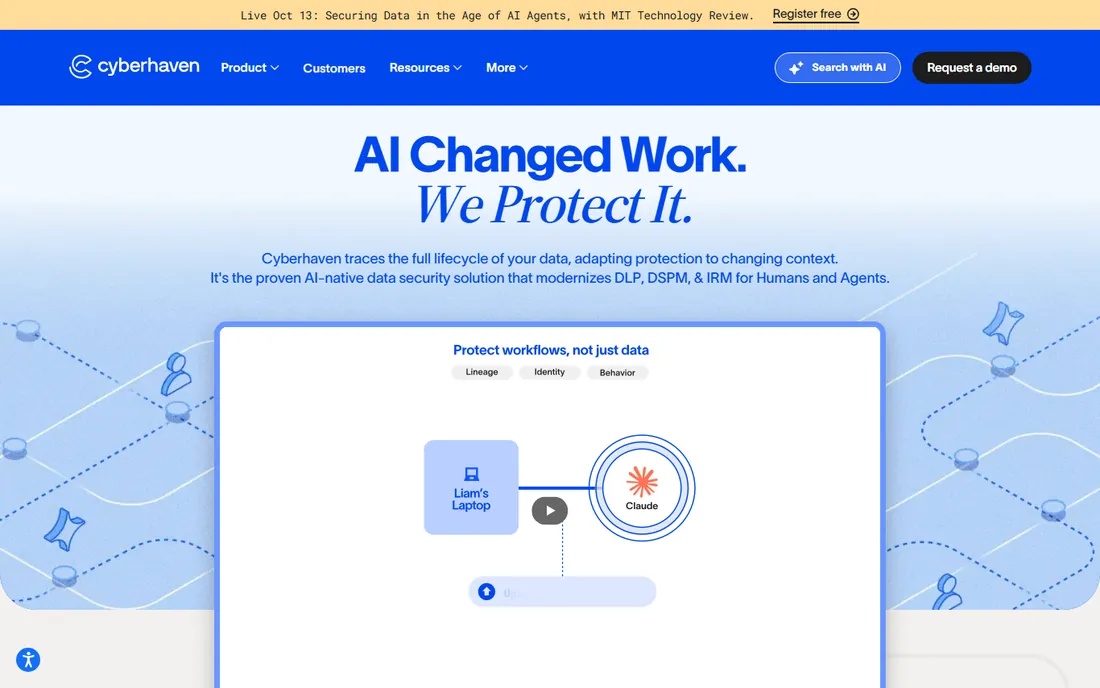
Cyberhaven represents the lineage generation of DLP. Instead of pattern-matching content at boundaries, it traces data lineage: where a sensitive file came from, how it was transformed, and where copies now live. That makes insider-risk investigations dramatically more concrete than alert lists.
It is a newer vendor, so reference customers and long-term roadmap carry more uncertainty than Symantec or Forcepoint. But for security teams frustrated with regex-based DLP that drowns them in false positives, lineage is the most credible new idea in the category. Evaluate it alongside your incumbent, not instead of basic hygiene.
What we like- Data lineage tracing shows where sensitive data flows and how it changes
- Strong insider-risk workflows
- Modern architecture without legacy baggage
Watch out for- Quote-based pricing
- Newer vendor with a smaller install base than the incumbents
- Lineage approach needs security-team buy-in
#9
CrowdStrike Falcon DLP
Best for: Security teams already running CrowdStrike Falcon
Visit crowdstrike.com
Starting priceSee website
Free planFree trial
Falcon DLP is the consolidation play: if CrowdStrike's agent already runs on every endpoint, adding the DLP module avoids a second agent, a second console and a second vendor relationship. Policies benefit from Falcon's endpoint visibility, and incidents flow into the same XDR workflows as malware and intrusions.
As an add-on, it will not match the depth of Symantec or Fortra on data discovery and classification. But for security-first teams that value one agent and one console over best-of-breed depth, it is the pragmatic choice. The Falcon free trial covers evaluation.
What we like- Single lightweight agent you already deployed
- DLP rides on Falcon's endpoint visibility
- Integrates with EDR/XDR workflows
Watch out for- Add-on module pricing is quote-based
- DLP depth is narrower than dedicated platforms
How we chose
We started from the enforcement points that matter (endpoint, network, cloud, email) and made sure each is represented. Pricing honesty drove the ordering: this is the most opaque category in enterprise software, so we led with the three vendors that publish prices (Microsoft, Safetica, Teramind) and marked the rest clearly as quote-based. We used October 2026 pricing research that verified figures against vendor pages rather than repeating marketing claims. Reviews from G2 and practitioner communities informed the strengths and weaknesses, with extra weight on false-positive handling and deployment reality, the two things that decide whether a DLP program survives its first year.
Endpoint, network or cloud: pick your enforcement point
DLP enforces at three places, and most buyers need to choose a primary. Endpoint DLP (Safetica, Teramind, Fortra, CrowdStrike, Symantec) watches data on the device: USB transfers, screenshots, local files. It is the right primary when IP lives on laptops and engineers' workstations.
Network and email DLP (Symantec, Forcepoint) watches data in motion: uploads, email attachments, web posts. It is the right primary when exfiltration happens through sanctioned channels you control.
Cloud DLP (Netskope, Microsoft Purview, Cyberhaven) watches SaaS apps and data flows via APIs. It is the right primary when the business runs in the browser. Most mature programs end up with two of the three. Buying all three on day one is how DLP projects die of complexity; pick the enforcement point matching your actual exfiltration risk and expand later.
The false-positive trap: why classification comes first
The number one DLP failure mode is blocking before classifying. A new deployment with aggressive block rules generates thousands of alerts, users learn to work around the tool, IT disables the policies to stop the tickets, and the program dies discredited. Every practitioner guide says the same thing: monitor first.
Run any new DLP in monitor mode for 30 to 60 days. Classify your data: what is actually sensitive, where it lives, who touches it. Tune policies against real traffic until false positives are rare. Only then turn on blocking, and start with the highest-risk channels. Measure the program by false-positive rate, not by alert volume. A DLP that blocks rarely but accurately is working; one that fires constantly is a random punishment generator.
Frequently asked questions
What is DLP software?
Data loss prevention software discovers sensitive data (customer records, IP, financials), classifies it, and enforces policies that stop it from leaving the company through endpoints, email, web uploads or cloud apps. It combines data discovery, classification and enforcement in one program.
How much does DLP software cost?
It ranges from $12/user/month (Microsoft Purview add-on) to published mid-market prices like Safetica ($72/user/year) and Teramind (EUR 30/seat/month). Enterprise platforms (Symantec, Forcepoint, Netskope, Fortra) are quote-based and typically run into six figures annually for mid-size deployments.
Is Microsoft Purview DLP enough for our company?
If you are on Microsoft 365 E5, Purview DLP covers email, Teams, SharePoint and endpoints well enough that many companies need nothing else. Its limits show outside the Microsoft ecosystem and in advanced insider-risk analytics. Audit what you own before buying: most E5 customers underuse the DLP they already pay for.
Symantec versus Forcepoint DLP: which is better?
Symantec offers the broadest coverage across endpoint, network, cloud and discovery with mature fingerprinting; Forcepoint leads on risk-adaptive enforcement driven by behavioral analytics. G2 rates them equally overall. Choose Symantec for coverage breadth, Forcepoint for behavior-driven policies, and negotiate renewals hard with either.
Is there DLP software for small businesses?
Yes, and this is new. Safetica (from $72/user/year) and Teramind (EUR 30/seat/month) publish prices aimed at the mid-market, and Microsoft 365 Business Premium includes basic DLP capabilities. Traditional enterprise DLP was never built for small companies; buy the newer tier, not a shrunken enterprise quote.
Does DLP software slow down computers?
Modern endpoint agents are light, but poorly tuned DLP absolutely can: aggressive content inspection on every file operation causes noticeable lag. The fix is policy tuning, not hardware: scope inspection to sensitive data types and risky channels instead of scanning everything. Pilot on a representative set of machines before full rollout.
Sources we checked (7)
- https://www.flamingo.run/blog/data-loss-prevention-software
- https://cyberpress.org/dlp-software-by-use-case/
- https://gbhackers.com/best-data-loss-prevention-software/
- https://cio.economictimes.indiatimes.com/tools/best-dlp-software/126136531
- https://www.trustradius.com/compare-products/forcepoint-data-loss-prevention-vs-symantec-endpoint-security
- https://www.g2.com/compare/forcepoint-data-loss-prevention-dlp-vs-symantec-data-loss-prevention
- https://www.netadmintools.com/forcepoint-dlp-review/
Is your product missing or out of date?
We review this list regularly. Vendors can request a listing, send updated pricing or ask about featured placement.

Shihab Mia · Founder, Rankite
Shihab has spent more than a decade helping SaaS and e-commerce brands grow through search. He writes Rankite's software buying guides from pricing pages, documentation and public user reviews. More about Shihab.