How we make this list: we compare pricing pages, product documentation and public user reviews. Ratings come from G2, Capterra or Trustpilot, with the date we checked them.
What is digital signage software for schools
Digital signage software for schools runs the screens in hallways, cafeterias, gyms and front offices. It shows announcements, bell schedules, lunch menus, sports scores and emergency alerts, and it lets one person update every screen in the building from a browser. Schools buy it to replace paper posters and morning announcements, and to reach every student with an urgent message in seconds. Schools need emergency alert overrides, education pricing, and tools a busy office manager can run without IT help. The best education tools price per site or per classroom, not per screen.
Direct answer: Rise Vision is the top pick for most schools because it is the education specialist, with a free tier for qualifying K-12 schools and Basic at $11 per display per month. TrilbyTV is the best pick for schools that want one flat yearly price with unlimited screens, from £1,200 per site per year. REACH Media Network is the best pick for a school that wants the lowest published monthly price, with Starter at $14 per month flat.
Key takeaways
- Rise Vision is free for qualifying K-12 schools, and Basic costs $11 per display per month, Advanced $138 per display per year, Enterprise $164, and Unlimited $1,399 per school per year.
- TrilbyTV charges per site, not per screen: a single site education plan costs £1,200 per year with unlimited screens.
- Vivi does not publish prices; reseller listings put the 3-year subscription around $224 per classroom per year, and hardware, software, support and training are bundled in.
- REACH Media Network starts at $14 per month flat, the lowest published price here, with Professional at $21 and Premier at $28.
- Emergency alerts separate school tools from office tools: Rise Vision, Carousel, Vivi and TrilbyTV all offer alert overrides, while Yodeck and OptiSigns do not.
How we picked
We compared eight tools on five points: education features such as emergency alerts and bell schedules, pricing and education discounts, ease of use for non-technical staff, template libraries, and integration with Google Workspace. Prices come from vendor pricing pages and vendor supplied directory listings, checked 21 November 2026. Where sources disagree on a price, both figures are printed and the conflict is flagged. Prices are search verified; vendor homepages were not individually opened in the browser for this guide. This guide is scoped to school signage, which is distinct from the live best digital signage software page for general business use.
Comparison table
| Tool | Best for | Starting price | Free plan |
| Rise Vision | K-12 schools that need alerts and templates | $11/display/month | Free for qualifying K-12 |
| TrilbyTV | Schools that want unlimited screens for one price | £1,200/site/year | Free trial |
| Carousel | Districts that need secure multi-site control | $22/player/month | Free trial |
| Vivi | Schools that want signage plus classroom screen sharing | Quote only | No free tier |
| REACH Media Network | Schools that want the lowest published price | $14/month | Free trial |
| Yodeck | Single schools on a tight budget | $8/screen/month | Yes, 1 screen free |
| OptiSigns | Schools that want the biggest app library | $10/screen/month | Yes, 3 screens free |
| ScreenCloud | Schools that want polished designed screens | $20/screen/month | Free trial |
What a 10-screen school pays in a year
A typical school runs ten screens: two in the main hallway, one in the cafeteria, one in the gym, one in the front office, one in the library and four in classroom corridors. At Rise Vision, Basic at $11 per display per month costs $1,320 a year, while the Unlimited licence at $1,399 per school per year covers the whole campus. At TrilbyTV the single site plan costs £1,200 per year with unlimited screens. At REACH the Starter plan costs $14 per month flat, or $168 a year. At Yodeck one screen is free and nine cost $8 each, which is $864 a year. At OptiSigns three screens are free and seven cost $10 each, which is $840 a year. At ScreenCloud ten screens cost $2,400 a year.
Which school signage software is best for emergency alerts
Emergency alerts are the feature a school cannot compromise on. Rise Vision lets an authorised user override every display on campus with an emergency message, starting on the Advanced plan at $138 per display per year. Carousel supports emergency messaging through Common Alerting Protocol integrations. Vivi delivers emergency notifications and lockdown instructions to every connected display within seconds. Yodeck, OptiSigns and ScreenCloud do not offer native emergency alerting for schools.
How to choose digital signage software for your school
Choose by who will run it day to day. If the front office runs the screens, pick a tool with school templates and a simple editor, which Rise Vision, TrilbyTV and REACH all offer. If the district runs many schools, pick a tool with multi-site management and unlimited screens per site, which TrilbyTV and Carousel both offer. If the school needs emergency alerts, check the plan: Rise Vision puts alerts on Advanced, Carousel needs a Common Alerting Protocol integration, and Vivi bundles alerts with its classroom platform. Finally, check the free tier: Rise Vision is free for qualifying K-12 schools, Yodeck gives one screen free and OptiSigns gives three.
Quick comparison
| Tool | Best for | Starting price | Free plan |
|---|
 Rise Vision | K-12 schools that need alerts, templates and education pricing | $11/display/month (Basic; free for qualifying K-12) | Free for qualifying K-12 schools; 14-day trial for others |
 TrilbyTV | Schools that want unlimited screens for one flat yearly price | From £1,200/year per site (education, unlimited screens) | Free trial (30 days); no free plan |
 Carousel | Districts that need secure multi-site control and emergency messaging | $22/player/month | Free trial; no free plan |
 Vivi | Schools that want signage, screen sharing and emergency alerts in one platform | Quote only | No free tier; demo on request |
 REACH Media Network | Schools that want the lowest published monthly price | $14/month (Starter, flat rate) | Free trial; no permanent free plan |
 Yodeck | Single schools on a tight budget that want a free screen | $8/screen/month (Basic) | Yes, 1 screen free forever |
 OptiSigns | Schools that want the biggest app library on a budget | $10/screen/month (Standard) | Yes, 3 screens free with OptiSigns branding |
 ScreenCloud | Schools that want polished, designed screens | $20/screen/month (Core, billed annually) | Free trial (14 days) |
Is your product missing or out of date?
We review this list regularly. Vendors can request a listing, send updated pricing or ask about featured placement.
These eight tools cover the main ways schools run screens in 2026.
#1Rise Vision
Best for: K-12 schools that need alerts, templates and education pricing4.7/5 on
G2 (1,003 reviews, checked Oct 2026)
Visit risevision.com
Starting price$11/display/month (Basic; free for qualifying K-12)
Free planFree for qualifying K-12 schools; 14-day trial for others
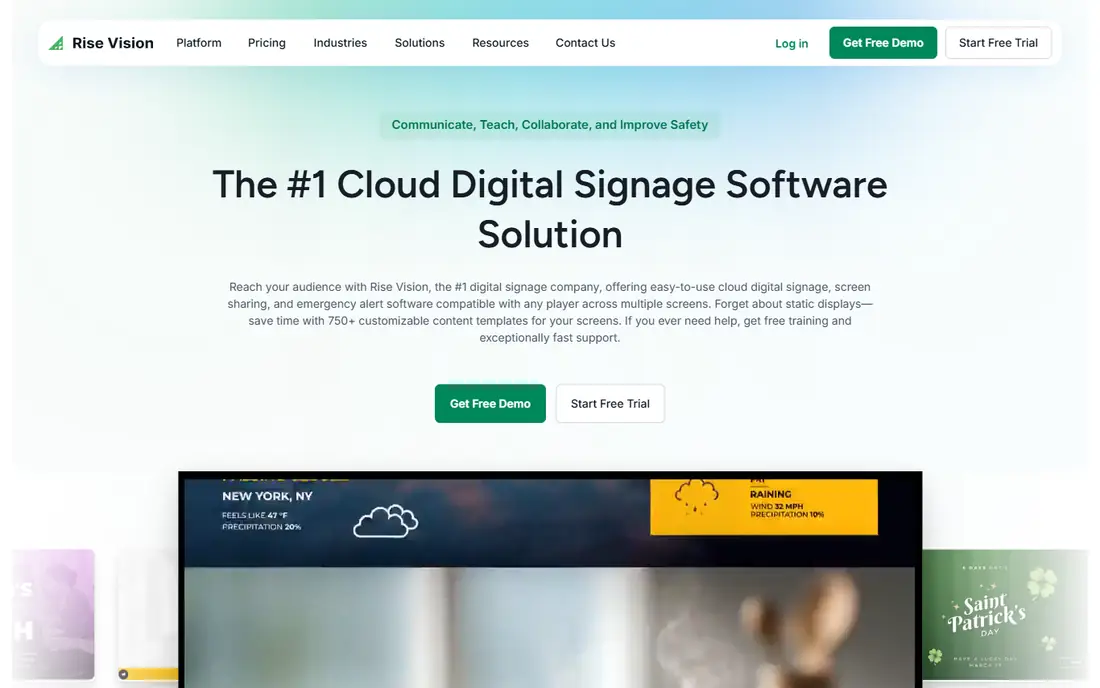
Rise Vision is the education specialist on this list. Its template library covers school announcements, sports scoreboards, cafeteria menus and emergency notifications, and the platform can override every display on campus with emergency messages. Basic is $11 per display per month, Advanced $13, Enterprise $164 per display per year, and Unlimited $1,399 per school per year for whole campus coverage. Qualifying K-12 schools get free access, which is unmatched. The commercial limits are worth knowing: the permanent free licence was discontinued, so non-education users get a 14-day trial only. For schools, nothing else on this list combines the template depth, emergency alerts and education pricing.
What we like- Free tier for qualifying K-12 schools, huge education template library, emergency alert broadcasting across campus, strong Google Workspace integration
Watch out for- No permanent free plan for commercial users, feature set is weaker outside education, interactive templates need a separate annual add-on
#2
TrilbyTV
Best for: Schools that want unlimited screens for one flat yearly price
Visit trilbytv.co.uk
Starting priceFrom £1,200/year per site (education, unlimited screens)
Free planFree trial (30 days); no free plan
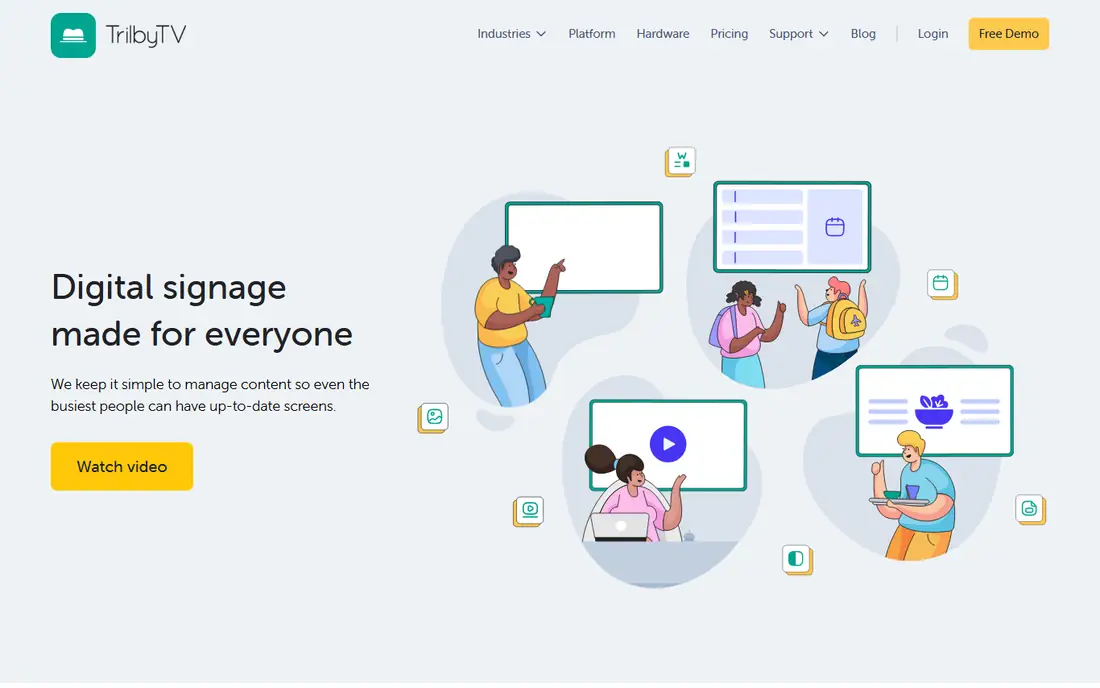
TrilbyTV is a digital signage platform built by people who work in education, and its pricing is the simplest on this list for a school: a single site education plan costs £1,200 per year with unlimited screens and 50 GB of storage, and a multisite plan starts at £1,800 per year for the first site with each additional site at £600 per year. The Announce app lets staff broadcast an update around the school in a couple of taps. One third-party listing shows £200 per year, which conflicts with the £1,200 education figure, so the £1,200 site price is the number to budget on.
What we like- Unlimited screens on the education plans, built by people who work in education, simple enough for non-technical staff, Announce app for instant broadcasts
Watch out for- No free plan, pricing is in pounds which complicates US budgeting, one third-party listing shows £200 per year which conflicts with the £1,200 education figure
#3Carousel
Best for: Districts that need secure multi-site control and emergency messaging4.8/5 on
G2 (2 reviews, checked Oct 2026)
Visit carouselsignage.com
Starting price$22/player/month
Free planFree trial; no free plan
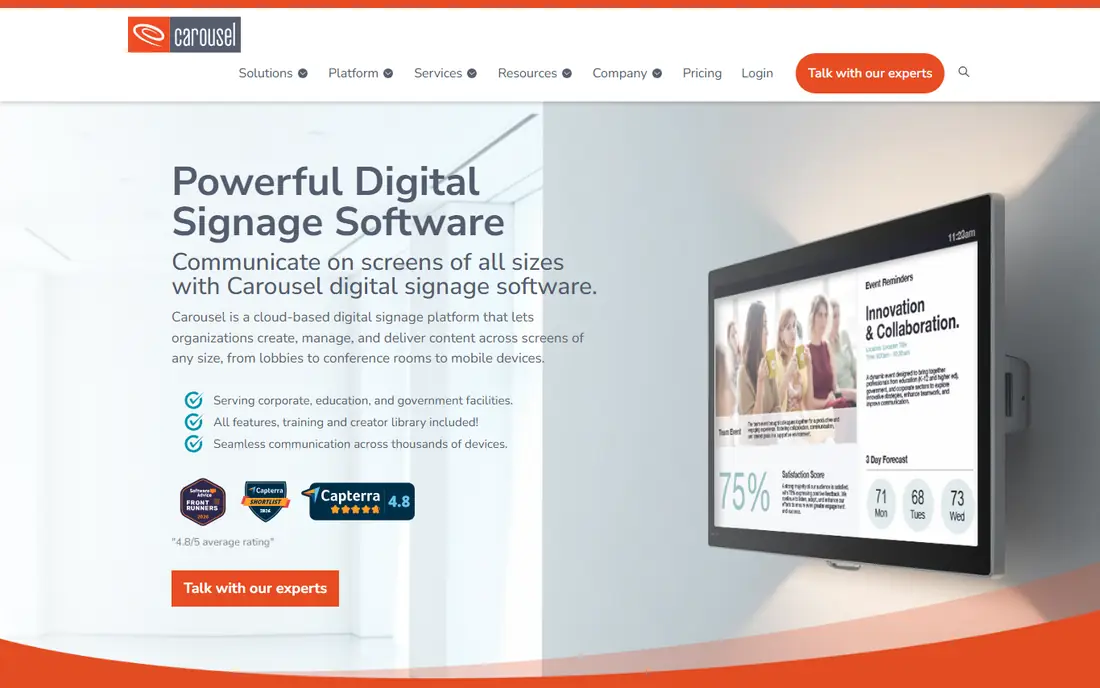
Carousel is the enterprise digital signage CMS on this list, built for complex deployments, multi-location governance and secure data management. It is designed for IT teams that need central administration, role-based access control and single sign-on, and it aligns with SOC 2 security principles. For a school district that matters: one team can manage screens across many schools and push emergency messaging through Common Alerting Protocol integrations. It is hardware agnostic, working with BrightSign, Apple TV, Amazon Signage, Sony, Philips, Samsung and LG players. The base subscription is $22 per player per month and includes support and training for up to 10 media players and unlimited users. One third-party listing shows $250 per month, which conflicts with the $22 figure. For a district, Carousel is the most governable option here; for a single school it is more than needed.
What we like- Enterprise CMS built for complex multi-location deployments, Common Alerting Protocol support for emergency messaging, SOC 2 compliant, works with BrightSign, Apple TV and Amazon Signage players
Watch out for- No free plan, one third-party listing shows $250 per month which conflicts with the $22 figure, enterprise focus means a steeper setup than the school only tools
#4
Vivi
Best for: Schools that want signage, screen sharing and emergency alerts in one platform
Visit vivi.io
Starting priceQuote only
Free planNo free tier; demo on request
Vivi is the campus operating system on this list rather than a signage only tool. It combines wireless screen mirroring, digital signage, emergency alerts and announcements into one platform, so a teacher can share a lesson to the classroom display and an emergency alert can take over all displays within seconds. It is used by more than 160,000 classrooms. Pricing is not published; reseller data puts the 3-year subscription around $224 per classroom per year, after a $10 increase in July 2026, with hardware, software, support and training all bundled in. An older figure of $169 per year is stale. Vivi needs a Vivi box on each display, or a supported panel running the Vivi Display App.
What we like- Wireless screen mirroring plus digital signage plus emergency alerts in one platform, used by more than 160,000 classrooms, hardware, software, support and training bundled in the subscription
Watch out for- No published price, needs a Vivi box on each display or a supported panel, reseller listings put the subscription around $224 per classroom per year, older $169 per year figure is stale
Starting price$14/month (Starter, flat rate)
Free planFree trial; no permanent free plan
REACH Media Network is a digital signage platform used by schools, recreation centres, churches and public agencies to publish announcements, event calendars and media across screens. Its pricing is the simplest on this list: Starter at $14 per month flat, Professional at $21 and Premier at $28. G2 says the pricing information is supplied by the vendor. One directory listing shows $19.99 per month flat, which conflicts with the $14 figure. Schools praise the customer service and the ease of use: staff can create announcements, show room schedules and integrate with Canva directly. For a school that wants the lowest honest monthly price, REACH is the cheapest published option on this list.
What we like- Lowest published price on this list, flat monthly rate with no per screen maths, strong customer service reviews from schools, Canva integration and room schedule displays
Watch out for- One directory listing shows $19.99 per month which conflicts with the $14 figure, no permanent free plan, smaller template library than Rise Vision
#6Yodeck
Best for: Single schools on a tight budget that want a free screen4.7/5 on
G2 (3,248 reviews, checked Oct 2026)
Visit yodeck.com
Starting price$8/screen/month (Basic)
Free planYes, 1 screen free forever
Yodeck is the cheapest honest starting point for a school that has never run signage. The free tier is genuinely free: one screen forever with Basic features and no credit card, which is enough to run the main hallway display. Paid plans start at $8 per screen per month for Basic, $12 for Premium and $16 for Enterprise, and annual billing bundles a free Yodeck player per screen. The catch is the free tier cliff: the moment a second screen is added, the free screen converts to paid, so growth from one screen to two costs $16 a month, not $8. The other limit is emergency alerting: Yodeck has no native school alert feature, so a school that needs alerts should pick Rise Vision, Carousel or Vivi instead.
What we like- One screen free forever, annual plans bundle a free Raspberry Pi player, clear tiered pricing, easy for non-technical staff
Watch out for- Hardware story centres on Raspberry Pi, adding a second screen makes every screen billable, no native emergency alerting for schools, white labelling reserved for Enterprise
#7OptiSigns
Best for: Schools that want the biggest app library on a budget4.7/5 on
G2 (3,881 reviews, checked Oct 2026)
Visit optisigns.com
Starting price$10/screen/month (Standard)
Free planYes, 3 screens free with OptiSigns branding
OptiSigns wins the app library contest with over 140 integrations, pulling content from Google Slides, YouTube and social feeds into screen layouts. The free tier covers three screens with a watermark and 25 basic apps, which is enough to run a small school for nothing. Standard at $10 per screen per month adds schedules, zones, templates and unlimited storage; Pro Plus at $15 adds approvals, proof of play and SAML; Engage at $30 adds interactive kiosks and QR interactions. The pricing curve is the thing to model: the tier a school actually needs, with approvals and proof of play, can be $15 to $30 per screen, and the free tier file size and app caps push active users upward. The limit for schools is emergency alerting, which OptiSigns does not offer natively.
What we like- Three free screens is the largest free tier among mainstream vendors, over 140 integrations, schedules and zones on Standard, kiosk builder on Engage
Watch out for- Free tier shows OptiSigns branding and caps file sizes at 25 MB, upper tiers at $30 to $45 per screen get expensive fast, no native emergency alerting for schools
#8ScreenCloud
Best for: Schools that want polished, designed screens4.7/5 on
G2 (455 reviews, checked Oct 2026)
Visit screencloud.com
Starting price$20/screen/month (Core, billed annually)
Free planFree trial (14 days)
ScreenCloud is the design led option on this list. Its templates translate well to school screens that need to look designed rather than assembled, and its Canvas browser design tool lets a staff member build a board without a designer. It integrates with Slack, Teams and BI tools, and it carries an enterprise security layer with SSO, user provisioning and MFA. Core is $20 per screen per month billed annually, Pro $30, and Enterprise with a 25 screen minimum is quote based. That makes it the most expensive per screen price on this list, with no education discount, so ten screens cost $2,400 a year against $168 a year at REACH. For a school that cares about design quality and IT governance, it is worth the price; for most schools, Rise Vision or TrilbyTV does the job for far less.
What we like- Strongest integration layer for workplace and business tools, Canvas browser design tool, enterprise governance with SSO and provisioning, clean templates
Watch out for- Most expensive per screen price here, no education discount, no native emergency alerting for schools, $24 per screen on monthly billing
Frequently asked questions
What is the best digital signage software for schools
Rise Vision is the best pick for most schools because it is the education specialist, with a free tier for qualifying K-12 schools and Basic at $11 per display per month. TrilbyTV is the best pick for schools that want one flat yearly price with unlimited screens, from £1,200 per site per year. REACH Media Network is the best pick for a school that wants the lowest published monthly price, at $14 per month flat.
How much does digital signage software cost for a school
A 10-screen school pays $168 a year at REACH, $840 a year at OptiSigns, $864 a year at Yodeck, $1,320 a year at Rise Vision Basic, or $1,399 a year for the Rise Vision Unlimited licence. TrilbyTV costs £1,200 a year for unlimited screens. ScreenCloud costs $2,400 a year for ten screens. Rise Vision is free for qualifying K-12 schools.
Can school signage software send emergency alerts
Yes, but only on some tools. Rise Vision lets an authorised user override every display on campus with an emergency message, starting on the Advanced plan. Carousel supports emergency messaging through Common Alerting Protocol integrations. Vivi delivers emergency notifications and lockdown instructions to every connected display within seconds. Yodeck, OptiSigns and ScreenCloud do not offer native emergency alerting for schools.
Do schools get free digital signage software
Yes. Rise Vision is free for qualifying K-12 schools. Yodeck gives one screen free forever, which covers the main hallway display. OptiSigns gives three screens free with its branding, which covers the hallway, the cafeteria and the front office. TrilbyTV, Carousel, Vivi and ScreenCloud offer free trials but no permanent free plan.
Should a school pay per screen or per site
It depends on the screen count. A school with one or two screens should pay per screen, because Yodeck and OptiSigns give away screens and REACH costs $14 a month flat. A school with ten or more screens should pay per site: TrilbyTV costs £1,200 a year for unlimited screens, and Rise Vision Unlimited costs $1,399 a year for the whole campus. Count the screens first, then compare the two models.
Sources we checked (8)
- https://www.risevision.com
- https://trilbytv.co.uk
- https://www.carouselsignage.com
- https://www.vivi.io
- https://reachmedianetwork.com
- https://www.yodeck.com
- https://www.optisigns.com
- https://www.screencloud.com
Is your product missing or out of date?
We review this list regularly. Vendors can request a listing, send updated pricing or ask about featured placement.

Shihab Mia · Founder, Rankite
Shihab has 5+ years in B2B and SaaS SEO. He writes Rankite's software buying guides from pricing pages, documentation and public user reviews. More about Shihab.