How we make this list: we compare pricing pages, product documentation and public user reviews. Ratings come from G2, Capterra or Trustpilot, with the date we checked them.
Key takeaways
- The best customizable worksheet software with AI in 2026 is usually the one whose data already sits in it: Sheets wins for Google teams, Excel wins for Microsoft teams.
- Google Sheets with Gemini leads for most teams, since AI functions, Fill with Gemini, and smart fill are bundled into Workspace plans rather than billed separately.
- Specialized tools such as Rows and Sourcetable beat the giants for warehouse scale data and analytical depth, but cost more per user.
- AI formulas still need checking: verify every AI generated formula, total, and insight before it reaches a report, a client, or a board deck.
Quick comparison
Is your product missing or out of date?
We review this list regularly. Vendors can request a listing, send updated pricing or ask about featured placement.
The best customizable worksheet software with AI
Starting price$14 per user per month
Free planYes

Google Sheets with Gemini is the best AI spreadsheet tool for most teams in 2026. The AI function, Fill with Gemini, smart fill, and Help me organize are included in Workspace Business Standard at 14 dollars per user per month billed annually, so there is no second AI subscription and no data migration. Collaboration is real time and familiar, and Drive integration keeps files beside the documents they feed.
The limits are scale and depth. Sheets hits a 10 million cell ceiling that hurts very large files, and AI features lag specialized tools for complex modeling. For teams whose data already lives in Google Workspace, Sheets with Gemini is the obvious pick.
What we like- AI function, Fill with Gemini, and smart fill bundled into Workspace
- Real time collaboration
- No second AI bill
Watch out for- 10 million cell ceiling hurts very large files
- AI depth lags specialized tools for complex modeling
- Internet dependent
Starting priceSee website
Free planNo
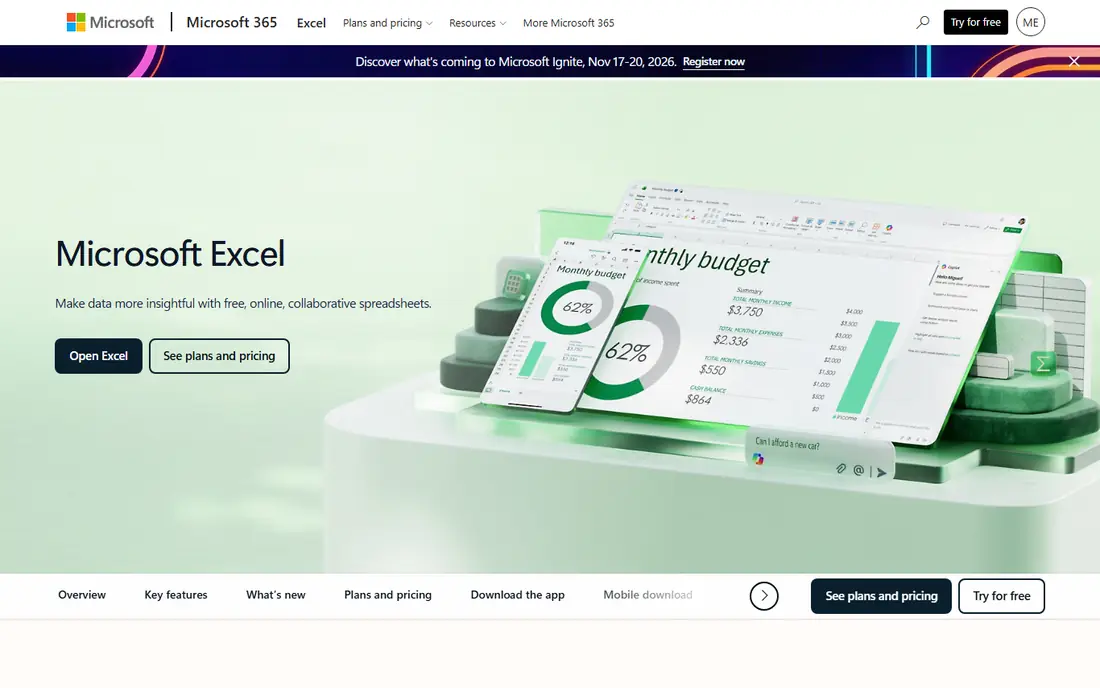
Excel with Copilot is the go to for enterprises modernizing Excel deployments with AI. Copilot writes formulas from natural language, explains data, builds insights and visualizations, and works inside the Excel interface finance teams already know, with Power BI, Teams, and Azure beside it.
Pricing varies by Microsoft 365 plan and Copilot licensing, so the starting price here is written as See website. AI features can be costly at scale, and some advanced features still need desktop Excel. For enterprises deeply embedded in Microsoft 365, Excel with Copilot leads.
What we like- Natural language formulas and insights
- Deep Power BI and Teams integration
- Familiar Excel interface for enterprises
Watch out for- Requires Microsoft 365 plus Copilot licensing
- AI features can be costly
- Some advanced features need desktop

#3Rows
Best for: Interactive dashboards4.9/5 on
G2 (24 reviews, checked Oct 2026)
Visit rows.com
Starting price$16 per user per month
Free planYes
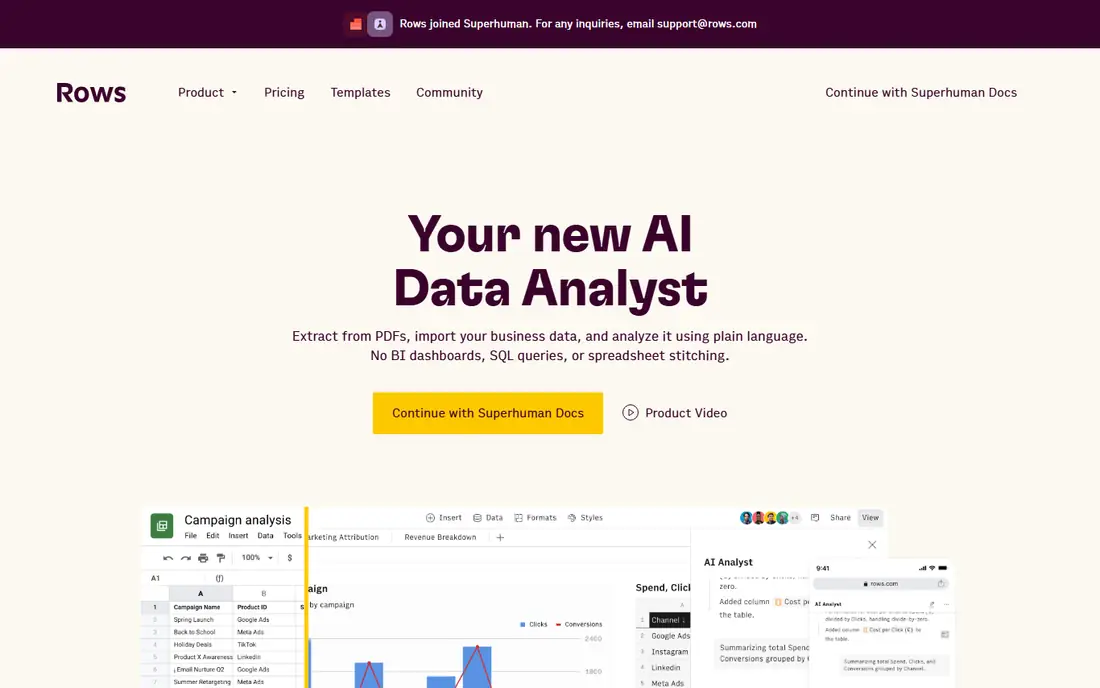
Rows is an AI native spreadsheet built for interactive data experiences. AI helps design charts and dashboards, pull data from SaaS tools and databases with assisted transformations, and share results as interactive views rather than static files. That suits analysts and marketers who need engaging, shareable data storytelling.
The Pro plan costs about 16 dollars per user per month, with a limited free plan, though this category repriced twice in the last year, so re-check before committing annually. For dashboards and data storytelling, Rows is the best pick.
What we like- AI native spreadsheet with chart and dashboard automation
- Data connectors to SaaS tools and databases
- Shareable interactive views
Watch out for- Smaller ecosystem than Sheets or Excel
- Pricing repriced several times in the last year
- Less suited to pure financial modeling
Starting price$29 per user per month
Free planFree trial
Sourcetable replaces repetitive spreadsheet work with AI automation for analysts. Its AI Data Analyst answers questions, builds models, and generates templates for financial reporting, while live data models and audit logs suit compliance heavy teams. It targets spreadsheet native users who need to boost productivity without learning new tools.
Pricing starts around 29 dollars per user per month, with a free trial and higher enterprise tiers for governance features. For AI assisted analysis and financial modeling depth, Sourcetable is the strongest specialized pick.
What we like- AI Data Analyst for questions and models
- Live data models with strong access controls
- Template generation for finance work
Watch out for- Higher per user price than Sheets or Rows
- Enterprise features sit behind higher tiers
- Learning curve for advanced modeling

#5Airtable
Best for: Database spreadsheet hybrids4.6/5 on
G2 (3,300 reviews, checked Oct 2026)
Visit airtable.com
Starting price$20 per user per month
Free planYes
Airtable blends spreadsheets with databases: the same data shows as a grid, kanban, calendar, or gallery, with AI field suggestions and automation scripts that fill and route records. That flexibility suits project management, content tracking, and operations where a pure grid feels too flat.
Pricing starts around 20 dollars per user per month, with a free plan for small bases. AI analysis depth is lighter than Sourcetable, and heavy calculation work still belongs in Sheets or Excel. For customizable database style worksheets, Airtable leads.
What we like- AI field suggestions and automation scripts
- Database views beside grid views
- Large integration ecosystem
Watch out for- AI features are lighter than Sourcetable for analysis
- Per user price climbs with team size
- Less suited to heavy calculation work
Starting price$10 per user per month
Free planYes
Coda merges documents and worksheets on one canvas, so a project doc can hold live tables, buttons, and AI summaries beside the prose. Its AI assistant writes, summarizes, and fills tables, while Pack Maker AI builds custom integrations without code. That suits teams that plan in docs but track in tables.
Pricing starts around 10 dollars per user per month, with a free plan. AI analysis depth is lighter than Sourcetable, and very large tables can feel slower than Sheets. For doc first teams that want live tables inside their docs, Coda is the best pick.
What we like- AI assistant for docs and tables
- Pack Maker AI for custom integrations
- Docs and worksheets in one canvas
Watch out for- AI depth is lighter than specialized spreadsheets
- Learning curve for doc based workflows
- Large tables can feel slower than Sheets

#7Smartsheet
Best for: Project driven worksheets4.4/5 on
G2 (22,767 reviews, checked Oct 2026)
Visit smartsheet.com
Starting price$25 per user per month
Free planFree trial
Smartsheet is the project driven worksheet pick. Its AI features focus on resource optimization and predictive timelines, with approval workflows, proofing, and reporting that suit project teams tracking work across departments. SOC 2, ISO 27001, and SSO support suit enterprise security needs.
Pricing starts around 25 dollars per user per month, with a free trial. It is more project management than pure spreadsheet, and AI analysis depth is thinner than Sourcetable. For project driven worksheets with timelines and approvals, Smartsheet leads.
What we like- Resource optimization and predictive timelines
- Approval workflows and proofing
- Strong for project driven teams
Watch out for- More project management than pure spreadsheet
- AI features focus on timelines over analysis
- Price is high for casual use
Starting priceFree
Free planYes
Formula Bot suits users who only need formulas and answers, not a new platform. Its free tier generates formulas from plain language and answers spreadsheet questions, working with Sheets and Excel files you already have. That makes it a useful bookmark for the formula you would otherwise search for.
Paid plans run 18 to 20 dollars per month, which is steep for a single purpose tool, and there is no data modeling or dashboarding. For formula help alone at zero cost, Formula Bot rounds out the list.
What we like- Free tier for formula generation
- Answers spreadsheet questions without a new platform
- Works with Sheets and Excel
Watch out for- Formula tool only, not a full worksheet
- Paid plans from 18 to 20 dollars per month
- No data modeling or dashboards
How we chose
We ranked tools by AI depth, customization, data scale, collaboration, governance, and value at entry level pricing. We favored tools where AI works inside the grid you already use, since switching platforms for AI alone rarely pays, and we gave extra weight to bundled AI, because a second AI subscription doubles the cost of a tool you already pay for.
We also weighed verification honestly. AI formulas, totals, and insights can contain errors, so tools with auditable citations and clear formula display score higher than black box answers. Price conflicts across sources were handled by writing "See website" where published figures disagreed or licensing varies, since this category repriced twice in the last year.
Buying guide
Start with where your data lives. Google Workspace teams should pick Sheets with Gemini, Microsoft 365 teams Excel with Copilot, and warehouse scale teams Row Zero or Sourcetable when files outgrow Sheets. Switching platforms for AI alone rarely pays unless the new tool solves a scale or depth problem.
Next, test AI on your real work. Ask it to build a formula, clean a messy column, and summarize a table, then check every result against a manual calculation. If the AI output needs heavy correction, the tool is not saving time yet.
Finally, check governance before rolling out to a team. Confirm audit logs, access controls, SSO, and data handling for sensitive financial data, and train users to validate AI output. The right tool balances AI productivity with enterprise governance, not just the flashiest demo.
Frequently asked questions
What is the best customizable worksheet software with AI overall?
Google Sheets with Gemini leads for most teams, since AI is bundled into Workspace plans. Excel with Copilot leads for Microsoft 365 enterprises, while Sourcetable leads for analytical depth.
Do I need to pay extra for AI in Sheets or Excel?
Sheets with Gemini bundles AI into Workspace Business Standard, while Excel with Copilot needs Microsoft 365 plus Copilot licensing, so check your current plan before buying an add on.
Can AI spreadsheets handle very large files?
Sheets hits a 10 million cell ceiling, which hurts very large files. Warehouse scale tools handle larger data better, so move when a file starts slowing Sheets down.
Should I trust AI generated formulas?
No, not without checking. Verify every AI generated formula, total, and insight against a manual calculation before it reaches a report, a client, or a board deck.
What is the cheapest AI worksheet option?
Formula Bot is free for formula generation, while Sheets with Gemini and Coda offer free tiers. For a full worksheet with AI, Sheets with Gemini bundled into Workspace is the best value for most teams.
Sources we checked (0)
Is your product missing or out of date?
We review this list regularly. Vendors can request a listing, send updated pricing or ask about featured placement.

Shihab Mia · Founder, Rankite
Shihab has 5+ years in B2B and SaaS SEO. He writes Rankite's software buying guides from pricing pages, documentation and public user reviews. More about Shihab.
 Google Sheets with Gemini
 Microsoft Excel with Copilot
 Sourcetable
 Coda
Coda Formula Bot