How we make this list: we compare pricing pages, product documentation and public user reviews. Ratings come from G2, Capterra or Trustpilot, with the date we checked them.
What is the best court case management software for courts?
Tyler Odyssey Case Manager is the best overall pick for most courts because it serves more than 100 million citizens in 900 counties across 23 states and covers the full case lifecycle from filing to disposition. Journal Technologies eCourt is the best choice for courts rebuilding around digital workflows, and Thomson Reuters C-Track is the best fit for large court operations that need a rules engine and analytics.
Key takeaways
- Every vendor in this category quotes custom pricing, so budget for implementation, data migration and training, not just the license, and ask what case volume the fee covers.
- Tyler Odyssey is the installed base leader: North Carolina chose it for the statewide eCourts program and Oregon runs its circuit courts on it.
- eCourt was built from the ground up as a configurable business processing engine, which suits courts that want workflows shaped to their own rules rather than a fixed template.
- FullCourt Enterprise is the pick for high volume courts that still want an on premise option alongside cloud deployment.
- Every vendor homepage below was confirmed live on 22 November 2026, and every price is listed as quote only because no vendor in this category publishes court pricing.
Quick comparison
| Tool | Best for | Starting price | Free plan |
|---|
 Tyler Odyssey Case Manager | State and county courts that want the proven standard | Quote | No, demo available |
 Journal Technologies eCourt | Courts rebuilding around digital workflows | Quote | No, demo available |
 Thomson Reuters C-Track | Large court operations needing rules and analytics | Quote | No, demo available |
 equivant JWorks | Mid-size courts that want a modern cloud system | Quote | No, demo available |
 FullCourt Enterprise | High volume courts, including on premise deployment | Quote | No, demo available |
 Avenu Court | Local courts that want case and financial management together | Quote | No, demo available |
 Catalis Courts | Courts modernizing with a cloud platform | Quote | No, demo available |
 Casedoc | Courts, tribunals and commissions that need adjudication workflows | Quote | No, demo available |
Is your product missing or out of date?
We review this list regularly. Vendors can request a listing, send updated pricing or ask about featured placement.
The best court case management software for courts
A court case management system is not a law firm tool. It runs the docket, the filings, the calendar, the money and the public record for a court that cannot stop working while the software is installed. That is why the buying decision weighs the installed base, the migration path and the vendor's support record as heavily as features. The eight systems below are the ones courts actually run, from statewide deployments to single municipal courts.
#1
Tyler Odyssey Case Manager
Best for: State and county courts that want the proven standard
Visit tylertech.com
Starting priceQuote
Free planNo, demo available

Odyssey is the default answer for a reason. Tyler's suite is the leading courts and justice software system in the United States, and the deployments are public record: North Carolina selected Odyssey for its statewide eCourts integrated case management system, replacing more than 40 older applications, and Oregon runs its circuit courts and Tax Court on Odyssey. The system covers case tracking, e-filing, document management, calendaring, financial management and reporting in one platform, and the Enterprise Justice family connects the court to prosecutors, public defenders and law enforcement through shared data. The honest cost is the project around the software. Implementation, data migration, training and change management are real line items, and a small municipal court will find the platform heavier than it needs. For a county or state court that must not fail, the installed base is the argument.
What we like- Largest installed base in US courts, with more than 100 million citizens served in 900 counties across 23 states
- End to end coverage from e-filing through disposition
- Deep integrations across the justice system, including prosecutors, defenders and law enforcement
Watch out for- Quote only pricing with enterprise scale implementation projects
- Migrations from legacy systems run for months
- The breadth of the suite means smaller courts pay for capability they may never use
Starting priceQuote
Free planNo, demo available
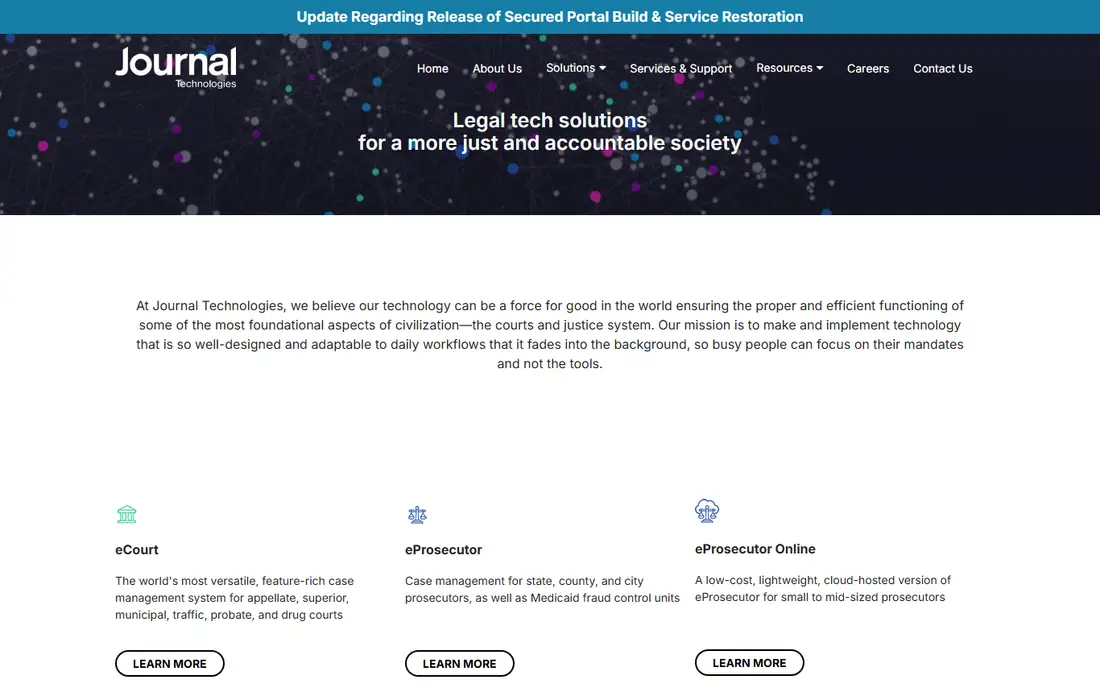
eCourt takes a different approach from Odyssey. Journal Technologies built it from the ground up as a configurable business processing engine, so the court shapes workflows to its own rules instead of adapting to a fixed template. That matters for courts with unusual dockets: appellate, municipal, traffic, probate and drug courts are all named use cases, and the system centers on document management and e-filing. Journal Technologies is a subsidiary of the Daily Journal Corporation and has spent three decades building software for courts and justice agencies, with companion products for prosecutors, defenders and probation built on the same framework. The trade off is the same as with any configurable platform: the flexibility is real, but it needs people inside the court who own the configuration, and pricing is quote only.
What we like- True browser based system architected as a configurable business processing engine
- Serves trial, appellate, municipal, traffic, probate and drug courts
- Strong e-filing and document management at the core
Watch out for- Quote only pricing with no public numbers
- Configuration flexibility means implementations need skilled staff
- Smaller vendor than Tyler, so the partner ecosystem is thinner
Starting priceQuote
Free planNo, demo available
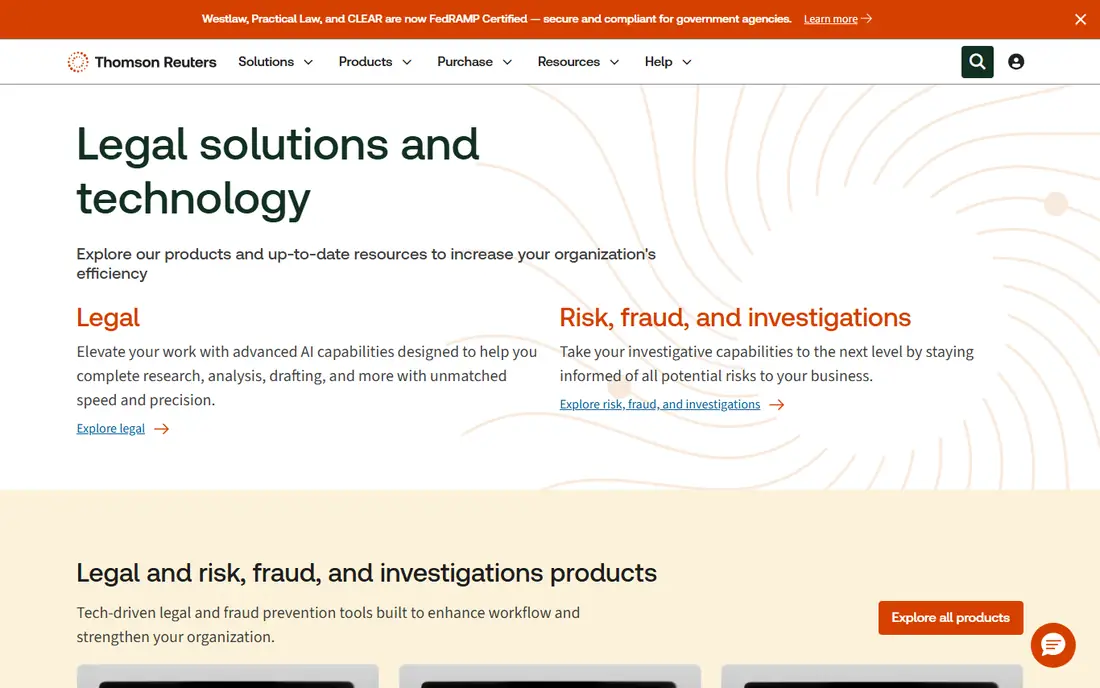
C-Track is the Thomson Reuters answer for courts that run at scale. It is a web based system that helps a court manage its workflow with scheduling, docketing, a rules engine and analytics, and it is positioned for large scale court operations where fragmented processes are the problem. The Thomson Reuters backing brings ecosystem benefits: the same vendor serves the legal research, matter management and e-billing needs of the firms and agencies a court works with every day. The honest assessment is that C-Track belongs on the shortlist when the court is large enough that a few percentage points of efficiency dwarf the software cost. Smaller courts should compare the total cost against the mid market options before assuming bigger is better.
What we like- Web based system with a rules engine and analytics built for large scale operations
- Strong docketing and scheduling
- Backed by Thomson Reuters and its wider legal ecosystem, including Westlaw
Watch out for- Quote only pricing with an enterprise sales process
- Implementations at large courts are resource heavy
- Smaller courts will find it more system than they need
#4
equivant JWorks
Best for: Mid-size courts that want a modern cloud system
Visit equivant.com
Starting priceQuote
Free planNo, demo available
JWorks is equivant's modern court case management system, and it is the most approachable of the enterprise options here. The pitch is operational simplicity: a dynamic system that boosts efficiency and streamlines communication across the agency, with workflow automation and audit trails rather than a maze of modules. equivant also serves the wider justice market, including supervision and corrections, which means a county can keep court and community corrections data in one vendor family. The limit is scale proof: equivant does not match Tyler's statewide reference list, so a large court should ask for references at its own size before committing. For a mid-size court moving off paper or an aging on premise system, JWorks is the fastest path to a modern platform.
What we like- Modern, dynamic case management built to simplify justice operations
- Streamlines communication across the agency
- Cloud deployment with workflow automation and audit trails
Watch out for- Quote only pricing
- Less proven at the very largest statewide scale than Odyssey or C-Track
- Buyers should confirm integration depth with their existing e-filing vendor
Starting priceQuote
Free planNo, demo available
FullCourt Enterprise comes from Justice Systems Inc, a vendor that has served courts for decades, and it is the workhorse pick for high volume courts. The system is built around case tracking and reporting at scale, with workflow tools that keep a busy clerk's office moving. Unlike most of the list, it still offers on premise deployment alongside cloud, which matters for courts with data residency rules or an IT team that prefers to host its own systems. The honest trade off is age: the interface shows its history next to cloud native competitors, and an on premise install means the court carries patching, backups and upgrades. For a court that measures success in cases cleared per day rather than in interface polish, that trade is usually worth making.
What we like- Built for high volume courts handling heavy caseloads
- Offers both on premise and cloud deployment
- Strong reporting and workflow tools
Watch out for- Quote only pricing
- The interface reflects a longer history than the cloud native options
- On premise deployment means the court owns more of the IT burden
Starting priceQuote
Free planNo, demo available
Avenu Insights and Analytics serves local governments, and its court offering pairs case management with the financial side of running a court: fines, fees, collections and reporting. That pairing matters because for many municipal and county courts, the money workflow is half the job, and a system that treats it as an afterthought creates reconciliation work every month. Being part of a wider local government family also helps: the same vendor covers revenue, records and administration for the county, so data does not have to cross vendor boundaries. The limit is visibility: Avenu is less prominent in statewide court deployments than Tyler, so a court should ask for references from courts of its own size and caseload before signing.
What we like- Court case management paired with financial management for fines, fees and collections
- Built for local government, so the workflows match how counties actually operate
- Part of a wider local government software family
Watch out for- Quote only pricing
- The court product is one part of a broad local government portfolio, so buyers should confirm the roadmap
- Less visible in statewide deployments than Tyler
Starting priceQuote
Free planNo, demo available
Catalis is a government technology vendor whose courts business is growing fast, with counties selecting its jury management platform to modernize scheduling, juror communications and payments. The courts offering sits in the same cloud family, which lets a county run courts, jury management, land records and payments with one vendor and one support relationship. The platform is hosted on AWS with disaster recovery and compliance built in, and the public facing side emphasizes online self service for residents. The honest caution is track record: Catalis Courts does not yet carry the decades of statewide references that Tyler or Journal Technologies can show. For a court modernizing from an aging system and willing to evaluate a newer platform, the consolidation argument is strong.
What we like- Cloud based court platform from a government technology specialist
- The same vendor covers jury management, land records and payments, so a county can consolidate
- Modern interface with online self service for the public
Watch out for- Quote only pricing
- The courts product is newer than the Tyler and Journal Technologies incumbents
- Buyers should verify coverage for their specific court type before committing
#8
Casedoc
Best for: Courts, tribunals and commissions that need adjudication workflows
Visit casedoc.com
Starting priceQuote
Free planNo, demo available
Casedoc is the specialist at the end of this list. It is a cloud based case management system for adjudication, covering public judicial bodies and courts, independent courts, tribunals, commissions and arbitrations. That scope makes it the right pick for a body that adjudicates cases but does not look like a county court: a tribunal, a commission or a specialized court with its own procedures. Deployment is lighter than the statewide suites because there is less to configure and less to migrate. The limit is breadth: Casedoc does adjudication well, but a court that also needs full e-filing, financial management and justice partner integrations will either stretch it or pair it with a second system. Buy it when the adjudication workflow is the whole job.
What we like- Cloud based case management built specifically for adjudication, including courts, tribunals, commissions and arbitrations
- Lighter weight than the statewide suites
- Faster to deploy for a single adjudicative body
Watch out for- Quote only pricing
- Narrower focus than the full justice suites, so a court needing deep e-filing or financial management may need a second system
- Smaller vendor with fewer large court references
We started from the systems courts actually run, cross checked against current comparison listings and vendor sites: Tyler Odyssey, Journal Technologies eCourt, Thomson Reuters C-Track, equivant JWorks, FullCourt Enterprise, Avenu Court, Catalis Courts and Casedoc. Every vendor homepage was checked live on 22 November 2026. No vendor in this category publishes court pricing, so every price is listed as quote only rather than guessed from directory figures. Public deployments, such as North Carolina eCourts and Oregon eCourt, are cited from government sources. We excluded JustWare, which reached its end of life in June 2021, and generic legal practice tools that are built for law firms rather than courts.
How to choose court case management software
Start with the deployment, not the feature list. A statewide court needs a vendor with statewide references and a migration team; a municipal court needs a system its clerk can run without a dedicated IT department. Ask every vendor for three things: a reference court of your size and caseload, a fixed price for data migration from your current system, and the annual cost of the e-filing and public access modules, which are often priced separately. Then check the contract for the exit: who owns the data, in what format it is returned, and what the export costs. Courts keep records for decades, so the exit clause matters more here than in almost any other software category.
Frequently asked questions
How much does court case management software cost?
No vendor in this category publishes pricing, so every system here is quote only. The license is usually the smaller number: implementation, data migration, training and annual support dominate the total cost. Small municipal courts should expect five figure annual costs, while statewide deployments run into seven figures. Get the migration and e-filing modules priced in writing before signing.
What is the difference between Odyssey and eCourt?
Odyssey is the installed base leader with the most statewide deployments, including North Carolina eCourts and Oregon circuit courts, and it covers the full justice system from courts to prosecutors. eCourt is a configurable business processing engine from Journal Technologies, which suits courts that want workflows shaped to their own rules, including appellate, municipal, traffic and probate courts.
Can a small municipal court use these systems?
Yes, but not all eight fit. JWorks, Casedoc and Catalis Courts are the better starting points for a small court, while Odyssey and C-Track are built for county and state scale. Ask the vendor for a reference court of your size, and confirm whether the price covers your case volume or is charged per case, per user or per module.
Does court case management software include e-filing?
Most of these systems include e-filing or offer it as a module, but it is often priced separately, so confirm it in the quote. Odyssey, eCourt and C-Track all treat e-filing as core functionality. Casedoc and FullCourt Enterprise buyers should check whether e-filing is included or needs a separate vendor.
How long does it take to switch court case management systems?
Plan on months, not weeks. Data migration from a legacy system, configuration of local rules, training for clerks and judges, and parallel running all take time. North Carolina's move to Odyssey replaced more than 40 applications and ran as a multi year program. A single municipal court can move faster, but should still budget three to six months.
Sources we checked (11)
- https://tylertech.com
- https://journaltech.com
- https://legal.thomsonreuters.com
- https://equivant.com
- https://justicesystems.com
- https://avenuinsights.com
- https://catalisgov.com
- https://www.casedoc.com
- https://www.goodfirms.co/court-management-software
- https://www.softwareworld.co/court-management-software
- https://www.NCcourts.gov/assets/documents/publications/eCourts-Fact-Sheet-06022021.pdf
Is your product missing or out of date?
We review this list regularly. Vendors can request a listing, send updated pricing or ask about featured placement.

Shihab Mia · Founder, Rankite
Shihab has 5+ years in B2B and SaaS SEO. He writes Rankite's software buying guides from pricing pages, documentation and public user reviews. More about Shihab.