How we make this list: we compare pricing pages, product documentation and public user reviews. Ratings come from G2, Capterra or Trustpilot, with the date we checked them.
Key takeaways
- Only two tools here publish full plan prices: PandaDoc starts at $19 per seat per month billed annually, and Concord starts at $499 per month billed annually with 5 users included.
- Juro, SpotDraft and LinkSquares all price on contract volume rather than seats, which favors companies where many people request contracts but few draft them.
- Ironclad, Agiloft and Docusign CLM are enterprise-grade systems with deep workflow builders, and all three quote prices only through sales.
- SpotDraft includes implementation and data migration in every plan and describes a go-live path of roughly six weeks.
- If your main need is fast sales contracts from a CRM, a document automation tool like PandaDoc may be enough. Full CLM pays off when legal needs approvals, playbooks and a searchable repository.
Quick comparison
| Tool | Best for | Starting price | Free plan |
|---|
 Ironclad Ironclad | Enterprise legal teams with complex workflows | See website | No |
 Juro Juro | Fast-growing companies that want self-serve contracts | See website | No |
 SpotDraft SpotDraft | Mid-market in-house legal teams | See website | No |
 PandaDoc PandaDoc | Sales teams generating contracts and proposals | $19 per seat/month (Starter, billed annually) | Yes |
 Concord Concord | Small and mid-size firms wanting published pricing | $499 per month (Essentials, billed annually, 5 users included) | No |
 Contractbook Contractbook | Small teams that want templates plus data extraction | See website | Free trial (14 days) |
 Agiloft Agiloft | Organizations needing no-code configurability | See website | No |
 Docusign CLM Docusign CLM | Companies already standardized on Docusign and Salesforce | See website | No |
 LinkSquares LinkSquares | Legal teams focused on post-signature contract intelligence | See website | No |
Is your product missing or out of date?
We review this list regularly. Vendors can request a listing, send updated pricing or ask about featured placement.
The best contract automation software
Contract automation means different things to different buyers. For a sales team, it is generating a clean order form from CRM data in two minutes. For a legal team, it is routing a vendor agreement through approvals, flagging risky clauses and reminding finance 60 days before auto-renewal. The tools below cover that whole range.
We list prices exactly as vendors publish them. Most CLM vendors quote by contract volume, users and modules, so "See website" here means the vendor does not publish a number, not that the product is expensive by default.
#1Ironclad
Best for: Enterprise legal teams with complex workflows4.4/5 on
G2 (312 reviews, checked Oct 2026)
Visit ironcladapp.com
Starting priceSee website
Free planNo
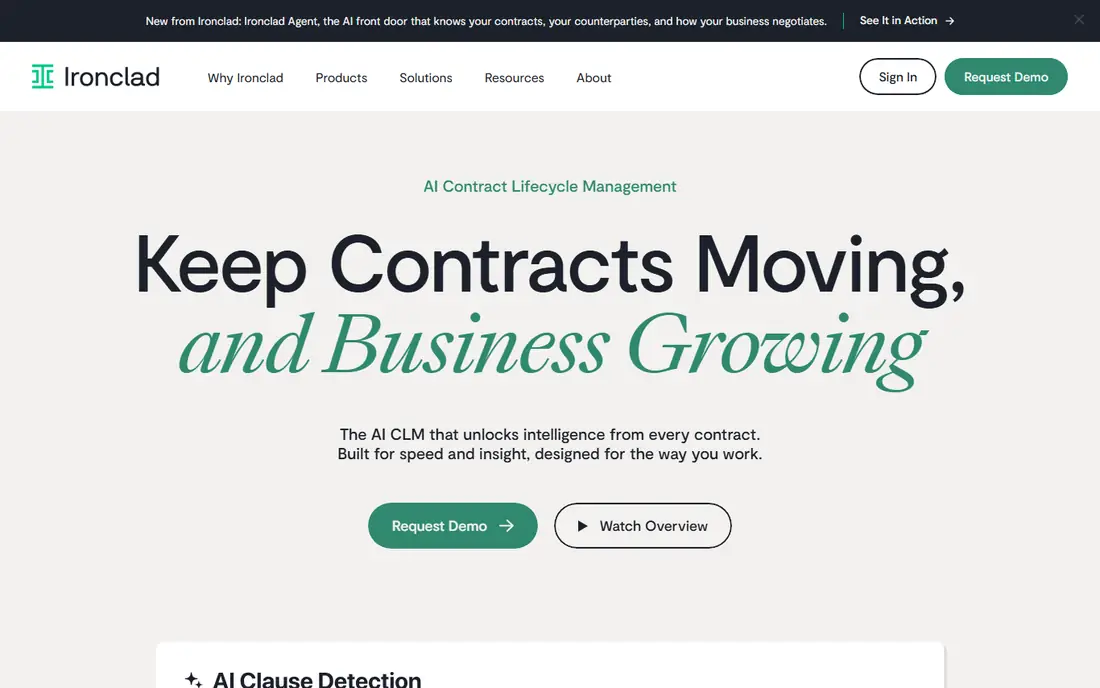
Ironclad is one of the best-known names in contract lifecycle management, and it is built for companies where legal, procurement and sales all touch contracts. Its workflow tools let legal ops teams design intake and approval processes so that routine agreements move without a lawyer opening each one.
The AI layer, which Ironclad now calls Ironclad Agent, is described as grounded in a company's commercial history and calibrated to how the business operates. Sales teams can create and sign agreements from inside their CRM, which removes a lot of email traffic.
The honest catch is cost and effort. Ironclad builds each quote from the products you choose, the deployment partner you use and add-ons such as API access or extra instances, and its FAQ notes that some integrations are paid. Smaller companies with a few dozen contracts a month will likely find a lighter tool faster to adopt.
What we like- Covers the full lifecycle from create and review to sign, store, analyze and fulfill
- Ironclad AI is grounded in your own contract history
- Integrates with Salesforce, Slack, Microsoft Word, Docusign and Zapier
Watch out for- Custom pricing with add-ons for some integrations and extra instances
- Implementation is a project, not an afternoon
#2Juro
Best for: Fast-growing companies that want self-serve contracts4.5/5 on
G2 (248 reviews, checked Oct 2026)
Visit juro.com
Starting priceSee website
Free planNo
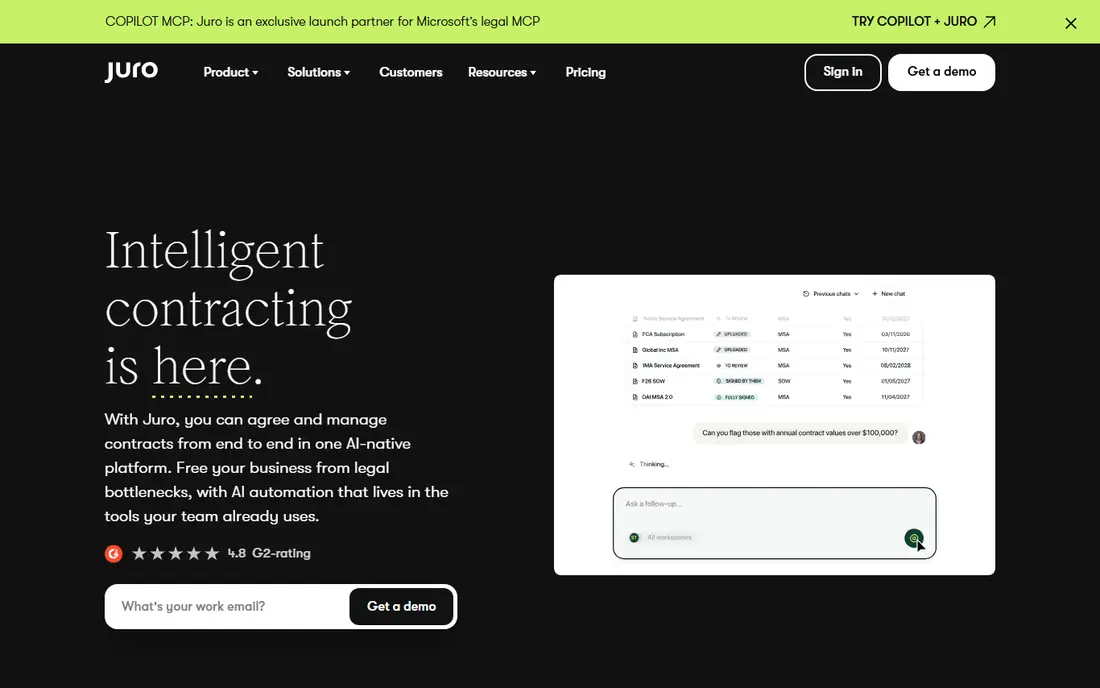
Juro is designed so that sales, HR and procurement can create routine contracts themselves while legal sets the rules. Templates are controlled by legal, and contracts can also be generated straight from a connected CRM or applicant tracking system.
Pricing is based on contract volume, from fewer than 20 a month to more than 1,000, rather than seats. Every plan includes unlimited users, workflows and templates, which is helpful when dozens of managers need to request agreements. Juro's conversational assistant, Operator, answers questions about your contract repository in plain language and cites its sources.
The trade-off is that the most useful integrations are not included by default. Slack and Google Drive come standard, but Salesforce, HubSpot and Workday connections cost extra. Ask for those line items in the quote.
What we like- Unlimited users, workflows and templates on every plan
- Business teams create contracts from legal-controlled templates
- AI extract, draft and review options
Watch out for- Deeper integrations such as Salesforce, HubSpot and Workday cost extra
- AI features are selected as add-ons in the quote
#3SpotDraft
Best for: Mid-market in-house legal teams4.5/5 on
G2 (184 reviews, checked Oct 2026)
Visit spotdraft.com
Starting priceSee website
Free planNo
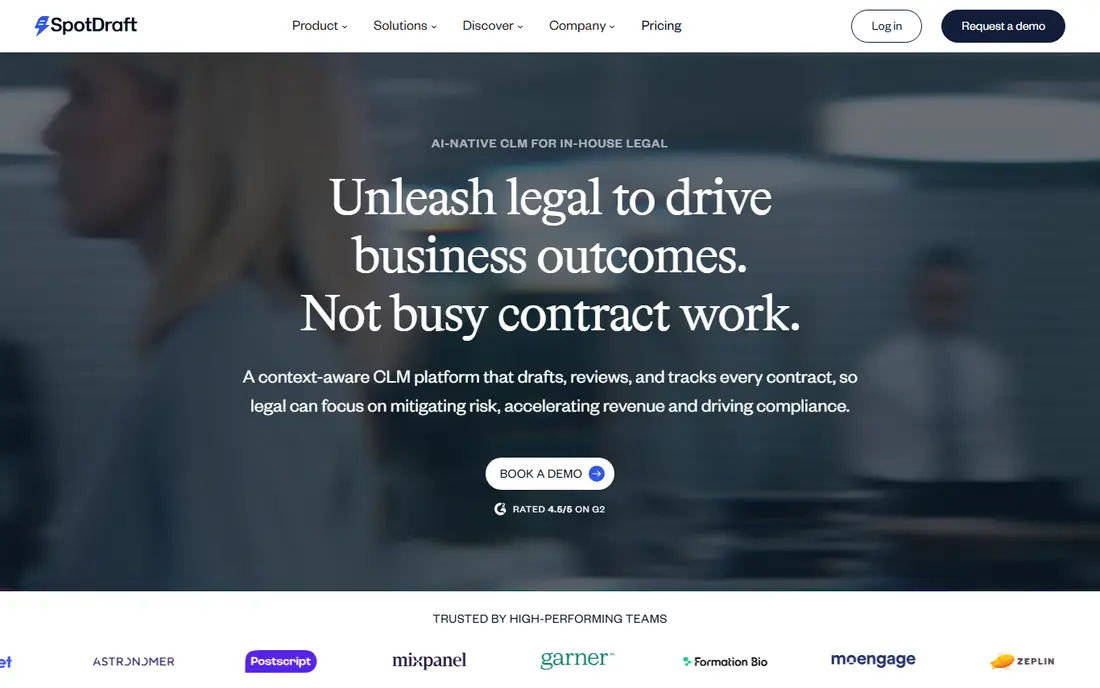
SpotDraft is an AI-native CLM aimed at in-house legal teams at growth-stage and mid-market companies. It covers intake, conditional templates, approvals, negotiation, e-signature and a central repository, with analytics on renewals and team workload.
Two things stand out for buyers. First, SpotDraft includes implementation and migration of legacy contracts in every plan and describes a go-live path of about six weeks. Second, negotiation happens where lawyers already work, including Microsoft Word and Slack, which helps adoption.
Pricing is based on contract volume, and the company does not list numbers. SpotDraft names more than 30 integrations, including Salesforce, HubSpot and Slack, so confirm that the systems you rely on are among them before signing.
What we like- Implementation, workflow setup and legacy contract migration included at no extra fee
- 24/7 support and a dedicated customer success manager
- ISO 27001, SOC 2 Type II, GDPR and HIPAA listed
Watch out for- No published pricing
- Built for in-house legal, so less suited to sales-only use cases
#4PandaDoc
Best for: Sales teams generating contracts and proposals4.7/5 on
G2 (3,621 reviews, checked Oct 2026)
Visit pandadoc.com
Starting price$19 per seat/month (Starter, billed annually)
Free planYes
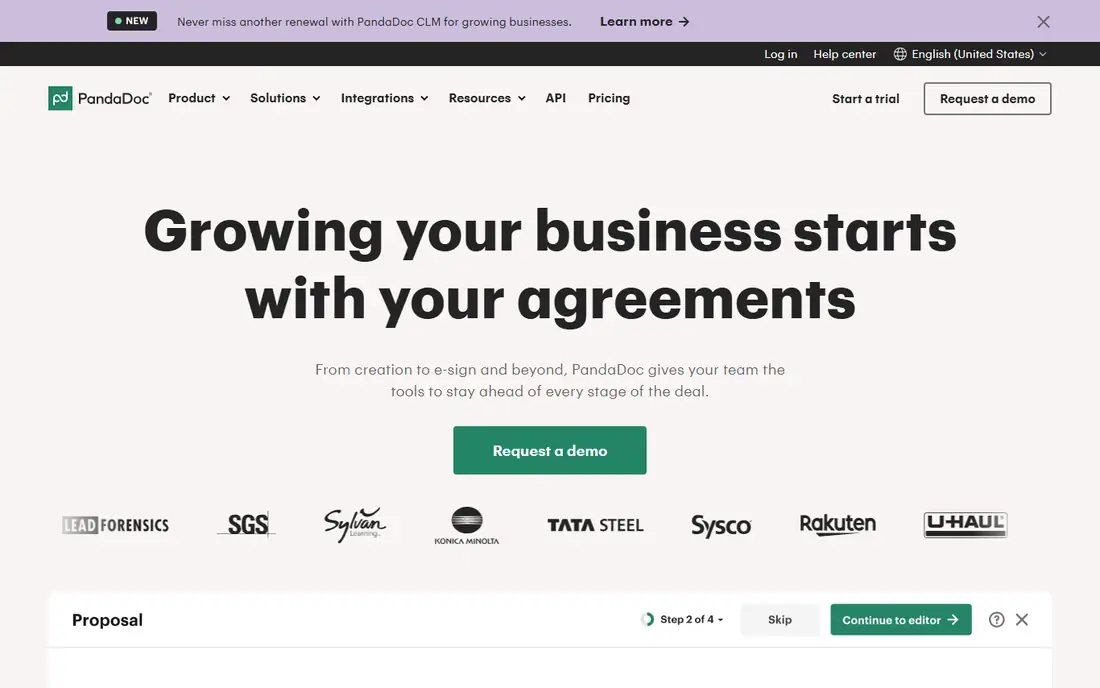
PandaDoc is a document automation tool rather than a full CLM, and for many sales-led companies that is exactly what they need. Reps build a contract or proposal from a template, pull customer data from the CRM, send it for signature and track when it is opened.
Prices are public. Starter is $19 per seat per month and Business is $49, both billed annually, with higher rates on monthly billing. The Free plan covers 60 document sends a year with e-signatures and a handful of templates. Enterprise adds workflow automation, CPQ, single sign-on and API access.
The limitation shows when legal gets involved. PandaDoc is strong at creating and signing documents but lighter on clause playbooks, multi-step legal approvals and post-signature obligation tracking. Its pricing page also notes that automated document creation uses credits, so heavy API users should price that in.
What we like- Published per-seat pricing
- Free eSign plan for low volumes
- Templates, pricing tables and CRM integrations for sales documents
Watch out for- Workflow automation, CPQ and API access sit on Enterprise
- Automated or API-driven document creation consumes usage credits
#5Concord
Best for: Small and mid-size firms wanting published pricing4.2/5 on
G2 (133 reviews, checked Oct 2026)
Visit concord.app
Starting price$499 per month (Essentials, billed annually, 5 users included)
Free planNo
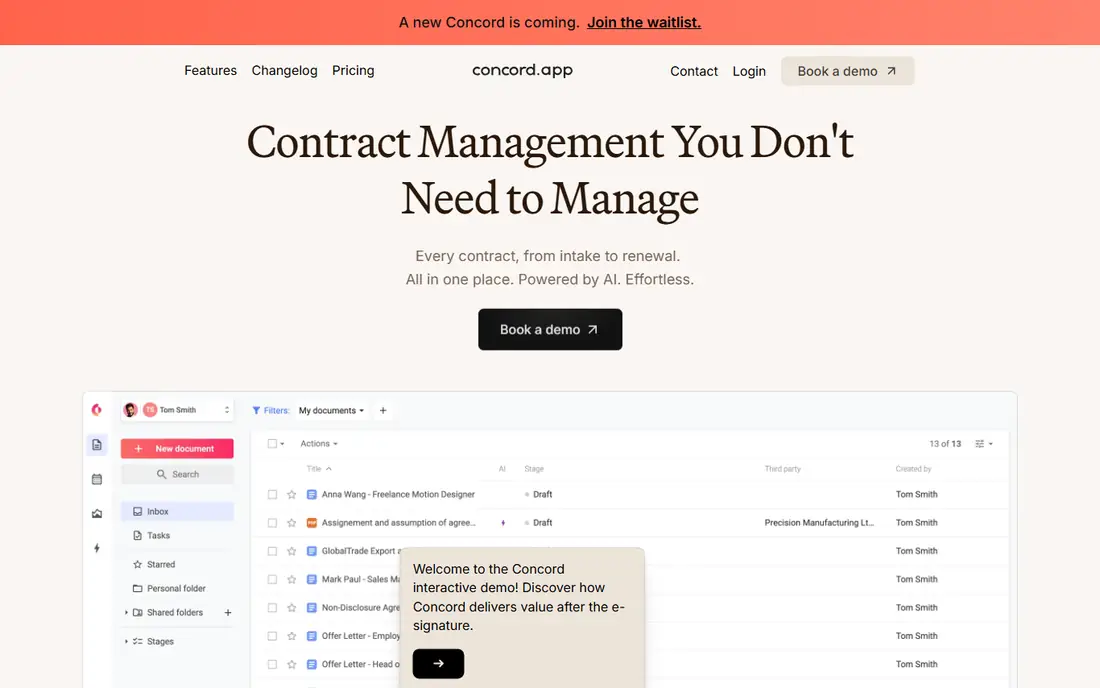
Concord is one of the few contract platforms that lists its prices. Essentials is $499 per month, Business $899 and Enterprise $1,299, all billed annually with 5 users included. Additional users cost $49, $69 or $89 per month depending on the plan.
The product is aimed at companies where contracts are handled by many departments, not just legal. Business teams can start contracts from approved templates, negotiate with built-in redlining and comments, sign inside the platform and get automatic alerts before renewal deadlines. Free viewer and guest accounts keep the paid seat count down.
The weakness is the floor. At $499 per month, Concord is a real commitment for a 10-person company, and per-user add-ons grow quickly. Ask about freemium options, which the pricing page mentions only in a footnote.
What we like- Transparent plan pricing
- Unlimited free viewers and guests
- Built-in redlining, version control, e-signature and deadline alerts
Watch out for- Extra users cost $49 to $89 per month each depending on plan
- Entry price is high for very small teams
Starting priceSee website
Free planFree trial (14 days)
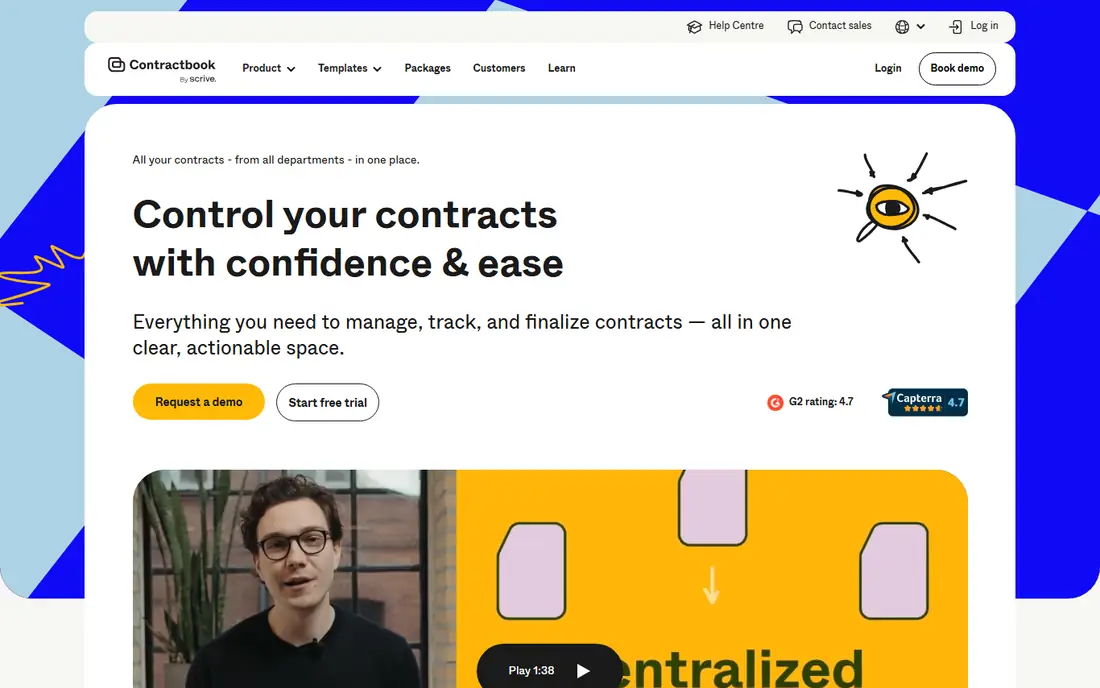
Contractbook is a European contract platform that suits smaller teams moving off folders full of Word files. You can upload existing contracts, have AI extract key data, build templates and send contracts for signature from one workspace.
The plans are defined by clear usage limits. Essential is for one user with 5 templates and 100 signed contracts a year. Centralize covers 5 users, 15 templates and up to 350 signed contracts, and adds data extraction and CSV export. Accelerate raises that to 10 users and 500 signed contracts and adds automations and dynamic templates with conditional logic.
Prices are shown in several currencies and are billed annually, but the figures on the page were inconsistent when we checked, so confirm the current quote directly. The caps on signed contracts are the main thing to test against your volume.
What we like- 14-day trial with no credit card, then a limited free plan
- AI-powered upload and data extraction from Centralize upward
- SOC 2 and GDPR compliance listed
Watch out for- Plans cap templates, uploads and signed contracts per year
- Automations and conditional templates only on Accelerate
#7Agiloft
Best for: Organizations needing no-code configurability4.5/5 on
G2 (110 reviews, checked Oct 2026)
Visit agiloft.com
Starting priceSee website
Free planNo
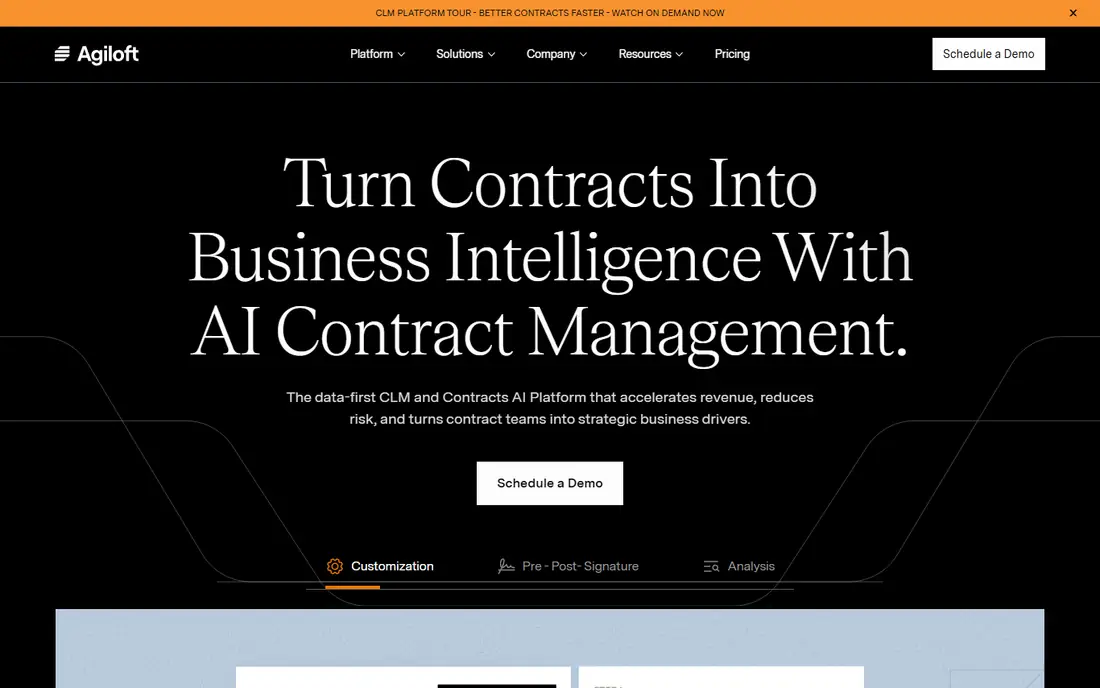
Agiloft's selling point is flexibility. Administrators can configure contract types, approval chains and processes with a point-and-click interface instead of filing change requests with the vendor. That matters for organizations with unusual workflows, such as government contractors or companies with complex procurement rules.
The platform includes AI for extraction, risk analysis and contract questions, plus a contract intelligence product called Astra. Agiloft advertises over 1,000 pre-built connectors, including Salesforce, SAP and Oracle, and says it has been named a leader in Gartner's Magic Quadrant six years in a row.
The risk with any highly configurable system is scope creep. Teams can spend months designing the perfect workflow. Agree on a simple first release with the vendor and expand from there.
What we like- Approved users can change workflows and approval chains without code
- More than 1,000 pre-built connectors
- Built-in support for Docusign and Adobe Sign
Watch out for- Configurability can lead to long design phases
- Pricing only through sales
#8Docusign CLM
Best for: Companies already standardized on Docusign and Salesforce4.5/5 on
Capterra (128 reviews, checked Oct 2026)
Visit docusign.com
Starting priceSee website
Free planNo
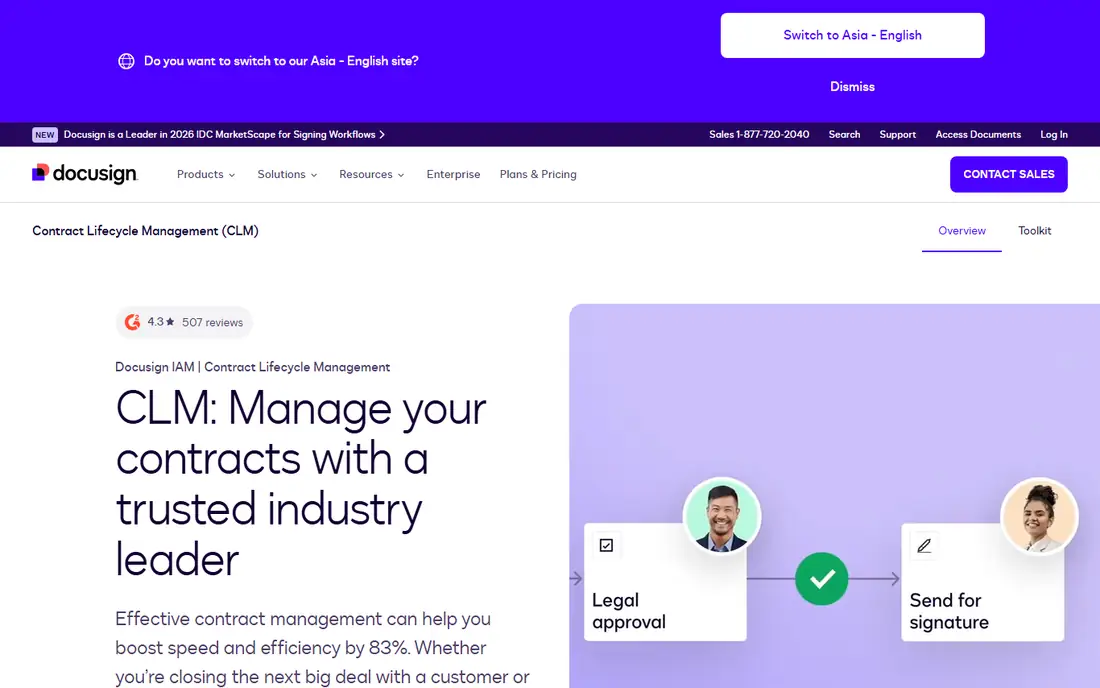
Docusign CLM is the contract lifecycle product inside Docusign's Intelligent Agreement Management platform. If your company already signs everything through Docusign, adding CLM keeps generation, review, approval, signature and storage under one vendor.
The workflow editor is the core. Teams drag and drop from more than 100 prebuilt steps to design how a contract is generated, reviewed, approved and stored. Dynamic templates and a clause library keep language consistent, and AI can flag clauses that break policy and suggest approved wording.
The downside is familiar to Docusign customers: pricing comes through a sales conversation and is rarely cheap. Companies that do not already use Salesforce or Docusign eSignature lose much of the integration advantage.
What we like- Drag-and-drop workflow editor with more than 100 prebuilt steps
- Auto-populates agreements from Salesforce
- Connects to SAP Ariba and Coupa for procurement
Watch out for- Pricing only through sales
- Best value assumes you already use other Docusign products
#9LinkSquares
Best for: Legal teams focused on post-signature contract intelligence4.7/5 on
G2 (438 reviews, checked Oct 2026)
Visit linksquares.com
Starting priceSee website
Free planNo
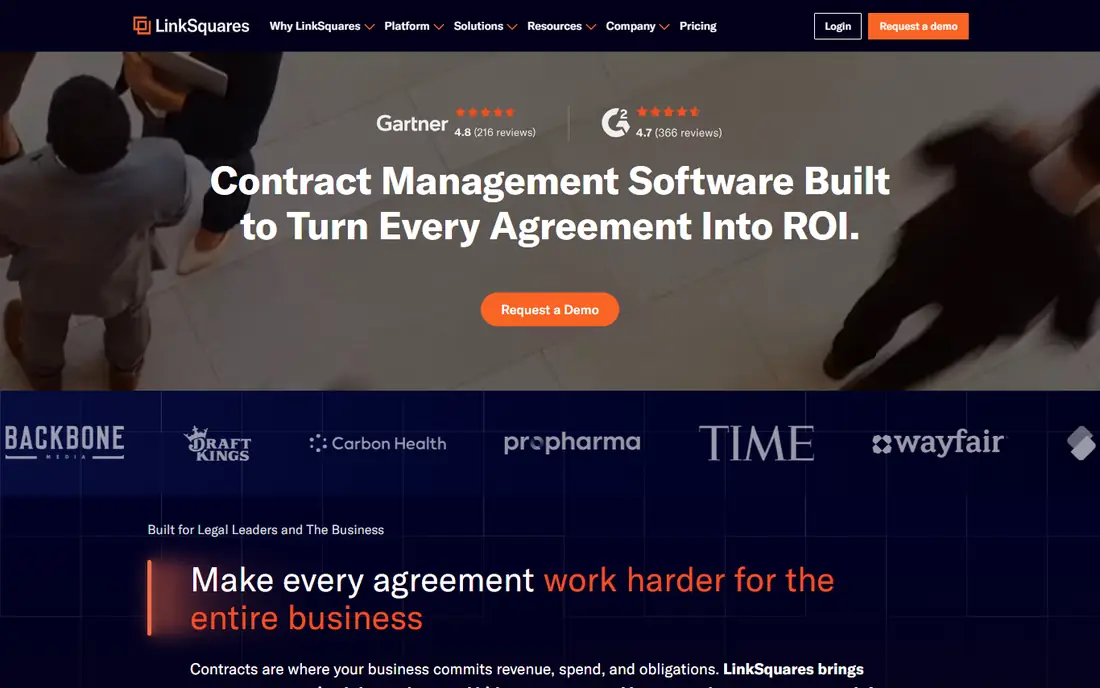
LinkSquares started with the question every general counsel gets asked: what do our contracts actually say? Its contract intelligence and LinkAI layer find key terms, obligations and risk across thousands of agreements, and renewal tracking warns you before notice windows close.
It also covers the pre-signature side with AI-assisted drafting, review and redlining, approvals, tasks and workflows, plus playbooks and clause libraries. The company says more than 1,200 customers use the platform.
Pricing depends on contract volume, number of users, selected modules, implementation support and custom integrations. LinkSquares states there are no hidden fees and that onboarding costs are disclosed up front, so ask for that breakdown early.
What we like- Strong repository and contract intelligence for finding terms, obligations and risk
- Renewal and notice-window tracking
- Integrations with Salesforce, Docusign, Slack and Dropbox
Watch out for- Pricing tailored by volume, users and modules
- E-signature is priced separately
How we chose
We started with contract automation and CLM tools that appear most often in legal ops communities, Reddit discussions and review sites such as G2 and Capterra, then kept those that actively sell contract creation, workflow and repository features in 2026. We did not test the products hands-on.
For each vendor we read the pricing page, product pages and documentation, and compared pricing models, included users, integrations, AI features, implementation support and the company size each tool targets. When a vendor does not publish prices, we report that instead of estimating.
Getting contract automation right the first time
Map one workflow before any demo
Pick your most common agreement, such as an NDA, an order form or a vendor contract, and write down every step from request to signature to renewal. Use that same workflow in every demo. Vendors look similar in slides and very different when asked to run your real process.
Understand how you will be charged
Seat-based tools like PandaDoc and Concord get expensive when many people need access. Volume-based tools like Juro, SpotDraft and LinkSquares get expensive when contract counts rise. Estimate both numbers for the next two years and ask each vendor to quote against them.
Ask what implementation includes
Some vendors include setup and migration, as SpotDraft does. Others rely on partners or charge separately. Ask who builds the templates, who migrates legacy contracts, and how many weeks it takes to reach a first live workflow.
Test the integrations you depend on
Most of the value comes from connecting contracts to your CRM, e-signature tool and storage. Confirm whether Salesforce, HubSpot or your HR system connections are included or paid add-ons, as they are with Juro and Ironclad.
Keep humans in charge of AI output
AI review and drafting save time, but someone accountable should approve final language. Ask vendors how AI suggestions are logged and whether you can audit what the model changed.
Frequently asked questions
What is contract automation software?
Contract automation software creates contracts from templates and data, routes them through approvals, collects signatures and stores them in a searchable repository. Full contract lifecycle management tools add renewal tracking, obligation management and reporting on the signed agreements.
How much does contract automation software cost?
Published prices range from $19 per seat per month for PandaDoc Starter (billed annually) to $499 per month for Concord Essentials with 5 users included. Most CLM vendors, including Ironclad, Juro, SpotDraft and LinkSquares, quote custom prices based on contract volume, users and modules.
Is PandaDoc a contract management system?
PandaDoc is mainly a document automation and e-signature tool. It handles templates, sending and signing well, with workflow automation on its Enterprise plan. Teams that need legal playbooks, complex approvals and post-signature obligation tracking usually choose a dedicated CLM.
How long does it take to implement a CLM?
Simple setups with a few templates can go live in weeks. SpotDraft describes about six weeks to go-live with its onboarding team. Enterprise rollouts with many workflows and integrations, common with Ironclad, Agiloft or Docusign CLM, often take longer.
Do small businesses need contract automation?
A small business sending a handful of contracts a month can often manage with templates and an e-signature tool. Automation becomes worth paying for when contracts start piling up, renewals are missed, or several departments create agreements without legal review.
Sources we checked (15)
- https://ironcladapp.com/pricing
- https://ironcladapp.com/
- https://juro.com/pricing
- https://juro.com/
- https://www.spotdraft.com/pricing
- https://www.spotdraft.com/
- https://www.pandadoc.com/pricing/
- https://www.pandadoc.com/blog/pandadoc-pricing-value/
- https://www.concord.app/pricing
- https://www.concord.app/
- https://contractbook.com/pricing
- https://www.agiloft.com/
- https://www.docusign.com/products/clm
- https://linksquares.com/
- https://linksquares.com/pricing/
Is your product missing or out of date?
We review this list regularly. Vendors can request a listing, send updated pricing or ask about featured placement.

Shihab Mia · Founder, Rankite
Shihab has 5+ years in B2B and SaaS SEO. He writes Rankite's software buying guides from pricing pages, documentation and public user reviews. More about Shihab.