How we make this list: we compare pricing pages, product documentation and public user reviews. Ratings come from G2, Capterra or Trustpilot, with the date we checked them.
Key takeaways
- A comparable 2 vCPU and 8 GB Linux server costs roughly 70 dollars a month on AWS and Azure on demand, and about 64 to 80 dollars on Google Cloud depending on discounts.
- Egress is the hidden cost: sending 1 TB to the internet costs about 78 dollars on Azure, 90 dollars on AWS and up to 112 dollars on Google Cloud default tier.
- Google Cloud offers the most predictable billing with automatic sustained use discounts, while AWS and Azure offer larger discounts only with 1 or 3 year commitments.
- Small teams should start with DigitalOcean, Vultr or Linode for simple virtual servers, and move to the big three when managed databases, AI services or global scale matter.
Quick comparison
| Tool | Best for | Starting price | Free plan |
|---|
 AWS AWS | Widest service ecosystem | Pay as you go | Yes |
 Microsoft Azure Microsoft Azure | Microsoft first enterprises | Pay as you go | Free trial |
 Google Cloud Google Cloud | AI workloads and predictable billing | Pay as you go | Free trial |
 DigitalOcean DigitalOcean | Simple servers for small teams | From $5 per month | Free trial |
 Oracle Cloud Oracle Cloud | Always free tier and databases | Pay as you go | Yes |
 IBM Cloud IBM Cloud | Enterprise and regulated workloads | Pay as you go | Yes |
 Vultr Vultr | Cheap global virtual servers | From $5 per month | Free trial |
 Linode Linode | Developer friendly virtual servers | From $5 per month | Free trial |
Is your product missing or out of date?
We review this list regularly. Vendors can request a listing, send updated pricing or ask about featured placement.
Starting pricePay as you go
Free planYes
AWS remains the default cloud for teams that need everything in one place. A comparable 2 vCPU and 8 GB Linux instance costs about 70 dollars a month on demand, and 1 year Savings Plans cut that to about 44 dollars. The service catalog covers compute, storage, databases, AI through Bedrock, and thousands of marketplace products, with regions and zones worldwide.
The bill is the hard part. Pricing is complex, egress costs about 90 dollars per TB to the internet, and a NAT gateway costs about 33 dollars a month even with no traffic. New accounts get free tier services plus credits, but the free tier is time limited. Choose AWS when ecosystem depth and global scale matter more than billing simplicity.
What we like- More than 200 services and the widest global footprint
- Mature marketplace
- Graviton instances cut compute cost
Watch out for- Pricing complexity causes surprise bills
- Egress at 90 dollars per TB
- Vendor lock in on managed services
Starting pricePay as you go
Free planFree trial
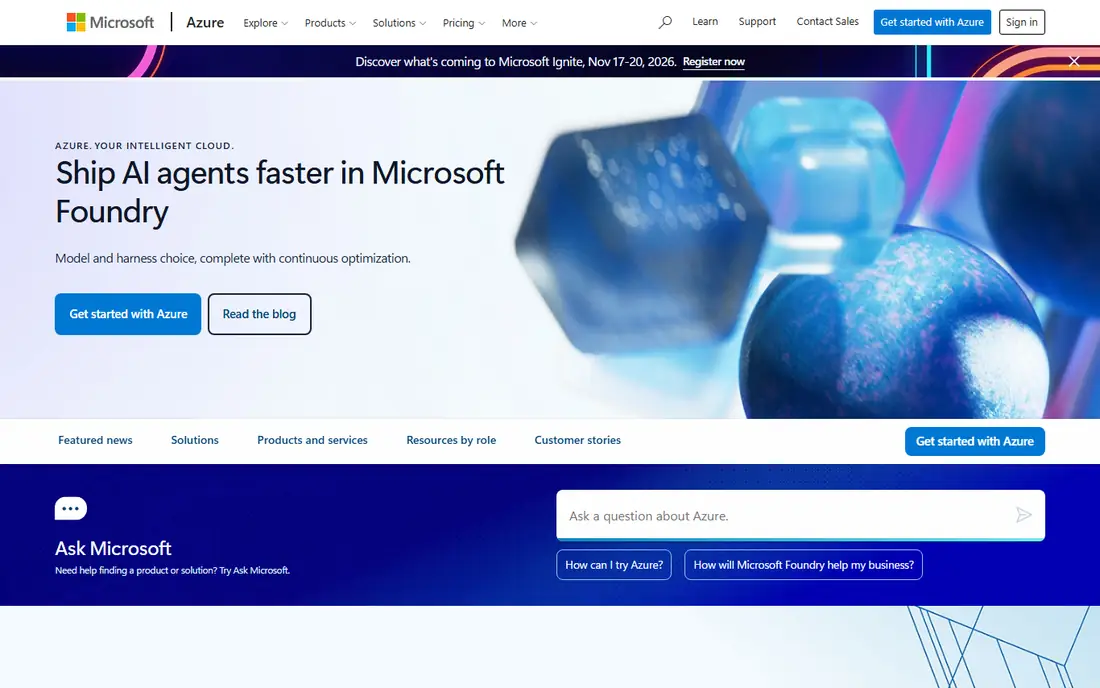
Azure is the natural cloud for Microsoft first organizations. Windows workloads, SQL Server and Active Directory integrate smoothly, and hybrid tools connect on premises servers to the cloud better than rivals. A comparable 2 vCPU and 8 GB instance costs about 70 dollars a month on demand, matching AWS, and 1 year reserved pricing cuts it to about 48 dollars.
Egress at about 78 dollars per TB is the cheapest of the big three, which helps traffic heavy apps, and Windows licensing benefits can lower costs further for existing Microsoft customers. The trade off is lock in: the deeper you go into the Microsoft stack, the harder a future move becomes. New accounts get 200 dollars of credit for 30 days plus 12 months of free services.
What we like- Best integration with Windows Server, SQL Server and Active Directory
- Hybrid cloud strength
- Cheapest egress of the big three at 78 dollars per TB
Watch out for- Pricing tied to Microsoft licensing
- Portal complexity
- Reserved discounts need commitment
Starting pricePay as you go
Free planFree trial
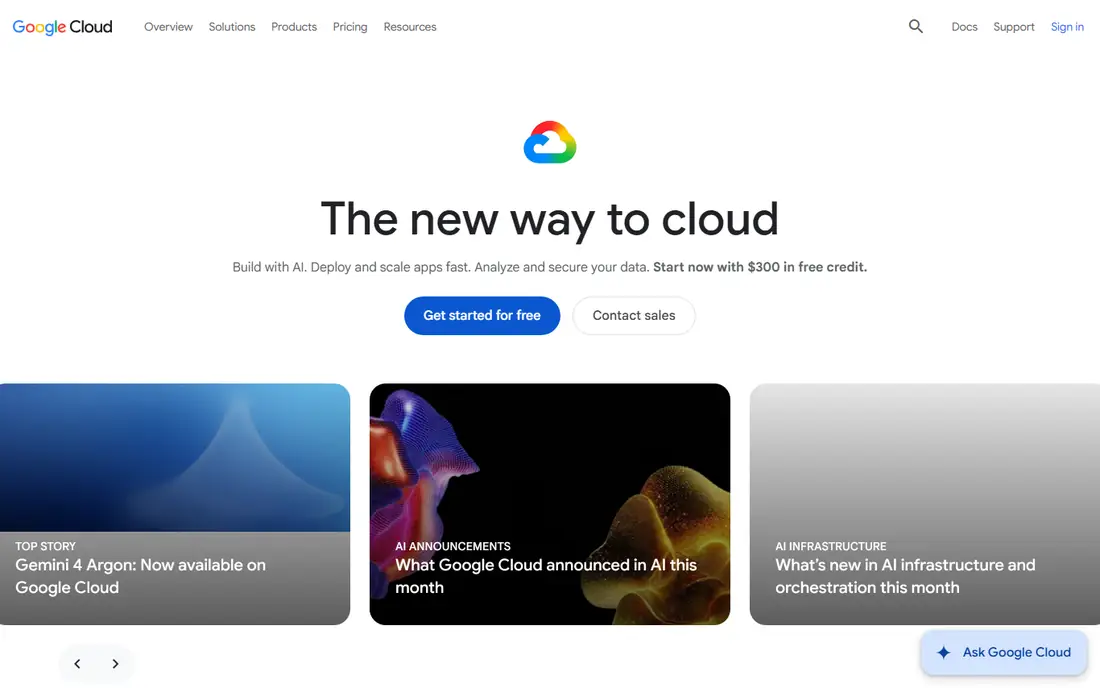
Google Cloud wins on billing predictability. A comparable 2 vCPU and 8 GB instance lists near 80 dollars a month, but automatic sustained use discounts bring a full month VM to about 64 dollars with no commitment, and 1 year committed pricing lands near 46 dollars. New customers get 300 dollars in free credits, and an always free e2-micro VM covers tiny workloads indefinitely.
The AI story is the other edge: TPUs, Vertex AI and BigQuery give data and AI teams tools the rivals match only partially, and Kubernetes, which Google invented, runs natively. The weak spots are egress, the highest of the big three on the default tier, and a smaller enterprise and legacy ecosystem. Choose Google Cloud for AI, data and predictable bills.
What we like- Automatic sustained use discounts
- Strongest AI with TPUs and Vertex AI
- Kubernetes origin and BigQuery analytics
Watch out for- Highest default egress at up to 112 dollars per TB
- Smaller enterprise ecosystem
- Fewer legacy workload tools
Starting priceFrom $5 per month
Free planFree trial
DigitalOcean is the cloud for teams that want a server without a billing degree. Droplets start at 5 dollars a month with flat, published pricing, and managed databases, Kubernetes and an app platform cover the common next steps. Documentation is famously clear, and the control panel stays simple as you scale from one server to a small fleet.
The catalog is narrower than AWS or Azure, with fewer AI, analytics and enterprise services, and the global footprint is smaller. Compliance depth for regulated industries also trails the big three. For a startup, agency or side project that needs reliable virtual servers and predictable bills, DigitalOcean is the easiest on ramp.
What we like- Simple flat pricing from 5 dollars
- Excellent documentation
- Managed databases and app platform included
Watch out for- Fewer services than the big three
- Smaller global footprint
- Enterprise compliance depth is thinner
Starting pricePay as you go
Free planYes
Oracle Cloud stands out with an always free tier that includes real compute instances and autonomous databases, not just a trial window. That makes it a genuine free home for small projects, personal sites and database learning. Paid pricing is competitive, especially for Oracle Database workloads, where performance and licensing advantages are real.
The community is smaller than AWS or Google Cloud, and the console experience feels less polished. Third party integrations and marketplace depth also trail the leaders. For an Oracle Database shop, or a developer who wants a permanent free tier, Oracle Cloud deserves a trial.
What we like- Always free tier with real compute and databases
- Strong Oracle Database performance
- Competitive storage pricing
Watch out for- Smaller developer community
- Console experience trails rivals
- Ecosystem depth is narrower
#6
IBM Cloud
Best for: Enterprise and regulated workloads
Visit ibm.com
Starting pricePay as you go
Free planYes
IBM Cloud targets enterprises and regulated industries, with compliance tooling, hybrid cloud integration and mainframe connectivity that the simpler clouds do not offer. Watson AI services cover language, speech and business automation, and a free tier lets teams test core services before committing.
The ecosystem is smaller than AWS, Azure or Google Cloud, pricing complexity resembles the big three, and the developer community is thinner, which means fewer tutorials and third party guides. For a bank, insurer or government workload with strict compliance needs, IBM Cloud is a serious option. For a startup, a simpler cloud will move faster.
What we like- Strong compliance and regulated industry tooling
- Watson AI services
- Hybrid and mainframe integration
Watch out for- Smaller ecosystem than the big three
- Pricing is complex
- Developer community is smaller
Starting priceFrom $5 per month
Free planFree trial
Vultr competes on price and reach. Virtual servers start at 5 dollars a month across many global locations, with hourly billing for short lived workloads, plus bare metal servers and block storage for heavier needs. The control panel is simple, and the pricing page is easy to understand, which keeps bills predictable.
Managed services are fewer than DigitalOcean, support runs mainly through tickets, and enterprise features like advanced compliance are thin. For a developer who needs cheap, fast servers in many regions, or a global side project on a tight budget, Vultr is a strong value pick.
What we like- Low cost servers in many global locations
- Simple hourly and monthly billing
- Bare metal and block storage options
Watch out for- Fewer managed services
- Support is mainly ticket based
- Enterprise features are thin
Starting priceFrom $5 per month
Free planFree trial
Linode, now part of Akamai, is a developer favorite for virtual servers. Instances start at 5 dollars a month with flat pricing, the API and command line tools are clean, and documentation and community guides cover most setups. Managed databases, Kubernetes and object storage cover the common scaling steps without forcing a move to a bigger cloud.
The Akamai acquisition means product lines keep evolving, and managed AI services trail the big three. Enterprise compliance depth is also thinner. For a developer or small team that wants reliable, cheap servers with good tooling, Linode remains a dependable choice.
What we like- Developer friendly tooling and API
- Flat pricing from 5 dollars
- Strong documentation and community guides
Watch out for- Now part of Akamai, with evolving product lines
- Fewer managed AI services
- Enterprise depth trails big three
How we chose
We compared published on demand and committed prices for comparable instances, storage rates and egress fees from independent pricing comparisons published in 2026, and we weighed free tier terms, service depth, AI tooling, hybrid support and billing predictability. We noted where sources disagree on Google Cloud pricing, since list price and discounted price differ sharply, and we favored platforms with published calculators for exact workload pricing. No tool was credited with hands-on testing, and no user counts, awards or ratings were invented for this guide.
What to check before you commit
Start by pricing your actual workload, not a headline instance. List VM sizes, hours per month, storage, database needs and monthly egress, then run the same workload through each official pricing calculator in the same region with the same operating system. Price both on demand and 1 year commitment, and add egress last, since it often decides the result.
Next, check the free tier clock. AWS, Azure and Google Cloud free credits expire after months, while Oracle always free and Google always free micro instances do not. A trial that ends mid project can produce a surprise bill, so set billing alerts on day one. Also check data gravity: moving large datasets out later costs egress, so pick the cloud where your data will live long term.
Finally, weigh lock in against convenience. Managed databases, serverless functions and AI services save time but tie you to one provider. If portability matters, run workloads in containers with Kubernetes and keep data in standard formats, so a future move is a migration, not a rewrite.
Frequently asked questions
Which cloud is cheapest for a small server?
DigitalOcean, Vultr and Linode all start at 5 dollars a month for a basic virtual server, which undercuts the big three for simple workloads. For a 2 vCPU and 8 GB server, Google Cloud with sustained use discounts lands near 64 dollars, while AWS and Azure sit near 70 dollars on demand.
Is AWS or Azure cheaper?
For a comparable Linux VM they are within about 5 percent, with Azure slightly cheaper per hour in main US regions in October 2026 comparisons. Azure is usually cheaper for Windows workloads with existing licenses, while AWS is cheaper if you can use Graviton ARM instances.
What is the biggest hidden cost in cloud pricing?
Data transfer out to the internet. In a 1 TB example, egress cost more than the VM on all three big clouds. Public IPv4 addresses, cross zone traffic and idle disks are the next most common surprises, so check all three before launch.
Do free tiers really stay free?
Some do, some do not. Oracle always free tier and Google always free micro VM persist, while AWS, Azure and Google trial credits expire after a set period. Always read the free tier terms and set a billing alert before the trial ends.
Should a startup start on a big cloud or a small one?
Start small if your workload is simple servers and a database, since DigitalOcean, Vultr or Linode cost less and move faster. Move to AWS, Azure or Google Cloud when you need managed AI, global scale, advanced compliance or a service the small clouds do not offer.
How do I avoid vendor lock in?
Use containers and Kubernetes for workloads, standard SQL databases where possible, and object storage with S3 compatible APIs. Avoid proprietary serverless and database features for core logic, and keep infrastructure definitions in portable code so a move is a migration, not a rebuild.
Sources we checked (3)
- https://tech-insider.org/aws-vs-azure-vs-google-cloud-2026/
- https://www.verikost.com/blog/aws-vs-azure-vs-google-cloud-pricing
- https://Devhunt.org/blog/aws-vs-azure-vs-gcp-cloud-pricing-comparison-2024
Is your product missing or out of date?
We review this list regularly. Vendors can request a listing, send updated pricing or ask about featured placement.

Shihab Mia · Founder, Rankite
Shihab has 5+ years in B2B and SaaS SEO. He writes Rankite's software buying guides from pricing pages, documentation and public user reviews. More about Shihab.