How we make this list: we compare pricing pages, product documentation and public user reviews. Ratings come from G2, Capterra or Trustpilot, with the date we checked them.
Key takeaways
- Lichess is the best chess app for most players, because everything is free, with no ads and no paywall on analysis or puzzles.
- Chess.com is best for lessons, videos, and a huge player pool, though the best features need a paid plan.
- ChessKid is the safest pick for children, with kid-friendly lessons and a protected environment.
- Chessable is best for memorizing openings and endgames through spaced repetition.
- ChessTempo suits serious tactics training, while Aimchess targets your personal weaknesses.
- Chess24 suits fans who watch professional broadcasts, and DroidFish suits players who want deep engine analysis on Android.
- Children should use kid-safe apps with supervision, and parents should check chat and friend settings.
Quick comparison
| Tool | Best for | Starting price | Free plan |
|---|
 Chess.com Chess.com | Lessons, videos, and huge player pool | Free | Yes |
 Lichess Lichess | Everything free, no ads | Free | Yes |
 ChessKid ChessKid | Safe chess for children | Free | Yes |
 Chessable Chessable | Opening and endgame memorization | Free | Yes |
 ChessTempo ChessTempo | Serious tactics training | Free | Yes |
 Aimchess Aimchess | Personal weakness training | See website | Yes |
 Chess24 Chess24 | Professional broadcasts | See website | Yes |
 DroidFish DroidFish | Deep engine analysis on Android | Free | Yes |
Is your product missing or out of date?
We review this list regularly. Vendors can request a listing, send updated pricing or ask about featured placement.
The best chess app
#1
Chess.com
Best for: Lessons, videos, and huge player pool
Visit chess.com
Starting priceFree
Free planYes
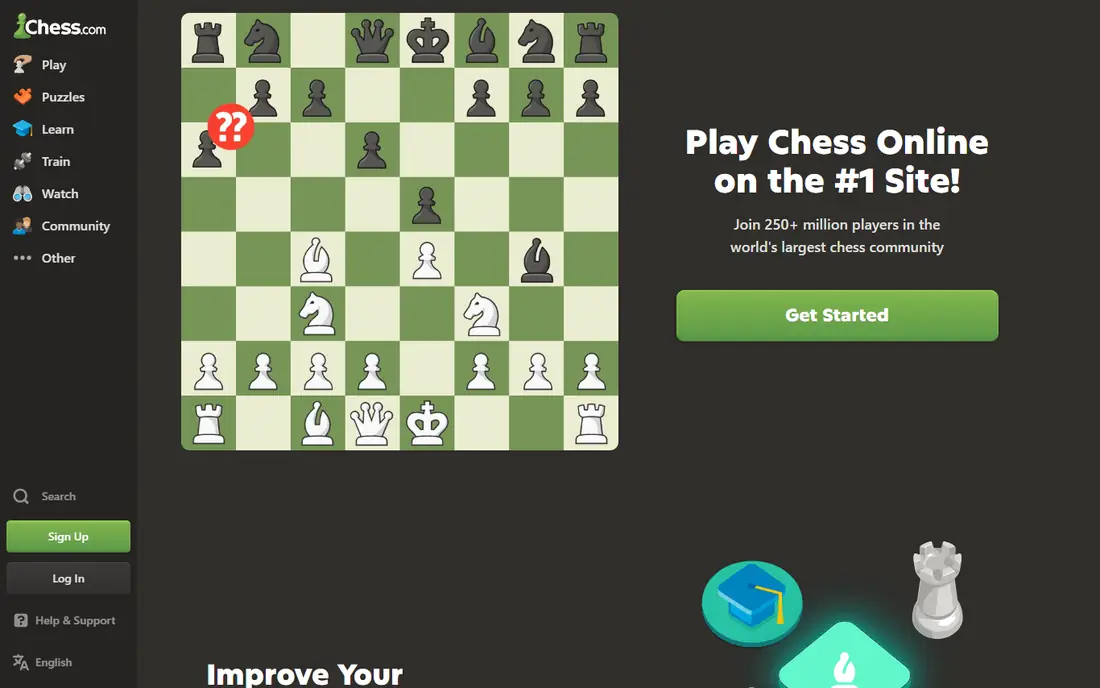
Chess.com is the largest chess platform, with tens of millions of players, so finding a game at your level takes seconds at any hour. Lessons, videos, puzzles, bots, and an AI coach cover beginners through advanced players, and tournaments run around the clock. A free account lets you play and learn, while paid plans from about $4 per month billed yearly open unlimited puzzles, deeper analysis, and more lessons.
The free tier limits puzzles and analysis, and ads appear for free users. The best coaching features sit on higher tiers. For players who want lessons, community, and instant games in one place, Chess.com is the most complete package.
What we like- Largest player pool
- Strong lessons and videos
- Many game modes
Watch out for- Best features need paid plans
- Ads on free tier
- Puzzle limits for free users
Starting priceFree
Free planYes
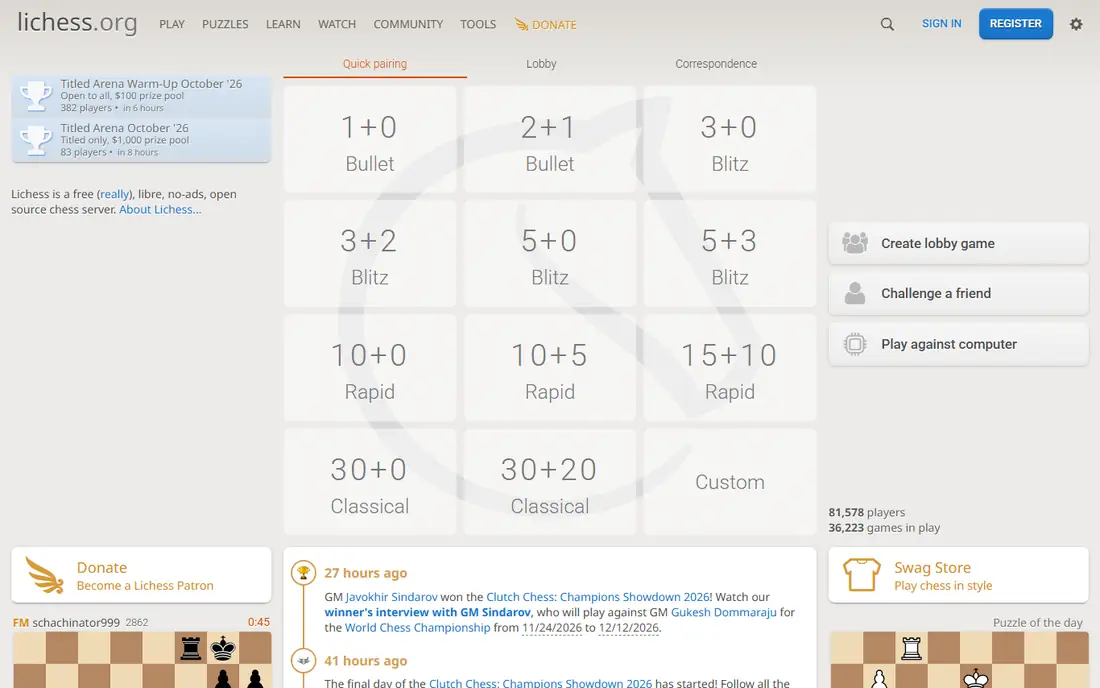
Lichess is free and open source, with no ads and no paywall. Puzzles, game analysis, studies, tournaments, and training are all free, and the puzzle database holds millions of rated positions. The analysis board explains mistakes with engine lines, and offline play works on mobile. Donations keep the site running, but nothing is locked behind payment.
The trade offs are fewer polished video lessons than Chess.com and a plainer interface. The player pool is smaller than Chess.com but still large enough for fast games at most levels. For players who want full features without paying, Lichess is unbeatable.
What we like- Completely free
- No ads
- Unlimited puzzles and analysis
- Open source
Watch out for- Fewer video lessons
- Smaller casual player pool
- Interface is plain
Starting priceFree
Free planYes
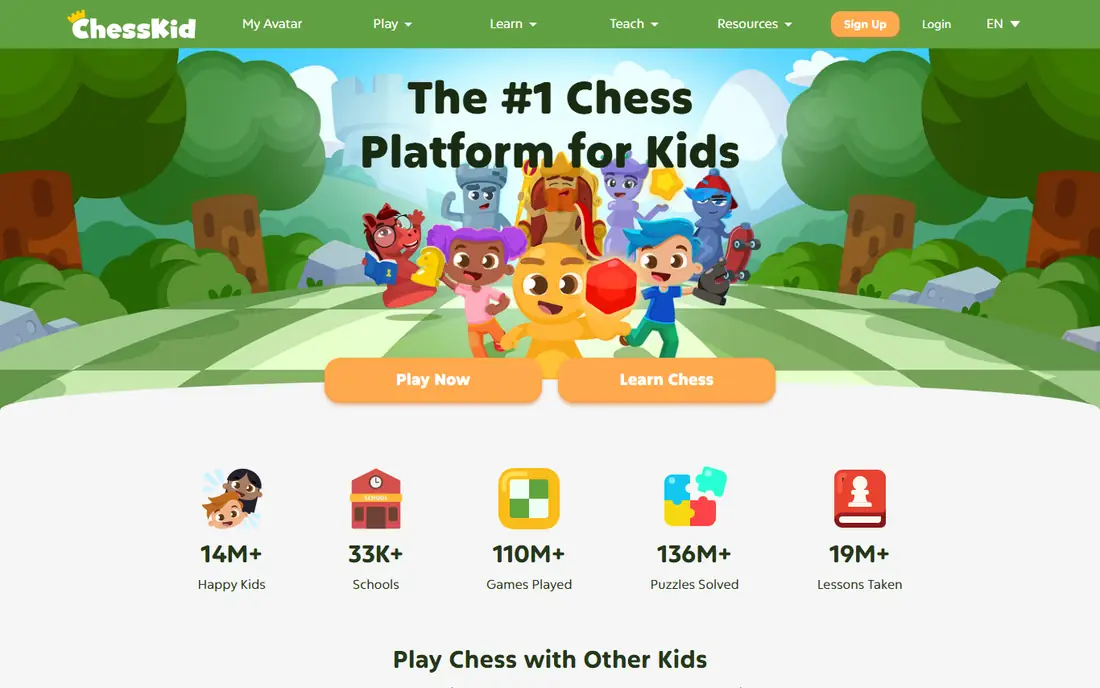
ChessKid, run by Chess.com, is built for children learning chess. Lessons use friendly characters and short videos, puzzles and bots suit young players, and the environment is protected, with limited chat and friend features. A free account lets kids play and learn, while the Gold plan opens the full lesson library and classroom features.
The paid plan costs about $59 per year, and the content is aimed at children, so adults will outgrow it fast. Analysis tools are simpler than Lichess or Chess.com. For parents who want a safe first chess app for a child, ChessKid is the right pick, with supervision still advised on any online account.
What we like- Kid-safe environment
- Fun lessons and puzzles
- Parent controls
Watch out for- Paid plan needed for full content
- Aimed at children, not adults
- Limited analysis
Starting priceFree
Free planYes
Chessable teaches openings, endgames, and strategy through spaced repetition, which schedules reviews just before you would forget a line. Free courses cover the basics, and paid courses from publishers cover specific openings in depth. The MoveTrainer system tracks what you know and what needs review, which suits players who want to fix their openings.
Chessable is a study tool, not a main playing app, so you will still play games on Lichess or Chess.com. Paid courses add up if you buy many, and tactics training is thinner than ChessTempo. For players who keep losing in the opening, Chessable is the best fix.
What we like- Spaced repetition works well
- Strong opening courses
- Free courses available
Watch out for- Course-based, not a playing app
- Paid courses add up
- Less tactics training
Starting priceFree
Free planYes
ChessTempo focuses on tactics training with a large rated puzzle database and a spaced repetition system that schedules puzzles by motif and difficulty. Motif filtering lets you drill forks, pins, discovered attacks, and other patterns one at a time. A free tier covers a great deal, and the paid plan costs about $36 per year.
The design is plain, and there is no personalization from your own games, unlike Aimchess. It also teaches tactics rather than full lessons or strategy. For players who want to sharpen tactics with serious, rated training, ChessTempo is a top pick.
What we like- Large rated puzzle database
- Proven spaced repetition
- Motif filtering
Watch out for- Plain design
- No game import personalization
- Mainly tactics, not lessons
Starting priceSee website
Free planYes
Aimchess analyzes your games and finds the recurring patterns that cost you points, then builds training around those weaknesses. Instead of generic puzzles, you drill the motifs you actually miss, which suits club players who have plateaued. Progress tracking shows whether a weakness is improving over time.
The tool needs your game history to work well, so new players with few games get less value. Full features need a paid plan, and prices vary, so check the site. For players who want training aimed at their own mistakes rather than random puzzles, Aimchess is a smart choice.
What we like- Finds your recurring mistakes
- Personalized training plans
- Clear progress tracking
Watch out for- Needs your game history
- Paid plan for full features
- Smaller community
Starting priceSee website
Free planYes
Chess24 is known for professional broadcasts, with live coverage and commentary on top events. Fans can follow grandmaster games with engine lines and expert talk, which is the best way to learn by watching the best players. Playing and basic learning features are included, and a free tier covers broadcasts and casual play.
Learning content is thinner than Chess.com or Lichess, and some features need a premium plan. The puzzle library is smaller than Lichess or ChessTempo. For fans who love watching top chess, Chess24 is the best companion app.
What we like- Strong pro event coverage
- Live commentary
- Good playing options
Watch out for- Less learning content than rivals
- Some features need premium
- Smaller puzzle library
Starting priceFree
Free planYes
DroidFish is a free Android app built around the Stockfish engine, one of the strongest chess engines available. Players can set up any position, analyze games deeply, and study lines with full engine output. PGN support lets you import and export games, which suits players who study on the go.
DroidFish is Android only, the interface is plain, and there are no lessons, puzzles, or community features. It is a study tool for self-directed players, not a place to play casual games. For Android users who want free, deep analysis anywhere, DroidFish is excellent.
What we like- Completely free
- Strong Stockfish engine
- Board setup and PGN support
Watch out for- Android only
- Plain interface
- No lessons or community
How we chose
We compared playing options, lesson quality, puzzle depth, analysis tools, price, and child safety. We also weighed how much value the free tier gives, since a tool that locks basic analysis behind payment is a weaker pick for beginners than a tool that gives it away. Apps that lock basic analysis or puzzles behind paywalls scored lower than free options like Lichess. We favored apps with clear pricing and noted where prices vary. We did not test any app hands-on for a full rating period, and ratings differ between platforms.
Buying guide: what to check before you choose
Start with your goal. If you want to play people, pick the app with the largest pool at your level. If you want to learn, pick the app with the best lessons for your level. If you want to fix mistakes, pick an analysis or weakness tool. Check what is free before you pay, since Lichess covers most needs at no cost. For children, check chat, friend, and sharing settings, and supervise accounts. Finally, mix tools if needed, since many strong players play on one app, study openings on another, and drill tactics on a third. Set a simple weekly routine, such as a few slow games, ten puzzles a day, and one lesson review, since steady habits beat long, irregular sessions. Track progress within one app rather than comparing ratings across apps, and give a new app at least two weeks before you judge whether it suits your style.
Frequently asked questions
What is the best chess app for beginners?
Lichess is best for beginners who want everything free, while Chess.com suits beginners who want guided video lessons. Both offer free accounts, so try each and keep the one you enjoy.
Is Lichess really completely free?
Yes, Lichess is free and open source, funded by donations, with no ads and no paywall on puzzles, analysis, or tournaments.
Which chess app is safest for kids?
ChessKid is built for children, with protected chat and friend features and kid-friendly lessons. Parents should still supervise accounts and review settings.
Do chess ratings match between apps?
No, ratings differ between apps because player pools and rating formulas differ. A rating on Chess.com will not match the same number on Lichess, so compare progress within one app.
Can I improve just by playing games?
Playing helps, but most improvement comes from reviewing losses, solving puzzles, and fixing repeated mistakes. Pair playing with analysis or tactics training for faster progress. Even fifteen minutes of puzzle solving a day builds pattern recognition that shows up in real games within a few weeks.
Sources we checked (0)
Is your product missing or out of date?
We review this list regularly. Vendors can request a listing, send updated pricing or ask about featured placement.

Shihab Mia · Founder, Rankite
Shihab has 5+ years in B2B and SaaS SEO. He writes Rankite's software buying guides from pricing pages, documentation and public user reviews. More about Shihab.