How we make this list: we compare pricing pages, product documentation and public user reviews. Rankite is independent; if a vendor ever pays for a featured spot, that listing is clearly labeled Partner.
Key takeaways
- Change management software now splits into two jobs: teaching people new systems (digital adoption platforms like Whatfix and WalkMe) and governing the change itself (ITSM tools like Freshservice or methodology programs like Prosci).
- SAP completed its acquisition of WalkMe in 2024, and both WalkMe and Whatfix spent 2026 layering AI agents on top of their guidance engines, so in-app change support is becoming the default expectation.
- Mid-market IT teams can get ITIL-aligned change control from $19 per agent per month with Freshservice, while enterprise digital adoption platforms still quote custom pricing.
- Methodology matters as much as software: Prosci's ADKAR model remains the most widely taught framework, and it pairs well with any tool on this list.
Quick comparison
| Tool | Best for | Starting price | Free plan |
|---|
 Whatfix Whatfix | in-app guidance during software rollouts | See website | Free trial |
 WalkMe WalkMe | cross-application change at large enterprises | See website | No |
 Prosci Prosci | proven change methodology and training | See website | No |
 Freshservice Freshservice | IT change control on a mid-market budget | $19 per agent/month (billed annually) | Free trial (21 days) |
 Howspace Howspace | participatory change with employee dialogue | See website | Free trial |
 Giva Giva | simple change tracking for small IT teams | $29 per user/month | Free trial (30 days) |
 Process Street Process Street | running change as repeatable workflows | See website | Free trial |
Is your product missing or out of date?
We review this list regularly. Vendors can request a listing, send updated pricing or ask about featured placement.
The best change management software
Starting priceSee website
Free planFree trial
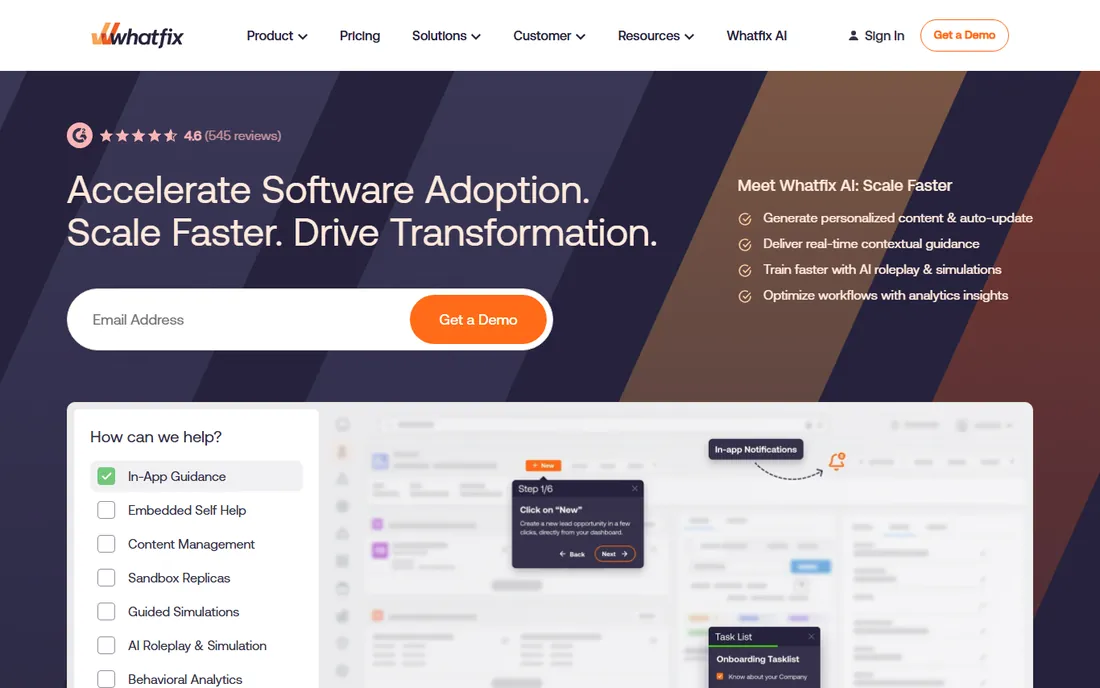
Most change programs fail at the same point: employees quietly revert to old habits because the new system confuses them. Whatfix attacks exactly that moment by placing guidance inside the application itself. When you roll out a new ERP, CRM, or HRIS, users get contextual flows, tooltips, and task lists that appear where they work, instead of a training deck they will forget within a week.
What stands out in 2026 is how far the platform has moved beyond simple walkthroughs. The Mirror product lets teams train in simulated sandbox environments before a change goes live, and the product analytics layer tracks where users actually get stuck. The company added AI agents that read application workflow context to personalize guidance, which fits the direction the whole category is moving. Self-help widgets with searchable knowledge also cut the support tickets that spike during every rollout.
The honest catch is scale and cost. Whatfix is built for enterprises running large, complex application portfolios, and its pricing reflects that. A small business changing one tool will find it heavyweight. Implementation also needs ownership: someone has to build and maintain the guidance content as processes evolve. If your change is software-led and large enough to justify the investment, it is one of the strongest options available.
What we like- Interactive walkthroughs and smart tips inside live applications
- Mirror sandbox environments for safe hands-on training
- Guidance analytics that surface adoption gaps by role
Watch out for- Pricing is custom and aimed at enterprises
- Rollout takes planning and dedicated admin effort
#2
WalkMe
Best for: cross-application change at large enterprises
Visit walkme.com
Starting priceSee website
Free planNo
Since SAP acquired WalkMe in 2024, the platform has repositioned itself as the layer that makes enterprise AI actually work in daily workflows. The pitch in 2026 is less "digital adoption" and more "contextual AI execution": WalkMe reads what is on screen, follows a task across five different applications, and can take the next step on the user's behalf. For change programs that span a whole application estate, that cross-app reach is the differentiator.
The platform still does the classic digital adoption job well: no-code walkthroughs, smart tips, and launchers that guide employees through unfamiliar processes. What changed this year is the measurement story. WalkMe now frames everything around proving AI and software ROI to the board, with metrics on ticket deflection, self-service completion, and workflow friction. Enterprises that need to defend a transformation budget will appreciate that reporting.
The trade-off is accessibility. There is no public free trial and pricing is quote-based, which puts it firmly in enterprise territory. Teams under a few hundred people will get comparable in-app guidance from lighter tools at a fraction of the effort. But if your change touches dozens of systems and you need one layer of guidance across all of them, WalkMe remains the reference product in the category.
What we like- Guidance and automation that follow users across web, desktop, and mobile apps
- AI action bar that reads screen context and acts on it
- Adoption analytics covering workflow completion and friction points
Watch out for- Enterprise pricing with no self-serve tier
- Smaller teams will find the platform more than they need
Starting priceSee website
Free planNo
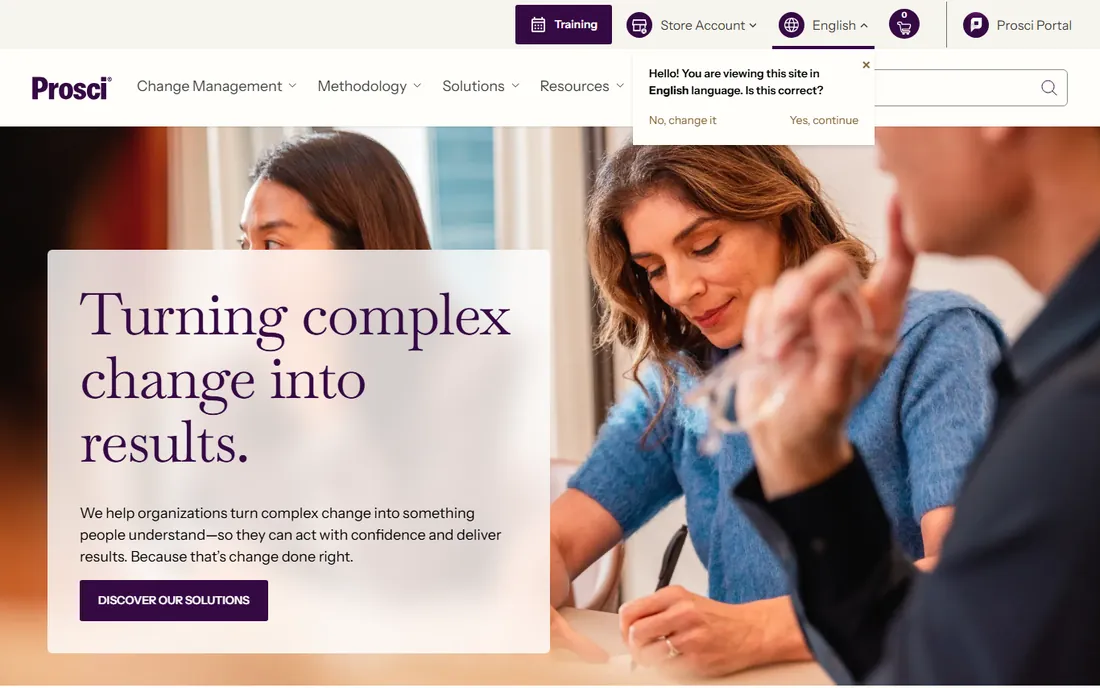
Every software tool on this list works better when the people side of change is managed deliberately, and Prosci is the company that defined how to do that. Founded in 1994, it created the ADKAR model, which breaks individual change into Awareness, Desire, Knowledge, Ability, and Reinforcement. That framework underpins change programs at a large share of Fortune 100 companies, and its research on change success factors is the most cited in the industry.
In 2026 Prosci refreshed its brand and is leaning into two transformation themes: ERP rollouts and AI adoption. The company sells training, certification, consulting, and a membership that bundles tools, eLearning, and research. Its Proxima platform gives change offices a structured way to plan and track initiatives across the organization. For a mid-size company, the most practical entry point is usually certifying one or two practitioners and licensing the methodology, then pairing it with a lighter-weight tool for execution.
The limitation is obvious: Prosci does not sell you a button that guides users through new software. You are buying expertise and structure, which means budget and internal commitment. Change management tools handle the mechanics; Prosci handles the people. Most successful programs need both, and this is the strongest choice for the people side.
What we like- The ADKAR model, the most widely taught change framework in the world
- Structured certification and role-based training programs
- Research-backed tools including the Proxima platform for managing change portfolios
Watch out for- A methodology and services business, not a software platform
- Training and consulting carry enterprise-level costs
Starting price$19 per agent/month (billed annually)
Free planFree trial (21 days)
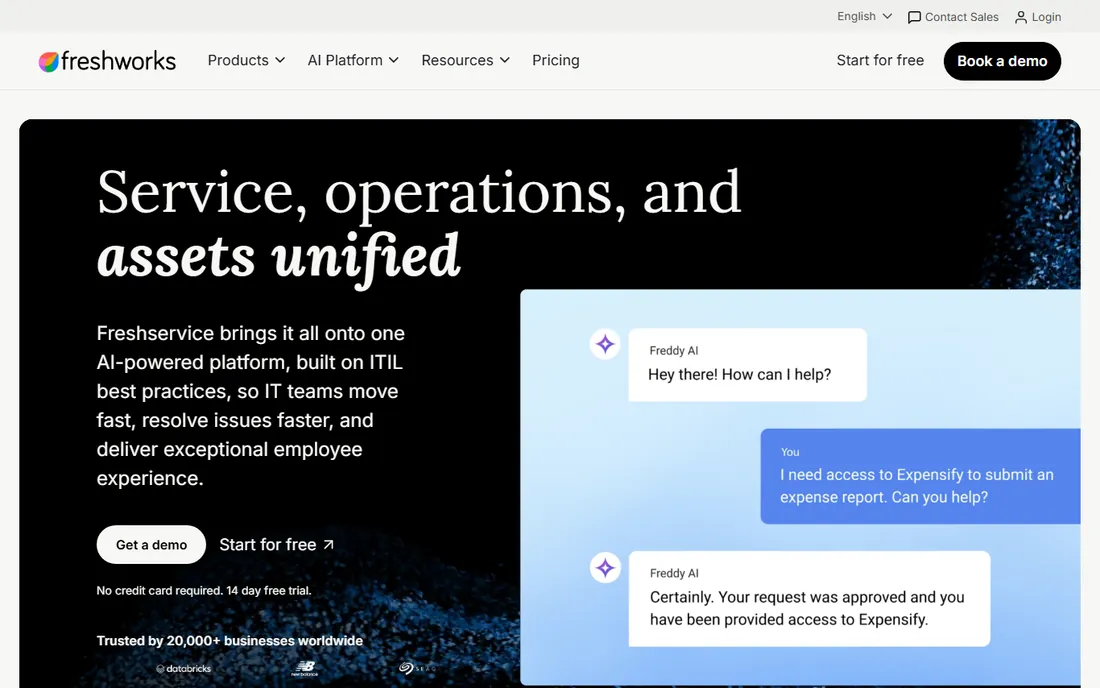
When "change management" means governing IT changes rather than managing people through transformation, Freshservice is the value pick. The change module covers the full lifecycle: change requests, CAB-style approvals, risk and impact assessment, scheduling, and a configuration database that ties changes to the assets they affect. For a mid-market IT team that needs audit-ready change control without a six-month ServiceNow implementation, it hits the sweet spot.
Freshworks spent 2026 upgrading the Freddy AI layer, which now auto-categorizes tickets, suggests likely resolutions from similar past incidents, and drafts reply summaries for agents. The Starter plan at $19 per agent per month covers core ticketing, asset management, and the knowledge base, with change management features opening up as you move to higher tiers. A 21-day free trial is available on all plans, so you can test the change workflow before committing.
The honest catch is ceiling. Large enterprises with multi-department service management and complex governance will eventually outgrow it and land on ServiceNow or BMC Helix anyway. The AI copilot is also a paid add-on on Pro, which erodes the price advantage if every agent needs it. But for IT teams of roughly 10 to 200 agents, it delivers most of what enterprises use at a fraction of the cost.
What we like- ITIL-aligned change management with approvals, risk assessment, and scheduling
- Freddy AI handles ticket triage and drafts agent responses
- Deploys far faster than legacy ITSM suites
Watch out for- The Freddy AI Copilot costs extra on some plans
- Customization depth trails ServiceNow for complex enterprises
Starting priceSee website
Free planFree trial

Most change tools treat employees as recipients of change. Howspace starts from the opposite assumption: people support what they help create. The platform provides structured digital workspaces for large-group dialogue, co-creation, and collaborative learning. Facilitators can run asynchronous discussions with hundreds of participants, and the AI engine distills the conversation into key insights, open questions, and shifts in thinking.
That design makes it a natural fit for culture change, reorganizations, and strategy rollouts where buy-in matters more than process compliance. The Impact Tracker follows behavior change alongside business metrics, which answers the question executives actually ask: did anything change after the program ended. The Helsinki-based company draws on decades of management consulting experience, and it shows in the facilitation methods baked into the product.
The trade-off is scope. Howspace will not manage your CAB approvals or guide users through a new ERP screen by screen. It is a complement to execution tools, not a replacement. Pricing is quote-based, which means a sales conversation before you can budget. If your change lives or dies on genuine employee participation, though, few tools are built for that job as deliberately as this one.
What we like- Dialogue-driven workspaces where employees shape the change, not just receive it
- AI that summarizes large-scale input into themes and insights
- Impact tracking that follows behavior change, not just completion
Watch out for- Pricing is not published
- A narrow fit if you only need IT change control
Starting price$29 per user/month
Free planFree trial (30 days)
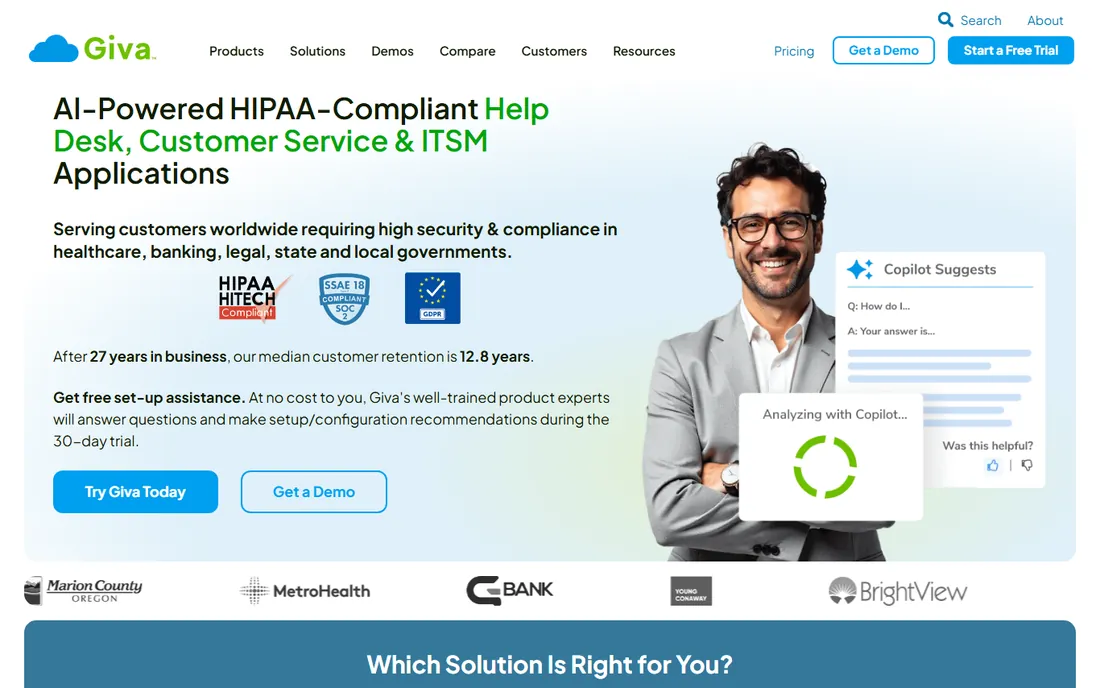
Giva is the quiet workhorse option for small IT teams that need change tracking without enterprise ceremony. The cloud platform covers incidents, problems, changes, knowledge, and assets under one ITIL-aligned roof, and the company has been refining it for years rather than chasing every trend. Healthcare organizations in particular favor it: HIPAA and HITECH compliance are built in, and Giva will sign a business associate agreement.
What reviewers consistently praise is the deployment experience. Setup assistance from product experts is free, the interface needs minimal training, and support is US-based with a reputation for responsiveness. The 30-day trial is genuinely usable, not a gated demo. AI copilots for tickets and knowledge search were added without complicating the core workflow, which suits teams that want help without a learning curve.
The honest catch is that you get what you pay for in breadth. This is a focused service desk, not a sprawling platform, and the five-license minimum means a two-person IT shop pays for seats it does not use. The interface will not win design awards. But if your definition of change management is "track every change, approve the risky ones, and stay audit-ready," Giva does that job at a price small teams can defend.
What we like- HIPAA-compliant cloud help desk with change management included
- Goes live in days with about an hour of agent training
- US-based support with free setup assistance during the trial
Watch out for- Minimum of five licenses on every plan
- The interface prioritizes function over modern design
#7
Process Street
Best for: running change as repeatable workflows
Visit process.st
Starting priceSee website
Free planFree trial
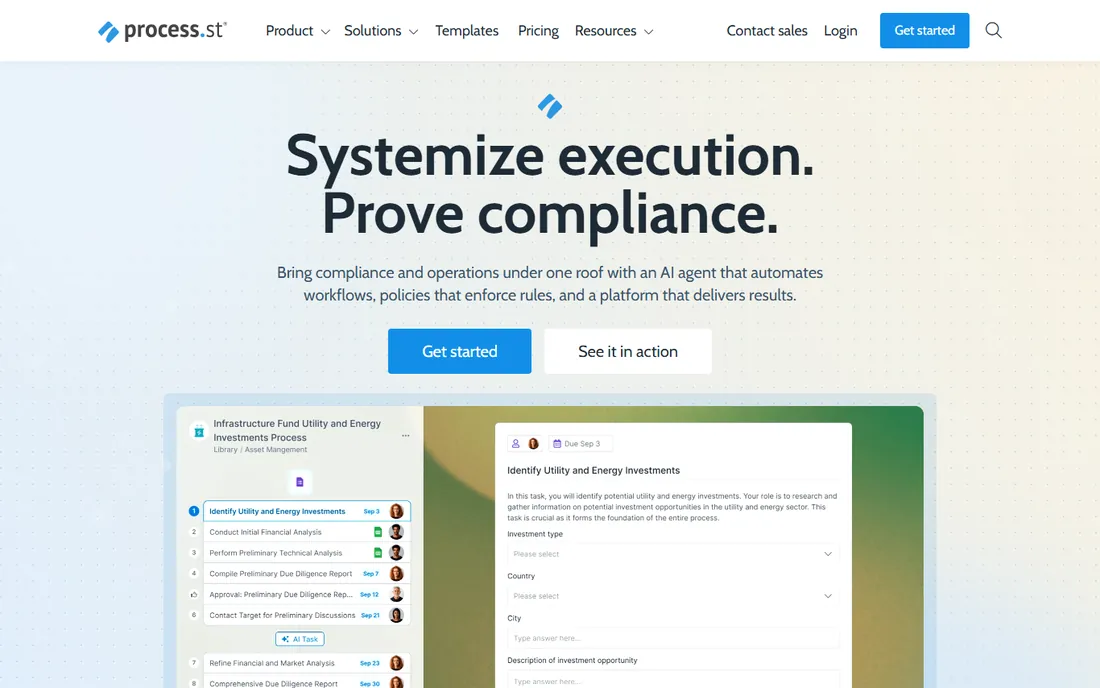
Some changes are really just processes that must run correctly every time: employee onboarding during a reorg, system cutover checklists, policy acknowledgments across departments. Process Street handles that layer. You turn a procedure into a workflow template with tasks, forms, approvals, and conditional branches, then every run produces an audit-ready record of who did what and when.
The platform repositioned itself in 2026 as a compliance operations platform, adding an AI agent called Cora that monitors regulations and surfaces gaps before they become audit findings. That framing tells you who it serves best: regulated or process-heavy teams that need proof, not just completion. Integrations with Slack, Teams, Salesforce, and Zapier keep the workflows inside the tools people already use, and a 14-day free trial on the Pro plan lets you test with a real process.
The trade-off is fit. If your change challenge is cultural or about software adoption, a workflow engine is the wrong tool. Process Street shines when the change can be written down as steps, owners, and approvals. For compliance-driven rollouts, phased system migrations, and recurring operational changes, it gives you enforcement and evidence in one place.
What we like- Turns SOPs and change checklists into enforced workflows with owners and due dates
- Conditional logic, approvals, and audit trails built into every run
- AI compliance agent that monitors regulations and flags gaps
Watch out for- The compliance-operations positioning can be more than simple teams need
- Current pricing requires talking to sales
How we chose
We compared tools across the two real meanings of change management software: digital adoption platforms that teach employees new systems, and governance platforms that plan, approve, and track change. We read current pricing pages, product documentation, and vendor announcements from 2026, then cross-checked against public reviews on G2 and Capterra and practitioner discussions on Reddit. We weighted fit for small and mid-size US companies, transparency of pricing, depth of change-specific features (approvals, impact assessment, adoption analytics, audit trails), and integration breadth. We did not claim hands-on testing of any product; every fact below comes from vendor-published material or independent reviews.
What to check before you buy
Start by naming the job. If your change is a new system, you need adoption tooling: in-app guidance, training sandboxes, and usage analytics. If it is an IT change, you need request intake, risk assessment, approvals, and an audit trail. If it is a reorganization or culture shift, you need communication, dialogue, and progress tracking. Buying the wrong category is the most expensive mistake in this space, and vendors will happily sell you their category regardless of your problem.
Match the tool's weight to your team
A platform that needs dedicated admins and a multi-month implementation is a liability for a twenty-person company. Ask every vendor how long a typical deployment takes, who maintains the content or workflows afterward, and what happens when the person who set it up leaves. Lightweight tools with templates win for small teams; governance depth wins for regulated enterprises.
Price the whole program, not the license
Several tools on this list quote custom pricing, which means the real number includes implementation and services. Ask for the total first-year cost including setup, training, and any AI add-ons, which are increasingly sold separately. Also check per-agent versus per-user pricing: per-agent models like Freshservice stay cheap when only IT staff need seats, while platforms priced per employee get expensive fast.
Demand proof of adoption, not activity
Completion rates lie. A change program succeeds when behavior changes, so favor tools that report on workflow completion, error rates, and support ticket trends rather than logins and page views. Ask vendors to show you their analytics during the demo, and ask which three metrics their best customers track.
Where the category is heading
The 2026 trend is convergence: digital adoption platforms are adding AI agents that act across applications, ITSM vendors are embedding AI into change approvals, and methodology firms are productizing their frameworks. For buyers, that means the gap between "teach the change" and "govern the change" is narrowing. The practical move is to pick the tool that matches your primary job now, and make sure it exposes data (APIs, analytics exports) so a second tool can complement it later.
Frequently asked questions
What is change management software?
It is software that helps organizations plan, execute, and track changes to systems, processes, or structure. The term covers digital adoption platforms that guide users through new software, ITSM tools that govern IT changes through approvals and risk assessment, and methodology platforms that structure the people side of change.
How much does change management software cost?
It ranges widely. Mid-market ITSM tools start around $19 to $29 per agent or user per month, while enterprise digital adoption platforms and methodology programs use custom quote-based pricing that can run into five or six figures annually. Always ask for total first-year cost including implementation.
What is the difference between change management and digital adoption software?
Change management is the broader discipline of moving an organization from one state to another, covering people, process, and technology. Digital adoption software is one tool within it, focused specifically on helping users learn and use new applications through in-app guidance.
Do small businesses need change management software?
Small businesses rarely need enterprise change platforms, but they benefit from the lighter end of the category. A simple ITSM tool for tracking IT changes or a workflow tool for running repeatable change checklists gives structure without enterprise overhead. The key is matching the tool's weight to the size of the change.
What is the ADKAR model?
ADKAR is a change management framework created by Prosci that breaks individual change into five building blocks: Awareness of the need for change, Desire to participate, Knowledge of how to change, Ability to implement new skills, and Reinforcement to sustain the change. It is the most widely taught model in the profession.
Can one tool handle both IT changes and employee adoption?
Rarely. IT change control and employee adoption are different jobs with different workflows, and tools tend to specialize in one. Some suites cover both at a surface level, but most successful programs pair a governance tool (like an ITSM platform) with an adoption tool (like a digital adoption platform) or a methodology program.
Sources we checked (11)
- https://whatfix.com
- https://walkme.com/
- https://prosci.com/
- https://freshservice.com/
- https://www.howspace.com/
- https://www.givainc.com
- https://process.st/
- https://hr.university/tools/change-management-software/
- https://peoplemanagingpeople.com/tools/change-management-tools/
- https://www.techno-pulse.com/2026/06/best-ai-itsm-tools-in-2026-servicenow.html
- https://www.spotsaas.com/compare/giva-ehelpdesk-vs-insta-hms
Is your product missing or out of date?
We review this list regularly. Vendors can request a listing, send updated pricing or ask about featured placement.

Shihab Mia · Founder, Rankite
Shihab has spent more than a decade helping SaaS and e-commerce brands grow through search. He writes Rankite's software buying guides from pricing pages, documentation and public user reviews. More about Shihab.