How we make this list: we compare pricing pages, product documentation and public user reviews. Ratings come from G2, Capterra or Trustpilot, with the date we checked them.
Key takeaways
- Power BI is the best value for Microsoft-stack banks and mid-market institutions, starting at 14 dollars per user a month.
- Tableau leads on visual analysis and regulatory reporting visuals, with Creator pricing near 75 dollars per user a month.
- Looker is the governance pick, with a LookML semantic layer that keeps every team on one definition of revenue and risk.
- ThoughtSpot suits business users who want search-driven answers without writing queries.
- Qlik Sense, Sisense, Domo, and Strategy cover free-form exploration, embedded analytics, executive dashboards, and enterprise reporting.
- For a bank or insurer, governance, audit trails, and row-level security matter more than chart styles, so shortlist on those first.
Quick comparison
Is your product missing or out of date?
We review this list regularly. Vendors can request a listing, send updated pricing or ask about featured placement.
Starting price$14/user/month
Free planYes
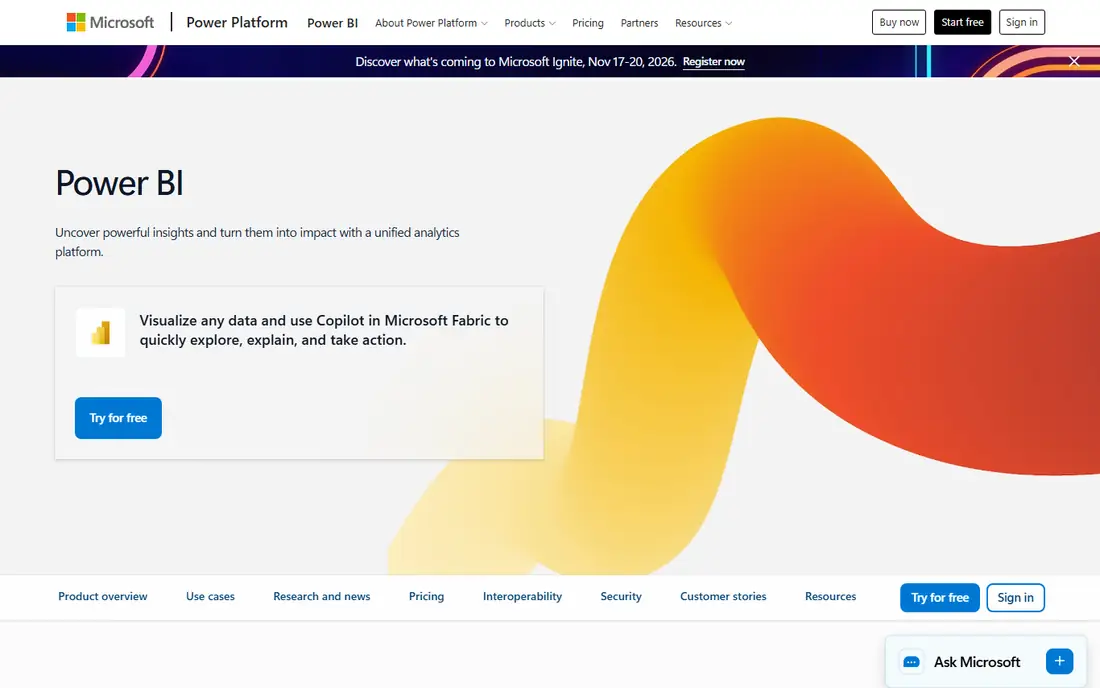
Power BI is the best value BI tool for a financial institution that already runs Microsoft 365 and Azure. Pro costs 14 dollars per user a month, Premium Per User costs 24 dollars, and the free Desktop app includes the full modeling engine for individual analysts. More than 150 native connectors cover SAP, Dynamics, NetSuite, and QuickBooks, and the DAX formula engine handles the complex calculations that finance teams live on, from loan loss provisions to net interest margin.
The limits show up at enterprise scale. Governance across hundreds of reports needs Premium capacity, which starts near 5,000 dollars a month for Fabric capacity, and AI Copilot features need F2 or higher capacity tiers. Pro refreshes cap at 8 per day, rising to 48 on Premium Per User. For a mid-market bank or insurer on Microsoft infrastructure, Power BI is the clear value pick, and its cost advantage over Tableau and Looker is large at 100 users or more.
What we like- Lowest enterprise entry price
- 150 plus native connectors
- DAX for complex financial calculations
- Row-level security
- Free Desktop app
Watch out for- Governance at scale needs Premium licensing
- AI Copilot needs higher capacity tiers
- Refresh limits on Pro

#2Tableau
Best for: Visual regulatory reporting4.4/5 on
G2 (3,787 reviews, checked Oct 2026)
Visit tableau.com
Starting price$15/user/month
Free planNo
Tableau leads when visual analysis and presentation quality decide the purchase. Regulatory reporting packs, board presentations, and risk dashboards all benefit from its visual flexibility, and certified data sources give governance teams a way to bless approved datasets. Tableau Pulse adds AI summaries on every edition, while the Tableau Agent needs Cloud or higher tiers.
Pricing runs in three roles: Viewer at 15 dollars, Explorer at 42 dollars, and Creator at 75 dollars per user a month on annual billing for the Standard tier, with the Enterprise tier roughly doubling each rate. That makes Tableau expensive at enterprise scale, and total first-year cost for a mid-size team often lands in six figures once training and infrastructure are counted. For an institution where executives and regulators judge the quality of the visuals, Tableau earns its premium.
What we like- Best-in-class visualization
- Certified data sources
- Tableau Pulse AI summaries
- Strong Salesforce integration
Watch out for- Creator pricing near 75 dollars a month
- Enterprise tier roughly doubles rates
- Data policies need Enterprise
Starting priceSee website
Free planNo
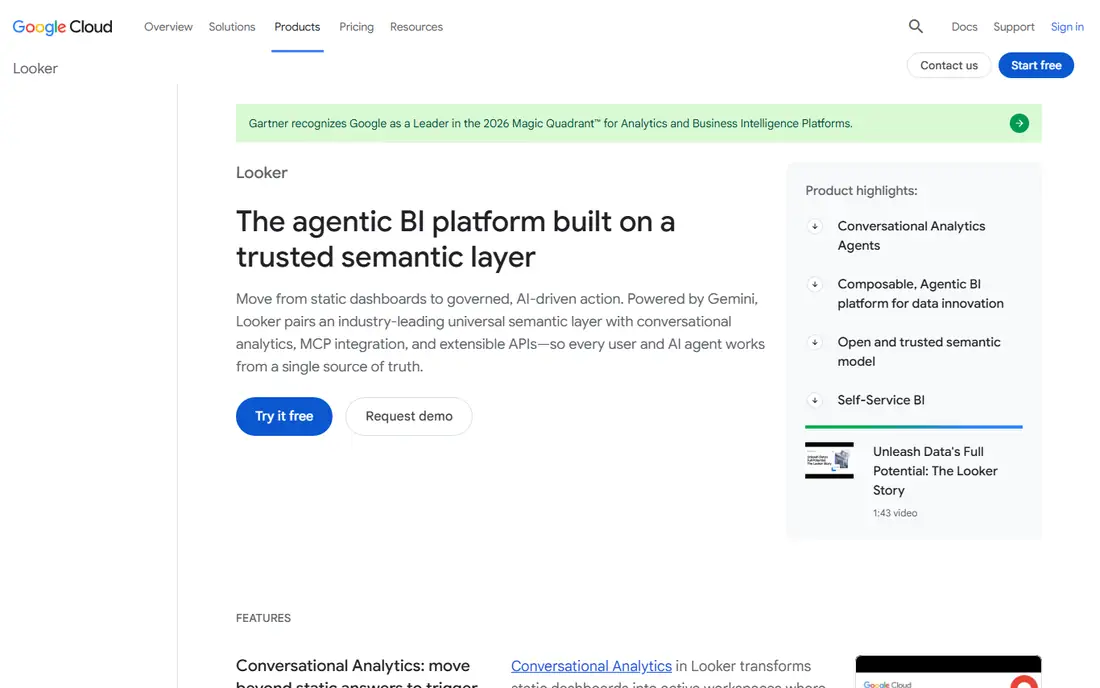
Looker is the governance pick for a financial institution that cannot afford metric disagreement. Its LookML semantic layer defines each metric once, in code, under version control, so every report that shows revenue, risk exposure, or capital adequacy uses the same definition. That single source of truth is a regulatory requirement in practice, not just a nice feature, since inconsistent metrics across teams create audit findings.
The cost is real. Pricing is quote-only, guides cite minimum commitments near 50,000 dollars a year and entry figures near 66,600 dollars a year, with first-year totals reaching 250,000 dollars or more for larger deployments. Looker also needs data engineering skill to model in LookML. For a data-mature institution on Google Cloud or BigQuery, Looker is the strongest governance choice. For a smaller institution, Power BI delivers most of the value at a fraction of the price.
What we like- LookML semantic layer enforces one metric definition
- Strong governance and audit trails
- Live on warehouse data
- Gemini AI
Watch out for- Quote-only pricing with high minimums
- Needs LookML expertise
- High entry barrier for small teams

#4Qlik Sense
Best for: Free-form exploration4.4/5 on
G2 (929 reviews, checked Oct 2026)
Visit qlik.com
Starting price$30/user/month
Free planNo
Qlik Sense suits analysts who explore data without knowing the question in advance. Its associative engine shows how selections relate across the whole dataset, so a risk analyst can click a portfolio segment and immediately see related exposures, losses, and concentrations. That free-form style fits investigation work, fraud review, and portfolio analysis better than a fixed dashboard.
Qlik Sense Business starts from 30 dollars per user a month on annual billing, with Enterprise pricing quoted and capacity-based. The learning curve is steeper than Power BI, and the associative model takes training to use well. For an institution with a strong analyst team that investigates rather than just reports, Qlik Sense is a powerful alternative to the dashboard-first tools.
What we like- Associative engine for free-form exploration
- Strong data integration
- Good for analysts who explore without fixed queries
Watch out for- Steeper learning curve
- Enterprise pricing quote-based
- Capacity model at enterprise scale
Starting price$25/user/month
Free planNo
ThoughtSpot lets business users ask questions in plain language and get charts back, without writing SQL or waiting for an analyst. Essentials costs 25 dollars per user a month and Pro costs 50 dollars on annual billing, with Enterprise quoted. The Spotter AI analyst, available on Pro and higher, answers follow-up questions and flags KPI anomalies, and column-level security plus row-level security cover the access controls a bank needs.
The limits are AI query caps on lower tiers and weaker pixel-perfect reporting than Tableau, so ThoughtSpot fits self-serve exploration better than formal regulatory report packs. For a finance team where managers want answers now rather than tickets in an analyst queue, ThoughtSpot shortens the distance between question and answer more than any other tool here.
What we like- Natural-language search for business users
- Spotter AI analyst
- Live on warehouse data
- Column-level security
Watch out for- AI query caps on lower tiers
- Enterprise pricing custom
- Less pixel-perfect reporting than Tableau

#6Sisense
Best for: Embedded analytics4.2/5 on
G2 (1,063 reviews, checked Oct 2026)
Visit sisense.com
Starting priceSee website
Free planNo
Sisense is the embedded analytics pick for institutions that put analytics inside customer-facing products or partner portals. A bank that shows portfolio analytics inside its client portal, or an insurer that embeds risk dashboards for brokers, needs an engine built for embedding, and Sisense is designed for that job. It handles large datasets well and deploys flexibly across cloud and on-premises environments.
Pricing is quote-only, with mid-market deployments typically ranging from 25,000 to 150,000 dollars a year or more. Setup effort for custom embedded builds is real, and Sisense needs developer time to shine. For internal reporting alone, Power BI or Tableau are simpler. For analytics that customers and partners see, Sisense is the tool built for the job.
What we like- Developer-friendly embedding
- Strong for customer-facing analytics
- Handles large datasets
- Flexible deployment
Watch out for- Quote-only pricing
- Mid-market deployments typically 25,000 to 150,000 dollars a year
- Setup effort for custom builds

#7Domo
Best for: Executive dashboards4.3/5 on
G2 (1,086 reviews, checked Oct 2026)
Visit domo.com
Starting priceSee website
Free planNo
Domo is the executive dashboard platform for institutions that want one cloud system from data ingestion to board-ready visuals. Connectors pull from core banking, CRM, and market data systems, and the mobile experience suits executives who check KPIs on a phone. Implementation is faster than a warehouse-first tool, since Domo bundles ingestion, transformation, and visualization.
Pricing is quote-only with a floor near 30,000 dollars a year, and the credit-based model means costs can climb with usage, so finance teams should model data volume and refresh frequency before signing. Domo suits an institution that wants executive dashboards quickly without building a data warehouse team first, while a data-mature institution may prefer Looker or Power BI on its own warehouse.
What we like- All-in-one cloud platform
- Fast executive dashboards
- Strong connectors
- Mobile-first executive views
Watch out for- Quote-only pricing with a floor near 30,000 dollars a year
- Credit-based model can climb with usage
Starting priceSee website
Free planNo
Strategy, formerly MicroStrategy, is the enterprise reporting platform for large institutions that need governed, pixel-perfect reports at scale. Its semantic layer, security model, and deployment options suit banks and insurers with strict governance requirements and large report catalogs. The financial services track record is long, and existing MicroStrategy estates often stay on the platform for regulatory reporting.
Pricing is quote-only with enterprise sales and implementation, and the platform feels heavier than modern self-serve tools such as ThoughtSpot. For a large institution with an existing estate and formal reporting needs, Strategy is a safe enterprise choice. For a mid-market institution starting fresh, Power BI or Tableau will deploy faster and cost less.
What we like- Enterprise-grade governed reporting
- Strong semantic layer
- Large-scale deployments
- Long financial services track record
Watch out for- Quote-only pricing
- Enterprise sales and implementation
- Heavier than modern self-serve tools
How we chose
We judged BI tools on the criteria that matter to a financial institution: governed metrics, row-level and column-level security, audit trails, access controls, and the ability to run on live warehouse data rather than stale extracts. Chart quality matters, but it ranks below governance, since a beautiful dashboard with the wrong revenue definition creates a regulatory problem. We marked pricing as published or quote-only in every case, and we flagged where total first-year cost, including training and infrastructure, runs two to five times the license cost.
What to check before you buy
Start with governance, not visuals. Ask whether the tool enforces one metric definition across teams, how row-level security works for branch and advisor data, and what audit trail it keeps for report access and changes. Then check data residency and compliance certifications against your regulator's requirements, since a cloud-only tool may not fit a bank with on-premises mandates. Model total cost at 100 to 300 users, including capacity tiers, AI add-ons, and training, since headline per-user prices hide the real bill. Finally, run a pilot on one real regulatory report, not a demo dataset, and measure how long it takes from raw data to a signed-off number.
Frequently asked questions
What is the best BI tool for a bank?
Power BI is the best value for Microsoft-stack banks, Looker is the best governance pick for data-mature institutions, and Tableau leads on visual regulatory reporting. The right choice depends on your existing stack and governance needs.
How much does BI software cost a financial institution?
Per-user prices run from 14 dollars a month for Power BI Pro to 75 dollars for Tableau Creator, with Looker, Domo, and Sisense quoted. Total first-year cost, including training and infrastructure, is typically two to five times the license cost.
Why does metric governance matter so much in finance?
Because regulators, auditors, and boards all need the same number for revenue, risk, and capital. A semantic layer such as LookML defines each metric once, so every report agrees, while ungoverned tools let teams drift into different definitions.
Can BI tools replace regulatory reporting systems?
No. BI tools visualize and analyze data, but formal regulatory filings still need dedicated reporting systems and controls. Use BI for analysis and internal reporting, and keep filings in their governed systems.
Is cloud BI safe for a bank?
It can be, with the right certifications, data residency, and access controls. Check your regulator's requirements and your own security policies before choosing a cloud-only platform, and consider on-premises or hybrid deployment where mandates require it.
Sources we checked (0)
Is your product missing or out of date?
We review this list regularly. Vendors can request a listing, send updated pricing or ask about featured placement.

Shihab Mia · Founder, Rankite
Shihab has 5+ years in B2B and SaaS SEO. He writes Rankite's software buying guides from pricing pages, documentation and public user reviews. More about Shihab.
 Microsoft Power BI
 Looker
 ThoughtSpot
 Strategy (MicroStrategy)