How we make this list: we compare pricing pages, product documentation and public user reviews. Ratings come from G2, Capterra or Trustpilot, with the date we checked them.
Key takeaways
- Zapier is the easiest starting point for small teams, with the largest app catalogue and simple multi-step workflows.
- Make suits teams that want visual workflows and better value for complex, multi-step automations.
- n8n is the best pick for technical teams that want self-hosting, code options, and control over data.
- Microsoft Power Automate makes sense for teams already on Microsoft 365, especially for approvals and Office workflows.
- Start with one painful, repeatable task, measure the time saved, and only then expand automation across the business.
Quick comparison
| Tool | Best for | Starting price | Free plan |
|---|
 Zapier Zapier | Easiest all-round automation | See website | Yes |
 Make Make | Visual workflows at good value | See website | Yes |
 n8n n8n | Technical teams and self-hosting | See website | Yes |
 Microsoft Power Automate Microsoft Power Automate | Microsoft 365 teams | See website | Yes |
 IFTTT IFTTT | Simple personal and small team triggers | See website | Yes |
 Pipedream Pipedream | Developer friendly workflow automation | See website | Yes |
 Integrately Integrately | Simple, low cost automations | See website | Yes |
 Albato Albato | Affordable multi-app automation | See website | Yes |
 Relay.app Relay.app | Human in the loop workflows | See website | Free trial |
Is your product missing or out of date?
We review this list regularly. Vendors can request a listing, send updated pricing or ask about featured placement.
The best automation apps for small business
#1Zapier
Best for: Easiest all-round automation4.5/5 on
G2 (2,088 reviews, checked Oct 2026)
Visit zapier.com
Starting priceSee website
Free planYes
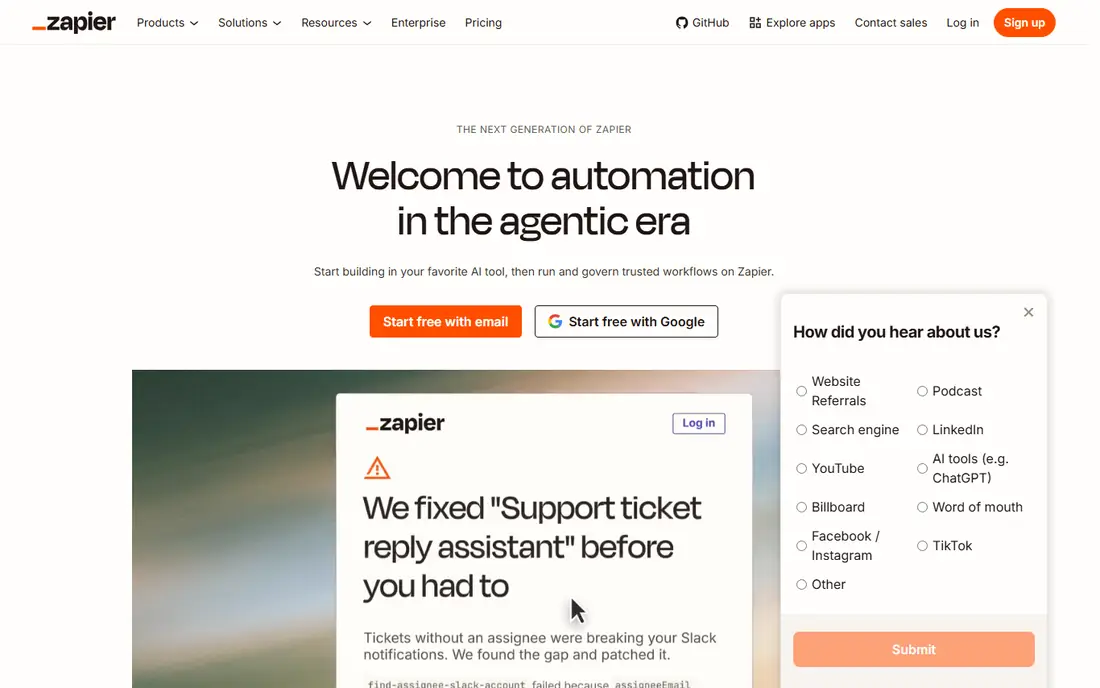
Zapier is the default automation tool for small businesses, and its strength is breadth. It connects thousands of apps, so a new lead in a form can go to a CRM, a spreadsheet, a Slack channel, and an email sequence without code. Setup is guided, with templates for common tasks such as lead capture, order notifications, and invoice creation.
The catch is task-based pricing. Each action in a workflow counts, so a busy automation can use many tasks per month. Zapier is still the best first choice for non-technical teams, because it is fast to learn and easy to hand over. Teams with very high volumes should compare task counts with Make or n8n before committing.
What we like- Largest app catalogue
- Easy setup
- Multi-step workflows and AI helpers
Watch out for- Costs rise with task volume
- Complex logic can get expensive
#2Make
Best for: Visual workflows at good value4.6/5 on
G2 (347 reviews, checked Oct 2026)
Visit make.com
Starting priceSee website
Free planYes

Make, formerly Integromat, shows workflows as a visual map, which helps teams understand a complex process at a glance. You can branch, filter, aggregate, and transform data in ways that would take several Zapier steps, and operations-based pricing often works out cheaper for data-heavy workflows. Templates cover CRM, ecommerce, marketing, and support tasks.
New users need a little more time to learn the visual builder, especially around routers and data mapping. Once that clicks, Make is often the better value for teams that automate many steps per workflow. It is a strong second choice for any small business that has outgrown simple one-step automations.
What we like- Visual scenario builder
- Good value for operations
- Strong data handling
Watch out for- Learning curve is steeper than Zapier
- Some apps have fewer triggers
#3n8n
Best for: Technical teams and self-hosting4.7/5 on
G2 (319 reviews, checked Oct 2026)
Visit n8n.io
Starting priceSee website
Free planYes
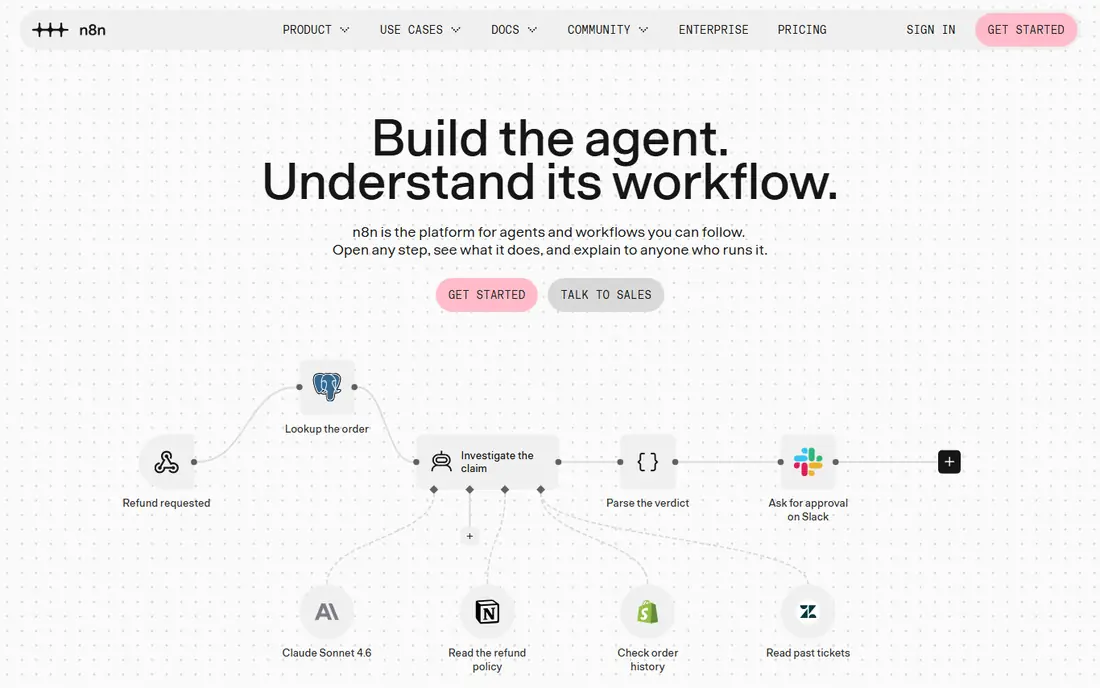
n8n is an open workflow automation tool that technical small teams love. It offers a visual builder plus code nodes, so you can drop into JavaScript or Python when a no-code step is not enough. Self-hosting gives control over data, hosting costs, and custom integrations, which matters for teams with privacy or compliance needs.
The trade-off is skill. Running n8n well needs someone comfortable with servers, APIs, and debugging, even on the cloud version. For a non-technical owner, Zapier or Make will be faster. For a team with a developer or a technical operations person, n8n offers power and control at a lower long-term cost.
What we like- Self-hosting option
- Code nodes for custom logic
- Fair-code licence model
Watch out for- Needs technical skill to run well
- App catalogue is smaller than Zapier
#4Microsoft Power Automate
Best for: Microsoft 365 teams4.4/5 on
G2 (1,092 reviews, checked Oct 2026)
Visit microsoft.com
Starting priceSee website
Free planYes
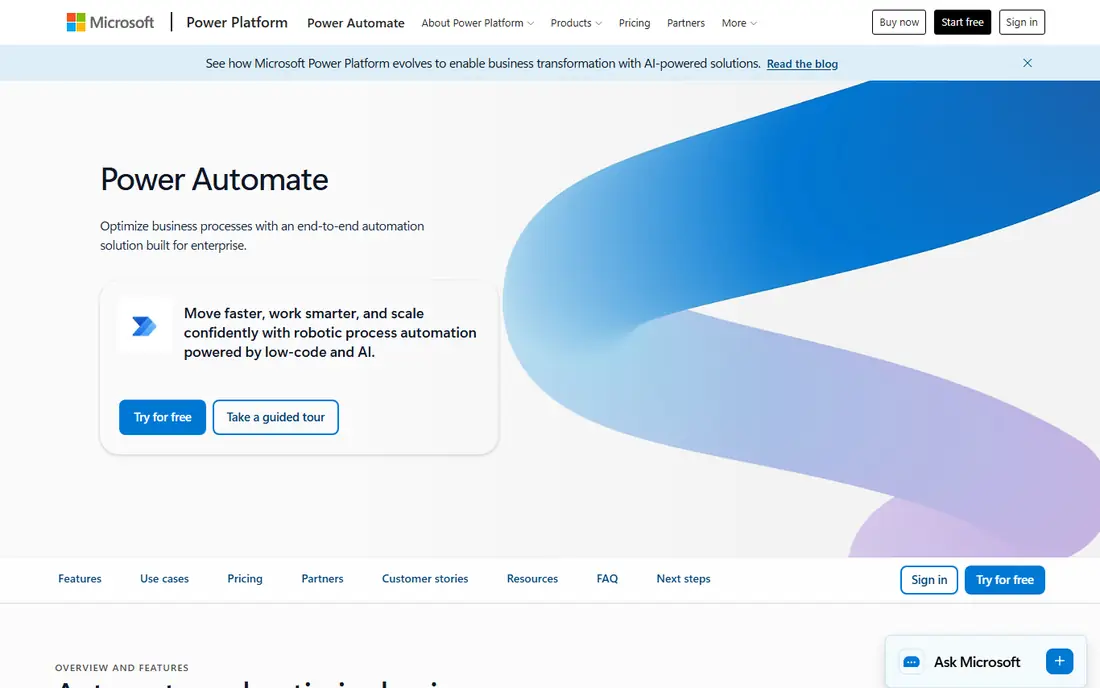
Microsoft Power Automate is the natural automation choice for teams already paying for Microsoft 365. It connects Outlook, Teams, SharePoint, Excel, Dynamics, and other Microsoft tools, with approval workflows, forms, and desktop flows for repetitive computer tasks. Some Microsoft 365 plans include basic Power Automate use, which makes testing low cost.
Outside Microsoft, the connector depth varies, and the interface can feel more enterprise than Zapier. For a Microsoft-centred small business, however, Power Automate often wins on integration and on cost, since it avoids paying for a second automation platform for internal workflows.
What we like- Deep Microsoft 365 integration
- Approvals and forms
- Included in some plans
Watch out for- Best value inside Microsoft
- Non-Microsoft apps vary in depth
#5IFTTT
Best for: Simple personal and small team triggers4.5/5 on
G2 (117 reviews, checked Oct 2026)
Visit ifttt.com
Starting priceSee website
Free planYes
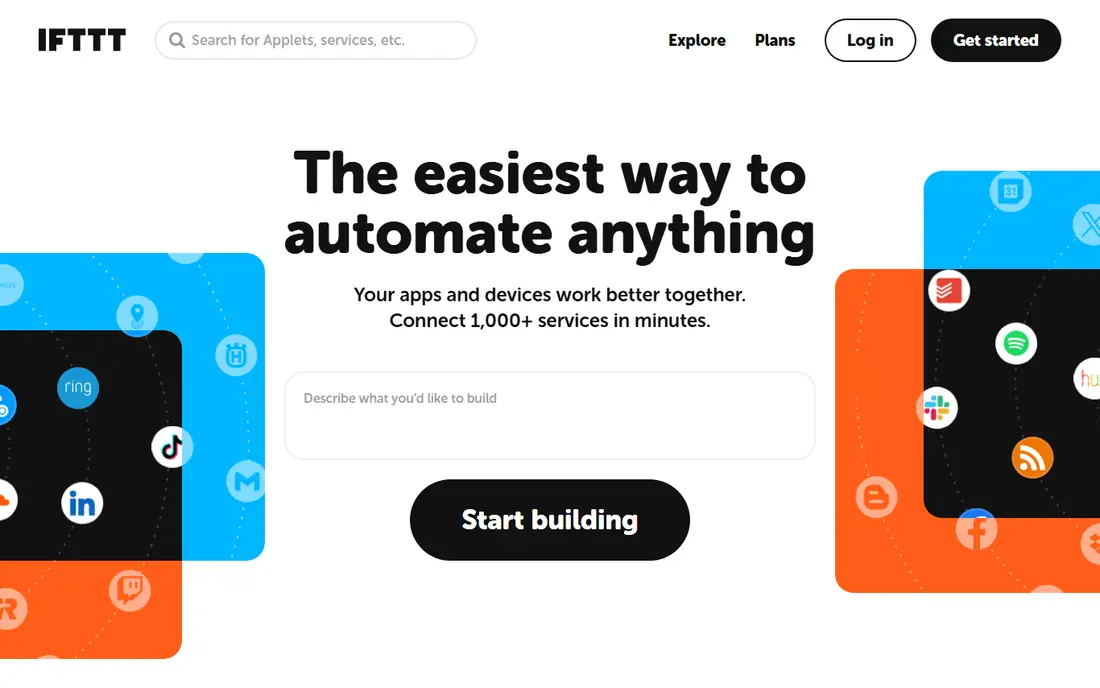
IFTTT, short for If This Then That, is built for simple triggers. If a new email arrives, post to a channel. If a smart device changes state, log it to a sheet. That simplicity makes it useful for small teams that need a handful of reliable triggers, especially around devices, social posts, and notifications.
It is not a replacement for Zapier or Make for multi-step business processes, since logic, branching, and data handling are limited. Use IFTTT for simple, set-and-forget tasks, and use a fuller platform for lead routing, order processing, or customer onboarding.
What we like- Very simple applets
- Good for devices and social triggers
- Quick setup
Watch out for- Limited multi-step logic
- Not built for complex business workflows
#6Pipedream
Best for: Developer friendly workflow automation4.6/5 on
G2 (16 reviews, checked Oct 2026)
Visit pipedream.com
Starting priceSee website
Free planYes
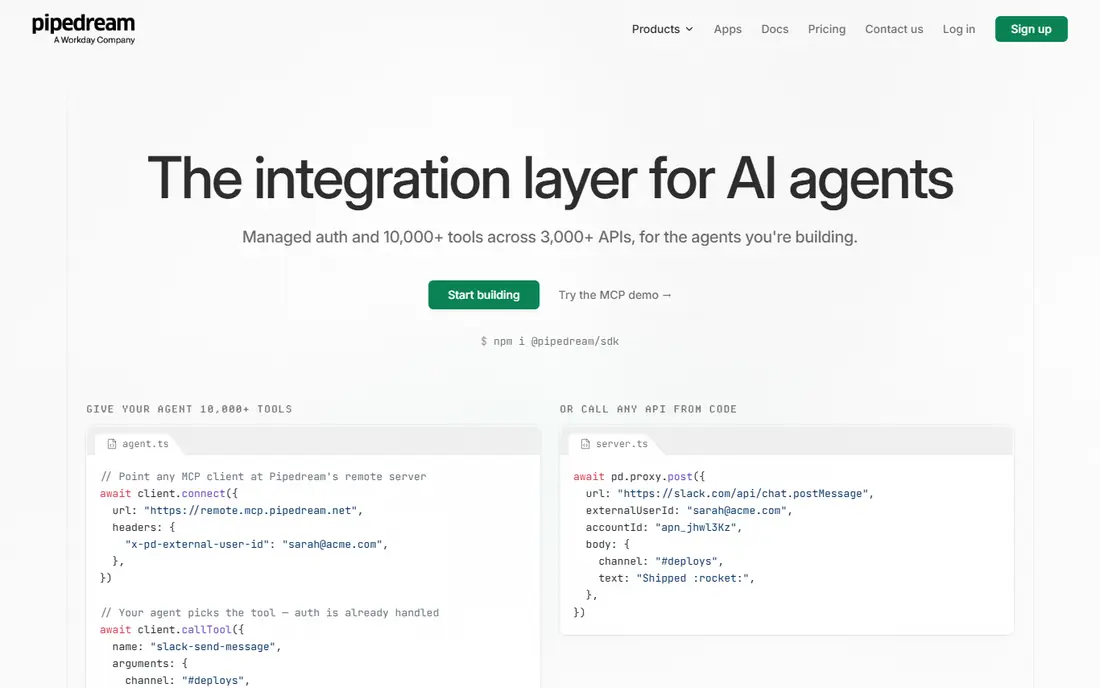
Pipedream sits between no-code tools and full custom code. It offers workflows with code steps, prebuilt components for many APIs, and a generous free tier for testing. Developers can build an integration in hours that would take days as a standalone app, with logs and versioning built in.
Non-technical owners will find it harder than Zapier, since the power comes from writing code. For a small business with a developer, a freelancer, or a technical founder, Pipedream is a fast, flexible way to automate API-heavy tasks without maintaining a separate server for every integration.
What we like- Code-first workflows
- Large API catalogue
- Fast testing and debugging
Watch out for- Needs coding skill
- Less friendly for non-technical owners
#7Integrately
Best for: Simple, low cost automations4.7/5 on
G2 (711 reviews, checked Oct 2026)
Visit integrately.com
Starting priceSee website
Free planYes
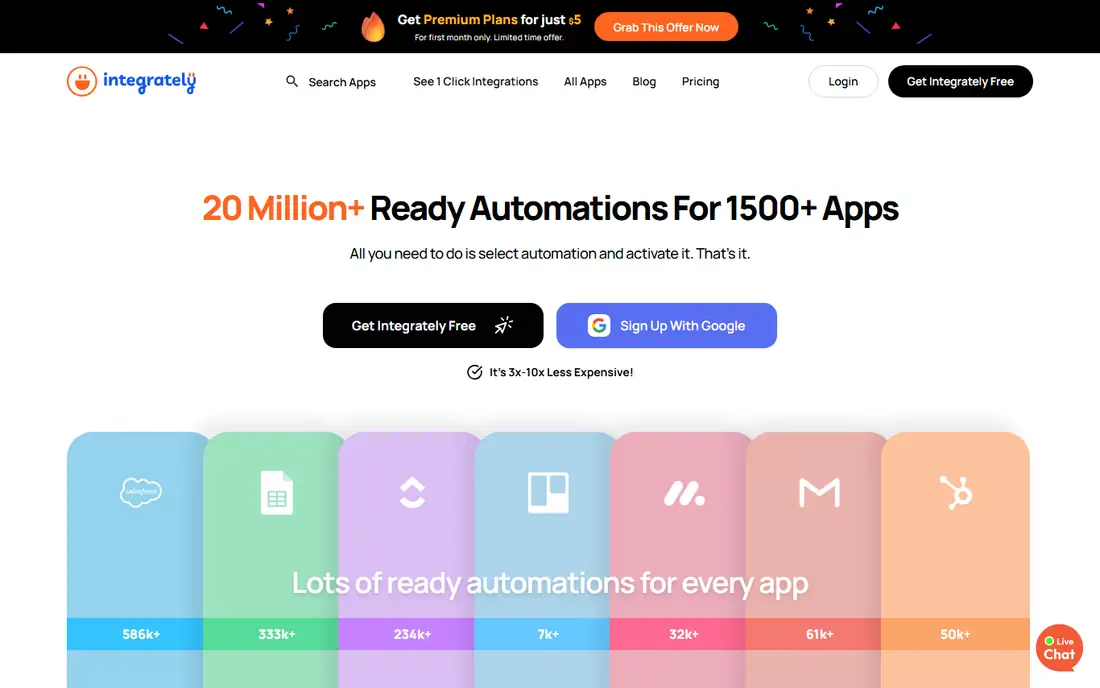
Integrately focuses on one-click, ready-made automations. Instead of building a workflow from scratch, you pick a pair of apps and a common task, such as adding a form lead to a CRM, and turn it on. That approach suits small teams that want automation without learning a builder.
Complex branching, data transforms, and error handling are more limited than in Make or Zapier. For simple, high-volume tasks at a lower price, Integrately is a good value pick. For complex processes, start with a fuller platform instead.
What we like- One-click automations
- Lower price than larger rivals
- Large app list
Watch out for- Advanced logic is limited
- Support and docs are lighter than Zapier
#8Albato
Best for: Affordable multi-app automation4.6/5 on
G2 (510 reviews, checked Oct 2026)
Visit albato.com
Starting priceSee website
Free planYes
Albato offers a visual automation builder at a price that suits small businesses and startups. It supports many common apps, with an app integrator that helps connect tools without a prebuilt connector. Templates cover marketing, sales, support, and ecommerce, and the interface is approachable for non-developers.
The community and template library are smaller than Zapier's, so unusual apps may need custom setup. For a team that wants Zapier-style automation at a lower monthly cost, and that mainly uses mainstream apps, Albato is worth a trial.
What we like- Affordable plans
- Visual builder
- App integrator for custom APIs
Watch out for- Smaller community than Zapier
- Some niche apps are missing
Starting priceSee website
Free planFree trial
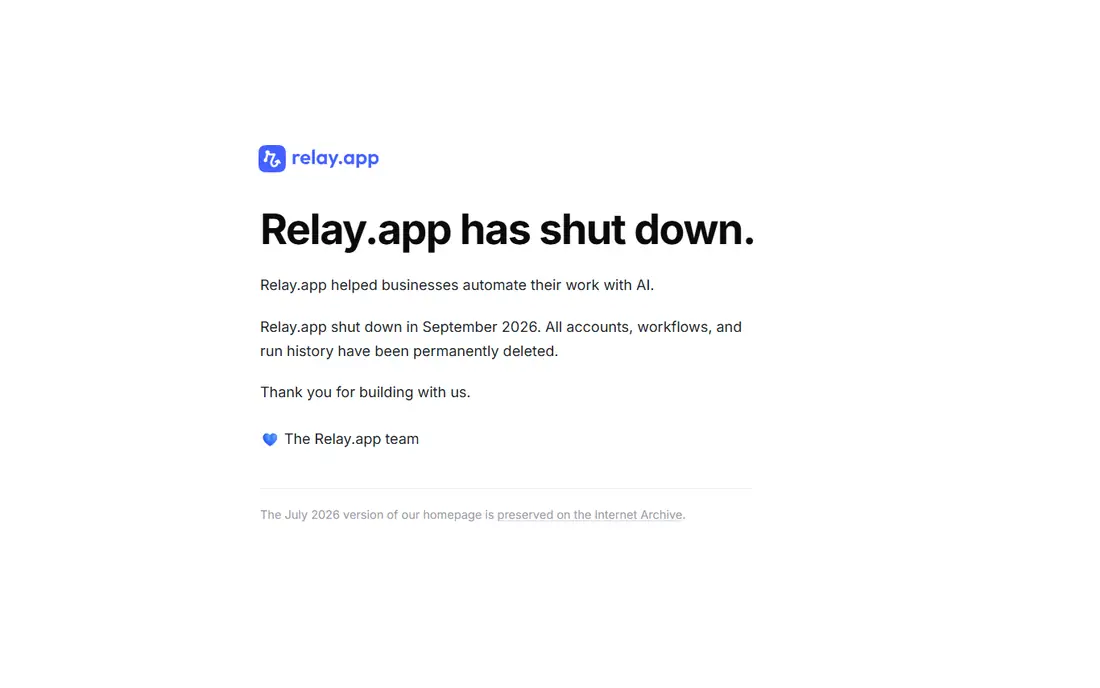
Relay.app is built for workflows that mix automation with human judgement. A workflow can draft a reply, summarise a lead, or prepare a document, then pause for a person to approve, edit, or reject it before it goes out. That human-in-the-loop design suits small teams that want AI help without losing control of customer-facing work.
As a newer platform, its app catalogue is smaller than Zapier or Make, so check your core apps first. For teams automating support, sales follow-up, and content review, where a human check matters, Relay.app offers a thoughtful middle path between full automation and manual work.
What we like- Human approval steps built in
- Good for AI-assisted tasks
- Clean interface
Watch out for- Newer platform with a smaller app catalogue
- Pricing is higher for some teams
How we chose
We compared automation tools on app coverage, ease of use, workflow depth, pricing model, self-hosting options, and support. We used vendor pricing and documentation pages, public reviews, and community discussion about task limits and real-world costs. We favoured tools that are actively maintained now and that suit small teams, whether non-technical owners or small technical teams, rather than enterprise-only platforms.
How to automate without creating a mess
Start with one task that is frequent, boring, and easy to check. Lead capture, appointment reminders, invoice creation, and order notifications are good first automations, because the result is visible and errors are easy to spot. Document the workflow in plain language, name the owner, and set up alerts for failures, so a broken automation does not silently stop leads or orders.
Next, watch the cost model. Zapier charges by task, Make by operation, and n8n by workflow execution on cloud plans, so the same workflow can cost very different amounts. Run a real month of volume before you commit to an annual plan, and review automations quarterly to remove ones that no longer save time.
Automation also needs a regular review. Once a month, check which workflows ran, which failed, and which are no longer used, and remove or fix the ones that add noise. A tidy automation library is easier to hand over to a new team member, and it avoids the quiet cost of workflows that run for a process the business has already changed.
When to add a human step
Automate data movement, not judgement, at first. Let a tool move a lead, create a task, or send a reminder, but keep a person in charge of pricing, refunds, and sensitive customer messages. Relay.app and approval steps in Power Automate help here, but even a simple Slack notification for review can prevent an automation error from reaching a customer.
Frequently asked questions
What is the best automation app for a non-technical small business?
Zapier is the best starting point, because setup is guided and the app catalogue is the largest. Make is a good next step when workflows get complex or task costs rise.
Is n8n free?
n8n offers a free self-hosted option and a free cloud tier with limits, while paid cloud plans add executions, support, and collaboration. Self-hosting is free in licence terms, but you still pay for hosting and maintenance time.
How much can automation save a small business?
It depends on the task. A lead routing automation can save several hours per week, while an invoice automation can save hours per month. Measure time before and after for one workflow, rather than guessing at a total saving.
Do I need a developer to use Zapier or Make?
No, for common tasks. Both offer templates and guided setup. A developer helps for custom APIs, complex data transforms, or self-hosted n8n, but most small business automations do not need code.
What happens if an automation fails?
Most platforms log errors and can send alerts by email or chat. Set up failure alerts, test with real data, and keep a manual backup process for critical workflows such as orders and payments.
Sources we checked (9)
- https://zapier.com
- https://www.make.com
- https://n8n.io
- https://www.microsoft.com/en-us/power-platform/products/power-automate
- https://ifttt.com
- https://pipedream.com
- https://integrately.com
- https://albato.com
- https://www.relay.app
Is your product missing or out of date?
We review this list regularly. Vendors can request a listing, send updated pricing or ask about featured placement.

Shihab Mia · Founder, Rankite
Shihab has 5+ years in B2B and SaaS SEO. He writes Rankite's software buying guides from pricing pages, documentation and public user reviews. More about Shihab.