How we make this list: we compare pricing pages, product documentation and public user reviews. Ratings come from G2, Capterra or Trustpilot, with the date we checked them.
Key takeaways
- Raspberry Pi Pico is the cheapest capable Arduino replacement for learning, while ESP32 is the best pick when Wi-Fi and Bluetooth are needed.
- Teensy 4.1 suits projects that need speed, audio or USB device work, at a higher price than Pico or ESP32.
- BBC micro:bit is the best classroom alternative, with a simple editor, built-in sensors and a focus on teaching.
- STM32 Nucleo and BeagleBone suit more serious embedded work, but they need more setup time and experience.
- Check voltage, pin count and software support before buying, because 3.3V boards need level shifting for some 5V parts.
Quick comparison
Is your product missing or out of date?
We review this list regularly. Vendors can request a listing, send updated pricing or ask about featured placement.
The best arduino alternatives
Starting priceSee website
Free planYes
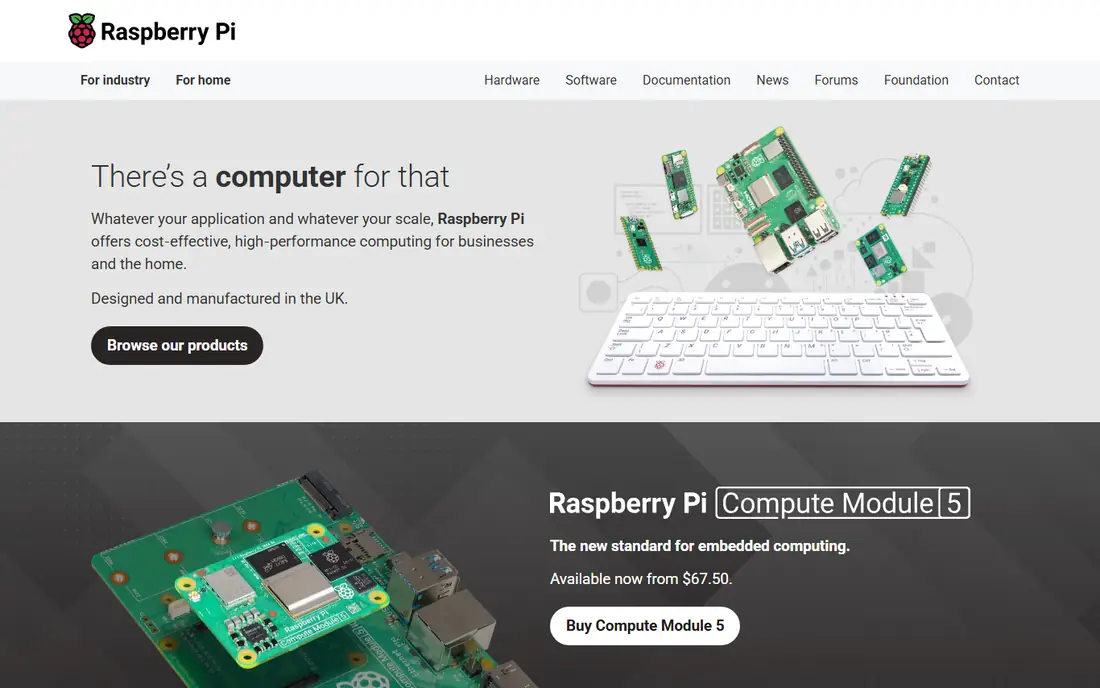
Raspberry Pi Pico is the closest low cost replacement for an Arduino Uno for learning and simple projects. It runs MicroPython and C, offers 26 GPIO pins, and has clear documentation that helps beginners move from blinking an LED to reading sensors and driving motors. The Pico 2 and Pico W variants add more power and wireless options, so buyers should check which version fits their project.
The original Pico lacks built-in Wi-Fi, so internet projects need the Pico W or an added module. Voltage is another detail: Pico uses 3.3V logic, while many older Arduino parts expect 5V, so level shifters may be needed. For general learning on a tight budget, Pico is hard to beat.
What we like- Very low cost
- MicroPython and C support
- Good documentation and community
Watch out for- No built-in Wi-Fi on the original Pico
- 3.3V logic needs care with 5V parts
Starting priceSee website
Free planYes
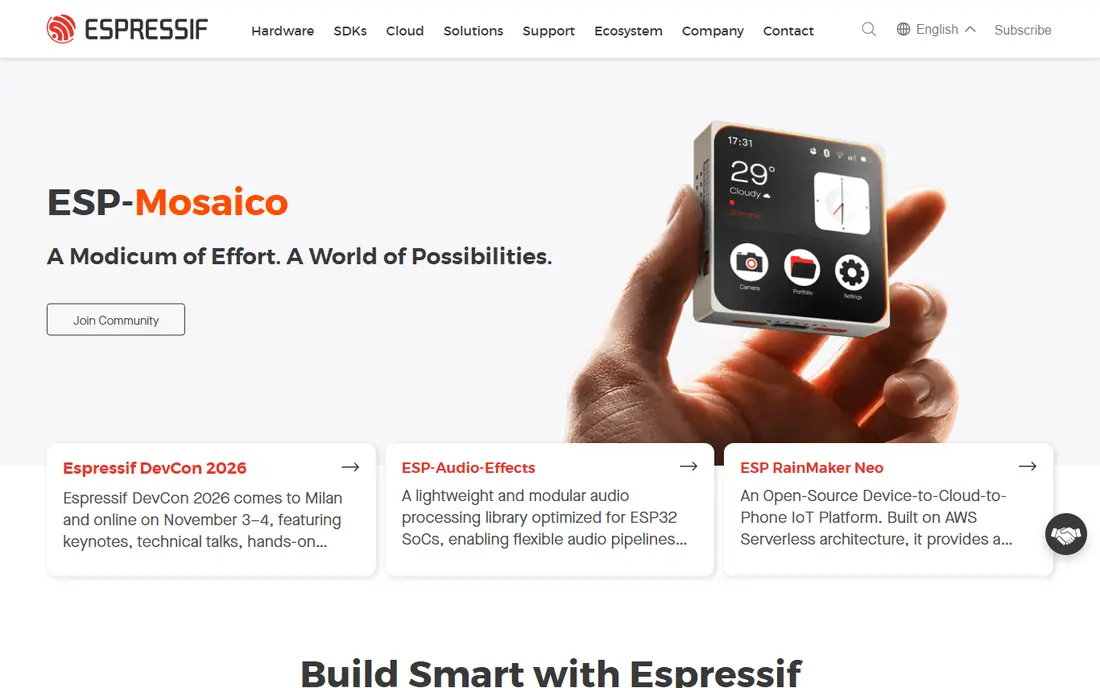
ESP32 DevKitC suits internet connected projects, from home sensors and smart plugs to data loggers that send readings to a server. Built-in Wi-Fi and Bluetooth remove the need for extra modules, dual core processing handles networking and sensor work together, and Arduino IDE support means many Arduino sketches can be adapted with modest changes. Boards are widely available at low cost from many vendors.
The trade-offs are power and pin complexity. ESP32 draws more current than a Pico or Uno in active use, which matters for battery projects, and some pins have special behaviour at boot or are input only, so checking the board pinout before wiring saves time. For IoT work, ESP32 is the default alternative to Arduino.
What we like- Built-in Wi-Fi and Bluetooth
- Dual core speed
- Works with Arduino IDE and MicroPython
Watch out for- 3.3V logic
- Power use higher than simple microcontrollers
- Pin behaviour varies by board
Starting price$31.50
Free planYes
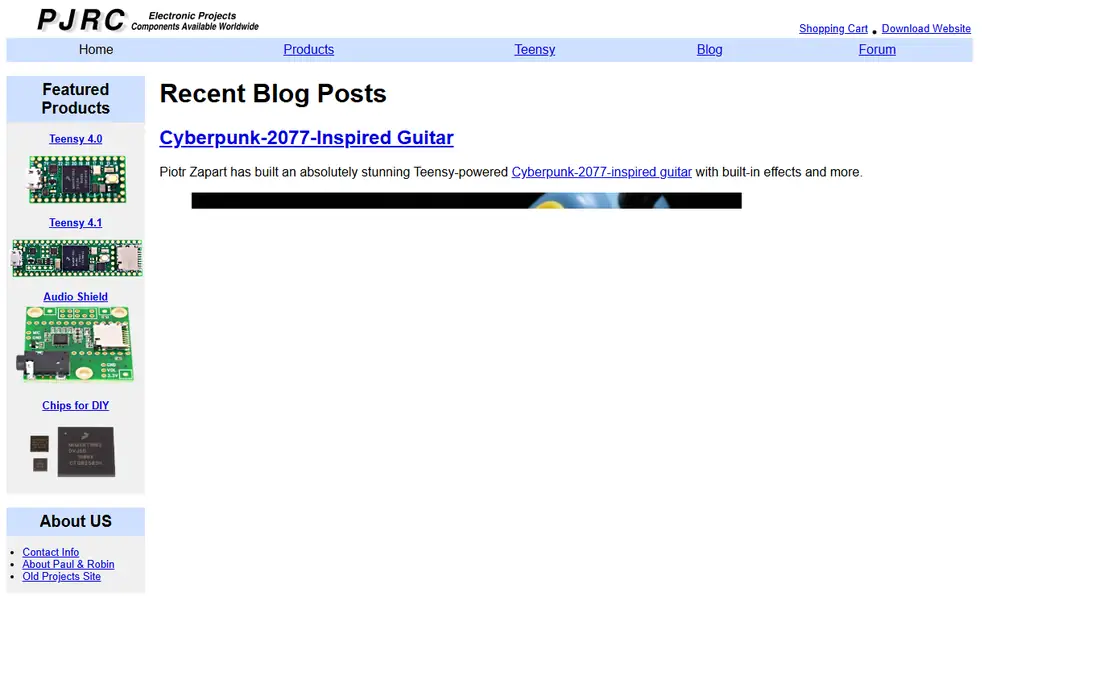
Teensy 4.1 fits projects where an Uno or Pico runs out of speed but the project must stay simple. A 600 MHz processor, 1 MB of RAM, 8 MB of flash, Ethernet, microSD and a USB host port support synthesizers, effects pedals, MIDI controllers, large LED displays and fast data loggers. It programs through the Arduino toolchain, so Arduino users do not need to learn a new environment.
Wireless is missing, so Teensy is not the pick for Wi-Fi projects unless an external module is added. Price at $31.50 is also higher than Pico or ESP32, though still low for its performance. Choose Teensy for speed, audio and USB device work, and ESP32 for connected projects.
What we like- 600 MHz Cortex-M7 speed
- Strong audio library
- USB host, Ethernet and microSD on board
Watch out for- No wireless
- Higher price than Pico or ESP32
- Smaller community than Arduino
Starting priceSee website
Free planYes
BBC micro:bit is the best classroom alternative to Arduino, designed for teaching children and beginners. The board includes a 5 by 5 LED matrix, two buttons, an accelerometer, a compass and a radio, so first projects work without extra wiring. Block based and Python editors run in the browser, and schools can share code easily.
Power and pins are limited compared with Pico or ESP32, so micro:bit suits learning, simple games, wearables and classroom experiments rather than large robotics or data projects. For a first board for a child or a class, micro:bit ease of use outweighs its limits.
What we like- Built-in LEDs, buttons, accelerometer and radio
- Simple block and Python editors
- Strong classroom resources
Watch out for- Limited pins and processing power
- Not suited to large or complex projects
Starting priceSee website
Free planYes
STM32 Nucleo boards suit engineers, students and serious makers who want professional microcontroller experience beyond Arduino. The Nucleo range covers low power, high performance and low cost chips, many with Arduino Uno compatible headers for shields, and ST provides CubeIDE, libraries and debugging tools. That depth helps for motor control, industrial sensing and low power design.
The learning curve is steeper than Arduino or Pico. Setup, clock configuration and peripheral libraries assume more background, and community tutorials are thinner for advanced topics. Choose Nucleo when a project needs specific STM32 features or professional experience, not as a first learning board.
What we like- Wide range of Cortex-M chips
- Professional tools
- Arduino compatible headers on many boards
Watch out for- Steeper learning curve
- Documentation assumes more experience
- Tool setup takes longer
Starting priceSee website
Free planYes
BeagleBone Black suits projects that need a full Linux system plus real hardware pins, such as robotics controllers, industrial prototypes and networked sensors. It offers many GPIO, PWM and analogue inputs, runs Debian Linux, and supports Python, C and other languages. That combination bridges the gap between a microcontroller and a full single board computer.
Complexity is the cost. BeagleBone needs Linux setup, power management and care with software updates, unlike a Pico that simply runs one program. It also draws more power than a microcontroller. Choose BeagleBone when Linux, networking and hardware control must live on one board.
What we like- Runs Linux
- Many GPIO, PWM and analogue pins
- Strong for robotics and industrial prototypes
Watch out for- More complex than a microcontroller
- Needs a Linux setup
- Higher power use
Starting priceSee website
Free planYes
Adafruit Feather is a family of small boards built for portable and battery powered projects, with versions based on ESP32, RP2040 and other chips. Built-in LiPo battery charging, a compact size and a large tutorial library from Adafruit make Feather a strong pick for wearables, sensors and field devices. FeatherWings add displays, sensors and radios without messy wiring.
Pin count and price vary by version, so buyers should check the specific Feather board, not the family name alone. Feather is not the cheapest option, but its battery support and documentation save time for portable builds.
What we like- Many chip options including ESP32 and RP2040
- Built-in battery charging
- Large tutorial library
Watch out for- Price varies by version
- Smaller than Uno, so pin count is lower
Starting priceSee website
Free planYes
Particle Photon suits connected products where devices must be managed remotely, with over the air updates, cloud variables and fleet tools built into the Particle platform. That makes it useful for small commercial prototypes, sensor networks and classroom IoT projects where updating each device by USB would be slow. Wi-Fi connectivity and Arduino style programming keep the learning curve manageable.
The cloud link is also a limit. Full device management depends on Particle cloud, and fleet pricing needs confirmation for larger deployments. Hobbyists who only need one Wi-Fi board will find ESP32 cheaper and simpler, while teams that need remote management will value Particle extra platform.
What we like- Cloud platform for device management
- Wi-Fi connectivity
- Over the air updates
Watch out for- Cloud dependency for full features
- Pricing for fleet use needs checking
- Smaller hobby community than ESP32
Starting priceSee website
Free planYes
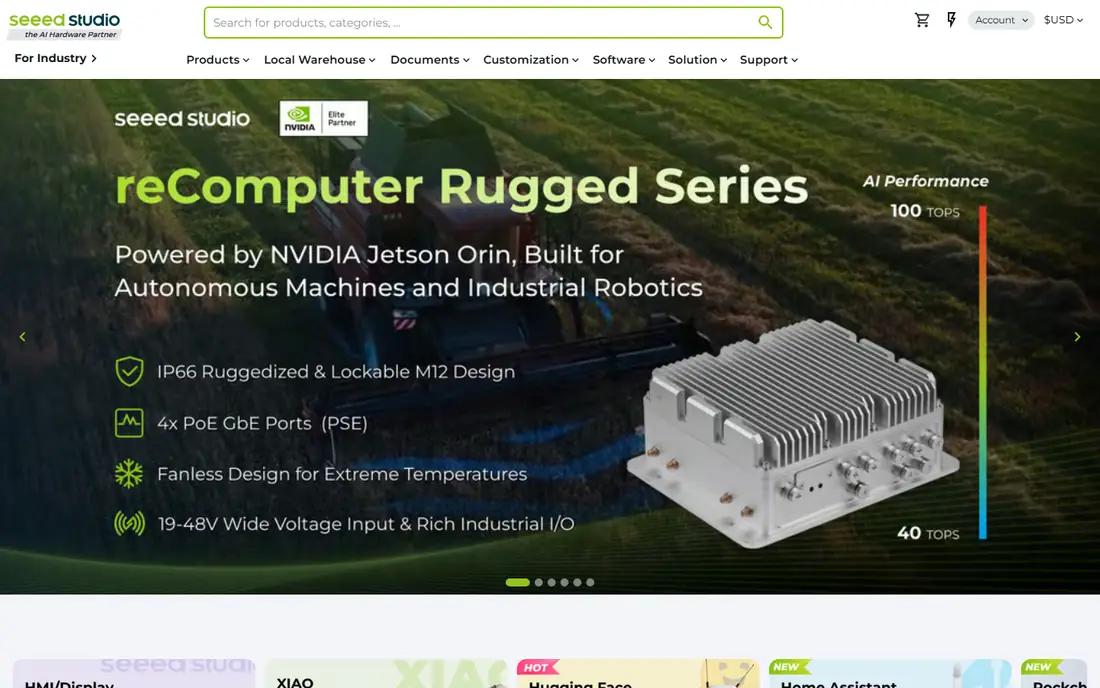
Seeed XIAO boards pack a capable microcontroller into a thumb sized board, with versions based on RP2040, ESP32 and other chips. That size suits wearables, tiny sensors, keyboard projects and space constrained prototypes where a full Uno or Pico would not fit. Cost is low, and Arduino IDE and MicroPython support cover most versions.
Small size brings wiring challenges. Pins are close together, soldering needs care, and pin count is lower than larger boards. XIAO is best for compact projects where size matters, and less suited as a first learning board where large, clearly labelled pins help.
What we like- Very small size
- Versions with RP2040, ESP32 and other chips
- Low cost for compact builds
Watch out for- Tiny pins are harder to solder and wire
- Fewer pins than larger boards
How we chose
We compared vendor pages, documentation and public reviews, and kept only boards that are still available, can replace an Arduino in a real project, and offer a distinct fit, such as low cost, wireless, speed, classroom use or Linux. Prices were taken from vendor pages where stable, and marked as See website where board versions, vendors and regional prices vary widely. A board stayed on the list only if its software support, documentation and community were strong enough for a buyer to complete a project without vendor help.
How to choose the right board
Start with connectivity and power. If a project needs Wi-Fi or Bluetooth, choose ESP32, Pico W, Feather ESP32 or Particle Photon. If it runs on battery for weeks, choose a low power microcontroller and check sleep current, not just active current. If it needs a screen, audio or fast data handling, check processor speed and memory before buying.
Check pins and voltage next. Count digital, analogue, PWM and communication pins your sensors and motors need, and confirm whether the board uses 3.3V or 5V logic. Many modern boards use 3.3V, so 5V sensors may need level shifters. Finally, check software support. Arduino IDE, MicroPython and CircuitPython coverage, plus tutorials for your exact board version, matter more than raw specifications for a first project.
Frequently asked questions
Is Raspberry Pi Pico better than Arduino Uno?
For learning and low cost projects, Pico offers more memory, speed and modern features at a lower price, and MicroPython makes coding easier for beginners. Arduino Uno remains easier for 5V parts and has a larger shield library, so the better board depends on your parts and experience.
Which Arduino alternative has Wi-Fi built in?
ESP32 DevKitC is the most common choice, with Wi-Fi and Bluetooth built in and wide Arduino IDE support. Raspberry Pi Pico W, Adafruit Feather ESP32 and Particle Photon also offer Wi-Fi, with different cloud, battery and size trade-offs.
Can I use Arduino code on these boards?
Often yes, with changes. ESP32, Teensy, Pico and XIAO support Arduino IDE, but pin numbers, libraries and voltage differ, so sketches need checking and testing. MicroPython and CircuitPython boards use a different language, so Arduino sketches must be rewritten.
What is the best Arduino alternative for beginners?
Raspberry Pi Pico is the best low cost beginner board, while BBC micro:bit is best for young learners and classrooms. Both have clear documentation and simple first projects, and both cost less than a full Arduino starter kit in many cases.
Do I need a 5V or 3.3V board?
Use 5V boards, such as Arduino Uno, for older 5V sensors and shields without extra parts. Use 3.3V boards, such as Pico, ESP32 and Teensy, for modern sensors, and add level shifters when mixing 3.3V boards with 5V parts to avoid damage.
Sources we checked (9)
- https://www.raspberrypi.com
- https://www.espressif.com
- https://www.pjrc.com
- https://microbit.org
- https://www.st.com
- https://www.beagleboard.org
- https://www.adafruit.com
- https://www.particle.io
- https://www.seeedstudio.com
Is your product missing or out of date?
We review this list regularly. Vendors can request a listing, send updated pricing or ask about featured placement.

Shihab Mia · Founder, Rankite
Shihab has 5+ years in B2B and SaaS SEO. He writes Rankite's software buying guides from pricing pages, documentation and public user reviews. More about Shihab.
 Raspberry Pi Pico
 ESP32 DevKitC
 Teensy 4.1
 BBC micro:bit
 STM32 Nucleo
 BeagleBone Black
 Adafruit Feather
 Particle Photon
 Seeed XIAO