How we make this list: we compare pricing pages, product documentation and public user reviews. Ratings come from G2, Capterra or Trustpilot, with the date we checked them.
Key takeaways
- Khan Academy Kids leads on free, ad-free learning, with activities covering early reading, math, and social skills.
- PBS Kids Games leads on trusted characters, with games featuring Daniel Tiger, Sesame Street, and other public media shows.
- ABCmouse leads on structured curriculum, with a step-by-step path for ages 2 to 8, but it requires a subscription.
- Duolingo ABC and Starfall suit early letter and phonics practice, with simple interfaces toddlers can use with help.
- Lingokids and Kidloland add songs, videos, and play-based learning for younger children.
- Safety first: prefer apps with no ads, no in-app purchases, and a parent gate, and always supervise toddler screen time.
Quick comparison
| Tool | Best for | Starting price | Free plan |
|---|
 Khan Academy Kids Khan Academy Kids | Free ad-free learning | Free app | Free |
 PBS Kids Games PBS Kids Games | Trusted characters | Free app | Free |
 ABCmouse ABCmouse | Structured curriculum | See website | Free trial |
 Duolingo ABC Duolingo ABC | Early phonics | Free app | Free |
 Starfall Starfall | Letters and reading basics | See website | Free plan |
 Lingokids Lingokids | Play-based learning | See website | Free plan |
 Kidloland Kidloland | Songs and nursery rhymes | See website | Free plan |
 Papumba Papumba | Games plus parent tools | See website | Free plan |
Is your product missing or out of date?
We review this list regularly. Vendors can request a listing, send updated pricing or ask about featured placement.
The best apps for toddlers
Toddlers learn through play, repetition, and songs, and the best apps match that style rather than shrinking school lessons onto a phone. The eight apps below are built for ages roughly 2 to 5, with simple navigation, bright visuals, and content that parents can trust. Safety matters more here than in any other category in this batch: ads, surprise purchases, and open chat have no place in a toddler app, and every pick below is judged on those grounds first.
How we chose
We started from the toddler apps parents and educators actually recommend in 2026, drawing on app store rankings, educator guides, and privacy policies. We favored apps with no ads or clearly separated parent sections, age-appropriate content, and offline options, and we excluded apps with open chat, user-generated content, or aggressive purchase prompts. Prices vary by billing period, so where a figure is not confirmed on a vendor page, we use "See website" and flag the gap.
Buying guide
Start with safety, not content. Check three things before downloading: does the app show ads to children, does it offer in-app purchases a toddler can tap, and does it include a parent gate on settings and store links. Apps that fail any of these need a parent to lock them down first.
Next, match the app to your child's age and stage. A 2-year-old needs songs, colors, and simple cause-and-effect play, while a 4-year-old can handle letters, numbers, and simple puzzles. Then check offline play: downloaded content matters for car rides and flights without Wi-Fi.
Finally, set time limits together. Pediatric guidance generally suggests about one hour a day of high-quality programming for ages 2 to 5, watched with a parent when possible. Use apps as one activity among many, not as a babysitter, and sit with your child for at least part of each session to talk about what they see. A simple routine helps: pick a consistent time of day for app play, such as after lunch, and keep devices out of bedrooms at night. Children adapt quickly to predictable limits, while open-ended access leads to more arguments and longer sessions than parents intended.
Frequently asked questions
Are toddler apps safe?
The safest apps have no ads, no in-app purchases reachable by children, and no chat or user content. Khan Academy Kids and PBS Kids Games meet that bar. Always check the privacy policy and test the app yourself before handing it to a child.
How much screen time is right for a toddler?
Pediatric guidance generally suggests about one hour a day of high-quality programming for ages 2 to 5, ideally watched with a parent. For children under 18 months, video calls are the main exception to avoiding screens.
Should I pay for ABCmouse or use free apps?
ABCmouse suits families who want a structured curriculum path and who will use it several times a week. Free apps such as Khan Academy Kids and PBS Kids Games cover similar early skills at no cost, so try free options first.
Do these apps work offline?
Some do, with downloaded content for trips. Khan Academy Kids and ABCmouse offer offline content in their apps, while PBS Kids Games varies by game. Check offline support before a flight or road trip.
Can toddlers use these apps alone?
Toddlers should use apps with a parent nearby, especially at first. Simple navigation helps, but young children still need help when apps freeze, ask questions, or show unexpected content. As children learn the app, parents can step back gradually, staying in the room and checking in often, rather than leaving a toddler alone with a device for long stretches. Shared use also gives parents a chance to extend learning, by asking about colors, numbers, or story events during play.
Sources
- App store listings and privacy policies for Khan Academy Kids, PBS Kids Games, ABCmouse, Duolingo ABC, Starfall, Lingokids, Kidloland, and Papumba
- Educator guides and parent reviews of toddler apps in 2026
- Pediatric guidance on screen time for children ages 2 to 5
Starting priceFree app
Free planFree
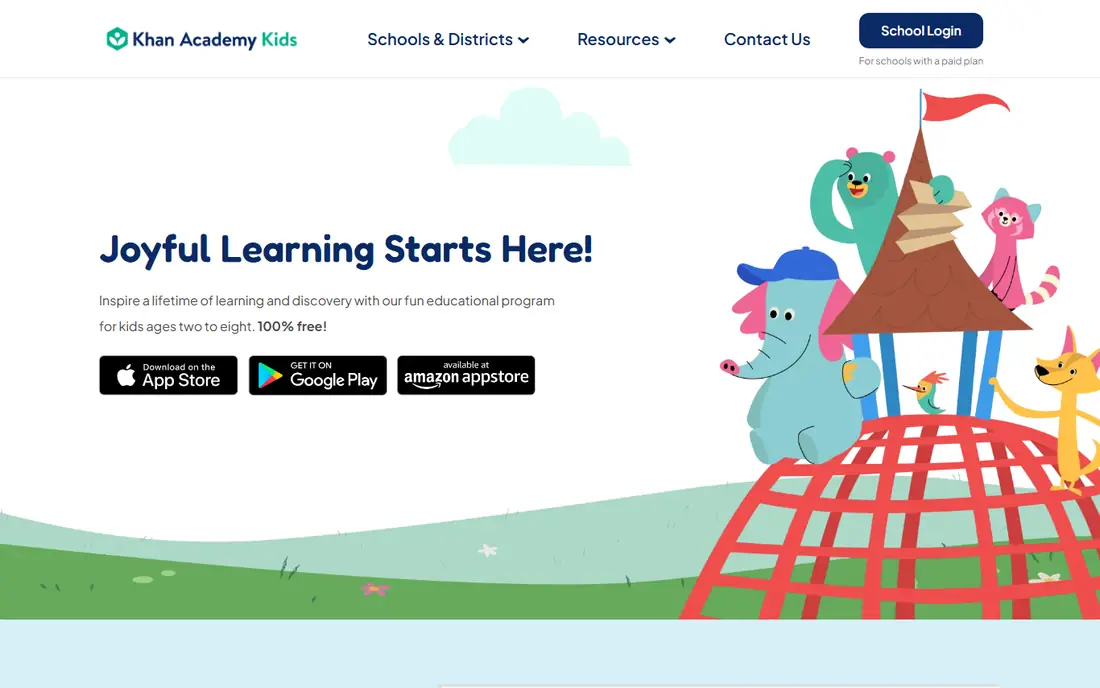
Khan Academy Kids is the standout free toddler app, built by the nonprofit behind Khan Academy. Activities cover early literacy, math, logic, and social-emotional skills, with characters that guide children through lessons, books, and games. There are no ads and no in-app purchases, which removes the two biggest safety worries for parents.
Setup needs a parent, and the content range runs to age 8, so toddlers need help finding age-fit activities at first. Offline content helps on trips. Khan Academy Kids suits every family as a first toddler app, and it stays useful as children grow into early school years.
What we like- Completely free with no ads
- Covers reading, math, and social skills
- Offline content
Watch out for- Needs a parent to set up
- Content suits ages 2 to 8, so toddlers need guidance
- No live classes
Starting priceFree app
Free planFree
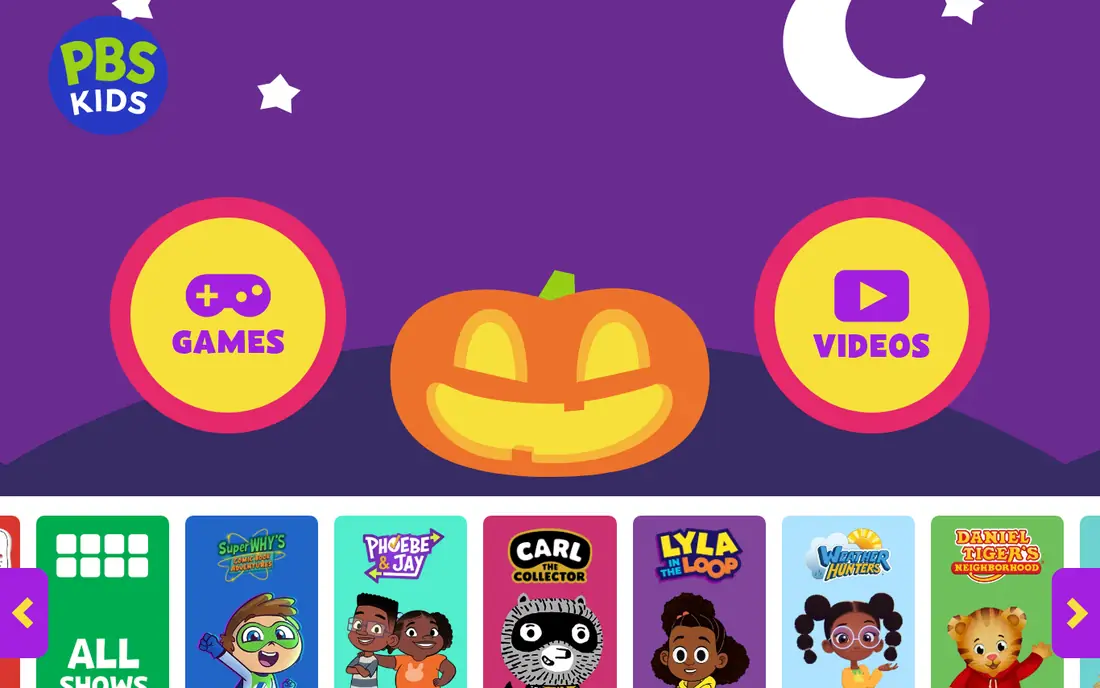
PBS Kids Games brings characters from Daniel Tiger, Sesame Street, Wild Kratts, and other public media shows into simple games for young children. The PBS brand gives parents confidence about content, the app is free, and parent resources explain the learning goal behind each game.
Game quality varies, since the app bundles many games from different shows, and some games need an internet connection. Navigation can also confuse the youngest toddlers without help. PBS Kids Games suits families who trust public media characters and want a free, varied game library.
What we like- Free with trusted public media characters
- Many games
- Parent resources
Watch out for- Game quality varies
- Some games need internet
- Navigation can confuse toddlers
Starting priceSee website
Free planFree trial
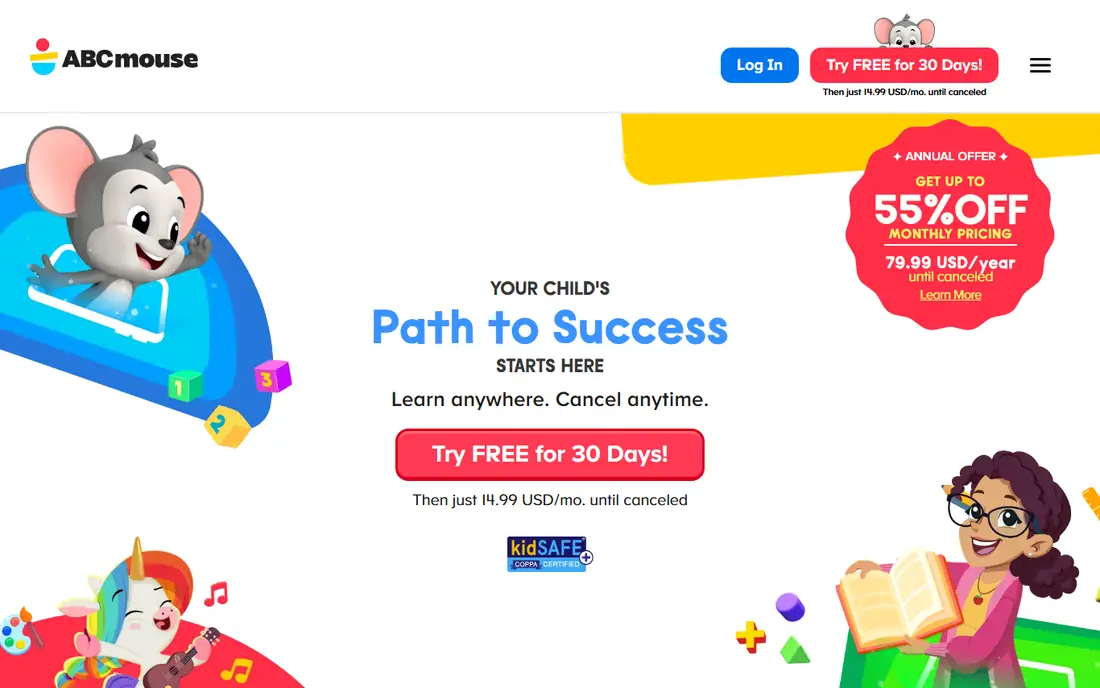
ABCmouse offers the most structured toddler curriculum on this list, with a step-by-step learning path covering reading, math, art, music, and science for ages 2 to 8. Progress tracking shows parents what a child has completed, and the ticket reward system motivates repeat play.
A subscription is required after the trial, and upsell prompts mean parents should control purchases. The content is broad, which suits families who want a curriculum, but casual users may prefer free apps. ABCmouse suits families who use learning apps several times a week and want a clear path.
What we like- Step-by-step learning path
- Covers reading, math, art, and music
- Progress tracking
Watch out for- Subscription required after trial
- Upsell prompts need parent control
- Content is broad
Starting priceFree app
Free planFree
Duolingo ABC applies Duolingo's lesson style to early reading, with short phonics lessons, letter tracing, and simple stories for ages 3 to 7. The interface is simple, lessons are short enough for young attention spans, and the app is free with no ads aimed at children.
The scope is narrow: early reading only, so older children outgrow it quickly, and toddlers still need parent help at first. Duolingo ABC suits families focused on early letters and phonics who want a free, simple, ad-free start.
What we like- Free phonics lessons
- Simple interface
- Short lessons for young attention spans
Watch out for- Limited to early reading
- Older children outgrow it
- Needs parent help at first
Starting priceSee website
Free planFree plan
Starfall has taught early reading online for years, with phonics songs, letter activities, and simple stories that build from letter sounds to early sentences. Educators trust it, the interface is simple enough for young children with help, and a free tier covers core reading content.
The design feels dated next to newer apps, full content needs a paid membership, and math content is thinner than reading. Starfall suits families who want a proven phonics foundation and who value educator trust over flashy design.
What we like- Strong phonics foundation
- Simple songs and stories
- Educator-trusted
Watch out for- Design feels dated
- Full content needs membership
- Math content is thinner
Starting priceSee website
Free planFree plan
Lingokids mixes songs, games, and videos across reading, math, science, and social skills, with a play-based style that suits toddlers who learn through music and movement. Parent progress reports show what a child practiced, and the content library is large.
Full content needs a subscription, some activities suit older children better than toddlers, and free tier limits vary. Lingokids suits families who want play-based variety and who will use the app often enough to justify a subscription.
What we like- Play-based songs and games
- Covers many subjects
- Parent progress reports
Watch out for- Full content needs a subscription
- Some activities suit older kids
- Ads on free tier vary
Starting priceSee website
Free planFree plan
Kidloland is built around songs and nursery rhymes, with a large library of animated rhymes plus early learning games for letters, numbers, and shapes. Offline downloads help on trips, and the song-first style suits the youngest toddlers who respond to music before structured lessons.
The full library needs a subscription, the interface is busy for toddlers, and some content repeats across packs. Kidloland suits families with very young children who love songs and rhymes, and who want offline content for travel.
What we like- Huge nursery rhyme library
- Songs plus early learning games
- Offline downloads
Watch out for- Subscription for full library
- Interface is busy
- Some content is repetitive
Starting priceSee website
Free planFree plan
Papumba offers games across early learning subjects with a parent dashboard for tracking progress and controlling settings, and no ads inside the kids area. That parent control focus appeals to safety-conscious families who want visibility into what a child plays.
The library is smaller than Khan Academy Kids or ABCmouse, full access needs a subscription, and the brand is newer with fewer reviews. Papumba suits parents who value dashboard controls and ad-free play, and who want a compact, curated game set rather than a huge library. Try the free tier first.
What we like- Games across subjects
- Parent dashboard
- No ads in the kids area
Watch out for- Smaller library than rivals
- Subscription for full access
- Newer brand
Is your product missing or out of date?
We review this list regularly. Vendors can request a listing, send updated pricing or ask about featured placement.

Shihab Mia · Founder, Rankite
Shihab has 5+ years in B2B and SaaS SEO. He writes Rankite's software buying guides from pricing pages, documentation and public user reviews. More about Shihab.