How we make this list: we compare pricing pages, product documentation and public user reviews. Ratings come from G2, Capterra or Trustpilot, with the date we checked them.
Key takeaways
- Inflow and Tiimo are built for ADHD specifically, with coaching content in Inflow and a visual timeline in Tiimo.
- Forest and Brain.fm attack the focus problem directly, one with a growing tree that dies on distraction, the other with music tuned for attention.
- Numo was dropped from this list because its domain is now for sale, so no working official site could be confirmed.
- These apps are support tools, not medical treatment. They work best alongside professional care, not as a replacement for it.
Quick comparison
| Tool | Best for | Starting price | Free plan |
|---|
 Inflow Inflow | ADHD coaching and skills | See website | No |
 Tiimo Tiimo | Visual daily planning | Free | Yes |
 Brain.fm Brain.fm | Focus music for ADHD brains | See website | Free trial |
 Todoist Todoist | Capture tasks fast | Free | Yes |
 Forest Forest | Staying off the phone | Free | Yes |
 Habitica Habitica | Gamified habits | Free | Yes |
 Structured Structured | Visual day timeline | See website | Yes |
 Due Due | Persistent reminders | See website | No |
Is your product missing or out of date?
We review this list regularly. Vendors can request a listing, send updated pricing or ask about featured placement.
The best apps for ADHD
#1Inflow
Best for: ADHD coaching and skills4.4/5 on
G2 (58 reviews, checked Oct 2026)
Visit getinflow.io
Starting priceSee website
Free planNo
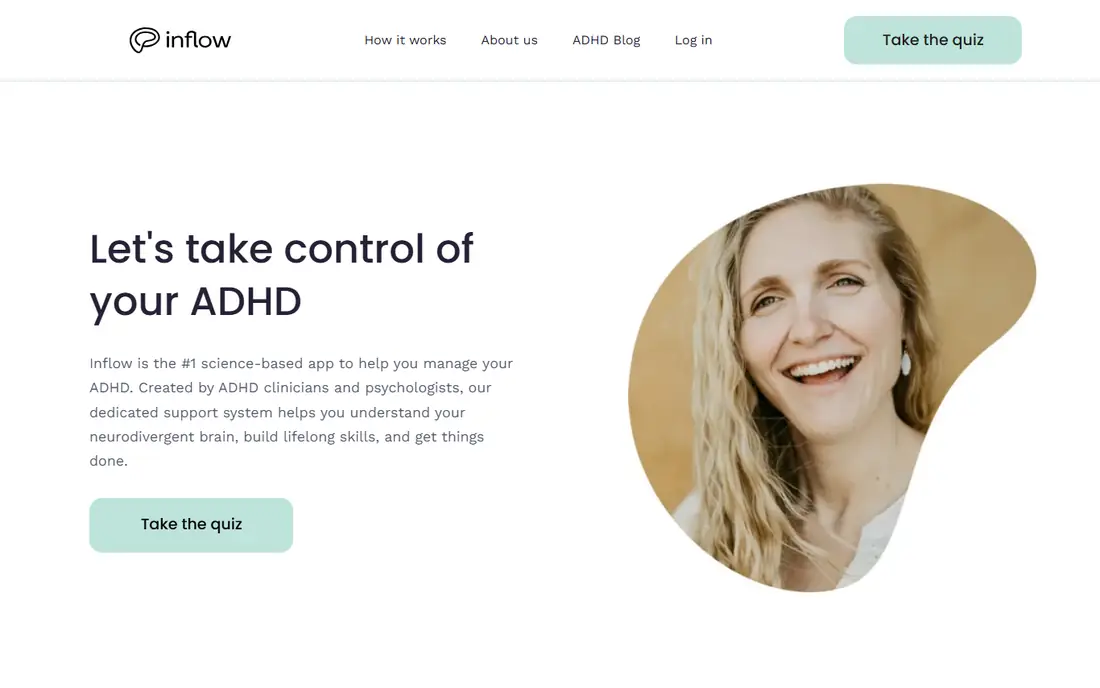
Inflow describes itself as the science-based app for managing ADHD, created by ADHD clinicians and psychologists. The program combines education about how a neurodivergent brain works with skill building and a dedicated support system, so it addresses understanding as well as doing. That coaching angle sets it apart from planners that only organize tasks.
The trade-off is access. The homepage routes visitors into a quiz rather than showing prices or a free tier, so the cost only appears after starting that flow. For users who want guided ADHD-specific help rather than another to-do list, Inflow is the most targeted option here, but budget-conscious users should check the price before committing.
What we like- Built by ADHD clinicians and psychologists
- Science-based program
- Dedicated support system
Watch out for- No free tier shown on the homepage
- Pricing requires starting the quiz flow
Starting priceFree
Free planYes

Tiimo turns a day into a visual timeline that users can actually follow, with a focus timer that counts down while a task runs. The app was built by and for neurodivergent people, with colors, icons, and layouts that make planning feel personal rather than clinical. Widgets keep the next task one tap away, which matters when opening an app is itself the hard part.
The free version covers essential planning tools, to-do lists, and the focus timer, while Pro adds AI task breakdown, custom widgets, and advanced scheduling behind a 7-day trial. Tiimo also won iPhone App of the Year 2025, a strong signal for polish. Users who think in pictures rather than lists will likely prefer Tiimo over any text-based planner.
What we like- Visual timeline and focus timer
- Free version with core planning tools
- 7-day Pro trial
- IPhone App of the Year 2025
Watch out for- Premium AI planning sits behind Pro
- Android version was rebuilt, so older reviews may not apply
Starting priceSee website
Free planFree trial
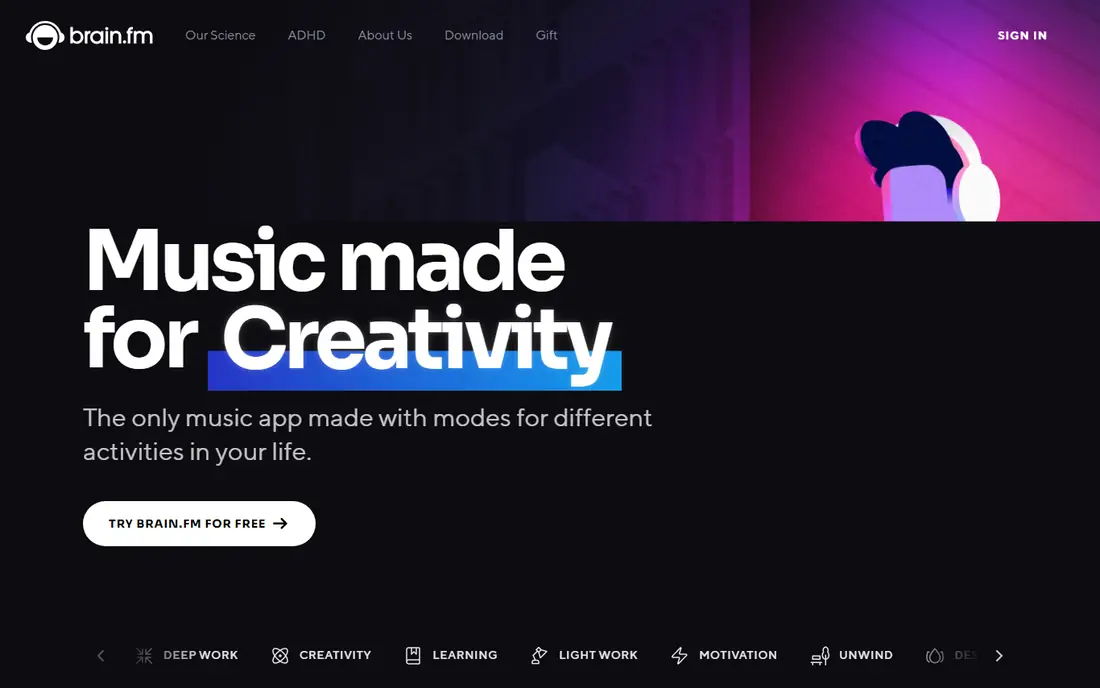
Brain.fm is the only music app designed for ADHD from the start, with an ADHD mode and high neural effect tracks meant to boost attention networks for ADHD brains. The company cites National Science Foundation funding and peer-reviewed research in Nature Communications, plus a claim of focus-associated beta brainwave increases. Modes cover deep work, creativity, learning, and sleep, with timers that adapt to the workflow.
The limit is taste and cost. Focus music works well for some brains and does nothing for others, and full access needs a subscription after the trial. A 20 percent student discount softens the price for students. Try the free trial during a real work session before judging it, since the effect is hard to assess from a short sample.
What we like- Dedicated ADHD mode with high neural effect music
- Peer-reviewed research published in Nature Communications
- Student discount of 20 percent
Watch out for- Subscription required after trial
- Music approach does not suit everyone
#4Todoist
Best for: Capture tasks fast4.5/5 on
G2 (832 reviews, checked Oct 2026)
Visit todoist.com
Starting priceFree
Free planYes
Todoist earns its place through speed. Tasks can be captured in natural language at the speed of thought, then sorted into Today, Upcoming, or custom filters so only what matters now stays visible. With over 50 million users and availability on nearly every device, it is the most reliable capture net on this list for thoughts that would otherwise vanish.
The catch is that Todoist is a general task manager, not an ADHD tool. It offers no coaching, no visual timeline, and no focus timer of its own. Users who already know what to do but keep losing track of it will benefit most, especially when Todoist is paired with a focus app like Forest for the doing stage.
What we like- Natural language task entry
- 50 million plus users
- Available on phone, tablet, watch, desktop, and web
Watch out for- No ADHD-specific features
- Power features sit behind paid plans
Starting priceFree
Free planYes
Forest is a focus timer with a twist: every session grows a virtual tree, and leaving the app to scroll kills it. The free tier includes the core focus experience, app blocking, group focus with friends, and digital wellbeing tools, with no time limit. The company states plainly that Forest is not a medical treatment for ADHD, but a behavioral tool whose visible progress and immediate feedback speak to common ADHD challenges.
The weakness is scope. Forest handles the focus session beautifully but does not plan the day or manage tasks. Its strength is the phone problem specifically, since Deep Focus blocks Instagram, TikTok, YouTube, and other chosen apps during sessions. For users whose main leak is the phone, Forest is the cheapest effective fix here.
What we like- Free core focus experience with app blocking
- Over 60 million downloads
- Focus sessions fund over 2 million real trees planted
Watch out for- Tree mechanic is motivation only, not planning
- Some advanced stats sit behind upgrades
Starting priceFree
Free planYes
Habitica turns daily life into a game: completing habits and to-dos levels up a character, while missed dailies cost health. Parties and guilds add social accountability, which helps users who keep promises to others more easily than promises to themselves. The core app is free, and the game layer makes routine tasks feel rewarding in the moment rather than at some distant payoff.
The flag is that the Habitica homepage returned only a title during this review, so feature details rest on published descriptions rather than a fresh homepage read. The game approach also backfires for some users when missed days feel punishing. Try it for habits that need daily repetition, and skip it if game penalties add stress rather than motivation.
What we like- Turns habits and tasks into a role-playing game
- Free core app
- Social accountability through parties and guilds
Watch out for- Homepage returned only a title during research, so current features rest on published descriptions
Starting priceSee website
Free planYes
Structured merges tasks and calendar events into a single visual timeline, so the day reads as a sequence rather than a scattered list. Tasks can be created in seconds or imported from an existing calendar, and the timeline syncs across phone, computer, and watch. With over 15 million downloads and more than 400 thousand 5-star reviews, it is one of the most popular planners on this list.
The gap is pricing clarity. The homepage shows no prices, and the lifetime membership mentioned in reviews requires an in-app check. Structured suits users who want Tiimo-style visual planning with a cleaner, more minimal look, and it pairs well with a reminder app for tasks that lack fixed times.
What we like- Combines tasks and calendar into one visual timeline
- Over 15 million downloads
- 400 thousand plus 5-star reviews
Watch out for- Exact pricing not shown on the homepage
- Lifetime membership cost requires in-app check
Starting priceSee website
Free planNo
Due does one job and does it relentlessly: it remembers everything and refuses to let go. Reminders are fast to set, and Due keeps nagging until the task is marked done or rescheduled, which closes the gap where other apps let a snoozed reminder vanish. It runs on iPhone, iPad, Apple Watch, and Mac, with a macOS version available through Setapp.
The limits are platform and scope. Due is Apple-only, offers no free tier, and manages reminders rather than projects or habits. For Apple users whose main failure mode is forgetting time-sensitive tasks, Due is the strongest closer on this list. Android and Windows users need a different pick.
What we like- Extremely fast reminder entry
- Persistent nagging until handled
- Available on iPhone, iPad, Apple Watch, and Mac
Watch out for- Apple platforms only
- No free tier
- No task management beyond reminders
How we chose
We opened each vendor homepage and compared ADHD-specific design, planning approach, focus tools, free tiers, and platform coverage. Numo was dropped because its domain now shows a for-sale page, so no working official site could be confirmed. Habitica's homepage returned only a title, so that entry rests on published descriptions and is flagged. We favored apps with free tiers or trials, clear ADHD relevance, and honest limits, and we added a health disclaimer since ADHD is a medical topic.
Building a simple ADHD app stack
No single app covers every ADHD challenge, so the practical move is a small stack of two or three tools. A common setup is Tiimo or Structured for the day plan, Forest for focus sessions, and Due for reminders that must not slip. Each tool owns one job, which keeps the system simple enough to maintain on a bad day.
Start with the biggest leak. If the phone eats hours, install Forest first. If days feel shapeless, start with Tiimo or Structured. If tasks vanish after capture, add Due or Todoist. Test one app for a full week before adding another, since a stack that feels like work will be abandoned faster than a single imperfect app.
Frequently asked questions
Can an app treat ADHD?
No. Apps are support tools that help with planning, focus, and reminders. They do not replace diagnosis, medication, therapy, or coaching from a professional. Talk to a clinician about treatment options.
Which app is best for ADHD planning?
Tiimo and Structured lead for visual planning, since both show the day as a timeline. Tiimo adds ADHD-specific design and a focus timer, while Structured offers a cleaner minimal timeline.
What is the best free app for ADHD?
Forest and Tiimo both offer genuinely useful free tiers. Forest covers focus sessions and app blocking for free, while Tiimo covers core planning and its focus timer.
Does Brain.fm really help ADHD focus?
Brain.fm cites peer-reviewed research and an NSF grant for its ADHD mode, but individual results vary. Use the free trial during real work to judge it, rather than trusting the claims alone.
Why was Numo left out?
Numo's domain now shows a for-sale page, so no working official site could be confirmed. Listing a dead domain would fail the basic check for this guide.
Can I use these apps without a diagnosis?
Yes. Tiimo states its tools support executive functioning for every brain, and none of these apps require a diagnosis to use. A diagnosis matters for medical treatment, not for trying a planner.
Sources we checked (8)
- https://getinflow.io/
- https://www.tiimoapp.com/
- https://www.brain.fm/
- https://todoist.com/
- https://www.forestapp.cc/
- https://habitica.com/
- https://structured.app/
- https://dueapp.com/
Is your product missing or out of date?
We review this list regularly. Vendors can request a listing, send updated pricing or ask about featured placement.

Shihab Mia · Founder, Rankite
Shihab has 5+ years in B2B and SaaS SEO. He writes Rankite's software buying guides from pricing pages, documentation and public user reviews. More about Shihab.