How we make this list: we compare pricing pages, product documentation and public user reviews. Ratings come from G2, Capterra or Trustpilot, with the date we checked them.
Key takeaways
- GoReminders and Apptoto are the two purpose-built reminder tools here, and both stay cheap for small teams that live on SMS and email.
- If you also need booking pages, payments and intake forms, Acuity Scheduling or YouCanBookMe give you reminders as part of a bigger scheduling setup.
- Healthcare practices with compliance needs should shortlist AppointmentReminders.com, GReminders and Apptoto, which all document HIPAA-friendly options.
- SimpleTexting and Podium are the picks when reminders are one part of a wider texting or customer-messaging strategy rather than the whole job.
- Calendly works best as a reminder tool for teams that already schedule through it, since its text and email reminders ride on top of its booking links.
Quick comparison
| Tool | Best for | Starting price | Free plan |
|---|
 GoReminders GoReminders | Small service businesses that want simple SMS-first reminders | From $10/month | Free trial |
 Apptoto Apptoto | Businesses that want reminders layered onto their existing calendar | From $29/month | Free trial |
 AppointmentReminders.com AppointmentReminders.com | Medical, dental and professional offices that need call, text and email reminders | $9.95/month | Free trial |
 GReminders GReminders | Financial advisors and professionals who want scheduling plus reminders | From $8/user/month | Yes |
 YouCanBookMe YouCanBookMe | Solo operators who want a polished, branded booking page with reminders | From $9/month | Yes |
 SimpleTexting SimpleTexting | Businesses that want reminders plus SMS marketing from one platform | From $39/month | Free trial |
 Acuity Scheduling Acuity Scheduling | Service businesses that want booking, payments and reminders together | From $16/month | Free trial |
 Calendly Calendly | Teams already scheduling through Calendly that want reminders on top | $10/seat/month | Yes |
 Podium Podium | Local businesses that want reminders inside a full messaging platform | See website | No |
Is your product missing or out of date?
We review this list regularly. Vendors can request a listing, send updated pricing or ask about featured placement.
The best appointment reminder software
#1
GoReminders
Best for: Small service businesses that want simple SMS-first reminders
Visit goreminders.com
Starting priceFrom $10/month
Free planFree trial
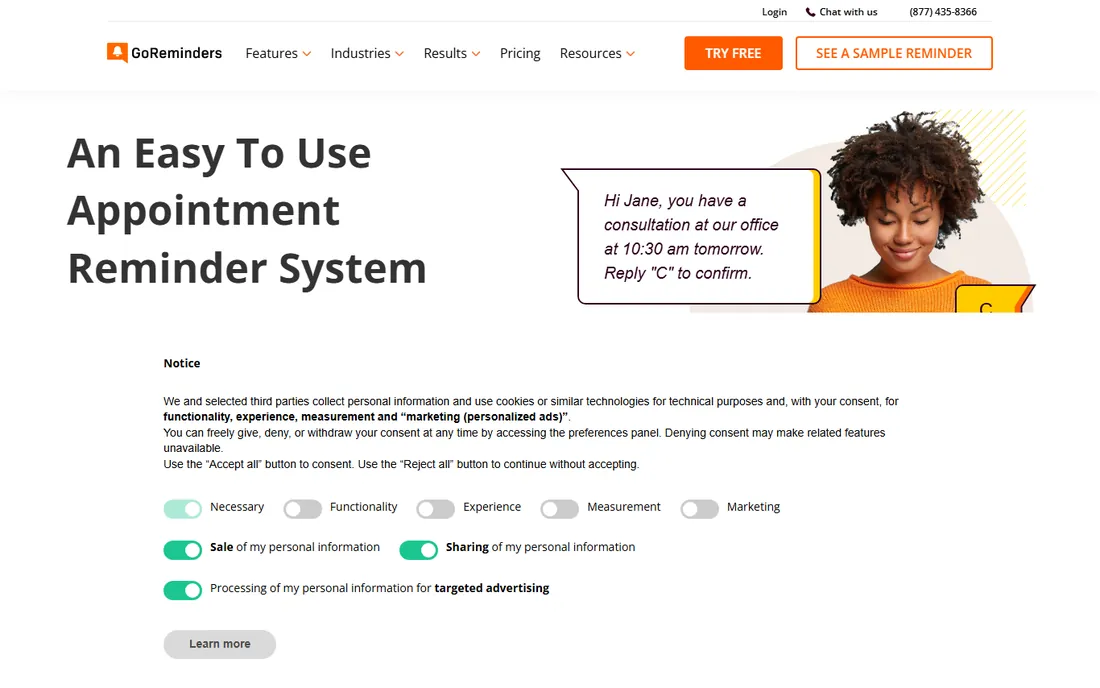
GoReminders does one thing and keeps the interface out of your way. You connect a calendar, write your message templates with name and date tags, and it texts or emails clients on whatever schedule you set, from 30 days out down to one hour before. Clients confirm by replying with a single letter, and you can see at a glance who confirmed, who asked to reschedule and who cancelled.
The integrations cover the calendars most small businesses actually use, plus Squarespace, Wix, WordPress, Mailchimp and Stripe for deposits. There is also a message blast feature for promotions, which is handy for salons and studios that want to fill slow days. Public review scores are strong, with a 4.9 on G2 and 4.8 on Capterra shown on its own homepage.
The honest catch is scope. If you need intake forms, packages or a polished client booking page, a fuller scheduler like Acuity will serve you better. GoReminders is for businesses that already have a booking flow and just need the reminder layer done well.
What we like- Very fast setup with no learning curve
- Free fully functional phone apps
- Works with Google, Outlook and iCloud calendars
Watch out for- Reminder focus means booking features are basic
- Appointments count toward your monthly limit even if cancelled
- Heavier SMS users will need a higher tier
#2
Apptoto
Best for: Businesses that want reminders layered onto their existing calendar
Visit apptoto.com
Starting priceFrom $29/month
Free planFree trial
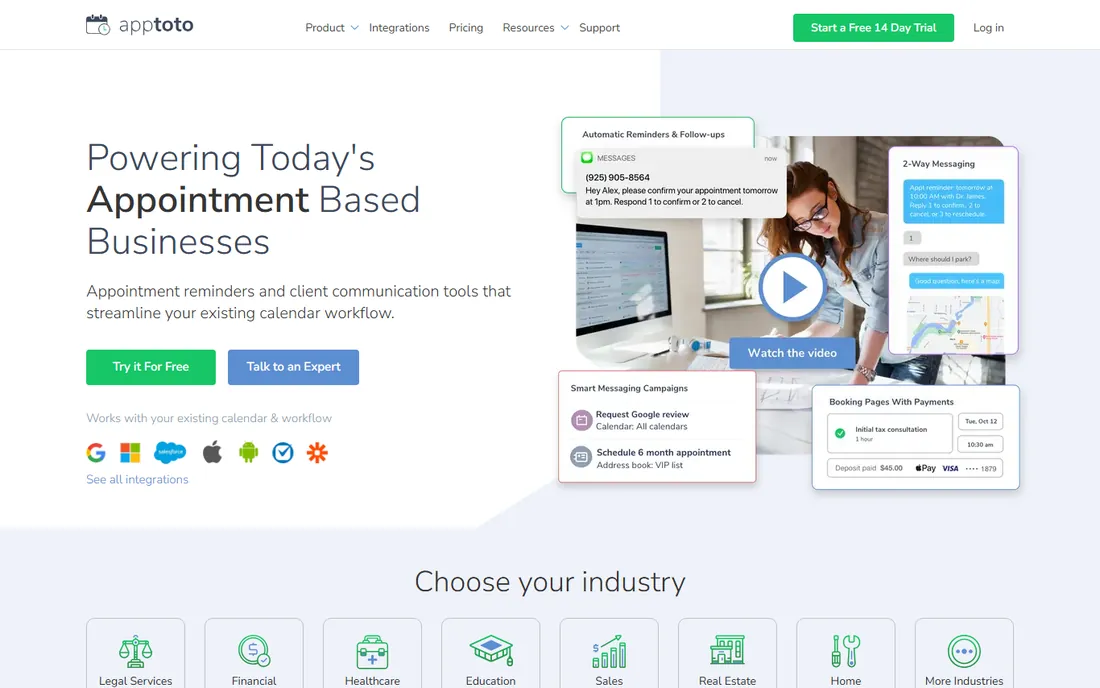
Apptoto takes a different approach from most tools on this list. Instead of asking you to move your scheduling into its system, it plugs into the calendar you already use and runs the reminder layer on top. Messages go out by text, email or voice call, and client replies update your calendar in real time, so a cancellation frees the slot without you touching anything.
The feature set goes well past reminders. You get two-way business texting, targeted text and email campaigns for rebooking lapsed clients, automated review requests after appointments, and payment collection for no-show fees or deposits. It also offers an AI assistant and integrations with Salesforce and Clio, which explains its popularity with law firms and clinics.
The trade-off is complexity. Teams that only want a simple text reminder will find GoReminders or AppointmentReminders.com easier to run. Apptoto earns its keep when you want confirmations, campaigns, reviews and payments handled from one dashboard.
What we like- Deep two-way messaging with confirm, cancel and reschedule by text
- Connects to Google, Outlook, Exchange, iCloud and Salesforce
- Review requests and payments built in
Watch out for- The interface shows its age in places
- Pricing climbs with message volume
- Overkill if you only need basic text reminders
Starting price$9.95/month
Free planFree trial
This is one of the longest-running reminder services in the business, operating since 2013, and it shows in the practical details. You can send reminders by text, automated voice call or email, roll failed texts over to calls automatically, and accept confirmations by reply. Voice calls can go out from your own office caller ID, with text-to-speech or your own recorded voice files.
Compliance gets real attention here. The platform is built with HIPAA and TCPA considerations in mind, and it supports matched English and Spanish message versions so clients get reminders in their preferred language. That combination makes it a natural shortlist pick for medical and dental practices.
What you do not get is a modern booking front end or a marketing suite. AppointmentReminders.com is a reminder engine, not a scheduler, so it fits offices that already have scheduling software and want the notification layer handled by a specialist.
What we like- True multi-channel reminders across SMS, voice and email
- HIPAA and TCPA conscious design
- English and Spanish messaging
- 30-day free trial with no card
Watch out for- The product site feels dated
- No built-in online booking to speak of
- Advanced reporting is thinner than pricier rivals
#4
GReminders
Best for: Financial advisors and professionals who want scheduling plus reminders
Visit greminders.com
Starting priceFrom $8/user/month
Free planYes
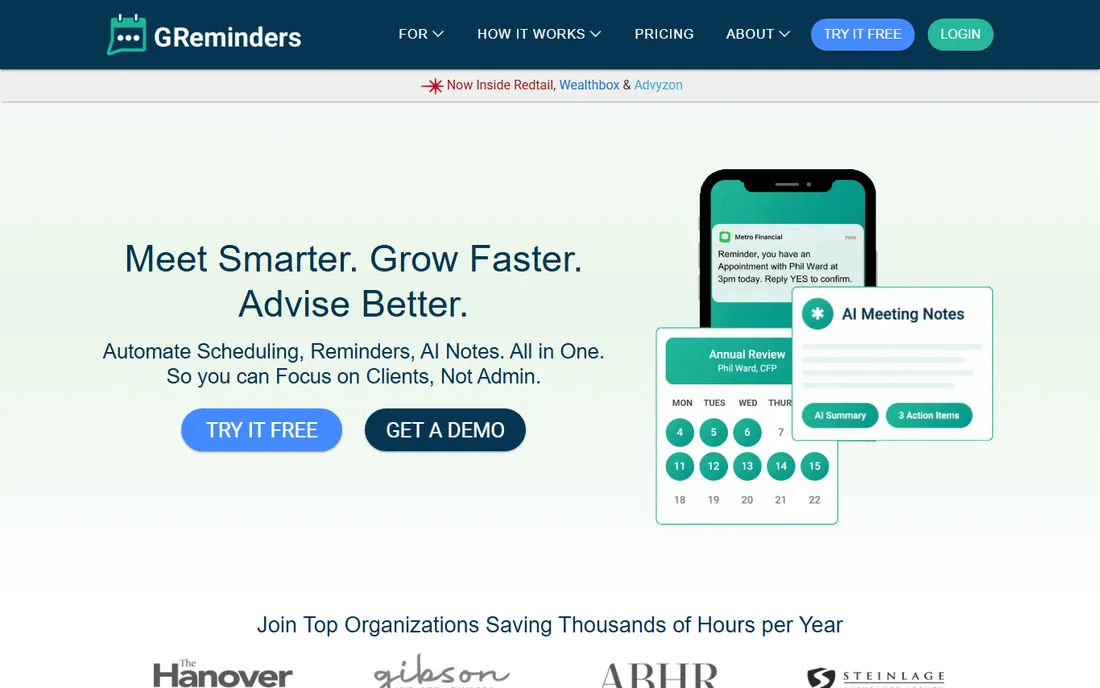
GReminders started as a reminder add-on for Google Calendar and has grown into a full meeting management platform aimed squarely at financial advisors, accountants, attorneys and similar professionals. The core pitch is one platform for scheduling, automated SMS and email reminders, CRM sync and AI-generated meeting notes.
The free Basic plan covers 100 email reminders a month on one calendar, which is enough for a solo operator to test the waters. Paid tiers add SMS capability, unlimited templates, team scheduling, HIPAA compliance with a BAA, and integrations with HubSpot, Salesforce, Redtail and Wealthbox. Watch the pricing structure though: SMS reminders run on add-on credits, so the real monthly cost depends on your message volume.
For a general small business the financial-services focus may feel narrow, and simpler tools will be cheaper. For an advisor who wants reminders, scheduling and post-meeting follow-up in one login, it is one of the strongest options here.
What we like- Combines scheduling, reminders and AI notetaking in one platform
- Free Basic plan for email reminders
- Deep CRM integrations including Redtail and Wealthbox
Watch out for- SMS reminders need paid add-on credits on top of the base plan
- The product leans heavily toward financial services
- Full feature set costs more than the headline price suggests
#5
YouCanBookMe
Best for: Solo operators who want a polished, branded booking page with reminders
Visit youcanbook.me
Starting priceFrom $9/month
Free planYes
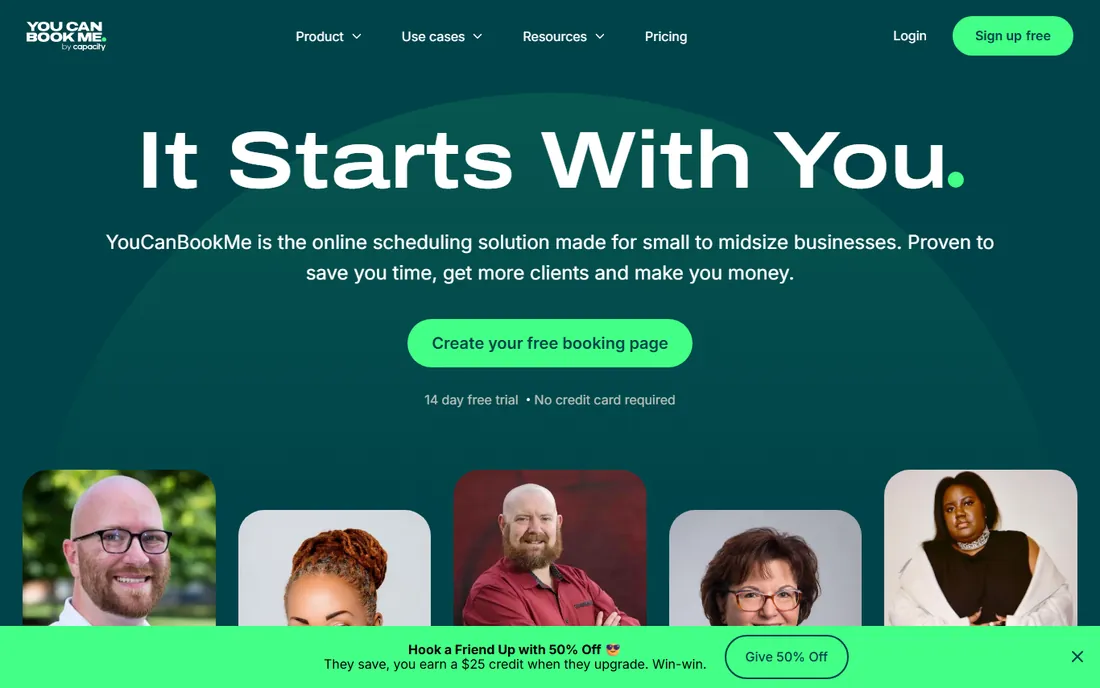
YouCanBookMe earns its place here because its booking pages come with automatic confirmation, reminder and follow-up messages built in. For a freelancer or consultant, one tool handles the public booking page, the calendar sync and the reminder emails that stop clients forgetting.
The customization is the standout. Backgrounds, colors, logos, custom questions and footers all bend to your brand, and the free plan already gives you one calendar connection and one booking page. Paid tiers add more connections and pages, group sessions, workflows and analytics. Pricing is straightforward: Individual at $9 a month, Professional at $13, Teams at $18 per member.
The catch that matters for this category is SMS. Text reminders carry an extra charge on every single plan, including the most expensive one. If texting is your main weapon against no-shows, a dedicated reminder tool with bundled SMS will usually cost less. YouCanBookMe is the pick when the booking page matters as much as the reminder.
What we like- Deeply customizable booking pages
- Genuinely useful free plan
- Per-connection pricing stays cheap for solo users
Watch out for- SMS reminders cost extra on every plan
- No mobile app
- Reminder features are basic next to dedicated reminder tools
#6
SimpleTexting
Best for: Businesses that want reminders plus SMS marketing from one platform
Visit simpletexting.com
Starting priceFrom $39/month
Free planFree trial
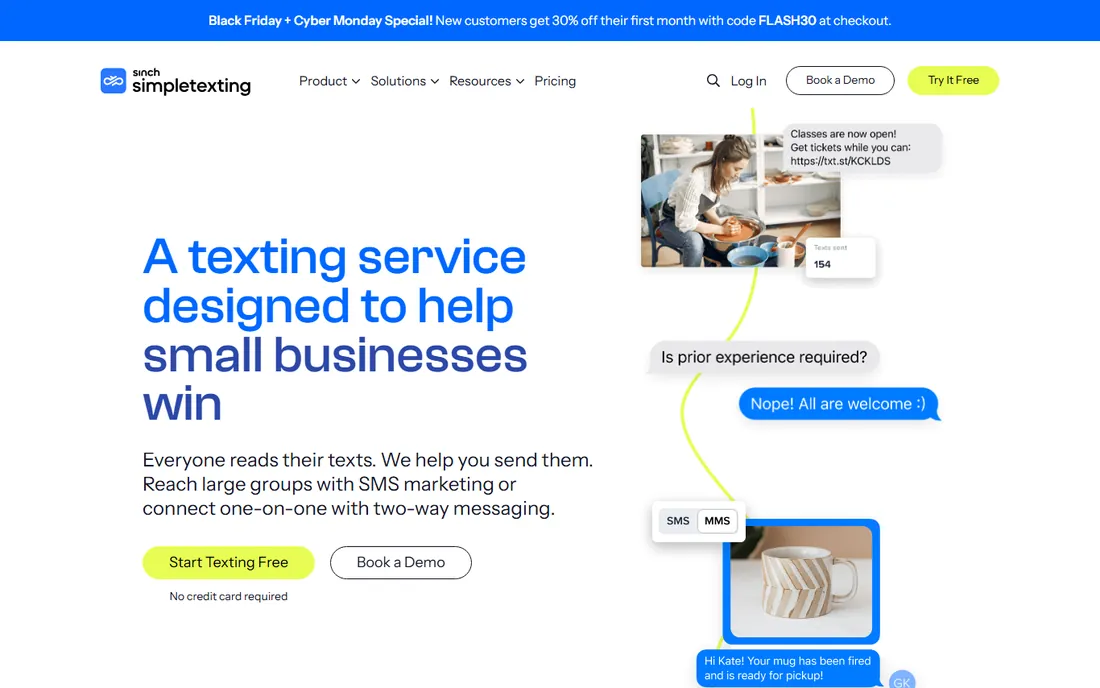
SimpleTexting is an SMS marketing platform first, which makes it a good fit when appointment reminders are part of a broader texting strategy. You can schedule reminder texts, run two-way conversations with clients who reply, and set up automated flows for confirmations, reschedules and post-visit follow-ups, all from the same inbox you use for promotions.
The platform supports text-enabling your existing business number, building your contact list with text-to-join keywords and popups, and connecting to tools like Zapier, Mailchimp and Slack. Compliance tooling is solid, which matters when you are texting customers at scale. A free trial lets you text your own number before committing.
The honest downside is price. Starting at $39 a month, it costs more than dedicated reminder tools if all you need is appointment nudges. It makes sense when the same platform also carries your promotions, review requests and customer service texting.
What we like- Strong two-way texting inbox
- Automation for welcome and behavior-based messages
- 1,000-plus integrations with done-for-you setup
Watch out for- Priced for marketing volume, so reminder-only use is expensive
- No voice-call reminders
- No native scheduling or booking
Starting priceFrom $16/month
Free planFree trial
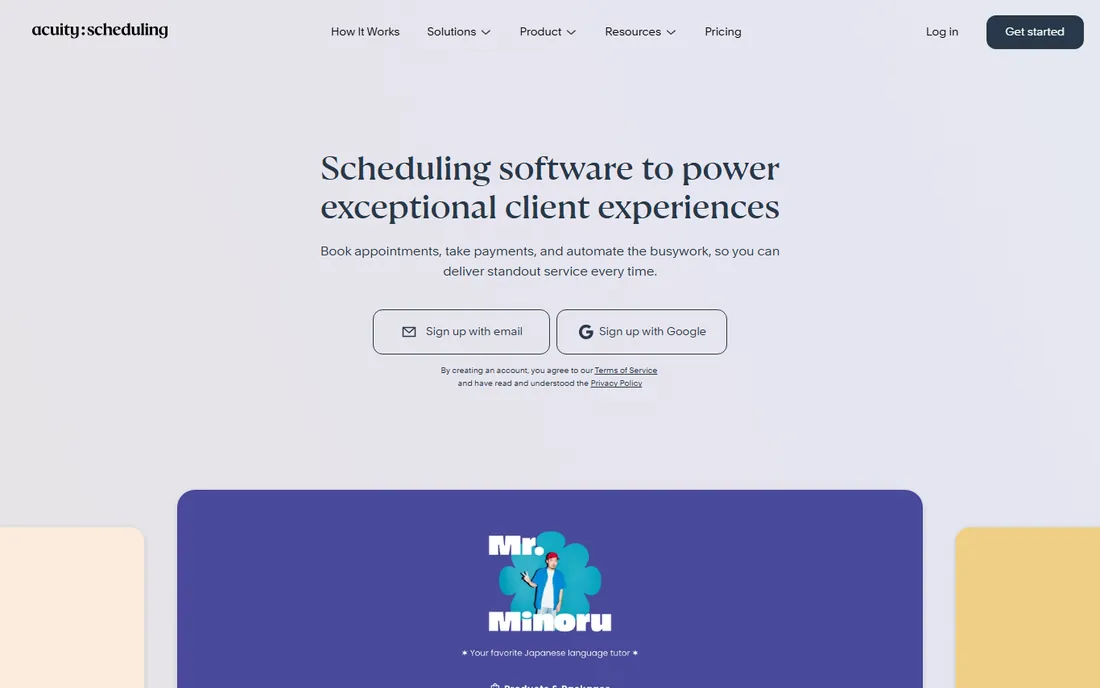
Acuity Scheduling, part of Squarespace, is the all-in-one pick. Clients book through your branded page, fill in intake forms, pay deposits or full amounts, and get automatic reminders by email and text. For salons, clinics, consultants and fitness studios, that single flow removes a lot of admin.
The reminder side covers the essentials: automatic confirmations and reminders, cancellation policies and the ability to charge no-show fees through the payment integration. Calendar sync prevents double-booking, and integrations with Stripe, Square, PayPal, QuickBooks, Zoom and Google Meet cover the operational basics.
Compared with the specialist reminder tools, Acuity gives you less control over multi-step reminder sequences and channels. You are also paying for a full scheduling suite, so if you already book another way, it is more tool than you need. It wins when you want one system from booking to payment to reminder.
What we like- Full booking flow with intake forms, deposits and packages
- Automated email and text reminders included
- Strong payment and calendar integrations
Watch out for- Reminder customization is shallower than specialist tools
- Costs more than reminder-only software
- SMS reminders depend on plan limits
#8
Calendly
Best for: Teams already scheduling through Calendly that want reminders on top
Visit calendly.com
Starting price$10/seat/month
Free planYes
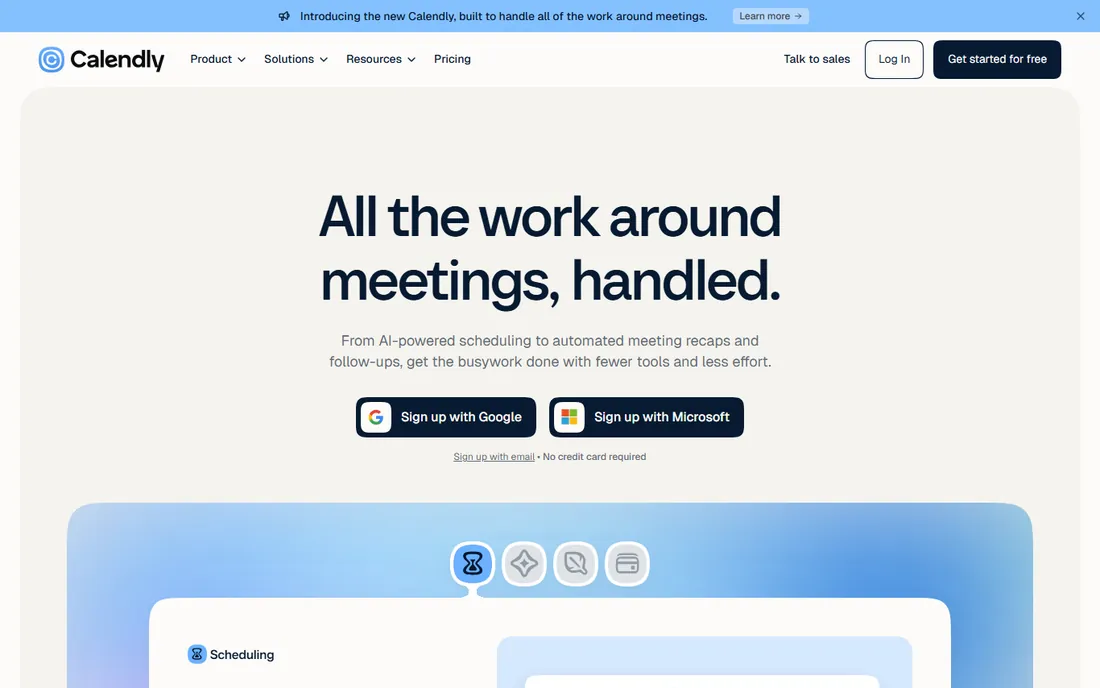
Almost everyone has booked through a Calendly link, which is exactly why its reminders work. The invitee gets confirmation emails and, on paid plans, text reminders from a flow they already recognize, with one-click rescheduling that keeps the slot filled instead of empty.
The platform has grown well past simple links. Routing forms qualify leads and match them to the right team member, payments can be collected at booking, and an AI assistant plus meeting recaps handle the work around the meeting itself. The free plan covers basic scheduling; Standard at $10 per seat a month adds the reminder workflows most businesses need.
As a pure reminder tool it is not the deepest option. There is no voice channel, and multi-step conditional sequences are basic next to Apptoto. But if your team already lives in Calendly, turning on its reminders is the cheapest no-show insurance you can buy.
What we like- The scheduling standard, so clients already trust the flow
- Automated email and text reminder workflows
- 150-plus integrations and routing forms
Watch out for- Text reminders need a paid plan
- Reminder logic is simpler than dedicated tools
- Per-seat pricing adds up for larger teams
#9
Podium
Best for: Local businesses that want reminders inside a full messaging platform
Visit podium.com
Starting priceSee website
Free planNo
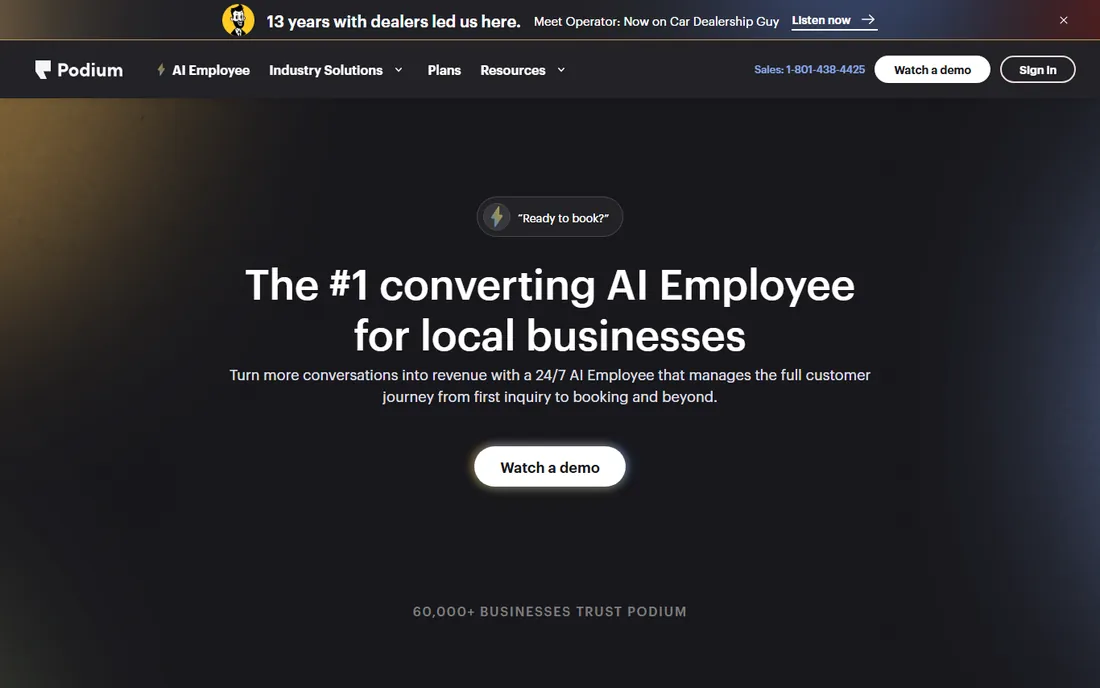
Podium has moved well beyond its review-generation roots into an AI-driven customer communication platform for local businesses. Its AI employee responds to leads instantly, books appointments, sends confirmations and reminders, and re-engages past customers, all through text conversations that feel human.
For a business losing bookings to slow follow-up, that 24/7 coverage is the real selling point. Review requests, payments and messaging live in the same system, so the reminder is one touchpoint in a managed customer journey rather than a standalone text.
The trade-off is scope and price. Podium uses custom pricing with no public tiers, and it is built for businesses that want the whole communication platform, not just reminders. If your only problem is no-shows, the specialist tools above will cost less and deploy faster.
What we like- AI employee handles lead response, booking and confirmations around the clock
- Strong review-generation tools
- Consolidates texting, payments and messaging
Watch out for- Custom pricing with no public tiers
- Far more platform than a reminders-only buyer needs
- Onboarding is a bigger project than plug-and-play tools
How we chose
We started from vendor pricing pages, documentation and feature lists, then cross-checked against public reviews on G2, Capterra and Reddit threads where owners discuss what actually reduced their no-shows. We favored tools with clear pricing, a real free plan or trial, and calendar integrations that fit small and mid-size US businesses. We did not test any of these tools hands-on, so treat our write-ups as research synthesis, not a lab review. Prices change, so confirm the current numbers on each vendor site before you buy.
What to check before you buy
Start with your calendar, not the feature list. A reminder tool that cannot read your Google, Outlook or practice-management calendar will create manual work that eats the time it was supposed to save. Confirm two-way sync, not just one-way pushes, so cancellations and reschedules update your availability automatically.
Next, price the messages, not just the subscription. Several tools charge extra for SMS credits or meter texts on top of the base plan, and a busy practice can burn through credits fast. Ask for the per-message cost, check whether failed texts roll over to calls, and compare the all-in monthly number across your shortlist.
Compliance matters more than most buyers expect. If you handle patient data, you need a vendor that documents HIPAA-friendly practices and will sign a BAA. For everyone else, TCPA consent rules still apply to marketing texts, so look for built-in opt-in and opt-out handling.
Finally, test the client experience yourself. Book a fake appointment, let the reminders arrive, and try confirming, cancelling and rescheduling from the client side. If that flow feels clumsy to you, your clients will feel it too.
When reminders alone are not enough
Reminders fix forgetfulness, but some no-shows are a policy problem, not a memory problem. If the same clients keep skipping, pair your reminder tool with deposits or card-on-file policies at booking, which is where Acuity and YouCanBookMe have an edge since payments are built in. Clear cancellation windows, stated in the reminder itself, also change behavior more than a third nudge does. The tools on this list handle the messaging; the policy is still yours to set.
Frequently asked questions
How much does appointment reminder software cost?
Most dedicated tools start between $8 and $30 a month for small teams, with SMS-heavy or marketing-oriented platforms running $39 and up. Watch for metered SMS credits, which can push the real monthly cost well above the headline price.
Do appointment reminder apps really reduce no-shows?
Yes, when clients can confirm or reschedule easily. Vendors and independent reviewers consistently report meaningful drops, often cited around half or more, though your results depend on your industry, reminder timing and whether clients can reschedule in one tap.
Should I choose SMS, email or voice reminders?
SMS gets read fastest and works best for most service businesses. Email suits professional clients and carries more detail. Voice calls still matter for older patients and anyone who does not text, which is why multi-channel tools exist.
Is there a free appointment reminder app?
GReminders, YouCanBookMe and Calendly all offer free plans with real reminder functionality, and most paid tools offer free trials. Free tiers usually limit message volume or drop SMS, so growing teams tend to upgrade.
What is the difference between reminder software and scheduling software?
Reminder software sends the notifications; scheduling software takes the booking. Tools like Acuity, Calendly and YouCanBookMe do both, while GoReminders, Apptoto and AppointmentReminders.com focus on the reminder layer and plug into your existing calendar.
Do I need HIPAA-compliant reminder software?
If you are a healthcare provider or handle protected health information, yes, and you should get a signed BAA from the vendor. AppointmentReminders.com, GReminders and Apptoto all address this; general SMS marketing tools usually do not.
Sources we checked (13)
- https://www.goreminders.com
- https://www.apptoto.com
- https://appointmentreminders.com/
- https://greminders.com/
- https://www.greminders.com/pricing/pr
- https://youcanbook.me/
- https://www.getapp.com/customer-management-software/a/youcanbookme/
- https://simpletexting.com/
- https://acuityscheduling.com/
- https://calendly.com/
- https://podium.com/
- https://www.guideflow.com/blog/appointment-reminder-software
- https://Slashdot.org/software/comparison/AppointmentReminders.com-vs-GoReminders/
Is your product missing or out of date?
We review this list regularly. Vendors can request a listing, send updated pricing or ask about featured placement.

Shihab Mia · Founder, Rankite
Shihab has 5+ years in B2B and SaaS SEO. He writes Rankite's software buying guides from pricing pages, documentation and public user reviews. More about Shihab.