How we make this list: we compare pricing pages, product documentation and public user reviews. Rankite is independent; if a vendor ever pays for a featured spot, that listing is clearly labeled Partner.
Key takeaways
- Calendly and Cal.com are the best general meeting schedulers, with Cal.com's open-source model appealing to privacy-conscious teams.
- Acuity Scheduling, Setmore, SimplyBook.me and Appointy serve service businesses with staff, services and payment needs.
- Booksy dominates beauty and wellness booking with its consumer marketplace.
- Square Appointments is free for individuals and integrates payments for Square sellers.
- Zoho Bookings gives Zoho users capable scheduling on a free tier.
Appointment scheduler software lets clients book you without the email dance. The category splits between meeting schedulers for professionals and booking systems for service businesses with staff, services and payments. These nine cover both.
Quick comparison
Is your product missing or out of date?
We review this list regularly. Vendors can request a listing, send updated pricing or ask about featured placement.
The best appointment scheduler software
Starting priceSee website
Free planYes
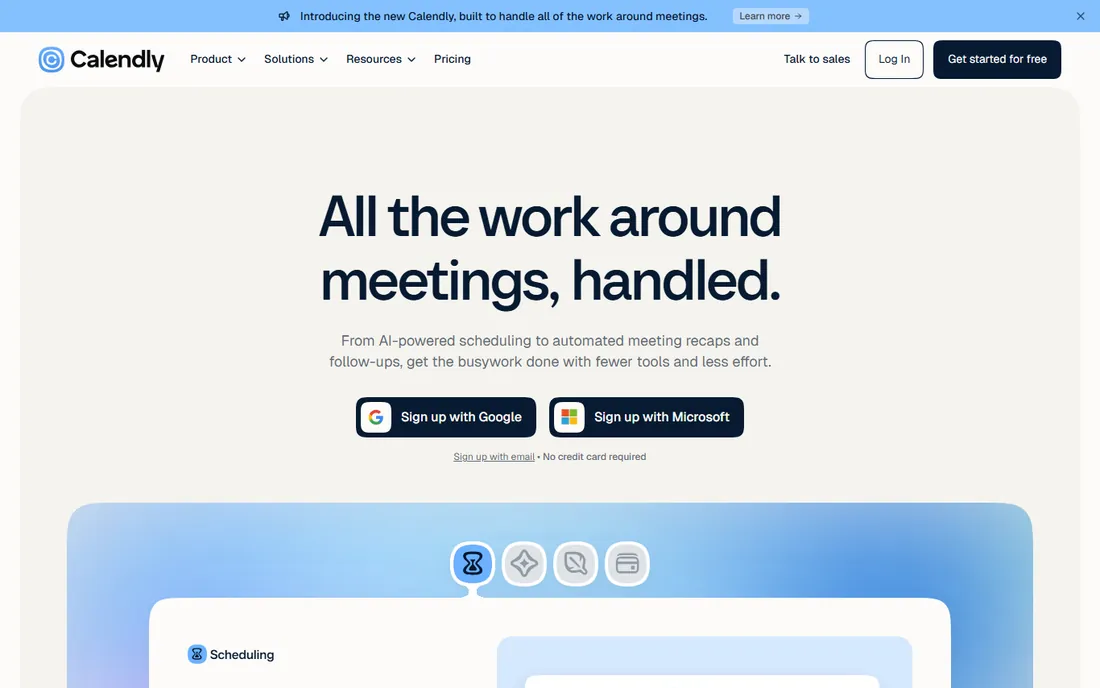
Calendly is the scheduling default: share a link, guests pick a time, calendars sync. The free plan covers one event type, and paid tiers add team scheduling, routing and integrations.
Teams with complex round-robin or routing needs pay more. For professionals who live on external meetings, it remains the simplest answer.
Calendly users should set buffer times between meetings from the start; back-to-back scheduling burns out even enthusiasts. Use routing forms to qualify bookings before they land on your calendar. The analytics reveal which meeting types actually convert.
What we like- The standard everyone recognizes
- Great integrations
- Generous free plan
Watch out for- Advanced routing needs paid tiers
- Per-seat pricing adds up
Starting priceSee website
Free planYes
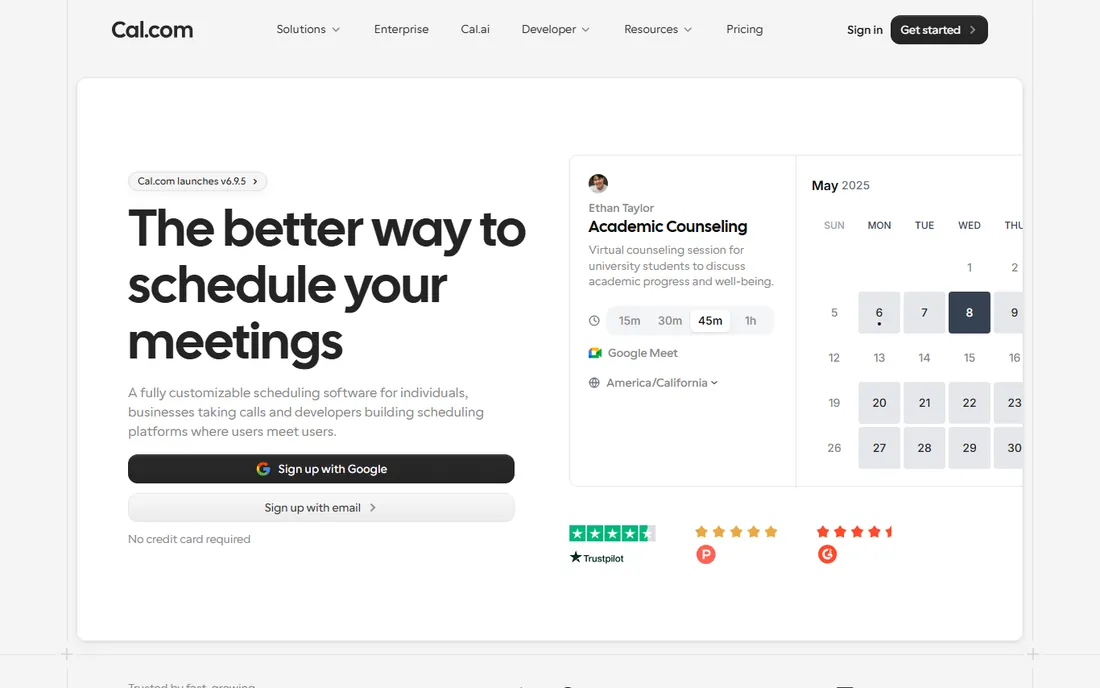
Cal.com offers open-source scheduling you can self-host, plus a generous hosted free plan. Privacy-conscious organizations and developers like the transparency and control.
The ecosystem is smaller than Calendly's. Teams that value open source and data control should start here.
Cal.com users who self-host should keep the instance updated; the open-source advantage needs maintenance. The hosted free plan suits most individuals without the ops burden. Connect your calendar carefully to avoid double bookings.
What we like- Open source and self-hostable
- Generous free hosted plan
- Privacy-friendly
Watch out for- Smaller integration ecosystem
- Newer vendor
Starting priceSee website
Free planFree trial
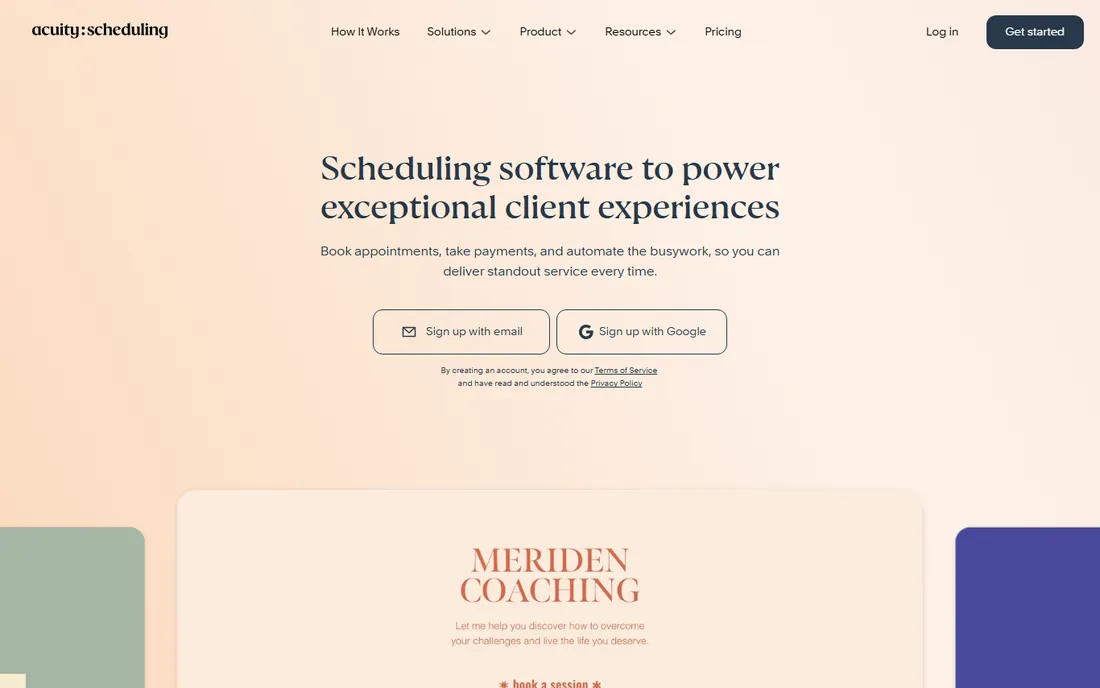
Acuity Scheduling, part of Squarespace, handles the service business workflow: multiple staff, service types, intake forms, packages and payments. Consultants, studios and clinics run on it.
There is no free-forever tier. Service businesses that need the full booking workflow find it dependable.
Acuity users should build intake forms that collect everything needed before the appointment; preparation time drops sharply. Set up packages and gift certificates if you sell them; the feature pays for itself. Test the client booking flow on mobile personally.
What we like- Services, staff and intake forms
- Payment collection
- Squarespace-backed
Watch out for- No permanent free plan
- Interface less modern than rivals
Starting priceFree
Free planYes
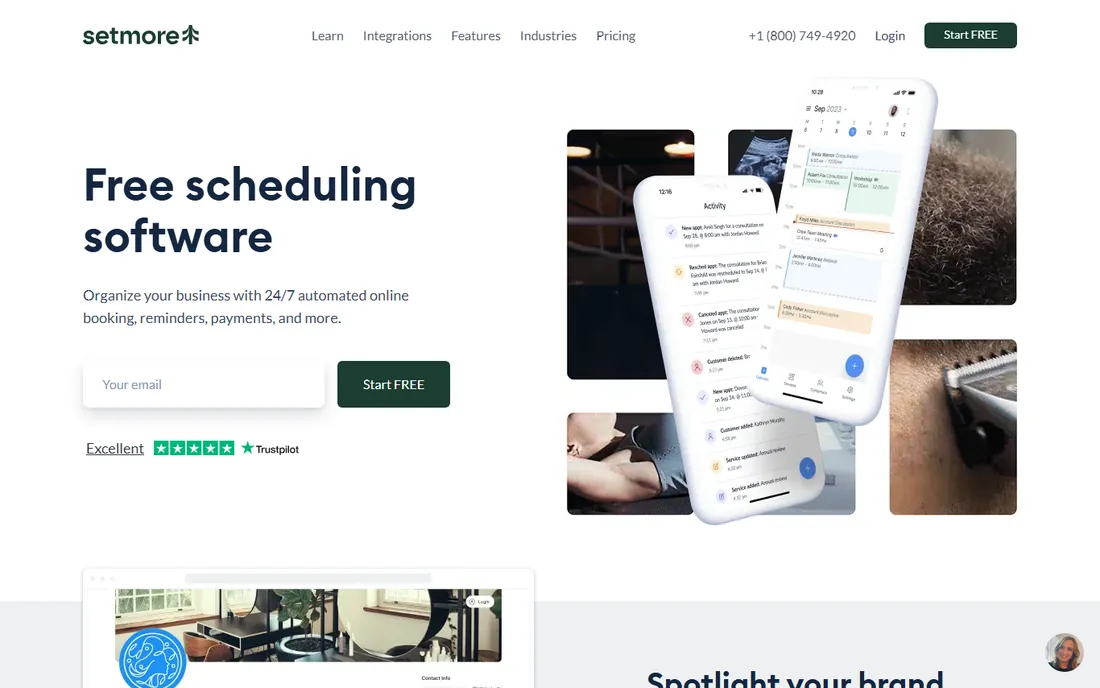
Setmore's free plan stands out: multiple staff, unlimited appointments and integrations without paying. Small teams get real scheduling software free.
The interface trails the leaders in polish. Budget-conscious teams that need multi-staff scheduling free should look first.
Setmore teams should assign the free plan's staff seats thoughtfully; the generosity has limits worth planning around. Enable SMS reminders, since they cut no-shows more than email. The integrations cover the essentials without fuss.
What we like- Generous free plan including teams
- Staff scheduling
- Good value premium
Watch out for- Design less polished
- Advanced features thinner
Starting priceSee website
Free planYes
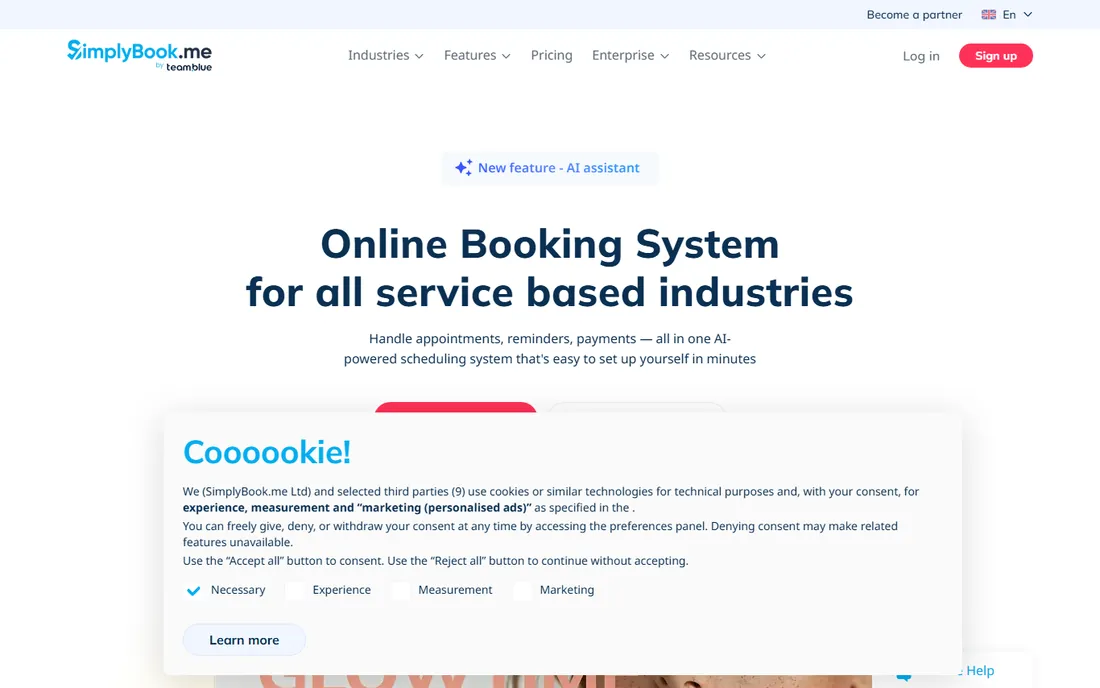
SimplyBook.me packs an enormous feature list, from memberships to POS integrations, with optional features you enable as needed. The free tier lets small businesses start.
The breadth means setup effort. Businesses with unusual booking requirements find the customization worth it.
SimplyBook.me users should enable only the custom features they need; the marketplace tempts over-configuration. Start with the core booking flow and add features as real needs appear. The breadth rewards patient setup.
What we like- Huge feature set
- Custom features marketplace
- Free tier available
Watch out for- Complexity can overwhelm
- Pricing by bookings
Starting priceSee website
Free planYes
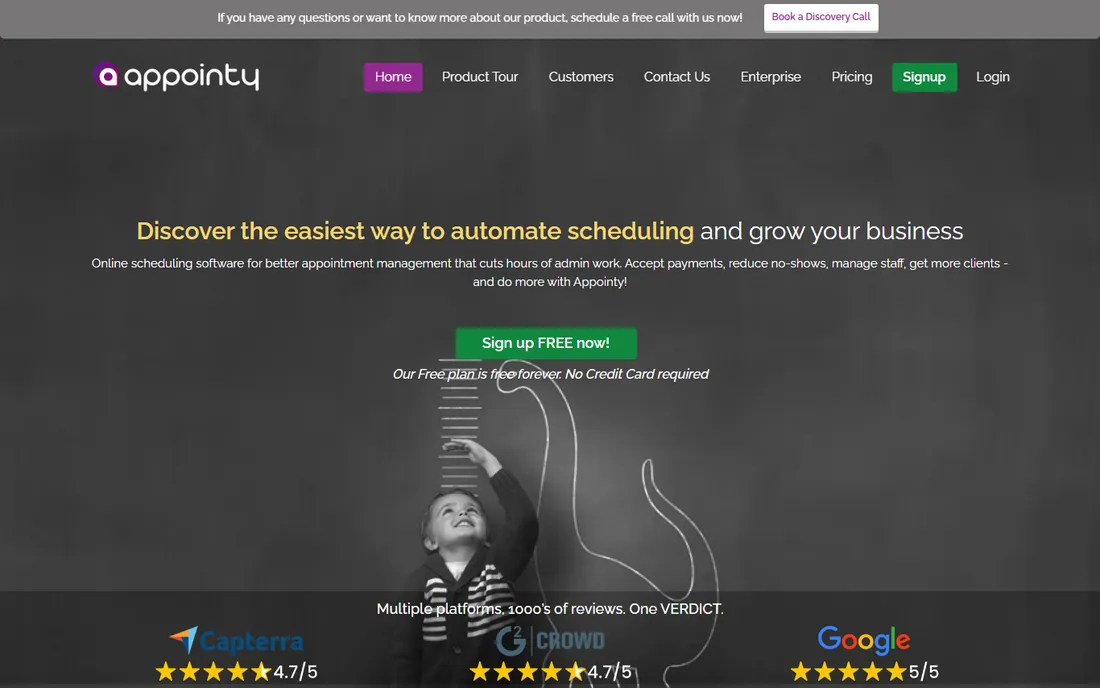
Appointy gives growing service businesses scheduling with staff management, reminders and review tools on a free starter plan. Salons, clinics and educators use it widely.
The design shows its age. For functional scheduling that grows with the business, it delivers value.
Appointy businesses should use the review tools actively; online reviews drive local bookings. The free starter plan is genuinely usable, so grow into paid tiers on revenue. Keep service descriptions clear to reduce booking confusion.
What we like- Free plan for small businesses
- Staff and resource scheduling
- Marketing tools
Watch out for- Interface dated
- Advanced reporting thinner
Starting priceSee website
Free planFree trial
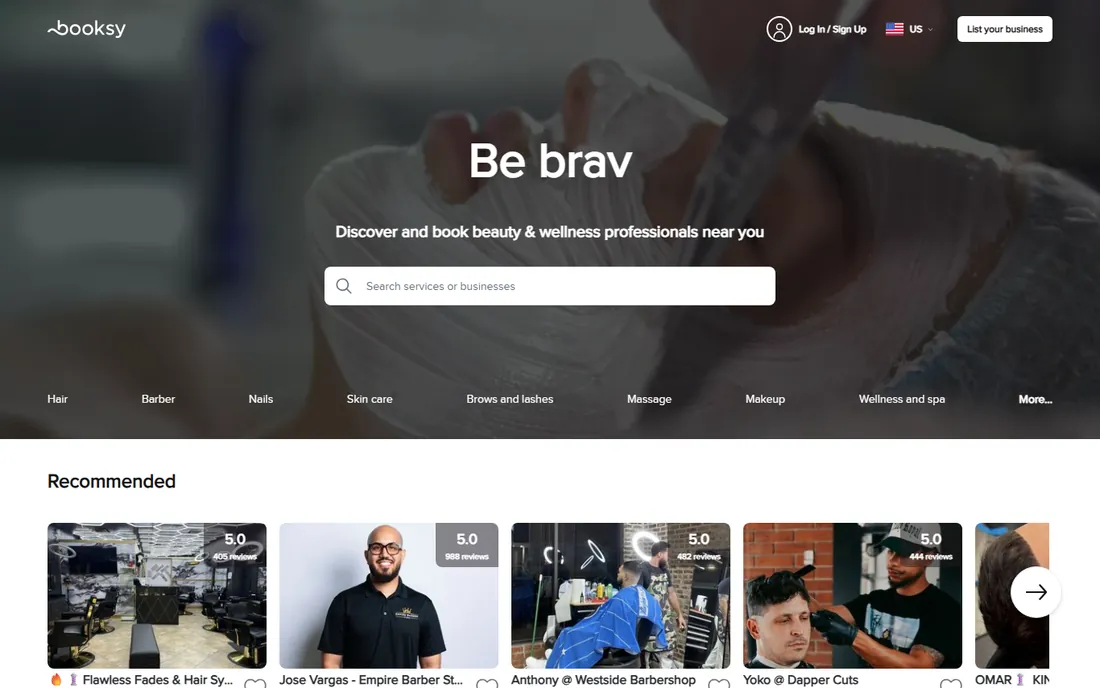
Booksy combines booking software with a consumer marketplace: barbers, stylists and beauticians get discovered by clients searching the app. The tools are built for the chair-based workflow.
The business model includes marketplace dynamics not every owner loves. Beauty and wellness pros who want inbound bookings should evaluate it.
Booksy professionals should optimize their marketplace profile like a storefront: great photos, clear services, real reviews. Respond to messages quickly; responsiveness ranks in the app. The booking software plus discovery is the real value.
What we like- Consumer marketplace brings clients
- Built for beauty pros
- Mobile-first
Watch out for- Marketplace commission model
- Niche to beauty and wellness
Starting priceFree
Free planYes
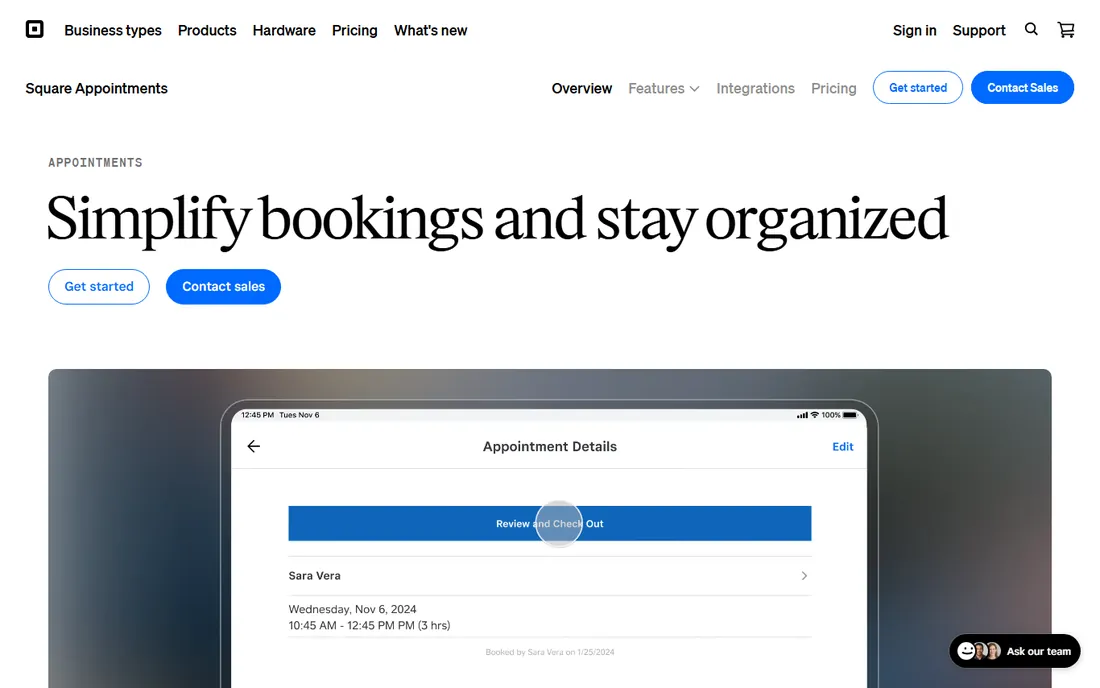
Square Appointments is free for solo operators and integrates booking with Square payments and point of sale. Barbershops, salons and studios on Square get scheduling without new vendors.
Multi-staff businesses pay per location. Square sellers should use it before shopping elsewhere.
Square sellers should enable deposits for high-value appointments; the payment integration makes it painless. Solo operators get remarkable value free. Sync the catalog so services and products sell together.
What we like- Free for individuals
- Payments built in
- POS integration
Watch out for- Best inside Square ecosystem
- Team features cost more
Starting priceFree
Free planYes
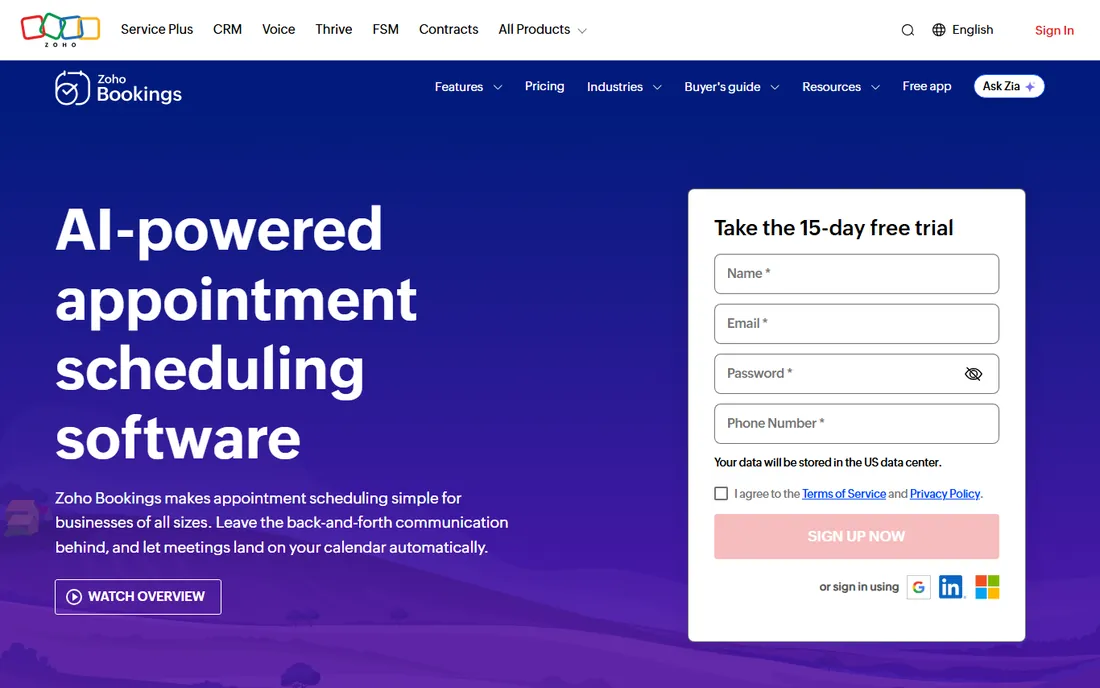
Zoho Bookings offers capable appointment scheduling with a free tier, and deep integration for Zoho CRM users: bookings flow into customer records automatically.
Outside Zoho it is less distinctive. Zoho shops get scheduling that connects to everything else they run.
Zoho users should connect Bookings to CRM on day one; the unified customer record is the point. The free tier handles real scheduling needs. Use the AI-assisted scheduling to reduce the back-and-forth.
What we like- Free tier
- Integrates with Zoho CRM and apps
- AI-assisted scheduling
Watch out for- Best value inside Zoho
- Standalone features thinner
How we chose
We verified each vendor's homepage and kept tools with real appointment scheduling products, covering both meeting schedulers and service booking systems. We excluded pure calendar apps without booking pages. Free plan status comes from vendor sites.
What to get right before you buy
Map your booking workflow. Solo meeting links need Calendly or Cal.com; staff, services and payments need Acuity, Setmore or Square.
Check the no-show tools. Automated reminders, deposits and cancellation policies cut no-shows more than any other feature; confirm what your tier includes.
Test the client experience. Book yourself as a customer on mobile; friction there costs real appointments.
Frequently asked questions
What is the best free appointment scheduling software?
Setmore, Square Appointments (solo), Zoho Bookings and Cal.com offer the most capable free tiers. Calendly's free plan suits simple meeting links.
How do I reduce no-shows?
Automated SMS and email reminders, deposits or card holds, and clear cancellation policies. Most tools on this list include reminders.
Can clients pay when booking?
Yes. Acuity, Square Appointments, Booksy, SimplyBook.me and most service booking tools collect payment or deposits at booking.
What is the difference between Calendly and booking software?
Calendly schedules meetings around your availability. Booking software manages services, staff, resources, payments and customer records for service businesses.
Do I need a website to use scheduling software?
No. Every tool here provides a hosted booking page you can share by link; website embedding is optional.
How much does appointment scheduling software cost?
Free tiers cover many solo users; paid plans typically run 10 to 50 per month per user or location, with enterprise options above that.
Killing no-shows: the reminder playbook
No-shows are the silent profit killer for appointment businesses, and reminders are the proven cure. The data is consistent: automated reminders cut no-shows dramatically, with SMS outperforming email. If your scheduling tool offers SMS reminders, enable them for every appointment type without exception.
Timing matters as much as channel. Send a confirmation immediately at booking, a reminder 24 to 48 hours before, and a final nudge a few hours prior for high-value appointments. Each message should include date, time, location and a one-tap reschedule link. Frictionless rescheduling converts would-be no-shows into moved appointments.
Deposits and card holds change behavior even more. Clients with money committed show up at far higher rates. You do not need full prepayment; even a small deposit filters casual bookings. Frame it as a booking guarantee rather than a penalty, and state the cancellation policy clearly at booking time.
Your cancellation policy needs teeth and clarity. Define the notice window, the fee, and the rescheduling terms in plain language shown before confirmation. Enforce it consistently; selective enforcement trains clients to test boundaries. The scheduling tools on this list all support policy display and enforcement.
Finally, track no-show rates by service, staff and time slot. Patterns emerge: certain services or Friday afternoons may need deposits while others do fine with reminders. Review the numbers monthly and adjust. A five percent no-show reduction often pays for the scheduling software many times over.
Integrating scheduling with payments
Scheduling plus payments removes the biggest friction in service businesses. Start by enabling deposits for appointment types with the worst no-show history; even small deposits change behavior. Full prepayment suits short, fixed-price services, while deposits suit longer engagements.
Connect the payment processor your clients already trust. Familiar checkout experiences convert better than unfamiliar ones. Test the payment flow on mobile personally, since most clients will book and pay from phones.
Handle refunds and rescheduling gracefully in the policy. Life happens, and rigid policies cost future business. Define the refund window clearly, automate the easy cases, and handle exceptions personally. The goal is commitment, not punishment.
Reconcile payments against appointments weekly. The scheduling tools report bookings; the payment processor reports money; the two should match. Discrepancies reveal failed payments or booking errors before they become client disputes.
Finally, use payment data for business insight. Average booking value, prepayment rates and refund reasons all inform pricing and policy. The businesses that review these numbers quarterly adjust faster than competitors who set policies once and forget them.
Group scheduling and round-robin
Teams need smarter scheduling than individual booking links. Round-robin distribution spreads bookings evenly across staff, preventing burnout of the popular team members. Configure it by availability and capacity, not just alphabetical order.
Collective scheduling books only when everyone required is free. It suits consultations needing two specialists or sales calls with technical backup. The tool checks all calendars simultaneously, eliminating the email chains.
Polls and group event scheduling handle the one-to-many case: workshops, classes and webinars. Let attendees pick from proposed times, then confirm the winner. The scheduling tools on this list handle voting and confirmation automatically.
Set team-level buffers and working hours carefully. One member's packed calendar should not block the whole team's availability display. Individual buffers protect focus time; team buffers protect service quality.
Finally, review distribution fairness monthly. Round-robin algorithms are fair only if availability inputs are honest. Check that bookings spread as intended and adjust weightings for part-time staff. The data is in the scheduling reports; someone needs to look at it.
Sources we checked (9)
- https://calendly.com/
- https://cal.com/
- https://acuityscheduling.com/
- https://www.setmore.com/
- https://simplybook.me/
- https://www.appointy.com/
- https://booksy.com/
- https://squareup.com/us/en/appointments
- https://www.zoho.com/bookings/
Is your product missing or out of date?
We review this list regularly. Vendors can request a listing, send updated pricing or ask about featured placement.

Shihab Mia · Founder, Rankite
Shihab has spent more than a decade helping SaaS and e-commerce brands grow through search. He writes Rankite's software buying guides from pricing pages, documentation and public user reviews. More about Shihab.
 Calendly
 Cal.com
 Acuity Scheduling
 Setmore
 SimplyBook.me
 Appointy
 Booksy
 Square Appointments
 Zoho Bookings