How we make this list: we compare pricing pages, product documentation and public user reviews. Ratings come from G2, Capterra or Trustpilot, with the date we checked them.
Key takeaways
- Coinbase is the easiest starting point for most United States beginners, but its advanced trading view costs far less than its simple buy screen.
- Kraken and Gemini suit fee-conscious and security-conscious buyers, with lower pro-tier fees and a more measured approach to listings.
- Robinhood Crypto and Fidelity Crypto fit people who already hold stocks in those apps and want crypto beside them, with simpler coin lists.
- Simple buy fees and spreads often cost more than headline trading fees, so check the fee for the exact buy method you will use.
- Crypto prices are volatile and losses are possible. This is not financial advice, and you should only invest money you can afford to lose.
Quick comparison
| Tool | Best for | Starting price | Free plan |
|---|
 Coinbase Coinbase | Beginners in the United States | 0.40% taker fee on Advanced Trade | Yes |
 Kraken Kraken | Lower pro fees and advanced trading | 0.16% maker fee on Kraken Pro | Yes |
 Gemini Gemini | Security-focused buyers | See website | Yes |
 Robinhood Crypto Robinhood Crypto | Commission-free simple buying | $0 commission (spread applies) | Yes |
 Crypto.com Crypto.com | Mobile rewards and broad coin choice | See website | Yes |
 Binance.US Binance.US | Low spot fees for active traders | 0.10% spot fee | Yes |
 Bitstamp Bitstamp | Long-running, straightforward exchange | See website | Yes |
 eToro eToro | Social and copy trading | 1% fee on many trades | Yes |
 Uphold Uphold | Multi-asset buying in one app | Spread-based pricing | Yes |
 Fidelity Crypto Fidelity Crypto | Existing Fidelity customers | See website | Yes |
Is your product missing or out of date?
We review this list regularly. Vendors can request a listing, send updated pricing or ask about featured placement.
The best apps to buy crypto
Starting price0.40% taker fee on Advanced Trade
Free planYes
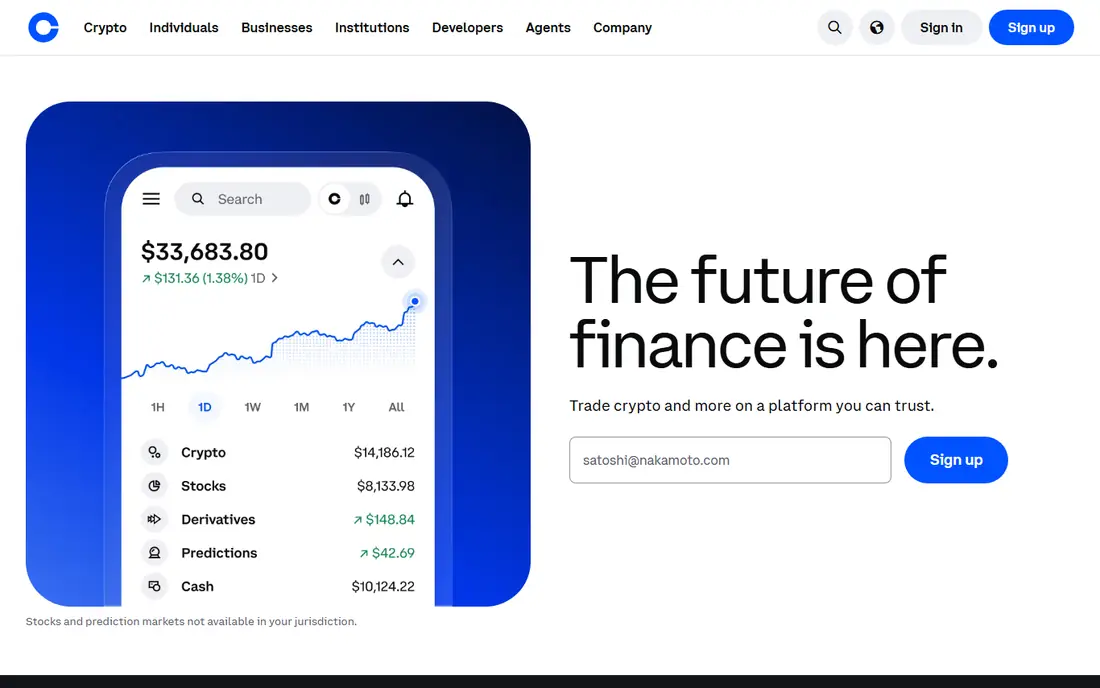
Coinbase remains the default first app for many United States buyers because signing up, verifying identity and making a first purchase feels straightforward. The app explains each step, supports bank transfers and cards, and offers learning rewards and staking on selected assets. Its public listing and regulatory focus also reassure people who are nervous about newer exchanges.
The main lesson is to learn the difference between Simple Trade and Advanced Trade. Simple buys add a spread plus a fee, while Advanced Trade uses maker and taker tiers starting around 0.40 percent for takers at lower volumes. That switch alone can cut costs sharply for repeat buyers. Coinbase lists a broad but curated coin set, so some small new tokens will be absent.
What we like- Clear onboarding
- Large United States presence
- Advanced trading view with lower fees
Watch out for- Simple buy fees and spreads are much higher
- Support can be slow during market surges
Starting price0.16% maker fee on Kraken Pro
Free planYes
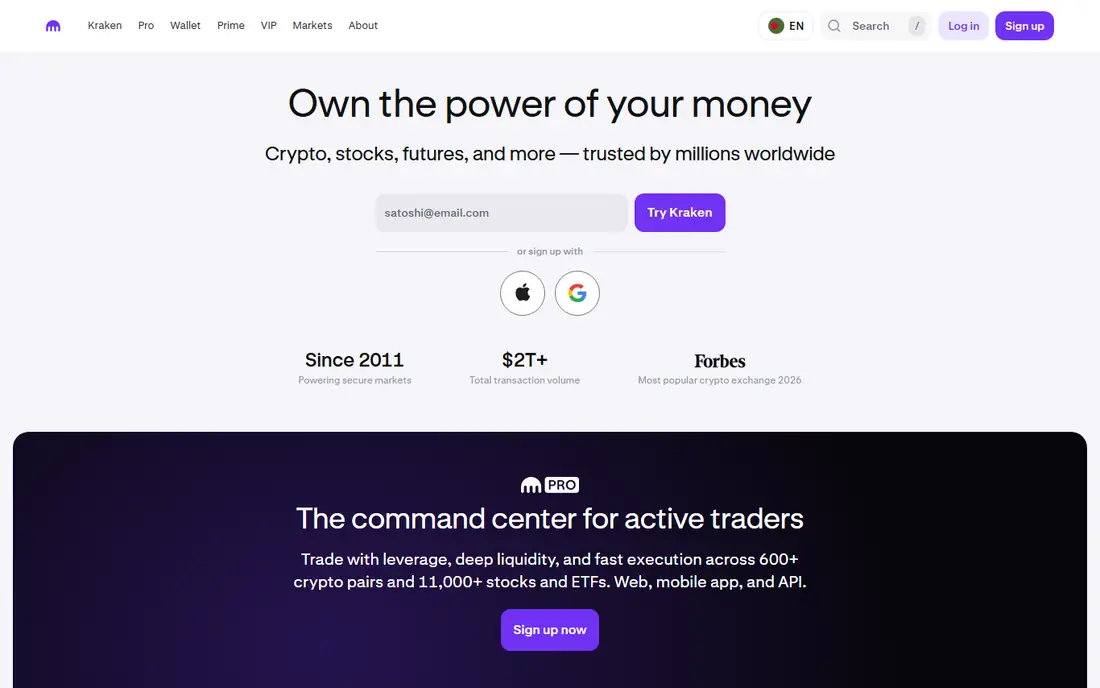
Kraken appeals to buyers who want to grow past a first purchase without switching platforms. Kraken Pro offers lower maker and taker fees than most beginner screens, plus charting, limit orders and other tools that active traders expect. The company also publishes proof-of-reserves reports, which many security-minded users value.
Beginners should note the two price levels. Instant and recurring buys in the main app cost more, while Pro trading is cheaper but needs a little learning. Kraken supports a wide coin range, staking on selected assets and strong account protections such as two-factor authentication and withdrawal controls. Set those controls up before you fund the account.
What we like- Competitive pro fees
- Strong security reputation
- Margin, futures and staking for experienced users
Watch out for- Instant buy costs more than Pro trading
- Interface can feel dense for first-time buyers
#3Gemini
Best for: Security-focused buyers4.4/5 on
G2 (635 reviews, checked Oct 2026)
Visit gemini.com
Starting priceSee website
Free planYes
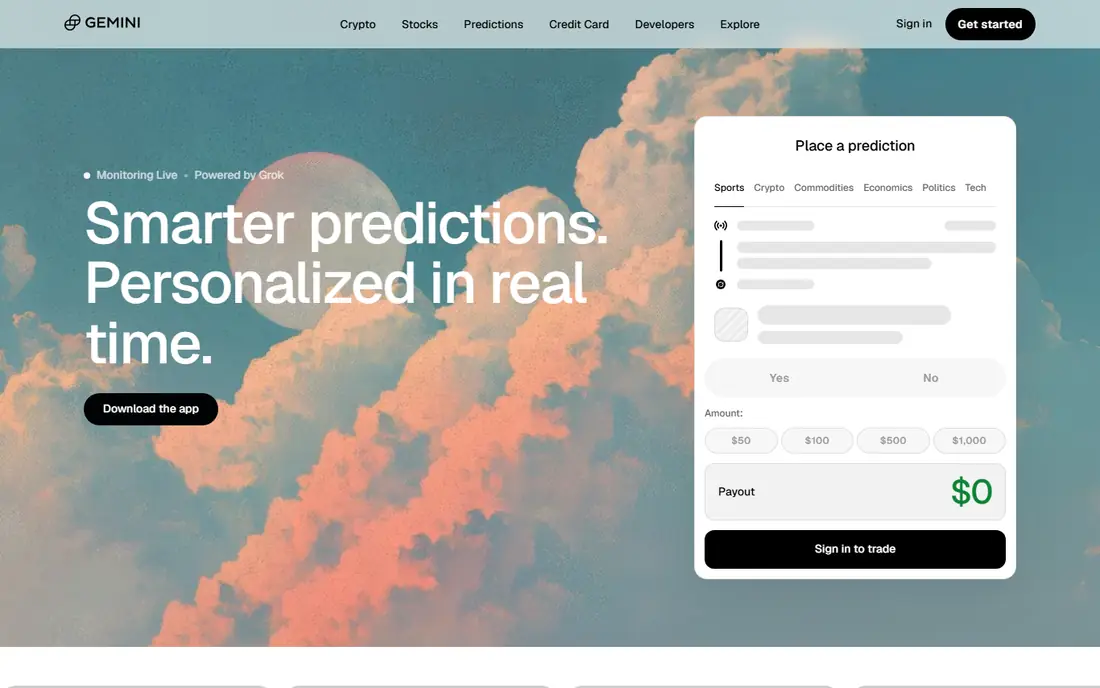
Gemini built its name on compliance and custody care, and that focus still defines it. The app is tidy, the onboarding is calm, and the company describes insurance and cold storage practices in plain terms. For buyers who rank safety and regulatory clarity above the lowest possible fee, Gemini is a sensible shortlist pick.
Fees are the trade-off. Simple buys can carry a spread plus a fee, and active trading fees sit above the cheapest rivals. The coin list is also narrower, with a focus on established assets rather than every new token. If you mainly buy Bitcoin, Ether and other large assets, that narrower list may not matter at all.
What we like- Regulated United States approach
- Insured hot wallet practices described by the company
- Clean interface
Watch out for- Higher fees than Kraken or Binance.US on some trades
- Smaller coin list than the largest exchanges
Starting price$0 commission (spread applies)
Free planYes
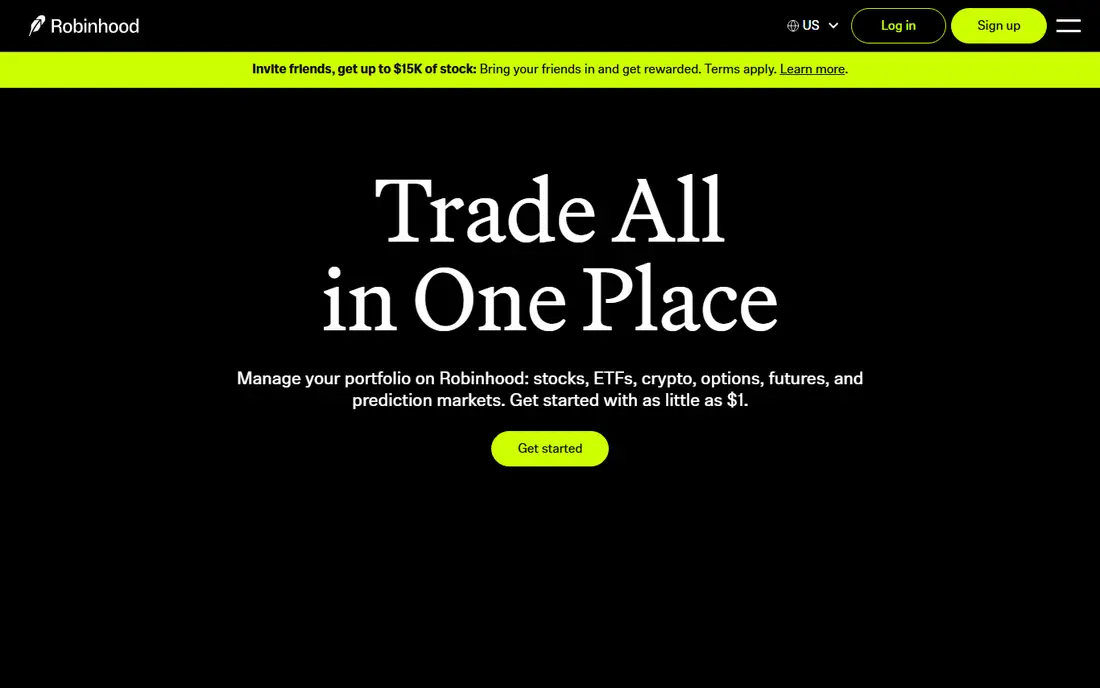
Robinhood Crypto suits people who already check stocks in Robinhood and want to add a little crypto without learning a new platform. There is no direct commission on crypto trades, which makes the first purchase feel simple. The app also supports a crypto wallet for transfers on supported assets, which helps if you later want self-custody.
Commission-free does not mean cost-free. Robinhood earns from the spread between buy and sell prices, so compare the executed price with a reference price before you assume it is cheapest. The coin list is much smaller than Coinbase or Kraken, and advanced order types are limited. It works best for casual buying, not for active trading strategies.
What we like- No direct commission
- Familiar app for stock investors
- Simple buy and sell flow
Watch out for- Spread adds a hidden cost
- Coin list is smaller
- Fewer advanced crypto tools than dedicated exchanges
Starting priceSee website
Free planYes
Crypto.com is a mobile-first exchange with a large coin catalogue and a rewards system built around its card and token staking. Regular buyers who use the exchange view rather than the simple buy screen can reach lower maker and taker tiers, and long-term holders may value the staking and earn features. The app also covers NFTs, a wallet and price alerts in one place.
Complexity is the downside. Rewards, tiers and card benefits change with staking levels, so the headline offer may not match your actual cost if you hold little or nothing staked. Beginners should start with small buys, compare the exchange fee with the app fee, and treat rewards as a bonus rather than a reason to buy more crypto. This is not financial advice.
What we like- Very broad coin list
- Mobile-first app
- Card rewards and staking options for active users
Watch out for- Fee tiers and rewards depend on staking and volume
- Simple app buys can cost more than exchange trading
Starting price0.10% spot fee
Free planYes
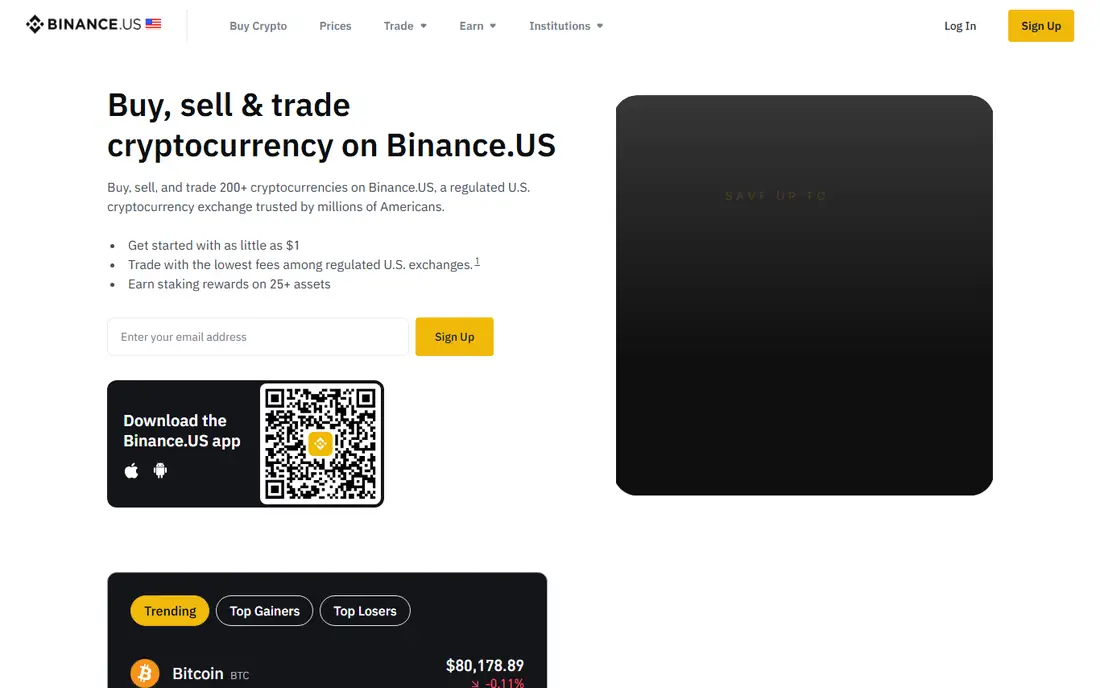
Binance.US offers some of the lowest base spot fees among United States exchanges, which makes it attractive for active traders and repeat buyers. Major pairs trade with strong liquidity, and the coin list covers many altcoins that smaller United States apps skip. The app and web platform both support limit orders and other standard trading tools.
State availability is the first check. Binance.US does not serve every state, and its feature set differs from global Binance. Some users also prefer an exchange with a longer United States regulatory record. If your state is supported and low fees matter most, Binance.US is worth comparing directly with Kraken on your typical trade size.
What we like- Low base spot fees
- Deep liquidity on major pairs
- Broad altcoin choice for United States users
Watch out for- Not available in every state
- Fewer features than global Binance
- Regulatory history needs checking
Starting priceSee website
Free planYes
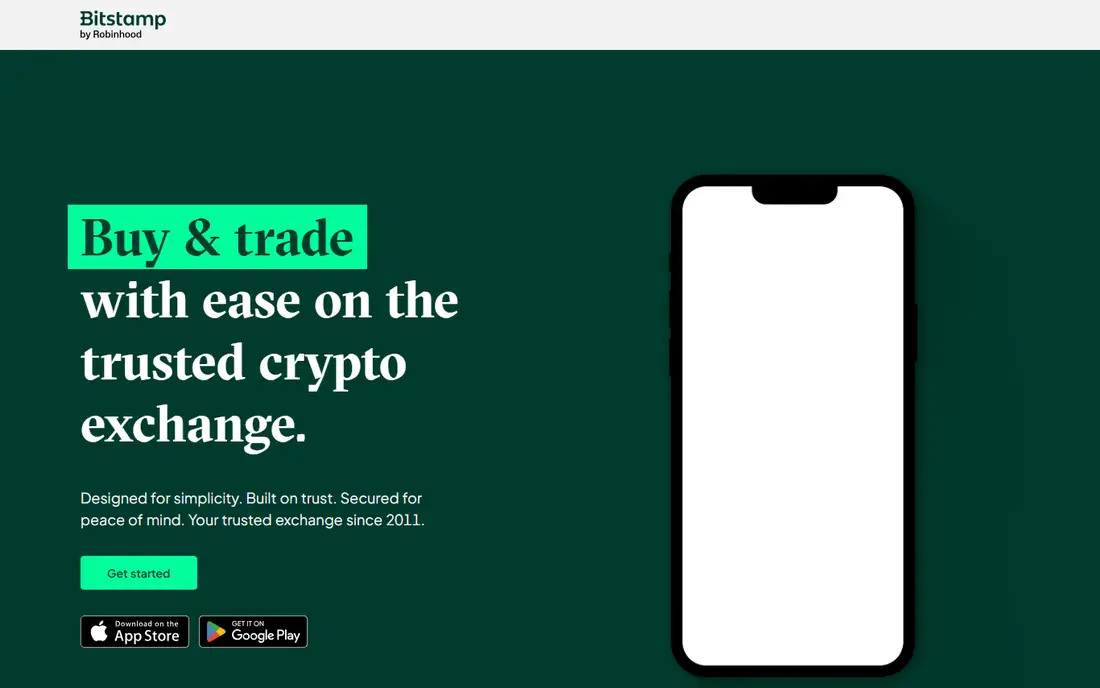
Bitstamp is one of the oldest exchanges still operating, and that history appeals to cautious buyers. The platform keeps trading simple, with a clear order book, standard order types and a mobile app that does not push extra products at every step. For people who want to buy established coins and hold them, that restraint can be a strength.
The coin list is smaller than Coinbase, Kraken or Crypto.com, and rewards features are thinner. Fees vary by volume tier, so check the current schedule for your monthly volume before you compare it with a flat-fee app. Bitstamp fits buyers who value steadiness over novelty.
What we like- Operating since 2011
- Simple trading interface
- Regulated approach in the United States and Europe
Watch out for- Smaller coin list than larger rivals
- Fewer rewards and staking options
#8eToro
Best for: Social and copy trading3.6/5 on
G2 (27 reviews, checked Oct 2026)
Visit etoro.com
Starting price1% fee on many trades
Free planYes
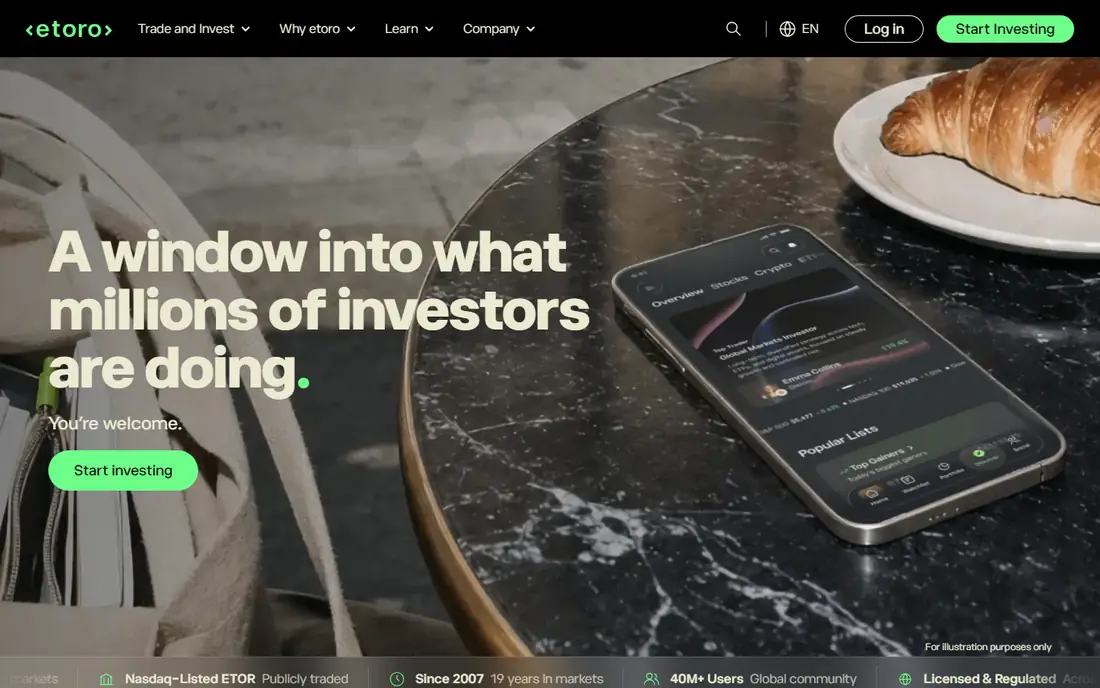
eToro is different because it mixes investing with a social feed. You can see what other users discuss, follow experienced investors and, where available, copy their trades. That social layer helps beginners learn common terms and strategies, and the app also holds stocks and other assets beside crypto.
Fees and flexibility are the limits. A fee around 1 percent on many crypto trades is higher than pro exchange tiers, and moving crypto off the platform is more restricted than on Kraken or Coinbase. Treat eToro as a learning and diversified investing app first, and a dedicated exchange as the better home if low trading cost or full wallet control matters most.
What we like- CopyTrader lets you follow other investors
- Social feed and learning content
- Stocks and crypto in one account
Watch out for- Crypto fee around 1 percent on many trades
- Crypto transfers are limited compared with dedicated exchanges
Starting priceSpread-based pricing
Free planYes
Uphold suits people who want one account for several asset types. You can move between crypto, United States stocks, precious metals and currencies without opening separate broker accounts. The interface is simple, funding is straightforward, and the app works well for occasional buys rather than daily trading.
Frequent traders should watch the spread, since spread-based pricing is harder to compare than a stated maker and taker fee. Check the quoted price against another exchange before a large buy. Uphold is best for convenience and diversification, not for chasing the lowest fee on every trade.
What we like- Buy crypto, stocks, metals and currencies in one place
- Simple cross-asset trades
- Clear mobile app
Watch out for- Spread-based pricing can be costly for frequent trades
- Fewer advanced trading tools
Starting priceSee website
Free planYes
Fidelity Crypto lets existing Fidelity customers buy Bitcoin and Ether without opening a separate exchange account. That convenience matters if you already track retirement savings, brokerage holdings and cash in Fidelity. The interface is calm, funding uses familiar Fidelity methods, and support comes from a long-established brokerage.
The coin list is narrow, focused on major assets, and trading tools are basic compared with Kraken or Coinbase Advanced Trade. Fees include a spread, so check the execution price on the confirmation screen. For Fidelity households that want a small, simple crypto holding, it is a practical choice. For broad altcoin trading, a dedicated exchange fits better.
What we like- Trusted United States brokerage brand
- Crypto beside retirement and brokerage accounts
- Simple buy and sell flow
Watch out for- Limited coin list
- No advanced exchange tools
- Availability depends on state and account type
How we chose
We compared United States availability, fee structure for both simple buys and pro trading, coin choice, security practices, app quality and customer support, using vendor fee pages, product documentation and public reviews. We favoured exchanges that a United States resident can actually open and fund today, and we mixed beginner apps with pro-tier exchanges so readers at different stages can find a fit. Fee figures change with volume, payment method and market conditions, so confirm the fee shown at checkout before you confirm any trade.
How to buy without overpaying
Fees hide in three places: the stated trading fee, the spread and the payment method. Check all three.
Use the pro or advanced view when you can
Most large exchanges offer two prices for the same coin: a simple buy price and an exchange price. The simple price is easier but usually costs more. If you plan to buy monthly, spend ten minutes learning limit orders and the advanced view on your chosen app. That habit often saves more than switching apps.
Compare the executed price, not just the fee label
A zero-commission app can still cost more through a wide spread. Before a large buy, compare the price you are quoted with the price on another exchange at the same minute. Small differences matter more as trade size grows, and they compound for monthly buyers.
Protect the account before you add funds
Turn on two-factor authentication with an authenticator app, set withdrawal address controls where offered, and use a unique password. Consider moving larger long-term holdings to a hardware wallet or another self-custody wallet, and keep a written record of recovery phrases offline. Never share those phrases with anyone, including support staff.
Decide your plan in advance
Set a budget, a buying frequency and a selling rule before prices move. Decide how much of your portfolio crypto will be, and avoid adding funds after a sharp rise simply because others are buying. Keep records for tax reporting, since crypto sales and swaps can create taxable events in the United States.
Frequently asked questions
What is the best app to buy crypto for beginners?
Coinbase is the easiest beginner pick for most United States users, thanks to clear onboarding and a large support base. Robinhood Crypto is simpler still if you already use Robinhood, while Kraken Pro offers lower fees once you are comfortable with an exchange view.
Which crypto app has the lowest fees?
Binance.US and Kraken Pro are among the lowest for spot trading at typical retail volumes, while simple buy screens cost more on almost every platform. The cheapest app for you depends on trade size, payment method and whether you use the advanced view.
Is it safe to buy crypto on an app?
Reputable exchanges use cold storage, two-factor authentication and compliance controls, but no platform removes market risk or hacking risk entirely. Use strong account protections, avoid keeping large sums on any single exchange longer than needed, and keep recovery phrases offline.
Can I buy crypto with a credit card?
Many apps allow card purchases, but card buys often carry higher fees than bank transfers, and some card issuers treat crypto buys as cash advances. Bank transfer or debit funding is usually cheaper, so check the fee for each method before you pay.
How much money do I need to start buying crypto?
Most apps allow small purchases, often from a few dollars, though minimums vary by coin and payment method. Start small while you learn fees, spreads and wallet transfers, and only increase your holding as part of a wider financial plan.
Do I need a separate wallet after buying crypto?
Not for small starter holdings, since exchanges hold assets in custodial wallets. For larger long-term holdings, a separate software or hardware wallet gives you direct control of your keys. Learn wallet recovery before you move funds, since lost keys can mean lost access.
Sources we checked (10)
- https://www.coinbase.com/advanced-trade
- https://www.kraken.com/pricing
- https://www.gemini.com/pricing
- https://robinhood.com/crypto
- https://crypto.com/exchange
- https://www.binance.us
- https://www.bitstamp.net
- https://www.etoro.com
- https://uphold.com
- https://www.fidelity.com/crypto
Is your product missing or out of date?
We review this list regularly. Vendors can request a listing, send updated pricing or ask about featured placement.

Shihab Mia · Founder, Rankite
Shihab has 5+ years in B2B and SaaS SEO. He writes Rankite's software buying guides from pricing pages, documentation and public user reviews. More about Shihab.